
Retail employee communication app: the 2026 guide
It's 6:45am and the store manager is the only person in the building who knows the loyalty promotion changed overnight. The morning crew arrives at 8, the afternoon shift at 1, and the message has to survive both handovers intact, without a company email, a desk, or a shared PC to carry it. Multiply that by 40 stores, or 500, and the same gap just repeats itself at every location, at every shift change, every single day.
For most retailers, closing that gap means replacing a patchwork of texts, personal WhatsApp groups, laminated memos, and whatever the last manager remembered to pass on. This guide covers what a retail communication app actually needs to do: reach every associate regardless of device or email, handle seasonal headcount swings, fix the shift handover gap, and keep compliance training auditable, plus how to choose one without buying features you'll never use. If you're building out a wider frontline employee experience strategy, retail communication is one piece of that larger picture, and it's usually where the gap shows up fastest, because the shop floor never stops moving long enough to read a memo.
Every seasonal hire, every part-timer, and every veteran on the floor needs the same price change, the same safety update, and the same product training at the same time. Most retailers still try to do that with a group chat someone's cousin set up in 2019.
What is a retail employee communication app?
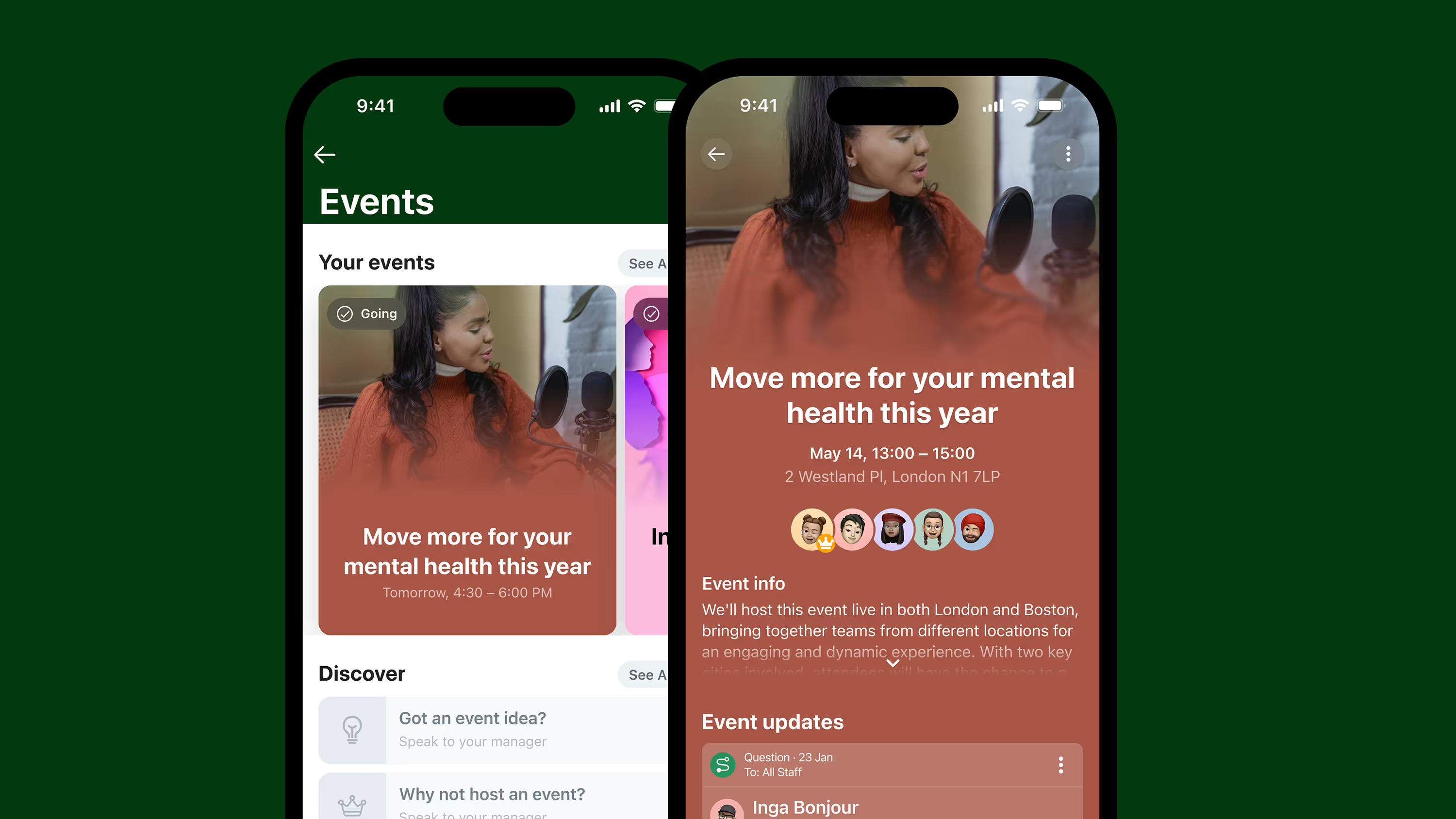
A retail employee communication app is mobile software that lets head office, district managers, and store associates reach each other directly, on their own phones, without relying on a work email, a noticeboard, or whoever happens to still be on shift. It typically combines a news feed for company-wide and store-level updates, direct and group chat, task assignment, shift and schedule visibility, and training or compliance modules, all without requiring a company email address or device.
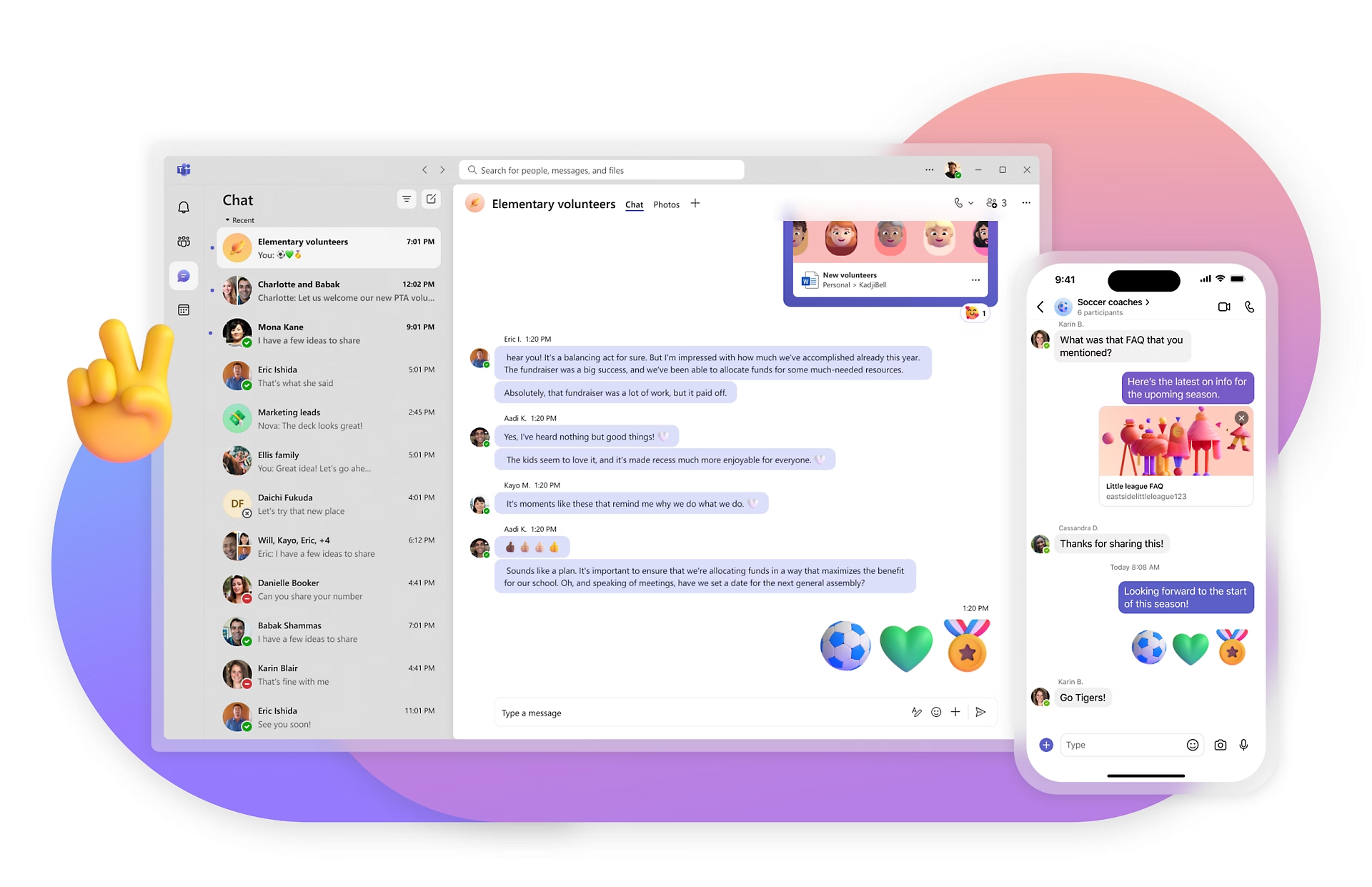
The distinction that matters: a generic team chat tool (Slack, Teams) assumes everyone has a company login and sits at a screen for most of the day. A retail communication app assumes the opposite. It's built for someone who clocks in, works a four-hour shift, and clocks out, possibly at three different stores in a month. Activation has to work by phone number, QR code, or invite link, not a corporate directory sync. That single difference is why retailers who try to force Slack or Teams onto the shop floor usually end up with head office using it and nobody else.
If you're running a small operation rather than a large chain, the same logic applies at a smaller scale: the cost of a missed policy update or a confused new hire shows up directly in lost margin, not in a regional report nobody reads for a week.
Why do retailers struggle with internal communication?
Retail communication breaks down because the workforce is distributed, high-turnover, and largely without company email, three conditions that most enterprise communication tools were never designed to handle. A head office system built around Outlook and SharePoint simply has no way to reach someone who's never been issued either.
Three specific patterns show up again and again. First, multi-location consistency: a policy change or price update goes out from head office, but there's no way to confirm it actually reached every store before doors open, so regional managers end up calling stores one by one to check. Second, seasonal workforce churn: retailers hire a wave of temporary staff for Black Friday and the holiday peak, and onboarding that can't happen in minutes means new hires are on the floor before they've seen a single policy, a safety procedure, or where the till float is kept. Third, shift handovers: the morning team closes out with information the afternoon team never sees, because it lived in a verbal conversation or a paper log that gets thrown out at the end of the week.
A flat broadcast to "everyone" gets ignored exactly as fast as a memo pinned to a corkboard. Targeted audiences, sent to the right store, region, or role, are what actually get read and acted on.
How does multi-location retail communication actually work?
Multi-location retail communication works by targeting messages to the people who need them, store, region, role, or brand, and then giving leadership visibility into who has actually seen and acknowledged them. Broadcasting the same update to every employee regardless of location is the single most common reason retail comms fail to land.
A regional manager overseeing 40 stores doesn't need head office noise; they need to know that the new markdown schedule reached every store in their patch before the doors opened this morning, and which three didn't open the message. That requires audience targeting (by store, region, role, or brand) and read confirmation built into the tool itself, not a follow-up phone call. JD Sports reached 87% adoption across its retail workforce within 10 days of launch: head office could see, within under two weeks, that the overwhelming majority of frontline staff were actually reachable through one channel, not scattered across group chats and personal numbers.
The same targeting logic solves a second problem: franchise and multi-brand retailers running several fascias under one parent company can run brand-specific campaigns and policy updates without every store seeing content meant for a different brand. One platform with segmented audiences delivers consistent execution across brands.
How should retailers handle seasonal workforce onboarding?
Seasonal onboarding works when new hires can access training, policies, and schedules from day one without waiting on IT to issue a device or set up a login. Retailers who wait for traditional provisioning before a seasonal associate can see anything lose days of productive floor time during the exact weeks that matter most.
The practical fix is activation that doesn't depend on a corporate identity: a QR code at the stockroom door, an invite link texted to a personal number, or a store manager adding a new starter to the roster directly. A Black Friday hire who starts on a Monday and sees every policy, safety procedure, and schedule update by Tuesday morning is worth more to a store than one who's still waiting on a login in week two.
Key takeaway: the retailers who handle peak season well treat onboarding speed as the metric that matters, not headcount hired.
How do you fix the retail shift handover gap?
Shift handovers fail when information lives in a conversation or a paper log instead of a shared, searchable record that the next shift can actually read. The fix is a digital handover that travels with the store, not with whichever manager happened to be on shift.
A morning team dealing with a broken till, a customer complaint escalation, or a stock discrepancy needs that information to reach the afternoon team automatically, not depend on both managers' shifts overlapping by ten minutes in the stockroom. A shared task list or store-level channel, where the outgoing shift logs what happened and the incoming shift sees it the moment they clock in, closes that gap. It also creates a record: when something goes wrong three weeks later, there's an actual trail of who knew what and when, rather than two managers disagreeing about a phone call that may or may not have happened.
How does a communication app support retail compliance training?
A retail communication app supports compliance by turning policy sign-off and training completion into something the system tracks automatically, rather than something a manager has to chase on paper. Health and safety briefings, food handling certifications, age-restricted sales policies, and seasonal procedure updates all need documented proof that each employee saw and acknowledged them.
Read receipts and completion tracking matter here for a reason beyond tidiness: they're the audit trail a retailer needs if a regulator, an insurer, or an internal investigation ever asks whether an employee received a specific piece of training. Paper sign-off sheets get lost, filed wrong, or never signed in the first place. A digital record that timestamps acknowledgment solves that problem permanently, and it scales the same way whether a retailer has 12 stores or 1,200.
Why does this matter for frontline retail workers specifically?
Frontline retail workers are the employees most likely to be excluded from company communication entirely, because most corporate systems assume a desk, a company email, and a working day spent at a screen. None of those three things describe a store associate's actual day. We've seen Blink customers achieve 95-99% activation across frontline teams, including workers who have never had a company email address.
The gap shows up in small moments that add up: a sales associate caught off guard by a price change they never heard about, or a part-timer who missed a safety briefing because it was sent to an address they don't have. Stagecoach saw up to a 26% reduction in frontline turnover after giving its frontline workforce a direct communication channel for the first time. Reaching people directly keeps them, and keeping people costs less than replacing them.
Choosing the right retail employee communication app
Every store should run like your best one, and the tool you choose either makes that possible or quietly gets in the way. A handful of specifics separate the apps that work on the shop floor from the ones that end up used only by head office.
No company email required. If activation depends on a corporate address, you've already excluded the majority of your frontline. Look for phone number, QR code, or invite-link activation.
Targeted, measurable reach. You need to know who received an update and who didn't, by store, region, role, or brand, not just that a message was sent.
Fast activation for seasonal hires. A platform that takes days to provision a new starter is the wrong one for a business that hires hundreds of temporary staff every November.
Built-in task and compliance tracking. Policy sign-off, safety briefings, and shift handovers need a record, not a verbal handoff that disappears once the shift ends.
Works alongside what you already run. If you've just rolled out a new POS or scheduling tool, the answer isn't another login to manage. A retail comms app doesn't need to replace either. It sits on top of them as the one place employees actually open, syncing schedules or shift data in rather than competing with the systems you already paid for.
Fast to stand up. Rolling software out across dozens or hundreds of locations is usually the objection that stalls a decision. Blink customers typically get set up in a day, not weeks, because activation doesn't depend on IT provisioning every store individually.
Retailers comparing options should weigh what each tool is actually built for. Workvivo leans toward social feed and culture content and is lighter on deskless-specific activation. Beekeeper focuses on frontline operations and workflow tools but is lighter on the recognition and social side. Connecteam bundles communication with scheduling and time tracking, which suits very small teams but can mean less depth on comms and compliance as store count grows. The question worth asking of any of them: does this reach every associate on day one, or does it quietly assume everyone already has a company login?
Getting your team connected
Blink gives retail teams a single mobile app for news, chat, shift updates, and compliance tracking, built so every associate can activate without a company email. Dollar Tree reached 96% adoption after rolling Blink out across its frontline workforce. Start a 14-day free trial, no credit card required, or see how it fits a retail operation on Blink's retail industry page. If you want to see the adoption numbers in context first, explore Blink's customer results.

.avif)










.avif)

.avif)






-min.jpeg)


-min.jpeg)








.avif)

.avif)

.png)











.avif)
.avif)
.avif)


