


























.svg)
.svg)





.svg)


.svg)





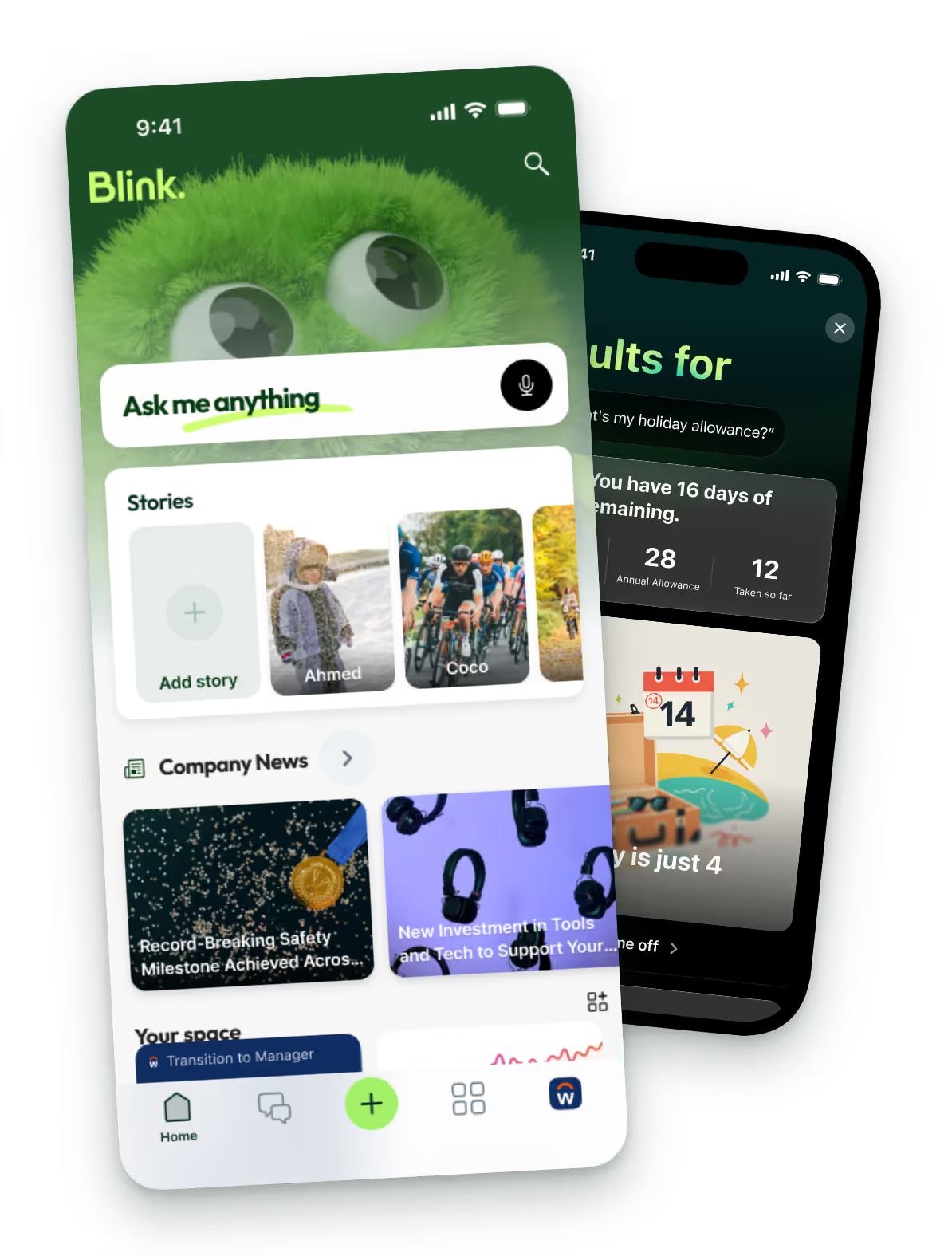
Find answers across all your tools from one search bar
One query reaches your feed, hub, chats, directory, and connected systems like SharePoint and Workday at the same time. You stop guessing which app the answer is hiding in and look in one place instead.

Connect external systems.
Pull results directly from SharePoint, Workday, and PDFs.

Find the person.
The right colleague comes back alongside the exact policy.

Narrow it down.
Filter results by source type to pinpoint what you need fast.

Tap the cited result and land straight on the source
Go from the search result directly to the real document or chat in one tap. Every answer includes a clear citation, so finding the summary and opening the full file are the exact same step.

Open the source.
Every result links natively to where the file actually lives.

Skip the folder.
The result takes you directly to the hub section or chat.

Get fast answers.
Results come back instantly, matching questions to answers.

Ask naturally and get a direct, cited answer
The AI understands questions asked in plain language. It reads across your connected tools to write a clear, direct answer, removing the need to guess exact keywords or read full documents.

Ask naturally.
Type a question the way you would ask a coworker on the floor.

Get cited answers.
The AI provides a direct response with links to the source.

Skip the reading.
The tool summarizes the exact policy or file so you do not have to.

