




























.svg)
.svg)





.svg)


.svg)





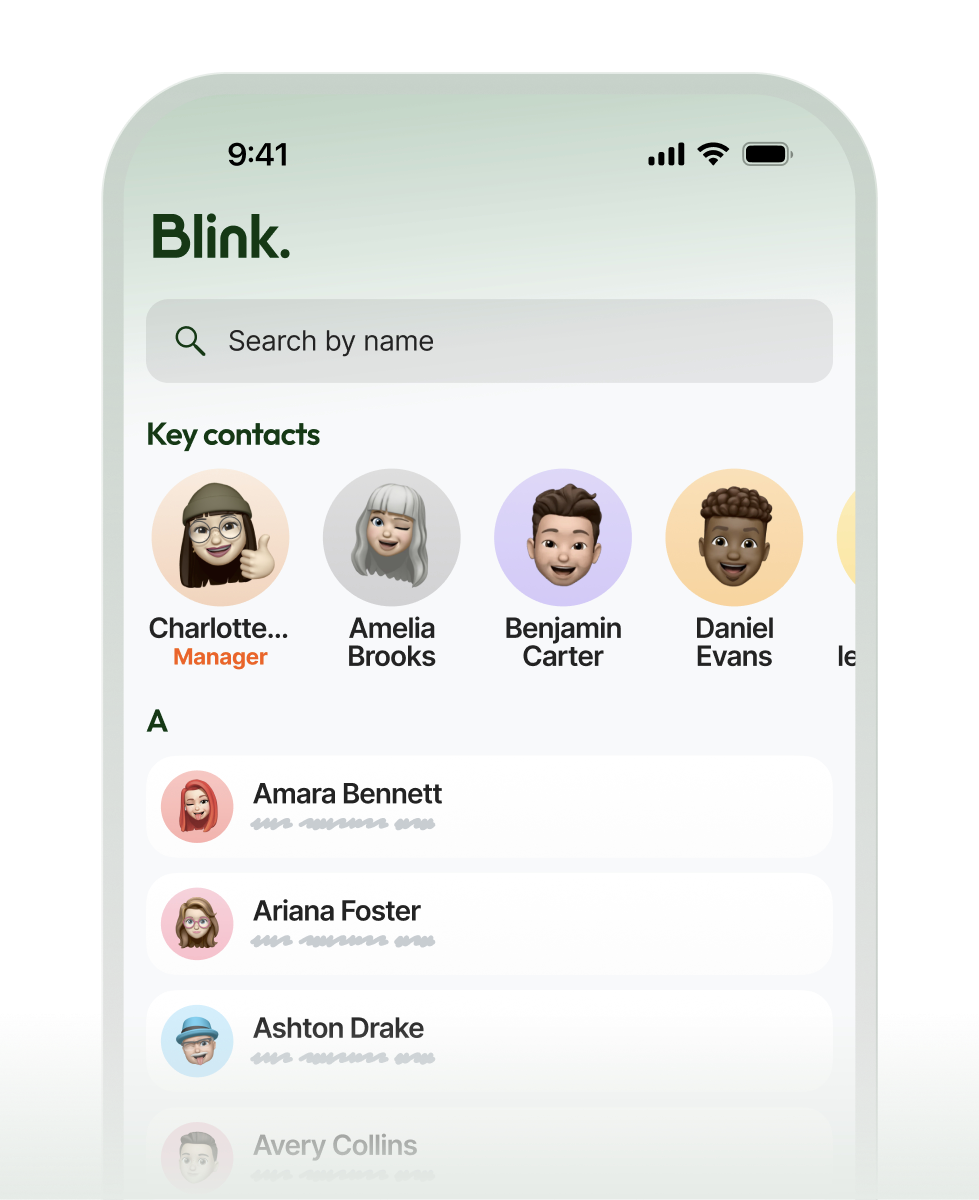
Find any colleague using details you already know
Search the whole organization by a name, role, site, or team. Land on the right person immediately without hunting for an email address or sending messages to figure out who to ask.


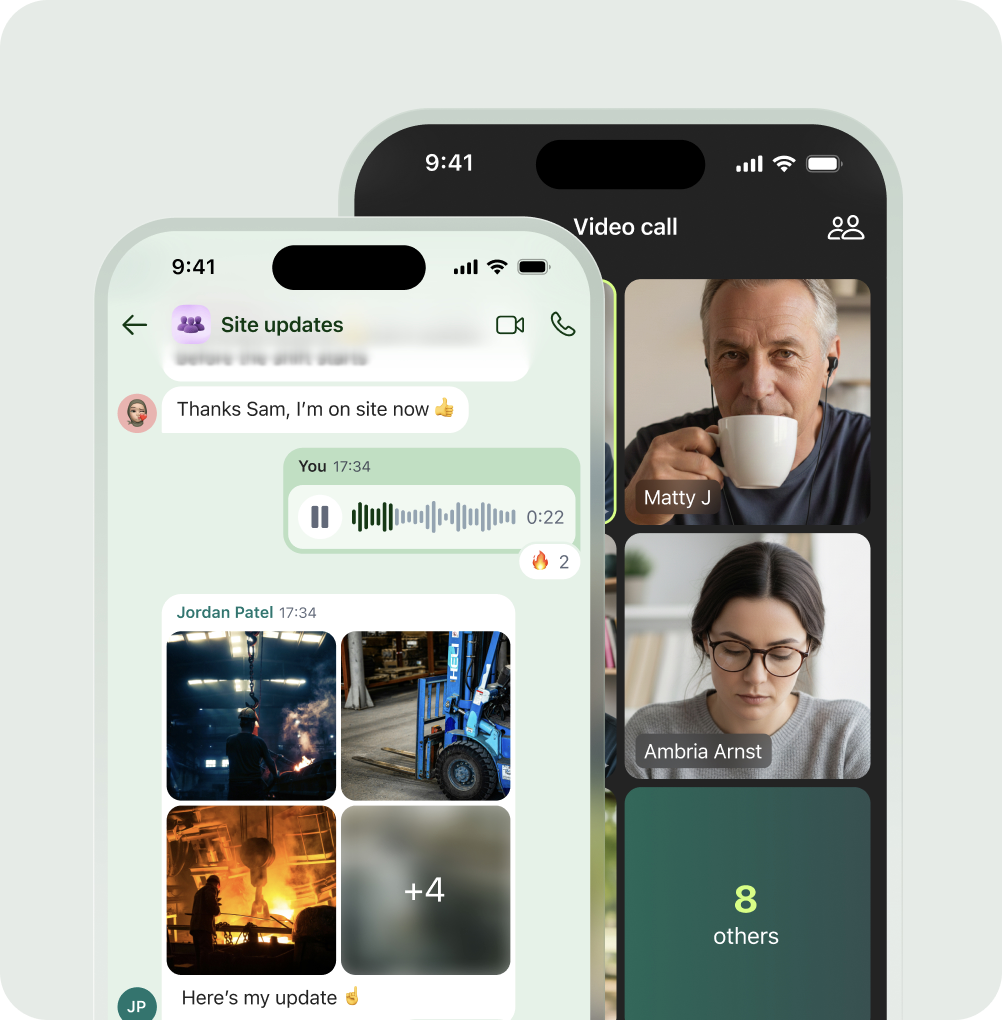
Reach the right person without leaving the app
Turn a search result into a conversation instantly. Start a chat or call in the exact same place your team already works, making it simple to find a colleague and reach them in one seamless motion.


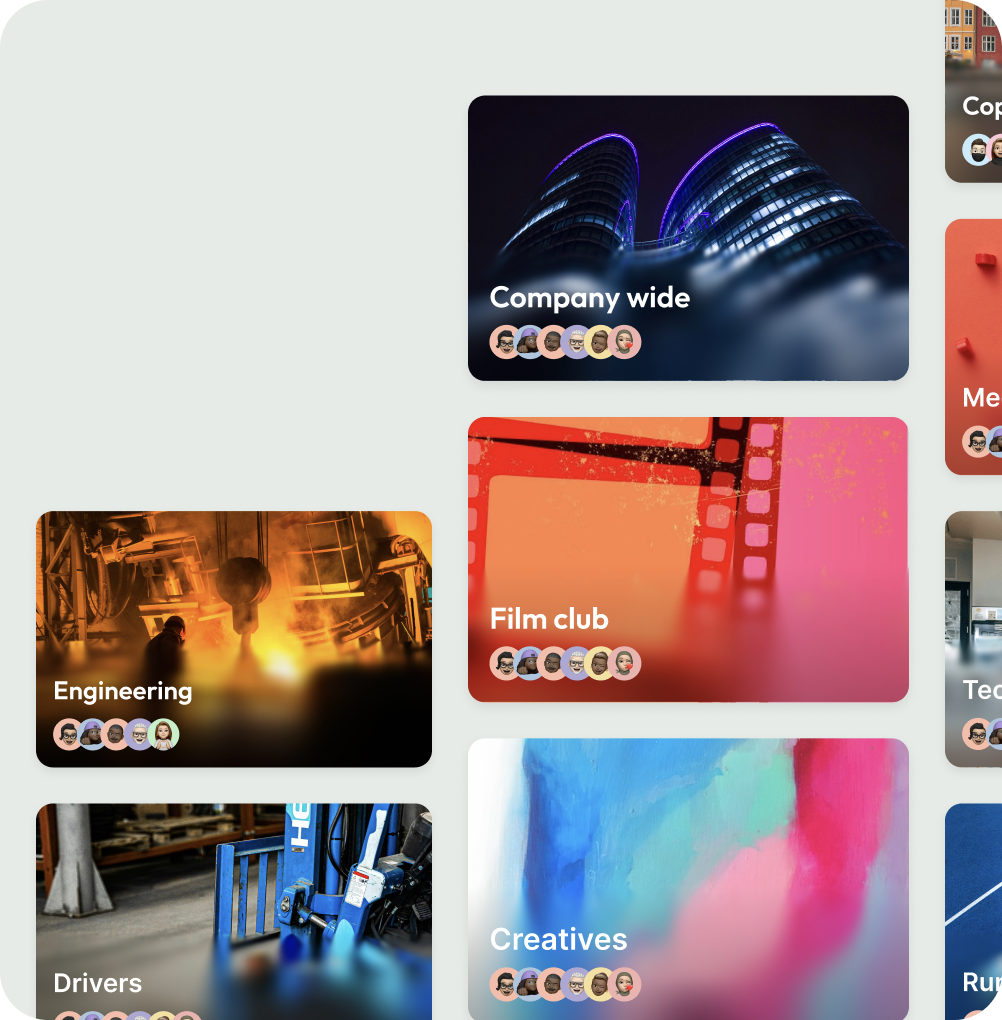
Discover new groups and communities
Help people find the groups and communities that fit them.


Built for scale, secured for the enterprise.
Frequently asked questions
It is a single search bar that looks across your Blink workspace and connected external tools like SharePoint. You ask a question in plain language, and the AI provides a direct, cited answer. You look in one place, tap the citation, and go straight to where it lives.
Yes, you can start a free trial of Blink today. Your team can immediately experience how easy it is to find answers across your hub, chats, and connected systems using our basic AI search model. Start your free trial to see it in action.
It gives them immediate access to answers from the phone they already use. Instead of digging through folders or guessing keywords, they ask a natural question and get a summarized answer instantly, keeping them on the floor and off manager desks.
Yes. Blink AI Search connects directly to external systems like SharePoint, Workday, and connected file stores. A single query scans these external tools alongside your native Blink content, bringing all relevant documents and answers into one unified experience.
Yes. You can ask Blink a question exactly the way you would ask a colleague. The AI understands natural language, scans your connected tools for the information, and provides a direct, summarized answer complete with citations linking directly to the source files.
Ready to unlock everyone’s potential?
Let’s go!

