Everyone signed in. Every account under your control.


What Blink does for IT teams
Blink is a mobile-first employee app that works as the single sign-on front door for frontline workers. People sign in once on their own phone, then tap into Workday, ServiceNow and the other systems you already run. You manage every account from your existing directory.




How Blink’s employee news feed works
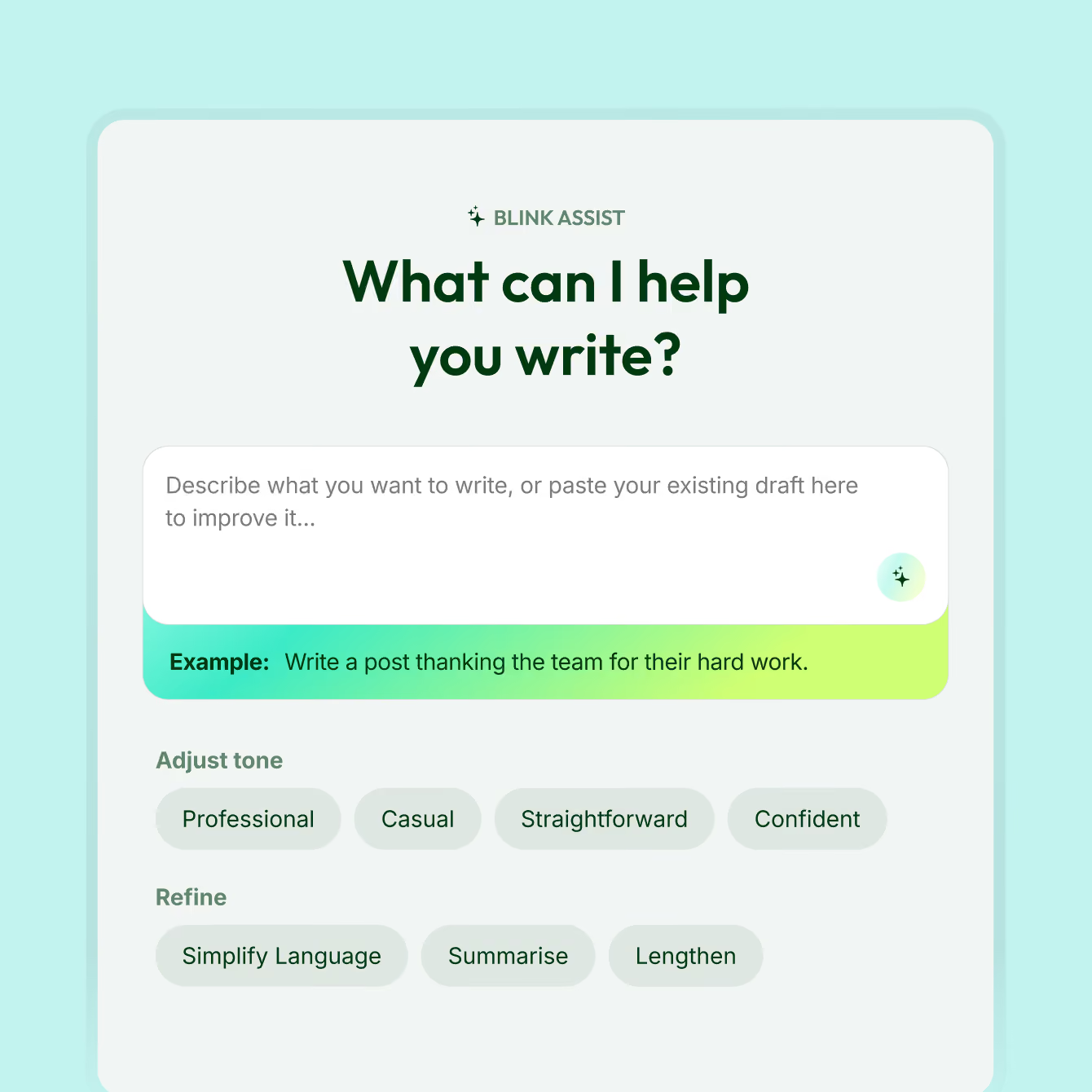
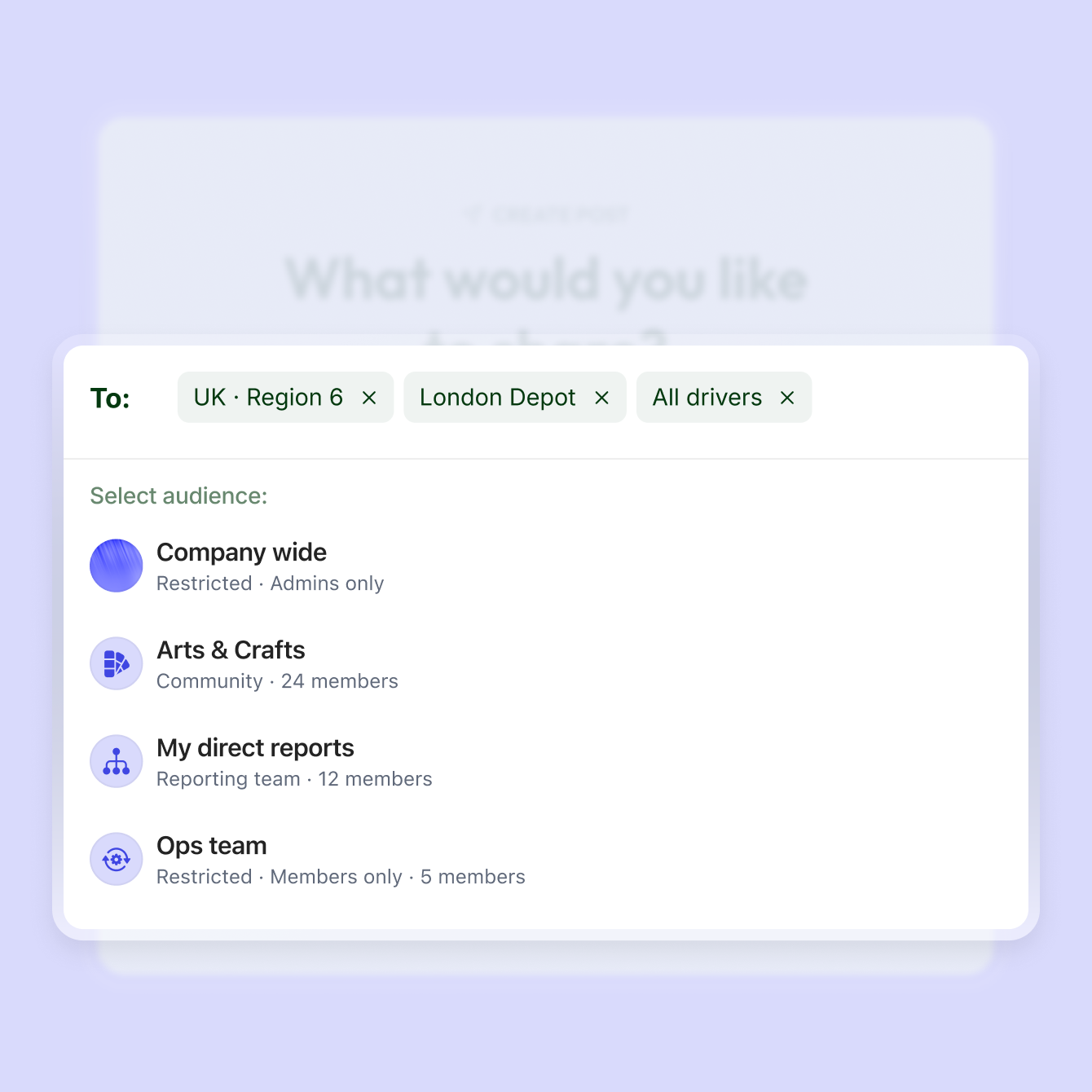
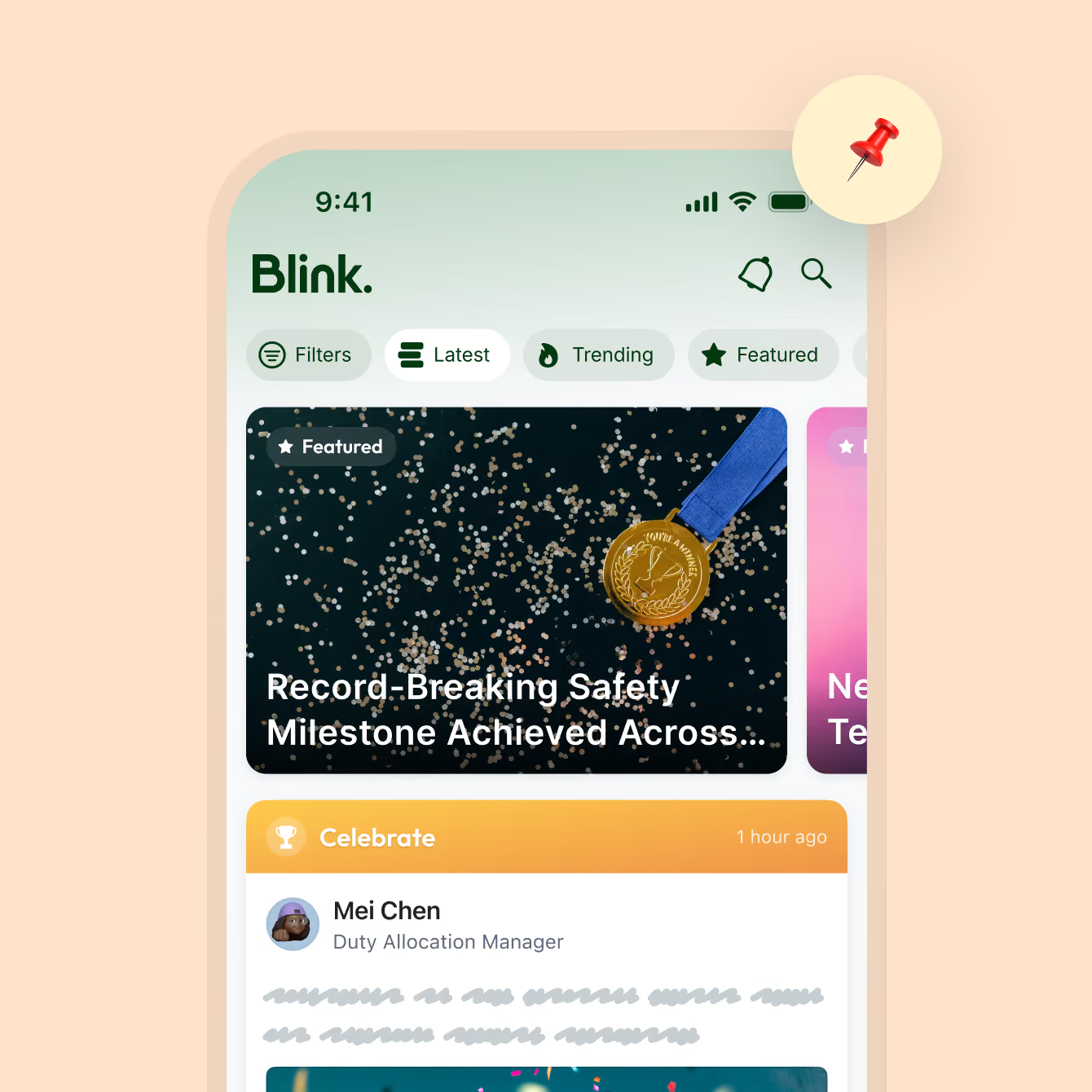
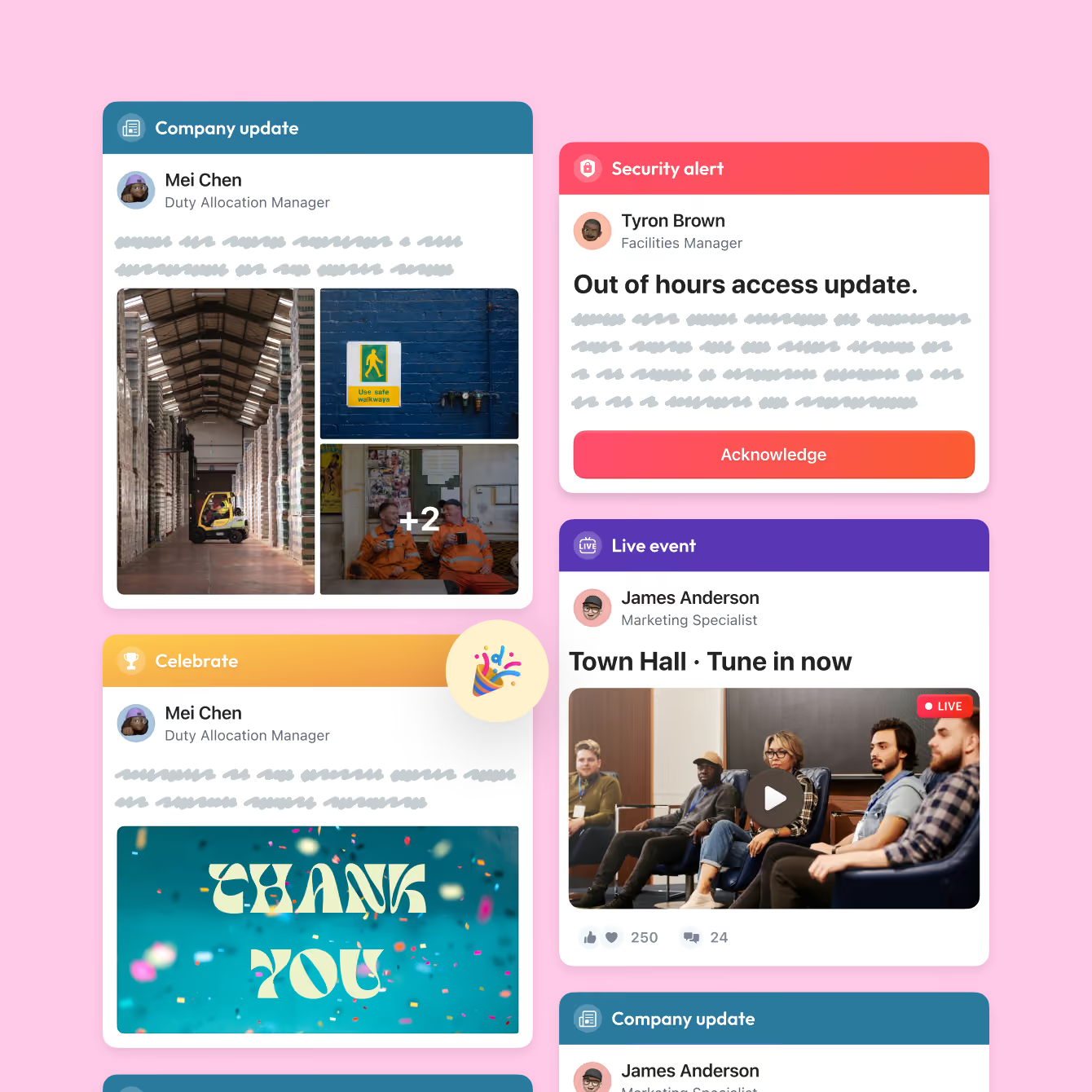
Blink’s employee news feed takes an update from draft to confirmed read in six steps: write it, choose who sees it, pin it, collect acknowledgments, read replies, and measure what landed.
Single sign-on for people without a work email
Blink brings SAML 2.0 single sign-on to frontline workers who have never had a corporate login. Blink can act as the identity provider, or sit behind Okta or your existing provider. People confirm who they are with a fingerprint or face scan on their own phone, then tap an icon and land inside Workday already signed in.
Accounts created and removed from your directory
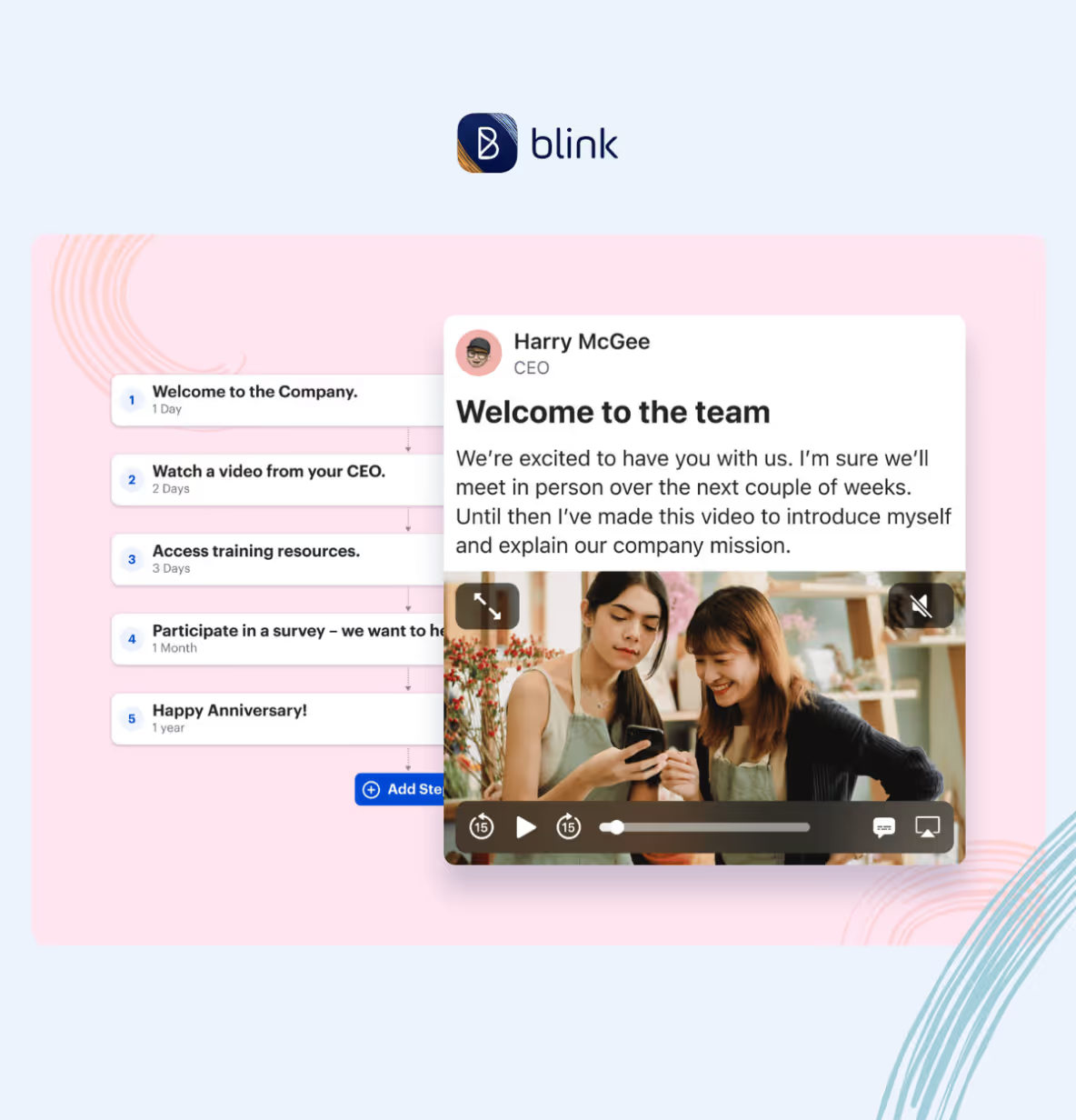
Blink creates users and assigns permissions automatically, based on group, job role and location. Connect Active Directory, Google Workspace or any SCIM directory and manage Blink users there. When someone leaves in your HR system, their Blink access ends with it. High-turnover teams stay accurate without anyone in IT touching an account.
One front door to Workday, ServiceNow and more
Blink connects frontline workers to the systems IT already runs, with notifications that open the right screen in one tap. A shift change in the scheduling system or an approval in Workday arrives as a Blink notification. Function fencing controls which areas of each integrated tool people can reach. Blink is a Workday Platinum Partner.
Because people reach those systems through Blink, the experience stays the same when a system behind it changes. Swap the payroll provider and the frontline still taps the same icon.
Built for personal phones and patchy signal
Blink runs on iOS, Android and desktop, so people use the phone they already carry. Offline mode keeps the latest posts, documents and messages readable with no connection, and sends anything written offline once the signal returns. That covers the basement plant room, the delivery route and the hospital ward with one app.
Security your review board can check
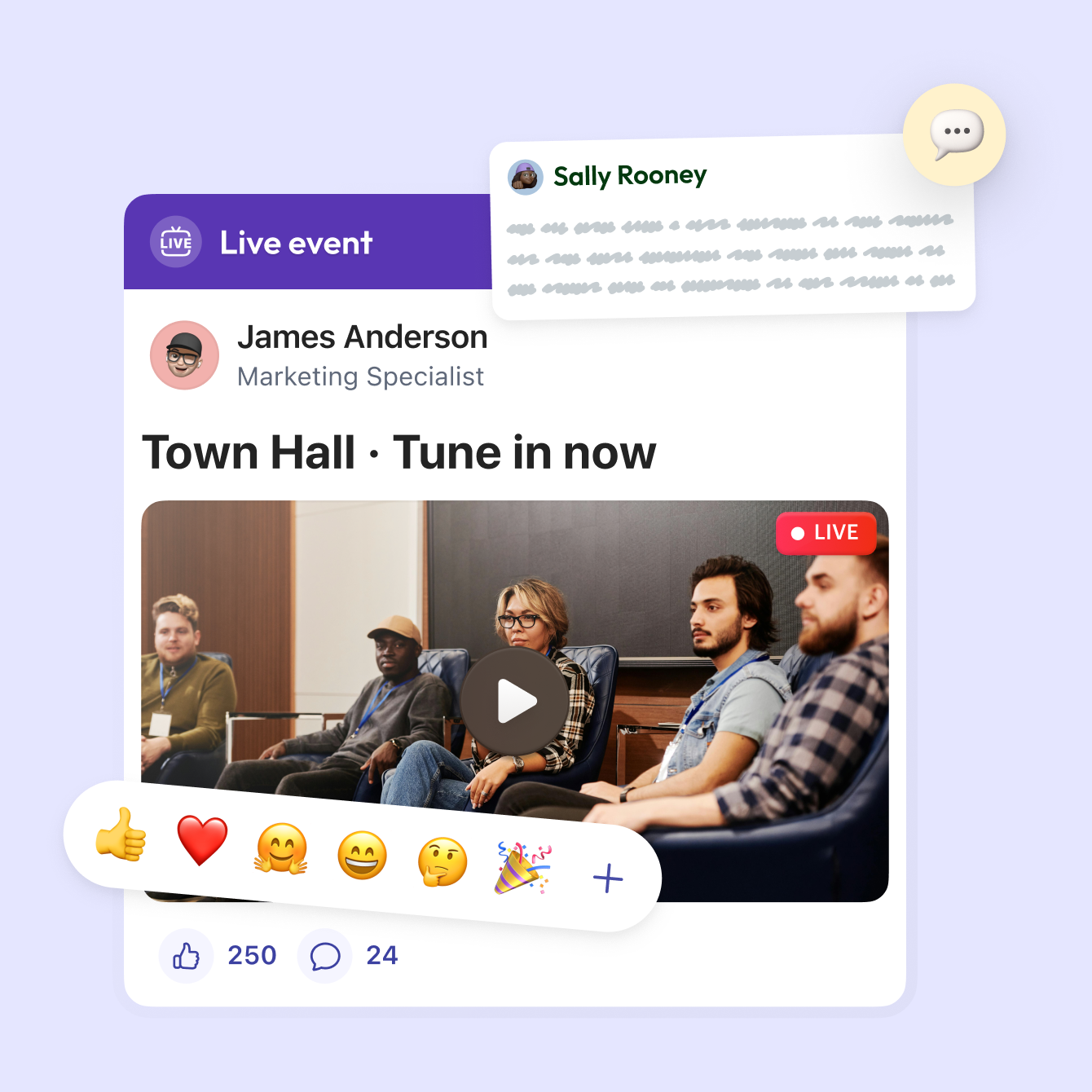
People like, react, and comment the way they already do on the social apps they use every day. Questions get answered in the thread, and good news travels across sites on its own.
How a Blink rollout runs with IT
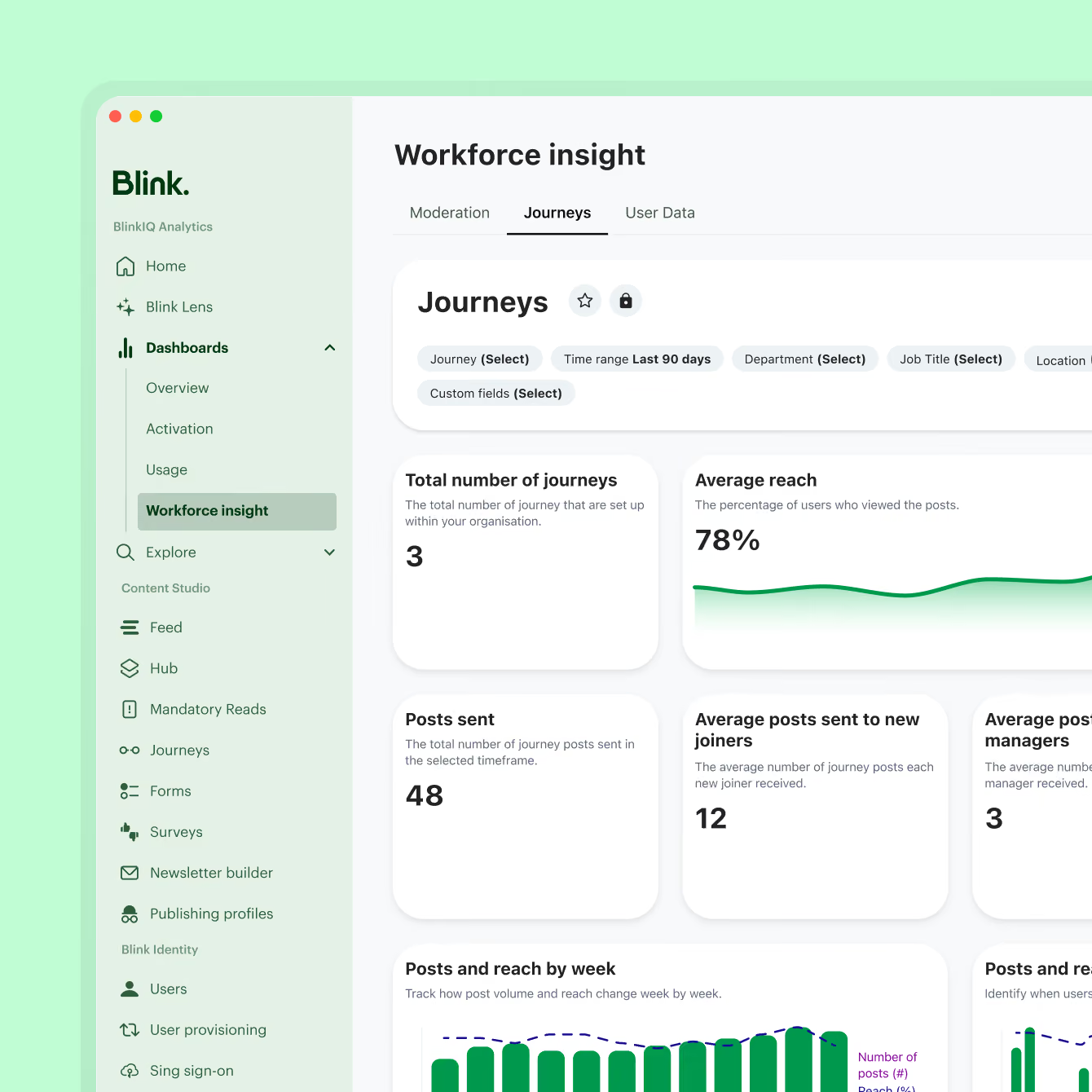
Most of IT's work in a Blink rollout happens in the first steps, then managers take activation from there.
1. Connect identity: Blink as identity provider, or SAML 2.0 with Okta or your existing provider.
2. Set provisioning rules: sync users from your directory and map groups, roles and locations.
3. Connect systems: switch on integrations such as Workday and ServiceNow, and set function fencing.
4. Activate teams: managers invite their people, who sign in on their own phones.
5. Go live: comms, HR and operations publish to the audiences IT has already defined.
Configure once, and every team builds on it
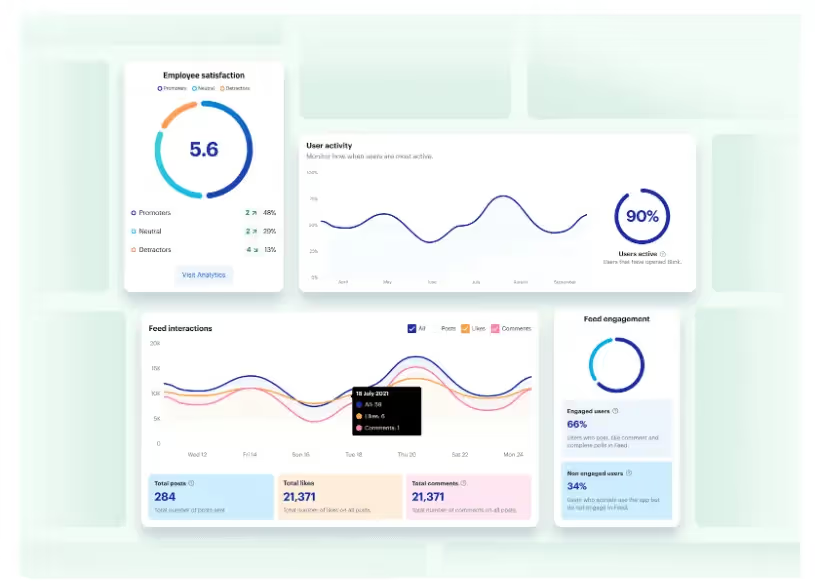
Blink usually reaches IT through a comms, HR or operations leader, and every one of them works from the setup you configure once. The same identity, provisioning and audiences serve all three.


How IT teams run Blink in your industry

Quick Service Restaurants
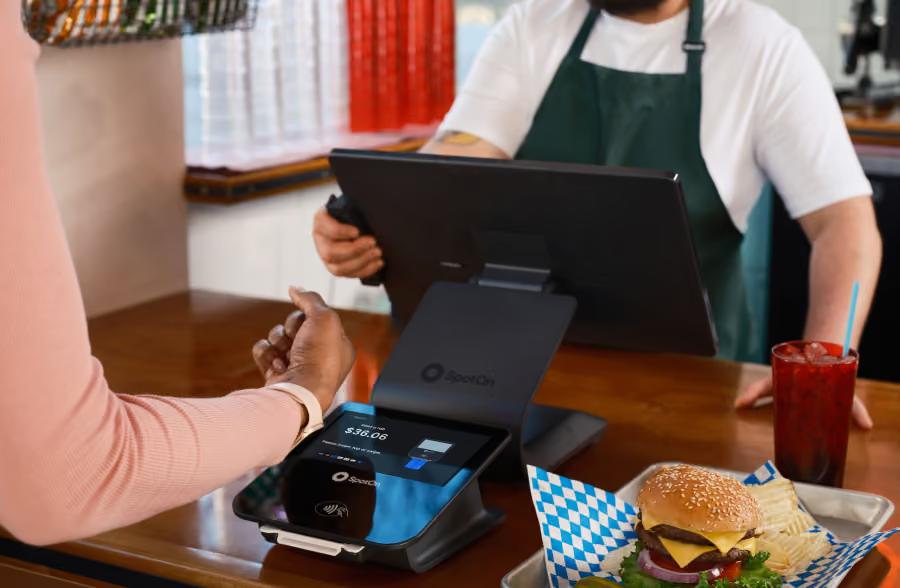
Thousands of crew across hundreds of locations, each signed in through one identity. Managers activate new hires on their first shift, with no IT ticket.

Know every site has the new procedure
Send a new procedure or safety change as a priority post and see acknowledgments come in site by site. Area managers know which locations have confirmed and follow up directly, while wins from strong sites get shared where every location can see them.
%20(1)%201.avif)
Secure, connected, and simple to run
The feed runs inside Blink, with single sign-on and audiences that update as people join, move, or leave. Systems like Workday and ServiceNow can post cards straight into the feed, so launches and service notices reach people where they already look.

Company news on their own phone
Frontline employees open Blink on their own phone and see company news, their site's updates, and anything needing acknowledgment at the top. They post photos of team wins, comment on colleagues' posts, and get replies from leaders in the same thread.

Lines ready, output steady
Crews start their shift with equipment checks and safety protocols built in. Line leads verify every station is running. Task completion shows exactly where you are.
Lines ready, output steady
Crews start their shift with equipment checks and safety protocols built in. Line leads verify every station is running. Task completion shows exactly where you are.
Lines ready, output steady
Crews start their shift with equipment checks and safety protocols built in. Line leads verify every station is running. Task completion shows exactly where you are.
Lines ready, output steady
Crews start their shift with equipment checks and safety protocols built in. Line leads verify every station is running. Task completion shows exactly where you are.
Continue exploring

.avif)

.avif)




.jpeg)





















.jpeg)






-min.jpeg)


-min.avif)













.avif)




.avif)
%20(2).avif)





Frequently asked questions
Internal communication encompasses any information created for and intended for employees only. There are endless examples of internal communication, and plenty of internal communications best practices to swot up on. These range from annual reports, benefits programs, emails, and face to face meetings to manager toolkits and surveys.
Internal communication is a critical part of any organization’s operations.
Businesses with strong internal communication in the workplace have more engaged, more productive, and happier employees. Strong internal comms is also linked to less employee turnover, which means businesses who prioritize internal communication often make more money as a result.
Employees want internal comms too. In fact, studies show that employees (whether in office, remote, or deskless) rank frequent and effective employee communication as one of the top behaviors that creates a positive experience at work. The same study also reveals that internal communications managers consider open communication to all employees “one of the top initiatives they would like to see their organizations focus on.”
At the end of the day, effective internal comms pays off, with companies with highly engaged workforces outperforming their competitors by 147% in earnings
Internal communication is defined as the sharing of information within a business or organization. This extends to sharing ideas, internal comms strategies, and values as well.
While there are lots of ways to define internal communication, the ultimate purpose of internal comms is to help a business or organization achieve its objectives effectively. This goes beyond telling employees what to do; the role of ic (internal comms) is about creating a shared meaning and understanding so employees work together to achieve the same goal.
How to improve internal communication depends on factors like the state of your business’s current internal comms as well as where you want to go. But companies with great internal communication all have one thing in common: they identify a specific comms challenge within their company and look for a tool or strategy to solve it.
Analyzing what is and isn’t working is the first step. When you know what internal comms issues are impeding effective collaboration and stalling productivity, you can identify the right tools and strategies to remedy the situation.
In today’s digital world, internal comms needs to focus on engagement to be truly effective. This means incorporating internal communications strategies such as:
- Using communication tools that work for everyone
- Prioritizing communication and engagement
- Involving all employees at every level
- Hosting an internal communication blog
- Keeping lines of communication open
- Giving frequent feedback
- Having fewer meetings
- Investing in a communication platform
- Adopting a more integrated approach to internal comms
- Using more productive comms strategies
- Tracking how employees using comms tools
- Running training and workshops to improve manager to employee communication
Creating your own internal communication strategy is a big task, but you can look to companies with great internal communication to emulate their strategies in your own planning.

