





























.svg)
.svg)





.svg)


.svg)





Keep essential information right on the device.
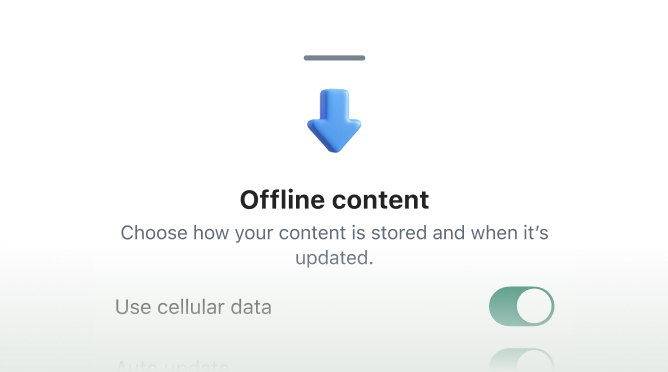
Your team saves the content they need before heading out. It travels with them on their personal device, ensuring policies, schedules, and daily comms are instantly accessible without relying on a steady internet connection.


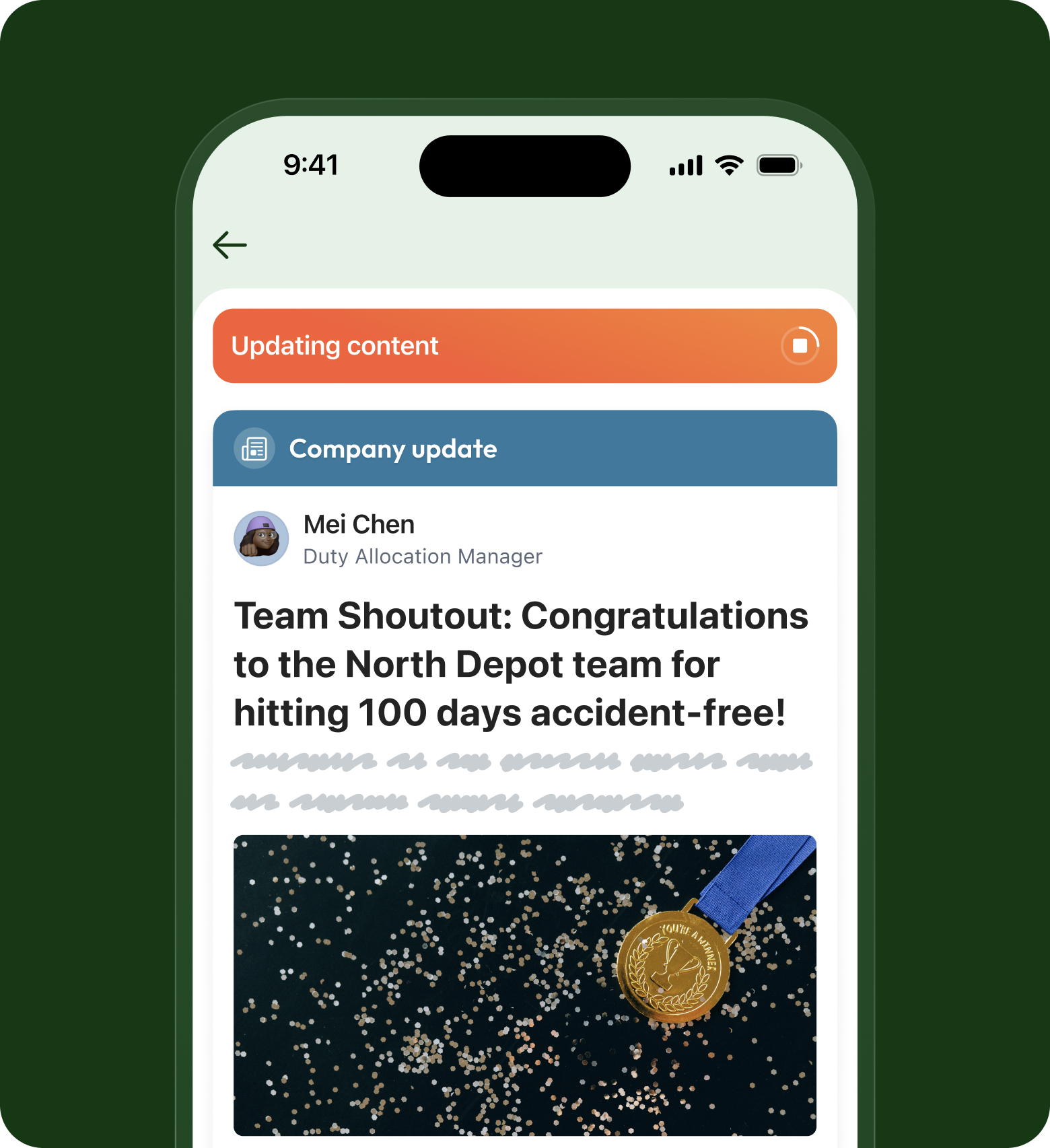
Sync automatically when the signal returns.
Once the device reconnects, Blink updates saved content to match the latest version automatically. Nobody has to think about manual refreshes or worry they are reading out-of-date daily communications.


Everything your team needs to work without a connection.

Frequently asked questions
You can save Hub content, the articles, policies, procedures and resources that live in your Blink Hub, so they're on the phone to read with no connection. Your team saves the page they need before they head somewhere with bad signal, and it's there when the bars drop to zero. So if what you need is for your frontline to read key Hub content underground, in a basement or mid-route, that works. The content is already in the Hub, and saving it for offline access takes a couple of taps.
Yes. When the phone reconnects, Blink brings your saved content back in line with the latest version on its own, in the background. There's no manual refresh to run and nothing for your team to remember, so a page they saved last week doesn't quietly go stale on the device. The point is that nobody has to think about syncing at all: they read what they saved while they were offline, and the next time they have signal, it quietly catches up to whatever has changed since.
Yes. Saved content opens straight from the device with the bars at zero, so a basement shift, a lift shaft or a dead-zone route doesn't lock your team out of what they need. There's nothing to load and no connection to wait for: the procedure, policy or update is already on the phone, ready to read. And because it lives in the Blink app on the personal phone your frontline already carries, it reaches the people with no work inbox and no desk, exactly the ones a web-only intranet never could.
Saved content stays on the phone so your team can read it back whenever they're offline, and it refreshes to the current version automatically the next time they have a connection. If you have a specific retention or device-management requirement, for example around how long content should persist on a personal phone, that's worth raising with us directly so we can walk through exactly how saving and syncing behave for your setup. Frontline device realities vary a lot by industry, and we'd rather answer for your case than give a generic number.
Ready to unlock everyone’s potential?
Let’s go!

