Most communication tools were built for someone sitting at a desk with a company laptop and a company email. That's not deskless work.
Deskless workers (drivers, nurses, retail associates, warehouse operatives, care workers, construction crews) need something different. Mobile-first, fast, intuitive enough to onboard without a training manual, and built to work even when connectivity isn't perfect. This guide ranks the 9 best team communication tools for deskless teams in 2026, with honest notes on what each does well, where it falls short, and who it's right for.
The short answer
The top three for most deskless teams in 2026:
- Blink. — mobile-first employee app built specifically for frontline and deskless workers. 90%+ adoption across customers. Best for organizations where the frontline is the priority, not an afterthought.
- Connecteam — strong all-in-one for SMB workforce management. Good if scheduling and task management matter as much as communication.
- Staffbase — enterprise-grade with multilingual reach and digital signage. Right for large global frontline workforces in manufacturing and logistics.
Microsoft Teams, Beekeeper (now part of LumApps), Pebb, Yourco, HubEngage, and Simpplr round out the list with specific strengths. The right pick depends on workforce size, connectivity, and whether you need communication-first or workforce-management-first.
Quick comparison
What is a deskless team communication tool?
A deskless team communication tool is a mobile-first software platform designed to connect, inform, and engage workers who don't sit at a desk. That includes frontline employees in retail, healthcare, logistics, manufacturing, hospitality, transport, and construction.
Unlike a traditional intranet or office chat tool, deskless tools are built for:
- Smartphone use without a corporate email address or company-issued device
- Low-bandwidth and offline environments
- High-turnover workforces that need fast, frictionless onboarding
- Shift-based, distributed, and physically mobile teams
For a wider view of what these systems should do, see our guide to deskless worker communication and our breakdown of internal communication tools.
Why standard tools fail deskless teams
SharePoint wasn't built for the frontline. Neither was Slack. Neither was email.
A 2023 Microsoft Work Trend Index found that 60% of frontline workers feel they aren't heard by leadership (Microsoft Work Trend Index, 2023). Multiple frontline studies consistently show that the majority of deskless workers don't have a regular work computer or company email. The communication gap isn't a culture problem. It's a tooling problem.
The good news: in 2026 there are real options purpose-built for the job.
The 9 best team communication tools for deskless teams
1. Blink.
Best for: Organizations where frontline workers are core, not peripheral. Strong fit in retail, healthcare, transport, logistics, and hospitality.
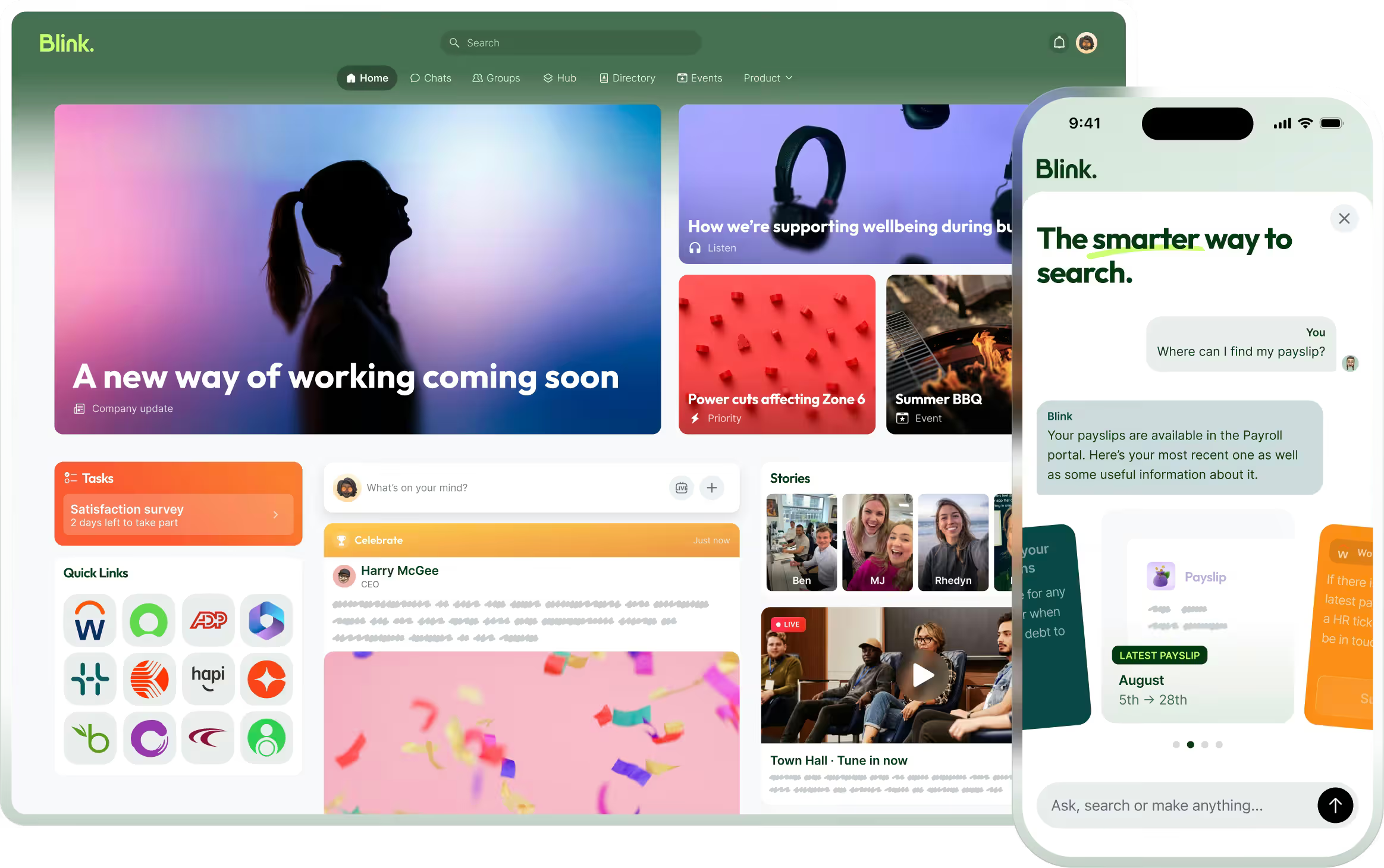
Blink. is a mobile-first employee experience platform built specifically for deskless and frontline workforces. It brings internal communications, a searchable knowledge hub, chat, digital forms, recognition, and analytics into a single app on a worker's personal phone, with no corporate email required.
Key features:
- Real-time chat with voice notes, read receipts, and rich media
- Personalized news feed by role, location, and team
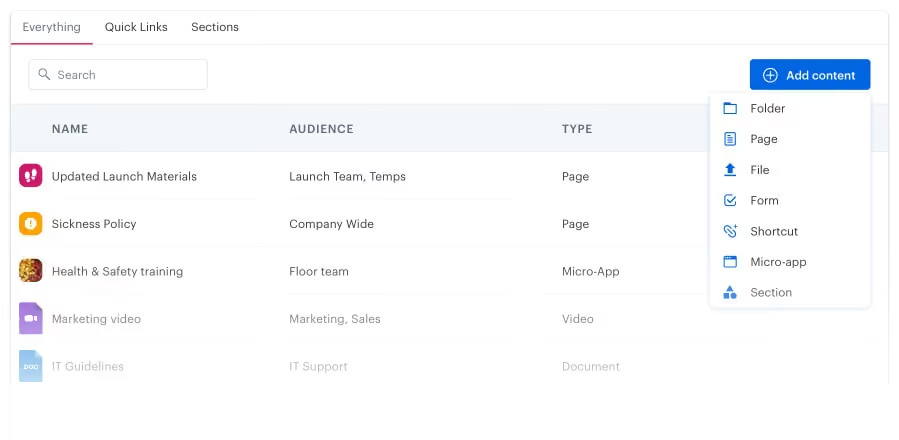
- Unified Hub for policies, SOPs, training, and forms (searchable)
- Recognition, surveys, and short-form video
- Integrations with Microsoft 365, Salesforce, and major scheduling and HR systems (Blink. integrations)
- Offline access for low-connectivity environments
- AI assistant on Pro tier for content drafting and translation
Pricing: $3.75/user/month on Core annual, $5.00/user/month on Pro, Enterprise custom. Free trial across all tiers. (Blink. pricing)
Adoption: Blink. customers consistently hit 90%+ workforce adoption. JD Sports reached 87% in 10 days. easyJet runs Blink. across 20,000+ employees. McDonald's, the NHS, Domino's, Stagecoach, and Chick-fil-A are on the platform (Blink. customer stories).
Why it's different: Most platforms bolt frontline features onto office software. Blink. was built the other way around: starting from the frontline experience and building outward.
For a deeper comparison against the two most-searched alternatives, see Blink. vs Microsoft Teams and Beekeeper vs Blink..
2. Connecteam
Best for: Small to mid-sized businesses in retail, hospitality, field services, and construction where scheduling and task management matter as much as communication.
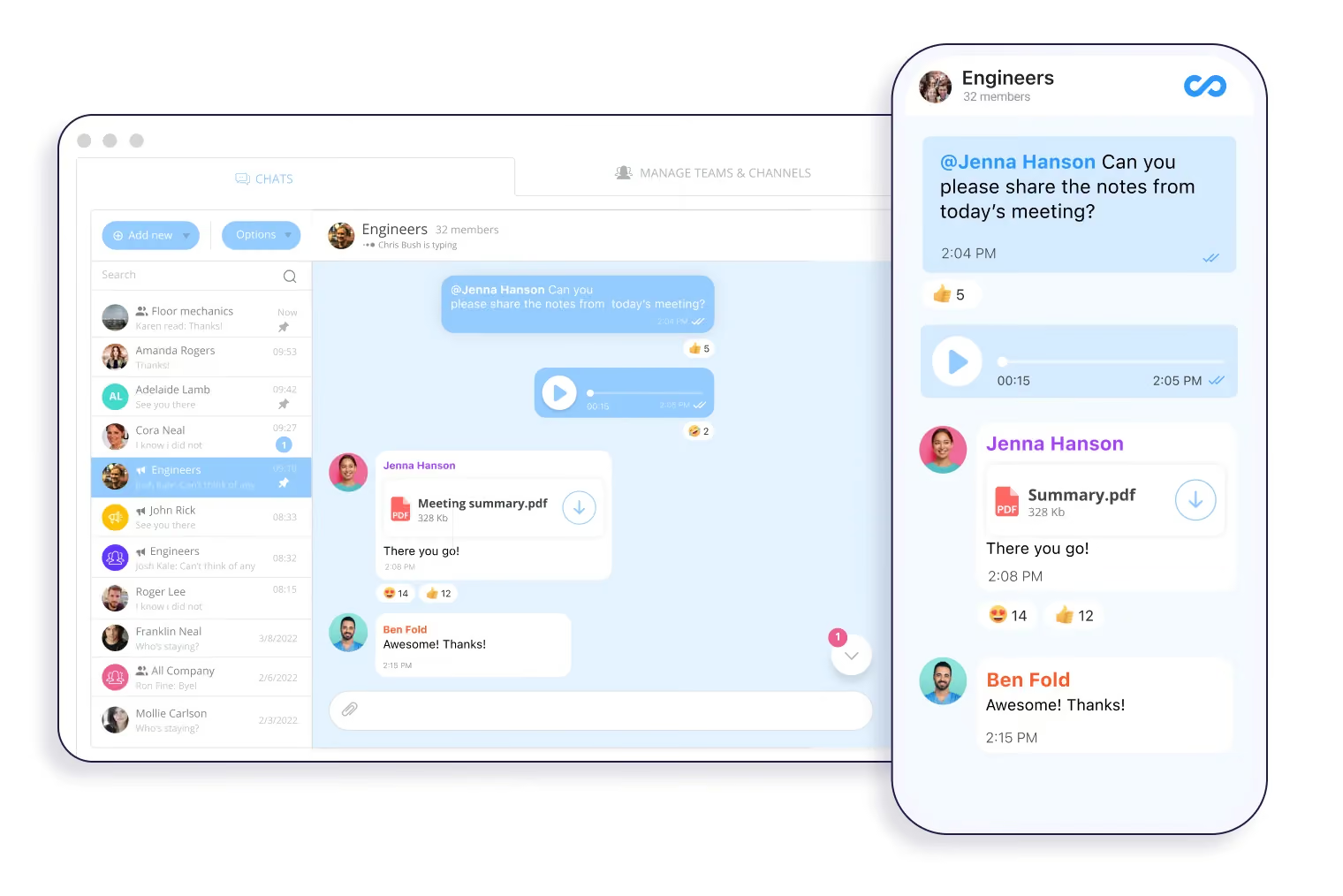
Connecteam is an all-in-one employee management app that combines scheduling, time tracking, task management, forms, HR, and internal communication in one platform.
Key features:
- Team chat and direct messaging
- Shift scheduling with automated notifications
- Job dispatch and GPS tracking
- Digital checklists and forms
- Company news feed and announcements
Pricing: Free for up to 10 users. Paid plans start around $29/month for the Small Business plan (covers up to 30 users), with per-user pricing above that (Connecteam pricing).
Heads up: Connecteam is strong on workforce management but lighter on internal communications depth compared to platforms built around communication first. For a head-to-head, see Connecteam alternatives.
3. Staffbase
Best for: Large enterprises managing global frontline workforces in manufacturing, healthcare, and logistics.
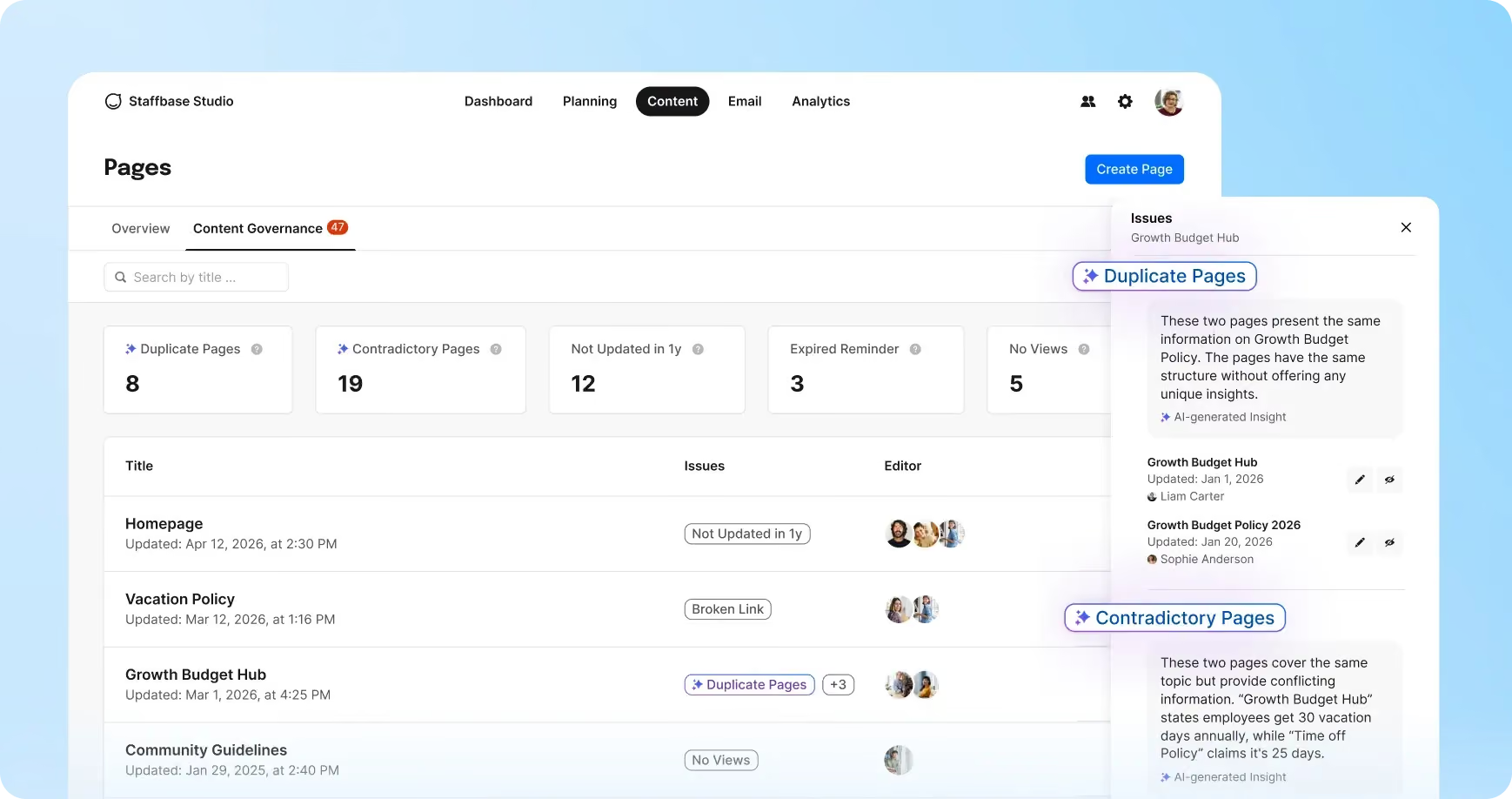
Staffbase is an enterprise employee communications platform with strong frontline capabilities. Known for branded employee apps, multilingual reach, and integrations with the broader Microsoft and Workday stacks.
Key features:
- Fully branded employee app
- Multi-channel reach (app, email, digital signage, SMS)
- Automated translation across 100+ languages
- Offline content access
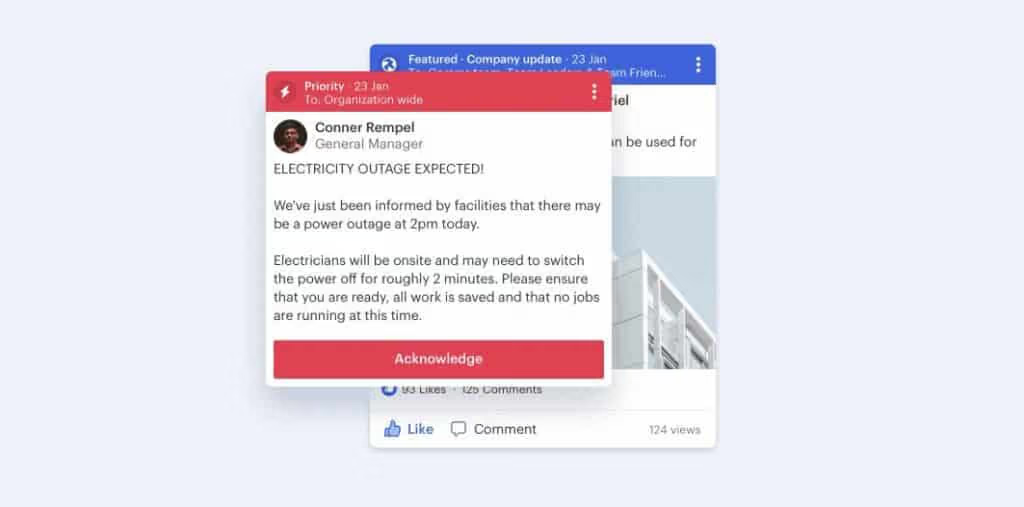
- Emergency alerts and voice messaging
Pricing: Custom enterprise pricing.
For alternatives that compete on price or specific verticals, see Staffbase alternatives.
4. Microsoft Teams (Frontline Worker tier)
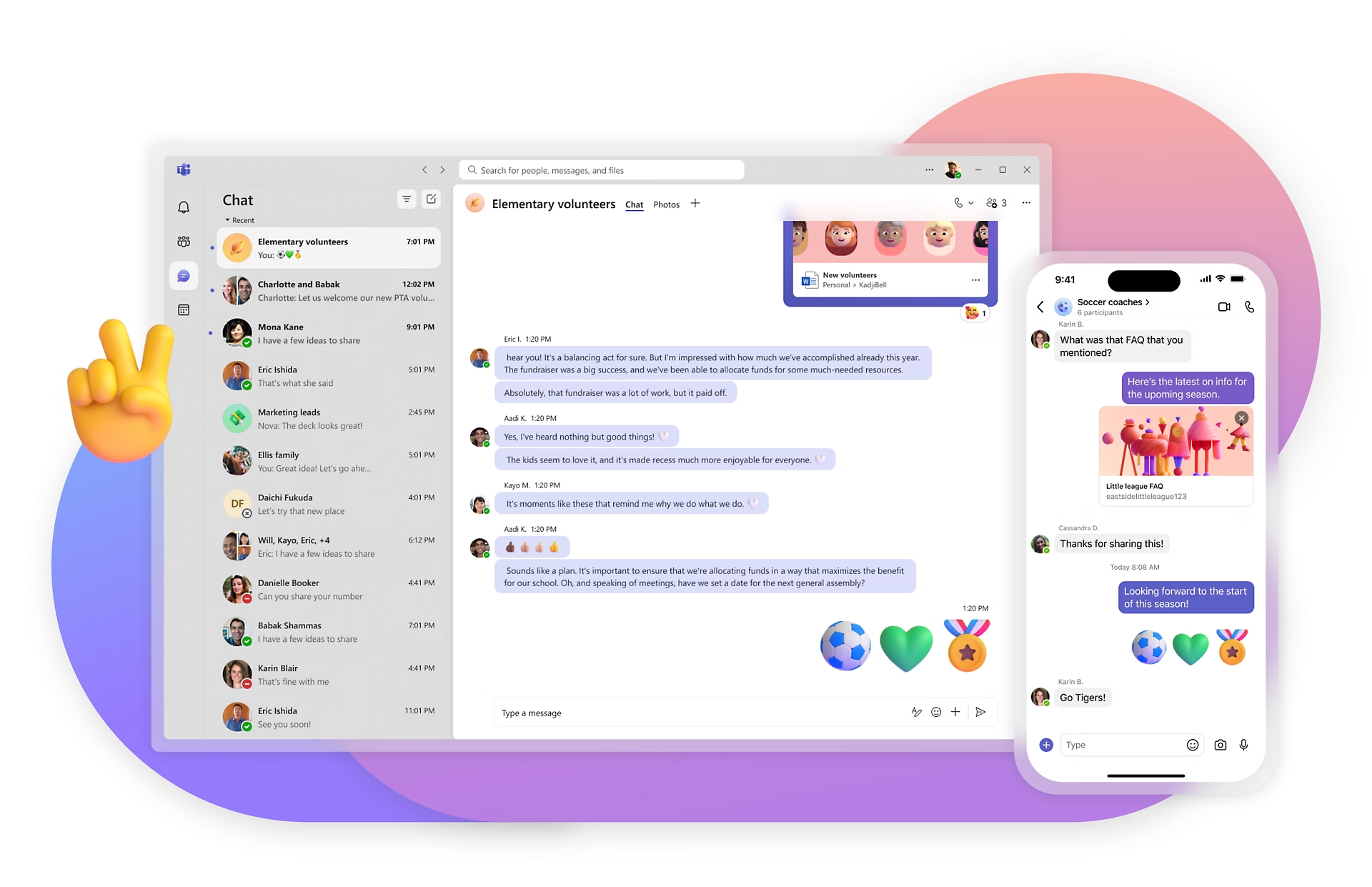
Best for: Organizations already deeply on Microsoft 365 where IT prefers to extend the existing stack rather than add another platform.
Microsoft Teams has evolved to serve frontline workers through its dedicated Frontline Worker license tier, adding Shifts (schedule management), Walkie Talkie (push-to-talk), and task management built for field work (Microsoft Teams for Frontline Workers).
Key features:
- Shifts for schedule management
- Walkie Talkie push-to-talk
- Task assignment and tracking
- Native Microsoft 365 integration
- Enterprise compliance and security controls
Pricing: F1 at $2.25/user/month (read-only Office, limited mailbox), F3 at $8.00/user/month (full features). Both rising July 2026 (Microsoft 365 frontline pricing).
Heads up: Teams was designed for desk-based knowledge workers, and frontline adoption tends to lag behind office adoption. F1's read-only Office and limited mailbox often force upgrades to F3, changing the cost picture. The most common play is to run Teams for HQ and a purpose-built tool for the frontline. For the full breakdown, see our Blink. vs Microsoft Teams comparison and Microsoft Teams alternatives.
5. Pebb
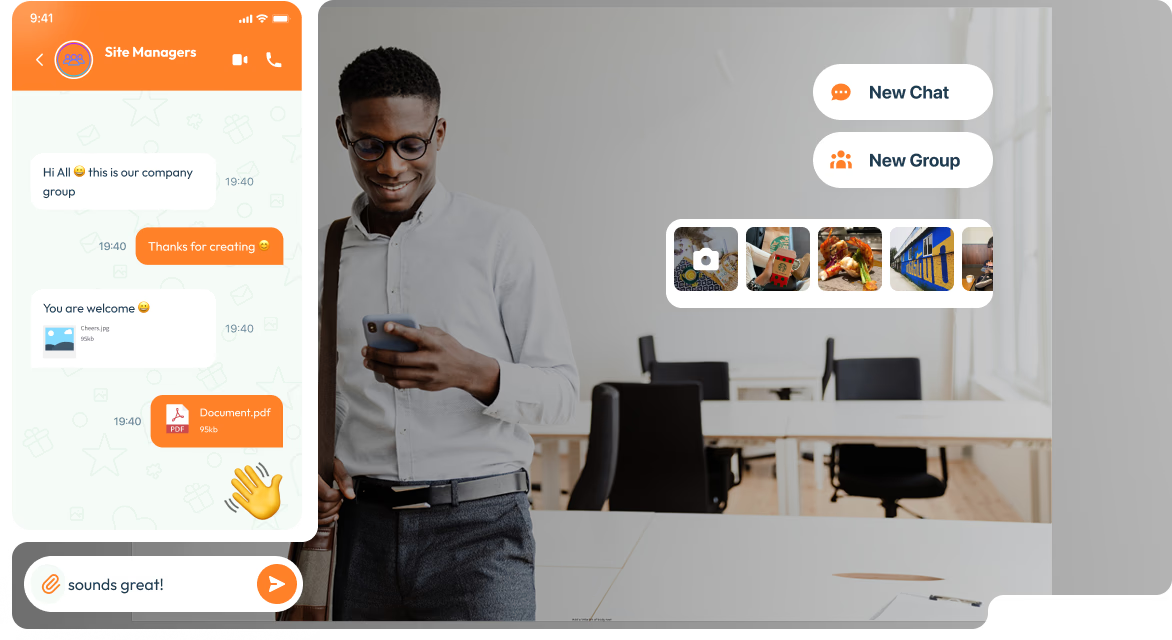
Best for: Budget-conscious SMBs with frontline teams who want a free starting point.
Pebb is a mobile-first communication platform with one of the most accessible free tiers in the category. Familiar social interface designed to reduce onboarding friction.
Key features:
- Company news feed with polls and recognition
- Unlimited message history
- Offline access
- Group chat and direct messaging
- Peer recognition tools
Pricing: Free for up to 1,000 users. Premium plans from $4/user/month (Pebb pricing).
6. Yourco
Best for: Organizations with workers who lack smartphones or reliable mobile data. Common in logistics, construction, and agriculture.
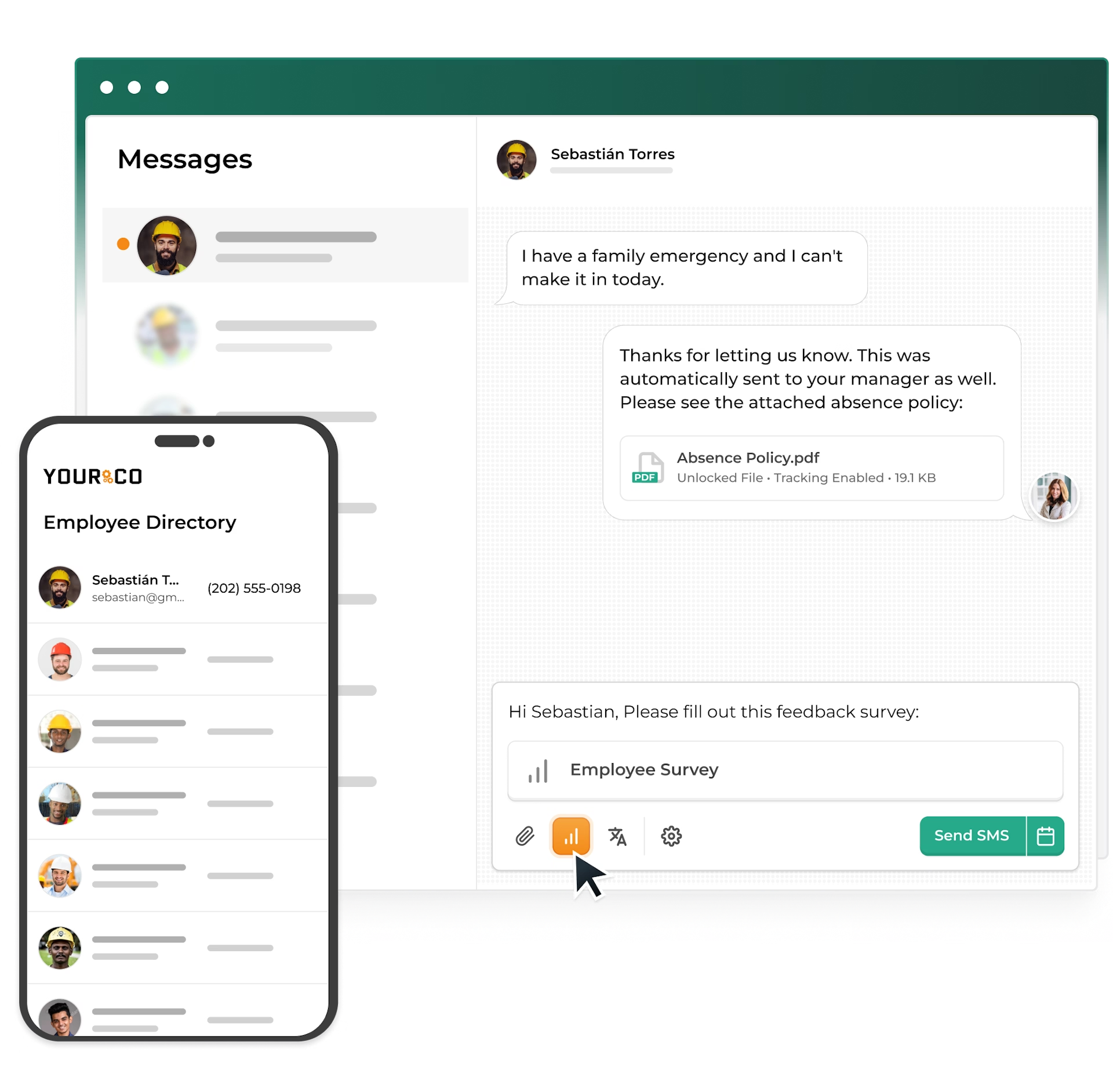
Yourco takes an SMS-first approach. Rather than requiring a smartphone app, it delivers messages via text, reaching workers on any phone with no download.
Key features:
- SMS-native communications (no app required)
- High open rates typical of SMS channels
- Works on basic phones
- Automated message scheduling and reminders
Pricing: Custom.
7. HubEngage
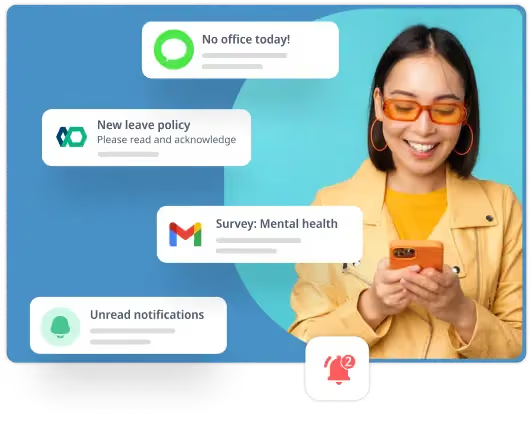
Best for: Organizations that need to reach workers across multiple channels simultaneously (mobile app, SMS, email, WhatsApp, digital signage).
HubEngage combines communication, engagement, and analytics in one platform with multi-channel reach.
Key features:
- Multi-channel messaging (app, email, SMS, WhatsApp, digital signage)
- Recognition, rewards, and gamification
- Pulse surveys and analytics
- Content targeting by team, location, and role
Pricing: Custom.
8. Beekeeper (now part of LumApps)
Best for: Existing Beekeeper customers, and operators in hospitality and manufacturing who want shift management and inline translation in the same app as communications. New buyers should weigh integration risk carefully.
Beekeeper was acquired by LumApps in July 2025 in a deal valuing the combined company at more than $1 billion, backed by Bridgepoint (LumApps press release). The combined "AI Employee Hub" is on a 12 to 24 month integration roadmap. LumApps has confirmed no short-term sunset plans for either platform.
Key features:
- Team messaging and broadcast announcements
- Native shift management
- Digital workflows and checklists
- HR system integrations
- Inline translation across 150+ languages
Pricing: Custom. Third-party trackers cite a range of roughly $5 to $15 per user per month (Capterra).
Heads up: Buyers signing new contracts in 2026 should understand they're buying into a multi-year platform integration. For an objective comparison and the right questions to ask, see Beekeeper vs Blink. and Beekeeper alternatives.
9. Simpplr
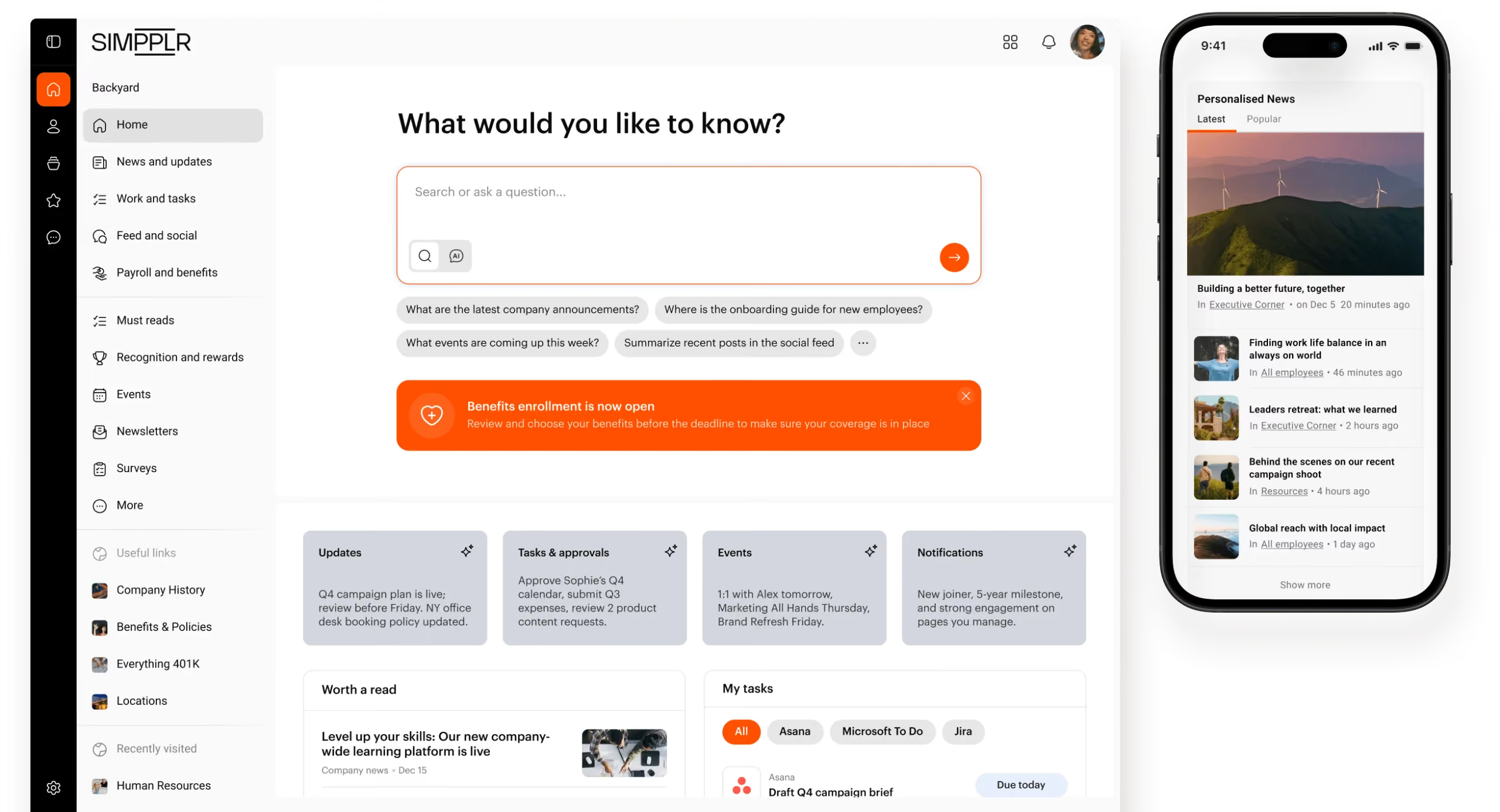
Best for: Mid-to-large organizations that want a modern intranet with frontline reach and strong AI-assisted content delivery.
Simpplr is an AI-powered employee intranet that's increasingly targeting frontline and hybrid workforces.
Key features:
- AI-powered content recommendations
- Social intranet with news feed and recognition
- Analytics and engagement tracking
- Mobile app with frontline access
Pricing: Custom.
For competitive context, see Simpplr alternatives.
How to choose a team communication tool for deskless teams
Not every tool on this list is right for every team. Start here.
Four questions to shortlist
- Do your workers have smartphones? If not, go SMS-first (Yourco). If yes, go app-first.
- What's your workforce size? Blink. works across both SMB and enterprise. Under 100 workers, also consider Connecteam or Pebb if low cost is the lead constraint. Over 1,000 workers, the realistic shortlist is Blink., Staffbase, or Simpplr.
- Are you already on Microsoft 365? Test Teams Frontline before adding another platform if your IT team is heavily Microsoft-aligned. Then evaluate whether it actually drives adoption on the frontline.
- Is your priority communication, or workforce management? Communication-first: Blink., Staffbase. Workforce-management-first: Connecteam, Beekeeper.
Non-negotiables for any deskless team
- Works on personal smartphones without a corporate device
- Doesn't require a company email to sign in
- Intuitive enough to onboard in minutes, not days
- Works in low-connectivity environments
- Adoption above 80% should be the bar, not the aspiration
For more on the levers behind frontline adoption rates above 90%, see frontline digital inclusion.
How to roll one out without the chaos
Getting the right tool is half the job. The rollout determines whether your frontline actually uses it.
Four steps that work
- Run focus groups first. Ask frontline workers what's broken today before selecting a tool. Their answers will surprise you.
- Create a platform playbook. Define how the tool is used (channels, posting permissions, tone, governance) before launch.
- Build a launch campaign, not a training deck. App ambassadors, incentives, and clear value messaging outperform mandatory PowerPoints.
- Integrate before you launch. Connect the tool to scheduling, HR, and payroll systems upfront. Don't retrofit later.
Real results from deskless teams using Blink.
JD Sports and McDonald's use Blink. for mobile-first shop-floor communication, replacing physical shift huddles.
Children's of Alabama uses Blink. to share campaigns including flu shot drives and benefits enrollment, and to keep staff connected across departments.
Go North West (UK bus operator) reached 95% of employees with essential communications and a 26% reduction in employee turnover after switching to Blink. (Blink. customer stories).
Transform deskless team communication with Blink.
Blink. was built from the frontline up. A single app that connects every worker, whether they're on the shop floor, behind the wheel, or at the bedside, to their team, their schedule, and their company.



.avif)