Give your frontline workers the same seat at the table as headquarters

Blink is the app for deskless and shift-based teams in retail, hospitality, healthcare, construction, and manufacturing. News, chat, and the tools they need for the job sit on the phone they already carry.

Why frontline workers still feel like second-class employees

Most enterprise software was built for someone at a desk. It assumes a company email, a login, and a laptop to open it on, which leaves frontline and deskless employees outside the tools their office-based colleagues take for granted.

‍
Personal WhatsApp groups end up doing the job company software should, with no record of what was said, no control over who’s in the chat, and no way to prove that a safety update or policy change ever landed. Blink starts with the frontline, so every team gets the same access, voice, and tools.

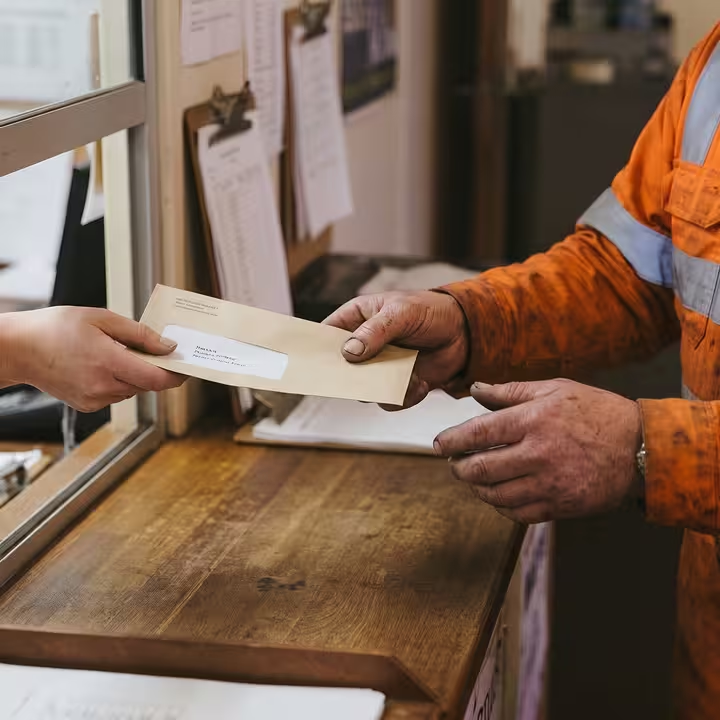
Hands of a person wearing a dirty orange work jacket receiving a light brown envelope from another person through a window at a wooden counter.
Elara Caring logo
"We get a chance to talk to the bosses we don't typically hear from. It's nice to know we're appreciated."
32,000+
caregivers connected for the first time
95%
of employees feel more connected to Elara
9 out of 10
rating for ease of use

The frontline workforce platform built from the frontline up

No email, no problem. Staff sign in on their own phone with a QR code or magic link, and one app holds news, chat, and tools, even offline. It gives people who rarely see a colleague, like a driver out on the road all day, a way to feel part of the team, which is why operational comms matter for frontline teams.
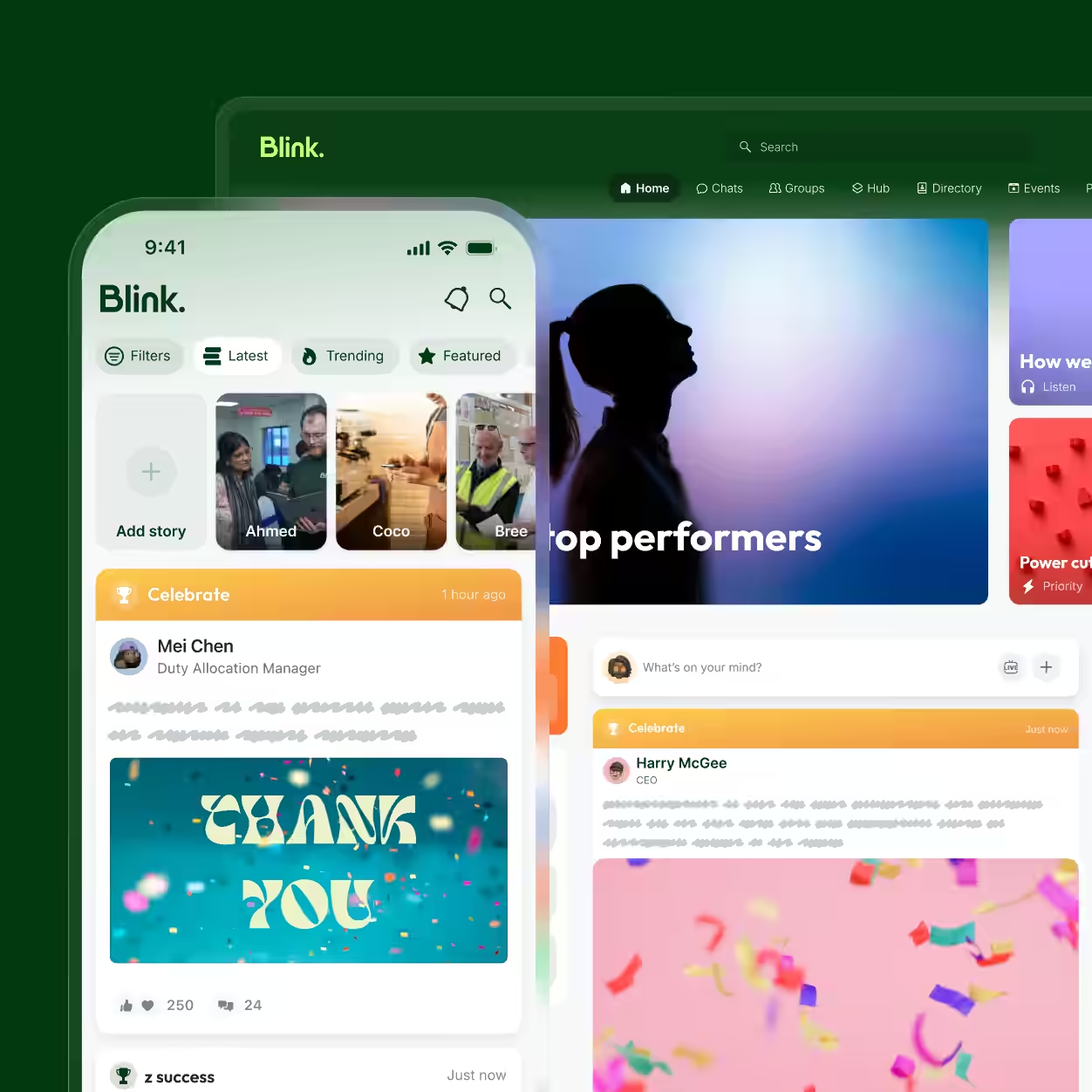
User interface of Blink app showing a social feed with story thumbnails of Ahmed, Coco, and Bree, a highlighted Celebrate post by Mei Chen with a 'Thank You' image and engagement icons, and part of the web version in the background featuring a silhouette and other posts including one by Harry McGee.

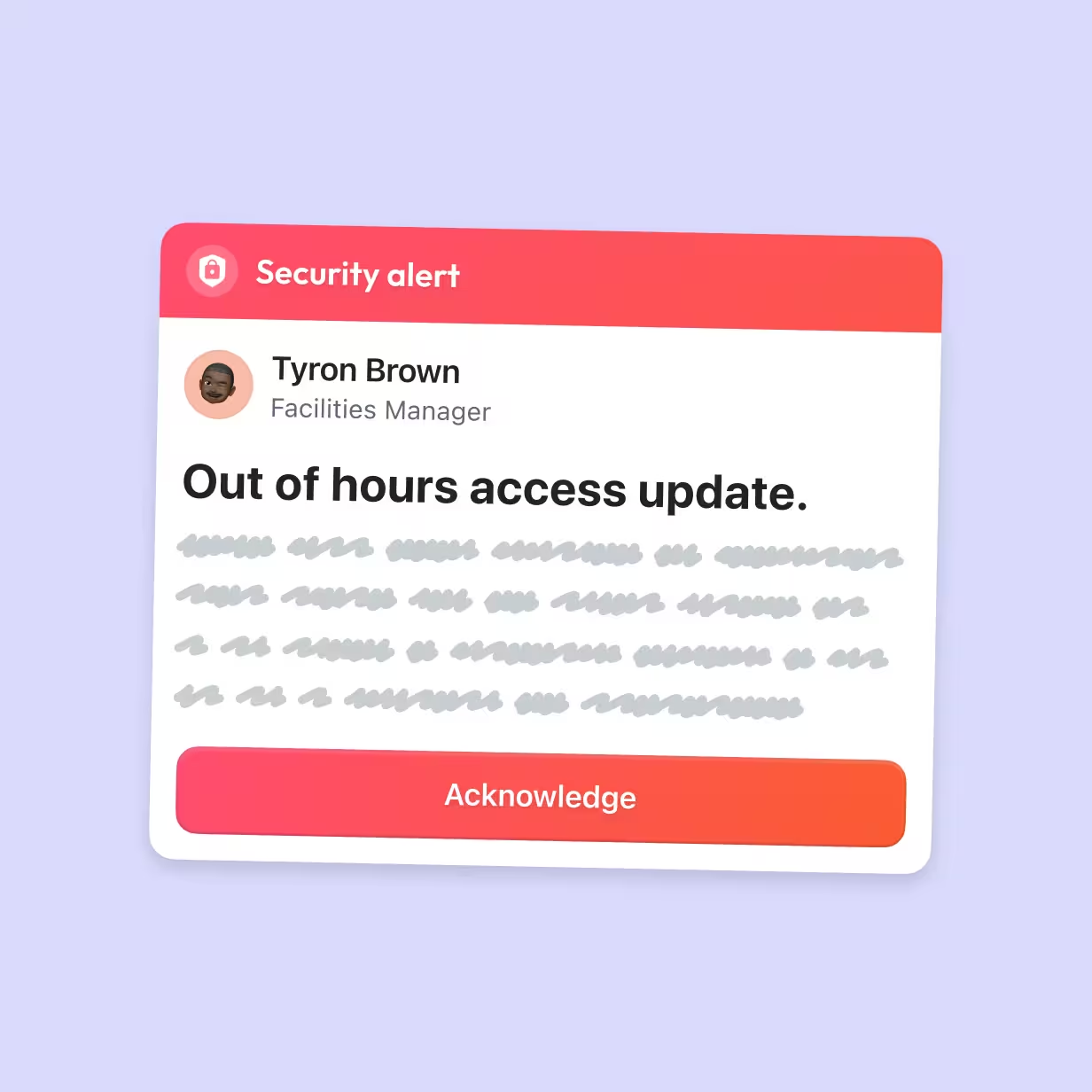
Security alert notification with red header, showing a message from Tyron Brown, Facilities Manager, titled 'Out of hours access update,' with placeholder text and a red 'Acknowledge' button below.

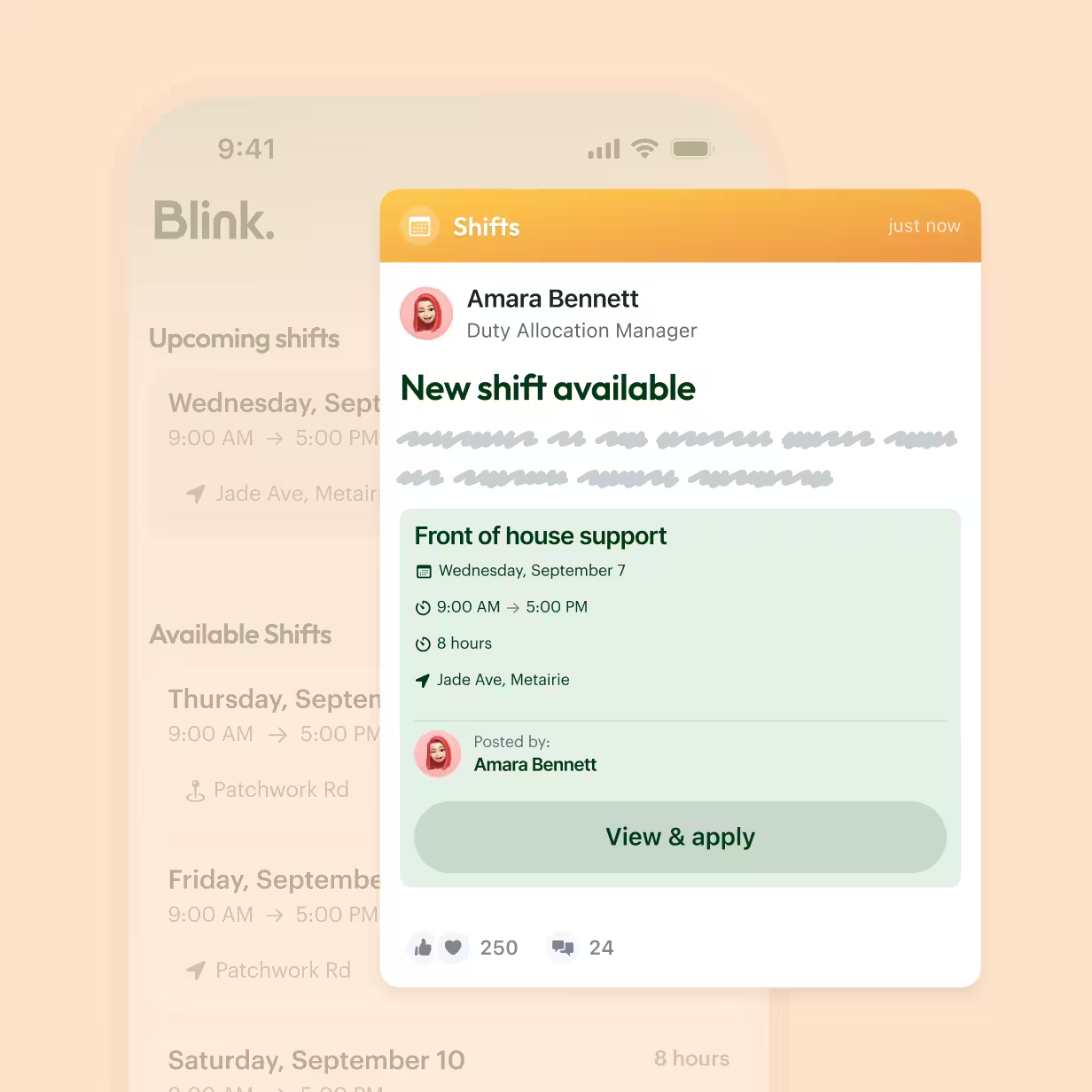
Mobile app notification from Amara Bennett, Duty Allocation Manager, announces a new shift available for front of house support on Wednesday, September 7, from 9:00 AM to 5:00 PM at Jade Ave, Metairie. The shift is 8 hours long. There is a button to view and apply. The post shows 250 likes and 24 comments.

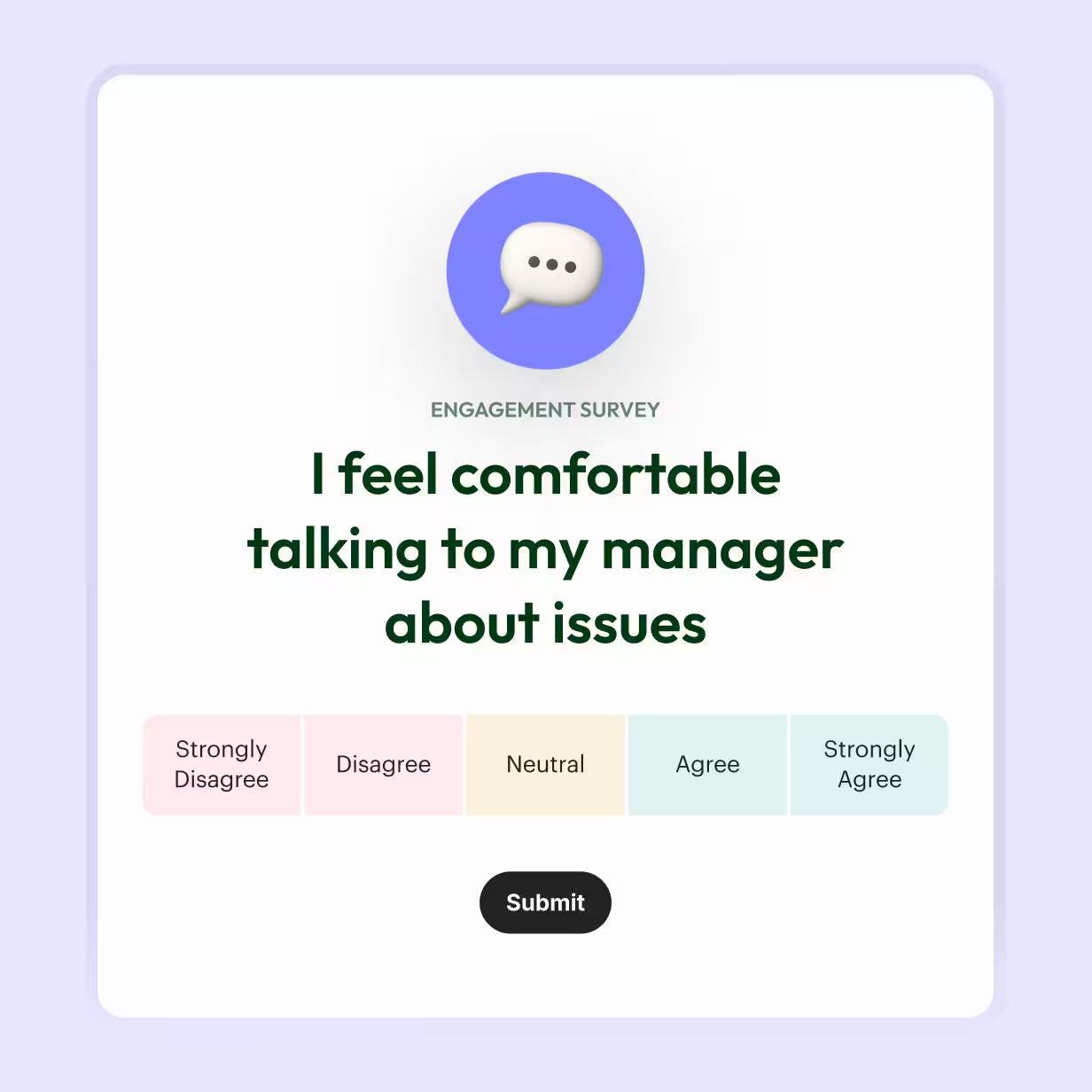
Engagement survey question with a speech bubble icon above, asking if the respondent feels comfortable talking to their manager about issues, with answer options: Strongly Disagree, Disagree, Neutral, Agree, Strongly Agree, and a black Submit button below.

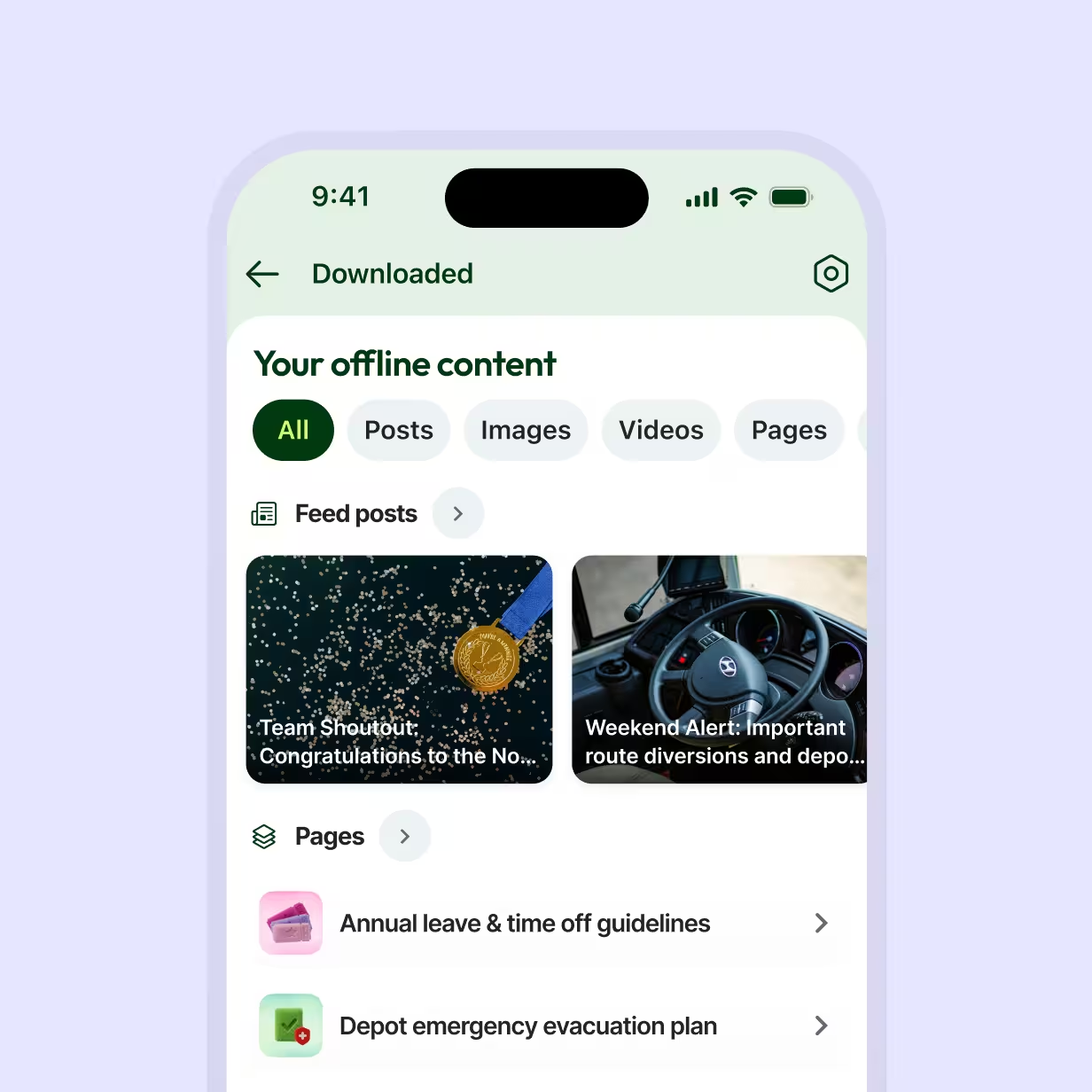
Mobile app screen showing a 'Downloaded' section with offline content tabs: All, Posts, Images, Videos, Pages. Two feed posts visible: one with a gold medal on a dark background titled 'Team Shoutout: Congratulations to the No...', and another showing a steering wheel titled 'Weekend Alert: Important route diversions and depo...'. Below, in Pages section, two items listed: 'Annual leave & time off guidelines' with a pink ticket icon, and 'Depot emergency evacuation plan' with a green checklist icon.

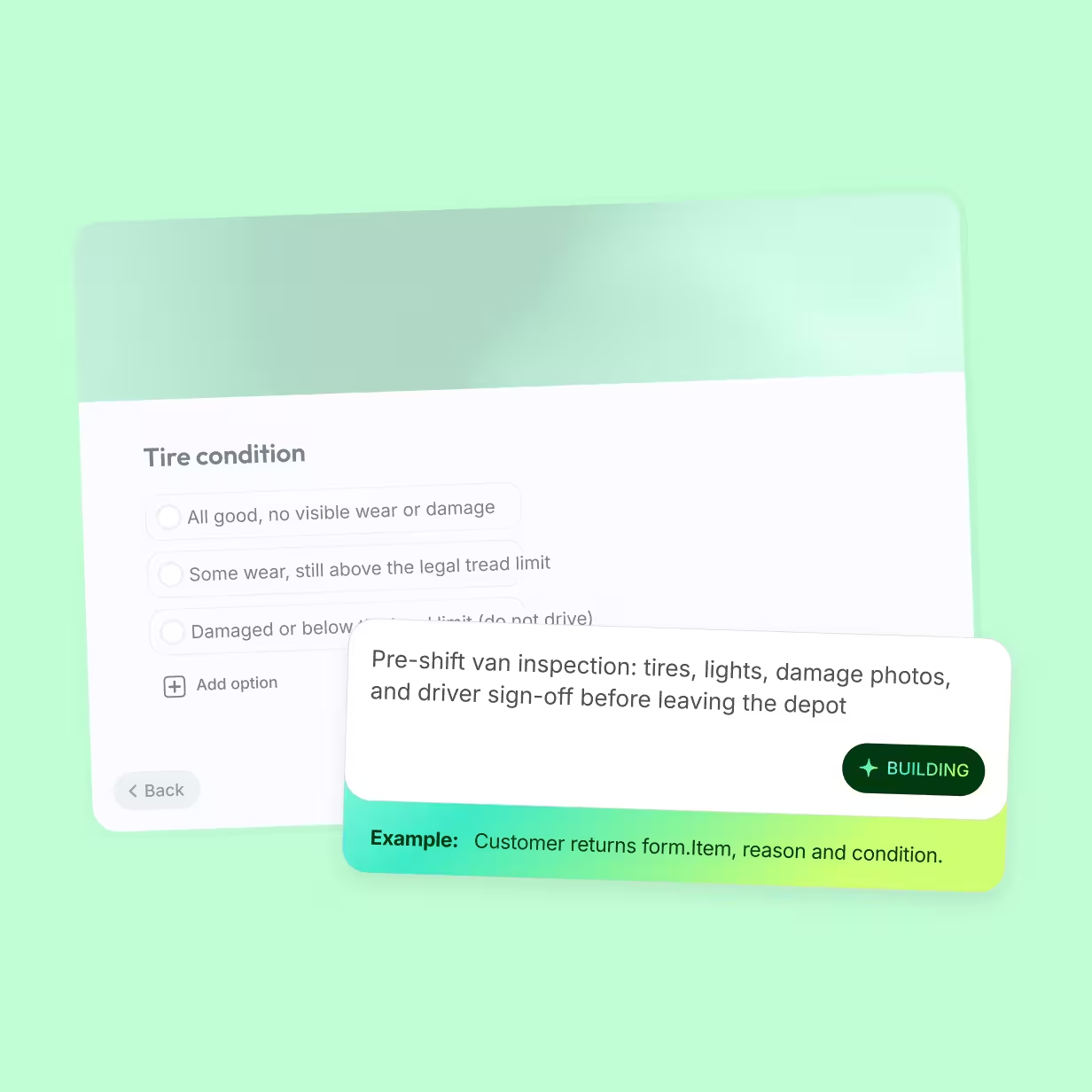
A form titled 'Tire condition' with three radio button options: 'All good, no visible wear', 'Some wear, still above the', and 'Damaged or below the leg'. Below the options is an 'Add option' button. A tooltip box overlays to the right with the text: 'Pre-shift van inspection: tires, lights, damage photos, and driver sign-off before leaving the depot'. Beneath that, an example text says: 'Example: Customer returns form item, reason and condition.' A green tag labeled 'BUILDING' is shown inside the tooltip. Navigation buttons labeled 'Back' on the left and 'Skip' on the right are visible at the bottom.

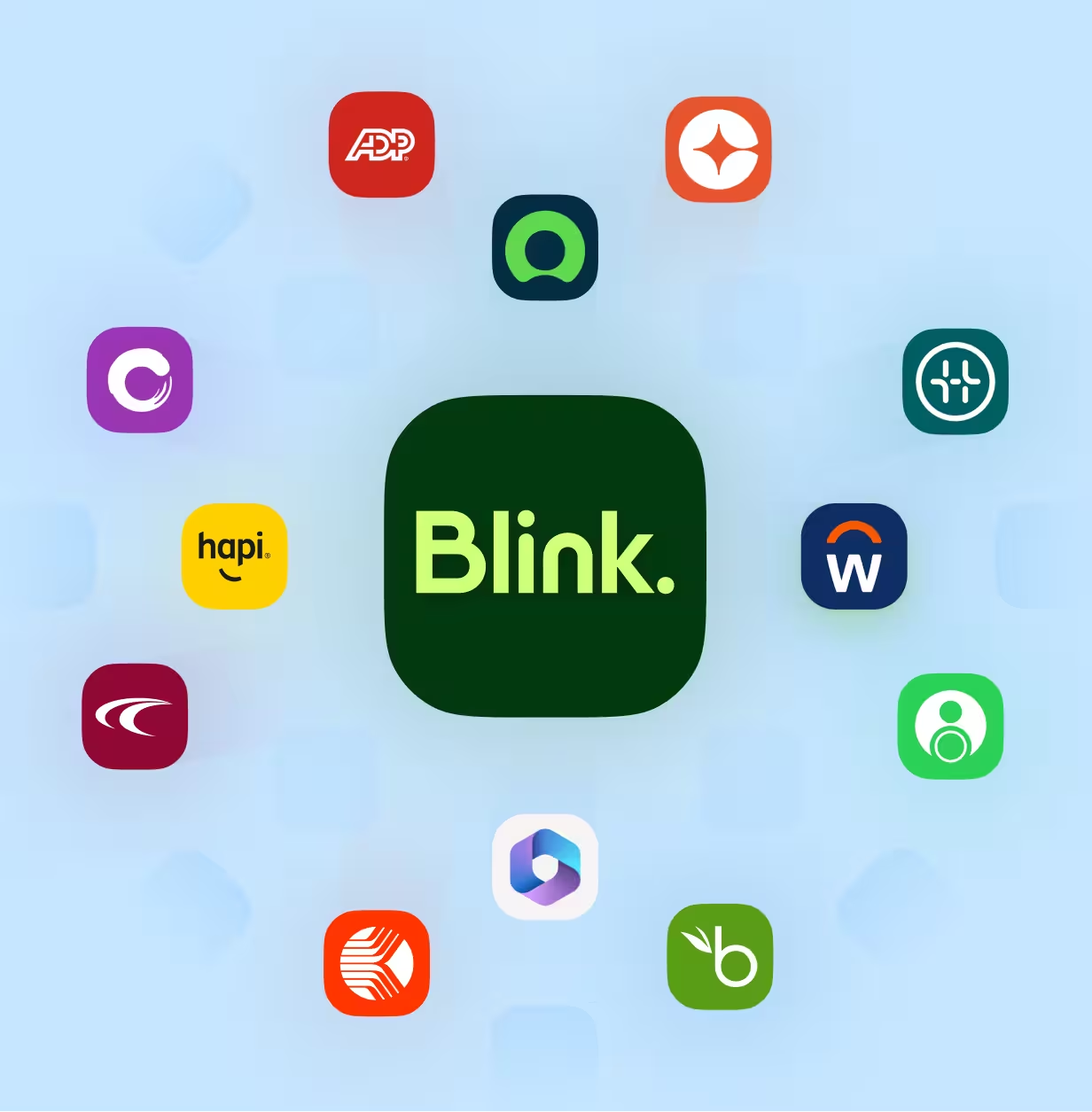
Central Blink logo surrounded by various app icons including ADP, Hapi, and Workday on a soft green background, indicating integrations.

A frontline workforce app for every industry
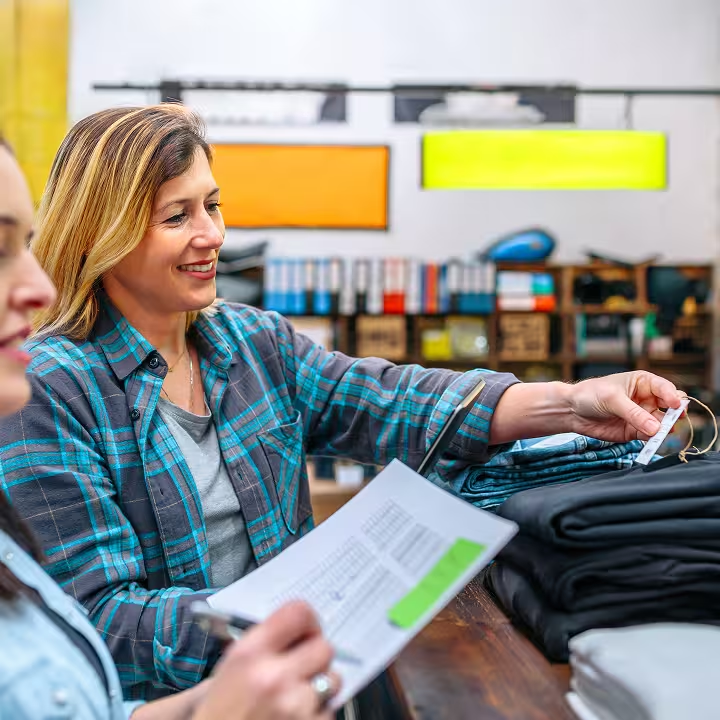
Two women in a retail store; one woman in a plaid shirt is smiling and holding a clothing tag on a stack of folded clothes while the other woman holds a pen and a clipboard with a chart or inventory list.

Close-up of a metal reception sign on a wooden desk with a silver service bell in the background, suggesting a hotel or hospitality setting.

Close-up of a healthcare professional in green scrubs with a stethoscope around their neck and arms crossed, wearing a black wristwatch.

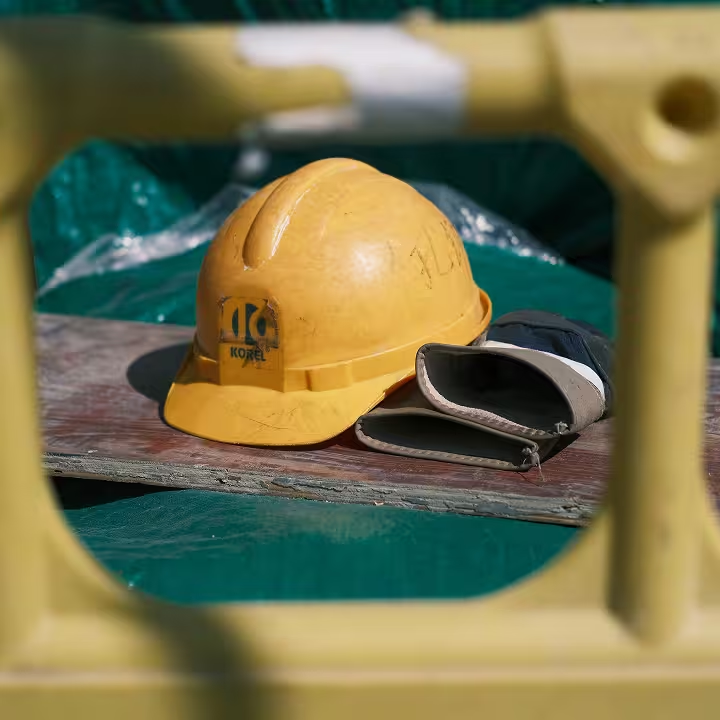
Yellow construction hard hat and folded work gloves resting on a wooden surface with a green tarp background, framed by a yellow safety barrier.

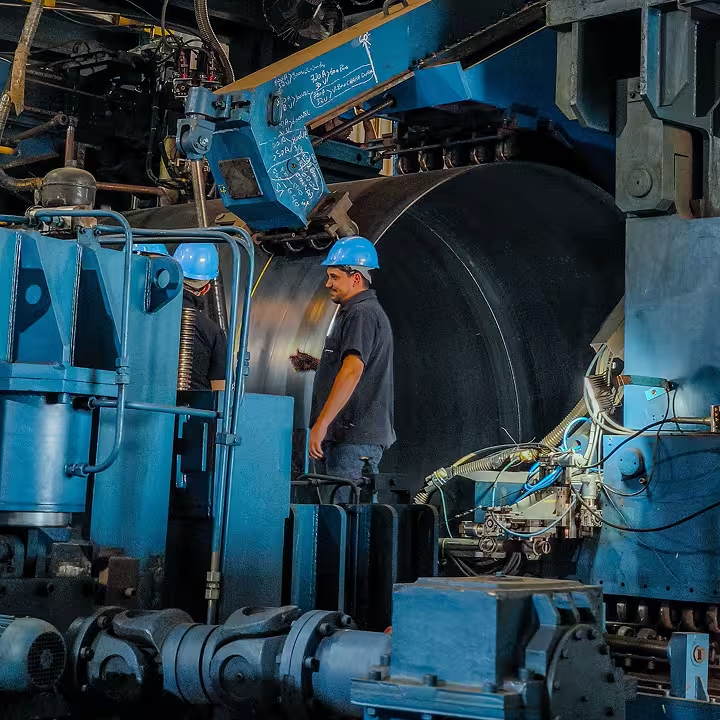
Two factory workers wearing blue helmets operate large industrial machinery in a manufacturing setting with blue metal components and mechanical parts.

Go deeper on the frontline workforce

No items found.
No items found.
No items found.
No items found.
Sort

Frequently asked questions

What is a frontline worker?

A frontline worker is an employee who works directly with customers, patients, products, or equipment instead of at a desk, such as a store associate, nurse, or site operative. Most work in shifts, and many have no company email.

What’s the best app for frontline workers?

The best app for frontline workers runs on their own phone, works without a company email, and brings communication, documents, forms, and workplace tools into one place. It should also work offline and show managers who has read critical updates.

What’s the difference between frontline and deskless workers?

Frontline workers are defined by their role, serving customers or keeping operations running, while deskless workers are defined by where they work. Most frontline workers are deskless, but not all. A call center agent is frontline at a desk, and a regional manager visiting stores is deskless without being frontline.

How do you manage a frontline workforce?

Managing a frontline workforce starts with giving every employee a reliable way to get updates, ask questions, and share feedback on shift. Clear shift communication, regular recognition, and simple mobile tools help managers lead teams they rarely see.

What is frontline employee communication?

Frontline employee communication is how a business shares information with, and hears from, employees who work away from a desk. Because most frontline staff have no company inbox, it relies on mobile channels that reach their own phones.

How do you keep a distributed or shift-based workforce connected?

Keep a shift-based workforce connected with one app for news, chat, and recognition that works on personal phones. Saved posts and recordings help people on other shifts catch up, and team chats connect people who never share a room.