No items found.
10 mins

Quarterly Unlock: a smarter Hub, frontline-first communication, and a more configurable Blink

Scheduled publishing, voice and video calling, live streaming from mobile, and more configurable feeds — see what's new in our May 2026 release.

Aislinn Logan
Published:
May 27, 2026
Last updated:
May 27, 2026
What we'll cover

Missed our last Quarterly Unlock release? Catch up on the details here!

Welcome to the May 2026 edition of the Quarterly Unlock — your inside look at what’s new in Blink and how it helps teams communicate more clearly, connect more easily, and get more done.

This release is built around a simple idea:

As organizations grow, they need more control — over when content goes live, how their teams connect, and how their employee experience looks and feels. Blink should be the platform that makes all of that easier, not harder.

Here’s what’s new.
#1. Hub as the command center

Your Hub is only as useful as the content inside it. This quarter, we’re giving teams more control over how that content is created, scheduled, and surfaced.

Scheduled publishing

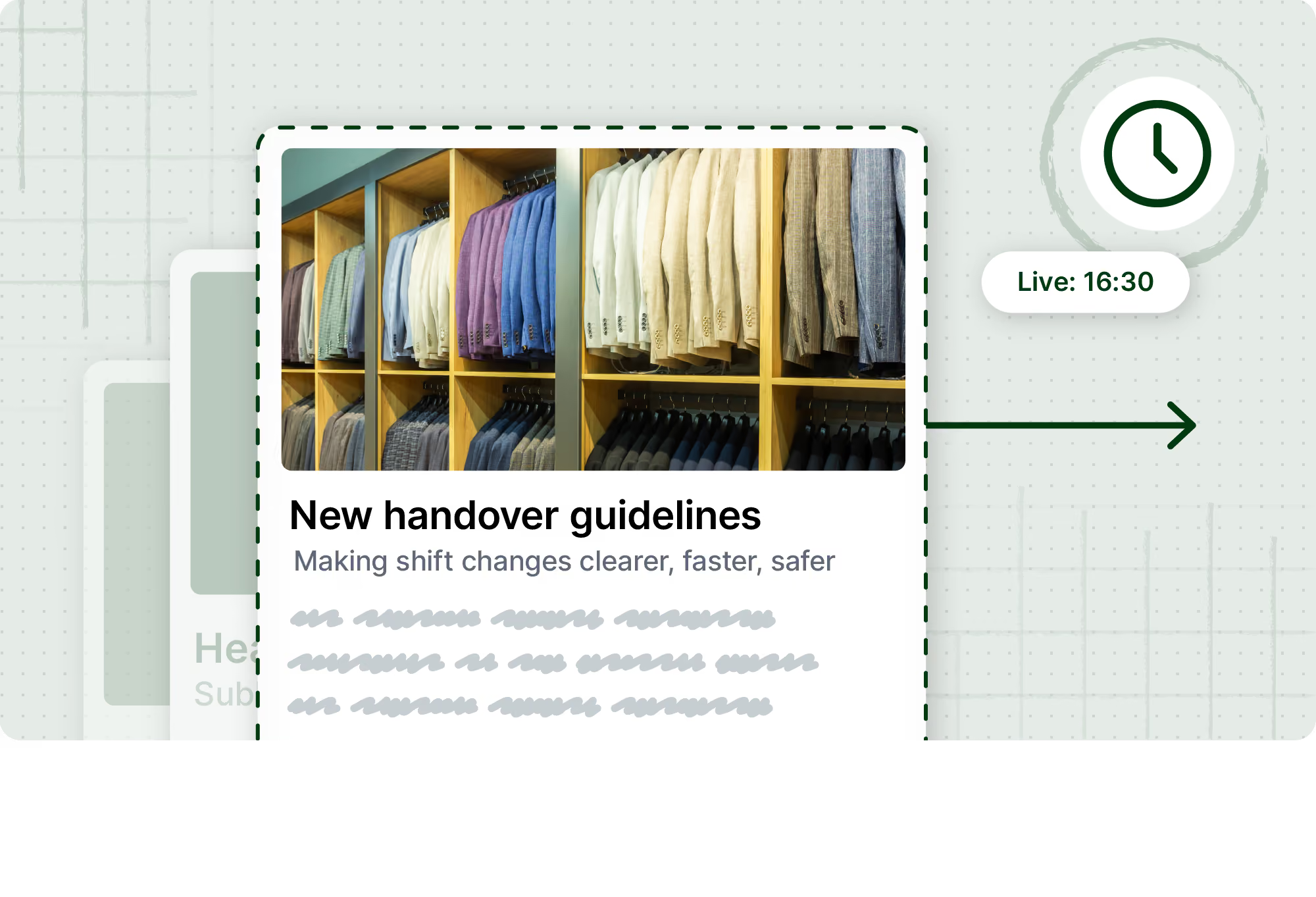
Timing is everything in internal comms. With scheduled publishing, teams can now set exactly when Hub content goes live — and when it expires.

  • Plan campaigns and seasonal updates in advance
  • Publish and archive content automatically
  • Remove the need for manual intervention on time-sensitive updates
  • Keep your Hub current without extra admin overhead

Whether it’s a benefits enrollment reminder, a policy update, or a seasonal campaign, scheduled publishing means the right content is always live at the right time.
Draft pages

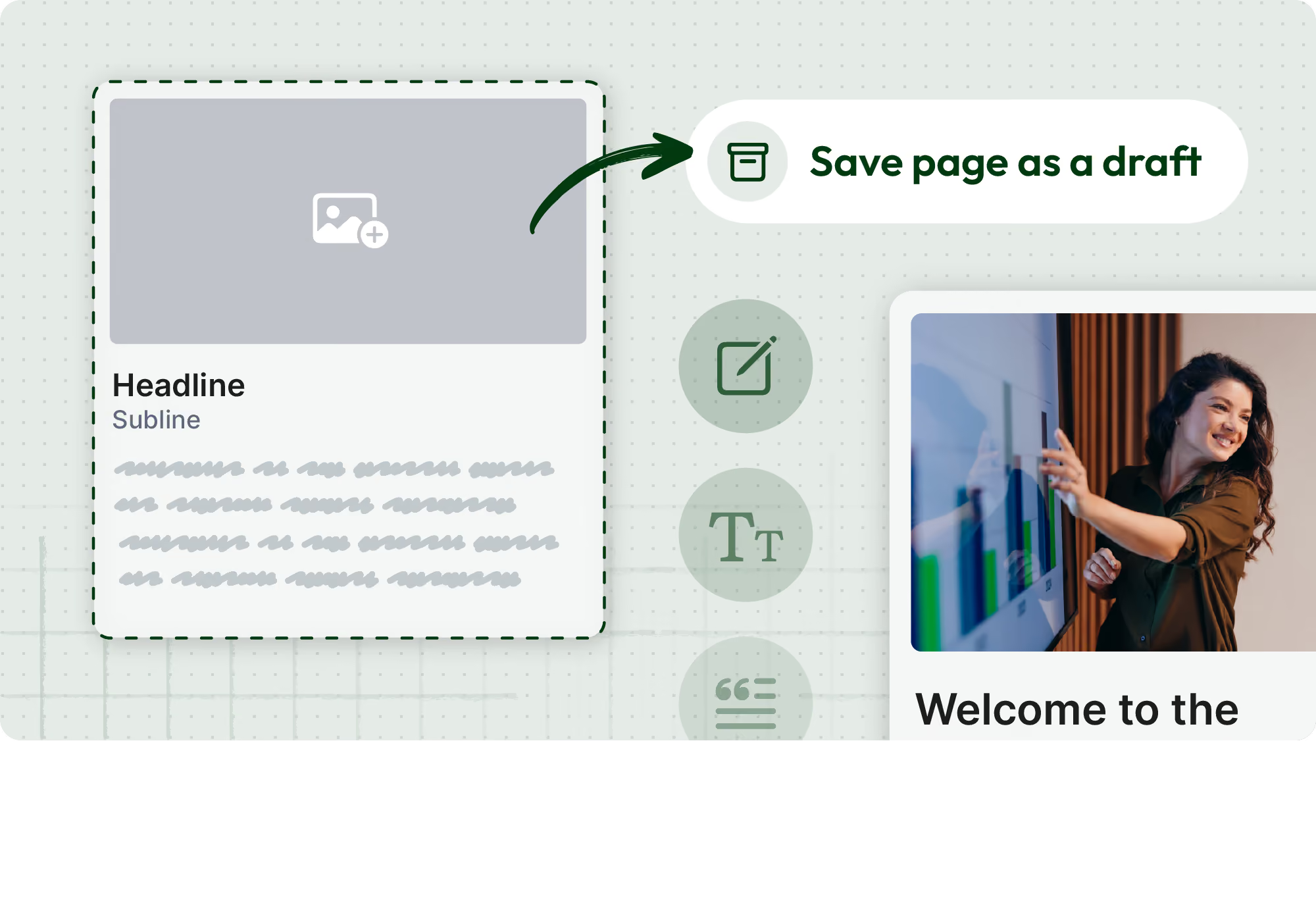
Teams can now prepare Hub content in draft before it’s ready to publish — building in a review step without rushing to get things live. Multi-editor support is coming soon, making it possible for teams to collaborate on pages in real time.
Featured content and Hub content carousel

New features including collapsible sections, featured content, and a Hub content carousel in the Feed give admins more flexibility to organize and showcase content — making it easier for employees to find what matters and harder for important updates to get lost.

#2. Frontline-first communication

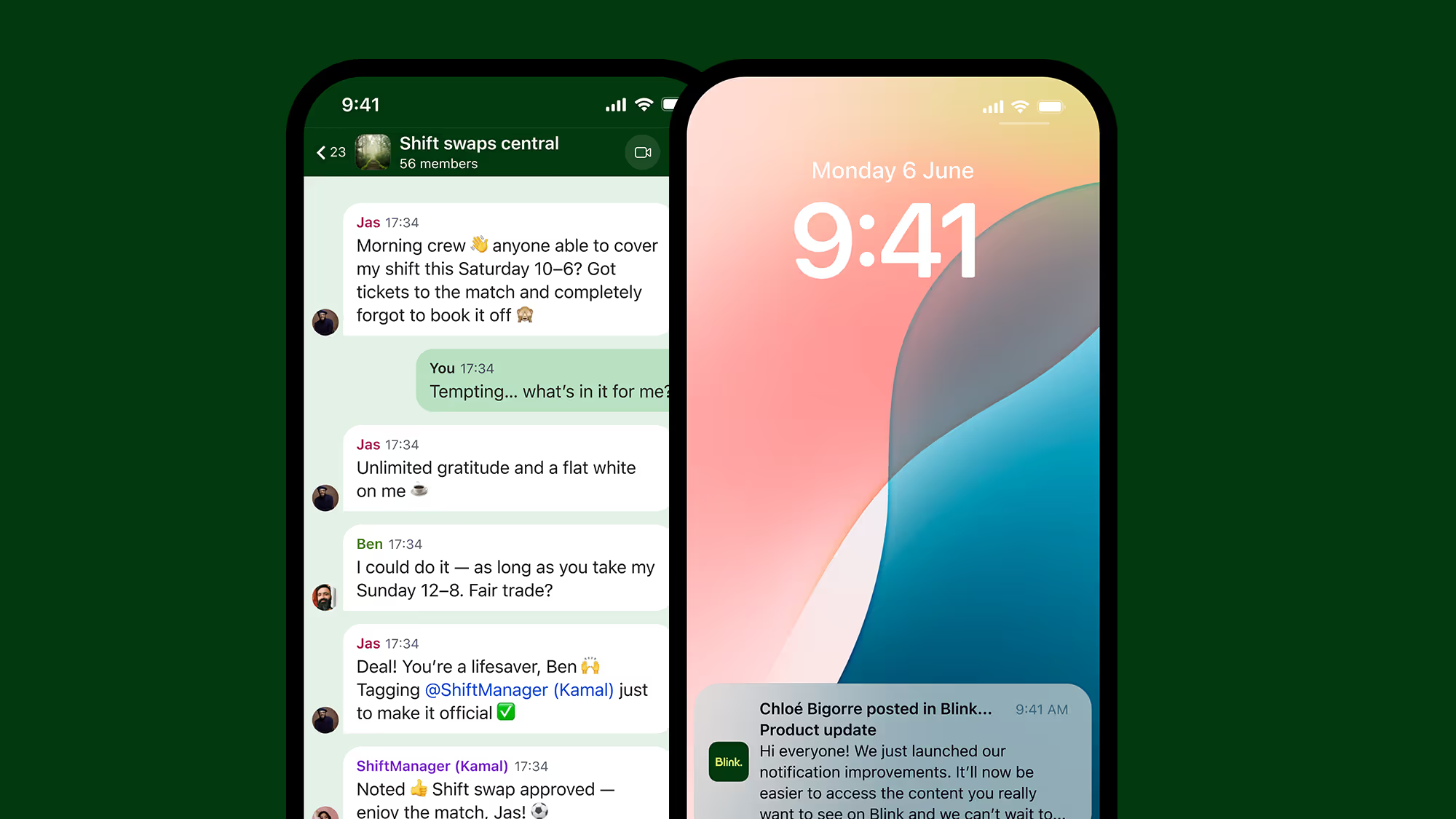
Frontline teams can’t always stop what they’re doing to type a message. This quarter, we're making it faster and easier to connect — in the moment, wherever work happens.

Voice and video calling

Blink now fully supports native voice and video calling across mobile and web. Teams can move from message to conversation without switching apps or using shadow IT like Whatsapp to connect. 

  • One-to-one and group calls, all within Blink
  • No need for third-party tools
  • Works on mobile and web
  • Protects employee privacy by keeping calls inside the platform

For frontline workers who rely on their phones to stay connected, this is a direct line — without the personal number.

Mobile live streaming

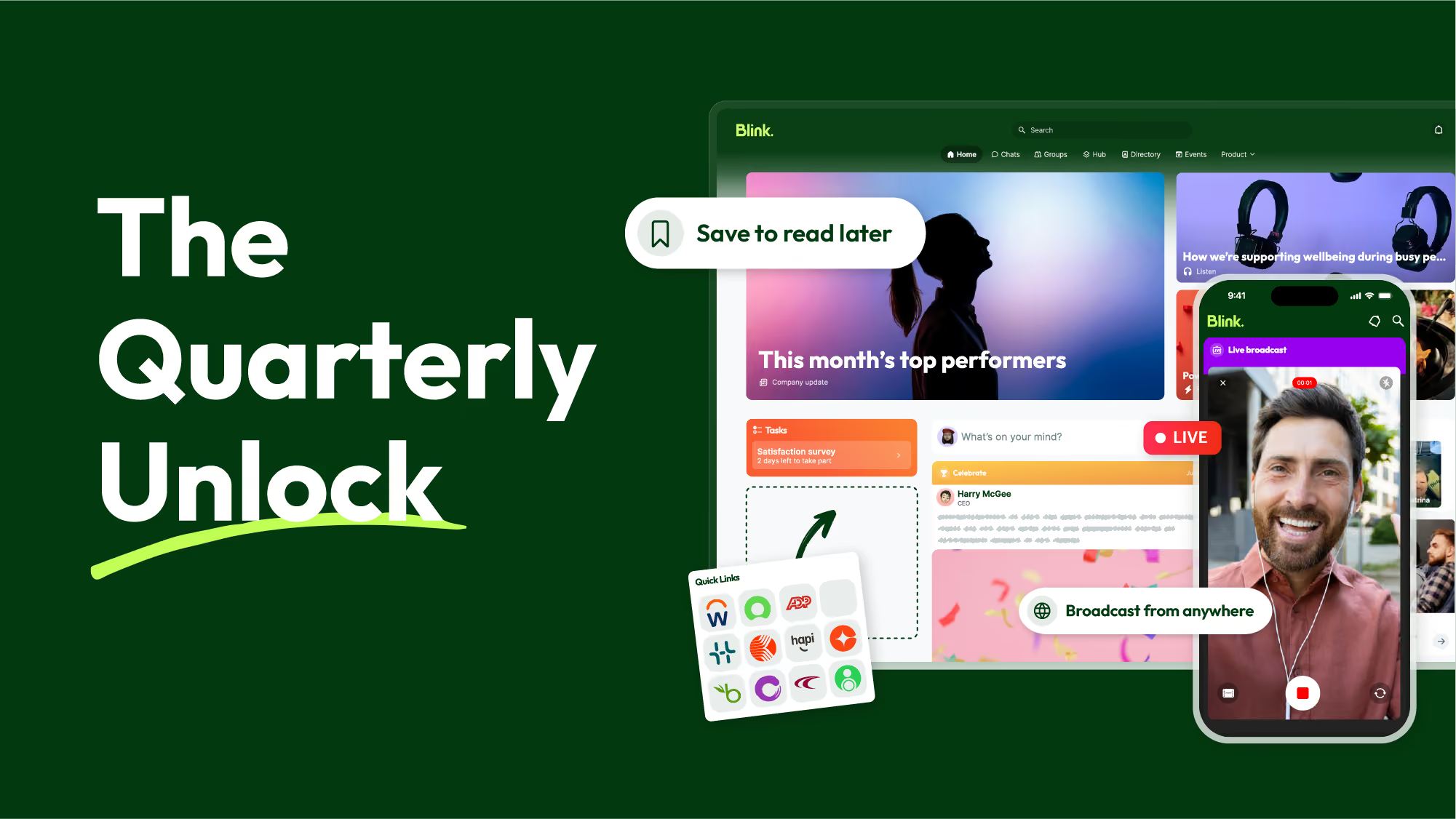
Leaders and frontline managers can now start and run live streams directly from their phone. No studio. No production team. Just a fast, native way to reach distributed teams in the moment.

  • Stream from anywhere, on any device
  • Bring announcements, updates, and leadership moments closer to where work happens
  • Keep frontline teams informed in real time

SAP SuccessFactors notifications

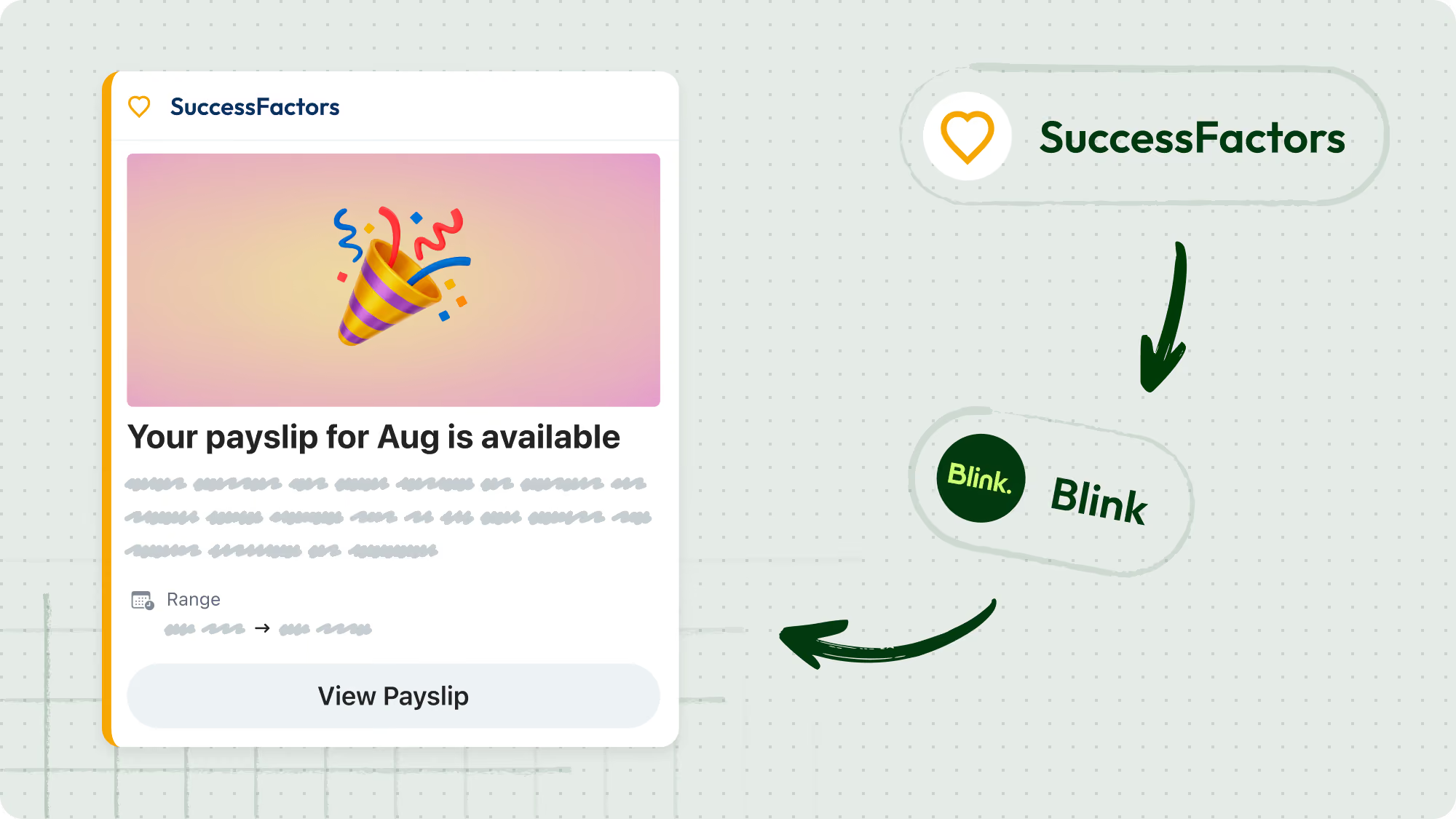
SAP SuccessFactors notifications are now deep-linked, taking employees directly from a notification to the task that needs their attention — no extra navigation required. This brings enterprise investments to the frontline with simple, mobile-first access so they can take action without relying on their manager every time.

#3. A more configurable Blink

Every organization is different. This quarter, we’re giving customers more control over how Blink looks, works, and fits into employees' daily workflows.

Feed and Hub widgets

New and enhanced widgets — including a Feed carousel, Hub carousel, and featured Hub content — give customers more control over the Blink experience. Whether you want to surface key content, spotlight important updates, or create a more polished home screen, the tools are there.
Featured post improvements

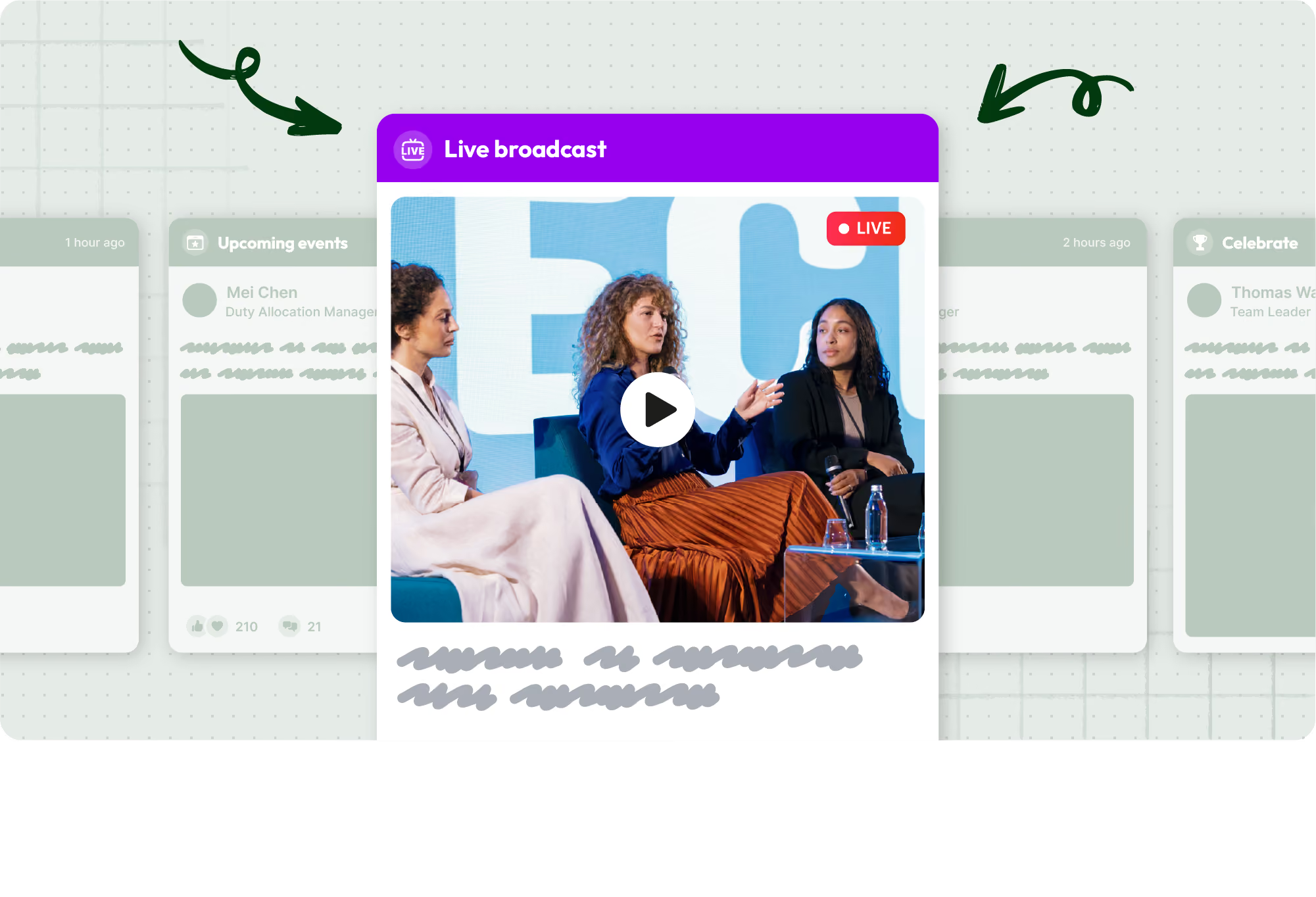
Featured posts now support carousel options, improved image handling, livestream and VOD content, and better treatment for text-only posts. The result is a more flexible, more engaging way to put critical content front and center.
Save Feed posts for later

Employees can now save Feed posts to come back to when they have time — no screenshots, no endless scrolling. Saved posts are easy to find, easy to act on, and help reinforce Blink as the single destination for everything work-related.

Custom taglines

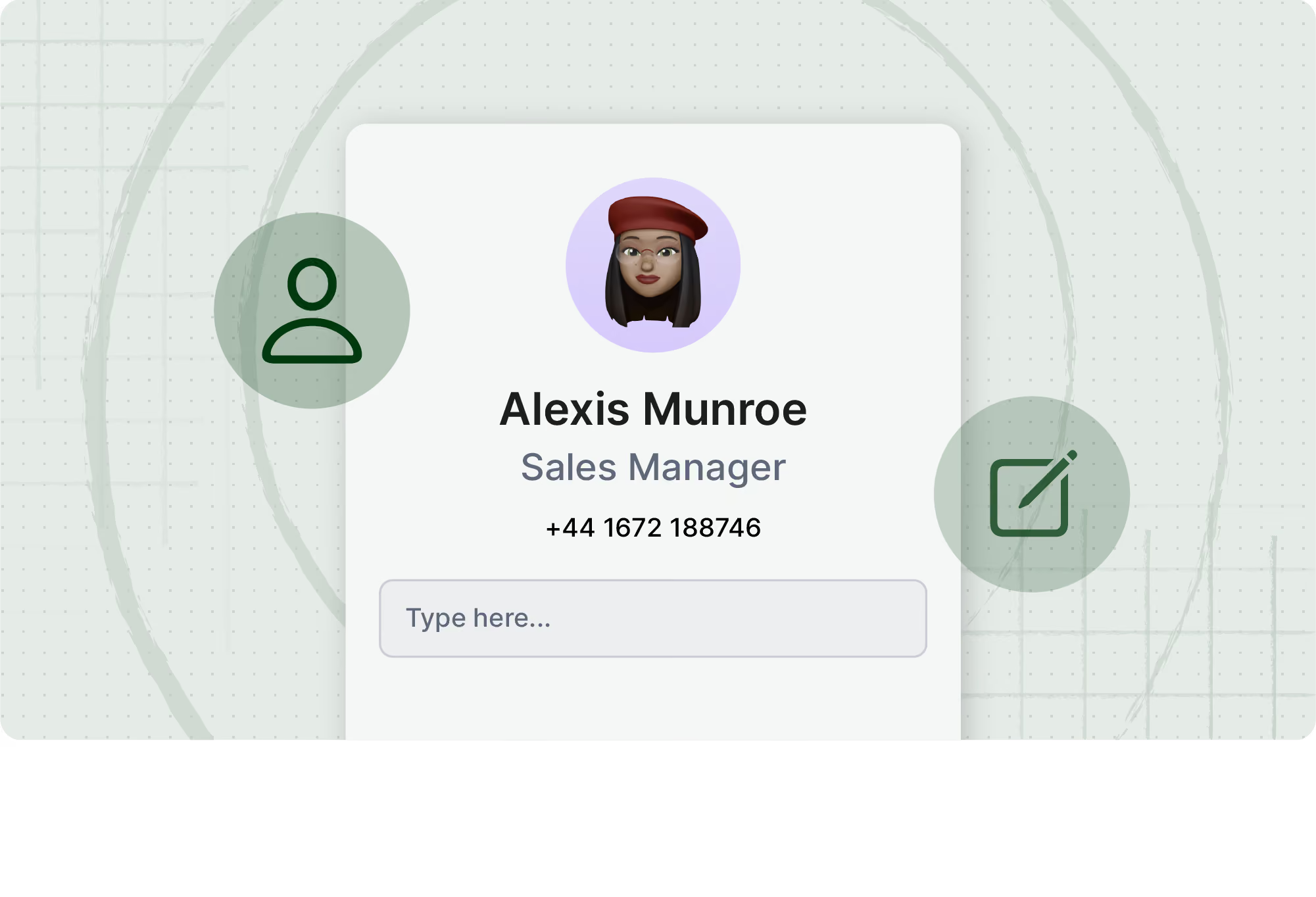
Organizations can now add a custom tagline to employee mini profiles — a simple but meaningful way to personalize the experience and reflect how your organization works. More details coming soon.
Account claim process

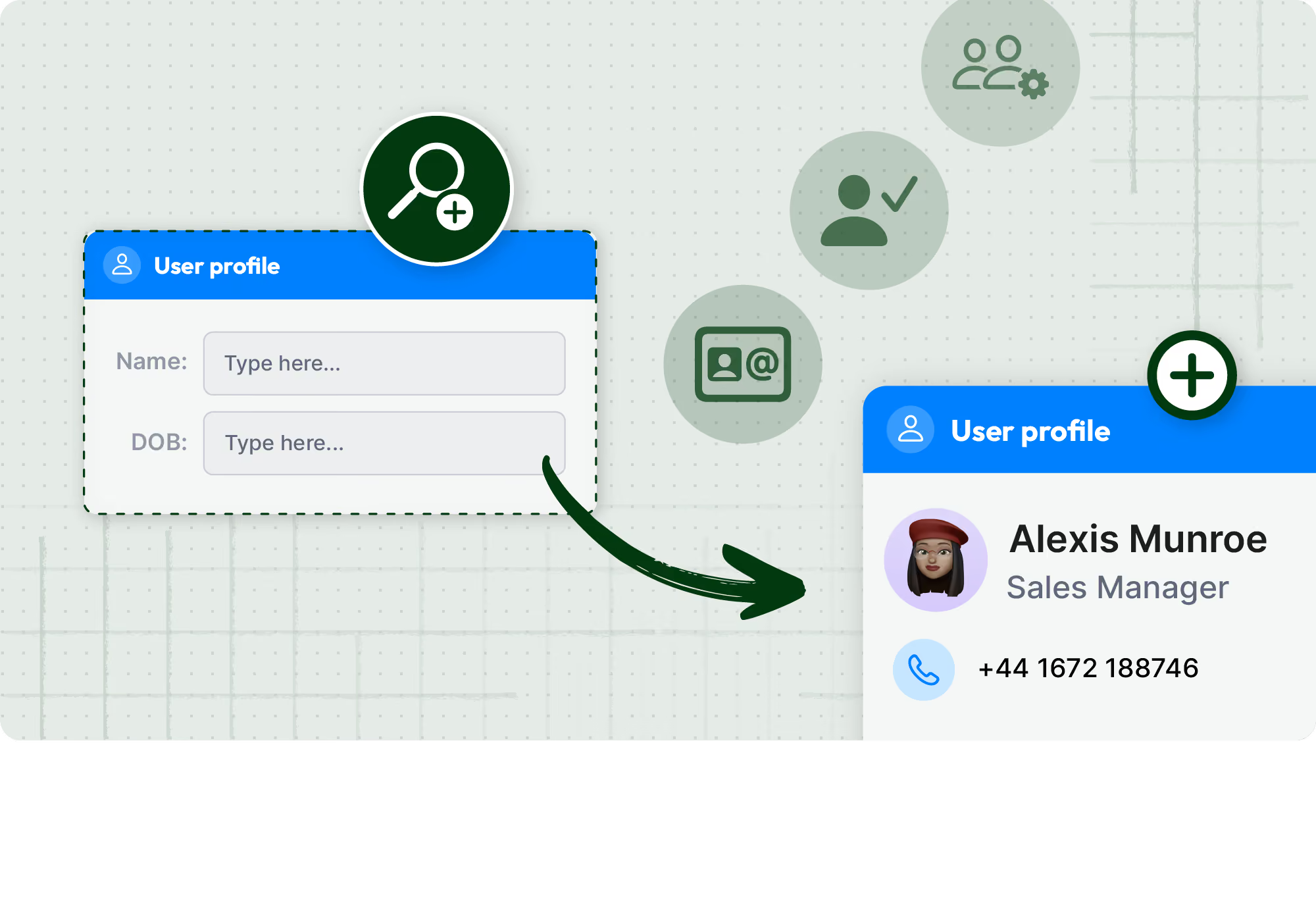
Getting every employee into Blink just got easier. The new account claim process lets employees verify their identity and claim their Blink account using a few pieces of information — no email address or existing contact details required. It’s designed for hard-to-reach workers who’ve historically been difficult to onboard, and gives organizations a more flexible, more inclusive path to full activation. More details coming soon.
New post settings

Making sure the right message lands in the right way just got simpler. The new Importance picker replaces a confusing mix of Priority, Pin, Feature, and Important toggles with one clear choice when creating a post — so the most-prominent placement in the Feed always matches the most-urgent intent. Admins spend less time second-guessing which setting does what, and employees see a Feed where the prominent posts are genuinely the urgent ones. More details coming soon.

What this Unlock means for your team

For employees

  • More relevant, timely content in the Hub
  • A faster, easier way to connect with colleagues
  • More control over how they engage with the Feed

For leaders and comms teams

  • Scheduled publishing takes the pressure off manual timing
  • Live streaming puts leadership communication in everyone's pocket
  • Featured content tools that actually do the work

For IT and operations

  • Deeper SAP SuccessFactors integration
  • A more configurable platform that fits how your organization works
  • Native calling that keeps employee data private

If you're a customer, reach out to your customer success manager to discuss participation and enablement options.

If you're exploring Blink, book a demo to see how the May 2026 Unlock brings communication, connection, and action into one place.

{{quarterly-unlock-may-2025="/callouts"}}

Frequently asked questions

What’s new in Blink’s May 2026 release?

The May 2026 Quarterly Unlock introduces three major upgrades to the Blink platform:

  • Hub as the command center: Scheduled publishing, draft pages, collapsible sections, featured content, and a Hub content carousel
  • Frontline-first communication: Native voice and video calling, mobile live streaming, and improved SAP SuccessFactors notifications
  • A more configurable Blink: New Feed and Hub widgets, featured posts improvements, save for later, custom taglines, and a new account claim process

Together, these updates give organizations more control, more flexibility, and better tools to reach every employee — wherever they are.

What is scheduled publishing in Blink Hub?

Scheduled publishing lets admins set a go-live date and expiry date for Hub content. Teams can plan content in advance, automate time-sensitive updates, and keep the Hub accurate without manual monitoring. It's particularly useful for seasonal campaigns, policy changes, and compliance communications.

What are the new voice and video calling features?

Blink now supports native one-to-one and group voice and video calls across mobile and web. Employees can move from a chat to a call without leaving the app or sharing personal contact details. This is especially valuable for frontline teams who need a fast, private way to connect in the moment.

What is mobile live streaming?

Mobile live streaming lets leaders and managers broadcast live directly from their phone inside Blink. It's designed for distributed and frontline teams — making it easy to share announcements, host Q&As, or run real-time updates without expensive equipment or a dedicated production setup.

How does the save for later feature work?

Employees can save any Feed post with a single tap and access saved posts from a dedicated section in Blink. It removes the need for workarounds like screenshots or manually searching back through the Feed — making it easier to act on important updates when the time is right.

Missed our last Quarterly Unlock release? Catch up on the details here!

Welcome to the May 2026 edition of the Quarterly Unlock — your inside look at what’s new in Blink and how it helps teams communicate more clearly, connect more easily, and get more done.

This release is built around a simple idea:

As organizations grow, they need more control — over when content goes live, how their teams connect, and how their employee experience looks and feels. Blink should be the platform that makes all of that easier, not harder.

Here’s what’s new.

#1. Hub as the command center

Your Hub is only as useful as the content inside it. This quarter, we’re giving teams more control over how that content is created, scheduled, and surfaced.

Scheduled publishing

Timing is everything in internal comms. With scheduled publishing, teams can now set exactly when Hub content goes live — and when it expires.

  • Plan campaigns and seasonal updates in advance
  • Publish and archive content automatically
  • Remove the need for manual intervention on time-sensitive updates
  • Keep your Hub current without extra admin overhead

Whether it’s a benefits enrollment reminder, a policy update, or a seasonal campaign, scheduled publishing means the right content is always live at the right time.

Draft pages

Teams can now prepare Hub content in draft before it’s ready to publish — building in a review step without rushing to get things live. Multi-editor support is coming soon, making it possible for teams to collaborate on pages in real time.

Featured content and Hub content carousel

New features including collapsible sections, featured content, and a Hub content carousel in the Feed give admins more flexibility to organize and showcase content — making it easier for employees to find what matters and harder for important updates to get lost.

#2. Frontline-first communication

Frontline teams can’t always stop what they’re doing to type a message. This quarter, we're making it faster and easier to connect — in the moment, wherever work happens.

Voice and video calling

Blink now fully supports native voice and video calling across mobile and web. Teams can move from message to conversation without switching apps or using shadow IT like Whatsapp to connect. 

  • One-to-one and group calls, all within Blink
  • No need for third-party tools
  • Works on mobile and web
  • Protects employee privacy by keeping calls inside the platform

For frontline workers who rely on their phones to stay connected, this is a direct line — without the personal number.

Mobile live streaming

Leaders and frontline managers can now start and run live streams directly from their phone. No studio. No production team. Just a fast, native way to reach distributed teams in the moment.

  • Stream from anywhere, on any device
  • Bring announcements, updates, and leadership moments closer to where work happens
  • Keep frontline teams informed in real time

SAP SuccessFactors notifications

SAP SuccessFactors notifications are now deep-linked, taking employees directly from a notification to the task that needs their attention — no extra navigation required. This brings enterprise investments to the frontline with simple, mobile-first access so they can take action without relying on their manager every time.

#3. A more configurable Blink

Every organization is different. This quarter, we’re giving customers more control over how Blink looks, works, and fits into employees' daily workflows.

Feed and Hub widgets

New and enhanced widgets — including a Feed carousel, Hub carousel, and featured Hub content — give customers more control over the Blink experience. Whether you want to surface key content, spotlight important updates, or create a more polished home screen, the tools are there.

Featured post improvements

Featured posts now support carousel options, improved image handling, livestream and VOD content, and better treatment for text-only posts. The result is a more flexible, more engaging way to put critical content front and center.

Save Feed posts for later

Employees can now save Feed posts to come back to when they have time — no screenshots, no endless scrolling. Saved posts are easy to find, easy to act on, and help reinforce Blink as the single destination for everything work-related.

Custom taglines

Organizations can now add a custom tagline to employee mini profiles — a simple but meaningful way to personalize the experience and reflect how your organization works. More details coming soon.

Account claim process

Getting every employee into Blink just got easier. The new account claim process lets employees verify their identity and claim their Blink account using a few pieces of information — no email address or existing contact details required. It’s designed for hard-to-reach workers who’ve historically been difficult to onboard, and gives organizations a more flexible, more inclusive path to full activation. More details coming soon.

New post settings

Making sure the right message lands in the right way just got simpler. The new Importance picker replaces a confusing mix of Priority, Pin, Feature, and Important toggles with one clear choice when creating a post — so the most-prominent placement in the Feed always matches the most-urgent intent. Admins spend less time second-guessing which setting does what, and employees see a Feed where the prominent posts are genuinely the urgent ones. More details coming soon.

What this Unlock means for your team

For employees

  • More relevant, timely content in the Hub
  • A faster, easier way to connect with colleagues
  • More control over how they engage with the Feed

For leaders and comms teams

  • Scheduled publishing takes the pressure off manual timing
  • Live streaming puts leadership communication in everyone's pocket
  • Featured content tools that actually do the work

For IT and operations

  • Deeper SAP SuccessFactors integration
  • A more configurable platform that fits how your organization works
  • Native calling that keeps employee data private

If you're a customer, reach out to your customer success manager to discuss participation and enablement options.

If you're exploring Blink, book a demo to see how the May 2026 Unlock brings communication, connection, and action into one place.

{{quarterly-unlock-may-2025="/callouts"}}

Frequently asked questions

What’s new in Blink’s May 2026 release?

The May 2026 Quarterly Unlock introduces three major upgrades to the Blink platform:

  • Hub as the command center: Scheduled publishing, draft pages, collapsible sections, featured content, and a Hub content carousel
  • Frontline-first communication: Native voice and video calling, mobile live streaming, and improved SAP SuccessFactors notifications
  • A more configurable Blink: New Feed and Hub widgets, featured posts improvements, save for later, custom taglines, and a new account claim process

Together, these updates give organizations more control, more flexibility, and better tools to reach every employee — wherever they are.

What is scheduled publishing in Blink Hub?

Scheduled publishing lets admins set a go-live date and expiry date for Hub content. Teams can plan content in advance, automate time-sensitive updates, and keep the Hub accurate without manual monitoring. It's particularly useful for seasonal campaigns, policy changes, and compliance communications.

What are the new voice and video calling features?

Blink now supports native one-to-one and group voice and video calls across mobile and web. Employees can move from a chat to a call without leaving the app or sharing personal contact details. This is especially valuable for frontline teams who need a fast, private way to connect in the moment.

What is mobile live streaming?

Mobile live streaming lets leaders and managers broadcast live directly from their phone inside Blink. It's designed for distributed and frontline teams — making it easy to share announcements, host Q&As, or run real-time updates without expensive equipment or a dedicated production setup.

How does the save for later feature work?

Employees can save any Feed post with a single tap and access saved posts from a dedicated section in Blink. It removes the need for workarounds like screenshots or manually searching back through the Feed — making it easier to act on important updates when the time is right.

What we'll cover

Start your free trial today

See how Blink helps frontline teams stay connected, informed, and engaged.

Try Blink
What to read next?
No items found.

Related Blogs