



Blink vs Micorosoft Teams

If your frontline workers don't sit at a desk, don't have a corporate email, and won't spend an hour learning enterprise software, Teams wasn't designed for them. Blink was.

What are you here to fix?
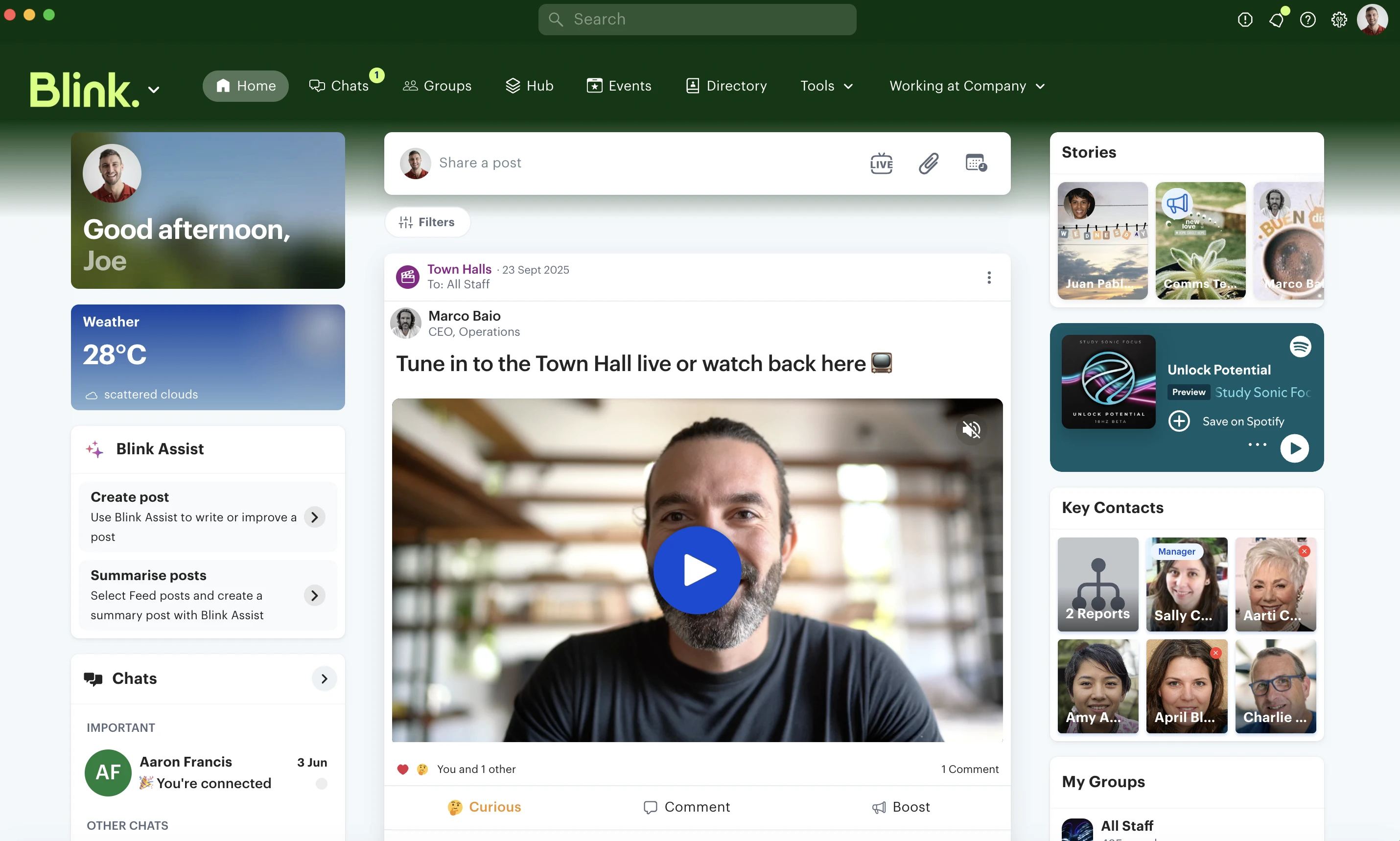
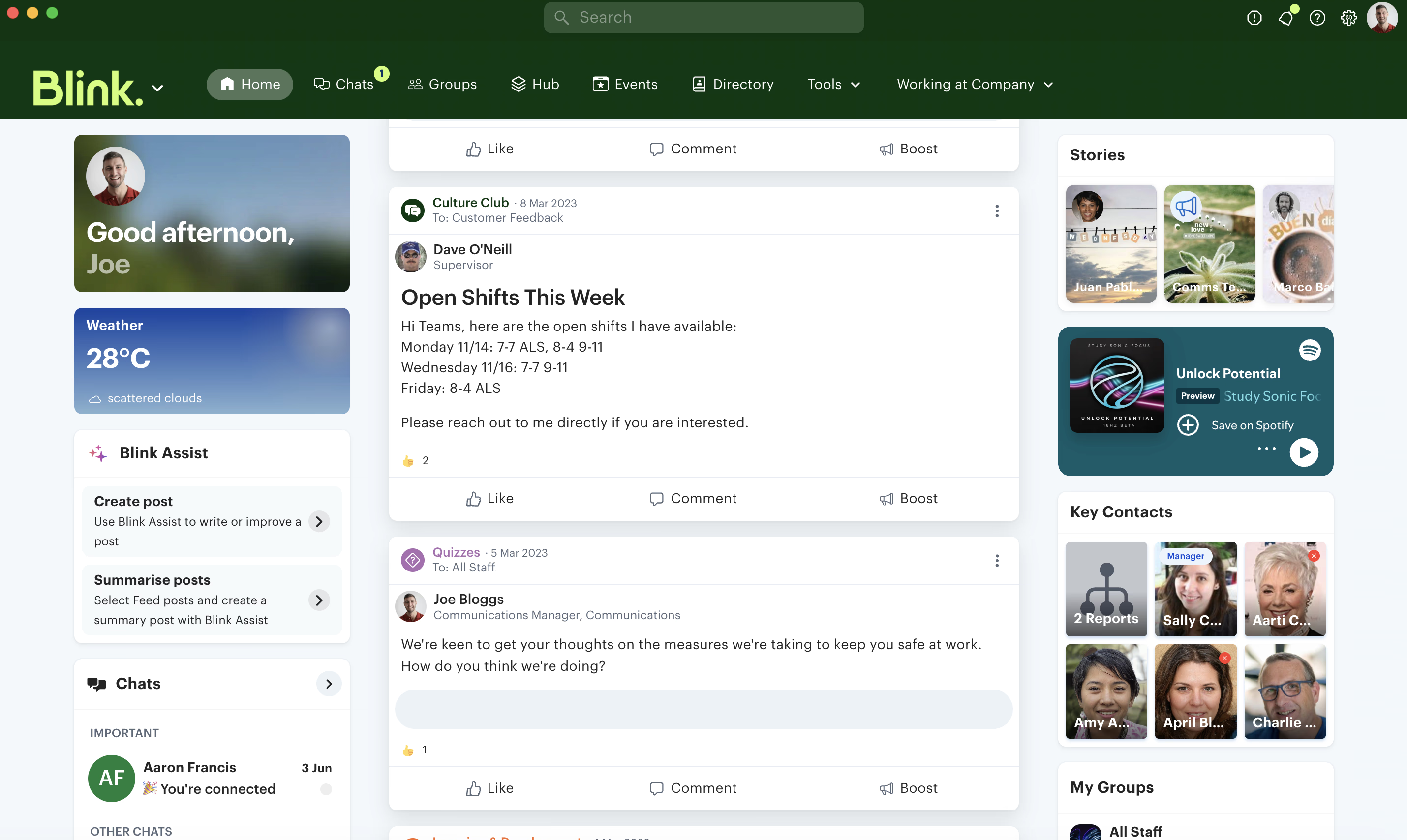
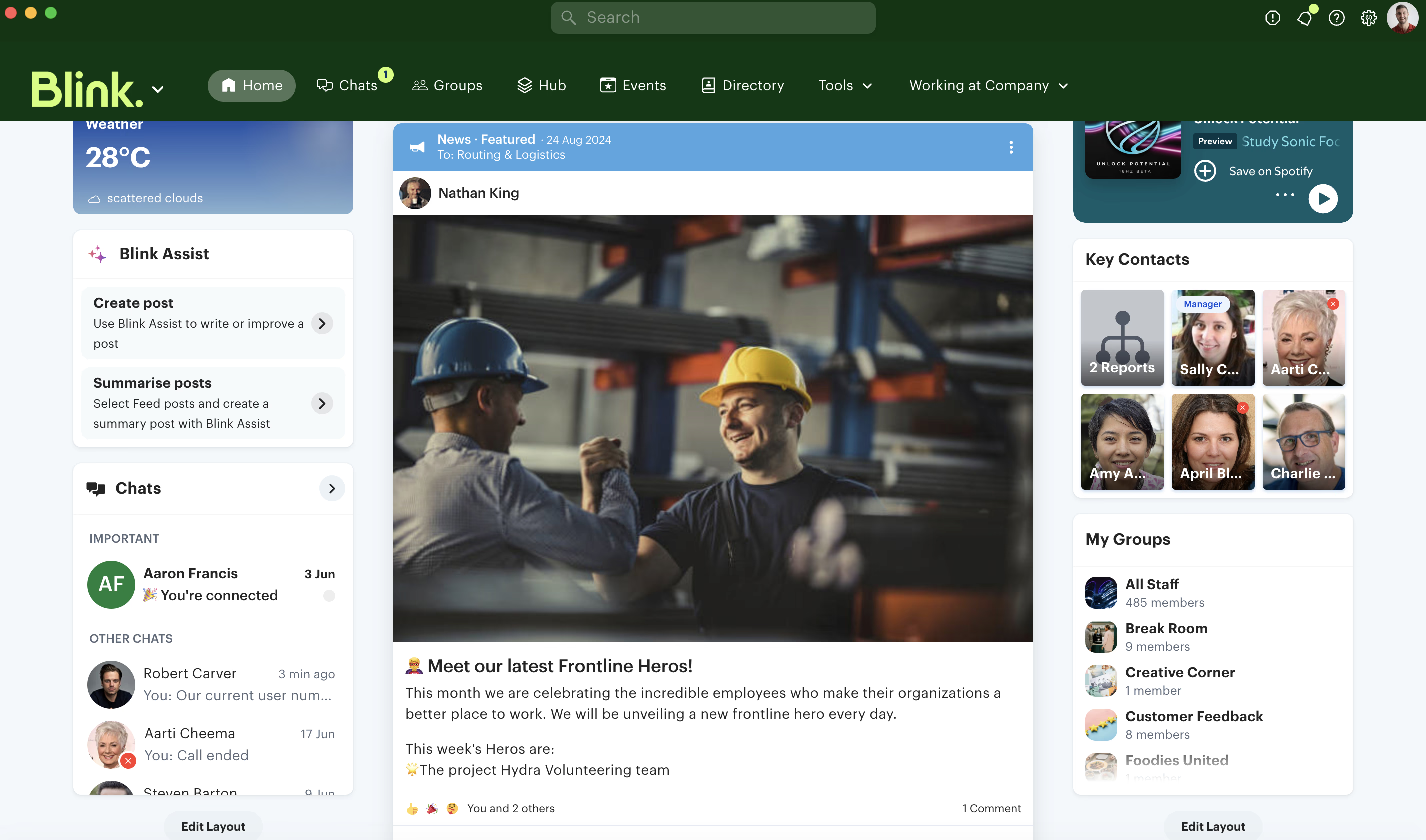
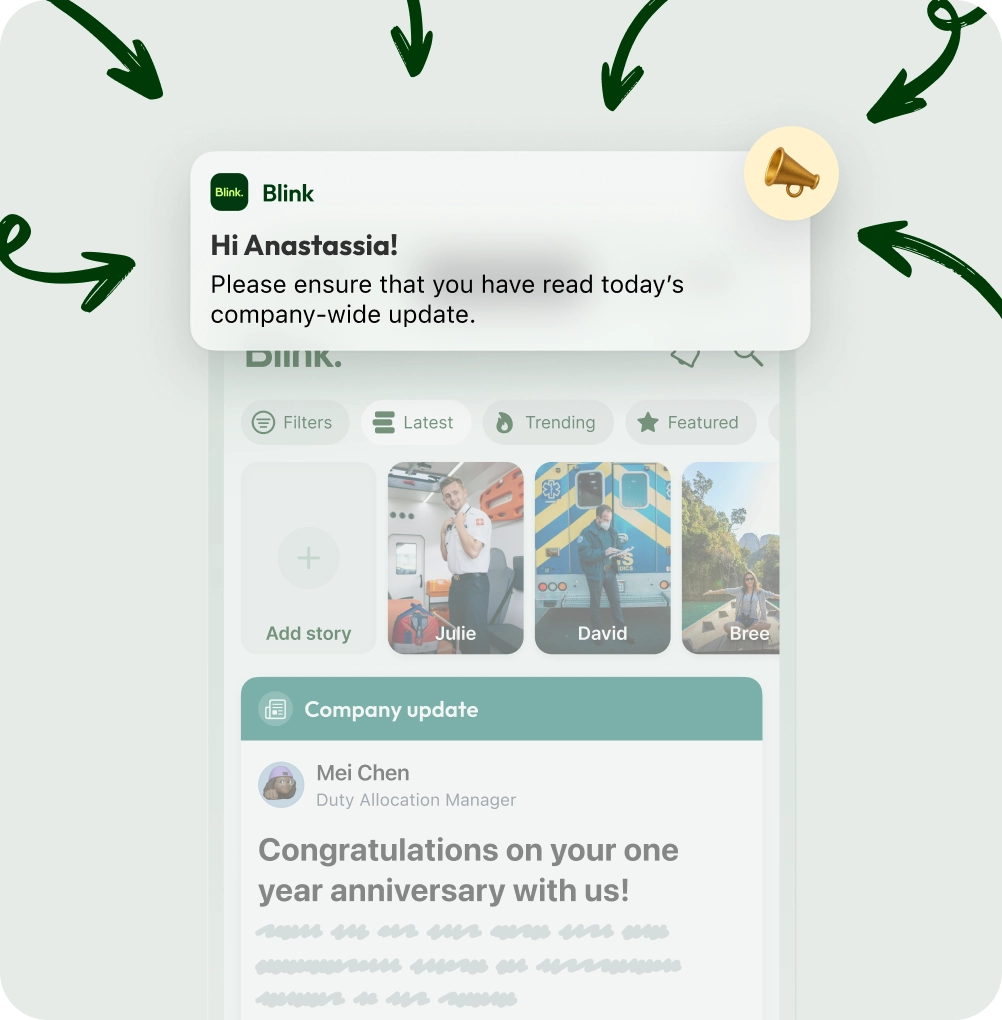
Cut through the noise. Blink puts company news, critical updates, and leadership comms directly into the pockets of your frontline workers. With targeted push notifications and a mobile-first feed, you guarantee your message is seen—without needing corporate email addresses.
Unregulated WhatsApp chats are a security nightmare and blur work-life boundaries. Blink gives your team a secure, fully compliant chat platform built specifically for work. Protect company data, keep conversations professional, and let your team truly disconnect when they clock out.
Operations move fast. Blink integrates seamlessly with your existing scheduling and HR tools to make shift swaps, daily briefings, and on-the-fly updates effortless. Ensure every worker starts their day aligned and knowing exactly what needs to be done.
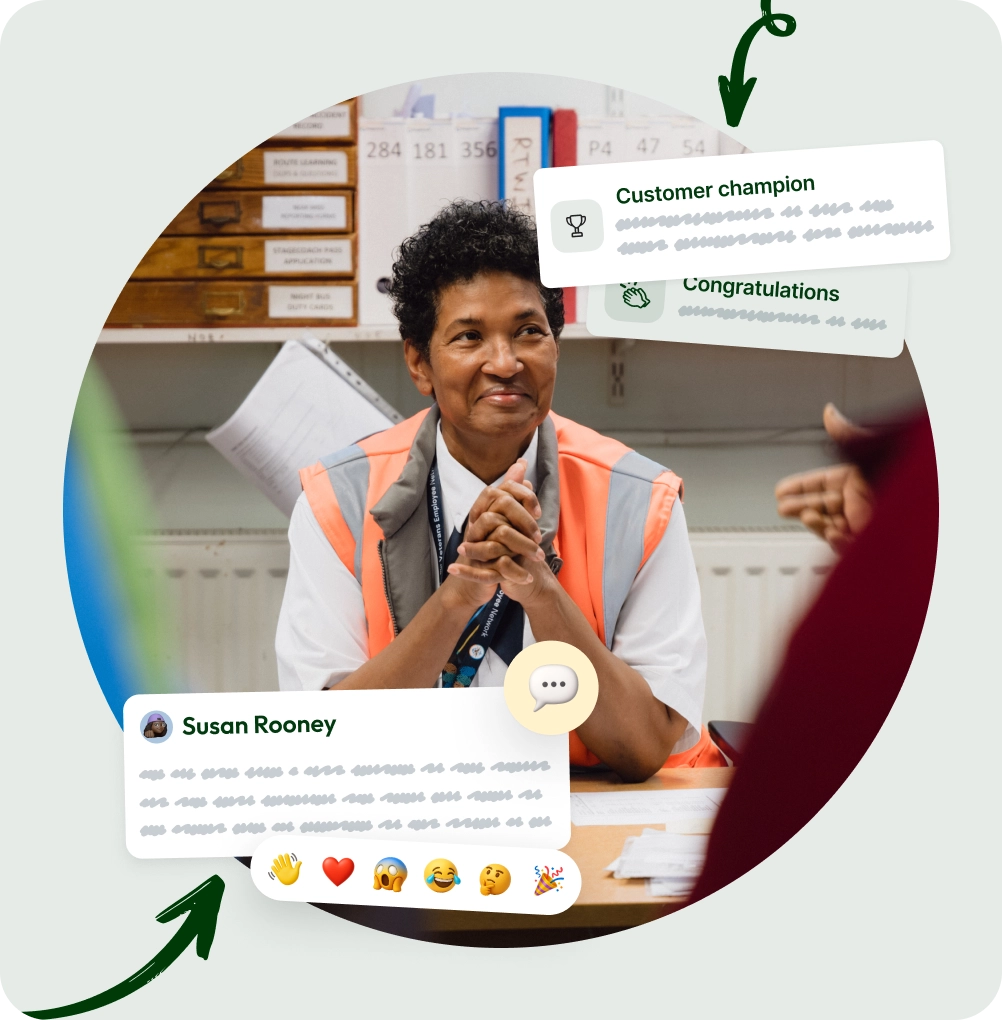
Distributed workers often feel invisible. Blink helps you build a culture of appreciation with instant, peer-to-peer recognition. Let managers and colleagues shout out great work directly on the company feed, turning daily successes into company-wide celebrations that boost retention.
Ditch the paper binders and noticeboards. Blink lets you digitize processes and roll out new policies instantly. Send mandatory reads with digital sign-offs, giving you real-time tracking and reporting to ensure 100% compliance across your entire workforce.
Stop paying for clunky tools your team ignores. Blink brings your scattered HR, payroll, and ops systems into one intuitive, mobile-first app. Give your frontline a frictionless "single pane of glass" experience they’ll actually want to use, driving adoption rates to 90% or higher.
THE GAPS

Where Teams falls short.

Built for desks. No mobile adoption.

Teams was designed for knowledge workers at computers. The frontline layer was added later — and the data shows it. SWOOP Analytics found 99% of Microsoft 365 access happens on desktop. Mobile access: 0.22%. Source.

Overwhelming for anyone not at a desk.

Capterra reviewers describe Teams as "cluttered and overwhelming for simple users" and say "it can be harder to set up on users who aren't as tech savvy." Frontline workers on a shop floor have even less time and patience for enterprise software. Source.

Chat costs £3.10. Frontline costs £7.20. And it's rising.

Teams Essentials covers chat and video only. To give frontline workers documents, proper admin controls, and mobile access, you need M365 F3 — currently £7.20/user/mo, rising to ~£10 from July 2026. That's before IT setup. Source.

One price. Every feature.

From £2.95/user/mo
See pricing
WHAT BLINK COVERS

Ops, Comms, and HR.
One platform, one plan.

Connection
Comms your frontline opens.

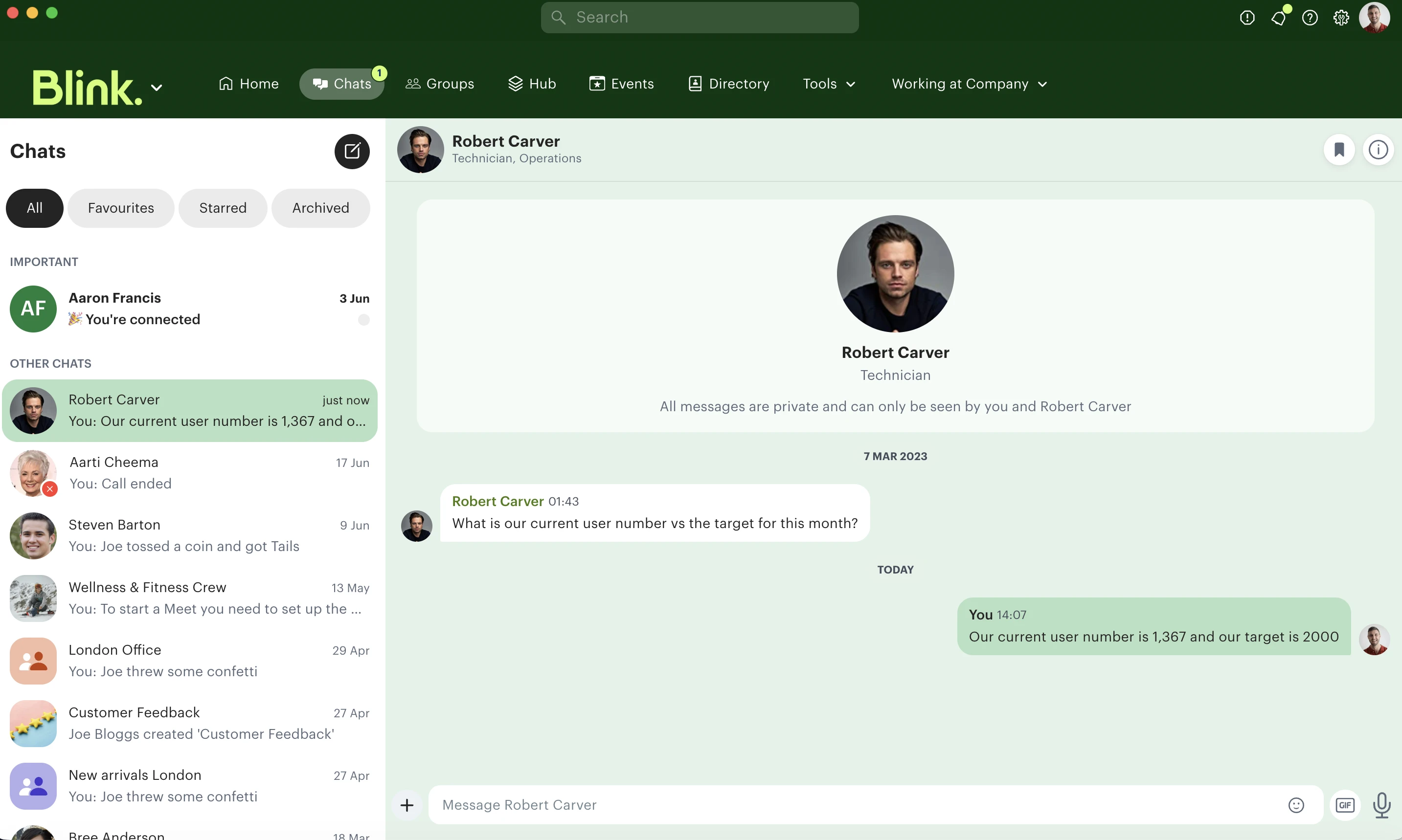
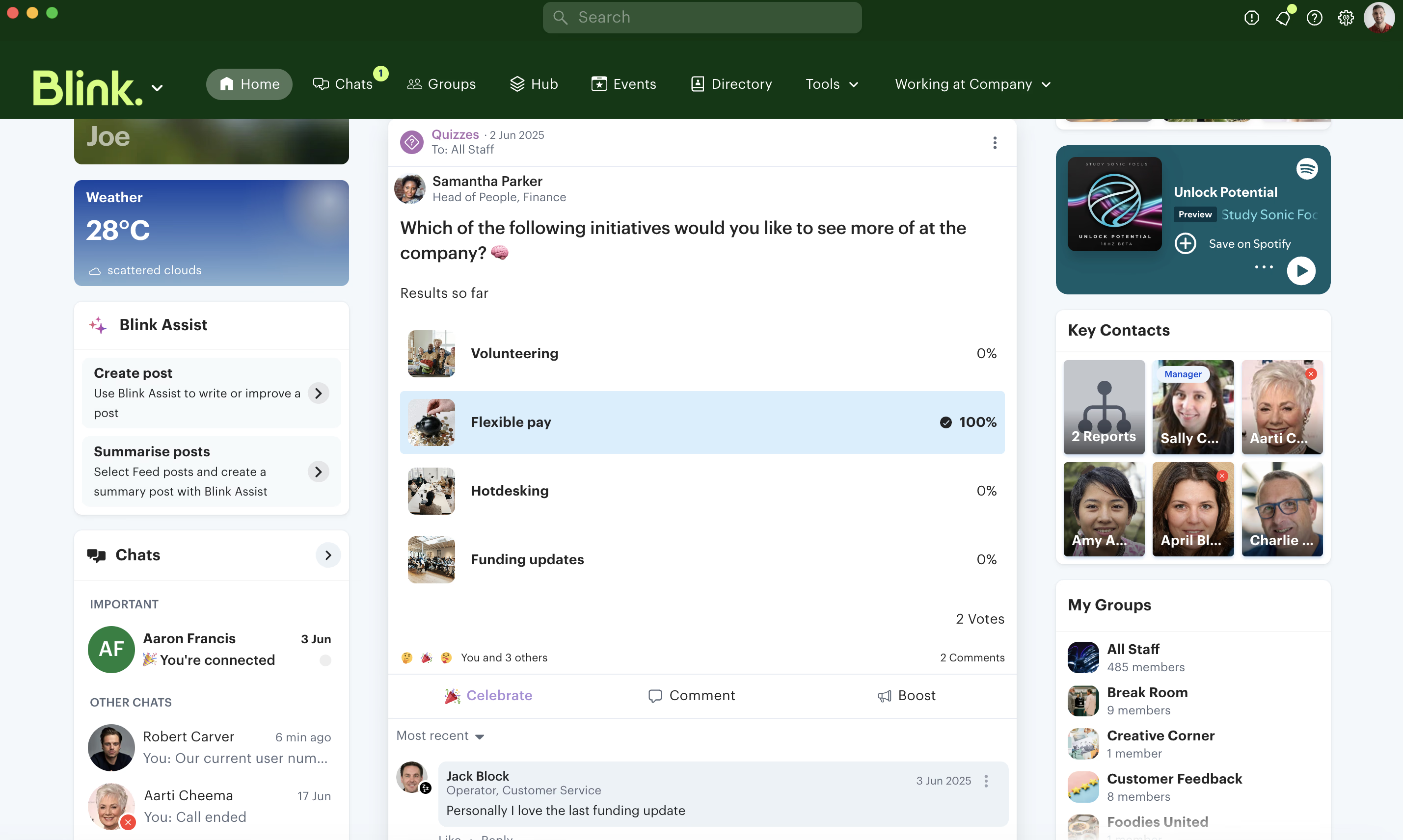
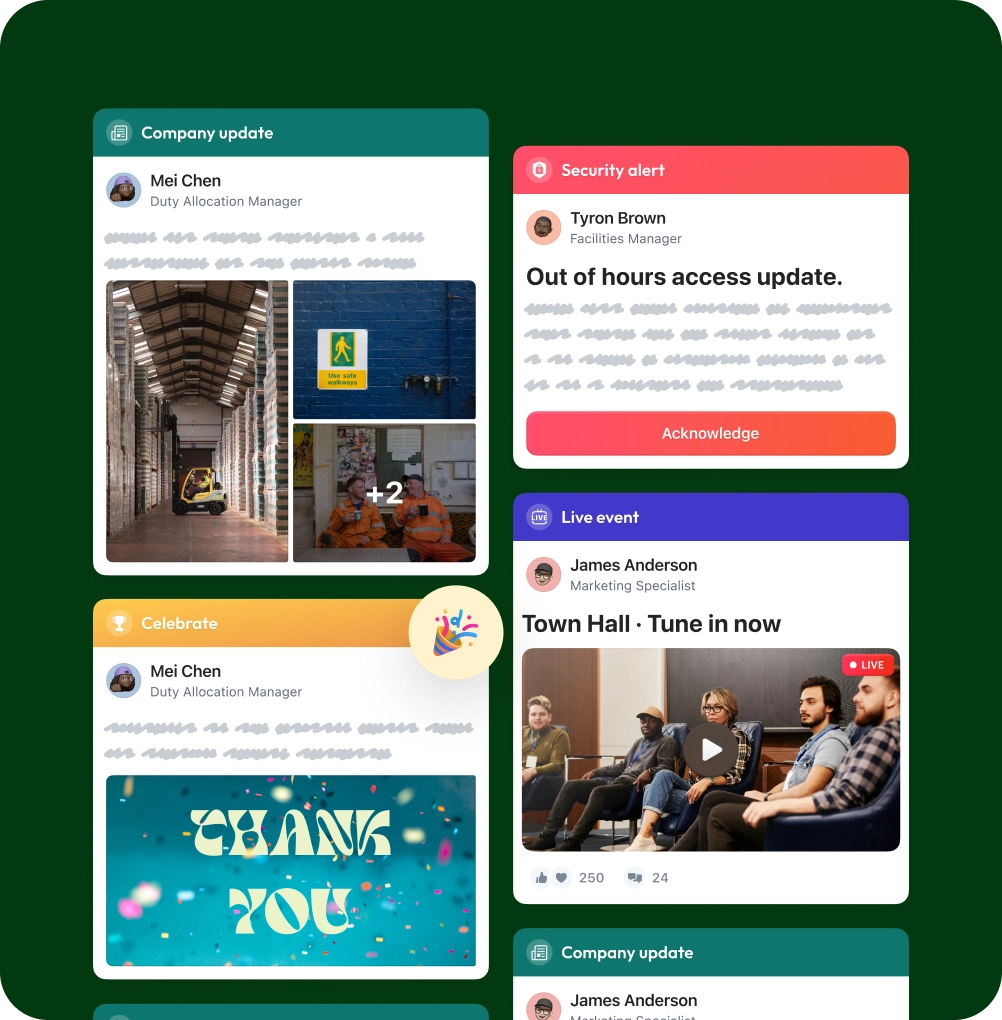
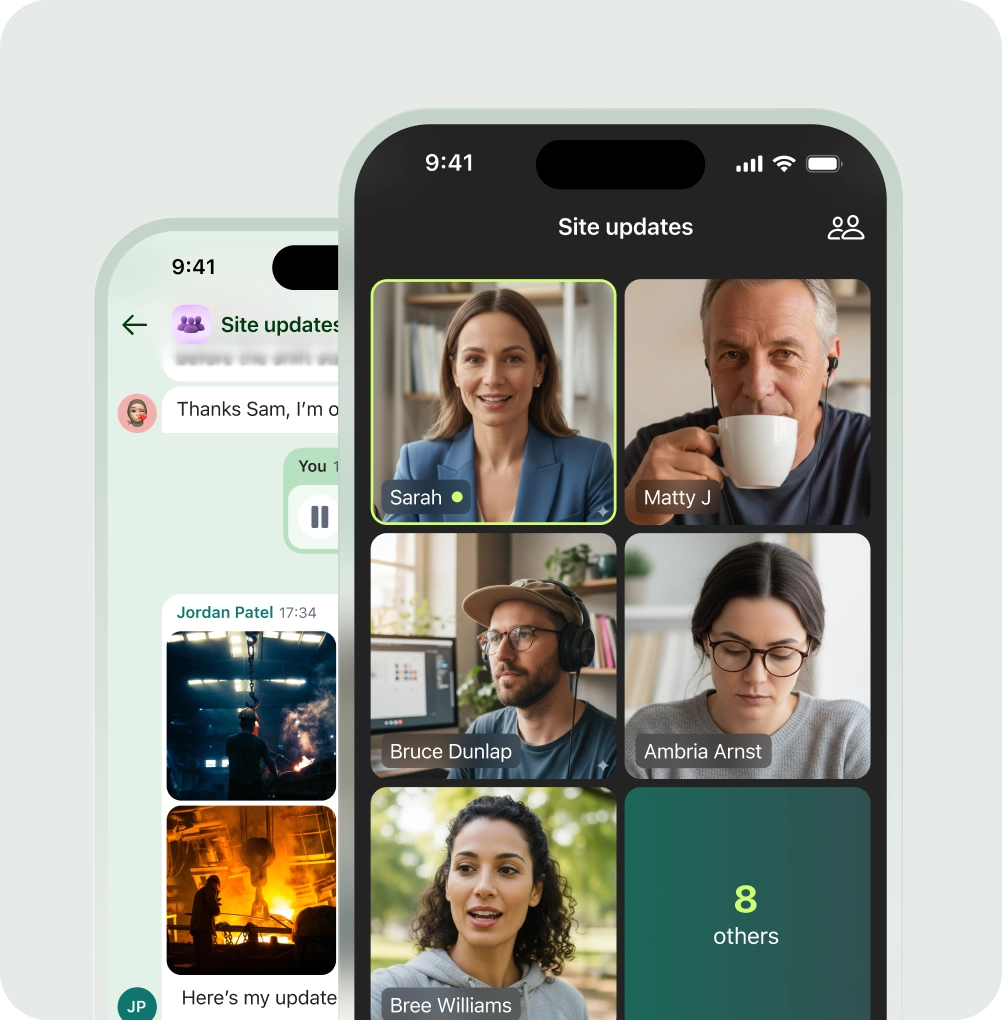
Native news feed, 1:1 and group chat, Stories, polls, video. Designed for the way frontline teams actually communicate.

Engagement
Open rates that decide everything.

Reach analytics, sentiment, daily opens. At Bubala, Blink drives 99% activation and 14 app opens per user, every day.

Knowledge
The Hub for everything frontline teams need.

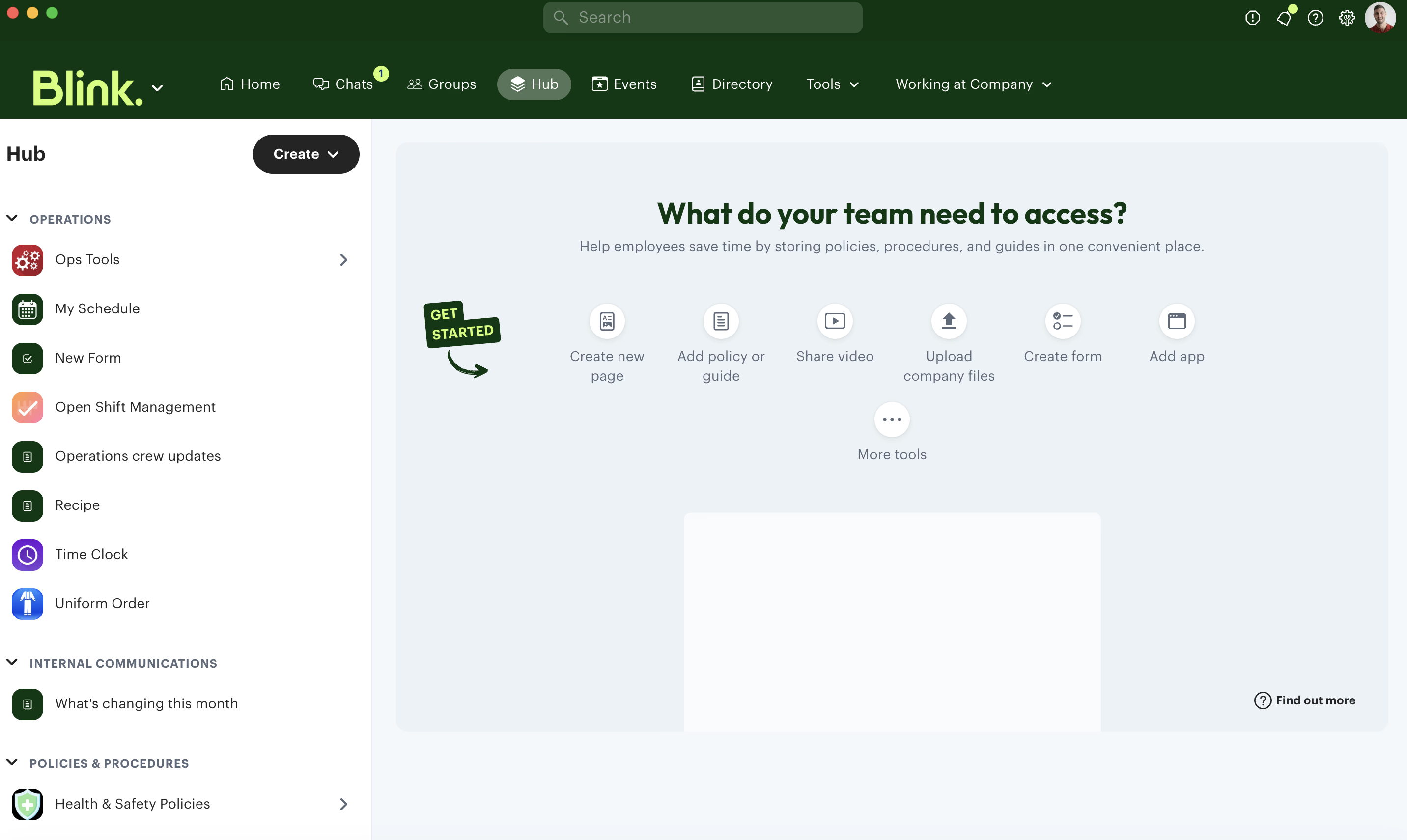
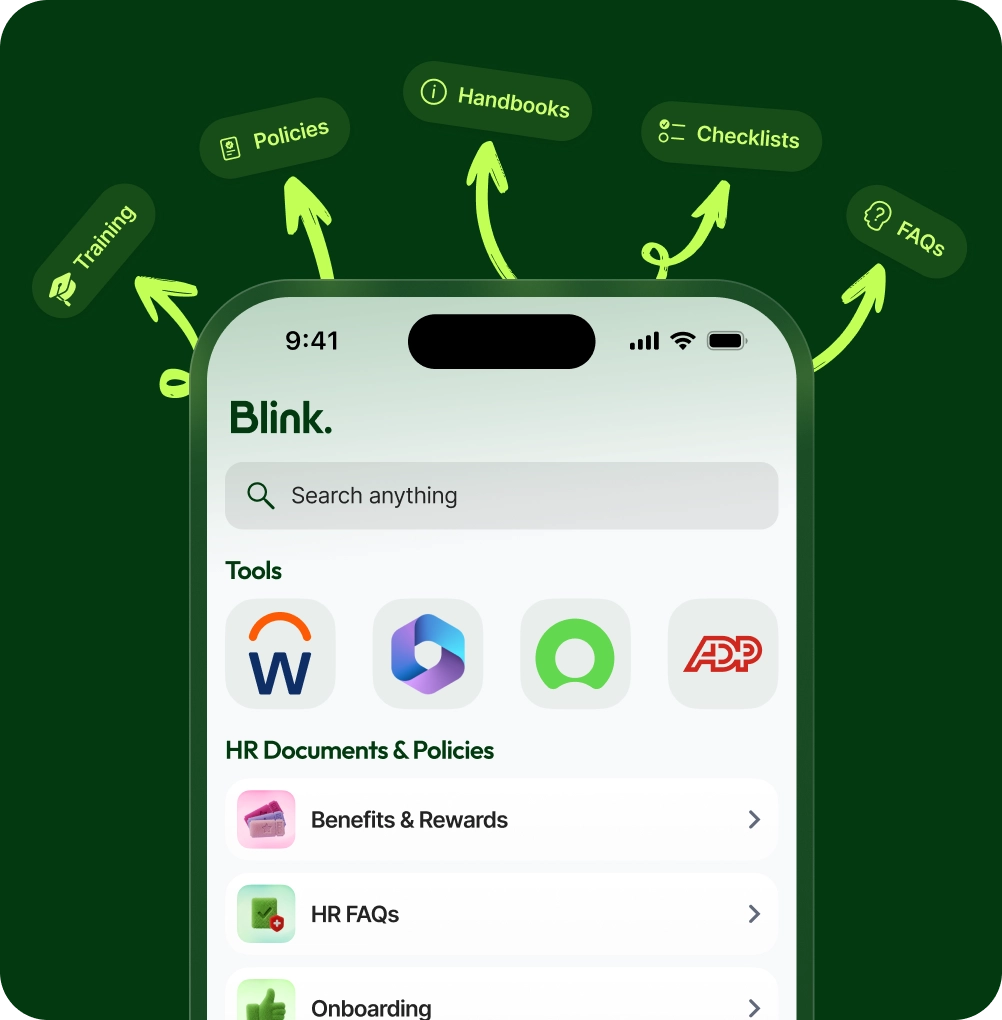
Policies, training, contacts, documents. Searchable, mobile-first, kept current by your team.

HR Ops
Onboarding, forms, and the daily HR work.

Onboarding journeys for new starters, digital forms, and surveys, with custom roles and permissions built in.

Recognition
Kudos that travel further than a thank-you.

Native recognition with reach analytics. See who praised whom, where the energy is, and where it stalls.

Integrations
Plugs into the tools you already run.

Native integrations with Workday, ADP, iTrent, Okta, and Microsoft 365, plus single sign-on and user provisioning.

TWO pRODUCTS. TWO sTRATEGIES.

Teams was built for your office. Blink was built for your frontline.

Strong for desk workers
Video meetings, document collaboration, and channel chat for people at computers.
Frontline was added later
Mobile onboarding, no-email access, and deskless adoption aren't native — they're retrofitted.
Requires the Microsoft ecosystem
Full frontline deployment means M365 licensing, IT provisioning, and ongoing admin overhead.
Mobile-first from day one
Built for workers on their feet, not at desks.
No corporate email required
Staff join with a phone number or personal email.
One plan, no ecosystem dependency
Everything included from £2.95/user/month.
TWO PRODUCTS. TWO VERY DIFFERENT AUDIENCES

Built for knowledge workers.
Stretched to cover the rest.

Communication
Company feed
First-party feed with stories, video, and polls.
Channels require IT configuration. No native company feed.
No email required to join
Phone number or personal email.
Corporate email or M365 account required.
Secure team chat
Organised by team, site, and role.
Channel chat; requires Teams account setup.
Document management
Policies, forms, guides in one searchable hub.
SharePoint/OneDrive (requires M365 licence).
Read analytics
Detailed reach, opens, and engagement.
Limited — Viva Insights is a premium add-on.
CONTROL & COMPLIANCE
Admin console
Full user management from one dashboard.
Teams Admin Centre — complex, IT-driven.
Onboarding without IT
Self-serve. No IT required.
Requires IT provisioning and M365 licensing.
Offboarding
One click from admin console.
Requires M365 admin access to revoke.
Mobile-first design
Built for mobile.
Desktop-first; mobile app secondary.
HR integrations
Workday, ADP, Okta, and more.
Microsoft ecosystem; others require Power Automate.
Teams features sourced from microsoft.com/en-gb and Microsoft Learn, June 2026.

Where Blink wins.

Five reasons a desk-first platform can't match a mobile-first one.

Frequently asked questions

We already pay for Microsoft 365. Why pay for Blink on top?

If Teams is working for your desk-based team, keep it. Blink isn't trying to replace your meeting tool. But if your frontline workers — the ones without a desk, a corporate email, or time to learn enterprise software — aren't using Teams, you're paying for something they can't reach. Blink fills that gap from £2.95/user/month.

Can Blink integrate with Microsoft 365?

Yes. Blink Pro includes Google and M365 integrations. Your teams can stay connected to the tools they already use without switching everything over.

Is Blink harder to manage than Teams?

The opposite. Blink was built to be managed by HR and comms teams, not IT departments. There's no Admin Centre to learn, no Power Automate flows to configure, and no licensing matrix to navigate. You add someone, they're in. You remove someone, they're out.

Can frontline workers join Blink without a corporate email?

Yes. Staff sign up with a personal email or phone number. No M365 account, no corporate inbox, no IT ticket. That's the whole point — Blink reaches the people Teams can't.

How does Blink's mobile experience compare to Teams?

Teams was built for desktop and adapted for mobile. Blink was built for mobile from day one. The feed, chat, documents, and analytics all work natively on a phone. For workers who never open a laptop, that difference is everything.

How quickly can we get Blink live for a frontline team?

Most teams are live in a day. No IT involvement needed. You set up your company, invite your team, and people start joining with their phone number or personal email. For a 50-person hospitality team or a 200-person logistics operation, that's a same-day rollout.