A digital workplace every employee can log into from their own phone




























Why legacy intranets leave frontline teams locked out
A digital workplace is the set of tools, documents, and systems employees use to do their jobs, reachable from any device. Most were built for people at a desk, which is where the trouble starts.
Traditional intranets assume every employee has a desk, laptop, and company email. A store associate, care worker, or site worker usually has none of them, so the policies, forms, and contact details on the employee intranet are out of reach from their first shift.
Adoption stalls at headquarters, managers become the help desk, and the business keeps paying for a system that only part of its workforce can access. Blink replaces the desktop intranet with one mobile app that everyone can log into, with no company email or laptop required.


The digital workplace that includes your frontline from day one
With Blink, every employee can securely sign in on their own phone and access the documents, tools, forms, and colleagues they need in one app. If you're comparing intranet software providers, start with the question that decides everything else: can your whole workforce log in?
How Blink brings your whole workforce into one digital workplace
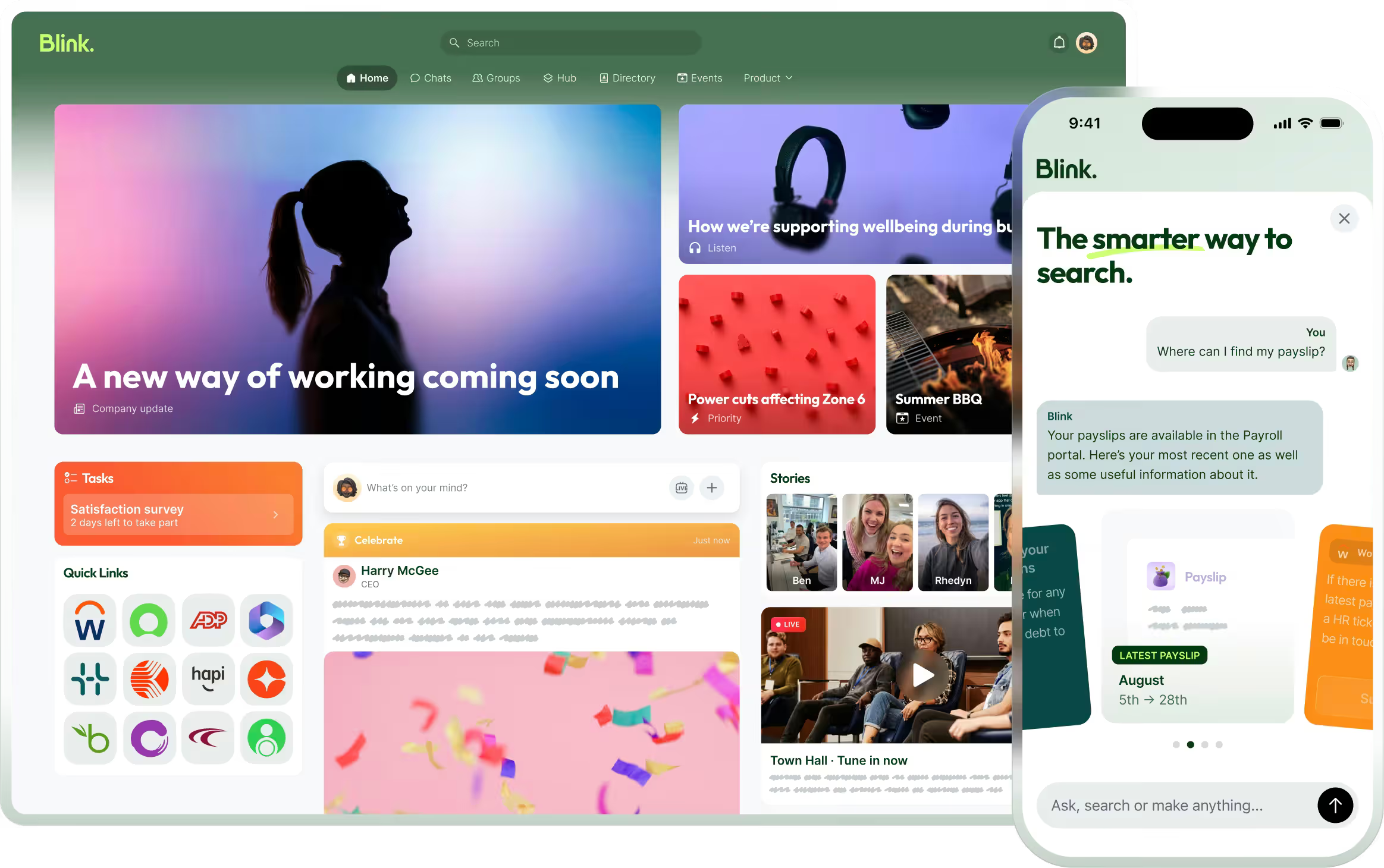
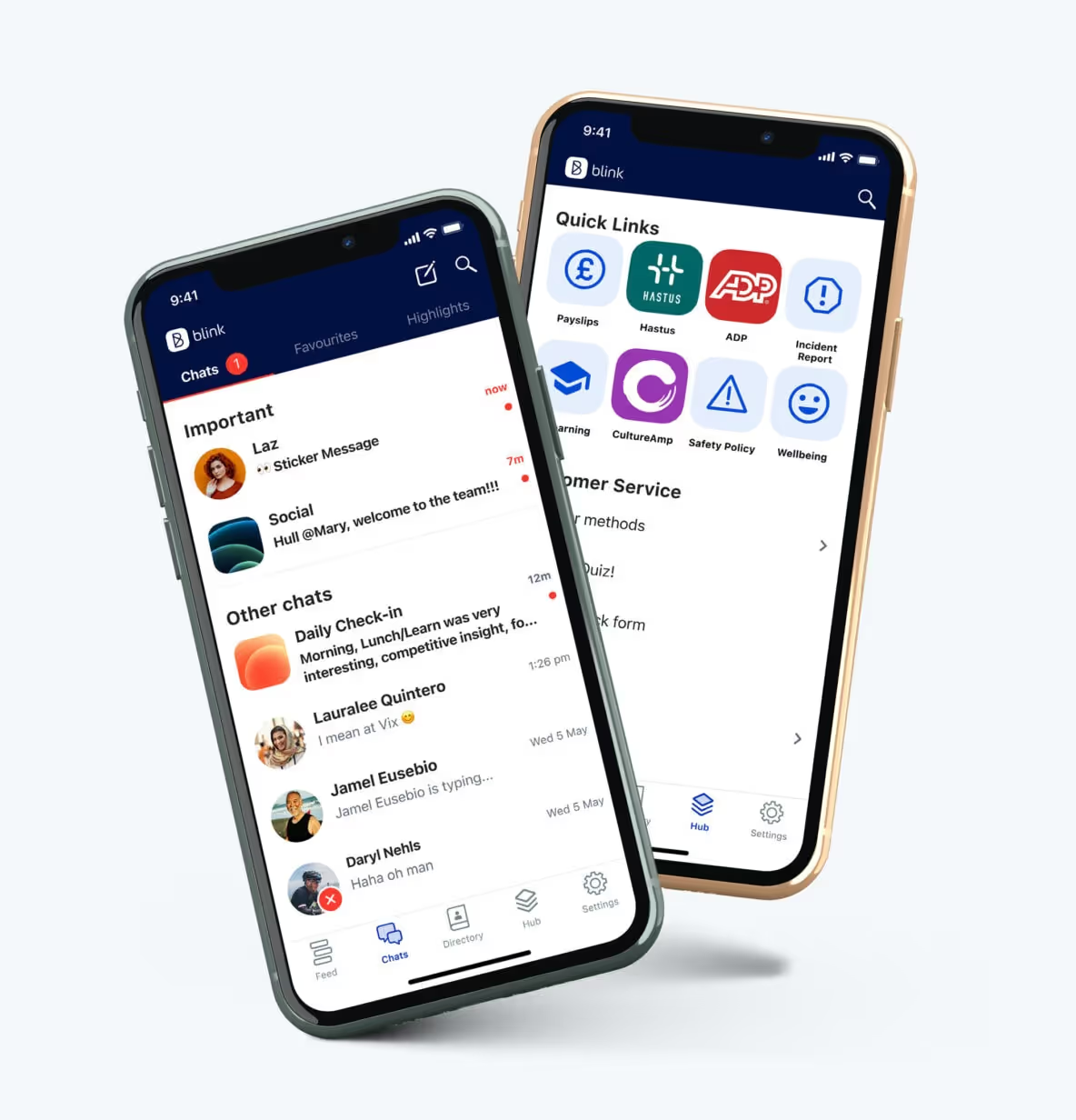
Blink brings documents, tools, comms, and access into one mobile app, and every employee gets in with a single sign-on, no company email needed. People join with a QR code, magic link, or phone number, then use the Hub, directory, and digital forms to get the same intranet platform features office teams take for granted, wherever they work.
An employee hub for every document, tool, and update
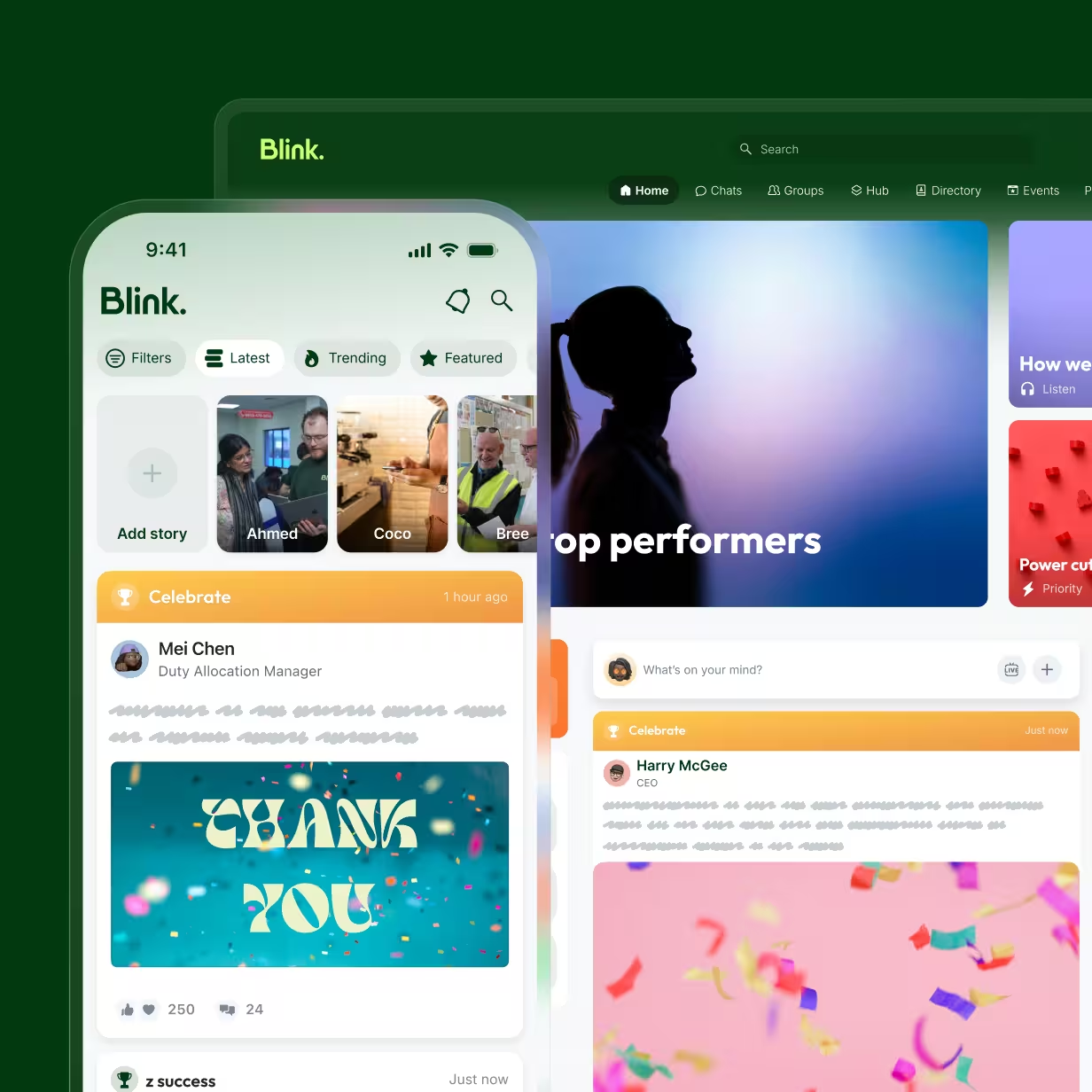
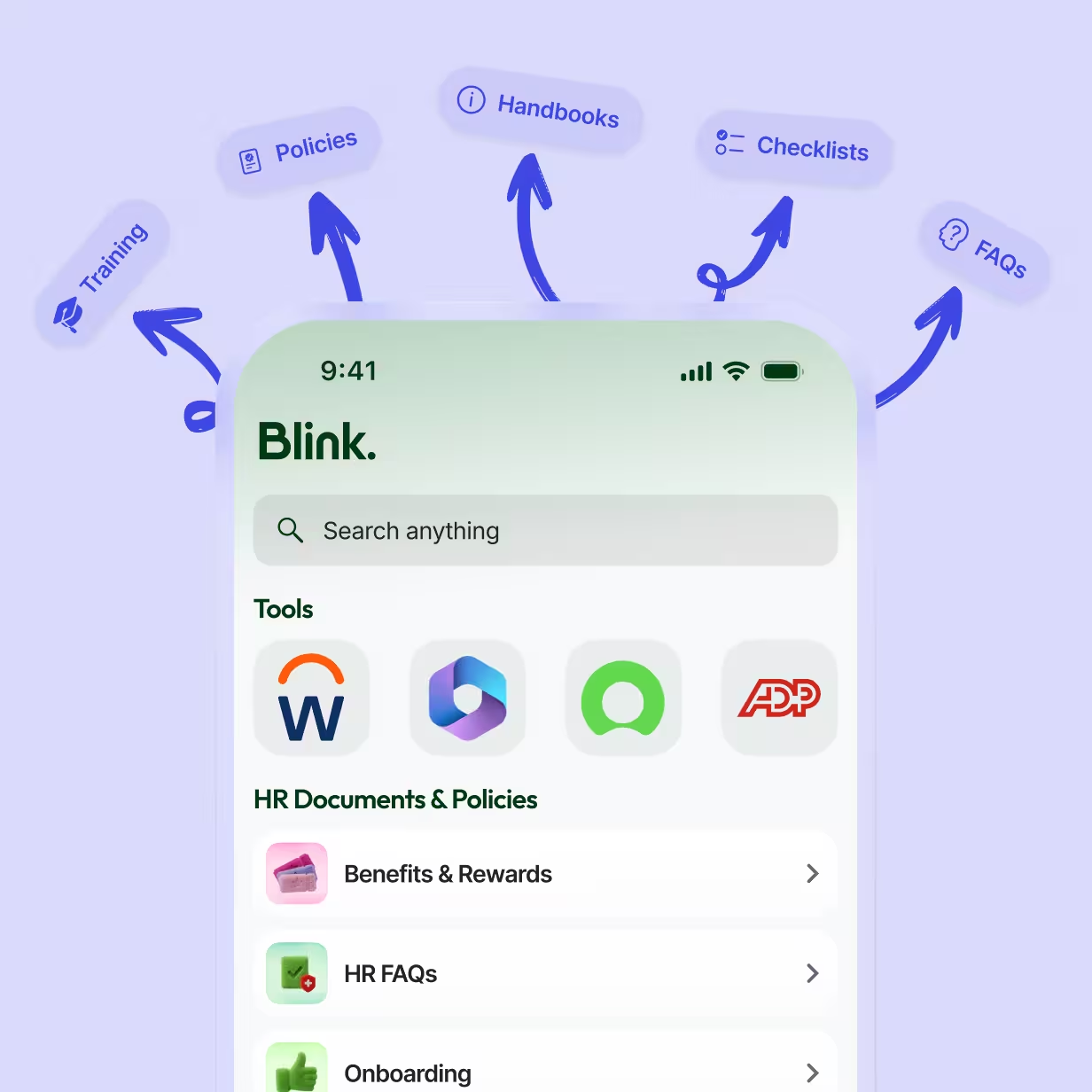
Frontline employees lose time hunting across shared drives, printed binders, and separate apps before a shift. The Hub gives everyone one home screen for policies, procedures, schedules, manuals, safety information, and links to everyday tools, all inside the app they already use. Admins drag and drop content into place and choose which teams see each section, so a store associate sees store content and a driver sees fleet content.
A company directory that works without an email address
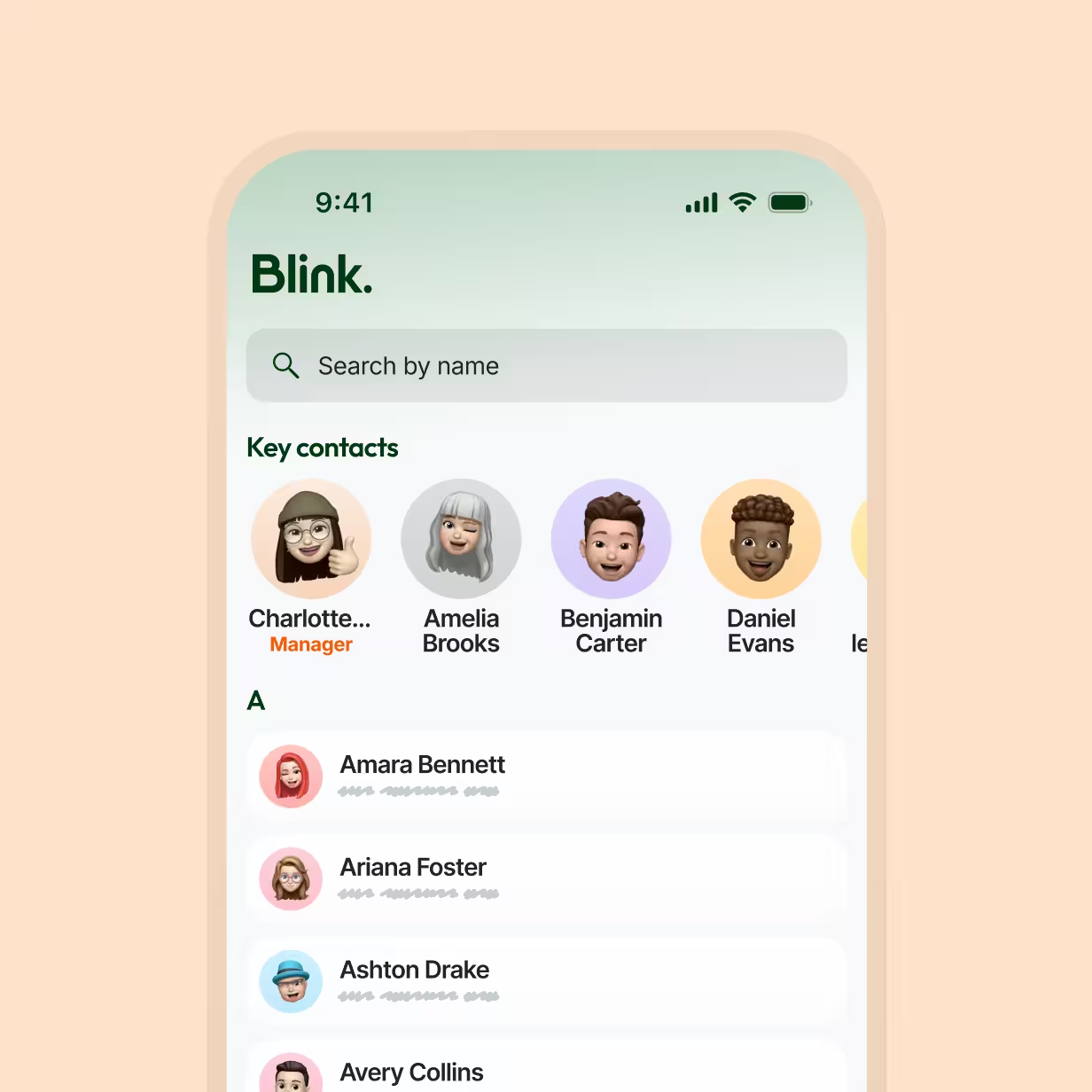
Blink’s directory lets anyone search the organization by name, role, site, or team, then start a chat or call from the same profile. Profiles show each person’s role, groups, and manager, so new starters know who to ask on day one. Because the directory lives in the employee app, frontline staff can find colleagues and be found without a company email address. Anyone who prefers privacy can hide their personal contact details.
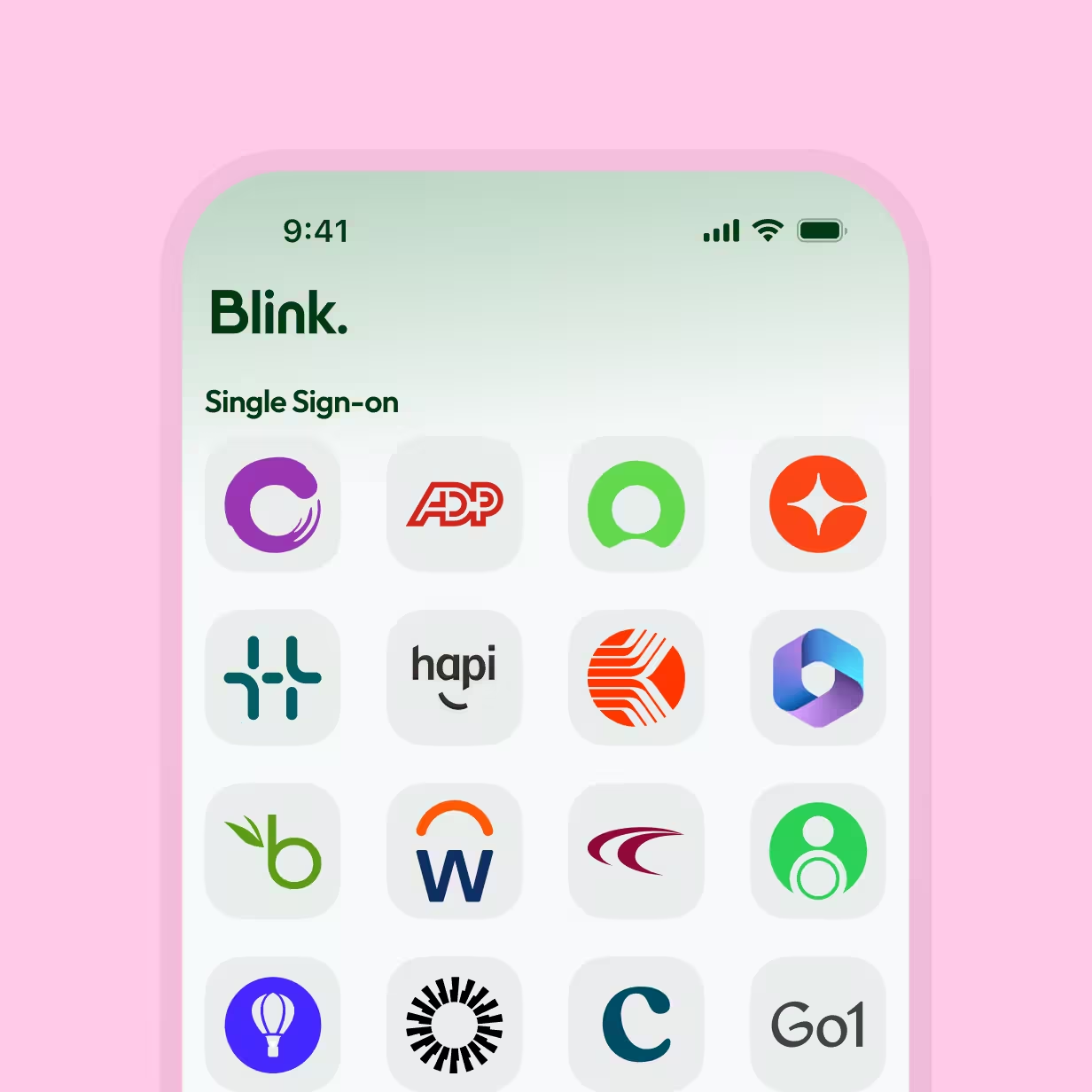
Single sign-on, with or without a company email
Employees sign in to Blink once, with an email address or a phone number and one-time code, then open any connected app, from payroll and scheduling to HR self-service, without entering another password. Frontline staff can check payslips and request time off with no corporate email required. That one login is what makes Blink’s intranet software work for your whole workforce.
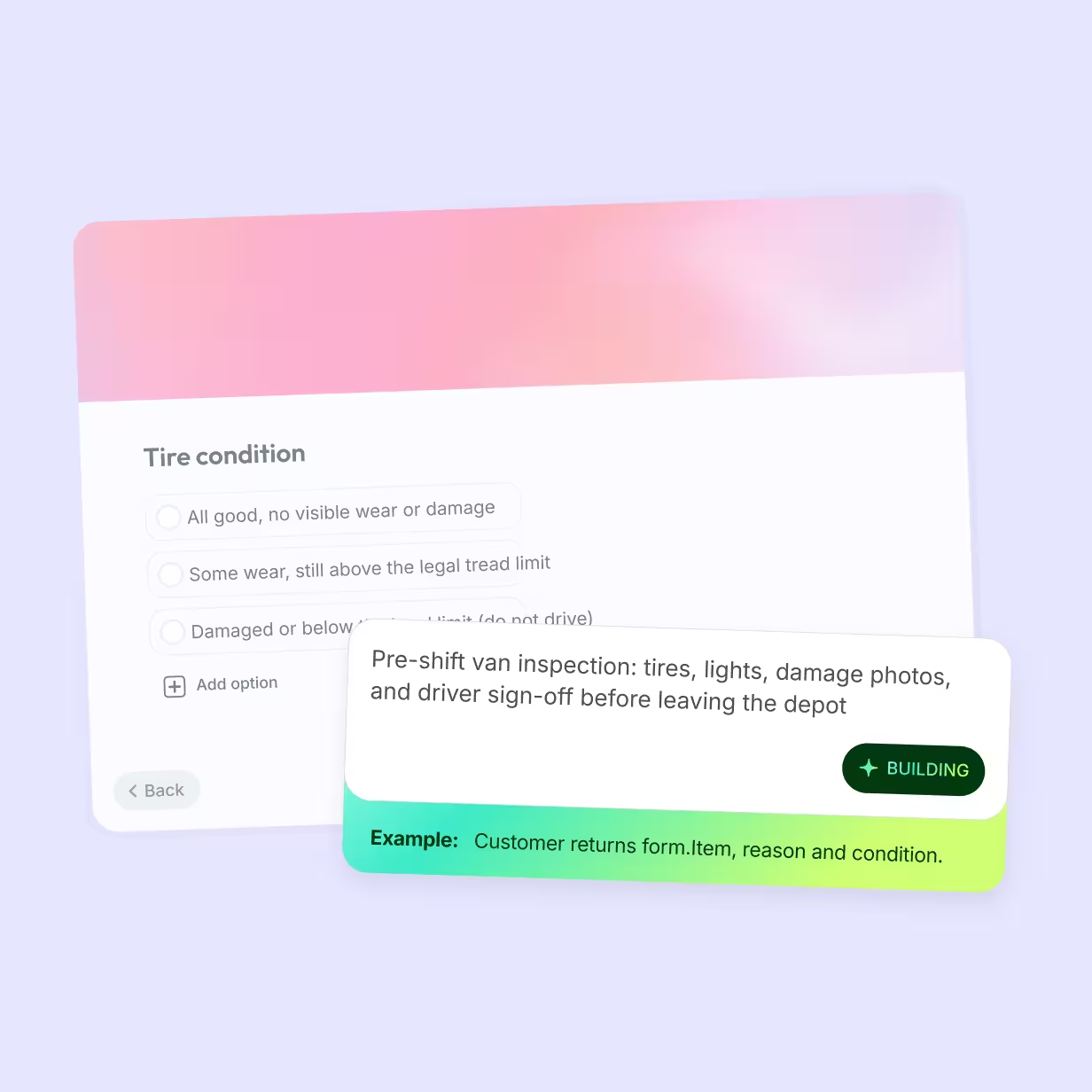
Digital forms that replace the paper on the clipboard
Paper checklists, incident reports, leave requests, and policy sign-offs become digital forms employees fill in on their phone. Admins share them to the Feed, the Hub, or a group chat, and Blink stores every response, so managers can track submissions instead of chasing paper. Teams can keep the systems they’re already using in the Hub too, so frontline admin happens in the same place as everything else.
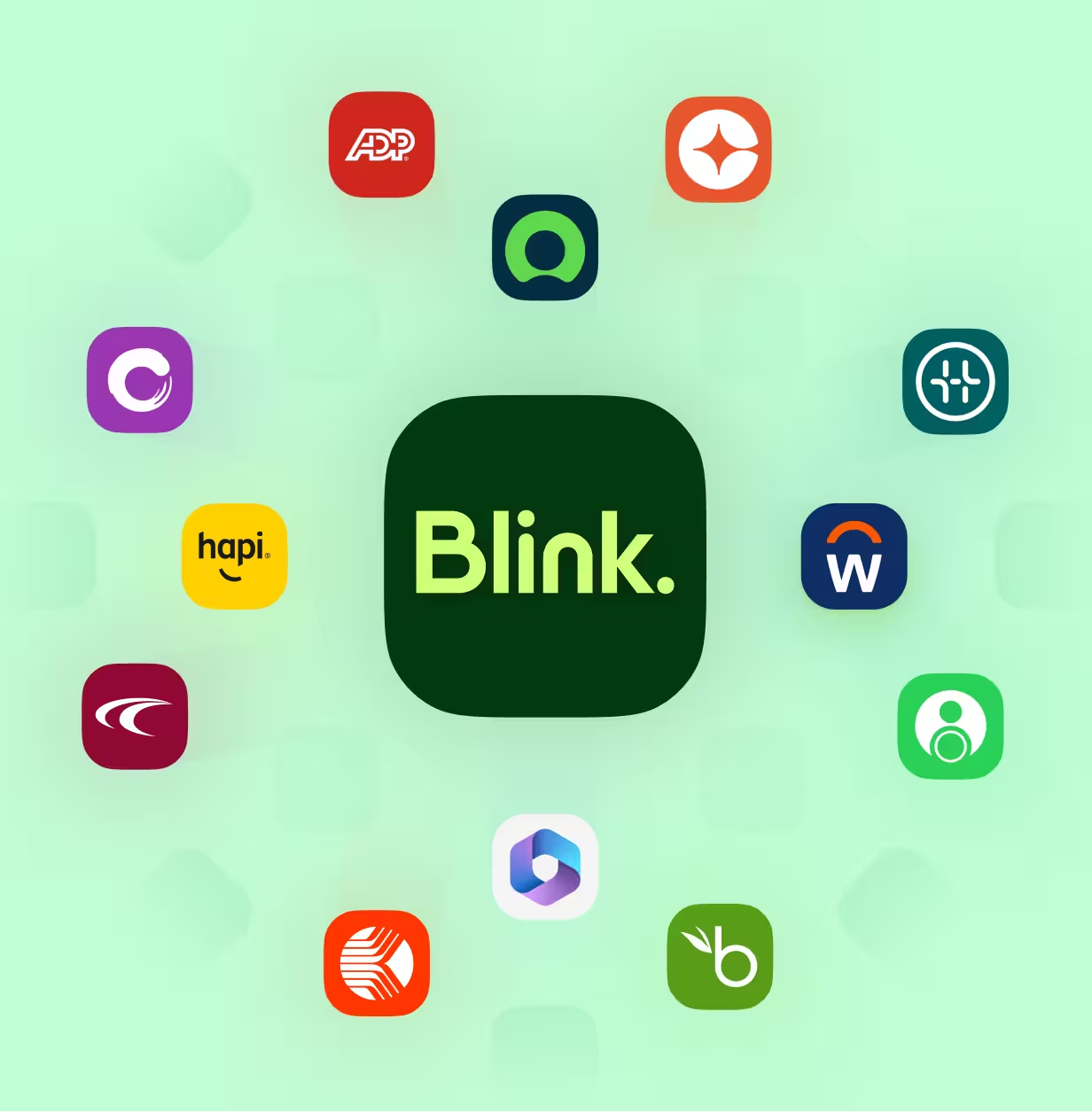
Works with your stack
Blink plugs into the identity and HR systems you already use, from Microsoft and Google Workspace for single sign-on to Workday, SAP, and Dayforce for people data. Blink's User Provisioning (SCIM) handles joiners, movers, and leavers, so the directory stays accurate without manual work.
A digital workplace for every frontline industry

Retail
Store teams get the same schedules, planograms, and policy documents as headquarters, without needing a company email address.

Hospitality
Front desk, kitchen, and housekeeping teams share the same schedules, policies, and tools as headquarters from their own phones.

Healthcare
Care teams open policies, compliance documents, and forms on shift without a hospital email account, on a HIPAA-compliant platform.

Construction
Site teams pull up permits, safety documents, and orientation materials on their phone, on site, without a laptop.
Go deeper on the digital workplace




















Frequently asked questions
A digital workplace is the set of tools, documents, and systems employees use to do their jobs, brought together so people can reach them from any device. For frontline and deskless teams, that means a mobile app they can log into without a company email.
The internet is a public network anyone can access, while an intranet is a private network only an organization’s employees can use. Companies use intranets to share policies, documents, news, and tools with their own people, behind a secure login.
An intranet is a private, company-only website or app where employees find the documents, news, tools, and contacts they need for work. Older intranets ran on desktop computers, while modern intranet works on mobile so frontline staff can use them too.
The best intranet software for frontline and deskless teams works on a personal phone, lets people sign in without a company email, and keeps documents, forms, and the directory in one app. Look for single sign-on and integrations with your HR system.
A digital content hub is a single place where employees find company documents, policies, guides, and links to workplace tools. In an employee app, the hub replaces shared drives and printed binders with content people can search from their phone.
A mobile intranet app gives employees access to company documents, news, tools, and colleagues from their phone instead of a desktop computer. Blink is an intranet app built for frontline teams, so it works on any phone, and it also runs on desktop and web browsers.
The best employee directory app lets anyone search for colleagues by name, role, site, or team and contact them in the same place, including people without a company email. It should sync with your HR system so profiles stay accurate as people join, move, or leave.
Measure digital workplace adoption by tracking how many employees log in, how often they return, and what they do once inside. Useful metrics include activation rate, daily and monthly active users, document views, form submissions, and app sign-ins.