
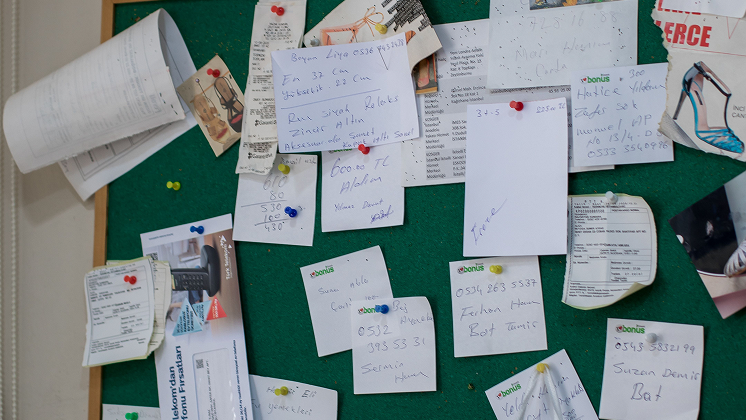
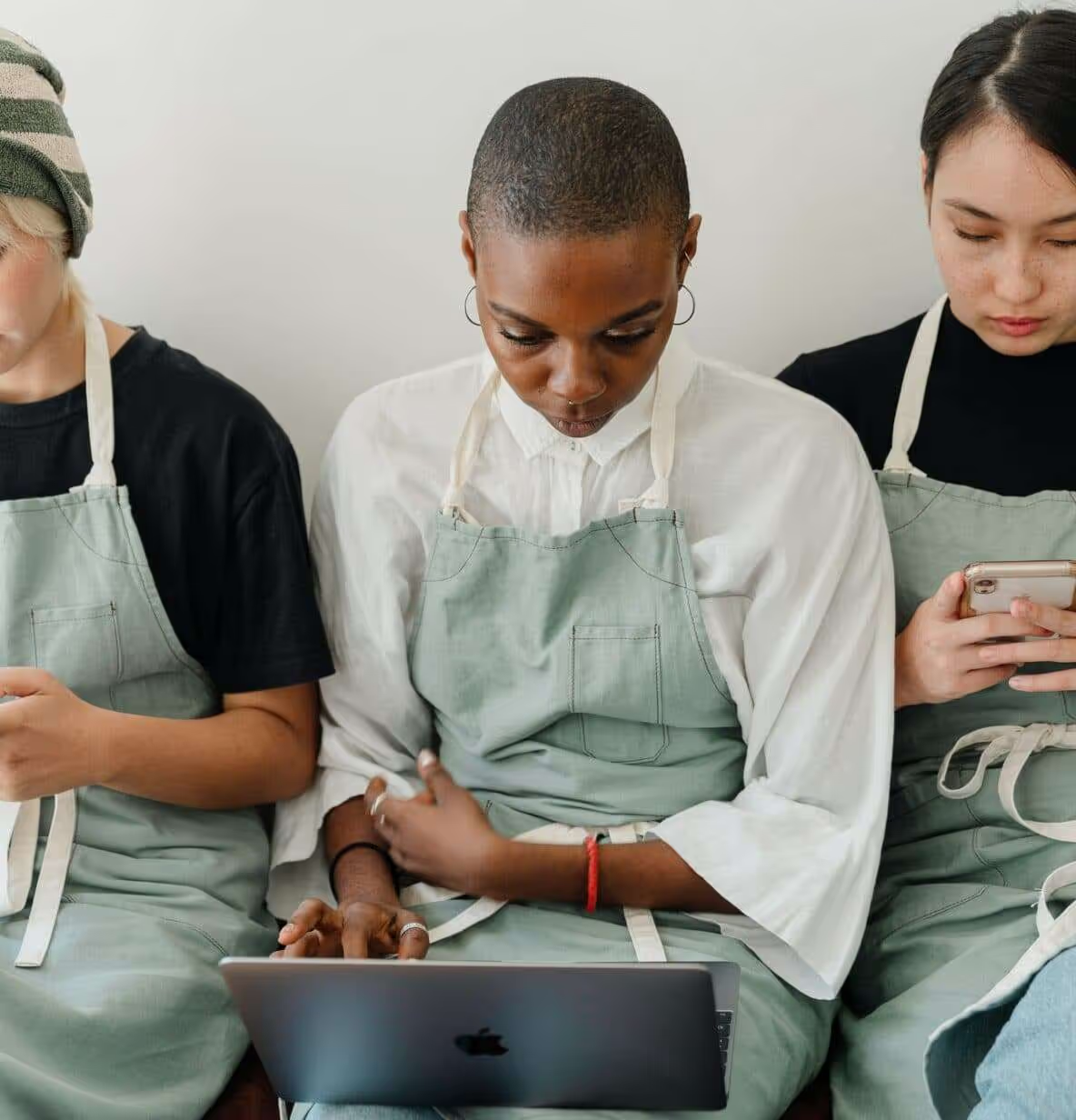
Most restaurant teams are running on a patchwork. A group chat for the shift, a paper schedule on the wall, a manager relaying head office updates by word of mouth because nobody has time to read an email between the lunch and dinner rush.
A restaurant employee app is supposed to fix that. But not every app built for "employees" actually works for people who don't sit at a desk, who share one break room tablet between fifteen people, or who are moving between the fryer and the register all shift.
Here's what to actually look for, and where a purpose-built restaurant employee app earns its place in the tech stack.
Why generic workplace tools fall short in restaurants
Tools built for office teams assume a few things that don't hold up on a restaurant floor: everyone has a company email address they check daily, everyone has ten minutes to read a memo, and everyone's at a desk long enough to log in.
None of that describes a QSR or fast-casual crew. Shifts are short, phones are personal, and the person who most needs a schedule update might be the person least likely to see it in time.
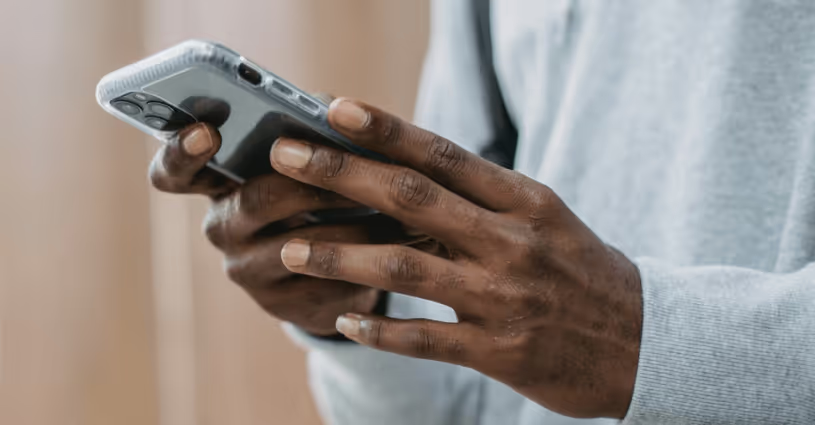
That's the gap a restaurant employee app is built to close: getting the right information to every crew member, on the device they already carry, without asking them to change how they work.
What a restaurant employee app needs to get right
Mobile-first, not mobile-adapted. There's a real difference between an app designed for a phone screen first and a desktop tool with a mobile version bolted on. Restaurant staff need the first kind, fast to load, simple to navigate, and just as capable as the desktop version if a shift lead needs to log in from the office.
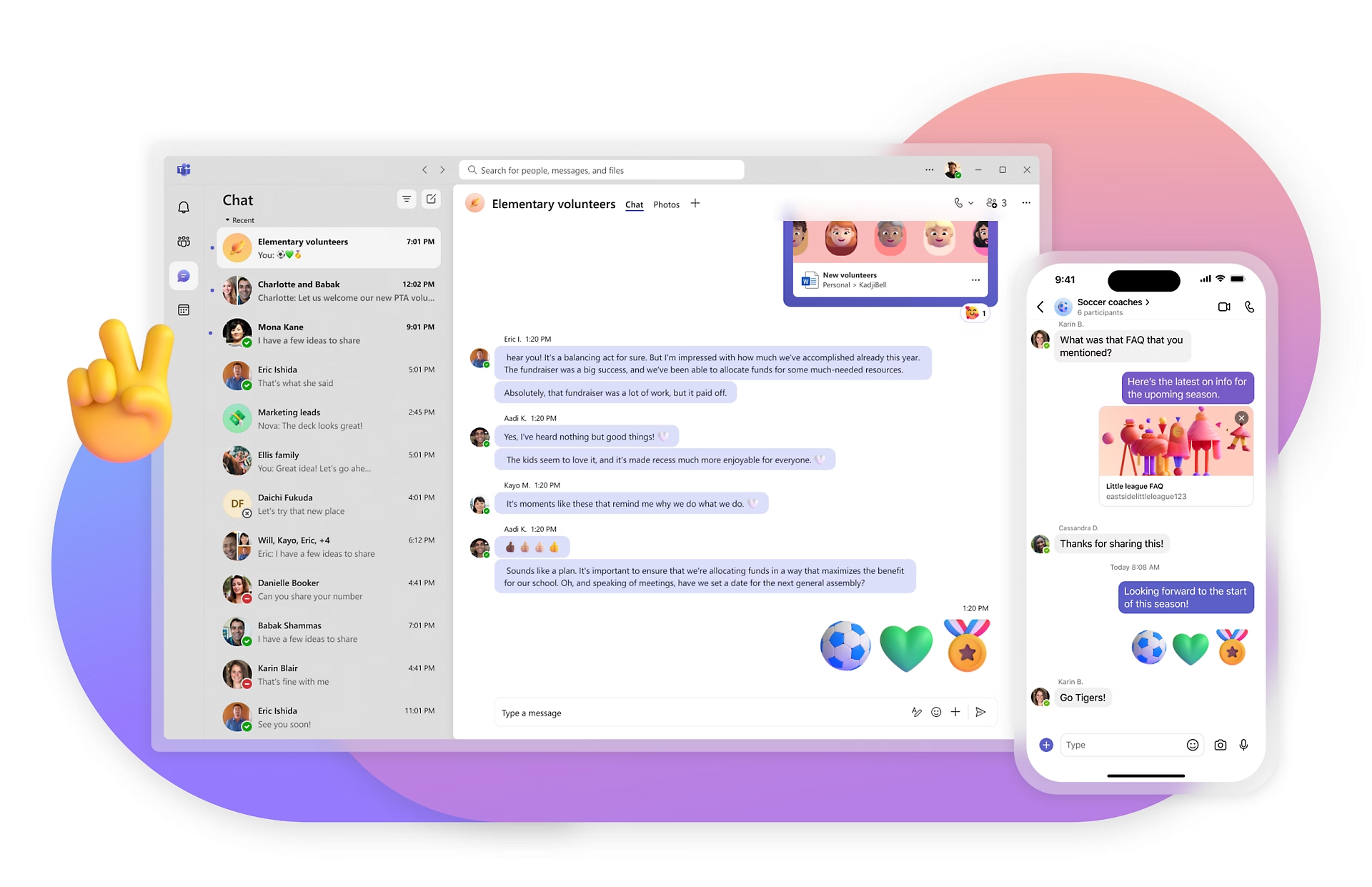
Shift-relevant communication. A restaurant employee app should make it easy to reach every crew member with the update that matters to them, whether that's a menu change, a food safety alert, or a shift swap request, without burying it in a company-wide newsletter nobody reads. That's the exact gap a dedicated restaurant messaging app is built to close.
Self-serve access to the basics. Payslips, schedules, and shift swaps shouldn't require a call to the manager. When employees can find what they need on their own phone, managers get their time back and staff feel more in control of their own work.
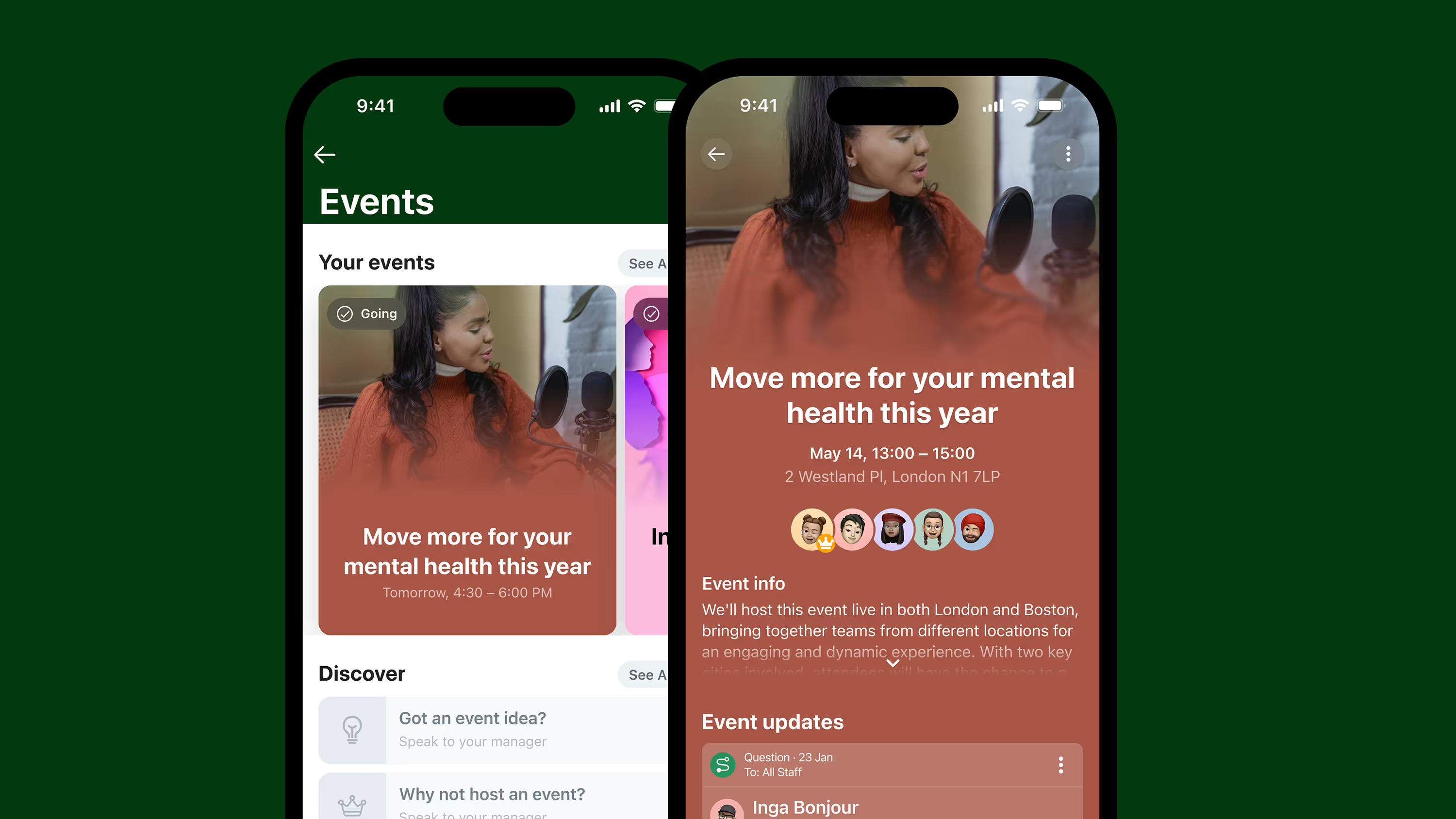
Room for recognition. Restaurant work is physical, fast-paced, and often thankless in the moment. A good employee app builds in a way to say thanks publicly, whether that's a shout-out from a shift lead or a peer recognizing someone who covered a double. It's one of the simpler restaurant employee engagement ideas to actually sustain, once it's built into the app your team already uses.
Multi-location and multilingual support. Franchise and multi-unit operators need one system that works the same way whether it's a location with five staff or five hundred, and that can reach a crew that doesn't all speak the same first language.
How Blink fits multi-location and franchise restaurant teams
Blink was built for frontline and deskless teams from the ground up, not adapted from a desk-based tool after the fact. For restaurant operators, that shows up in a few specific ways.
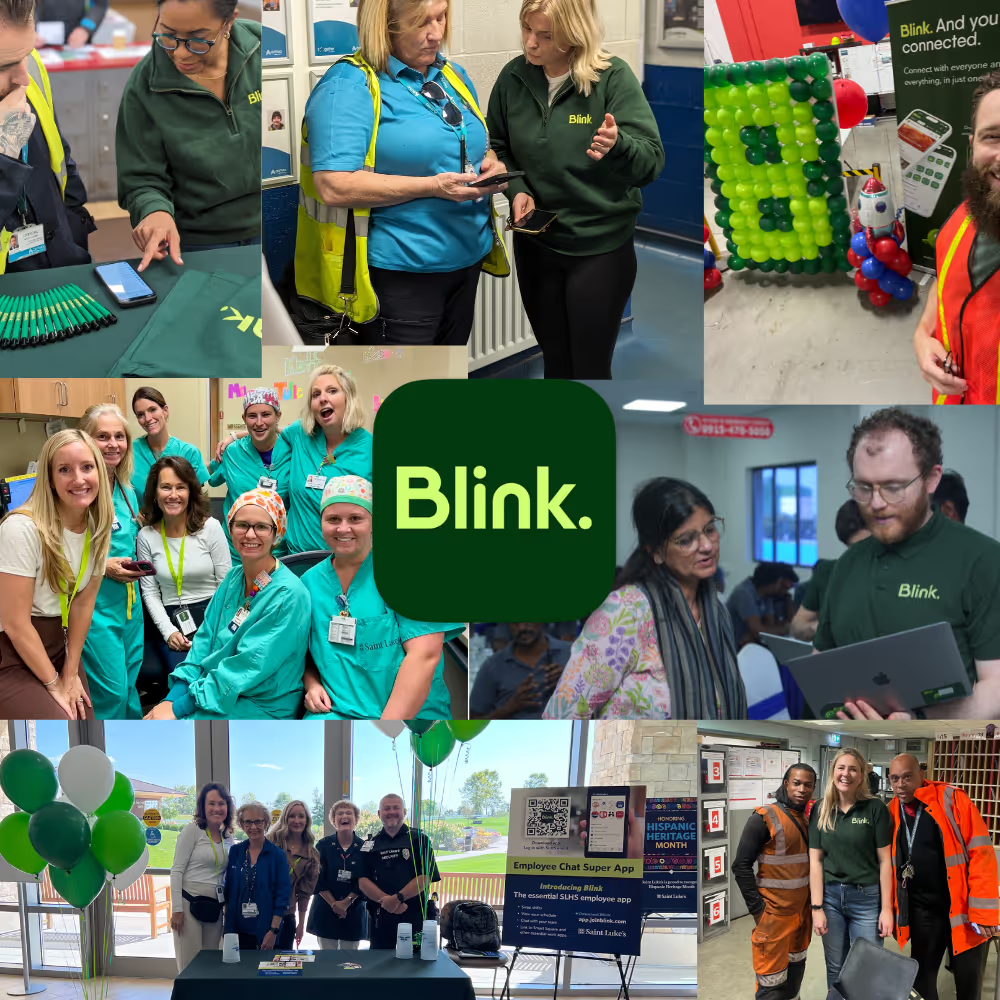
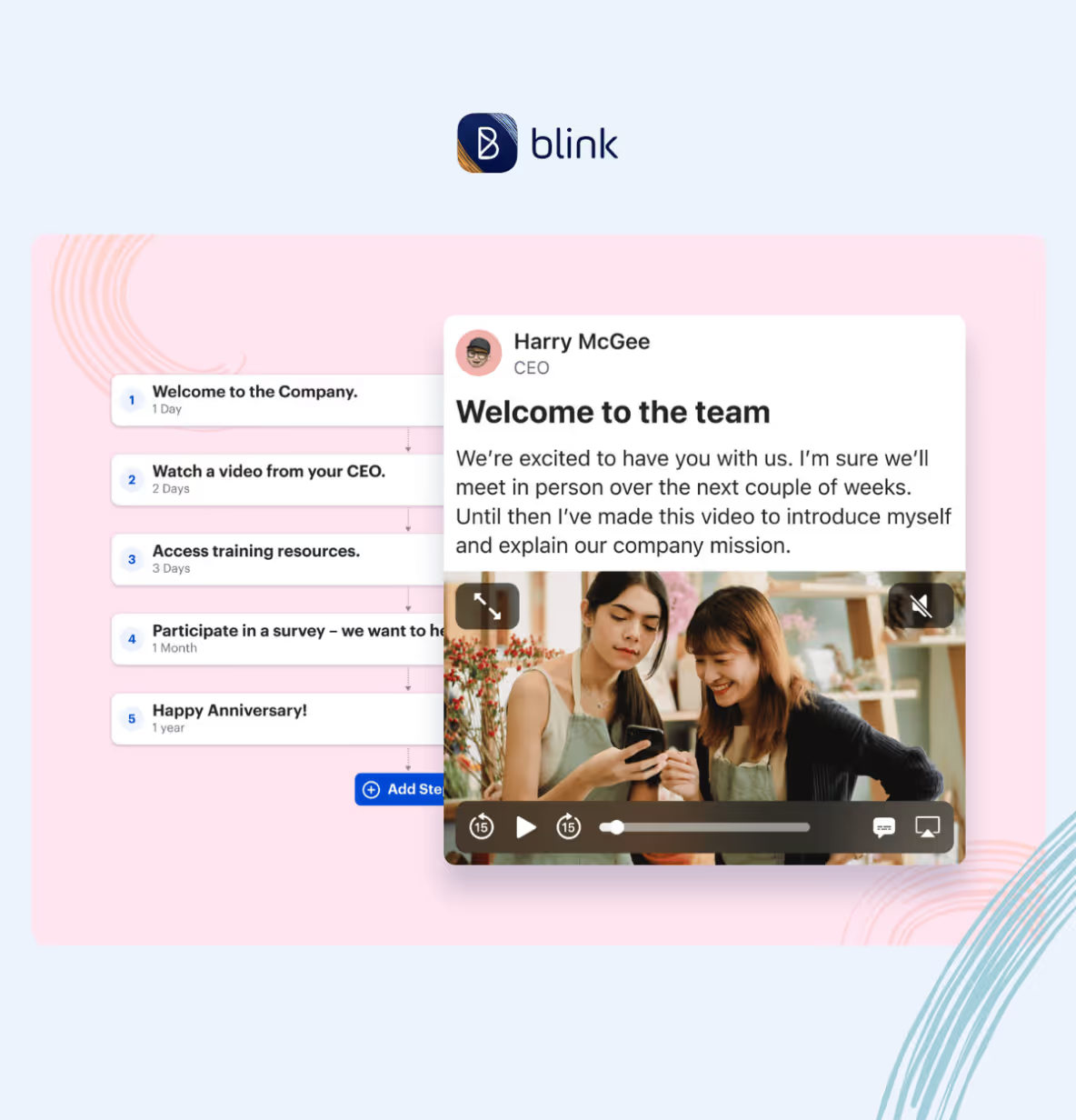
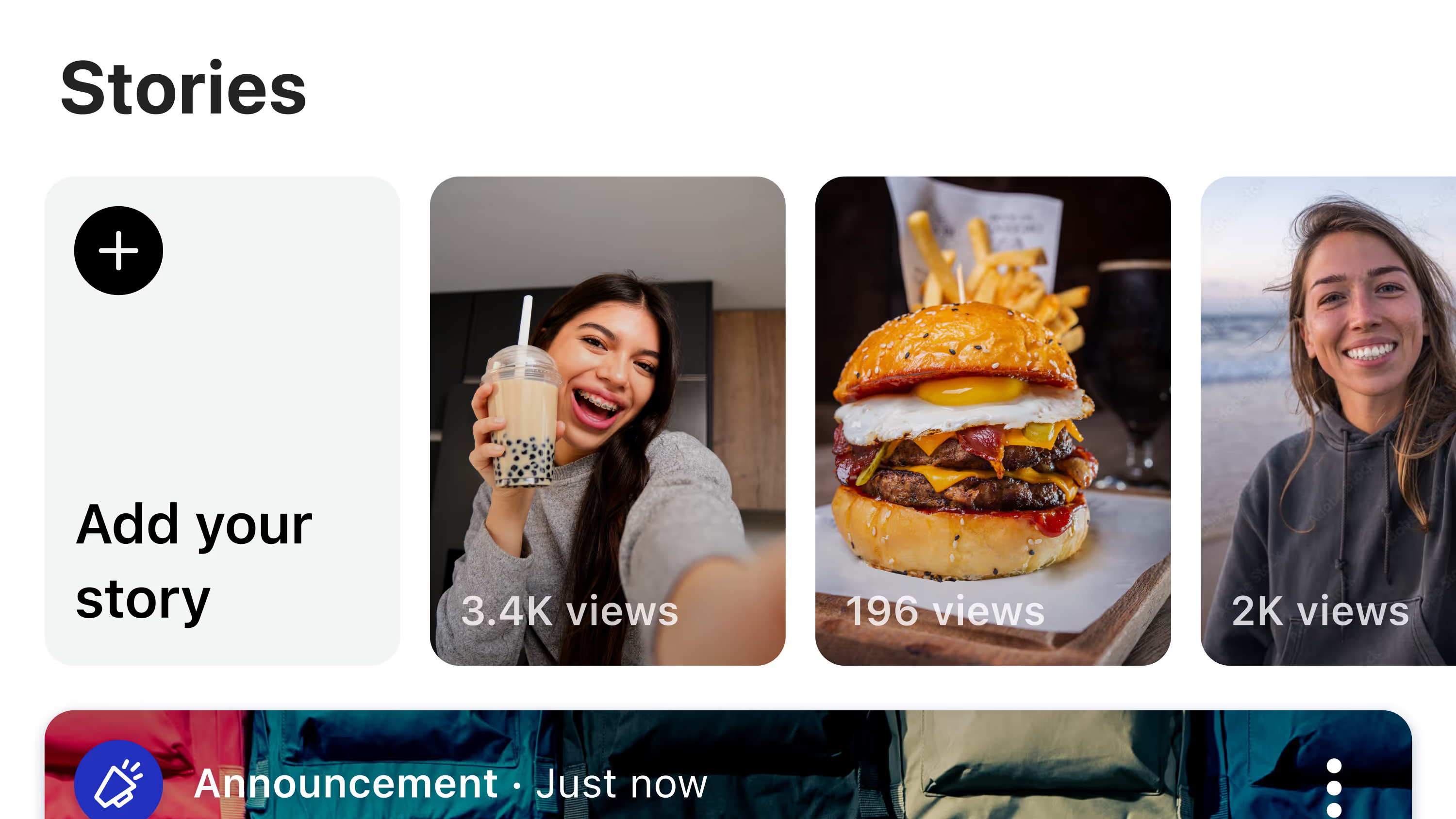
Every employee gets access from day one, whether they have a company email or not. Messaging and the news feed put shift-relevant updates directly in front of the people who need them, instead of relying on a printed notice by the time clock. Recognition and survey tools give crew members a way to be seen and to be heard, both of which matter in an industry where turnover is high and the reasons people leave are rarely a mystery. And because Blink is built to scale across locations, a five-location group and a five-hundred-location franchise system run on the same platform without either one outgrowing it.
Restaurant brands including McDonald's, Domino's, and Shake Shack use Blink to keep frontline teams connected, informed, and engaged, and adoption rates in Blink's frontline customer base regularly land in the 90 percent-plus range within the first week, exactly the kind of fast, friction-free uptake a restaurant employee app needs to actually get used.
Frequently asked questions
What's the difference between a restaurant employee app and a scheduling app?
A scheduling app like 7shifts or When I Work is built specifically around shift planning, labor forecasting, and clocking in and out. A restaurant employee app like Blink is broader: it covers communication, engagement, recognition, onboarding, and access to company information, and often integrates with the scheduling tool a restaurant already uses rather than replacing it.
Does a restaurant employee app replace a group chat app like WhatsApp?
It can, and for most operators it should. Consumer chat apps aren't built for shift-based turnover, don't give managers visibility or moderation tools, and blur the line between an employee's personal phone and their employer's internal comms. A dedicated employee app keeps that separation clear while still being just as easy to use.
How fast can a restaurant chain roll out a new employee app?
With a mobile-first app like Blink, most frontline organizations see the bulk of their team activate within the first week, since there's no company email requirement and the interface is built to need little to no training. For a broader look at what's out there, see our roundup of the 31 best apps for frontline workers.
Blink. And give your restaurant team an app built for how they actually work.

.avif)














.avif)
.avif)


.avif)



-min.jpeg)
.avif)


-min.avif)

%20(3).avif)

-min.jpeg)


.avif)






.avif)
.avif)



.avif)






.avif)
.avif)


