




























.svg)
.svg)





.svg)


.svg)





Reach the exact right people with one shift post
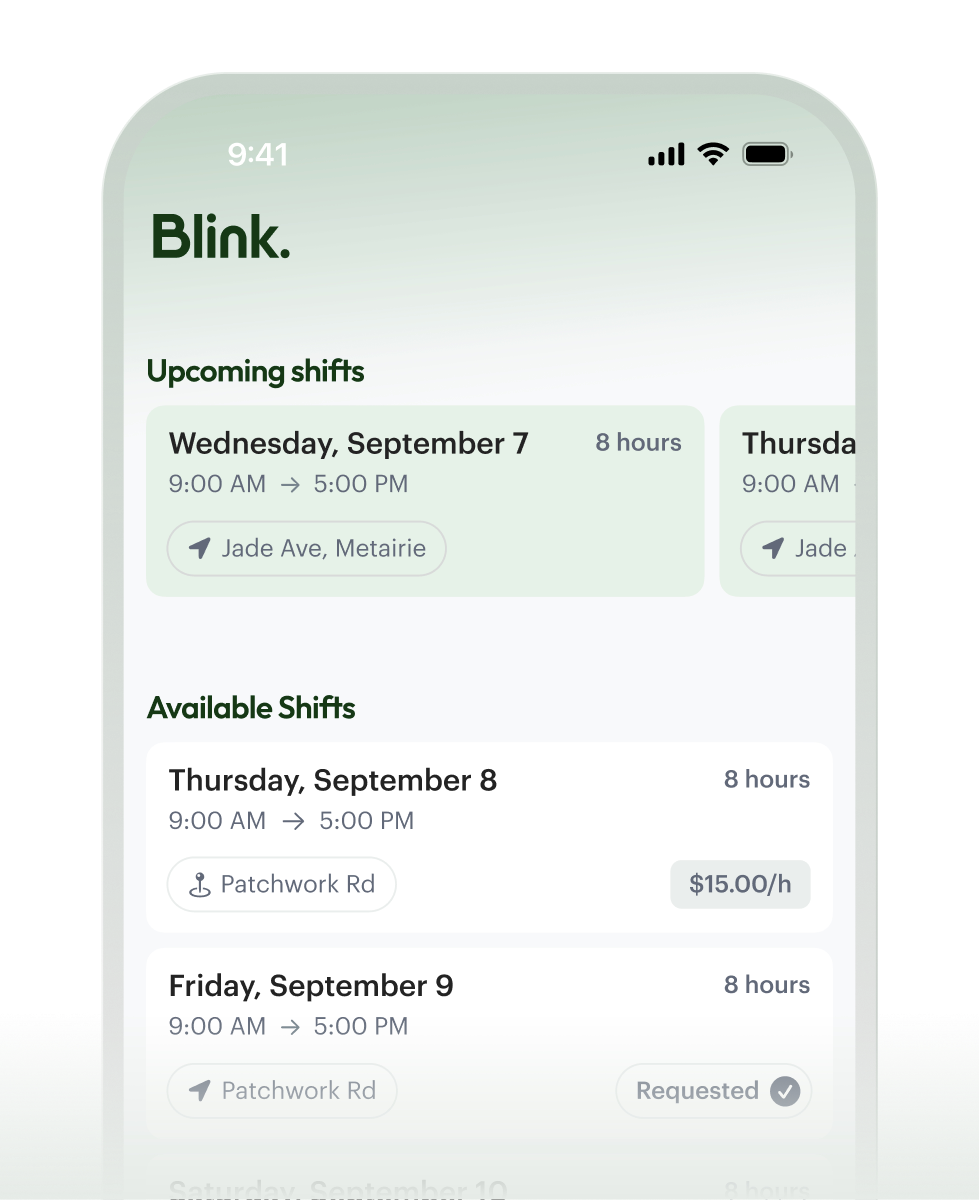
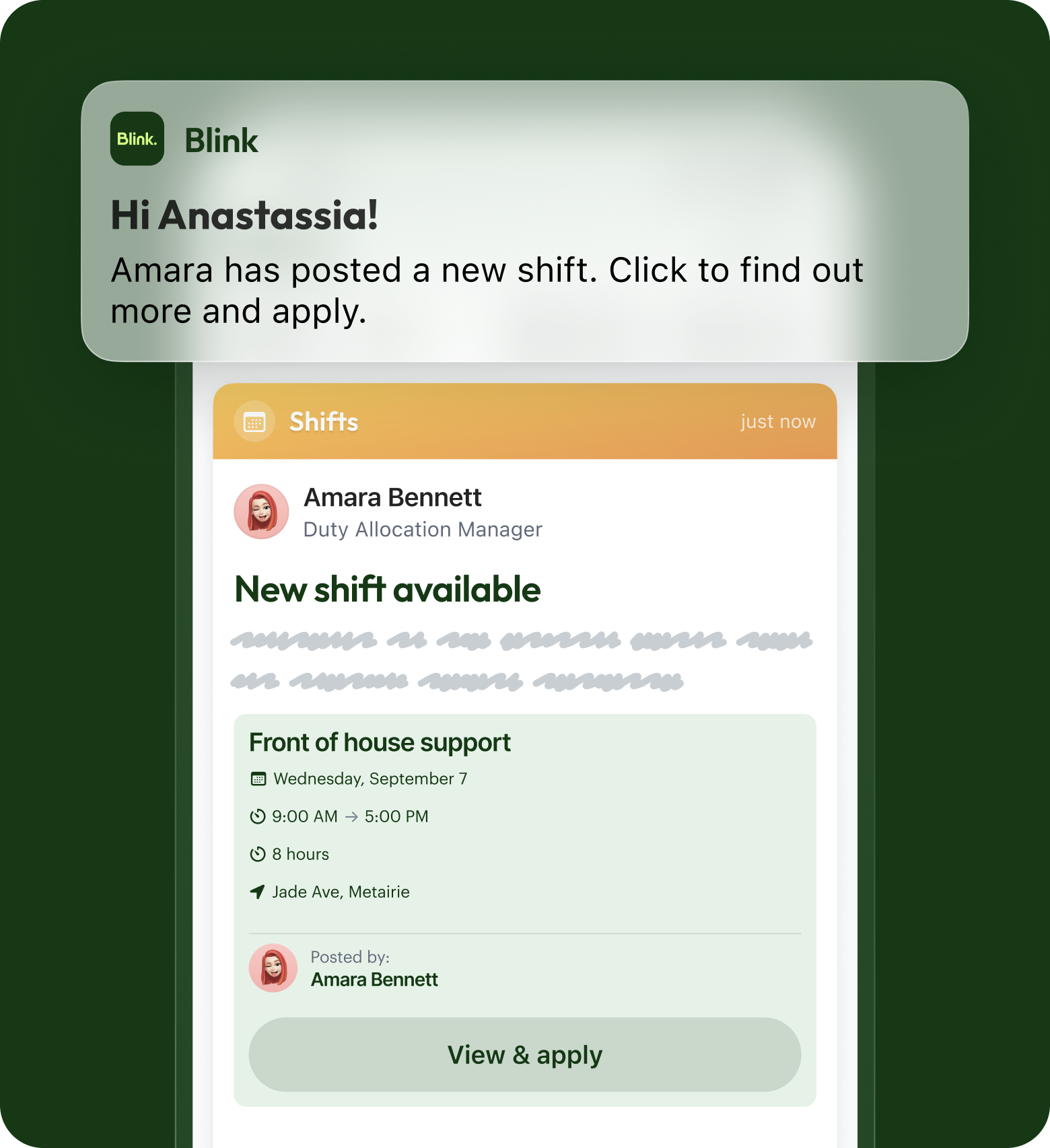
Broadcast an open shift to the people who can actually work it, straight to the phones they already check. Keep everything organized in one central, accessible place.


Empower your people to claim cover with a single tap
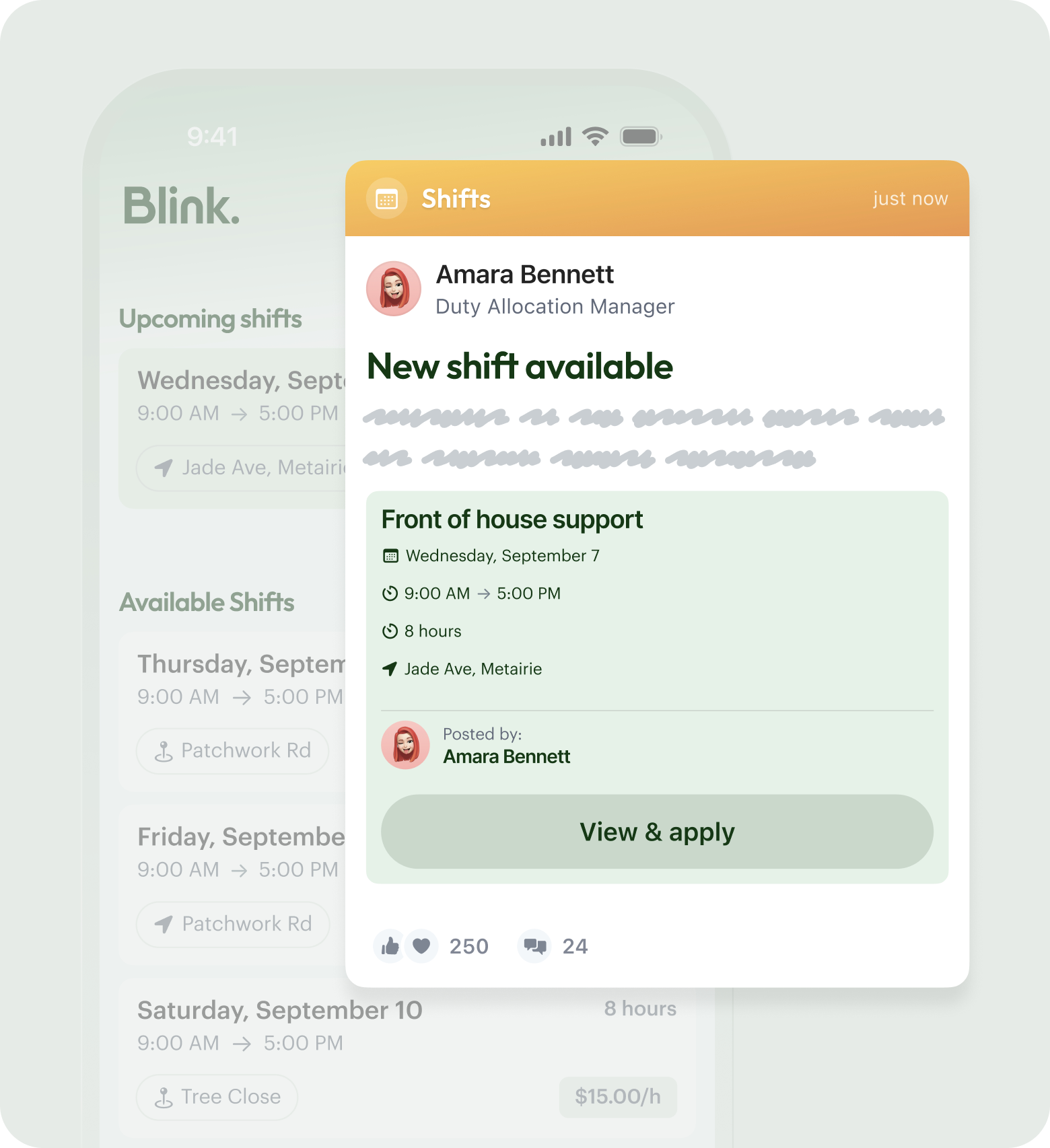
Give people a straightforward way to pick up extra shifts on their own terms, in the same app they use for everything else. Cover gets claimed in minutes, keeping operations moving.


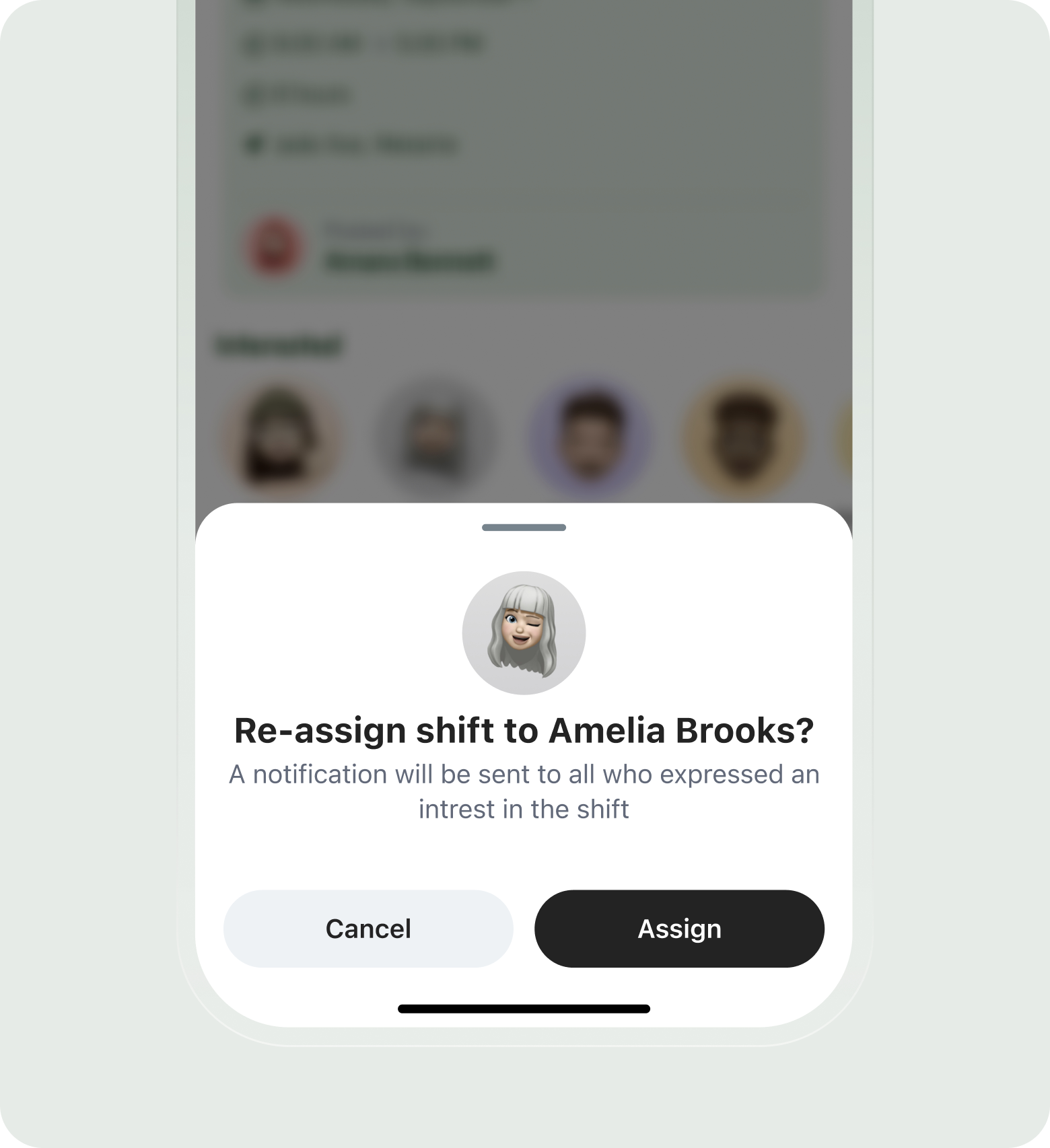
Confirm the shift cover and maintain a complete record
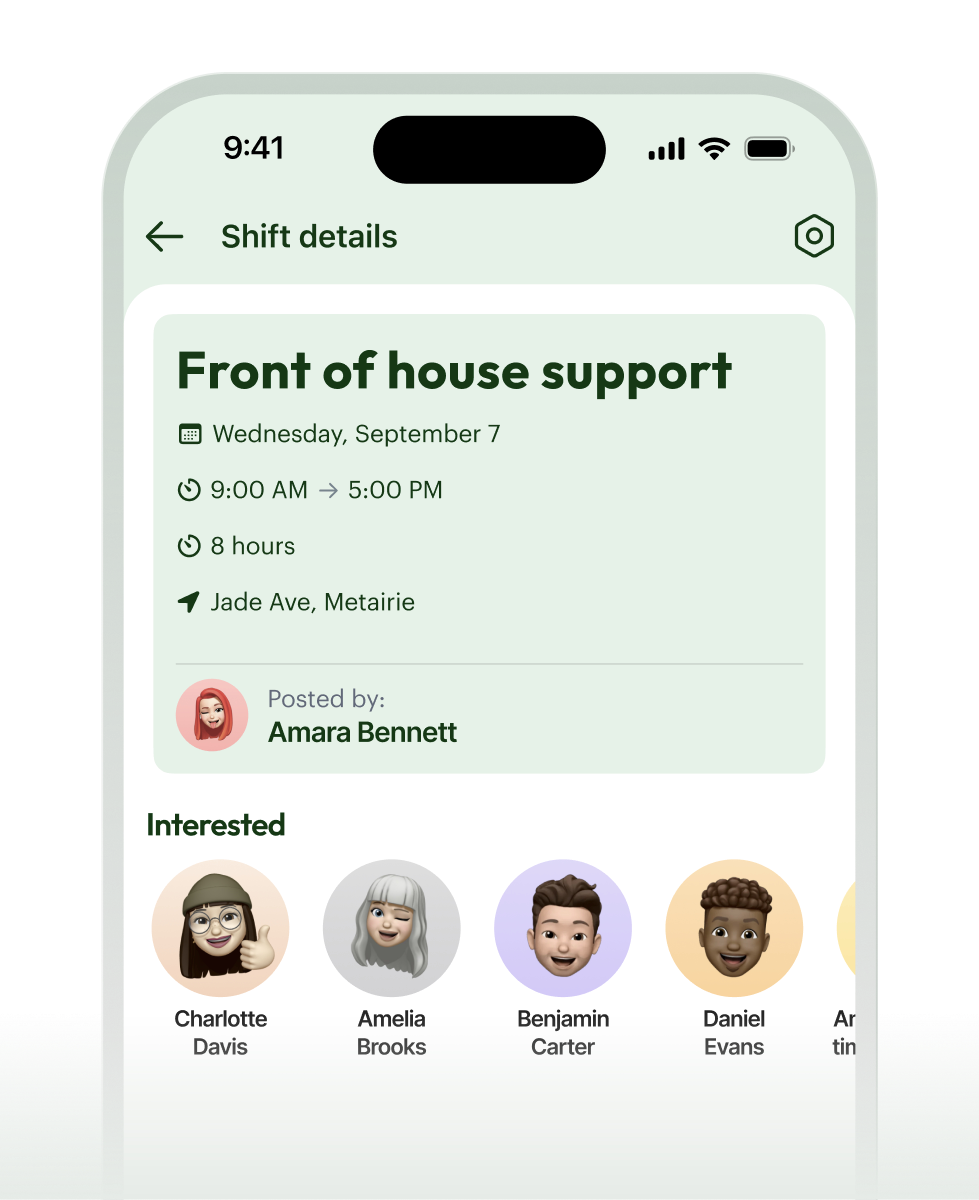
Approve the claim and let the system hold the proof. You get complete visibility into exactly who agreed to cover what, leaving a clear exportable record for payroll and compliance.


Unmissable tools for unmissable shifts
Eligibility filters
Flexible approvals
Frequently asked questions
Open Shifts is for filling a gap: a shift needs covering, you post it, and an eligible person claims it. The Shift Swap Request is for trading: two people who are already rostered want to exchange shifts between themselves. Both run through the same eligibility checks and leave the same audit trail, so whichever one your team uses, the right people are involved and there's a record behind it. Most operations end up using both, because covering a sickness and swapping a planned shift are genuinely different jobs.
Open Shifts is designed to stand on its own, so you don't need a separate workforce-management system behind it to start filling gaps. It handles the part most WFM tools handle badly: getting an open shift in front of the right frontline people fast, on the phones they actually check. Plenty of teams run it as their cover-filling layer on top of whatever scheduling they already do. If you want it to line up with your existing scheduling or WFM tool, that's worth a quick conversation about your setup, because the right answer depends on how your scheduling and payroll are wired together today.
Yes, and this is the part that saves you from the wrong person claiming a shift they can't actually work. Eligibility filters mean an open shift only appears for staff who are qualified, available, and in the right place. You can scope a shift to a single location, a particular role, or a specific group, so a gap at one site doesn't notify people who could never realistically cover it. The result is fewer claims to unpick and more confidence that whoever taps "I'll take it" is genuinely cleared to be there.
That's your call, and you can set it to match how much control the situation needs. Run it first-come-first-served when the priority is simply filling the gap quickly, and the first eligible person to claim the shift gets it. Or hold every claim for manager approval when you want a person to confirm the cover before it's locked in. Different teams use different rules for different shifts, so you're not stuck with one model across the whole operation.
Ready to unlock everyone’s potential?
Let’s go!

