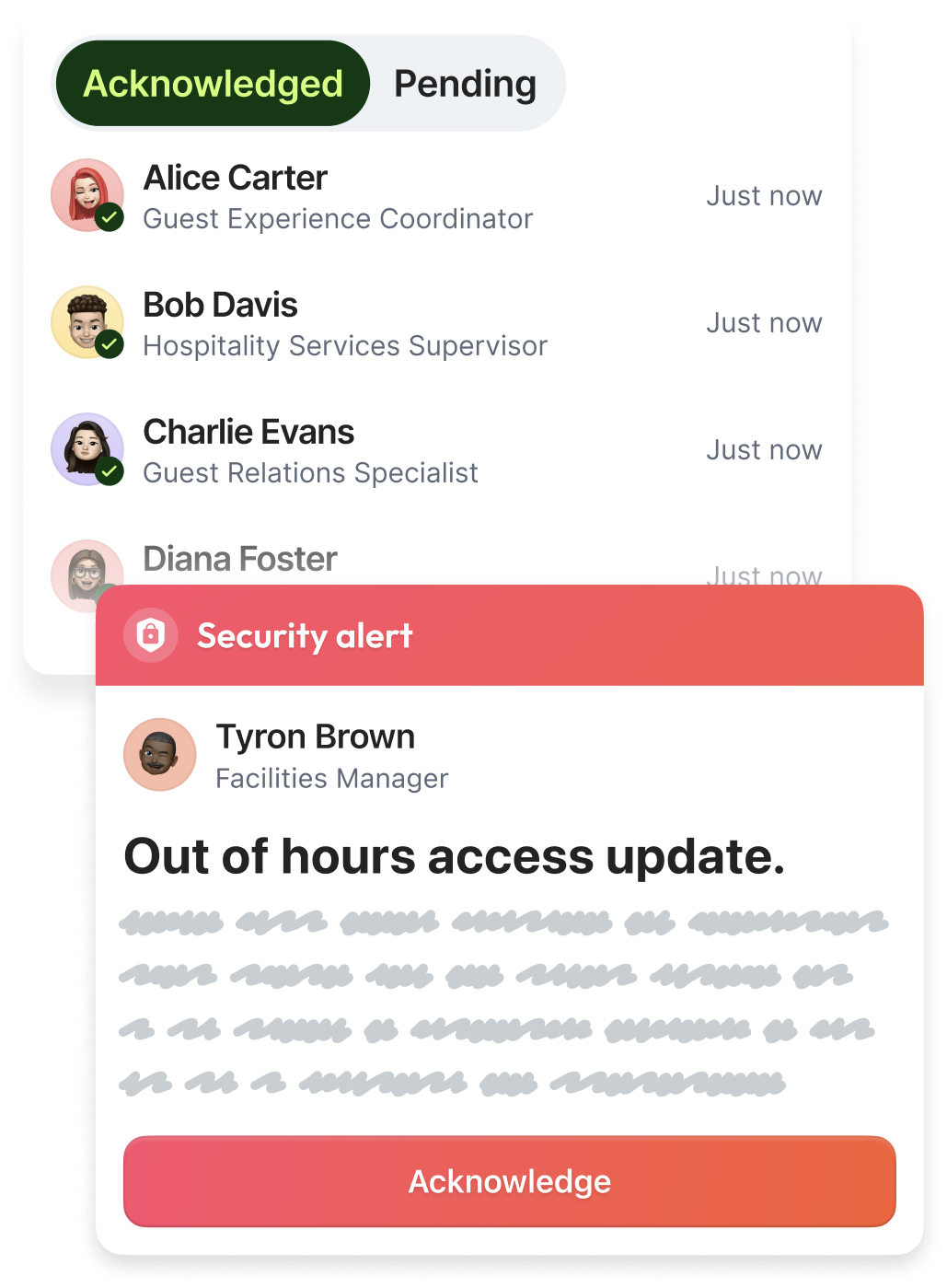





























.svg)
.svg)





.svg)


.svg)





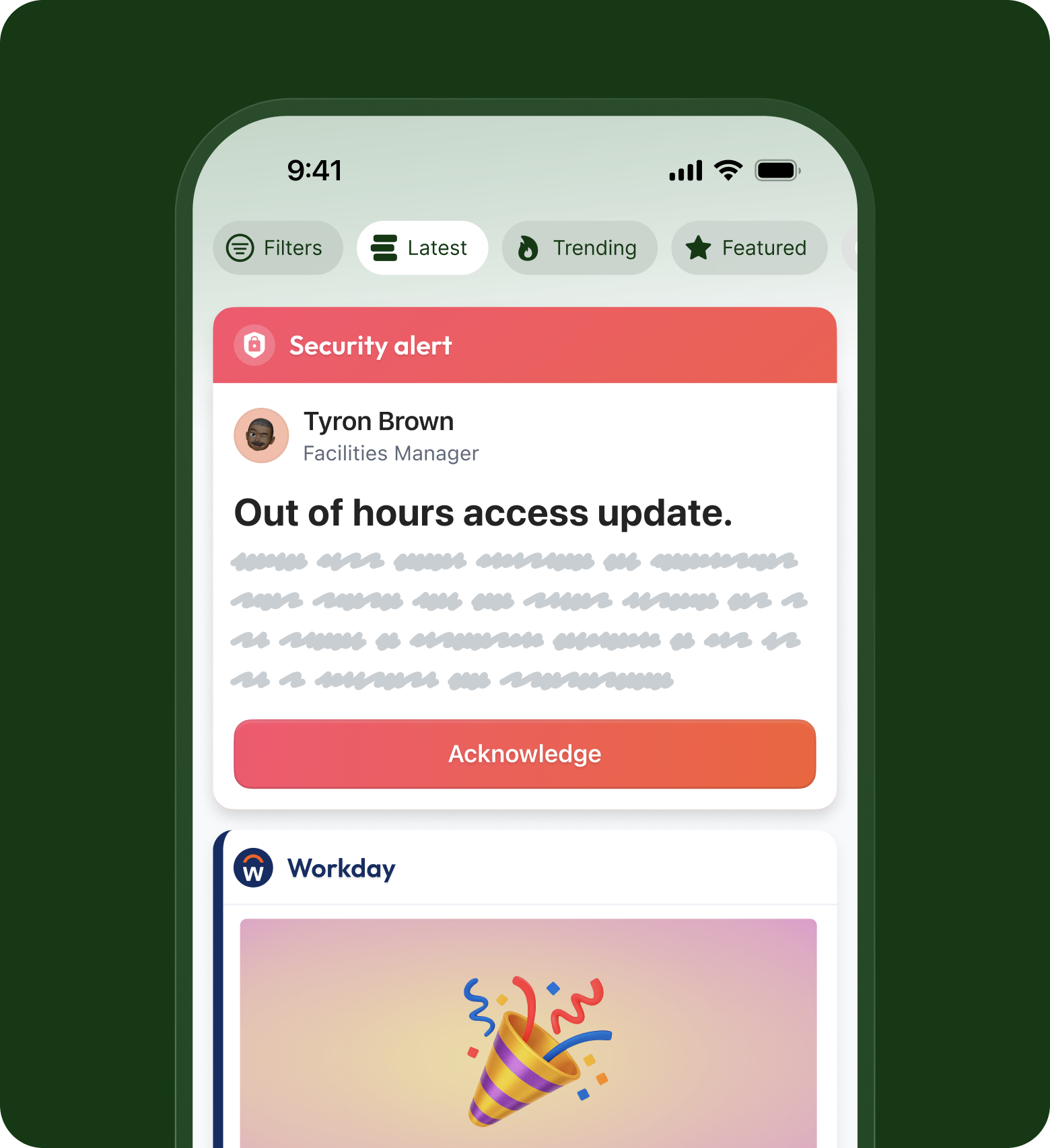
Send urgent updates straight to the top of every feed
Make sure the messages that cannot wait get seen first instead of getting lost in the scroll. Priority Posts pin directly to the top and push through quiet hours.


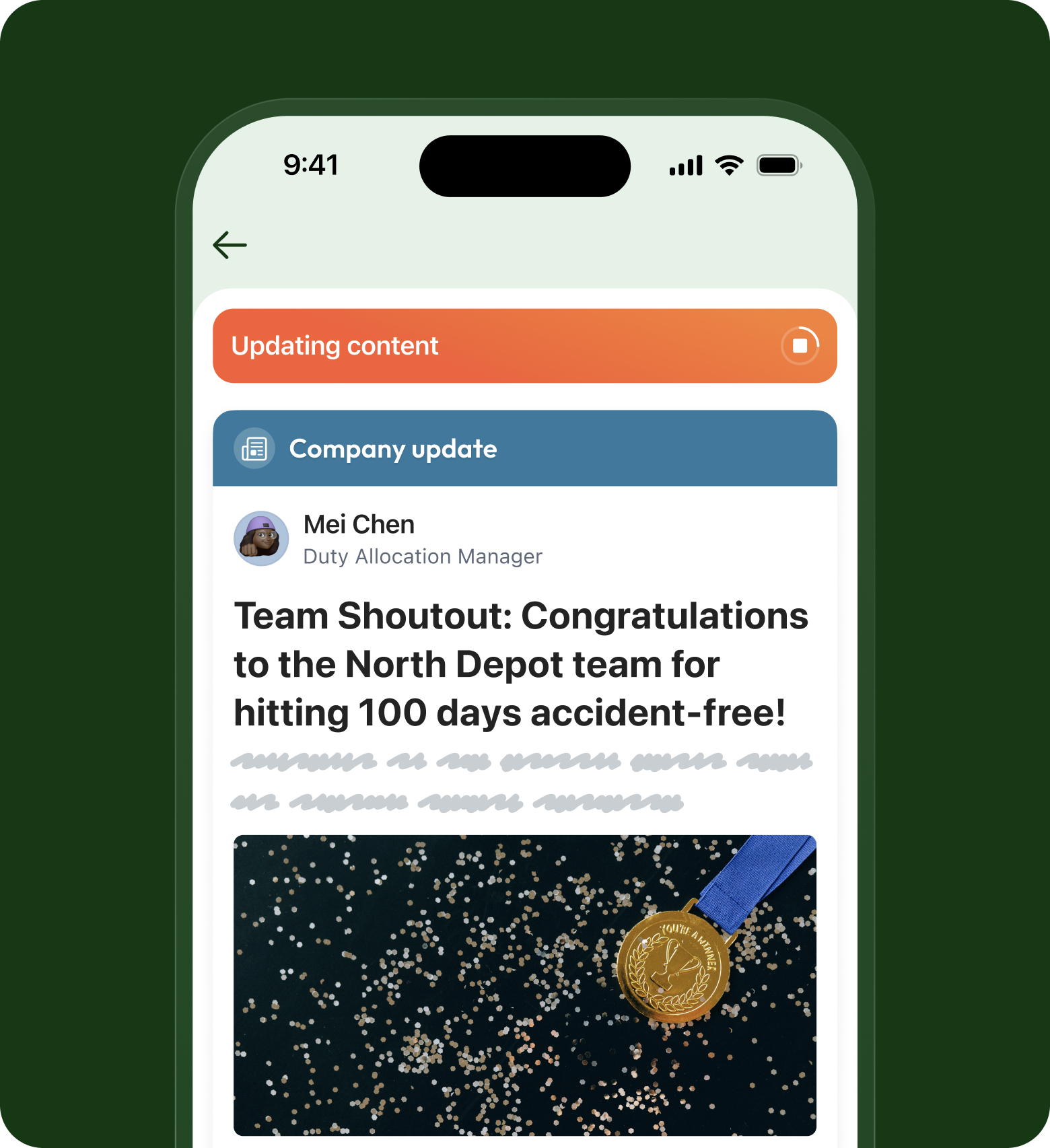
Turn any document into a Mandatory read with a sign-off
Get a confirmed read, not a hopeful one. Mandatory reads require staff to acknowledge the policy, creating a reliable record for your auditors.


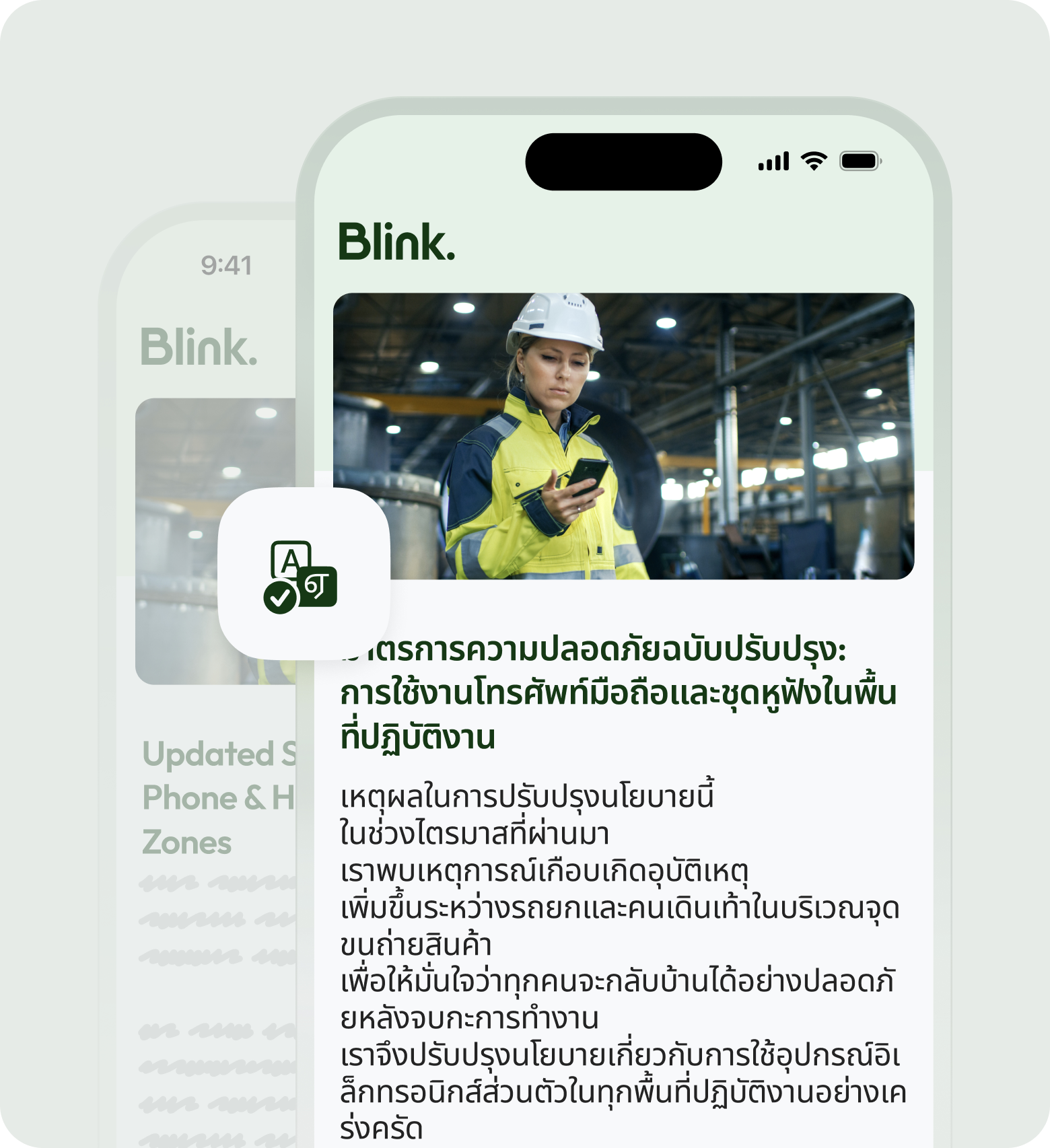
Reach every frontline worker in the language they speak
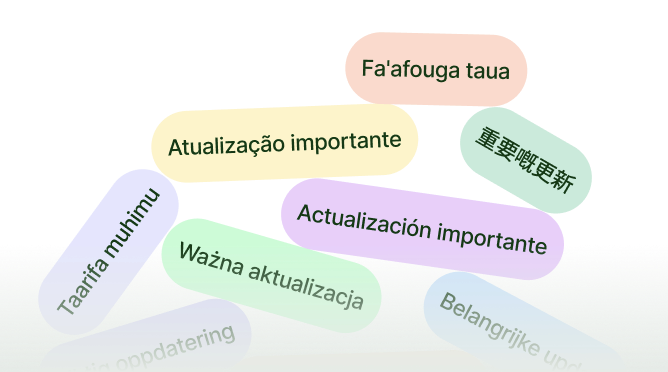
Deliver one message to your entire workforce at once without needing a work email. Messages go straight to personal phones in the language they prefer, ensuring total alignment.


Unmissable tools for unmissable messages



Frequently asked questions
A Priority Post is for urgent, time-sensitive updates. It sits at the top of the feed, fires a push notification, and is designed to be seen fast. A Mandatory Read is for policies and documents that need a formal sign-off. It lives in the Hub, and each person has to confirm they've read it before they can dismiss it. Use a Priority Post when speed matters most, and a Mandatory Read when proof of acknowledgement matters most. Plenty of teams use both, a Priority Post to flag that something important has landed, and a Mandatory Read to capture the confirmed sign-off behind it.
Yes. If the policy or document already lives as a Hub page, you don't have to rebuild it. Flip a single toggle and that page becomes a Mandatory Read, which means everyone in the target group now has to confirm they've read it before they can dismiss it. It's the fastest way to take content you've already written and put a confirmed sign-off behind it, without copying anything across or starting again from scratch.
Mandatory Reads can be created by Team Admins, Content Moderators, and Organization Admins. Keeping creation with those roles is deliberate. A Mandatory Read carries a formal acknowledgement and an audit trail, so it matters that the people sending them are the ones responsible for compliance and communication. Everyone else still receives them and confirms them as normal, they just can't originate one, which keeps your record clean and your sign-offs accountable to the right people.
Yes. You don't have to chase the whole organization. Blink shows you exactly who is still outstanding, and you can send a targeted reminder to just those people, by team if you need to. The people who have already confirmed don't get nudged again. It's a quicker way to close the gap on the stragglers without adding noise for everyone who's already done what you asked, which keeps your reminders welcome rather than annoying.
Yes. Acknowledgement data exports straight to Excel or CSV, so when compliance, legal, or a regulator asks who signed off on a policy and when, you have the record ready to hand over. No screenshots, no manual tallies, no reconstructing who saw what after the fact. For regulated industries where "we sent it" was never enough on its own, this is the part that turns a message into actual evidence you can stand behind.
No, and that's on purpose. Once a Priority Post is live it can't be edited, which protects the integrity of what your team has seen and acknowledged. If the content could change after the fact, the acknowledgement behind it would mean a lot less. If you need to correct or add something, you send a new post, so there's always a clear, honest record of exactly what went out and when.
Ready to unlock everyone’s potential?
Let’s go!

