Message colleagues instantly, no matter where you are.
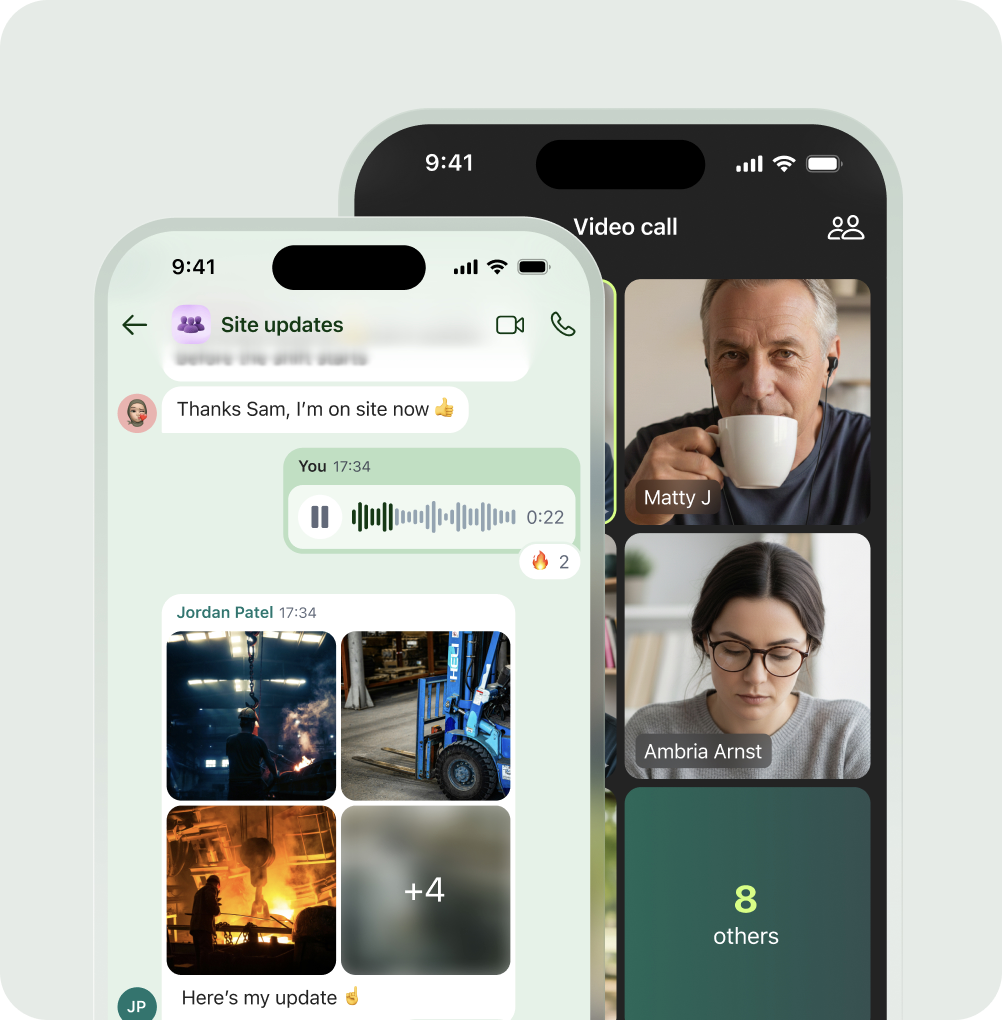
Consumer-grade communication at work
With Blink, Chats feel just as easy and effortless as the familiar experience of communicating via text or on social media — making it easy to get everyone talking. Create Group Chats to bring multiple team members together and tag key stakeholders, or message a colleague privately in a Direct Chat.
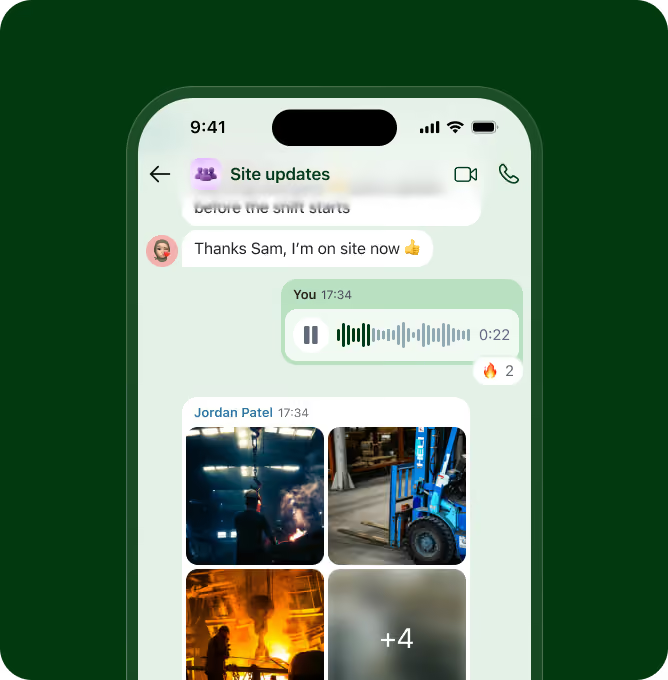
Share content with just a click
Because Blink has an Insta-inspired interface, Chats are more than just text. Share images, GIFs, and videos, attach PDFs, documents, and spreadsheets, and so much more — without the hassle of email or file-sharing apps. And never worry about losing content again: Everything shared as a message is easily accessible from the Chat sidebar and Blink search.
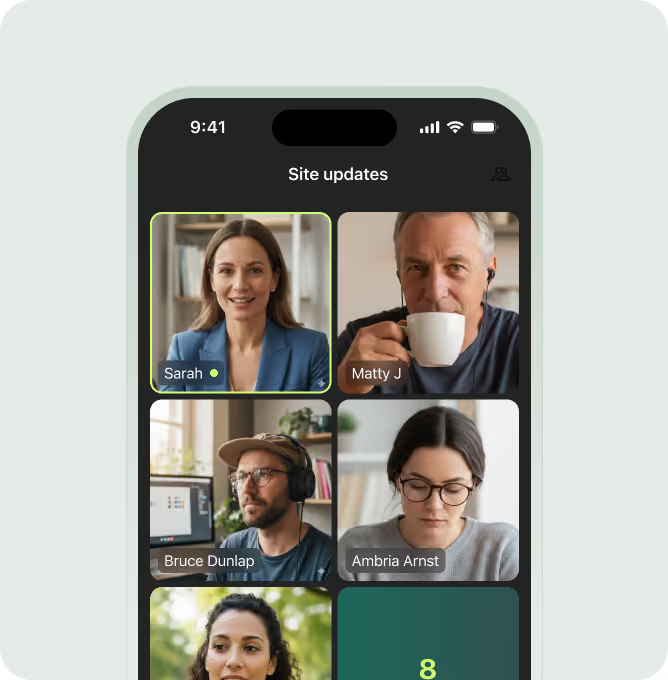
Start virtual meetings instantly
Sometimes, it's way easier to call a colleague than it is to type out a long note. With Blink, you can automatically start a voice call or video meeting with everyone, straight from both Direct and Group Chats.
And there's more...

Foster team collaboration
Give each team their own space to work together and share ideas, increasing morale and productivity

Fill every shift
Save supervisors from last-minute calling and texting to fill empty shifts by flagging them on group Chats

Transform DEI efforts
Use Chats to create virtual Employee Resource Groups, empowering everyone to participate - no matter where they are

Protect privacy
Ensure security by avoiding using personal phone numbers for work-related conversations

Deliver recognition
By making communications easy, you break down the barrier to ensuring regular and consistent employee recognition

Resolve issues quickly
Whether it's burnout, conflict or accidents, Chat makes fast, reliable communication easy to problems get solved quicker
An intuitive experience for your employees
Channels
Like group chats for work, channels are topics people can join and leave as they wish
Superpowers
From celebrating with confetti to deciding who makes the tea, you’ve got the (super) power
Notification controls
Allow only the most urgent notifications interrupt you - the rest can wait
Highlights
Highlight messages that you want to go back to at a later date
Reply and forward
Reply to other messages or forward a message onto another chat or the Feed
GIF picker
Find and share the perfect GIF or create and upload your own
Share locations
Whether you want to share your current location or a meeting point, it couldn't be easier.
Opt in ... or sit out
You're in control. Blink lets you choose which chats you want to be part of.
Status
Let others know when you're not available and who to contact in your absence.
Emoji support
All Blink apps support the latest list of emojis allowing you to inject extra emotion to your message 😲
Favorites
Favorite your most frequently used chats for quicker access.
Frequently asked questions
Blink Chat is a secure, role-based messaging tool built for the workplace. It connects all employees to the right people and groups — without needing personal phone numbers.
Yes. You can easily share content such as News Feed posts and Hub documents directly in Chat, keeping conversations productive and aligned with business updates.
It does. Group chats can be auto-created based on role or location, and admins can easily manage settings, retention policies, and compliance controls — ideal for large, distributed teams.

