The universal AI platform for frontline work.
AI built for the frontline, and everyone who runs it
Describe it. Blink builds it.
Blink's Frontline AI is a set of AI builders and agents inside the Blink app. Describe what you need in your own words and a builder makes it: the questions, the fields, the layout, the timing. You edit it, approve it, and publish it.
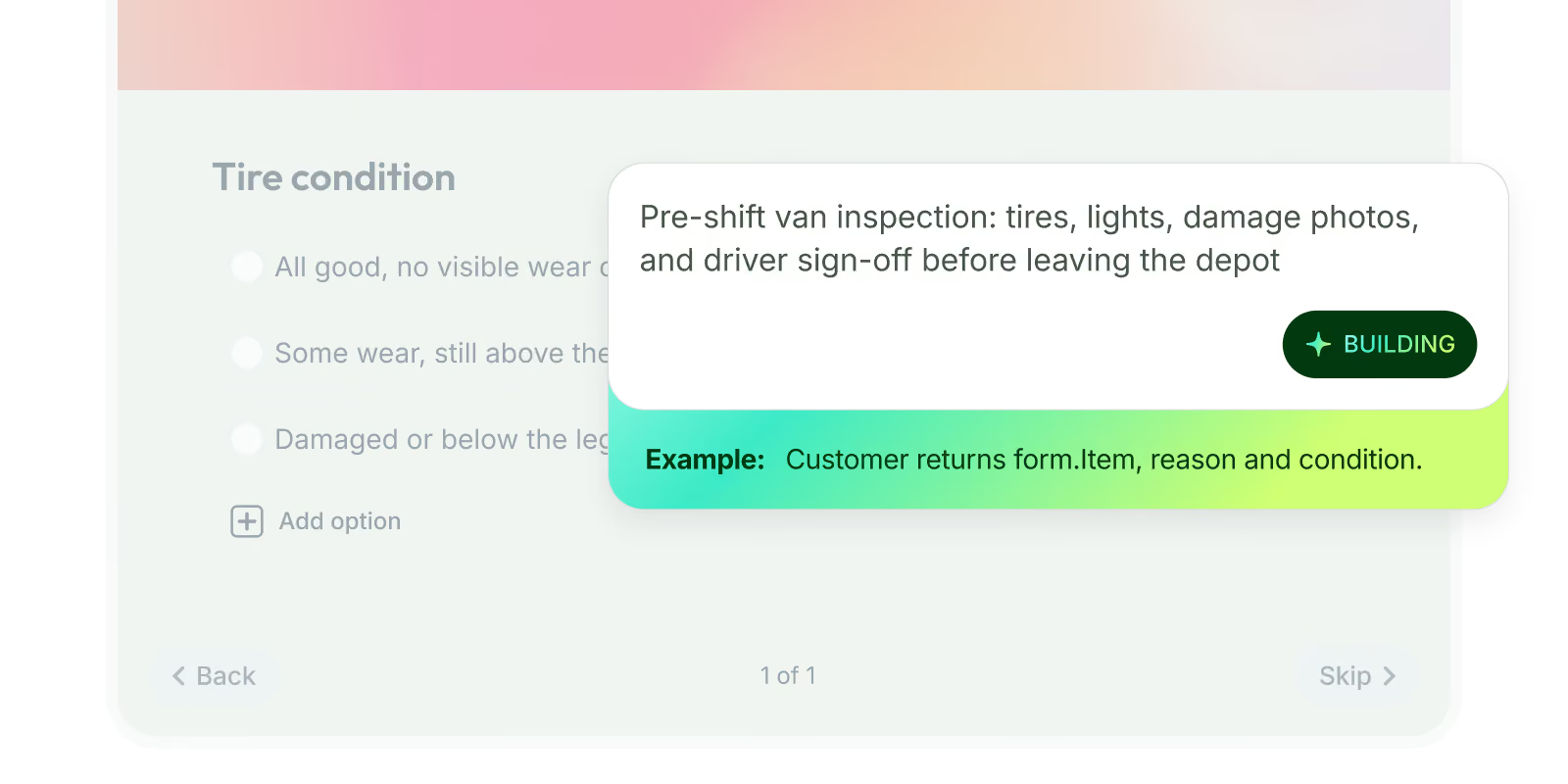
Form AI builder
Builds the fields, logic, and routing for a form from one sentence.
Use it for food safety checks, vehicle inspections, and returns logs.
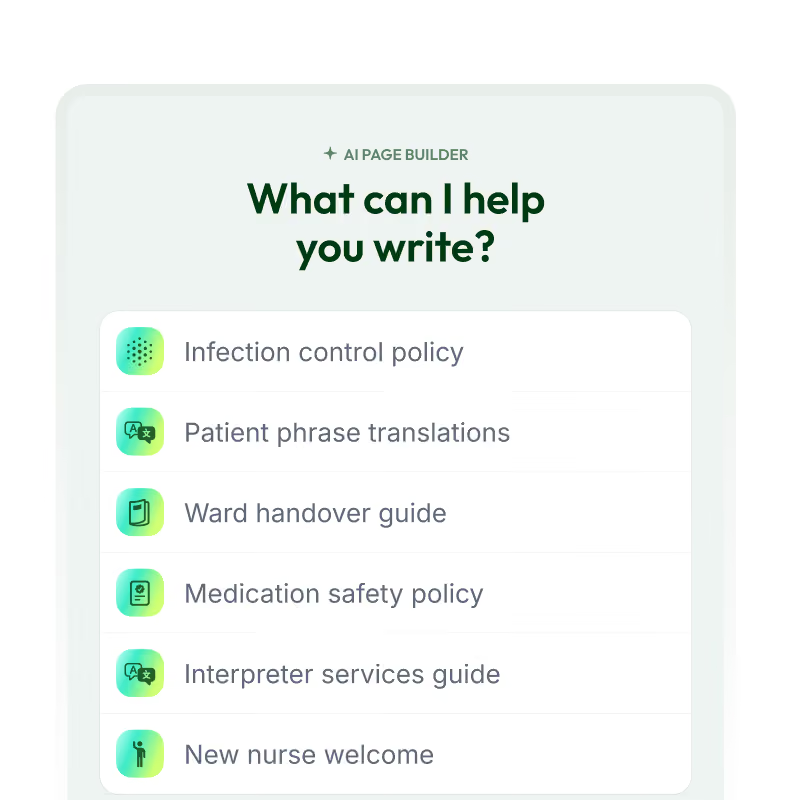
Pages builder
Lays out and drafts a Hub page your frontline opens on their phone.
Use it for policy hubs, benefits explainers, and menu launches.

Journey builder
Builds onboarding, promotion, and leave sequences that run on schedule
Use it for onboarding, promotions, return from leave, and offboarding.
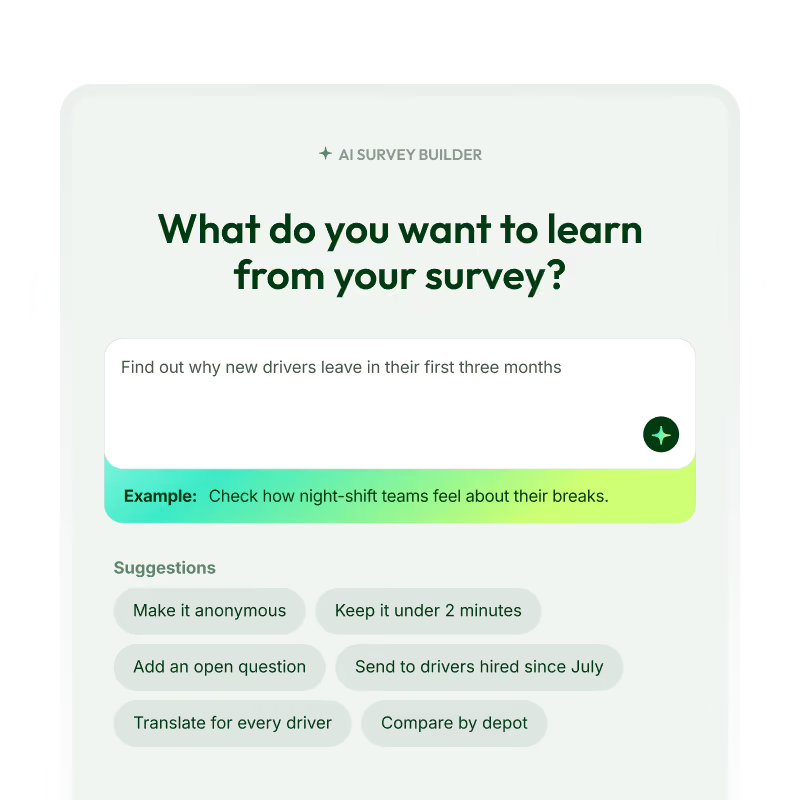
Survey AI builder
Writes the questions and picks the scales for what you want to know.
Use it for pulse checks, shift feedback, and exit surveys.
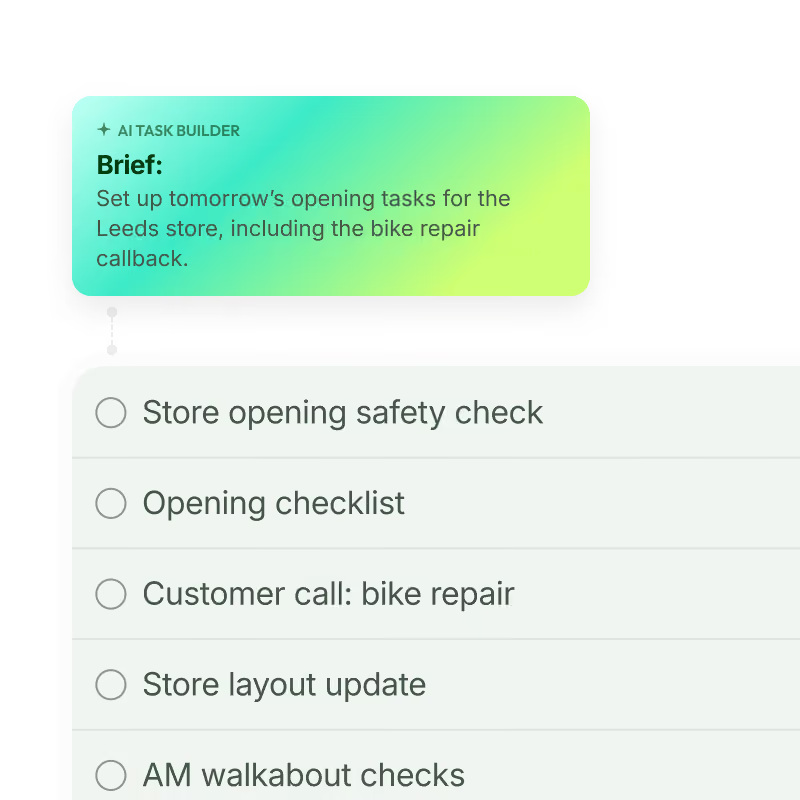
Task AI builder
Turns the work that needs doing into assigned tasks with due times.
Use it for opening and closing checklists, site audits, and recurring jobs.

Email AI builder
Drafts and designs a newsletter built to be read on a phone.
Use it for weekly updates, product launches, and safety reminders.
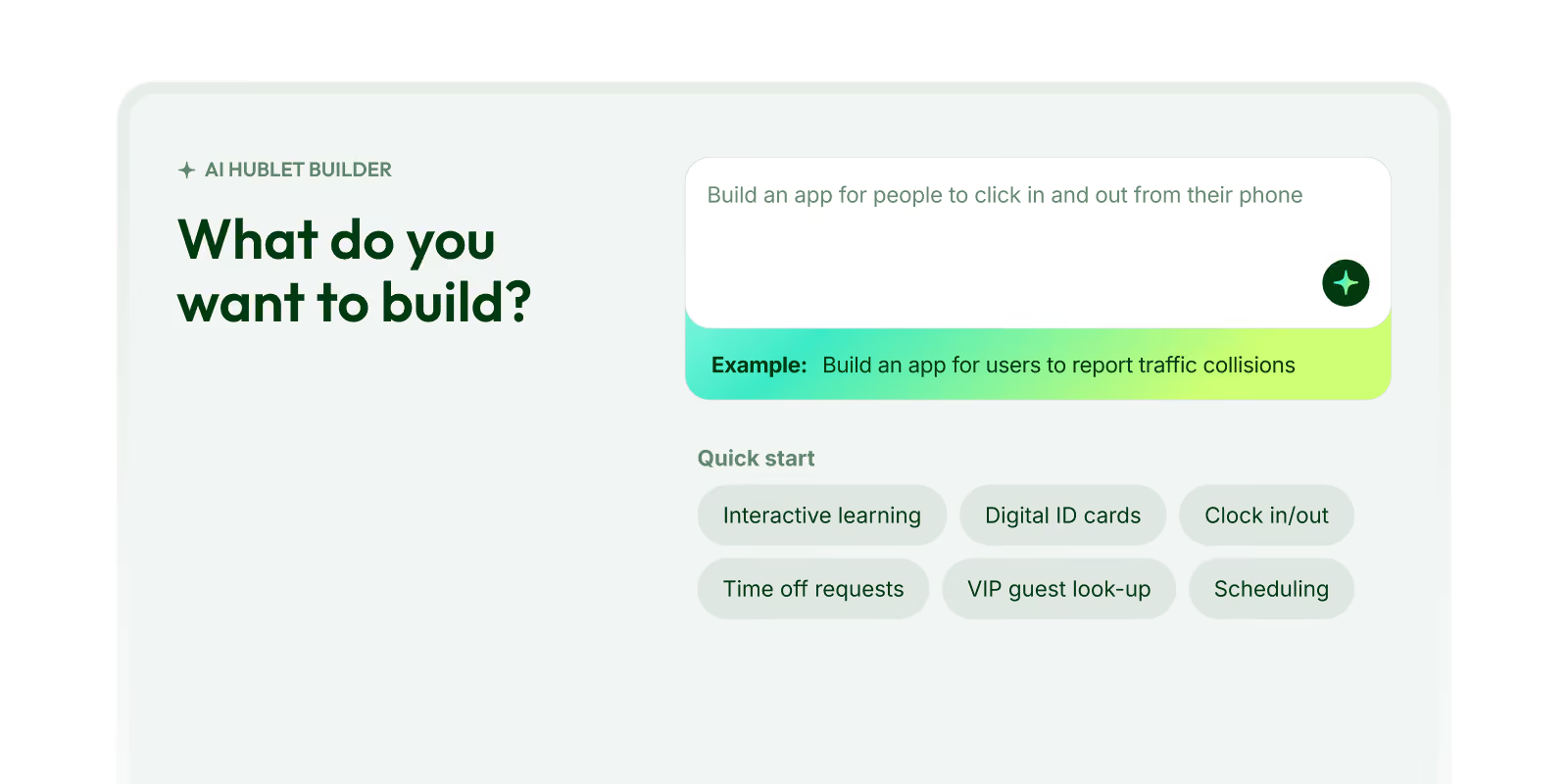
Hublets AI builder
Builds a whole no-code app that lives in your Blink Hub.
Use it for shift-swap tools, maintenance logs, and onboarding checklists.
Put answers and action in every worker's pocket
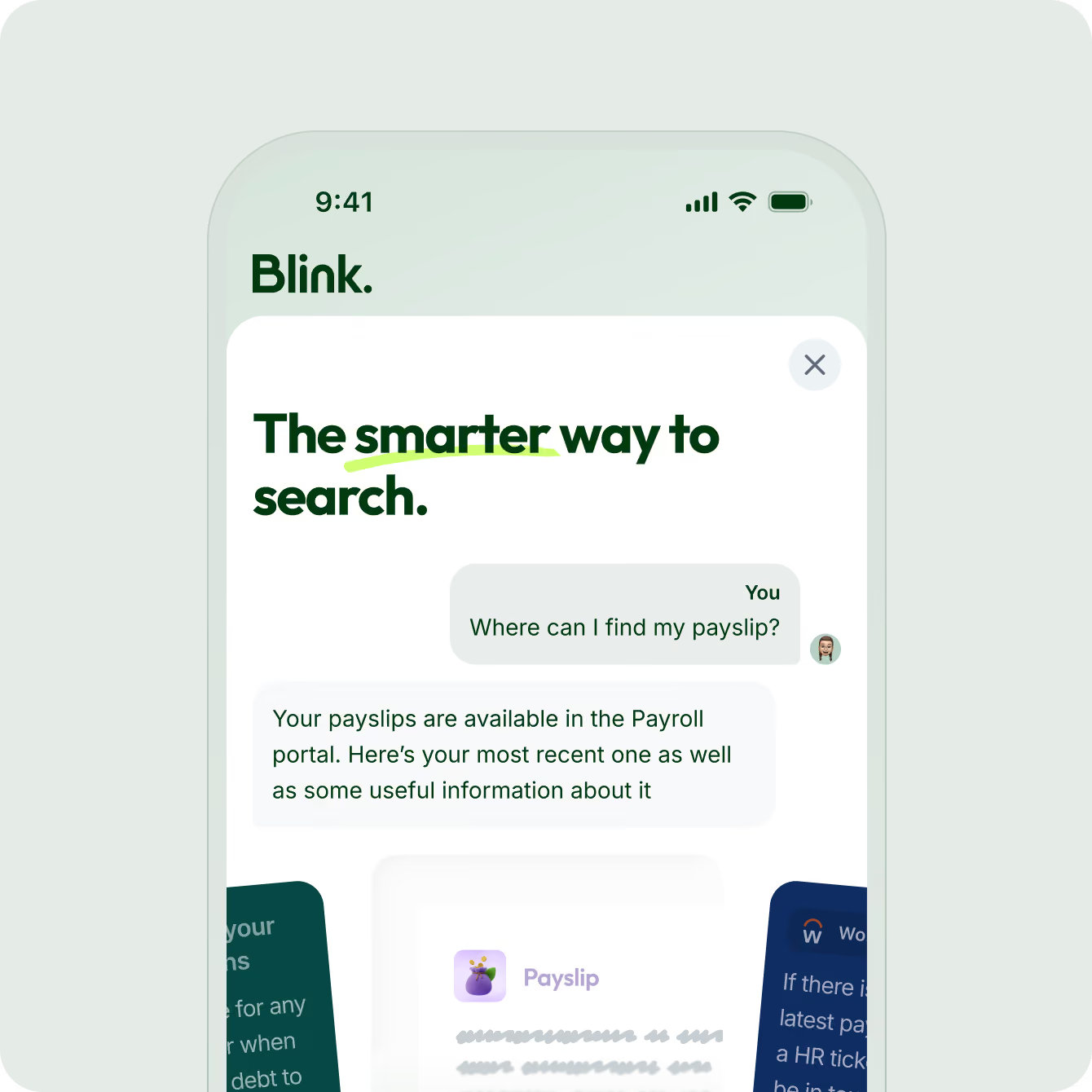
Blink gives every worker two ways to get an answer from their phone: ask the Frontline Assistant, or search everything at once with Smart Search. Both answer from your own content and connected systems, and both link straight to the source.
Ask Blink anything. Get the answer.
The Frontline Assistant answers your people's questions inside Blink. A driver types "How do I report a minor collision?" and gets the answer from your own policies, Hub pages, and Feed posts, with a link to the source. It only answers from content that person is allowed to see.
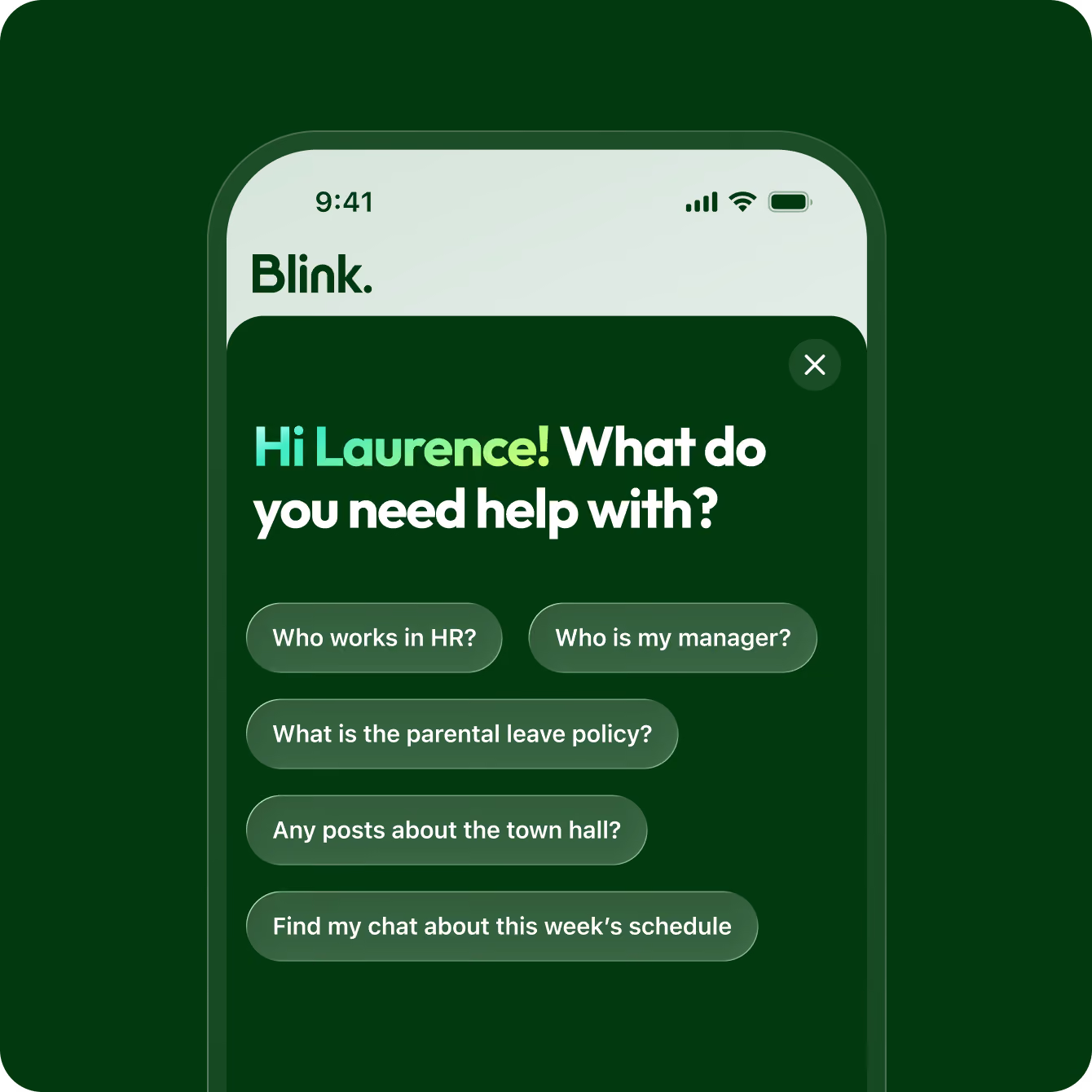
One search across every tool you use
Blink's Smart Search looks across your Feed, Hub, chats, directory, and connected systems like SharePoint and Workday in one go. People get a direct answer with a citation, tap it, and land on the original document or chat.
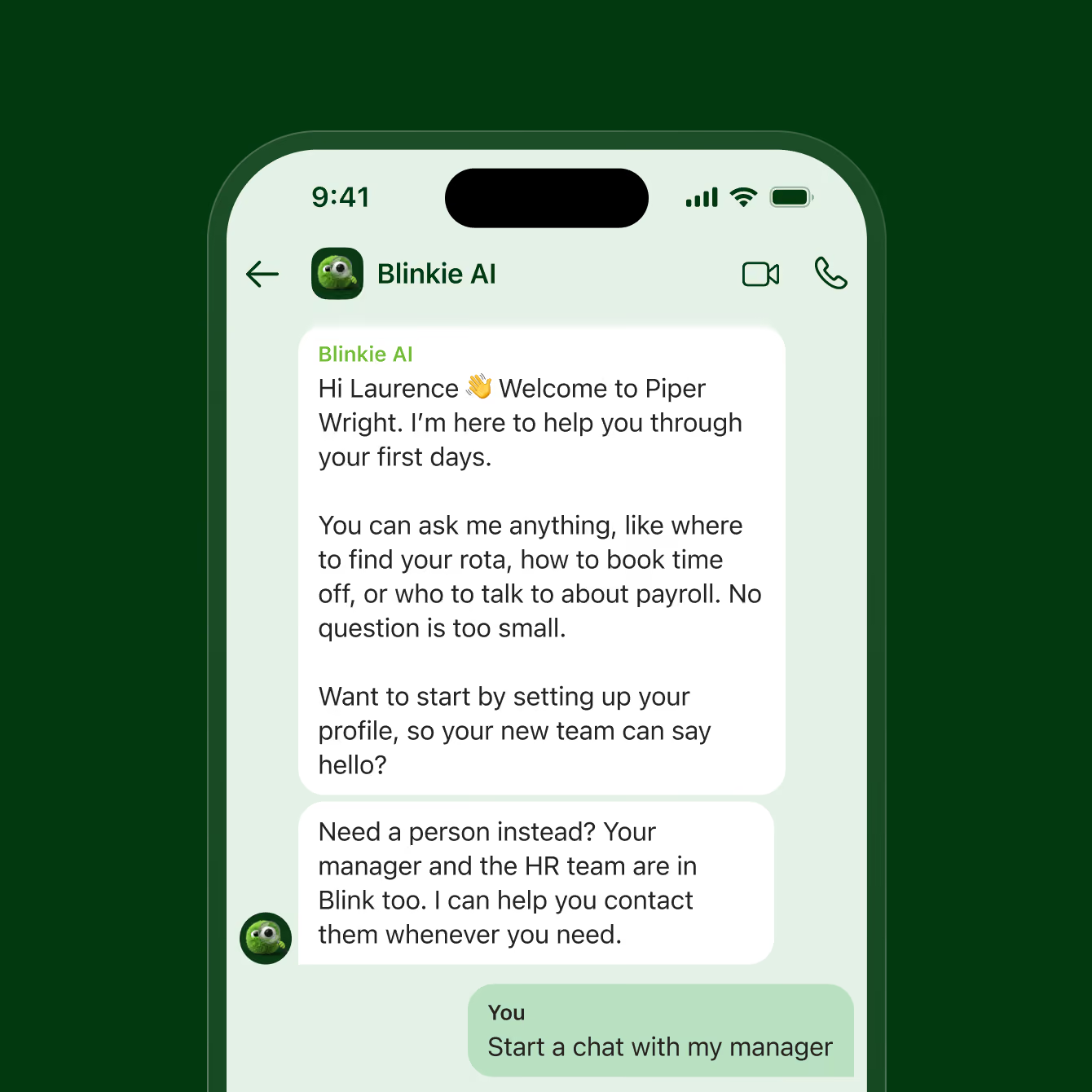
Every new starter has someone to ask.
Blinkie AI walks every new starter through their first days in Blink. It answers the questions people would rather not ask a manager, points them to the right policy or form, and nudges them to whatever comes next. It's there from day one, in the app already on their phone.
Ask your workforce data a question
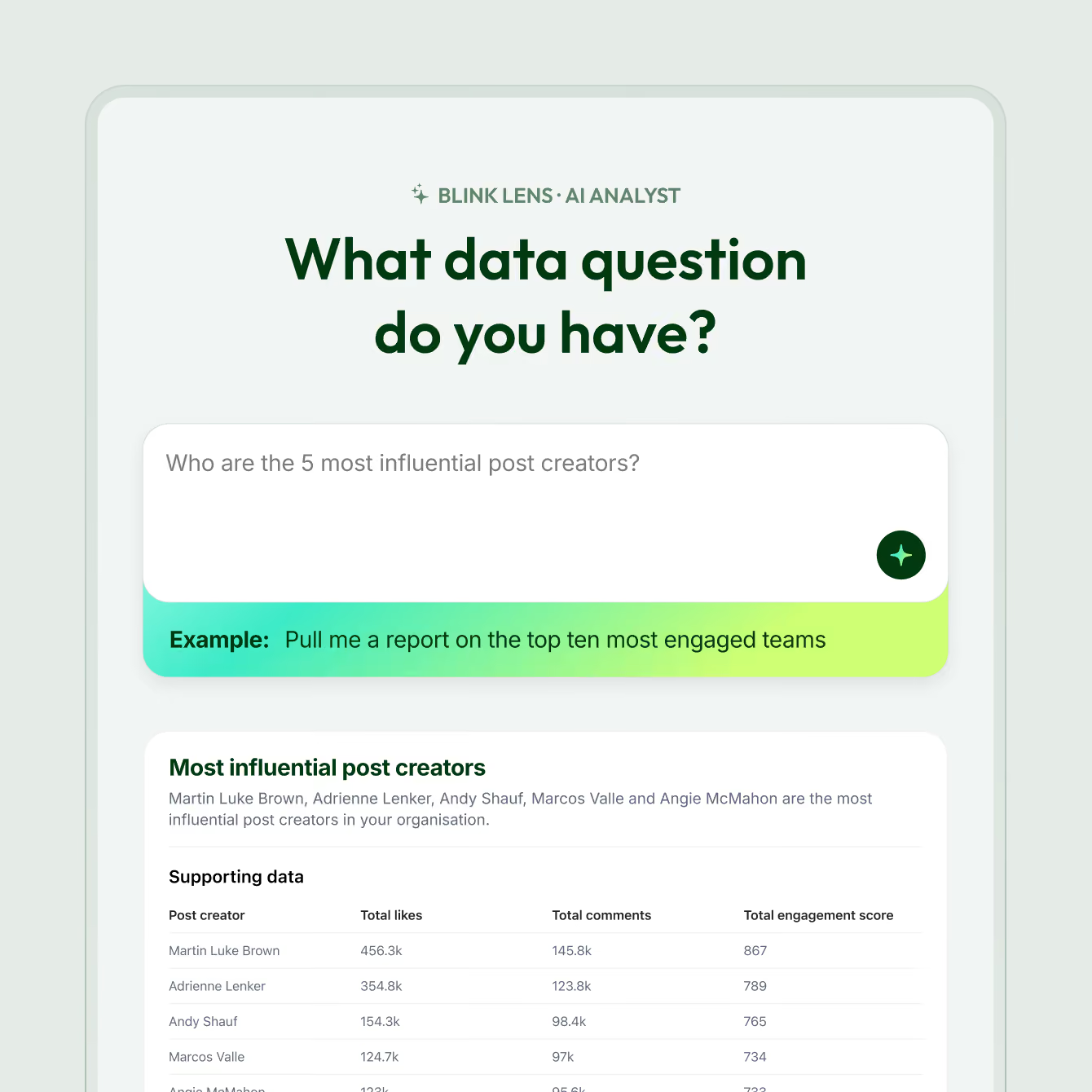
Blink Lens is the AI assistant inside Blink IQ, Blink's workforce analytics. Type a question like "Which sites read last week's safety update?" and Blink Lens looks across your engagement, reach, and adoption data to answer it. No dashboard to build and no analyst to brief.
Connect the AI assistants you already use
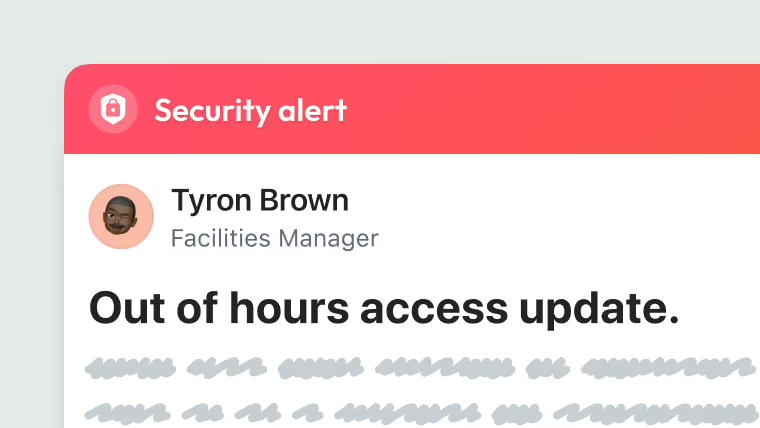
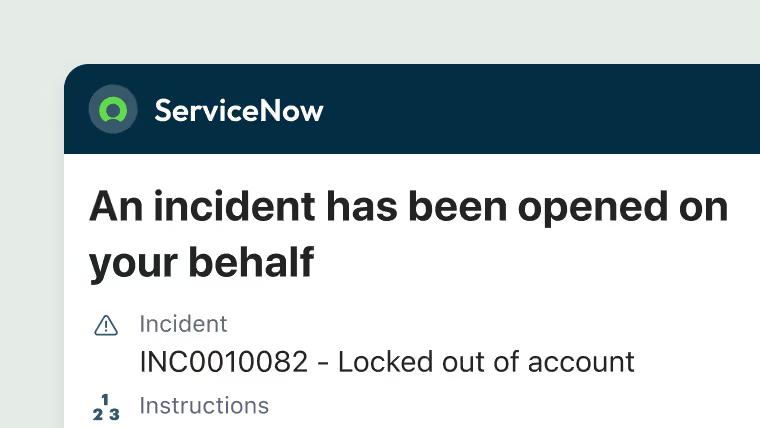
Blink works with the AI your organization already runs, in both directions. Your enterprise assistant can answer from Blink's Feed and Communities, and agents from Workday, ServiceNow, and other systems reach frontline workers inside the Blink app. Nobody needs a new login.
The details that make frontline AI complete