Give your frontline workers the same seat at the table as headquarters








































Why frontline workers still feel like second-class employees
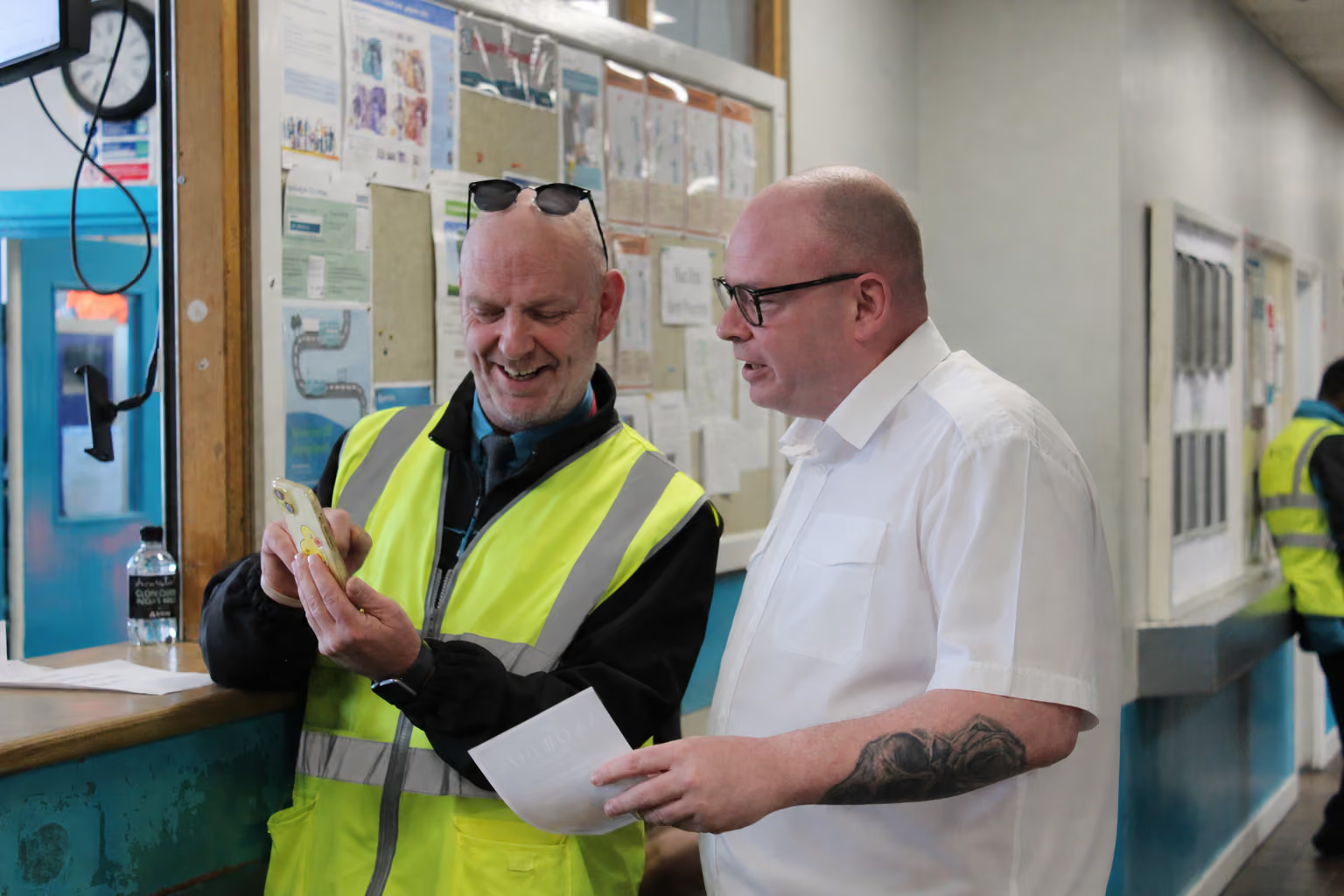
Most enterprise software was built for someone at a desk. It assumes a company email, a login, and a laptop to open it on, which leaves frontline and deskless employees outside the tools their office-based colleagues take for granted.
Personal WhatsApp groups end up doing the job company software should, with no record of what was said, no control over who’s in the chat, and no way to prove that a safety update or policy change ever landed. Blink starts with the frontline, so every team gets the same access, voice, and tools.
The frontline workforce platform built from the frontline up
No email, no problem. Staff sign in on their own phone with a QR code or magic link, and one app holds news, chat, and tools, even offline. It gives people who rarely see a colleague, like a driver out on the road all day, a way to feel part of the team, which is why operational comms matter for frontline teams.
How Blink’s frontline app covers the whole working day
Blink puts the whole working day in one app, from the 6am safety update to the lunchtime shift swap. It covers internal communications, employee communication, employee engagement, employee retention, and the digital workplace.
Critical communications that reach every shift before it starts
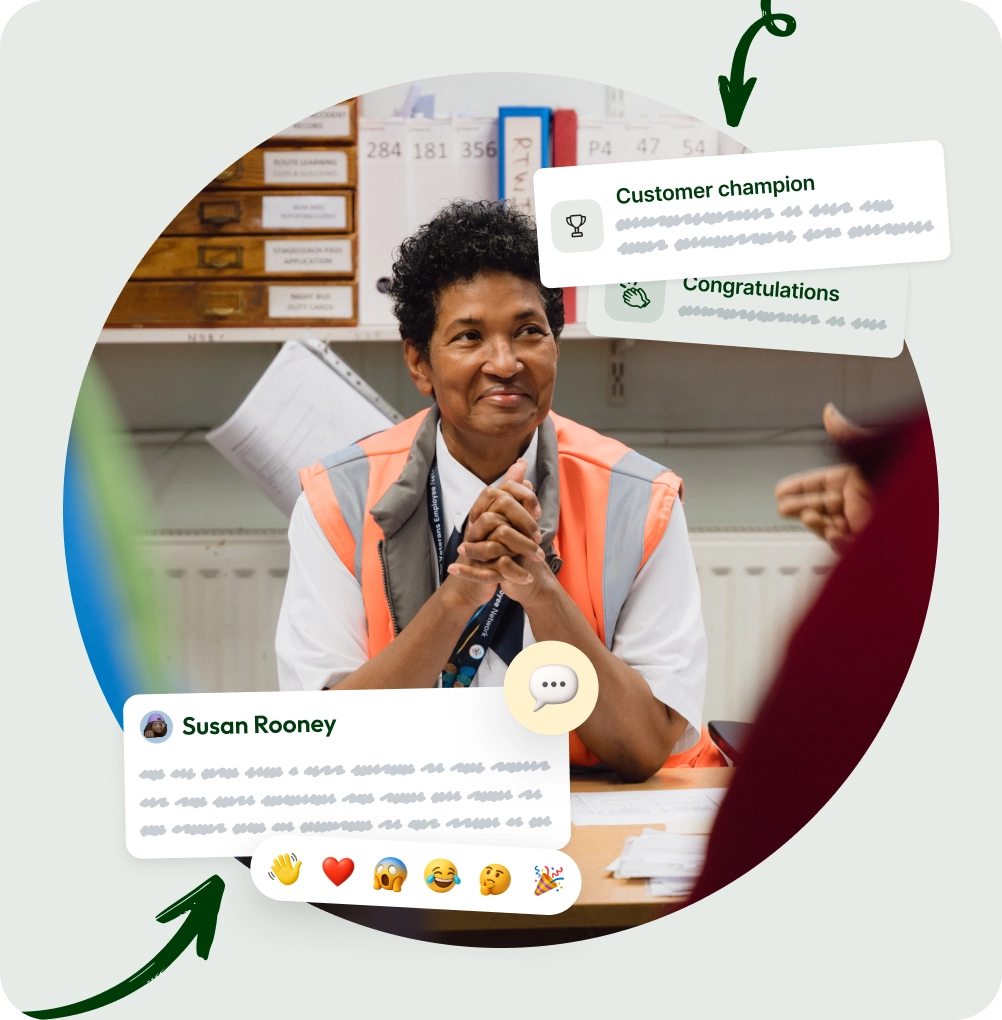
A safety alert only works if the person on the 6am shift sees it before they clock in. Critical communications pin urgent updates to the top of every feed as priority posts. Add an optional SMS for anything that can't wait. Mandatory Reads ask frontline staff to sign off on new policies, so site managers see who's confirmed and who needs a nudge.
Claim open shifts in the same app as everything else
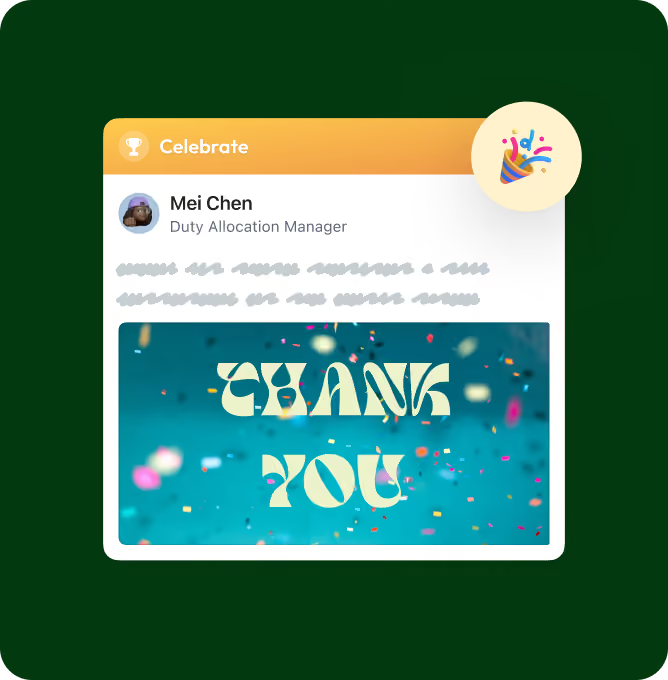
When someone calls in sick, you shouldn't spend the morning texting down a list of names. Post the open shift in Blink and anyone eligible can claim it from their phone. You get confirmed cover and a full record of who picked it up, right next to team chat and company news. All before the rush starts.
A feed and surveys that give frontline employees a voice
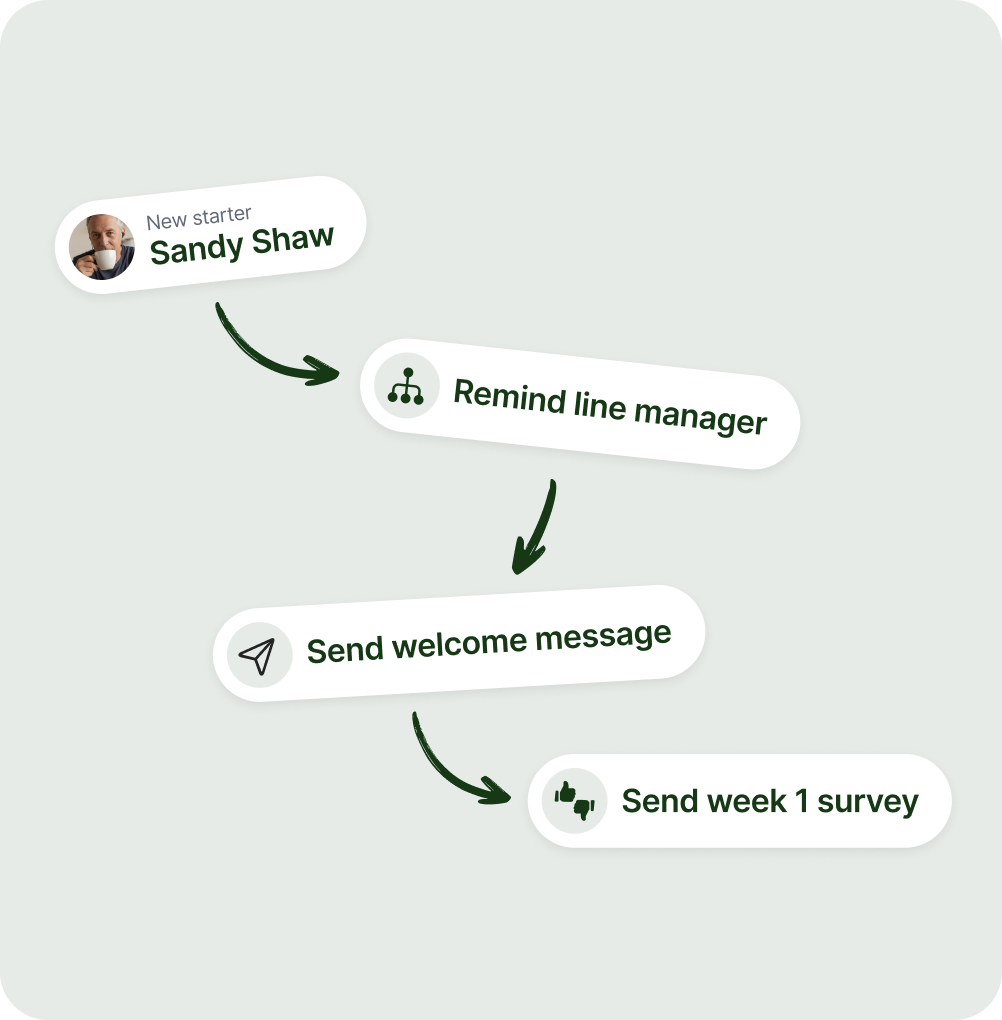
Frontline employees catch up on company news in a 10-minute break, not at a desk. Blink's feed works both ways. They can react, comment, and share a win from their own site, so head office hears from the floor instead of only talking to it. Pulse surveys take seconds on a phone. That's how you hear from the people serving customers. When managers act on it, people notice.

Offline mode for a deskless workforce that rarely has signal or Wi-Fi
Drivers between drops and nurses on a ward with one bar of signal don't get to pick when they're online. For a deskless workforce, dead zones come with the job. Offline mode lets each person keep the updates, schedules, and instructions for their shift on their phone, ready to open with no connection. Once they're back in range, Blink brings them up to date.

Incident reports and checklists that frontline staff finish on shift
End-of-shift paperwork is where details go missing. A supervisor writes up a near miss two days later, or a closing checklist sits in the back office until someone types it up. With digital forms, frontline staff fill in incident reports, checklists, and sign-offs on their phone while it's still fresh. Start from a template or build your own. Managers see what's done at every site, no paper chase required.
Works with your HR and payroll stack
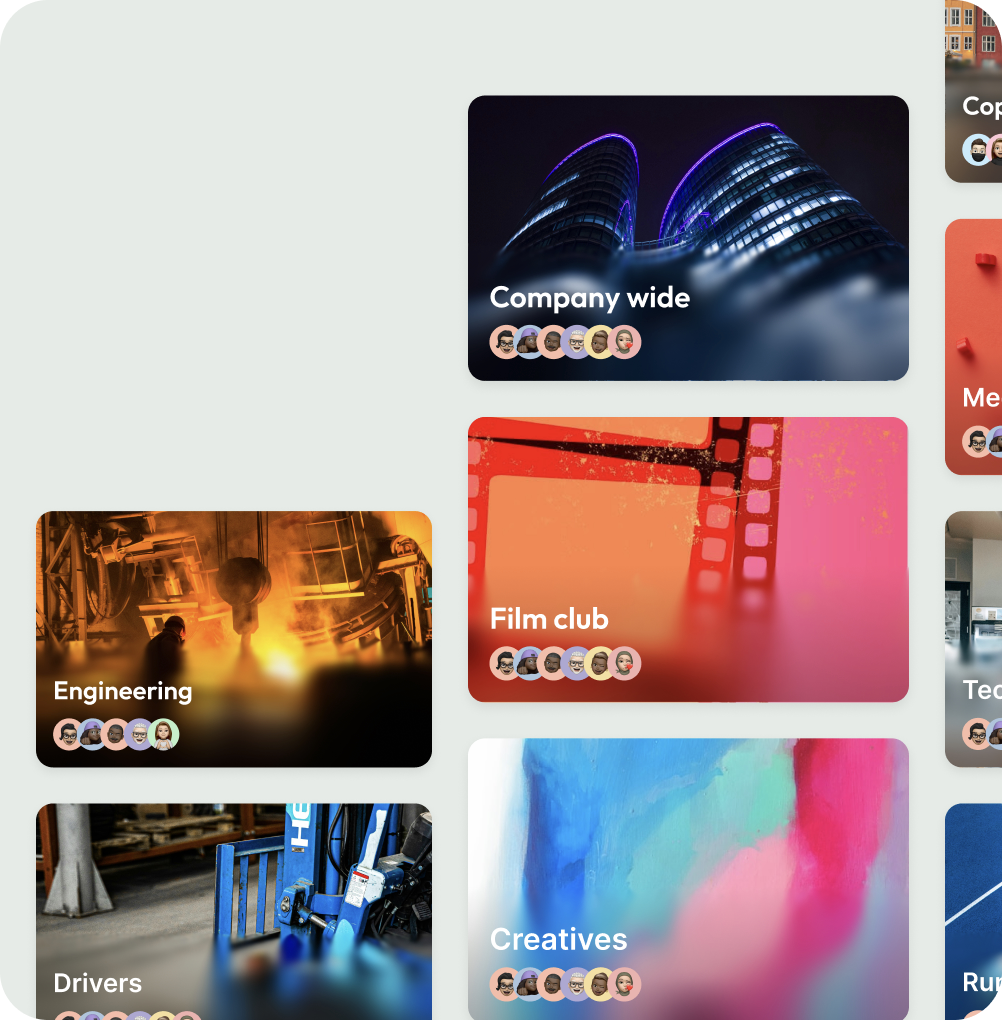
Blink connects to the HR, payroll, and IT tools you already use, like Workday, UKG, SAP, Dayforce, and ServiceNow. When's payday? Can I take next Friday off? With one sign-in, frontline workers can check payslips and request time off in the app instead of waiting to ask their manager.
A frontline workforce app for every industry
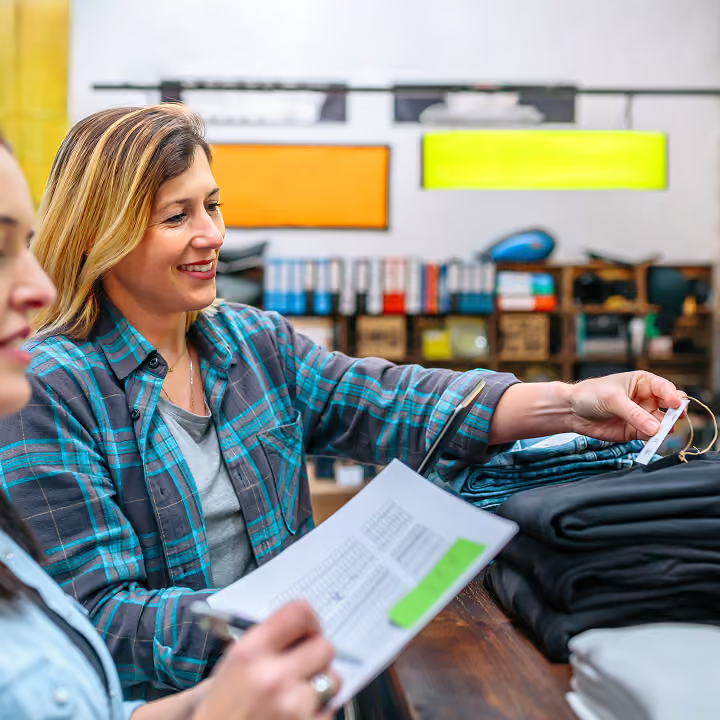
Retail
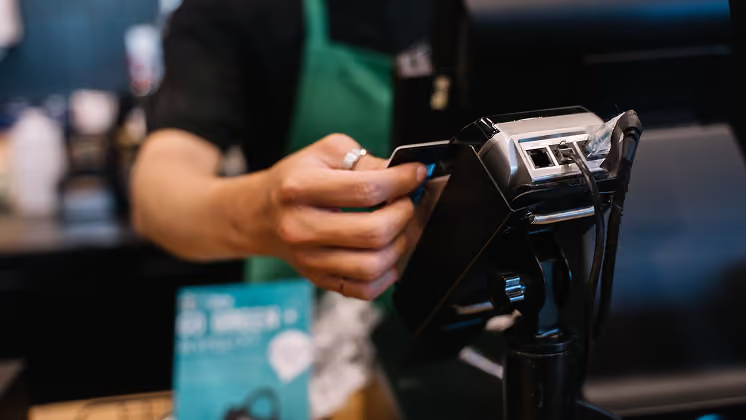
Every store and every shift gets promotions, policy changes, and recognition in one app at the same time as headquarters.
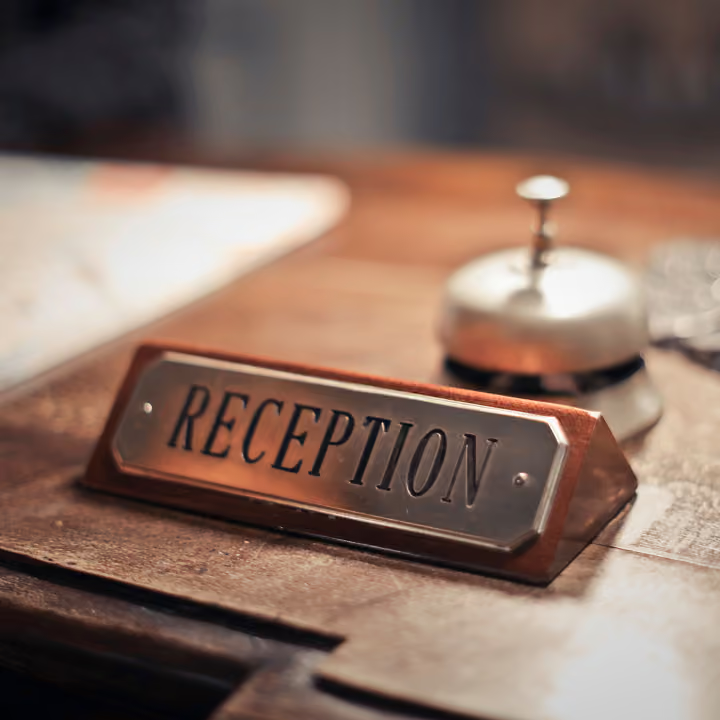
Hospitality
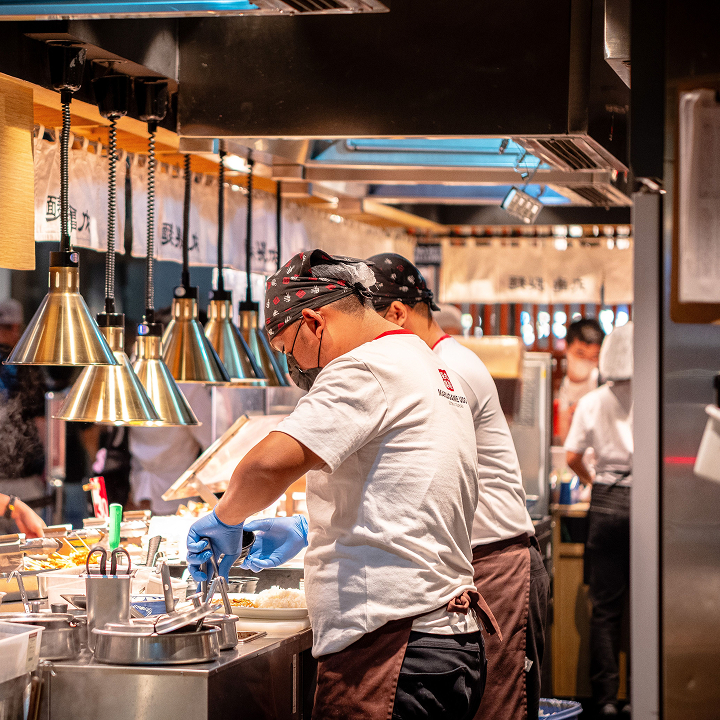
Seasonal and hourly teams across restaurants and hotels share one place for updates and handovers, even when their shifts never overlap.

Healthcare
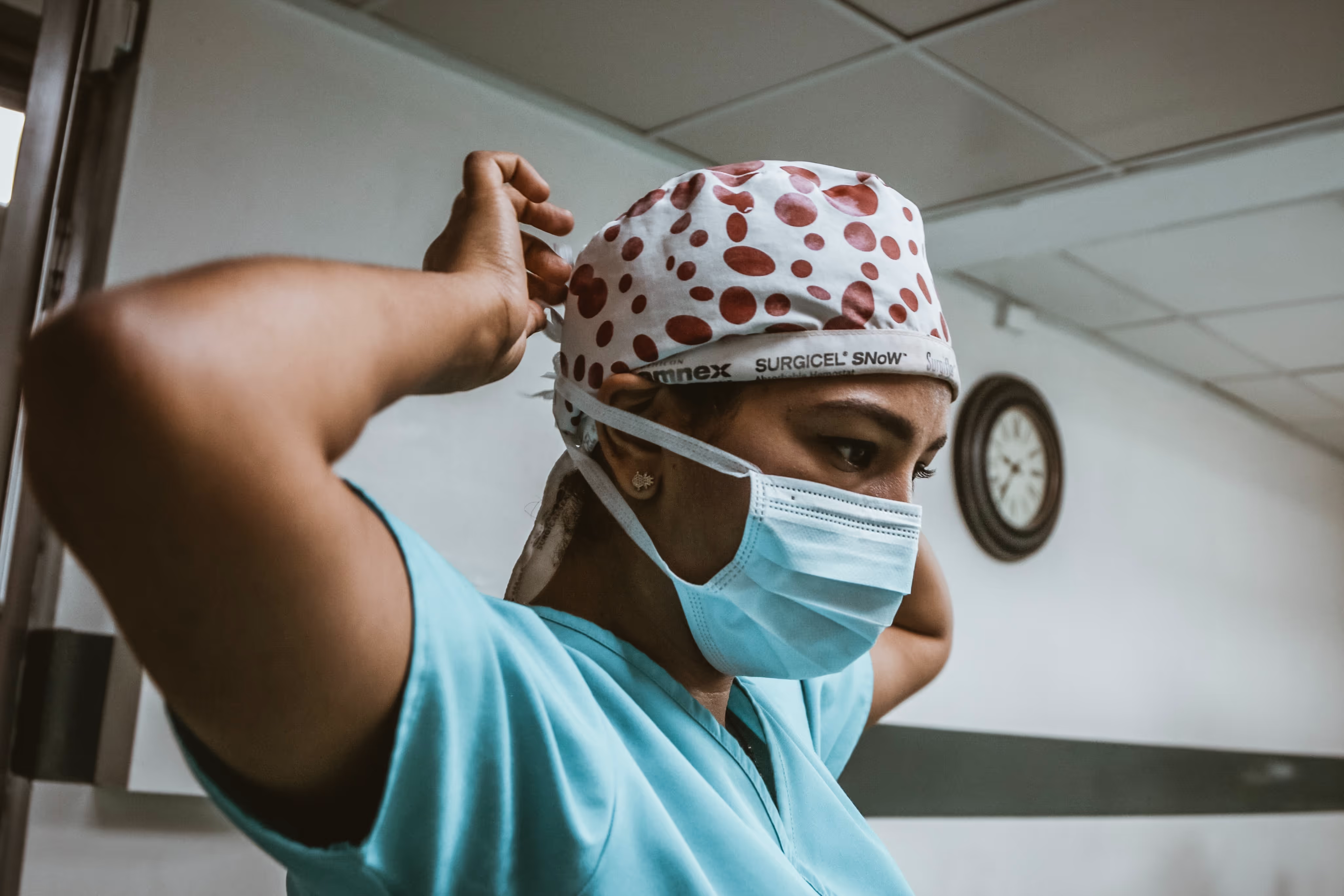
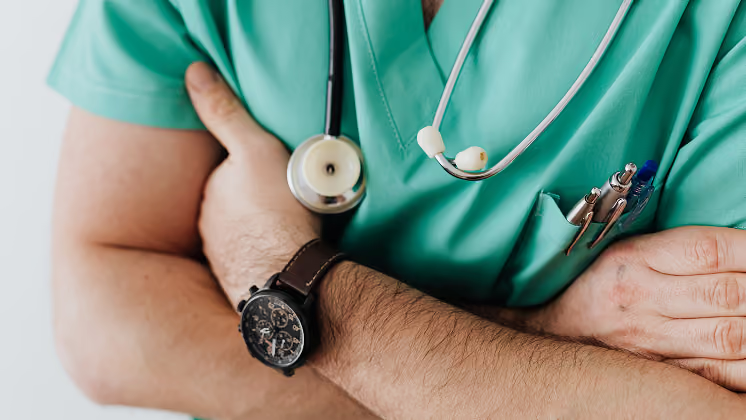
Shift-based clinical and support staff who rarely sit at a desk get policy and safety updates on shift, with sign-off tracking.
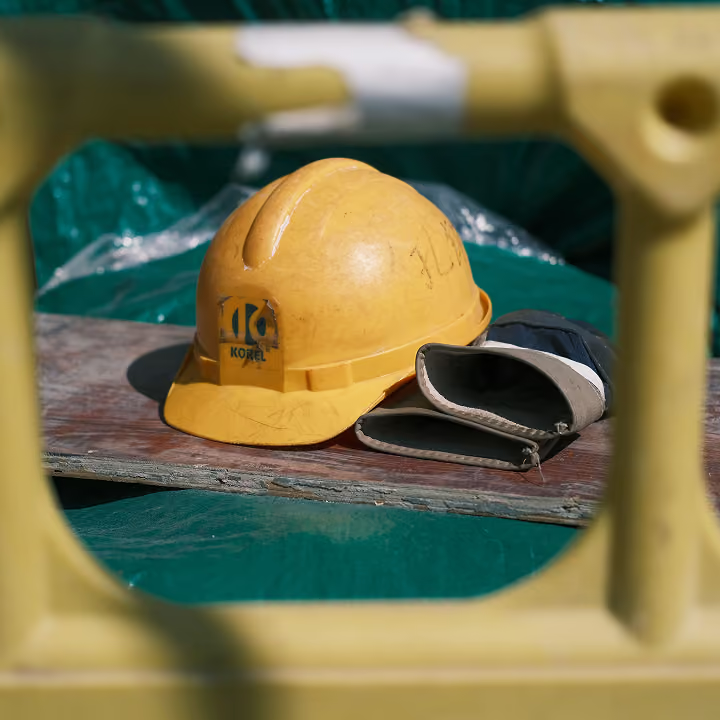
Construction
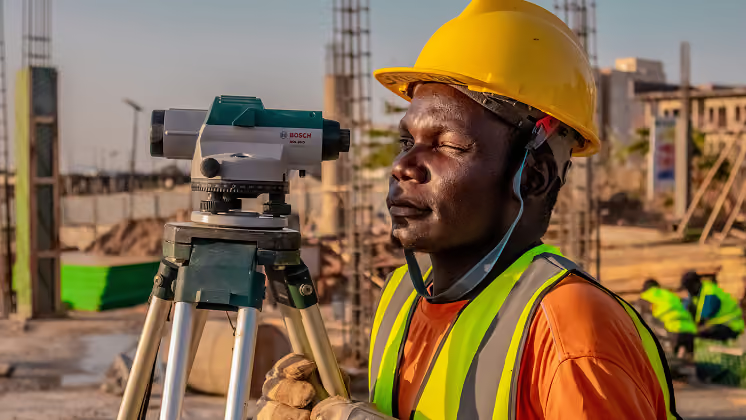
Site-based teams across multiple locations get safety information through a channel your company controls instead of a personal group chat.
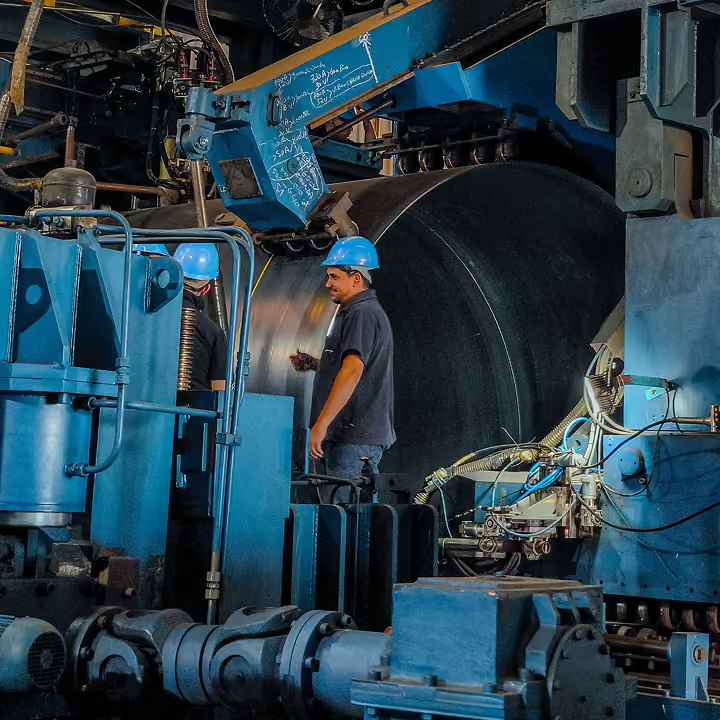
Manufacturing
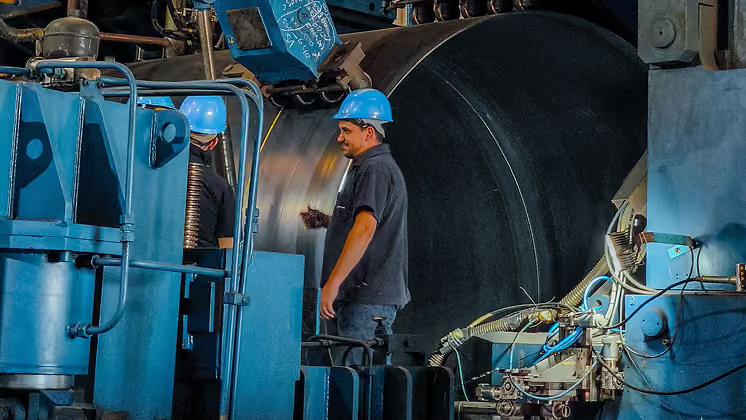
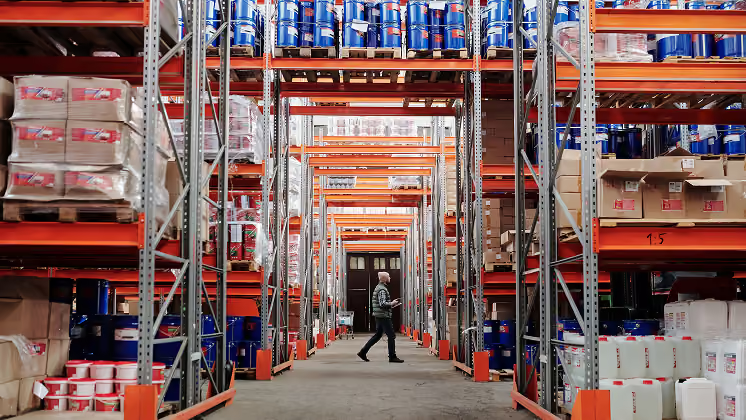
Plant and warehouse floor staff without a company login get the same access to news, forms, and feedback as the office.
Go deeper on the frontline workforce

































Frequently asked questions
A frontline worker is an employee who works directly with customers, patients, products, or equipment instead of at a desk, such as a store associate, nurse, or site operative. Most work in shifts, and many have no company email.
The best app for frontline workers runs on their own phone, works without a company email, and brings communication, documents, forms, and workplace tools into one place. It should also work offline and show managers who has read critical updates.
Frontline workers are defined by their role, serving customers or keeping operations running, while deskless workers are defined by where they work. Most frontline workers are deskless, but not all. A call center agent is frontline at a desk, and a regional manager visiting stores is deskless without being frontline.
Managing a frontline workforce starts with giving every employee a reliable way to get updates, ask questions, and share feedback on shift. Clear shift communication, regular recognition, and simple mobile tools help managers lead teams they rarely see.
Frontline employee communication is how a business shares information with, and hears from, employees who work away from a desk. Because most frontline staff have no company inbox, it relies on mobile channels that reach their own phones.
Keep a shift-based workforce connected with one app for news, chat, and recognition that works on personal phones. Saved posts and recordings help people on other shifts catch up, and team chats connect people who never share a room.