What is Blink's Newsletter Builder?
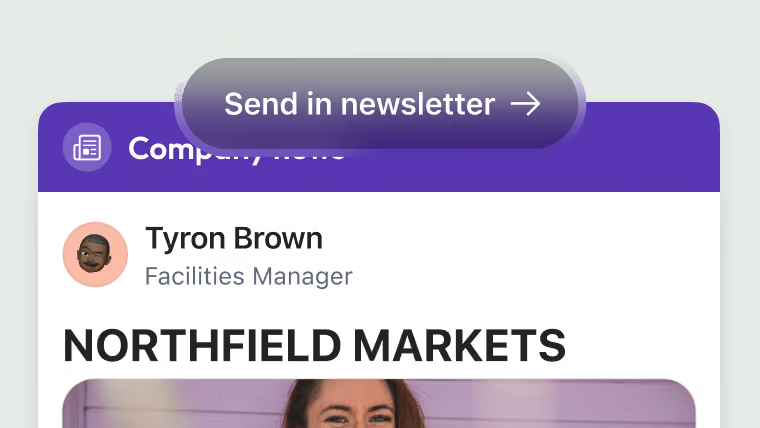
Blink's Newsletter Builder is an email newsletter tool built into Blink. Comms and people teams click through feed posts and events, add them to a branded template, and send the finished newsletter to lists built from Blink groups. Open and click rates come back to Blink once it sends.

Easy to read, easy to run
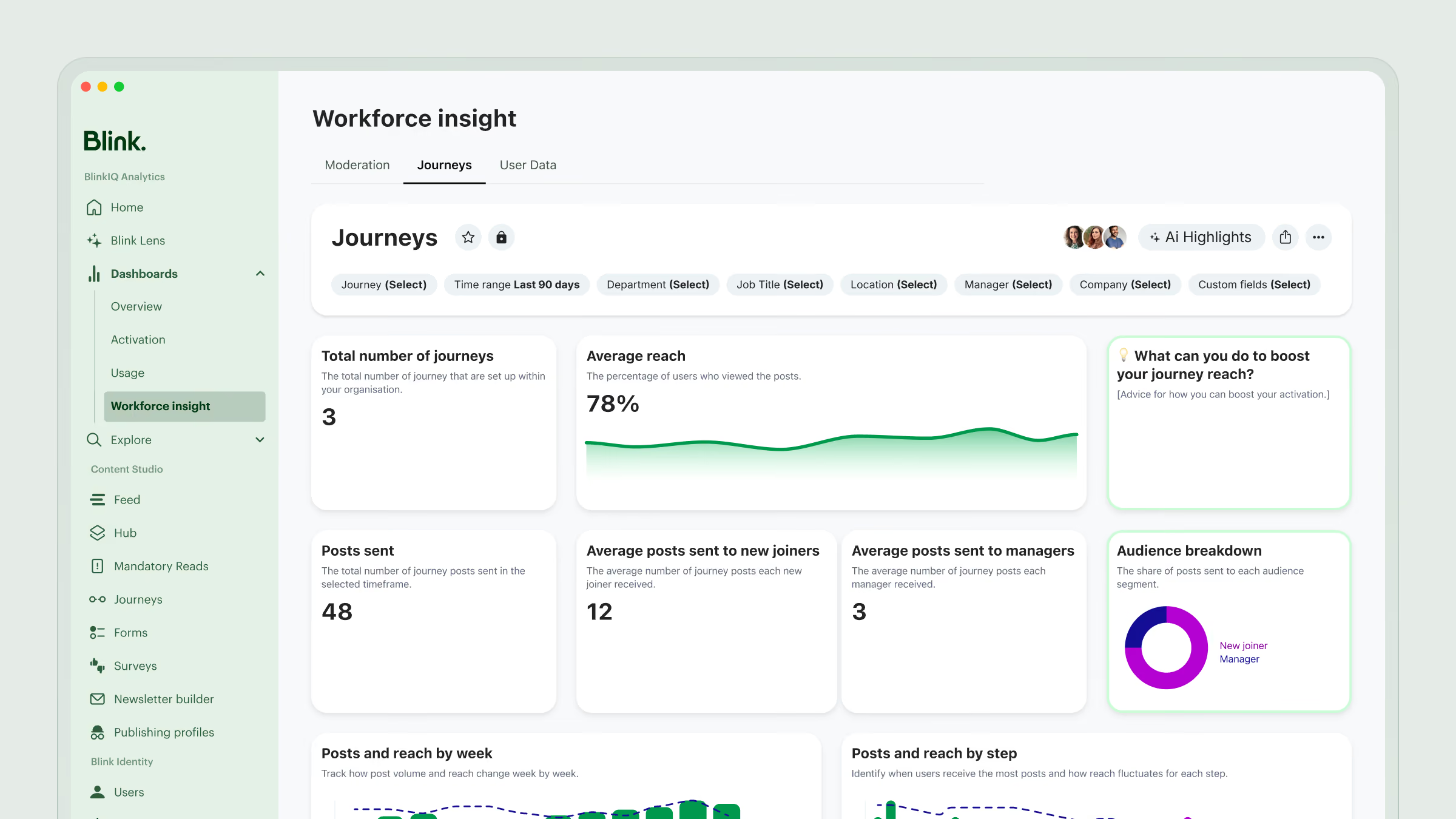
Every Blink newsletter has two sides. Readers get a branded email with each story laid out and ready to read. Comms gets a visual editor, a clear confirmation step before sending, and open and click rates once it lands.
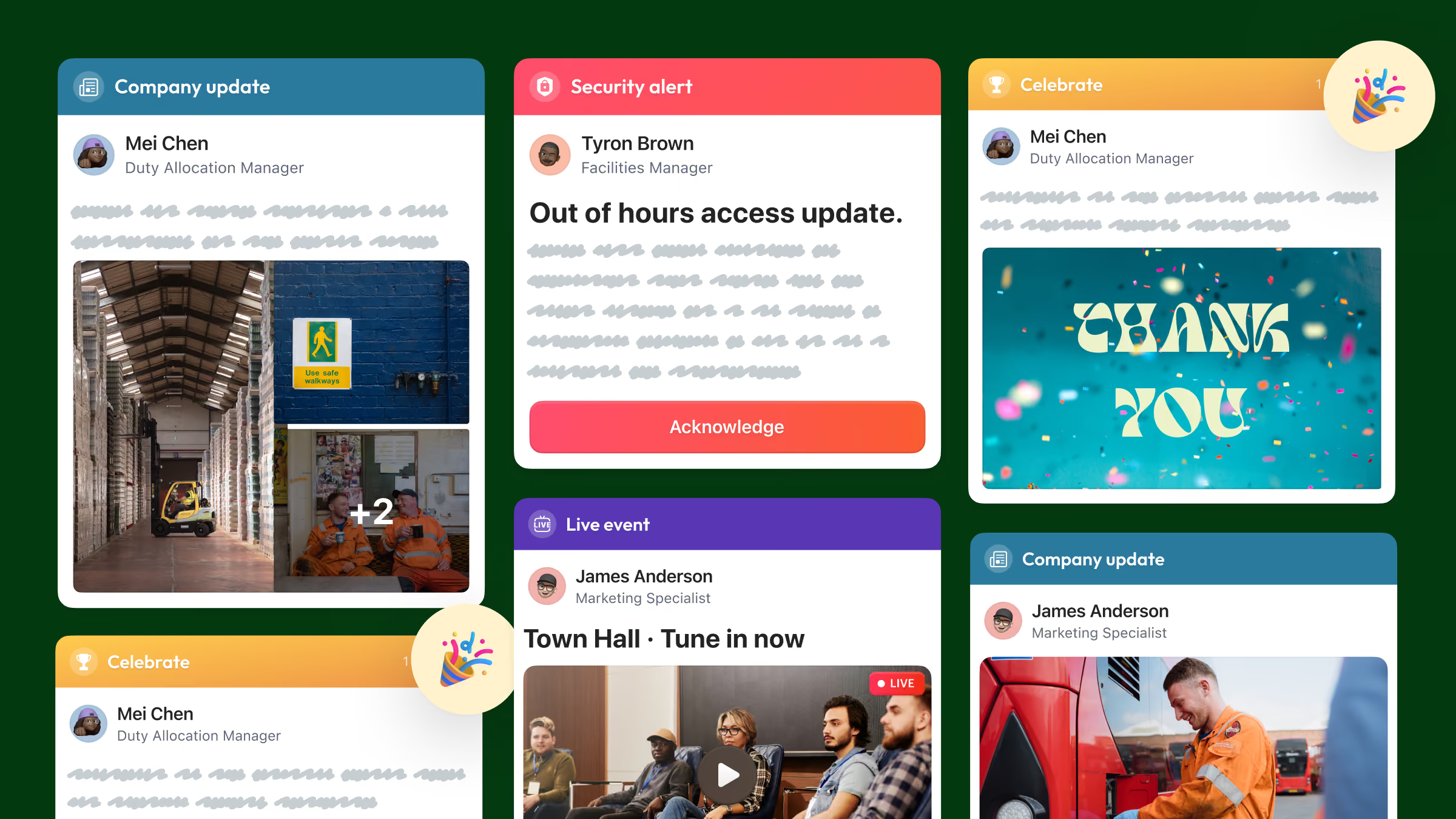
What your readers see
A branded email in their inbox, with your logo, colors and header. Each story shows its image and headline, and one tap opens it in full.
What comms sees
Every section in order, the list it's going to, the send time, and how many people opened and clicked once it's out.
How Blink's Newsletter Builder works
Blink's Newsletter Builder takes a newsletter from template to measured send in five steps: add your Blink content, brand it, choose the list, preview and schedule, then measure.
Click your Blink posts straight in
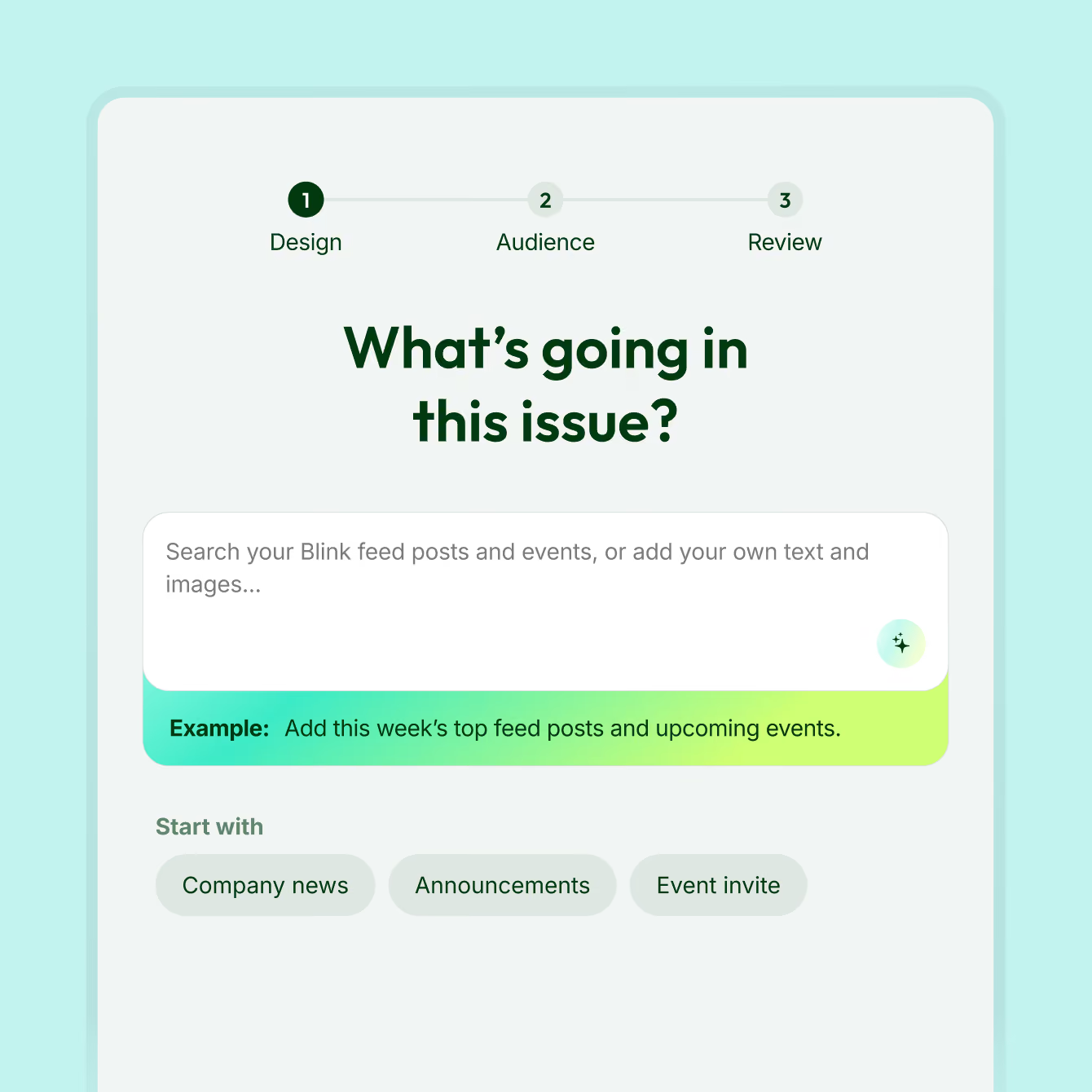
Browse your Blink feed posts and events and add them to the newsletter with a click. Each one drops in already formatted, with its image and text in place, so there's nothing to copy and paste.
Make it look like your company
Start from a pre-built template and set your colors, logo and header. Add your own images and text between stories. To reuse a layout, duplicate a past newsletter and swap in this issue's content.

Send it to the right groups
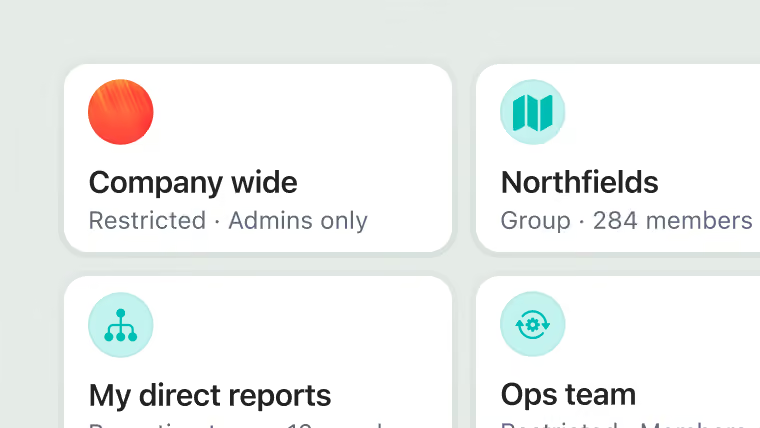
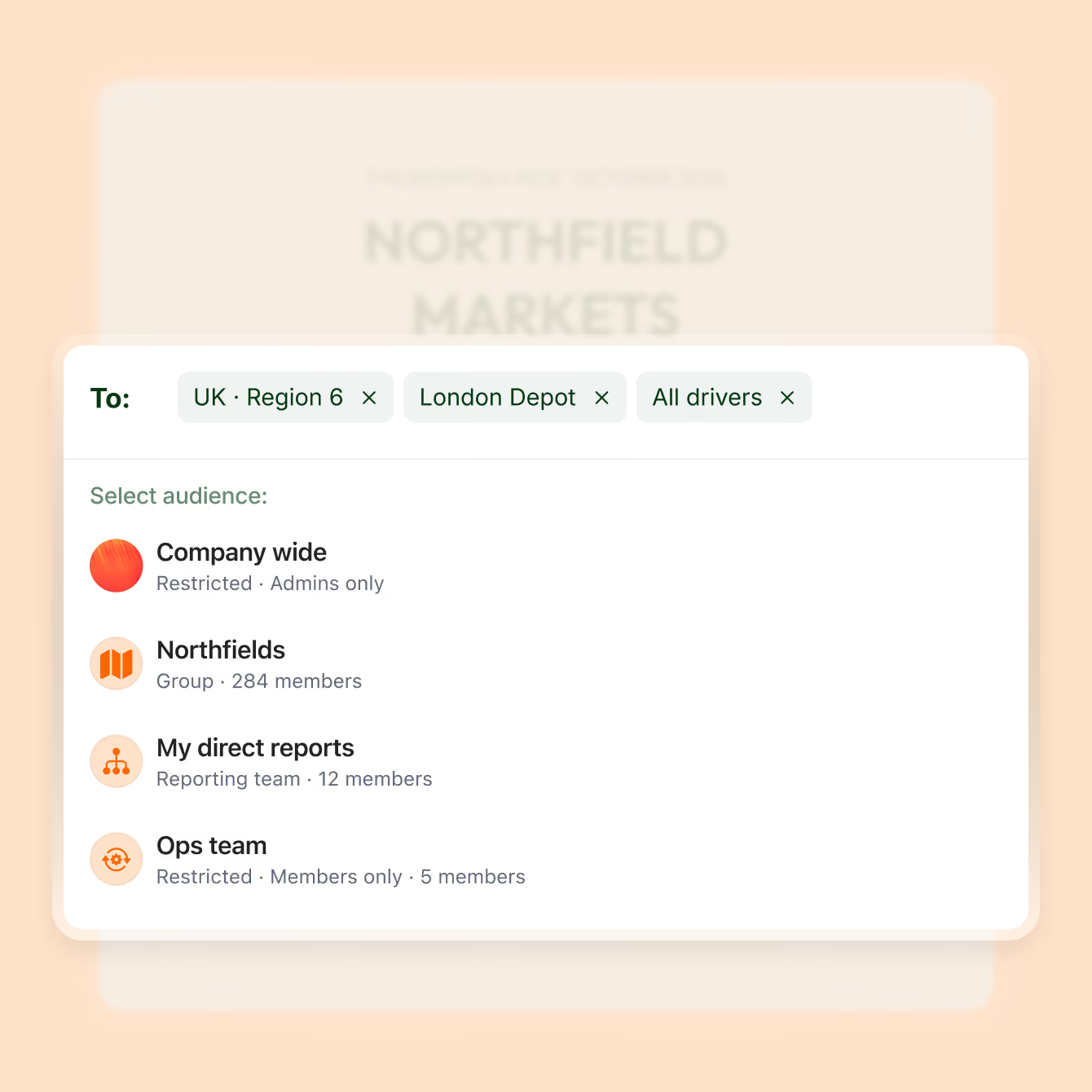
Build distribution lists from the Blink groups you already have. When someone joins, moves or leaves a group in Blink, the list updates on its own, so every send reaches the right people.
Preview, test, then send
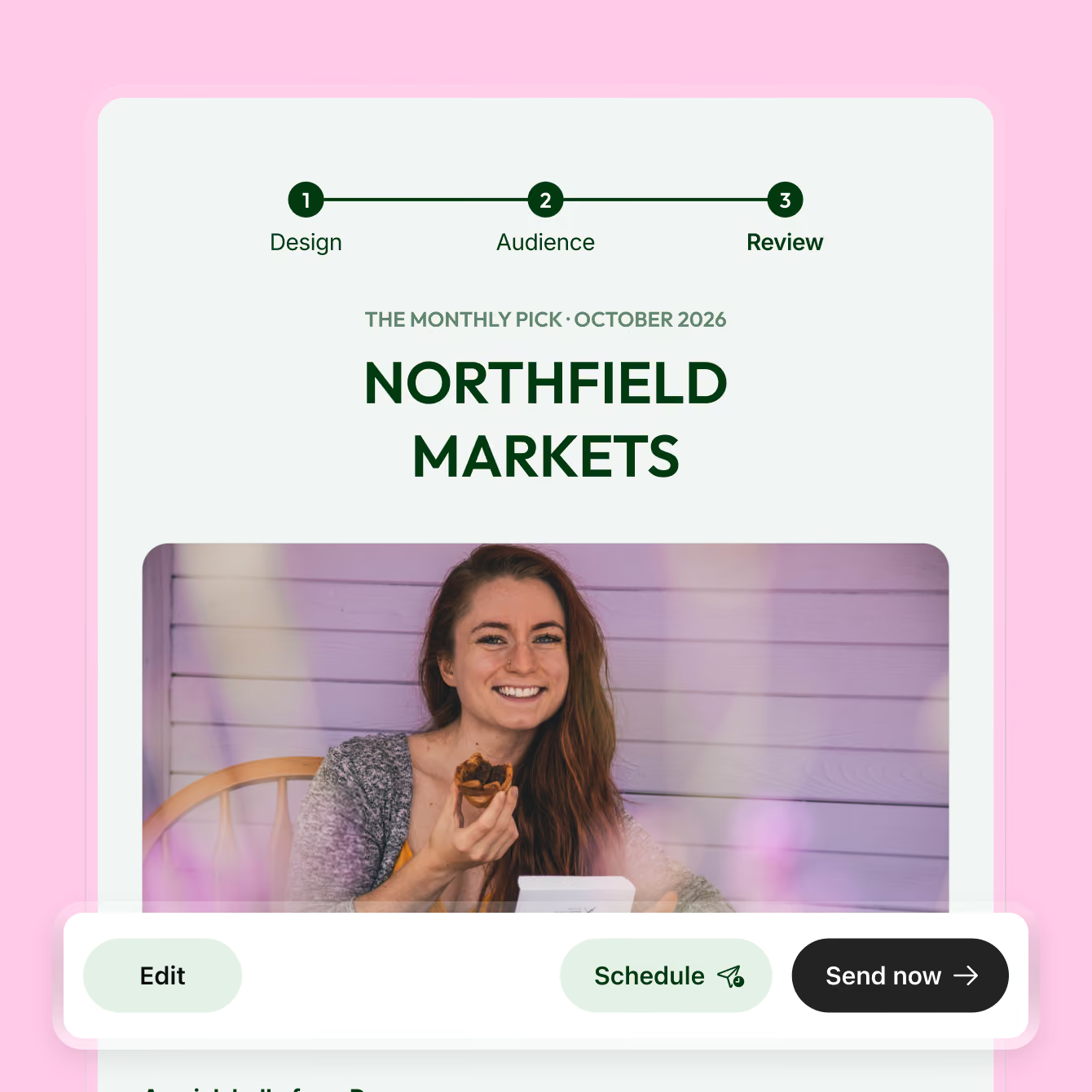
Preview the newsletter and send yourself a test. Before anything goes out, a confirmation step shows exactly who is receiving it and when. Send it now, or pick the date and time that suits your readers.
See how every issue landed
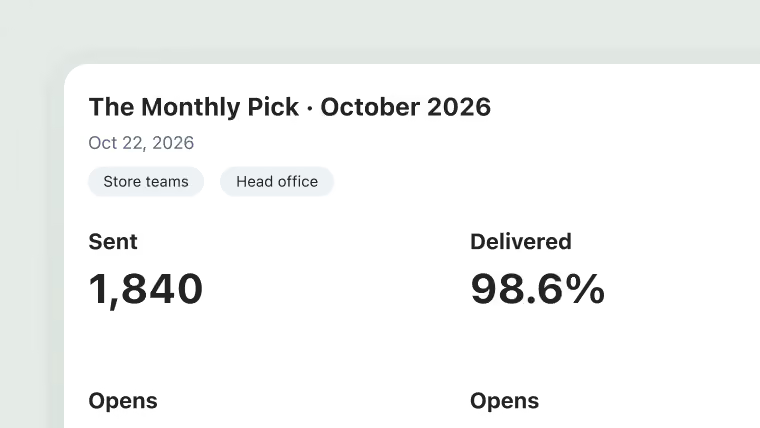
Open rates, click-through rates and engagement for every newsletter show which stories people read, so you can shape the next issue around what landed.
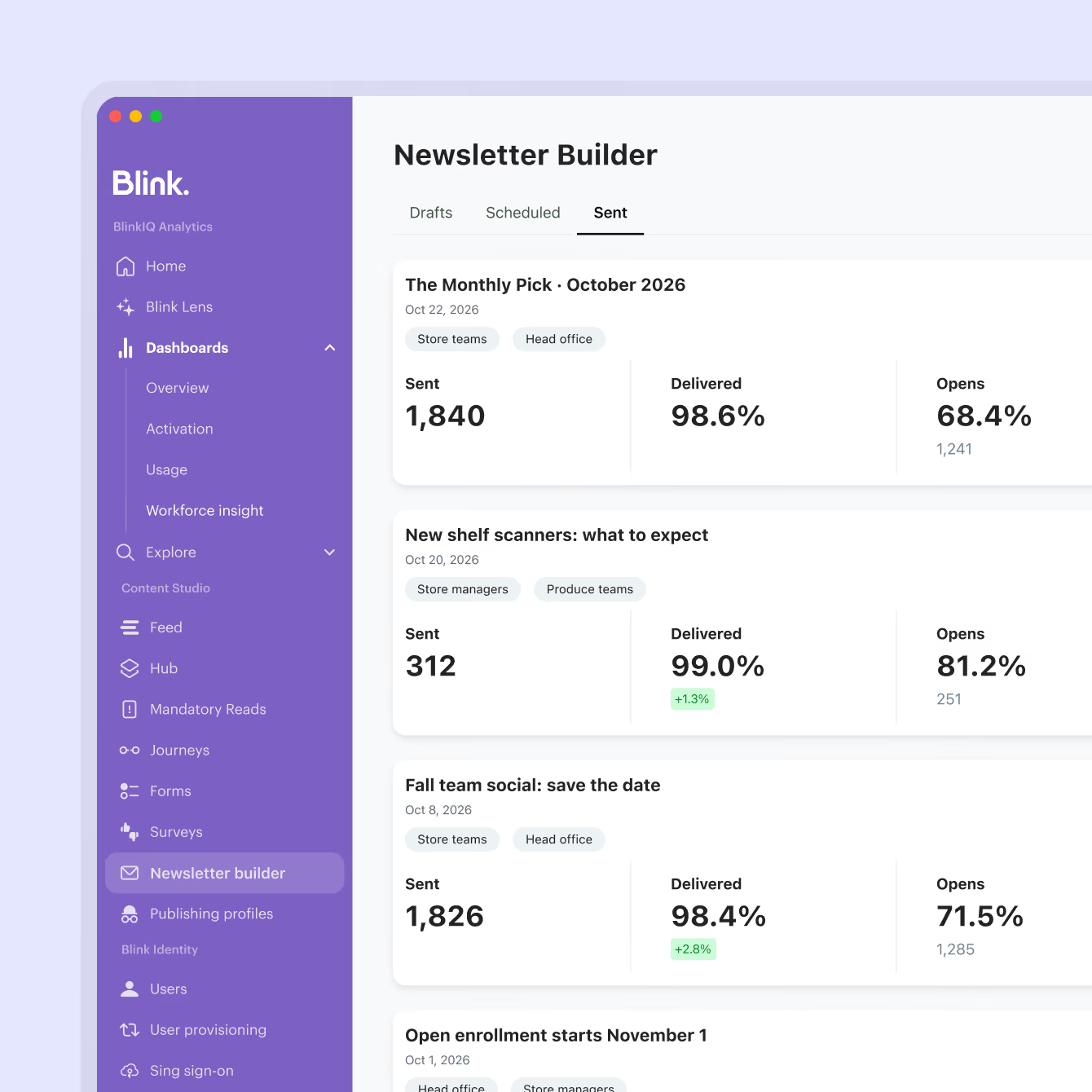
Everything in Newsletter Builder
Newsletter Builder gives comms and people teams the tools to build, send and measure an email newsletter from content that already lives in Blink.


Continue exploring

.avif)

.avif)




.jpeg)





















.jpeg)






-min.jpeg)


-min.avif)














.avif)




.avif)
%20(2).avif)





Frequently asked questions
Internal communication encompasses any information created for and intended for employees only. There are endless examples of internal communication, and plenty of internal communications best practices to swot up on. These range from annual reports, benefits programs, emails, and face to face meetings to manager toolkits and surveys.
Internal communication is a critical part of any organization’s operations.
Businesses with strong internal communication in the workplace have more engaged, more productive, and happier employees. Strong internal comms is also linked to less employee turnover, which means businesses who prioritize internal communication often make more money as a result.
Employees want internal comms too. In fact, studies show that employees (whether in office, remote, or deskless) rank frequent and effective employee communication as one of the top behaviors that creates a positive experience at work. The same study also reveals that internal communications managers consider open communication to all employees “one of the top initiatives they would like to see their organizations focus on.”
At the end of the day, effective internal comms pays off, with companies with highly engaged workforces outperforming their competitors by 147% in earnings
Internal communication is defined as the sharing of information within a business or organization. This extends to sharing ideas, internal comms strategies, and values as well.
While there are lots of ways to define internal communication, the ultimate purpose of internal comms is to help a business or organization achieve its objectives effectively. This goes beyond telling employees what to do; the role of ic (internal comms) is about creating a shared meaning and understanding so employees work together to achieve the same goal.
How to improve internal communication depends on factors like the state of your business’s current internal comms as well as where you want to go. But companies with great internal communication all have one thing in common: they identify a specific comms challenge within their company and look for a tool or strategy to solve it.
Analyzing what is and isn’t working is the first step. When you know what internal comms issues are impeding effective collaboration and stalling productivity, you can identify the right tools and strategies to remedy the situation.
In today’s digital world, internal comms needs to focus on engagement to be truly effective. This means incorporating internal communications strategies such as:
- Using communication tools that work for everyone
- Prioritizing communication and engagement
- Involving all employees at every level
- Hosting an internal communication blog
- Keeping lines of communication open
- Giving frequent feedback
- Having fewer meetings
- Investing in a communication platform
- Adopting a more integrated approach to internal comms
- Using more productive comms strategies
- Tracking how employees using comms tools
- Running training and workshops to improve manager to employee communication
Creating your own internal communication strategy is a big task, but you can look to companies with great internal communication to emulate their strategies in your own planning.

