Employee feedback software: the 2026 buyer's guide
A warehouse worker gets handed a tablet once a year and asked to rate their job satisfaction on a scale of one to five, standing up, with a line forming behind them. That's the extent of "listening" at a lot of organizations, and it's not really listening at all. Employee feedback software is any platform built to collect, route, and act on what employees tell you, through surveys, open comment channels, or ongoing pulse checks, instead of leaving it to that once-a-year form nobody remembers filling in. Most buyers get this fact wrong: they shop for a survey tool when the actual problem is reach. You can have the smartest question bank in the world, and if part of your workforce doesn't have a company email or a desk to sit at, it never gets to them. This guide covers what the category actually includes, what separates the options worth considering, and how to choose one that works for everyone on your payroll, not just the people with laptops.
Software is only half the equation. The habit of actually asking, consistently and in a way that builds trust, matters just as much as the tool you pick, which is why it's worth pairing this guide with how a listening tour can elevate your internal comms before you shortlist vendors. Everything below covers the broader employee feedback software category: tools, selection criteria, and the access problem that most comparison lists skip entirely.
What is employee feedback software?
Employee feedback software is a digital system for gathering employee input, structuring it into usable data, and routing it to the people who can act on it. Most platforms combine a few core components: survey or question builders, anonymous or identifiable response modes, dashboards that segment results by team or site, and some mechanism for closing the loop with employees once action is taken. The category sits next to, but is distinct from, performance management software (which handles reviews and goal-setting) and engagement platforms (which are broader, covering recognition and culture alongside listening).
Only mobile-first platforms reach a fully frontline workforce
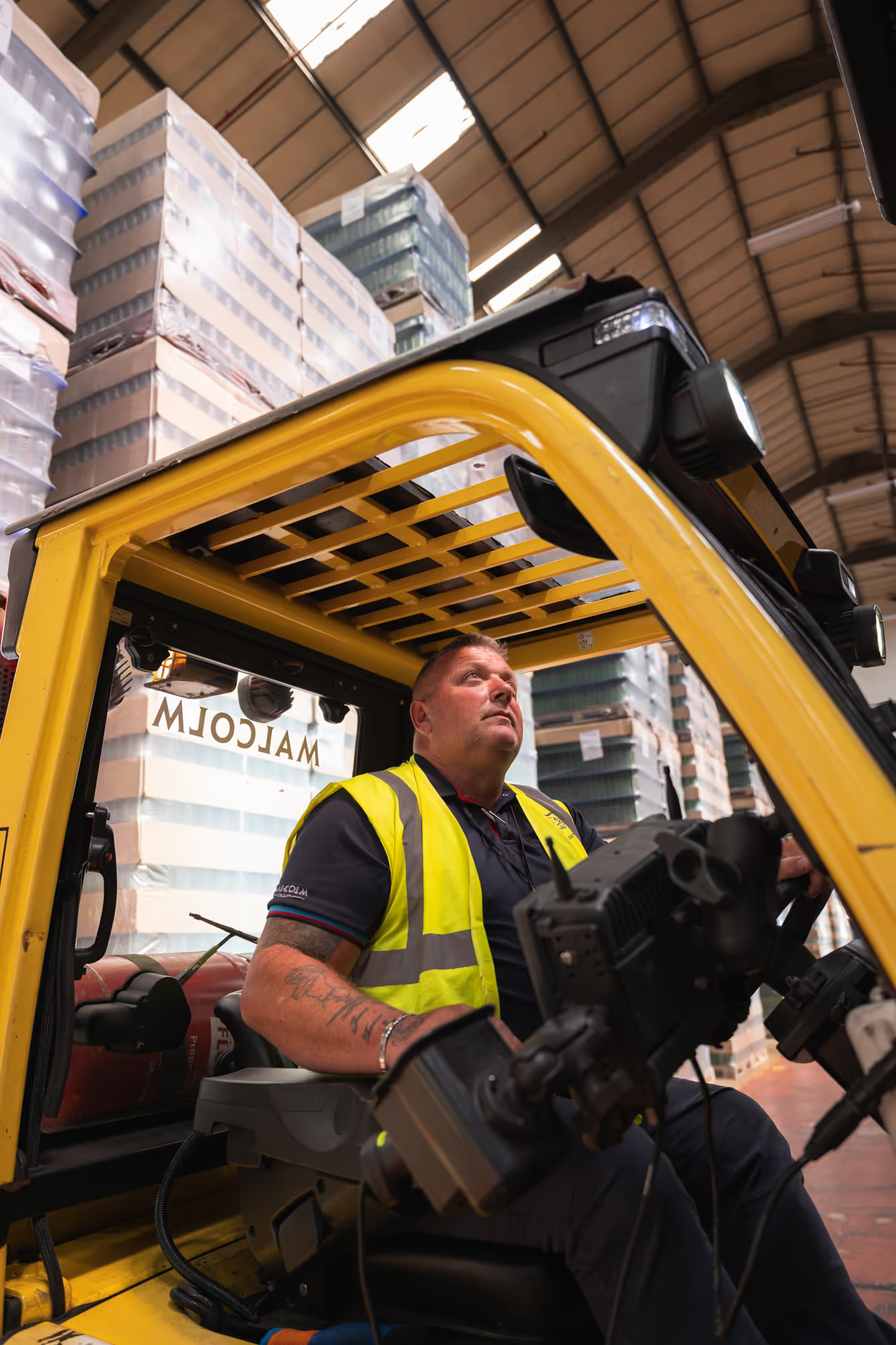
Only mobile-first platforms reach a fully frontline workforce. Most employee feedback software was built for a workforce that sits at a desk, checks email, and has five minutes between meetings to fill out a form. A large share of the global workforce doesn't work that way: retail associates, care workers, warehouse staff, drivers, hospitality crews. If your feedback tool depends on a company email address or a laptop login, you've already excluded a meaningful chunk of the people you're trying to hear from.
This is the gap most "best employee feedback tools" roundups never mention, because most of them are written for desk-based HR audiences evaluating desk-based tools. Ask any vendor on your shortlist a blunt question: can someone using only their personal phone, with no company email, receive and complete this survey? For a lot of the category, the honest answer is no, or only with workarounds that quietly suppress response rates.
{{blink-table:table-1}}
What should you look for in employee feedback software?
Reach beats every other criterion here: a tool with perfect analytics and a 30% response rate tells you less than a plain tool that reaches everyone. Five criteria matter, in this order.
Reach, confirmed in a live demo, not a sales deck. Ask the vendor to show you the exact flow a frontline worker would use to respond on their own phone, start to finish.
Anonymity that's actually credible. Generic "your response is anonymous" messaging doesn't cut it in environments where employees worry feedback could affect shift allocation. Look for minimum response thresholds before results are shown at a team level, and clear communication about what that threshold is.
A visible feedback loop. Collecting data is the easy part. The tools that drive sustained participation show employees, quickly and specifically, what changed because they responded. If a platform has no built-in way to publish "you said, we did" updates back to the same channel people answered in, you'll be doing that manually, and it will slip.
Segmentation by site, shift, and role, not just department. A retail chain needs to see results by store. A care provider needs them by site and shift pattern. Generic department-level cuts miss where the real variation lives in a distributed workforce.
Integration with what you already run. Feedback data is most useful when it sits next to the system that already knows who your employees are. Check whether the tool can sync with your HRIS (Workday, SAP, UKG) so new hires and leavers are handled automatically rather than through a manual spreadsheet upload before every survey round. Also check the vendor's deployment experience at your scale, whether you're a smaller operation or a large multi-site enterprise, before assuming any vendor's typical customer looks like you.
Why does feedback software matter for frontline workers specifically?
Frontline workers are often the least surveyed group in an organization, and the group whose disengagement is most expensive to ignore. They don't sit near a manager's desk. Their only window to respond to anything is a short gap between tasks, on their own phone. McDonald's Spain ran a biannual staff listening survey through a generic third-party tool for years. When they moved the same survey inside Blink, where it sat as a persistent in-app notification instead of an email link, they recorded their highest-ever completion rate, with no need to chase responses afterward. Frontline workers aren't reluctant to give feedback. They're reluctant to jump through hoops to give it.
How do you get frontline employees to actually respond?
Three things drive frontline response rates more than question design ever will: channel, trust, and speed of visible follow-through. Channel comes first. If the survey lives somewhere employees already check daily, in the same app where they see their schedule or team updates, you remove the single biggest point of drop-off. A notification that sits as a banner until completed, rather than a one-off email that gets buried, changes behavior on its own.
Trust comes second. In frontline environments, especially retail, logistics, and manufacturing, employees sometimes worry candid feedback could reach a line manager and affect how they're scheduled or treated. Anonymity has to be explicit, not implied, and the threshold for showing team-level results needs to be stated plainly.
Speed is third. Response rates fall off a cliff after the second survey cycle if nothing visibly changes. Closing the loop within a couple of weeks, and naming the specific thing that changed because of the feedback, is what keeps people answering the next one.
How does employee feedback software fit the wider listening stack?
Feedback software rarely stands alone. It usually sits alongside an annual engagement survey, informal recognition, and manager check-ins as part of a broader listening strategy. Annual surveys set strategic direction once a year. Pulse tools track sentiment month to month. Open feedback channels and recognition catch what structured surveys miss entirely, the unprompted comment, the thing someone only says because there was somewhere easy to say it.
The mistake we see most often is organizations buying a feedback point solution that can't talk to anything else: a survey tool that doesn't know who's a new hire, doesn't segment by site, and has no link back to the communication channel where people actually spend their day. If your feedback software sits outside the tool your workforce already uses for schedules, shift swaps, and company news, you're asking employees to open a second app just to be heard. A lot of them won't. The same goes for the real-time habit itself: stop waiting for annual surveys and start listening in real time only works if the listening and the channel are the same place.
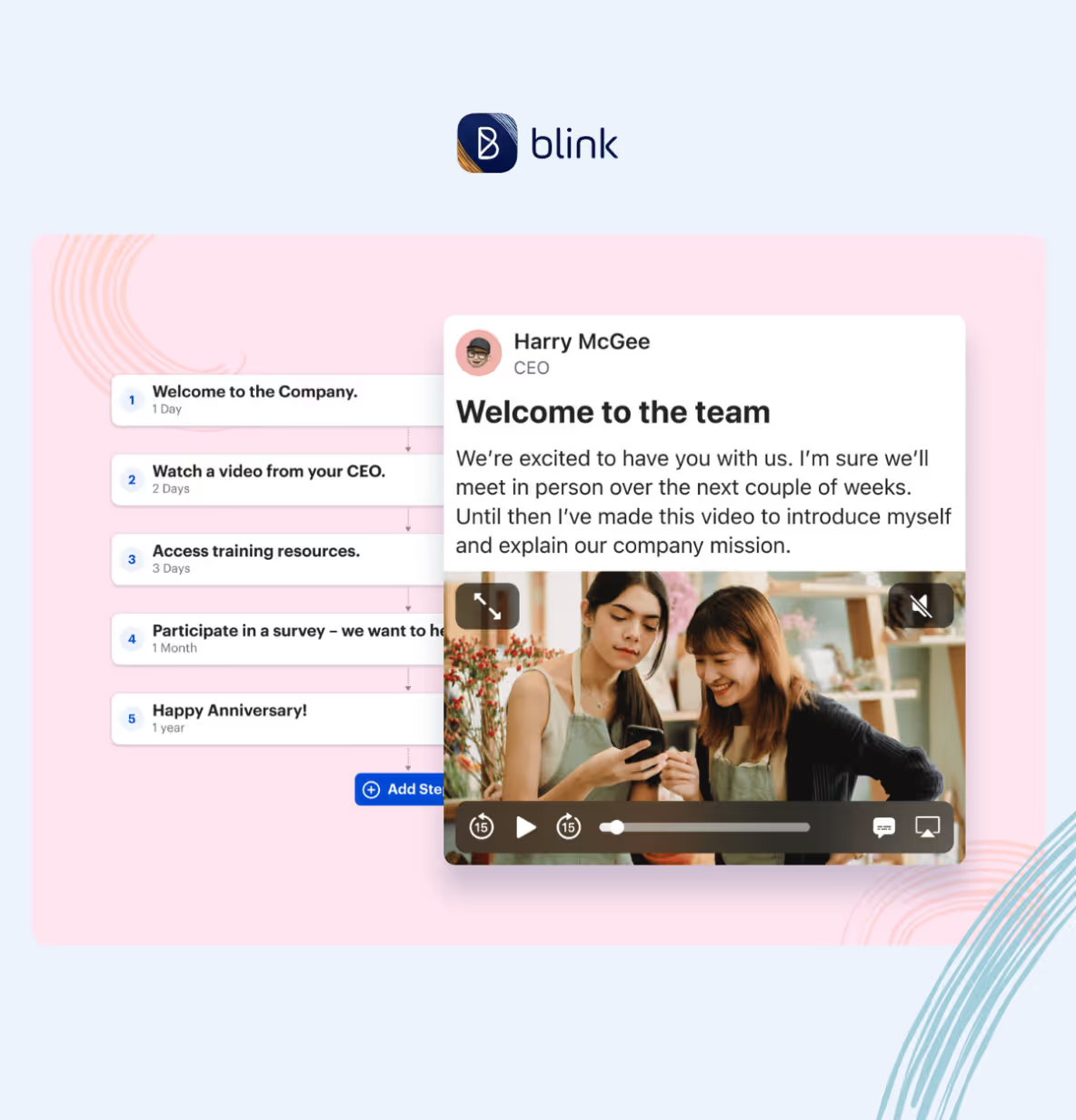
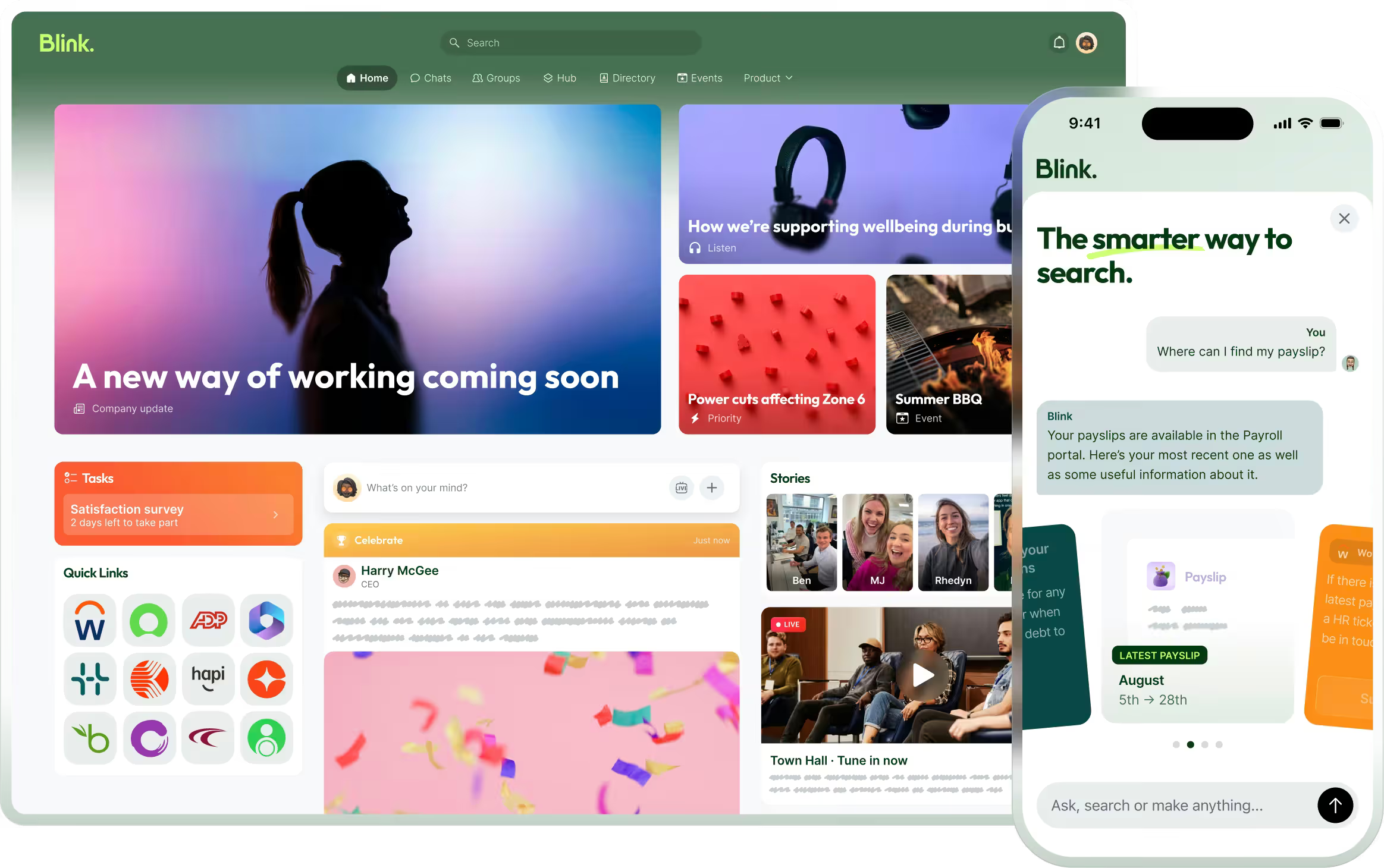
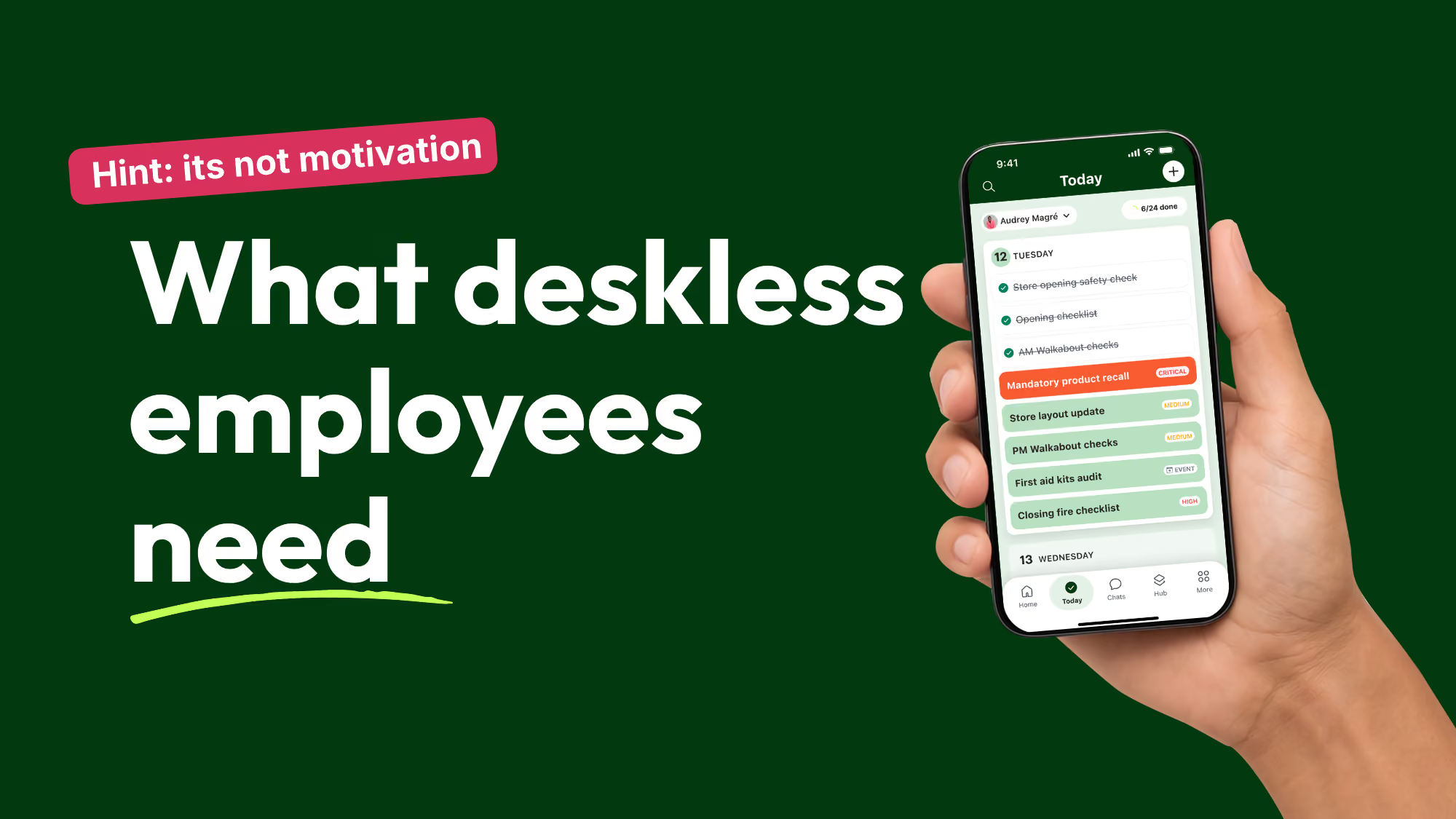
Blink's Surveys feature sits directly inside the same app employees already use for communication, scheduling updates, and company news. In deployments across retail, hospitality, and transport, the consistent pattern is that a survey shows up where people already are, inside the app they open daily, rather than in an inbox they rarely check, and completion follows accordingly.
How do you choose the right employee feedback software for your business?
Work through these in order rather than starting with a feature comparison:
- Map who you're trying to reach. List the share of your workforce without regular desk or email access. If it's meaningful, cross any tool off your list that can't demonstrate mobile completion, with no company login required, in a live demo.
- Decide your cadence first, then pick the tool. A monthly pulse cadence and an annual deep-dive survey need different question design. Don't let the vendor's defaults set your strategy.
- Test the anonymity flow yourself. Ask to see exactly what a manager sees versus what's protected. If the answer is vague, that's your answer.
- Check the close-the-loop mechanism. Ask how results get back to employees and how fast. If it requires manually building a separate comms update every time, the loop won't close consistently.
- Price the rollout at your real headcount, not a pilot group. Per-seat pricing that looks reasonable at 50 users can scale unpredictably at 5,000. Ask for the model, not just a quote, and ask where the vendor's typical customer sits, a small frontline team or a large multi-site enterprise.
- Ask how long switching actually takes. If you're replacing an existing feedback tool, ask what happens to historical survey data, how long setup runs, and whether your existing question bank can be imported or has to be rebuilt from scratch. A vendor that can't answer this clearly in a sales call will struggle to deliver it during onboarding.
The organizations that get the most out of feedback software treat it as a two-way commitment, not a data-collection exercise. Ask the question, show you listened, move fast enough that employees notice.
See how Blink handles frontline feedback at scale
Most feedback tools were built around a desk, an email address, and five uninterrupted minutes. Blink was built around the opposite: a phone in a pocket, a few seconds between tasks, no company login required. Surveys run inside the same app employees already check for their schedule and company news, and results segment by site and shift out of the box. Start a 14-day free trial, explore Blink's survey and feedback features, or book a demo to see a frontline survey flow end to end. Stagecoach, a Blink customer, recorded up to a 26% reduction in frontline turnover.