
AI in employee engagement: 8 practical uses
AI in employee engagement means using artificial intelligence to draft communications, run listening programs, spot sentiment trends, and answer staff questions, so HR and comms teams spend less time on manual admin and more time acting on what employees actually say. This guide covers eight practical ways teams are using AI in engagement work today, the real risks worth building guardrails around, and a five-step way to start without betting your culture on a chatbot. For the fundamentals this guide builds on, see Blink's broader guide to employee engagement tools.
What is AI in employee engagement?
AI in employee engagement is the use of machine learning and generative AI tools to support how organizations listen to, communicate with, and act on feedback from their workforce. In practice, that means drafting and translating messages, building surveys from a short brief, running adaptive listening conversations instead of static forms, spotting sentiment and trend patterns across thousands of responses, and answering routine staff questions through a search assistant instead of a help desk ticket. The goal isn't automated culture. It's cutting the manual work that stops comms and HR teams from listening and responding at the pace employees expect. AI can scan thousands of comments in the time it takes a person to read a handful, but it can't decide what to do when the answer is "my manager ignores me." Every application here still routes judgment calls, performance conversations, and anything sensitive to a human.
8 practical uses of AI in employee engagement
These are the use cases already showing up in comms and HR workflows, not speculative ones. Each solves a specific bottleneck: too many languages, too little time, too much unread data.
1. Drafting and translating internal posts
A comms manager writing for a dozen locations in several languages used to mean separate drafts for each one, or one flat, generic message. Imagine a policy update, a shift change, or a safety reminder going out as a single rough brief. AI drafting tools can turn that into a first draft in the house tone, then translate it accurately for every site. The person still edits and approves before it goes out. The time saved isn't in the writing, it's in the fact that a message that used to take two days to localize now takes twenty minutes.
2. Building surveys from a brief
Instead of starting from a blank template, a comms lead can describe what they want to learn and get a structured survey draft back in seconds. A brief like "I want to understand why engagement dropped after a schedule change" becomes a set of scaled and open-text questions, ready to edit. Fewer comms teams have a trained researcher on staff than you'd expect, so a sensible starting draft is worth more than it sounds.
3. Adaptive one-to-one listening conversations
A fixed survey asks everyone the same five questions regardless of their answers. An adaptive listening conversation follows up on what someone actually says. If an employee rates manager support low, the next question probes why, in the moment, rather than waiting for a focus group six weeks later. This surfaces specific, actionable detail instead of a single number on a dashboard, and it does it at a scale no HR team could manage by phone or in person across hundreds of locations.
4. Sentiment and trend analysis across feedback
Open-text feedback piles up faster than most comms teams can read it. AI can process thousands of comments and surface themes, a spike in negative sentiment at one site, a recurring complaint about scheduling, a shift in tone after a policy change, far faster than a person scanning a spreadsheet. The output is a starting point for a conversation, not a verdict. A trend line showing sentiment dropped in one region tells you where to look. It doesn't tell you why.
5. Answering staff questions with cited search
A lot of what lands on an HR helpdesk is the same handful of questions asked repeatedly: what's the parental leave policy, how do I update my bank details, who's my manager. A search assistant that answers from an organization's own policies and hub content, and shows where the answer came from, can resolve these without a ticket. The citation matters. An answer with no source is a guess dressed up as fact, and in HR that's a liability, not a convenience.
6. Personalized shift briefs
A generic daily briefing gets skimmed or ignored. A brief tailored to a specific site, shift, and role gets read instead. AI can pull the relevant safety update, the local promotion, and the one policy change that actually applies to a given shift, and leave out everything that doesn't. That relevance is the difference between a briefing people act on and one they scroll past.
7. Recognition and milestone prompts
Recognition programs tend to cluster around a few vocal managers and go quiet everywhere else. AI prompts that flag a work anniversary, a completed training milestone, or a quiet high performer give managers a nudge to say something, closing the gap between who deserves recognition and who actually gets it.
8. Early warning on disengagement signals
Falling survey scores, reduced app activity, and a drop in response rates are all signals, but no single one means much on its own. AI can combine these into an early flag for a team or location worth checking in on, before it shows up as a resignation. It's a prompt to a manager to go have a conversation.
What are the risks and guardrails for AI in engagement?
Used well, the eight uses above save real time without taking the human out of the loop, but that only holds if the guardrails are deliberate, not assumed. The biggest risk isn't that AI gets something wrong. It's that employees stop trusting the listening process altogether, because they can't tell what's being read by a machine, stored, or used against them. Four areas deserve guardrails before anything else.
Privacy and anonymity. If staff suspect a sentiment tool can be traced back to them individually, they'll stop answering honestly, or stop answering at all. Be explicit about what's aggregated, what's anonymous, and who can see raw responses. Anonymity promised and then quietly broken is worse than never promising it.
Bias in the model. AI trained on historical data can replicate the blind spots already in that data, surfacing certain locations or demographics as "problems" based on patterns that reflect bias upstream, not reality on the ground. Treat AI-flagged trends as a prompt to investigate, never as a finding to act on directly.
Over-automation. A resignation conversation, a performance concern, a grievance: these need a human, every time. The moment an employee feels they're being managed by an algorithm instead of a person, trust erodes fast and doesn't come back easily.
Transparency about what's AI. Tell staff plainly when they're talking to a bot versus a person, and when a message was AI-drafted versus personally written by their manager. Employees are generally fine with AI doing the grunt work. They're not fine with being misled about it.
How to get started with AI in employee engagement
Start narrow, prove value on one workflow, then expand. A five-step approach that avoids the two most common failure modes: rolling out too much at once, or rolling out nothing because the risk list feels too long.
Step 1: Pick one bottleneck, not a platform. Choose a single, specific pain point, slow survey turnaround, a backlog of repeated HR questions, unreadable volumes of open-text feedback, rather than trying to "add AI" everywhere at once.
Step 2: Write the guardrails before the pilot, not after. Decide what's anonymous, what a human reviews before it's acted on, and what AI is never allowed to touch, before you turn anything on.
Step 3: Tell employees what's changing and why. A short, honest message about what the tool does, what it doesn't do, and what happens to their data, builds more trust than silence ever will.
Step 4: Pick one site within your wider estate to pilot first. Test with a group small enough to course-correct quickly, and ask them directly what felt useful and what felt intrusive, before scaling across other locations.
Step 5: Decide where the human sign-off sits, and keep it there. AI drafts, flags, and suggests. A person still approves the message, has the difficult conversation, and makes the judgment call.
How AI in employee engagement works in Blink
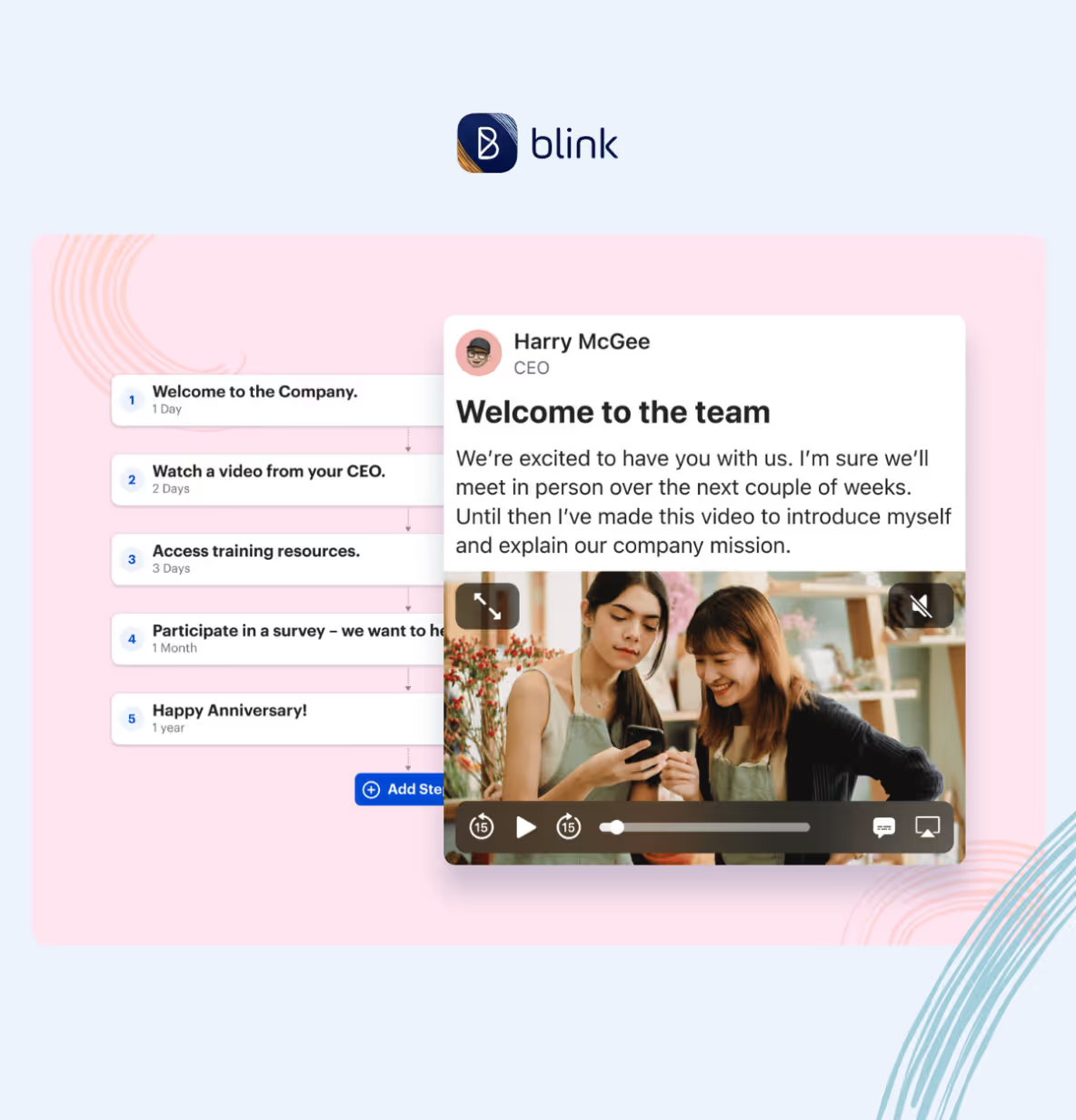
Blink's AI tools are built around the same principle this guide argues for: AI should cut the busywork, not the judgment. Frontline AI drafts and translates posts, surveys, and journeys from a short brief, so a comms team isn't starting from a blank page or managing several translations by hand. Surveys in Blink can be built this way, going from a rough question to a structured, ready-to-send survey.
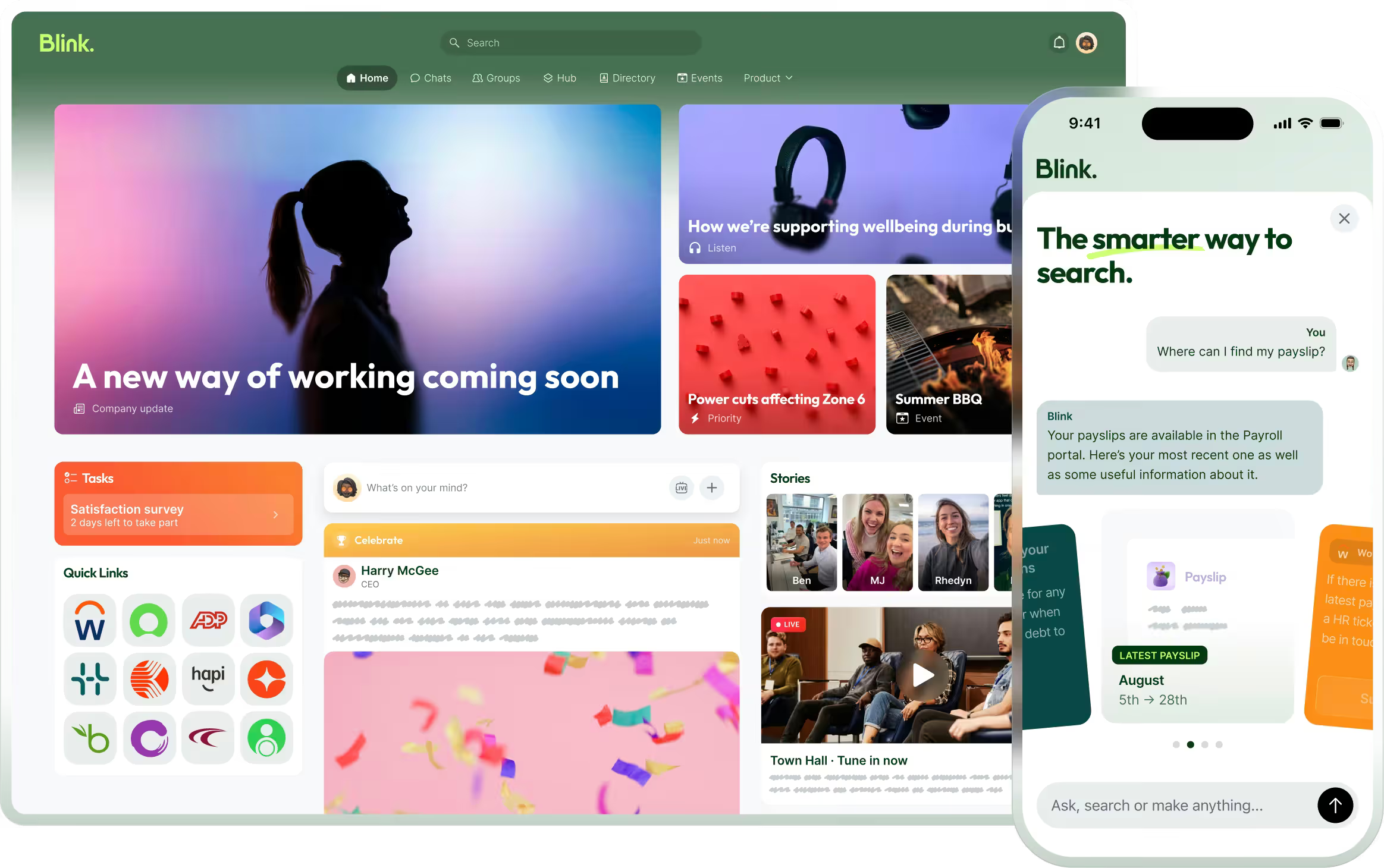
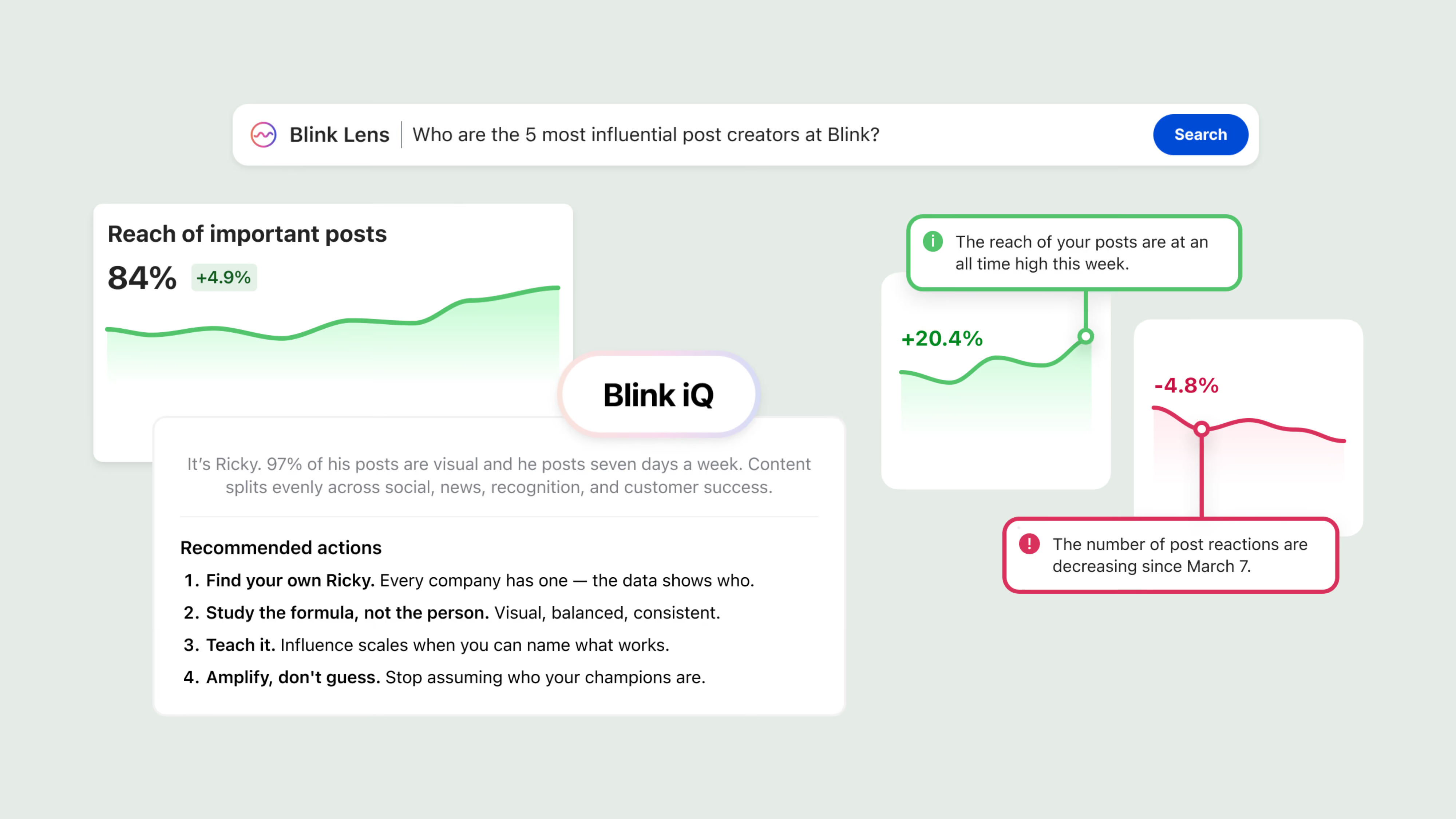
On the listening side, Blink runs adaptive, conversational check-ins that follow up on what an employee actually says, instead of asking everyone the same static question list. Blink IQ analyzes engagement and sentiment trends across locations and teams, so a comms lead can see where to focus without reading every comment by hand. For day-to-day questions, Blink's AI-powered search answers from an organization's own hub content and policies, with the source attached, rather than leaving staff to file a ticket for something they could look up themselves.
For more on measuring the impact of any engagement initiative, including AI-supported ones, see Blink's guide to what employee engagement is and why it matters.
Start a 14-day free trial to see how AI-supported listening and comms tools work inside Blink. If you'd rather talk through your own use case first, you can also book a demo.