Unified communications vs frontline communication: where UC stops and your frontline starts
A nurse on a night shift misses a protocol update because it went out over Teams, to an account she was never issued. A store associate finds out about a recall from a manager's text, a day after head office sent the official notice through the company's UC platform. A delivery driver never saw the safety alert at all. He doesn't have a login.
Unified communications, or UC, brings voice calls, video meetings, instant messaging, and presence into one platform instead of a pile of separate tools. It is built around a company account, usually an email address and a license. That single design choice is also why most unified communications platforms never reach the people running your stores, wards, routes, or production lines.
Microsoft, Zoom, RingCentral, and Cisco built genuinely good UC platforms. Zoom's own guidance describes UC as combining phone calls, video conferencing, chat, and email into a single platform so people stop switching between tools. That's a real problem for desk-based teams, and UC solves it well. But a warehouse picker, a nurse, or a delivery driver was never the person that design was built around. If you're an IT leader evaluating a UC or UCaaS deal while also trying to reach a frontline workforce, this guide covers where UC and UCaaS actually earn their keep, where the coverage runs out, and what sits alongside it to close the gap. For the fundamentals of reaching that wider workforce, see Blink's guide to building an internal communications team and the broader frontline communication guide.
What is unified communications?
Unified communications is the integration of voice, video, messaging, and presence into one platform instead of separate point tools for each. UCaaS, unified communications as a service, is the cloud delivery model for UC: a vendor hosts and maintains the platform, and you pay per user rather than running your own phone system and servers. RingCentral defines UC as a system that integrates communication and collaboration tools, from text messaging to video calling to telephony, into a single cloud-based platform, often written as UC&C for "unified communications and collaboration." Most enterprise buyers evaluating "unified communications" today are evaluating UCaaS specifically, since the question is usually which cloud vendor to license rather than whether to build and host the infrastructure yourself.
Where does unified communications fall short for frontline staff?
UC platforms are licensed, desk-first tools, and most frontline employees never get a license at all. That's a structural gap, not a feature gap. Four things UC was never built to do:
No license means no account. UC platforms provision users through a company email and a paid seat. Retail, hospitality, healthcare, and logistics workforces run on a different model: shared devices, no company email, high turnover, and headcount that leadership doesn't want to license one seat at a time for a desk tool nobody at the register or on the loading dock needs. This is the gap that shapes everything else in this guide.
Desk-first design doesn't survive a shift. Calendar-based presence, meeting scheduling, and conferencing assume a desk, a headset, and a block of calendar time. A shift worker's day doesn't look like that. They need something that works standing up, between tasks, on a shared or personal phone.
Broadcast with proof of read isn't a UC feature. UC is built for conversations between known people, not for pushing a single urgent message to thousands of people at once and confirming who actually saw it. A safety alert or a policy update that has to reach every shift, with an auditable read receipt, isn't what a chat or video platform was designed to do.
No offline mode. UC assumes a stable connection and an active session. Warehouses, basements, rural routes, and moving vehicles don't always offer either. A platform that goes blank the moment connectivity drops isn't reaching the people who need it most in that moment.
Key takeaway: none of this is a criticism of UC. It's a mismatch between what UC was built to solve, desk-based collaboration, and what frontline teams actually need: reach, proof, and offline resilience. This pattern holds across frontline sectors, from retail to healthcare to transport: the UC rollout lands cleanly with head office and falls away once you cross into stores, sites, or shifts.
Why does this matter for frontline workers specifically?
Most UC and UCaaS platforms were designed around employees who have a company email, a device, and a desk, and in most organizations that excludes the majority of the workforce. A hospital's clinical staff, a retailer's store teams, a transit operator's drivers: none of them sit at a desk with a company laptop and a UC seat. When the only communication platform a company has is UC, these employees fall back on personal phone numbers, printed notices on a break-room wall, or messages relayed manager to manager, none of which carry a read receipt or an audit trail.
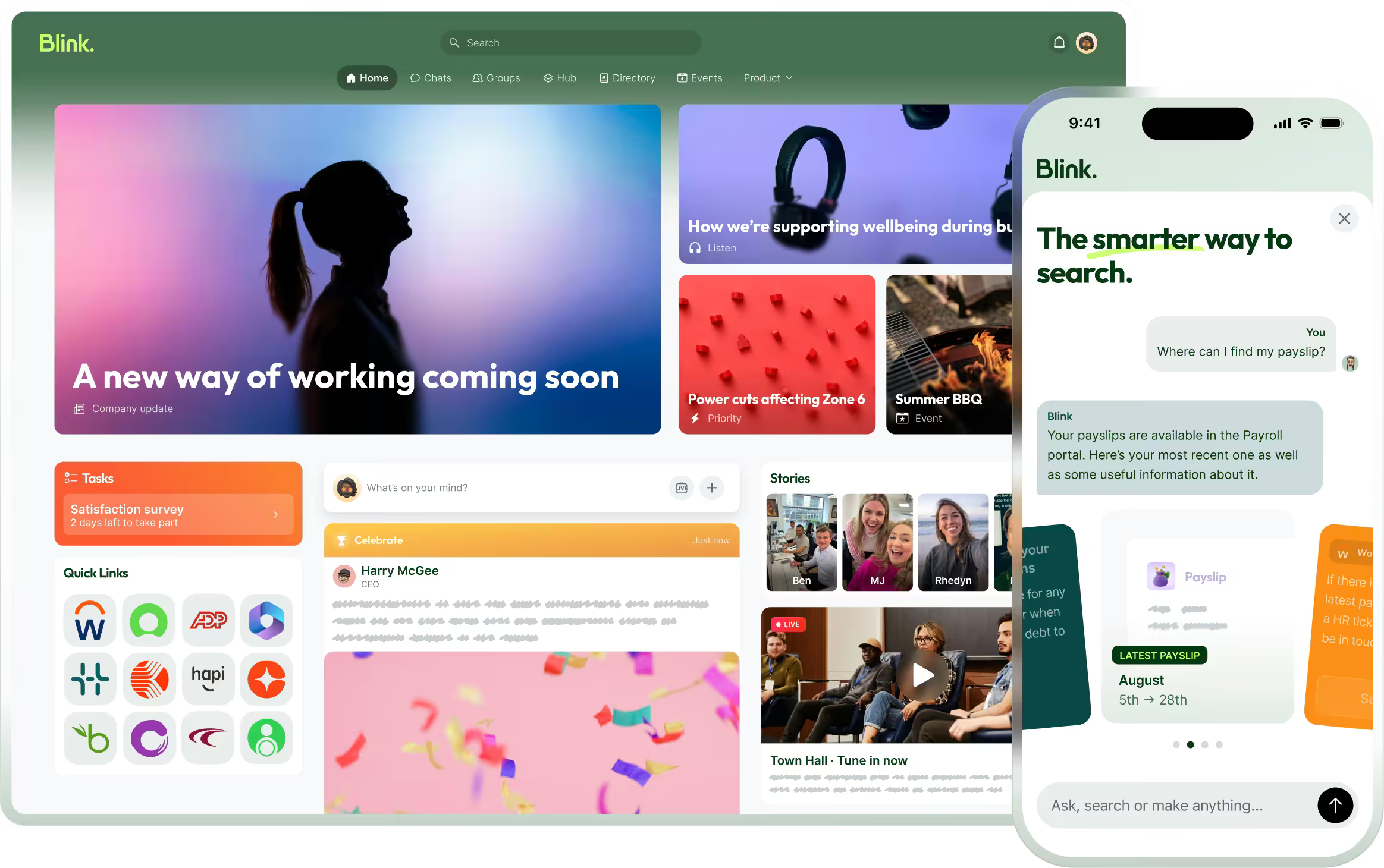
A frontline-first communication layer, sitting alongside UC rather than replacing it, is what closes that gap. Blink's Critical Communications feature, for example, lets a message get pinned to the top of every employee's feed and pushes through quiet hours, with a tracked read receipt that can be exported for compliance, all without requiring a company email address. That's the piece UC was never built to carry. Blink's Chat gives those same employees role-based messaging without needing a personal number or a UC seat at all.
What are the core components of a unified communications platform?
Every UC platform is built from the same five building blocks: voice, video, messaging, presence, and collaboration. Voice covers calling, usually VoIP routed over the internet rather than a traditional phone line. Video covers meetings and conferencing. Messaging covers persistent chat and, in some platforms, SMS. Presence shows whether a colleague is available, in a meeting, or offline. Collaboration layers on top: shared files, screen sharing, whiteboards, and increasingly AI-generated meeting summaries.
Zoom's breakdown of UC elements groups these the same way and adds a sixth, often-overlooked piece: a unified contacts directory, so every tool in the stack points at the same list of people. A platform only feels "unified" if presence, chat, and calling all draw from one directory. A platform licensed only to office staff can be internally consistent and still leave an entire workforce outside that directory.
Who are the main unified communications vendors?
Microsoft Teams, Zoom, RingCentral, and Cisco, through its Webex portfolio, are the vendors enterprise IT teams evaluate most often. Microsoft Teams builds UC into the Microsoft 365 stack, so calling, meetings, and chat sit next to Word, Outlook, and SharePoint under one license, with plans generally sold per user and gated by which Microsoft 365 tier they're bundled into. Zoom started in video and has expanded into a full UC suite: Zoom Workplace's pricing page lists tiered per-user plans (Pro, Business, and Enterprise, on top of a limited Basic tier), gated by meeting length, participant caps, and admin controls like SSO and device management. RingCentral leads with cloud telephony, and RingCentral's own plans page shows the same pattern: per-user monthly pricing across Core, Advanced, and Ultra tiers, with features like CRM integrations, multi-site support, and usage analytics reserved for the higher tiers. Cisco's approach spans on-premises and cloud, with Cisco's Webex Suite combining UCaaS, contact center, and device management under one umbrella aimed at larger, more complex deployments.
Plan structures and feature gating change often and vary by vendor. Check the current details directly on each vendor's site before you budget against them.
What are the benefits of unified communications?
The benefits of UC are fewer tools, fewer logins, and one record of who said what. One login instead of five. One directory. One record of a call, a chat thread, and a meeting, searchable in one place. For a desk-based team that lives in that platform all day, that's a real efficiency gain. None of that changes who the platform was built to reach in the first place.
Unified communications plus frontline comms: what goes where
UC and a frontline comms layer solve different problems, and the right setup runs both side by side rather than picking one. Two capabilities worth defining before the table: Mandatory Reads is a tracked policy sign-off that records who has acknowledged a message and who hasn't, and Priority Posts is a broadcast that bypasses quiet hours to reach every device immediately. Neither has a UC equivalent. Here's a practical split for an IT team planning the two together, with Microsoft 365 as the UC anchor and Blink as the frontline layer:
{{blink-table:table-1}}
The split isn't about replacing Microsoft Teams. It's about recognizing that a UC seat and a frontline comms account solve two different jobs, for two different populations, and most organizations with a large deskless workforce need both running at once, not one standing in for the other. Adding that second layer doesn't mean touching the UC contract. It sits alongside Microsoft 365 or whatever UC platform is already in place, reaching the employees that platform was never licensed to cover.
How do you decide what your IT stack needs?
Start by counting how many of your employees actually have a UC license today, then compare that to your total headcount. If the gap is small, UC alone may cover you. If it's large, which is typical for retail, hospitality, healthcare, logistics, and transport, you need a frontline layer that doesn't depend on a UC seat to reach people.
Three questions worth asking before you renew or expand a UC contract:
- Who is actually licensed today, and who is missing? Pull the number and compare it against total headcount, not just office headcount.
- Can you prove a critical message was read? If a safety alert or compliance notice needs a timestamped, exportable read record, check whether your current UC platform can produce one. Most can't, by design.
- Does anything in your stack work without a connection? If frontline staff work in basements, vehicles, or low-signal sites, ask what happens to an urgent message the moment the connection drops.
Overall adoption across Blink's customer base is over 90%. A frontline layer is built to produce that kind of reach because it tracks total headcount, not just the licensed share of it.
Start a 14-day free trial of Blink and see how it sits alongside your existing Microsoft 365 or UC stack: Start a 14-day free trial. Or talk to our team about a frontline rollout alongside your current UC platform: Book a demo.