Employee training software for frontline teams
A new hire on a loading dock gets handed a login for a course library built for people who sit at a desk all day. She has a company phone number, no company email, and a ten-minute break before the next truck pulls in. The course doesn't load properly on her phone. Nobody checks whether she finished it. Six months later, nobody can say for sure who's actually completed safety training and who hasn't.
That gap, between training software built for desk-based teams and a workforce that's mobile, on shift, and often without a corporate inbox, is the real problem behind "employee training software" as a search term. Most organizations training a large hourly workforce need two tools, not one: a system of record for the curriculum, and a way to actually get that content in front of someone who never sits at a desk.
This guide covers the main types of training software, what frontline training specifically needs that desk-based training doesn't, how a few well-known vendors describe their own products, and where a frontline app like Blink fits next to, not instead of, an LMS.
If your training strategy sits inside a broader frontline employee experience plan, this is one piece of it. The training problem for deskless workers is usually a distribution problem first and a content problem second.
What is employee training software?
Employee training software is a digital platform used to create, assign, deliver, and track workplace learning. It typically covers content creation, assignment to specific employees or roles, delivery through video, document, or quiz formats, and reporting on who completed what and when.
Some platforms specialize in structured, certified learning paths. Others focus on short-form content delivered during a shift rather than at a desk. The common thread is replacing ad hoc training, a PDF emailed around, a verbal walkthrough on day one, with something assignable, trackable, and repeatable at scale. For a frontline workforce, how the content gets delivered matters as much as what's in it. Software built around a desktop login doesn't reach someone who only has a personal phone and five minutes between customers.
What are the main types of employee training software?
The market splits into five categories: LMS platforms, microlearning apps, video training platforms, knowledge bases, and frontline communication or content apps, each built to solve a different piece of the training problem.
{{blink-table:table-1}}
No single type does everything well. That's why most organizations training a large hourly workforce end up running two systems: one for the structured curriculum and compliance record, one for actually getting content in front of people who don't sit at a desk.
What does frontline training actually need?
Frontline training has to work on a personal phone, in under a few minutes, during or right around a shift, with a record of who engaged. That's a different bar than training built for someone at a desk with a company laptop and an hour blocked out.
Five things show up again and again when L&D and ops teams scope this for hourly, shift-based, or multi-site teams, whether that's a single retail store manager covering twelve staff or a regional director overseeing forty sites:
- Mobile-first, not mobile-adapted. A responsive web course that technically loads on a phone isn't the same as something designed for a five-inch screen and one thumb.
- Short. Content broken into minutes, not modules. A 45-minute compliance course gets started and abandoned on a bus. A three-minute refresher gets finished on a break.
- Accessible without a company email. Frontline workers who never receive a corporate email address are locked out of any tool that assumes one exists as the login.
- Available in the language people actually speak. Multi-site and multi-market workforces include people who don't read English as a first language, and training that only ships in one language misses real gaps in comprehension, not just compliance boxes.
- Tracked and provable. For anything safety- or compliance-related, "we sent the training" isn't the same as "we can show who opened it, read it, and signed off."
Miss any one of these and completion rates tell you less than they look like they do. A course can show full assignment and still teach nobody anything, because the format never matched how the audience actually works.
How do the main training vendors position themselves?
LMS vendors sell structured, auditable learning at scale. Microlearning and frontline-ops tools sell speed and reach during the shift itself. Here's how a few well-known names describe their own offering.
Go1 positions itself as a single learning subscription that aggregates third-party content into one library, aimed at cutting the admin load on L&D teams who'd otherwise have to source and manage training content themselves.
Cornerstone sells enterprise learning built around compliance and audit readiness, with automated certifications, renewals, reporting, and role-based onboarding paths for frontline, clinical, and technical teams. It's built for organizations that need to prove compliance across regions and roles, not just deliver content.
TalentLMS targets growing businesses with a cloud LMS plus TalentCards, a separate mobile app built specifically for short, card-based training aimed at teams on the go.
YOOBIC builds learning into a broader retail operations platform alongside task management and communications, positioning its training as short-form content tied to skill gaps surfaced by its own task and audit data, rather than a standalone course catalog.
The split that matters when you're comparing these: the more enterprise and compliance-focused the vendor, the more it leads with audit trails and reporting. The more frontline and retail-focused, the more it leads with speed, mobile delivery, and fitting training into a workflow people already use instead of adding a new one.
Where does Blink fit?
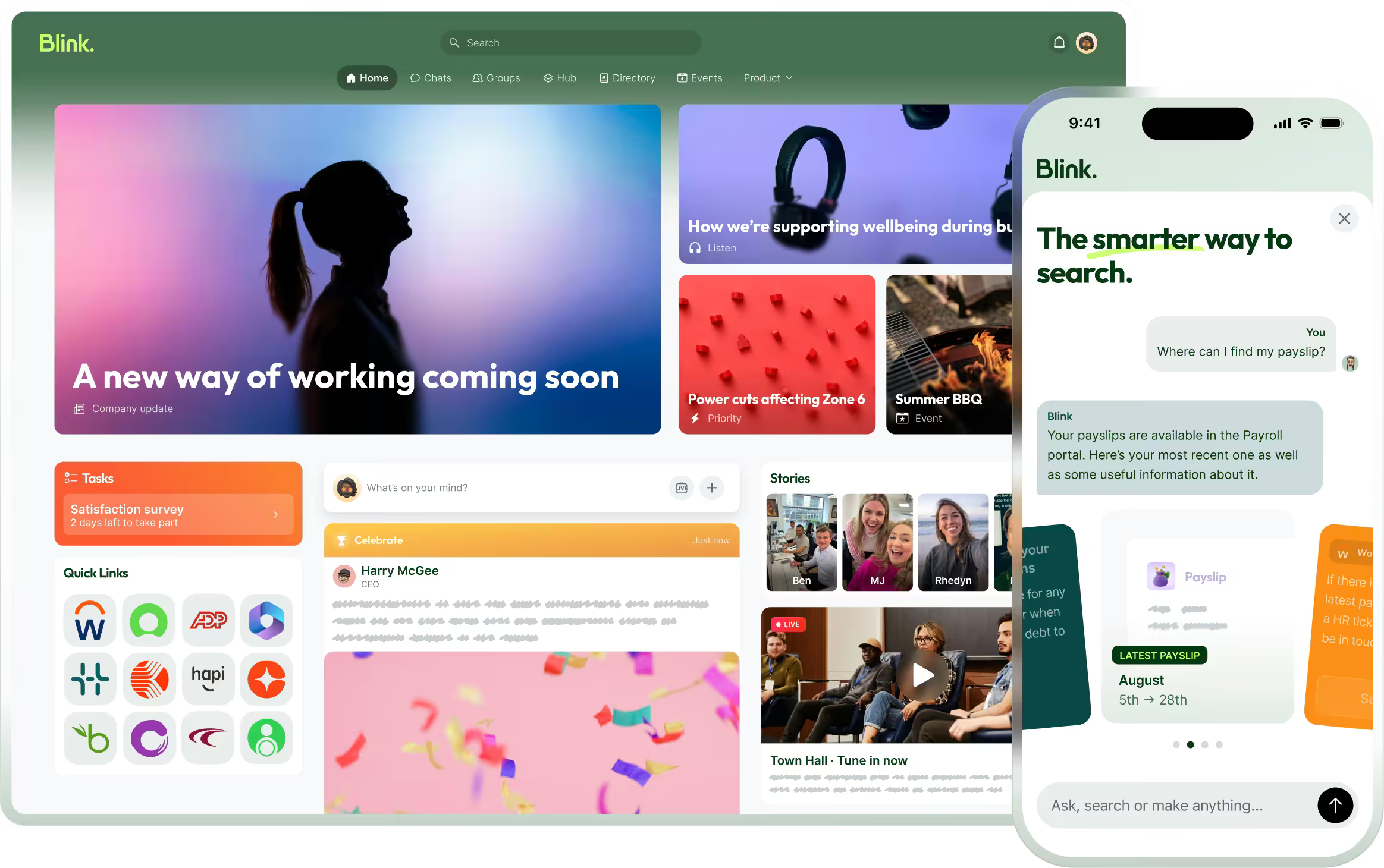
Blink is not an LMS, and it doesn't try to be one. It's the delivery and connection layer that gets training content to the right frontline worker at the right moment and confirms they engaged with it.
If you don't run an LMS at all, Blink can cover a meaningful slice of training on its own: onboarding content, policy sign-off, and short refreshers all work through Journeys, the Content Hub, and Mandatory Reads without anything else in the stack. Once training involves certifications, structured course sequences, or audit-ready compliance reporting across regions, that's the point where a dedicated LMS still earns its place alongside Blink.
In practice, Blink's side of the job looks like four things:
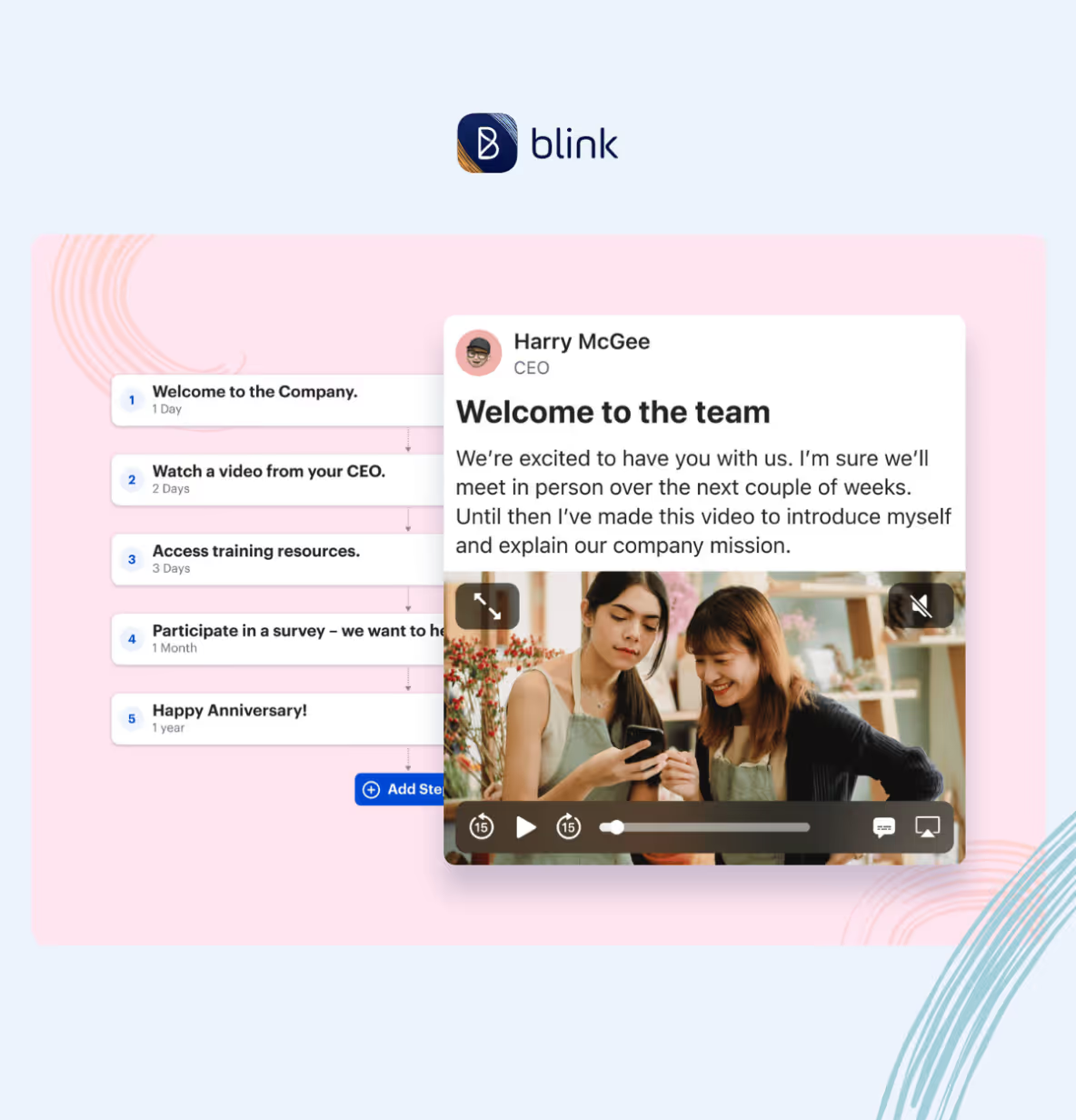
- Employee Journeys trigger training content automatically based on start date or role, so a new hire gets onboarding material in week one and a role-specific refresher in month three without anyone on the HR team manually assigning it. This is what would have put the safety course in front of the loading-dock hire from the top of this guide on day one, on her phone, with no login to a desktop system required.
- The Content Hub gives employees one place to find policies, SOPs, and training materials on their phone, searchable, instead of buried in an inbox or a binder in the back office.
- Mandatory Reads, part of Blink's Critical Communications tools, turn any document or training update into a tracked sign-off, so you can see exactly who opened it, read it, and acknowledged it.
- Integrations connect Blink to the systems of record an organization already runs, including Workday and UKG for HR data and ServiceNow for IT requests, so training assignments and employee records stay in sync rather than living in two disconnected places.
Pick an LMS for what it's good at. Don't ask it to also solve distribution to people who never sit at a computer.
Where to go from here
Start a 14-day free trial to see how Journeys would get onboarding content to a new hire like the one on the loading dock, with Mandatory Reads confirming she actually opened it.
Or book a demo to talk through how Blink would sit alongside your current LMS.