Planogram compliance: a 6-step execution process with photo proof
A regional manager walks a store two weeks into a promotion and finds the end cap built wrong. Head office sent the brief, the store confirmed it was done, and nobody checked again until someone happened to be standing in the aisle. By then, the display has already missed half its selling window. Multiply that by forty stores and the same gap is playing out in parallel, mostly unseen, across an estate head office can't walk in person.
Planogram compliance isn't really a merchandising problem. It's a last-mile execution problem. The brief gets built, approved, and sent. What happens after that, whether store teams understood it, had the stock, and actually built it correctly, is mostly invisible until it's too late to fix.
If you're building out a broader frontline operating model, Blink's guide to managing frontline employees covers the practices this process sits inside.
What is planogram compliance?
Planogram compliance measures how accurately a store executes the shelf, display, or promotion layout that head office specified, including product placement, facings, signage, and timing. It's usually expressed as a percentage: the share of stores or displays that match the approved plan within an agreed tolerance. Three products facing the wrong way is usually within tolerance, a missing display unit isn't. High compliance means a shopper sees the same campaign, in the same way, whether they're in store one or store three hundred. Low compliance means the brand pays for a promotion that only half the estate actually ran. Retailers track it because planogram and promotion compliance drives measurable commercial outcomes: sell-through, vendor funding conditions, and brand consistency all depend on the plan matching reality, not just the plan existing.
Why do promotions and planograms slip?
Promotions usually fail between the brief leaving head office and a store manager building the display, not at the design stage. Four patterns show up again and again.
The brief arrives late. When a promotion pack lands three days before launch instead of two weeks, store managers are building displays from memory during a rush, not following a reference image.
Instructions don't account for store variation. A planogram built for one format doesn't translate cleanly to another. If the brief doesn't account for that up front, managers improvise, and improvisation is where compliance breaks down.
There's no proof of completion. Email and group chat threads make it easy for a store to say "done" without head office ever seeing the shelf. Verbal confirmation isn't verification.
Nobody follows up on what's wrong. Even when a store sends a photo, if there's no fast loop to flag a mistake and get it fixed, the display stays wrong for the rest of the promotion window. A review process with no fix-request step is a dead end, not a compliance system.
A 6-step execution process from brief to verified setup
A reliable process treats the planogram brief as the start of a tracked task, not a one-way announcement. The steps below cover brief to verified setup.
- Build the brief with store variation in mind. Include the reference planogram image, a clear deadline, and any format-specific variants (small format, end cap only, online fulfillment stores). Ambiguity here compounds at every store that receives it.
- Send it as a task, not just a message. A static PDF in an email thread gets skimmed and forgotten. A task with steps, a due date, and a required photo at completion gets tracked.
- Store teams work through it on shift. Whoever is on the floor that day picks up the task, follows the steps in order, and builds the display against the reference image, not from memory of last quarter's version.
- Photo evidence gets captured at completion. The person who built the display takes the photo as the final step, so a manager can't mark the task done without the photo attached.
- An area or regional manager reviews the photo against the reference. This is a quick pass, not a full audit: does it match, is anything missing, does it need a fix.
- Non-compliant setups get a fix request, not a note for next time. If the display doesn't match, the task reopens with specific feedback and a new short deadline, and the loop runs again until it's right.
For the store manager, this cuts the other way too. A clear reference photo in the task means they're not guessing what "done" is supposed to look like. A fast fix-request loop means a small miss gets corrected in a day instead of sitting there for a regional manager to catch three weeks later. That's fewer surprise visits where something's been wrong the whole time, and fewer re-dos once a promotion is already underway.
What does good photo proof actually look like?
Good photo proof is comparable against the reference image in a few seconds, not just present. A photo that can't be checked that fast isn't proof, it's just a picture.
- Match the angle to the reference. If the planogram shows a straight-on shot of the full bay, the proof photo should be the same angle, not a close-up of one shelf or a wide shot from the aisle.
- Include a visible checklist alongside the image. A photo next to a confirmed step (correct signage up, correct facings, pricing visible) is faster to review than a photo alone, because the reviewer isn't guessing what they're meant to be checking.
- Show the whole display, not a flattering crop. A photo that only captures the top shelf hides whether the bottom shelf was stocked at all.
- Timestamp and location should travel with the photo automatically. A reviewer checking compliance across many stores needs to know which store and when without asking.
- One example photo in the brief sets the standard. Showing store teams exactly what "done" looks like, rather than describing it in text, reduces the number of photos that come back needing a fix request.
How do you measure compliance across stores?
Compliance measurement only works if every store's result lands in one place, not scattered across inboxes and group chats. Without that, "measuring compliance" usually means someone manually counting replies, which doesn't scale past a handful of locations.
At minimum, a useful view shows: which stores have completed the task, which are still open, which were reviewed and approved, and which were sent back for a fix. Tracking completion by store, rather than a single national percentage, is what makes the measurement actionable. A head office team that only sees one number for the whole estate can't act on it directly. A team that knows which specific stores missed, and why, can follow up directly instead of re-sending the same brief to everyone.
Will store teams actually use another app for this?
This is a fair question, worth answering directly rather than assuming it away. The concern is usually less about the task itself and more about asking store staff to learn and check yet another system on top of the ones they already use for scheduling, payroll, and messaging.
The brief doesn't have to live anywhere new. Blink sees over 90% adoption across its customer base, with the brief landing in the same app teams already open for shift updates and company news. There's no separate login to issue or new habit to build around a single campaign. One brief goes to a thousand stores exactly the same way a single-store trial would, which is what keeps the admin cost of a rollout down at scale.
How it works in Blink
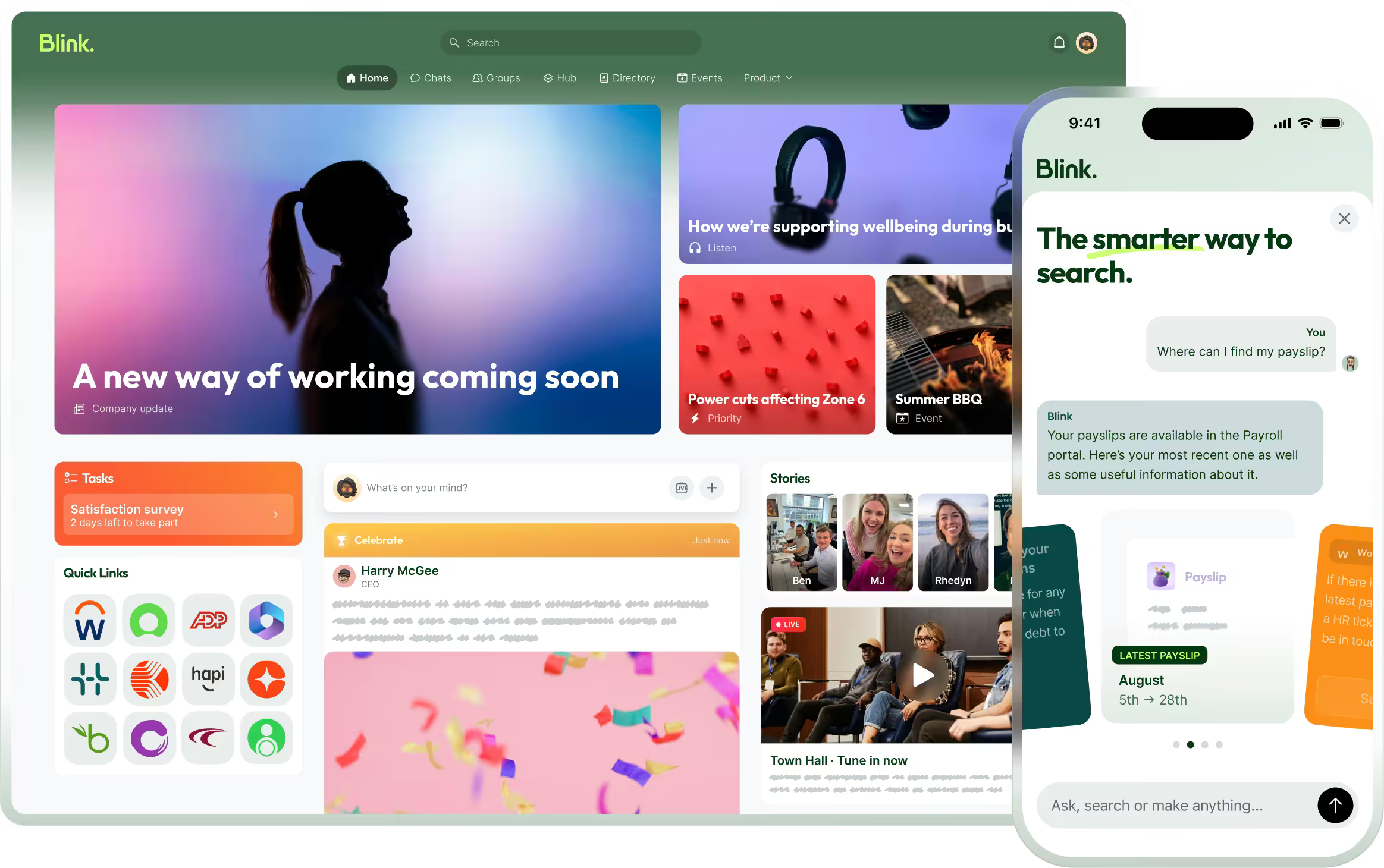
Blink gives head office one place to brief, track, and verify promotion and planogram execution across every store, without relying on email threads or a shared drive full of photos nobody's compared to the original.
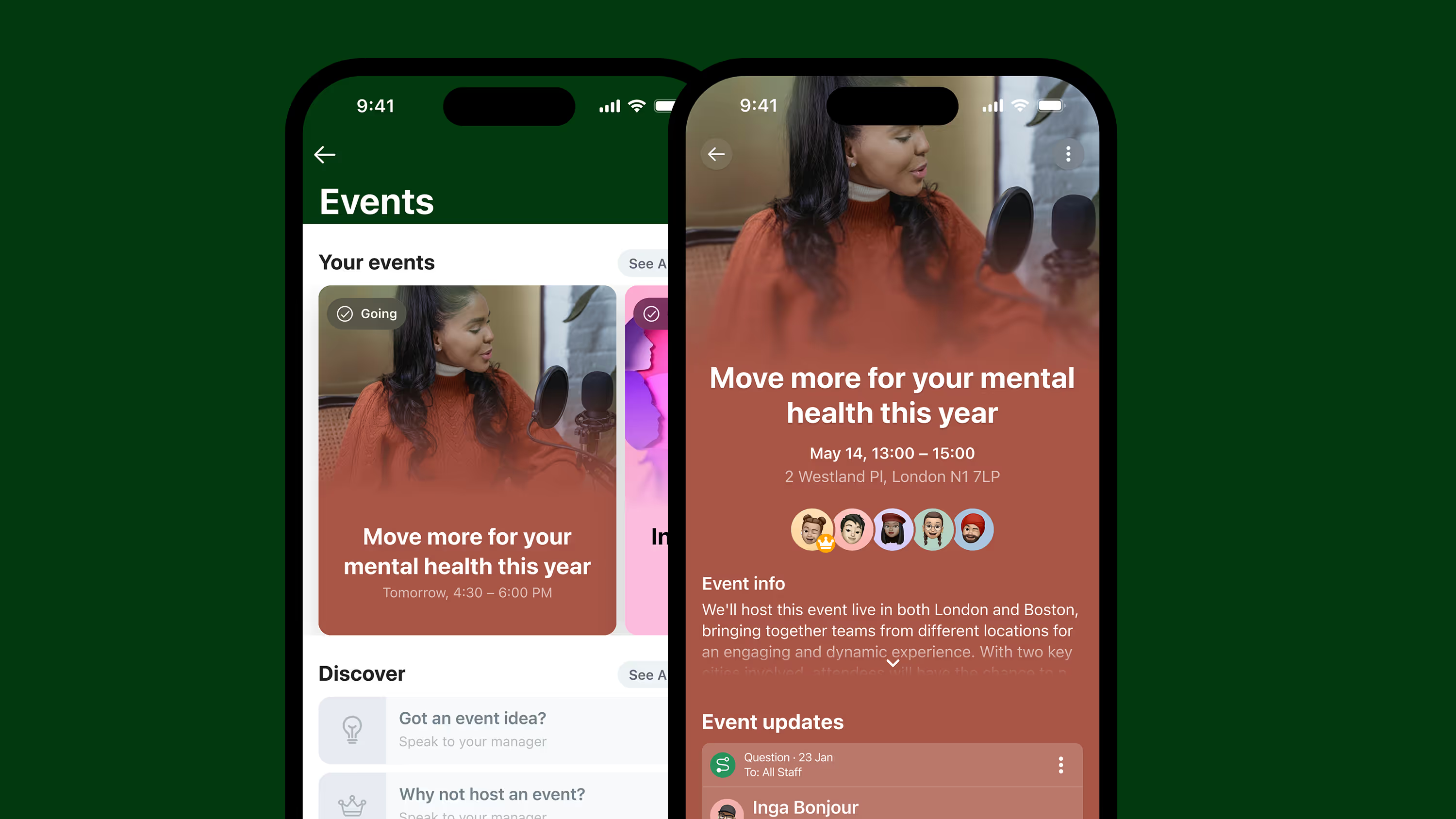
The brief goes out through the Feed, reaching every store team on their phone, including staff without a company email. From there, a task carries the step-by-step instructions and the reference photo, so the store team is building against the actual plan, not a memory of it. The person on shift completes each step and captures photo evidence as part of finishing the task, not as a separate follow-up. An area manager reviews the photo against the reference, approves it, or sends it back with specific feedback if it needs a fix. Head office sees completion status by store in one view: who's done, who's open, and who needs a second pass. The same instance that carries the planogram brief also handles the critical communications a store needs when a promotion changes last minute, so a price correction or a launch delay reaches the floor without a separate channel.
For a retail estate running planograms across dozens or hundreds of stores, a regional manager finding out a display is wrong in week three looks very different from finding out on day one, while there's still time to fix it and protect the rest of the selling window.
Start running planogram compliance this way
Start a 14-day free trial to see how task management with photo proof works for your stores, or book a demo to walk through a planogram rollout with your own store count and format mix.