Opening and closing checklist templates for retail and restaurants
An opening and closing checklist is the list of tasks a store or restaurant team completes at the start and end of every shift, covering safety, equipment, cash handling, and cleanliness before doors open and after they close. Get it wrong once and it's a bad morning. Get it wrong across 40 sites and it's a pattern nobody can see until something breaks, a failed health inspection, a register that doesn't balance, a fryer left on overnight. A regional manager who can see every site's completion in one view catches that pattern in days, not months. This guide gives you the actual checklist to copy for retail stores and restaurants, opening and closing, then shows what changes when you stop running it on paper and how a multi-site rollout actually happens.
Why opening and closing checklists matter
A missed step at open or close rarely shows up the same day. It shows up three weeks later, as a trend. A register that's never quite right at the morning count. A walk-in that keeps drifting above temperature. A fire exit that's been blocked "just for today" more times than anyone's tracking. Opening and closing checklists exist to catch these things while they're still small, at the one point in the day when someone is actually looking.
The stakes split three ways. Safety: fire exits clear, equipment off, temperatures logged, allergen information current. Sales: the store or restaurant actually ready to serve the first customer of the day, not still finding its feet twenty minutes in. Consistency: a customer in one location gets the same experience as a customer in another, because the same list ran the same way at both.
For a single site, a clipboard behind the counter can carry this. For a multi-site retailer or restaurant group, that same clipboard means the area manager finds out a checklist was skipped only when a customer complains, a health inspector shows up, or an insurance claim lands. The checklist isn't the hard part. Knowing it actually happened, at every site, is.
For teams managing comms and task execution across locations, this sits inside a broader project management discipline: assign the work, confirm it happened, and have a record when someone asks. It also connects to the wider question of how mobile workforce management works when most of your team never sits at a desk.
Retail store opening checklist
A retail opening checklist should take one person 15 to 20 minutes and cover security, systems, and sales readiness before the doors unlock. Here's a 13-item version you can copy and adapt:
- Disarm the alarm and log entry time
- Walk the sales floor and stockroom for overnight damage or signs of entry
- Turn on lights, signage, and music/ambience systems
- Power on POS terminals and confirm connectivity
- Count and verify the cash float against the previous night's close
- Check fire exits are clear and unlocked from the inside
- Confirm fitting rooms are clean and stocked with hangers
- Restock front-of-store displays and check for overnight markdowns or price changes
- Review the daily task list or head office communications for anything new
- Check restroom and break room supplies
- Set store temperature to the comfort range for customers
- Open the stockroom to receive any scheduled deliveries
- Unlock doors at the scheduled time and record who opened
The float count and the fire exit check are the two steps worth never skipping, because they're the ones that turn into a real problem fastest if missed. A clear, well-run opening checklist also shapes how staff feel about the shift ahead of them, which is part of a bigger point about retail employee experience that goes beyond the task list itself.
Retail store closing checklist
A retail closing checklist mirrors the opening one but adds reconciliation and security steps that only make sense at the end of the day. A 13-item version:
- Announce last call and begin directing customers to checkout
- Lock entry doors at the scheduled time
- Count the register and reconcile against POS sales records
- Prepare the bank deposit or safe drop
- Tidy and restock the sales floor for the next shift
- Return fitting room items to the floor
- Turn off POS terminals, signage, and non-essential lighting
- Empty bins and take out trash
- Check all fire exits and emergency lighting one last time
- Lock stockroom and back-of-house doors
- Set the alarm
- Log closing time and any incidents from the shift
- Note anything the opening team needs to know tomorrow
Step 13, the handover note, is the one most paper checklists skip entirely, and it's the one that stops the same problem recurring the next morning.
Restaurant opening checklist
A restaurant opening checklist has to cover food safety as well as service readiness, because a QSR or full-service kitchen carries risk a retail floor doesn't. A 15-item version with the food safety steps spelled out:
- Unlock and disarm the alarm, log entry time
- Check and log walk-in cooler and freezer temperatures
- Inspect delivery area for overnight drop-offs and check against invoices
- Run the line check: confirm every prep station has the right pans, tools, and par levels
- Check hot-holding and cold-holding units are at safe temperatures before service
- Review and update the allergen board with today's menu and any ingredient substitutions
- Taste-test or spot-check prepped sauces and bases for quality
- Sanitize all prep surfaces and cutting boards
- Confirm handwashing stations are stocked with soap and paper towels
- Brew coffee and prep front-of-house beverage stations
- Set dining room tables, chairs, and condiment stations
- Count and verify the cash drawer
- Power on POS, kitchen display systems, and payment terminals
- Brief the team on the day's specials, 86'd items, and any allergen changes
- Unlock doors at the scheduled time
Key takeaway: the allergen board update and the line check are the two steps a health inspector or an allergic customer will ask about first, so they can't be the ones a tired opener skips. Food safety steps carry this callout because they carry regulatory weight that a retail step usually doesn't: a skipped allergen check can trigger a health inspection finding, not just a customer complaint.
Restaurant closing checklist
A restaurant closing checklist protects tomorrow's opening as much as it protects tonight, which is why food safety and prep for the next shift both belong on it. A 14-item version:
- Stop taking new orders at the scheduled cutoff
- Log final walk-in and freezer temperatures
- Break down and sanitize all prep and cook lines
- Store or discard perishable prep according to shelf-life rules
- Deep clean the grill, fryer, and other cooking equipment
- Sweep and mop kitchen and dining floors
- Empty and sanitize trash and recycling
- Reconcile the register and prepare the bank deposit
- Lock cash in the safe
- Turn off and clean POS and kitchen display systems
- Check all burners, fryers, and ovens are fully off
- Set dining room for tomorrow's open (chairs up or set, as per house rules)
- Lock all doors and set the alarm
- Log any incidents, waste, or stock issues for the next shift
Key takeaway: step 4, perishable storage, is the step most likely to get rushed at the end of a long shift, and it's the one most directly tied to a food safety incident down the line.
Paper vs. digital checklists: what changes
A paper checklist proves someone was handed a clipboard. A digital one proves the work actually happened, with a photo, a timestamp, and a record an area manager can check without visiting the site. That's the real difference, and it comes down to three things paper can't do.
Photo proof. Instead of a tick next to "walk-in temperature checked," the closer photographs the thermometer reading. A signature says someone did something. A photo shows what they did.
Deadlines. A digital checklist can be due by a specific time, say 8:00am for opening, 11:00pm for closing, and flag itself as late the moment that time passes, rather than an area manager discovering three days later that Tuesday's close never happened.
A review step. Paper checklists get filed in a drawer and reviewed only when something has already gone wrong. A digital checklist can route to a manager for review the moment it's submitted, so an incomplete or inconsistent checklist gets caught and sent back the same day, not during an audit six months later.
None of this is about distrust of staff. It's about an area manager covering a dozen sites who cannot physically be in every stockroom every morning. A timestamp and a record do what a clipboard never could: let one person see, honestly and immediately, what happened at every site.
Rolling out a digital checklist across multiple sites
Moving 40 sites off paper works best as a staged rollout, not a single switch. Four steps get you there without overwhelming staff or losing the comparison across sites that made the paper version useful in the first place:
- Pick one pilot site. Build the checklist once, run it there for a week, and find out where the steps are unclear or where photo proof slows people down more than it should.
- Adjust based on what the pilot shows. Shorten steps that took too long, clarify any step staff asked about, and confirm the due times match how the shift actually runs.
- Train managers at the next few sites on the review step. The checklist only works if someone is checking submissions and sending incomplete ones back, so managers need to see that flow before launch, not after.
- Roll out to every remaining site with the same version. Because the checklist and due times are consistent, a district or regional manager can compare completion across every site from day one, not just the pilot.
A staged rollout is also how larger retailers get adoption right from the start: start small, fix what the pilot reveals, then scale rather than switching every site at once. The same logic applies to a checklist.
This is also where the connection between task execution and the wider employee experience matters. A rollout that staff understand and trust moves faster than one that lands as a surprise, which is the same logic behind the link between employee experience and customer experience in restaurant operations.
How it works in Blink
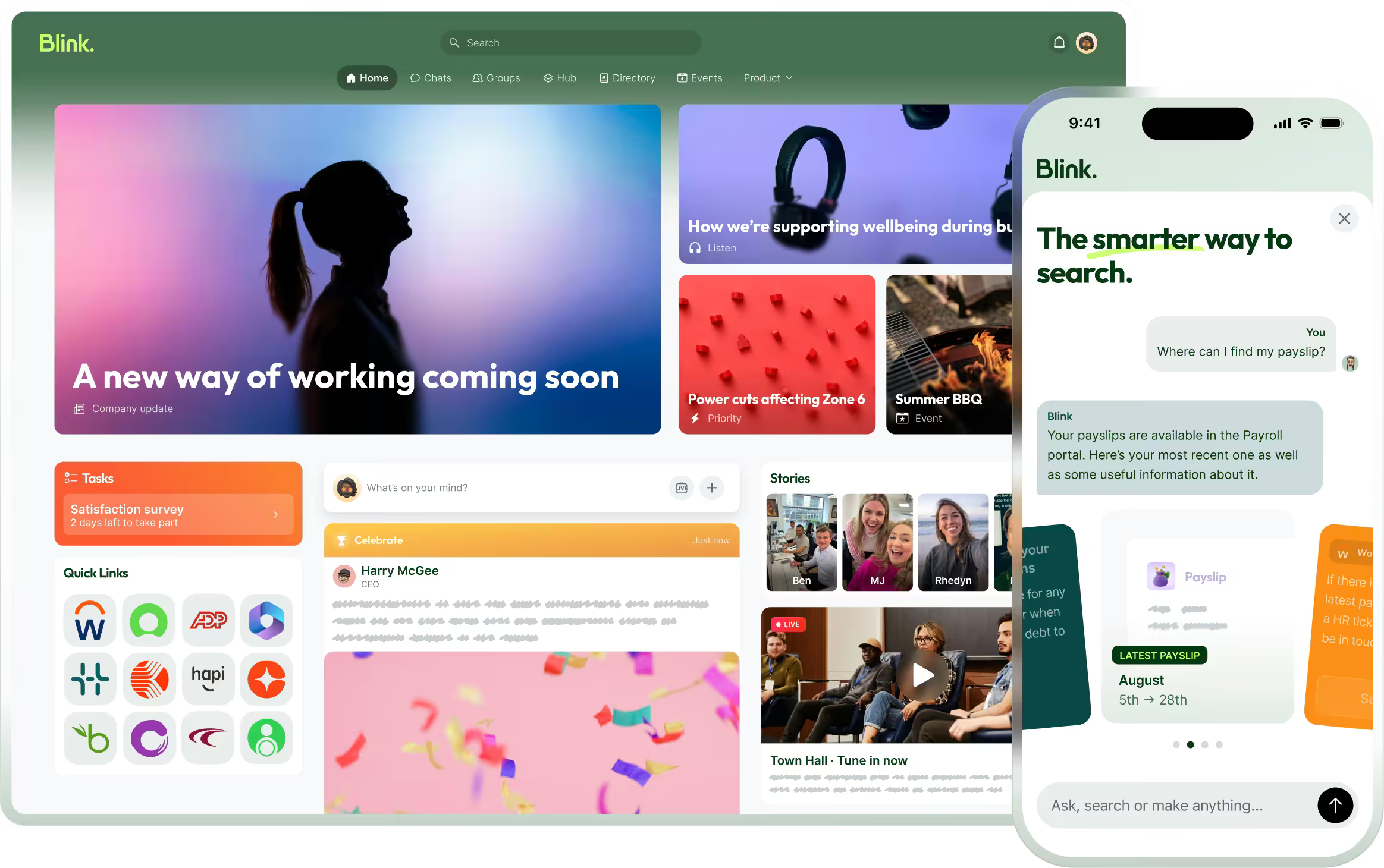
Blink's task management tool is built for exactly this problem: getting the same checklist completed correctly, on time, at every location, without a manager chasing it site by site.
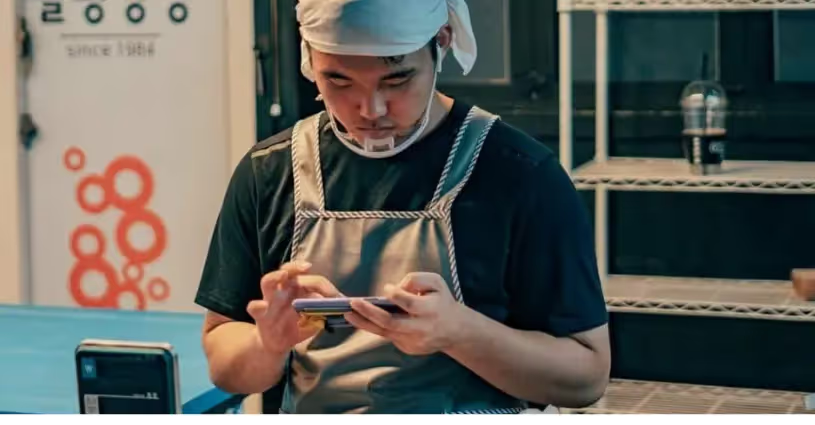
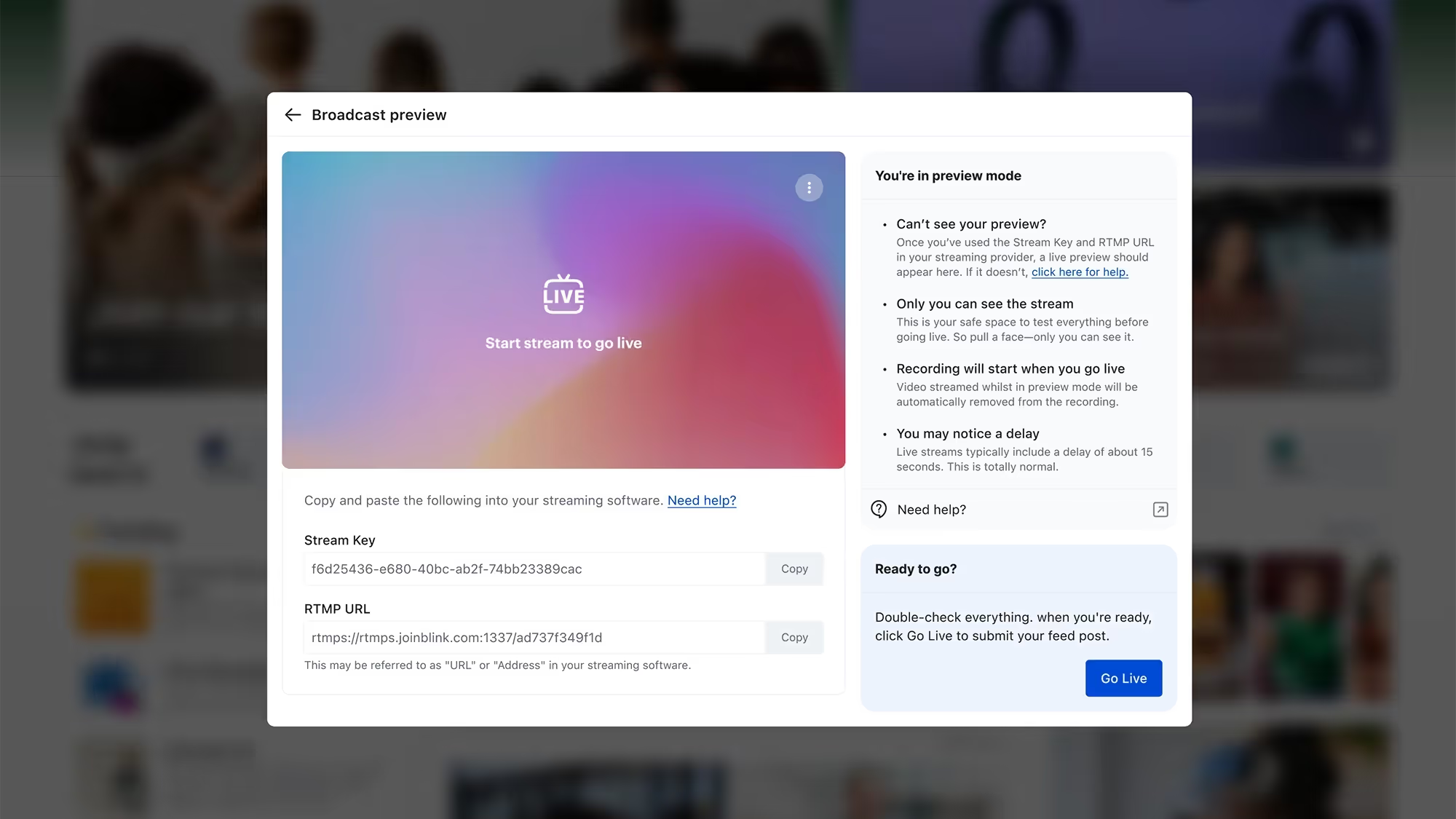
Here's the flow. A head office or regional team builds the opening or closing checklist once, then sends it to every store or restaurant at the same time with a due time attached, 8:00am for opening, 11:00pm for closing. Staff complete it step by step on their own phone, in the order it's written, and can attach a photo at any step that needs proof, a temperature reading, a clean line, a clear fire exit. It works even when a stockroom or walk-in has no signal, because Task Management supports offline completion with sync, so the checklist saves locally and uploads the moment the device reconnects.
Managers see completion in real time as checklists come in, and overdue ones are flagged automatically rather than discovered at the next visit. Any checklist that looks off, a missing photo, a skipped step, can be sent back to the site with a note, so the review step we just described actually happens instead of being theoretical. And because every submission is timestamped with evidence attached, there's an audit trail by site the moment a district manager, a health inspector, or an insurer asks for one.
That's the shift from a clipboard to a system: the same checklist, with proof attached and visibility across every site instead of just the one in front of you.
For a closer look at how this plays out across a retail chain or a restaurant group, see how Blink supports retail teams and quick service restaurant teams specifically.
Opening and closing checklists are the first place most multi-site teams put real task management to work, because the routine already exists, it just needs proof attached to it.
Start a 14-day free trial and run your first digital checklist at a pilot location. Prefer to see it first? Book a demo.