Maintenance request form: a free template, and how to route it fast
A maintenance request form is a structured way for staff to report a broken asset, from a leaking fridge to a jammed fire door, so the right person gets the location, the problem, and a photo in one submission instead of a string of texts. If you run maintenance across more than one site, in retail, facilities, property, or healthcare, this is usually where requests start slipping through: not in the repair itself, but in the handoff between the person who spots the problem and the person who can fix it. A form fixes the capture problem, but only if it's treated as the front door to a process, not the whole process. This guide covers what belongs on a maintenance request form, a copyable template you can use today, how to route and close requests properly, and when a simple form stops being enough.
That handoff gap is the same one that shows up across the wider set of apps frontline teams rely on day to day: a tool only earns its place if it works on a phone, in seconds, without a company email. Blink's facilities management work starts from the same premise.
Why maintenance requests get lost on the frontline
Most maintenance requests die in the handoff between the person who spots the problem and the person who can fix it. A staff member notices a broken freezer door, a cracked tile, or a flickering light. They tell a supervisor in passing, send a photo to a personal WhatsApp group, or leave a sticky note by the register. None of that creates a record anyone can act on later. The supervisor forgets by the end of the shift, the WhatsApp message scrolls off the screen, and the sticky note gets binned during a clean-down.
This isn't a training problem. It's a structural one. When reporting a fault takes more effort than ignoring it, people ignore it, especially on a busy shift where the floor, the register, or the guest in front of them wins every time. A request that lives in a group chat has no owner, no timestamp staff can point to, and no way to tell whether anyone has even seen it. Multiply that across a chain with twenty, fifty, or two hundred sites, and the result is the same fault getting reported three times by three different people, or never reported at all until it becomes an outage, a safety issue, or a customer complaint.
The fix isn't asking staff to try harder. It's giving them a single, fast, structured way to report a problem, and a visible signal that someone received it.
What a good maintenance request form includes
A maintenance request form only works if it captures five things: location, asset, photo, urgency, and who reported it. Leave any one of them out and someone on the receiving end has to chase the gap.
- Location. Not just the site, but the specific area: "store 42, back of house, walk-in freezer," not "store 42." Specific enough that a technician can find it without a phone call.
- Asset or equipment. What's broken, by name or asset tag if you track one. "Fire door, east exit" is actionable. "The door" is not.
- A photo. A picture tells a technician whether to bring a wrench or a replacement part, and whether the job is urgent or routine, before they've left the van.
- Urgency. A simple scale works better than a free-text field, because staff shouldn't have to write a paragraph to flag an emergency. One tap on "safety risk, stops operations, or can wait" is faster and clearer than a sentence they have to compose under pressure.
- Who reported it, and when. If the same asset fails again in three weeks, you want to know it's the second time, not the first.
These five fields are the reporting core. A couple of extras, like a timestamp or a status flag, can be filled in automatically once the form is submitted, so the person reporting never has to type more than the five things above. Keep the form short. Every extra field someone has to fill in by hand is a reason they abandon it halfway through on a phone screen during a shift.
A simple maintenance request form template
Copy this structure into whatever tool you use today, a form builder, a shared document, or a digital form inside your existing platform. The reporter fills in the first five rows. Date and time, description, and status can auto-populate once the form connects to a routing tool, so staff aren't typing them by hand.
{{blink-table:table-1}}
Keep the status field visible to the person who submitted it, not just the team fixing it. Staff who can see their request move from open to in progress stop re-reporting the same fault by text.
Routing and follow-up: closing the loop with staff
A maintenance request form is only as good as what happens after submission. Four things need to happen, in order. The request routes to the right person automatically, based on location or asset type, rather than landing in one inbox for someone to triage by hand. The reporter gets an acknowledgment, even a simple "received, assigned to facilities" message, within minutes rather than days. The status updates as work progresses, so anyone checking can see open, in progress, or closed without asking around. And when the job's done, the original reporter is told it's fixed.
Routing is usually set up once, by a facilities or ops lead, not configured per request. They map each location or asset type to a named person or team, a store's freezer faults go to the regional refrigeration contractor, a fire door fault goes to the on-site facilities manager, so a submission auto-assigns the moment it's filed instead of waiting for someone to read it and decide. Once that mapping exists, every new request from that site or asset type follows the same path without anyone touching it again.
That last step, telling the reporter it's fixed, is the one most paper-based or chat-based systems skip, and it's the one that decides whether staff keep using the form or go back to texting a manager directly.
Maintenance request app vs. CMMS: when you need each
A maintenance request app handles the front end, capturing the report, routing it, and keeping the reporter informed, while a CMMS (computerized maintenance management system) handles the back end, work order scheduling, parts inventory, preventive maintenance, and compliance records. They solve different problems, and a site struggling with missed requests doesn't necessarily need to replace its CMMS. It needs a faster, more reliable way to get requests into it.
If your current setup is a CMMS that technicians and facilities managers use well, but frontline staff, the people who actually spot the faults, have no easy way to get a report in, the gap isn't the CMMS. It's the front door. A simple request app or digital form that feeds into the CMMS closes that gap without forcing every retail associate, housekeeper, or care worker to learn a system built for maintenance specialists.
If you don't have a CMMS at all and you're running a smaller operation, a request app with built-in routing and status tracking may be all you need. The decision point is scale and complexity: once you're scheduling preventive maintenance, tracking parts, and managing compliance across dozens of assets, you need a CMMS behind the request layer, not instead of it.
How it works in Blink
Blink is a digital form tool that captures a maintenance request with a photo and location, then routes it to the right person or into an existing CMMS or ITSM (IT service management) platform. It isn't a CMMS itself. It's built to sit alongside one, not replace it, and it doesn't require migrating existing maintenance data to work.
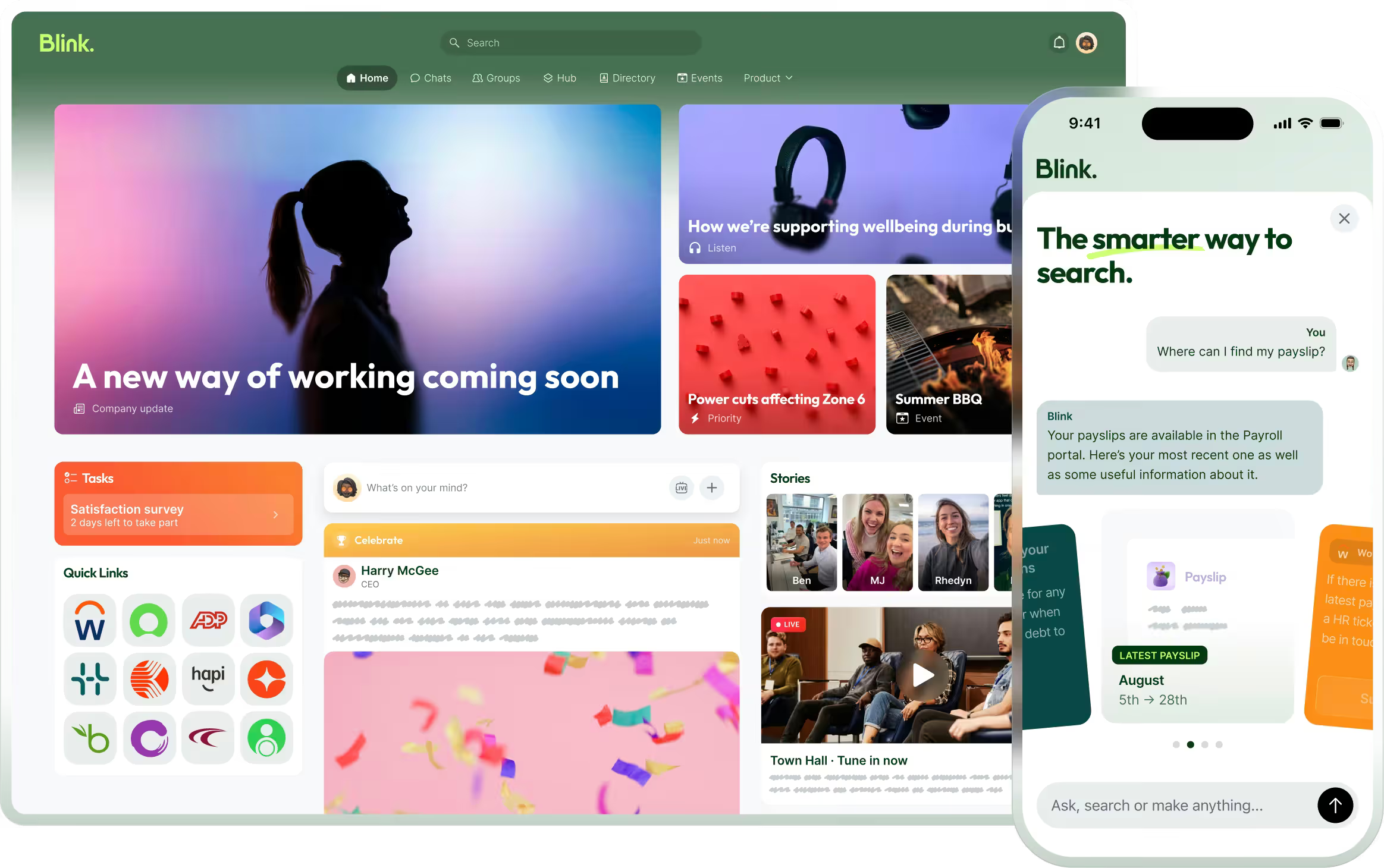
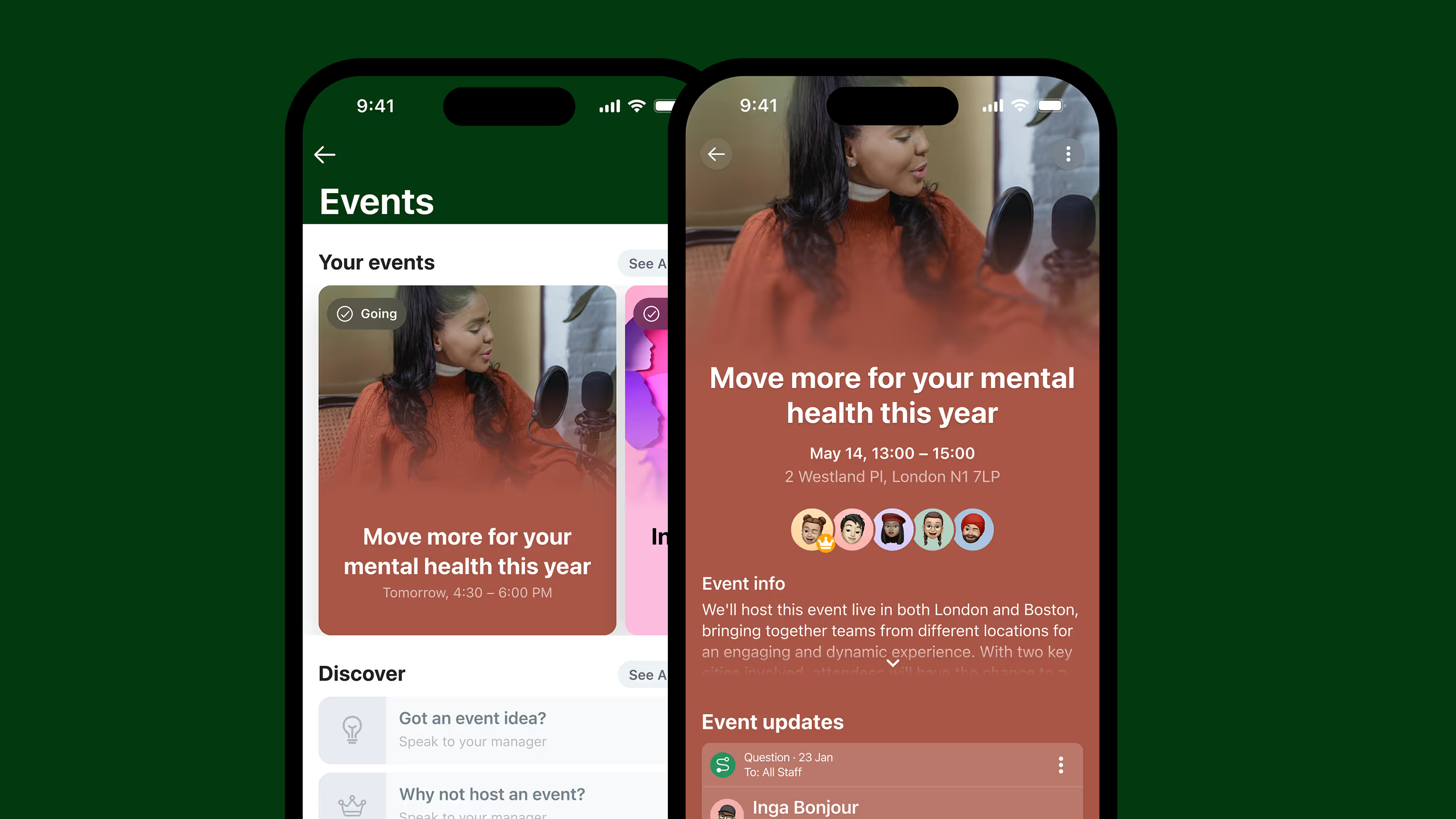
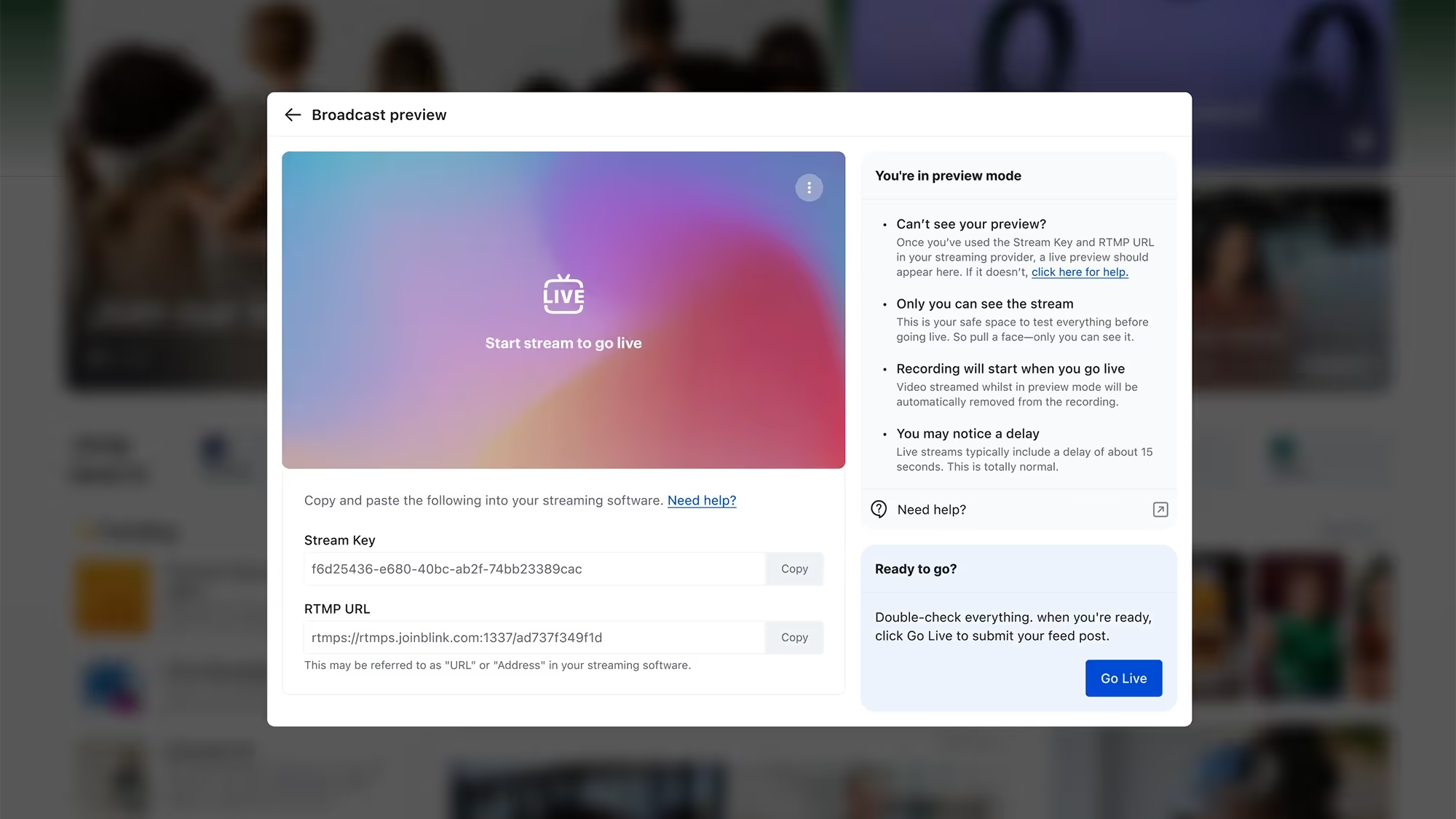
A frontline worker opens the Blink app, fills out a digital form with location, a photo, and urgency, and submits it. The form routes to the right person or team and surfaces in the Blink Hub, Blink's central activity feed, so there's one place to check status instead of a scattered chat history. Facilities and ops leads can also use Blink's AI builder to describe a maintenance log form in plain language and have Blink generate it.
For teams already running a CMMS or ITSM platform, Blink connects into that system instead of replacing it. Setting this up means mapping your existing ticket categories (asset type, urgency, location) into Blink's form fields, then turning on the connector so a submission creates a ticket in the other system automatically. Blink's ServiceNow integration lets staff raise and track tickets from inside the app they already use for everything else, so a maintenance request doesn't mean learning a second portal.
Elara Caring, a Blink customer in home-based healthcare, used single sign-on to connect caregivers directly to its back-end systems: an SSO landing page where staff can self-serve on requests, like submitting a payroll ticket or requesting an employment verification letter, that used to require going through a supervisor. The mechanism is different for a maintenance request, which routes through a form and a connector rather than a direct SSO login, but the principle driving both is the same: fewer logins and fewer portals for frontline staff, with the request still landing where the back-end team already works.
Start fixing the capture problem
Start a 14-day free trial and build your own maintenance request form. Or book a demo to see how routing and ServiceNow integration work for a multi-site team.