Employee management app vs. workforce management: where communication fits
It's 6am and the overnight manager changed tomorrow's opening checklist. The schedule in your workforce management app still says what it said yesterday. Nobody on the opening shift finds out until they're already on the floor, and the same gap repeats across every store, kitchen, or site running the same setup.
That gap is the reason most ops leaders end up looking at an employee management app on top of the workforce management (WFM) tool they already run. Some people search "employee management app" meaning an HR system for records, onboarding, and performance reviews. Others mean a frontline communication app. This guide covers the second sense: the tool that sits next to WFM and HR to handle reach, not records. A WFM platform forecasts labor, builds the schedule, and tracks time against labor law. It's rarely built to tell the people working that schedule what's changed since they last checked it, or to give them a way to ask a question and get an answer. Most frontline operations need both kinds of tool, and they are not interchangeable. This guide covers what WFM handles, what it leaves out, and how to connect the two so the schedule your WFM tool builds actually reaches the floor. For the fuller picture of the category WFM sits inside, see frontline workforce management.
What is workforce management, and how is it different from an employee management app?
Workforce management (WFM) is the software category that handles labor planning: forecasting demand, building schedules against that demand, tracking time and attendance, and keeping all of it inside labor law. "Employee management app" is the broader term people search for when they mean a WFM tool, an HR system, or a frontline communication app, and the three solve different problems. A frontline communication app is built to reach workers who don't sit at a desk, often without a company email or a company device, and its job is getting information and tasks to and from the floor, not planning labor or managing HR records.
What does a workforce management platform actually cover?
A WFM platform's job is to turn labor data into a compliant schedule, then track what actually happened against it. Here's the core capability set most WFM tools share:
{{blink-table:table-1}}
That list is where most WFM vendors stop. It's a hard problem to solve across multiple sites, shift patterns, and jurisdictions, and WFM vendors have largely solved it. It is not, on its own, a way to tell 400 retail staff about a new return policy, or to find out how a rollout actually landed on the floor. An employee management app built for communication picks up from there.
What gaps does WFM leave, and why do they matter?
WFM tools tell a worker when to show up. They don't tell that worker what's changed since their last shift, let them ask a question, or recognize them for doing good work. Four gaps show up most often once a WFM rollout is live: getting the message to staff, answering their questions, recognition, and feedback. These are the parts of the frontline experience that drive whether someone stays or leaves, and most WFM suites were never built to close them.
Getting the message to staff. A schedule tells someone when they're working. It doesn't tell them the store's running a new promotion, that a product's been recalled, or that the manager on duty has changed. Most WFM tools have no feed, no way to push an update to everyone on shift today, and no read receipt to confirm the message landed.
Answering their questions. Scheduling is one-directional. A worker who wants to ask about a policy, flag a maintenance issue, or query their hours has to find someone, usually by walking over to a manager or texting a personal number. There's no structured, logged way to ask and get an answer.
Recognition. None of the WFM capabilities above touch culture. There's no way to say thanks, mark a work anniversary, or let a manager flag great work publicly. On paper that looks like a nice-to-have. In practice, it's one of the biggest levers on frontline turnover, and it sits entirely outside the WFM feature set.
Feedback. WFM systems capture hours and attendance, not opinions. If you want to know how a new process is landing, or whether staff understand a policy change, you need a channel built for two-way response, not a timesheet.
How does this play out by industry?
Retail. Multi-site retailers often run WFM for scheduling and still rely on group chat apps or printed notices for everything else, from promo changes to safety recalls. The gap shows up fastest at scale, when head office needs every store to act on the same information on the same day. Dollar Tree runs a frontline communication app alongside its scheduling setup and sees 96% adoption across its stores.
Restaurants. QSR and full-service restaurants run on tight labor margins, so most lean on WFM for scheduling. The communication gap tends to show up around menu changes, allergen updates, and shift handover, information that needs to move fast between a closing shift and an opening one.
Hotels. Hotel operations span departments (front desk, housekeeping, F&B, maintenance) that rarely share a shift pattern, which makes a single communication layer more valuable than it is in a single-department environment. WFM handles the department-level schedule. It doesn't connect departments to each other or to corporate.
Construction. Job sites change daily: different crews, different locations, subcontracted labor that may not have a company email at all. WFM or project scheduling tools track who's assigned where. They don't typically reach every worker on site with a safety update or confirm that a briefing was actually read before the job started.
Will frontline staff actually use another app?
Overall adoption across Blink's customer base is over 90%, which is the reason reach matters as much as features when you're adding a communication app on top of a WFM tool. An employee management app that depends on a company email or a desktop login won't reach the floor any better than the WFM tool already doesn't. A tool nobody opens doesn't close any of the gaps above, no matter what it's capable of on paper.
How does Blink work alongside a WFM tool instead of replacing it?
Blink is not a workforce management platform, and it doesn't try to be. It's the communication and task layer that sits on top of whatever WFM or HR system you already run, so the schedule your WFM tool builds actually reaches the people it's for. A perfect schedule still fails if nobody on shift knows about the change made to it an hour ago. If your WFM tool pushes a shift change in UKG, for example, the goal is for that update to reach the floor before the next shift starts, not after.
Four things work here:
Shift cover, and swaps between team members. Blink's shift management tools let a manager post an open shift to the exact group of people qualified to take it, so eligible staff can claim it from their phone and the manager confirms with a full record, instead of working down a phone list. Open shift posting is available as an add-on. See pricing for details.
Separately, team members can request to swap a shift directly with a colleague, through the same eligibility check the manager uses for open shifts. This is a different flow from posting an open shift to a group, and it's available without the add-on.
Tasks. Day-to-day operational work, opening checklists, compliance checks, promo setup, lives in task management, with photo proof and an audit trail, so a manager can see what got done across every site without walking the floor.
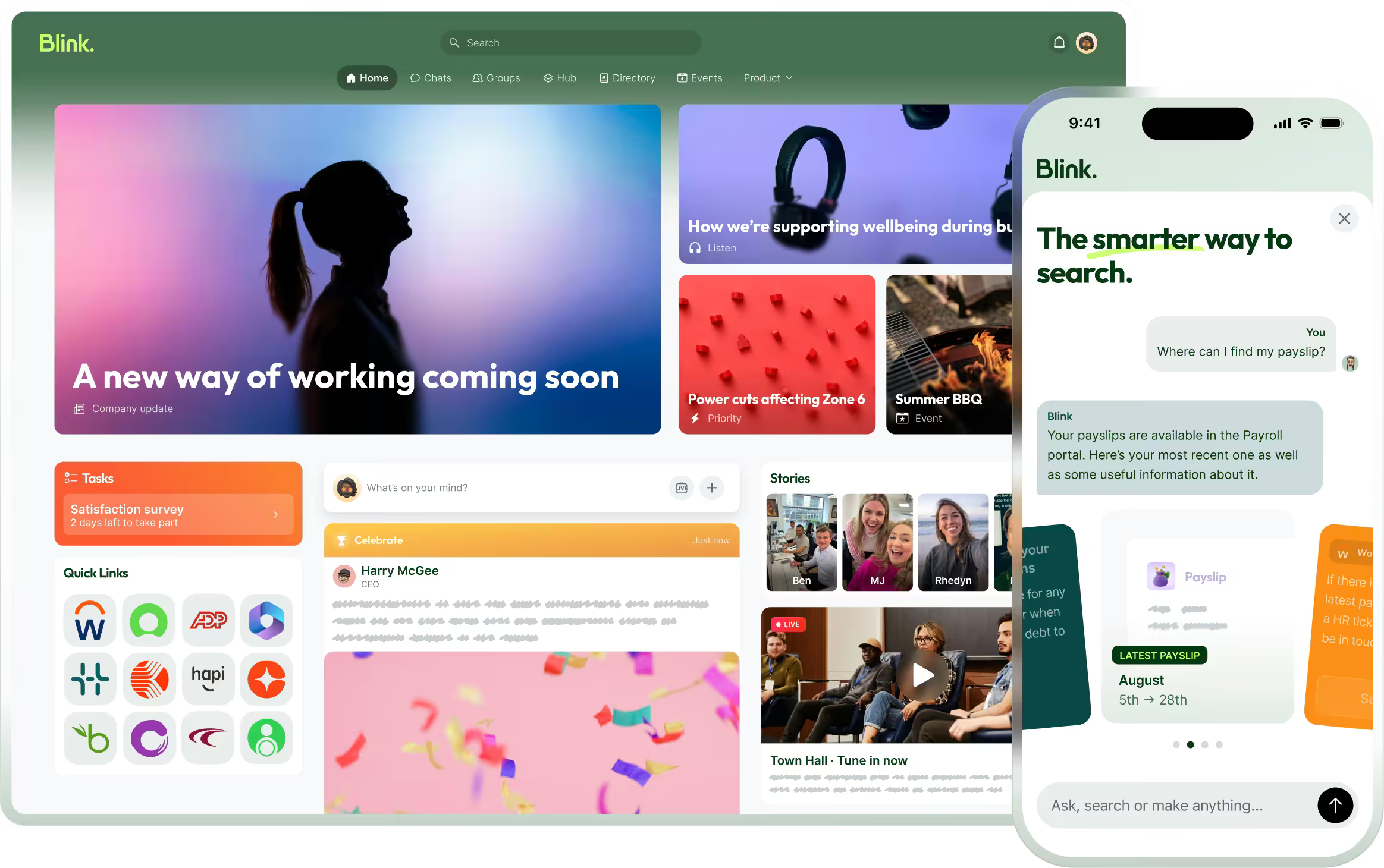
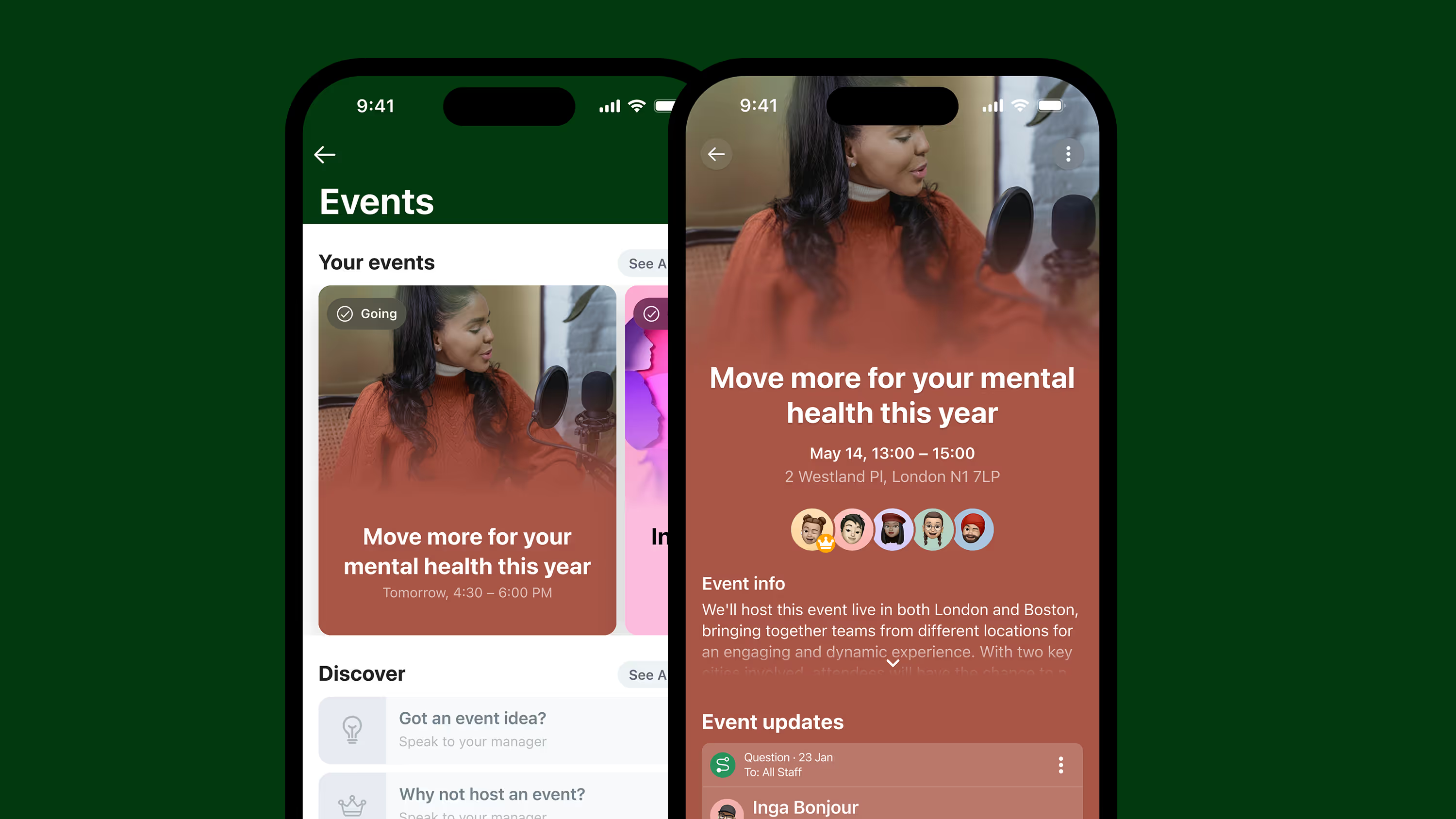
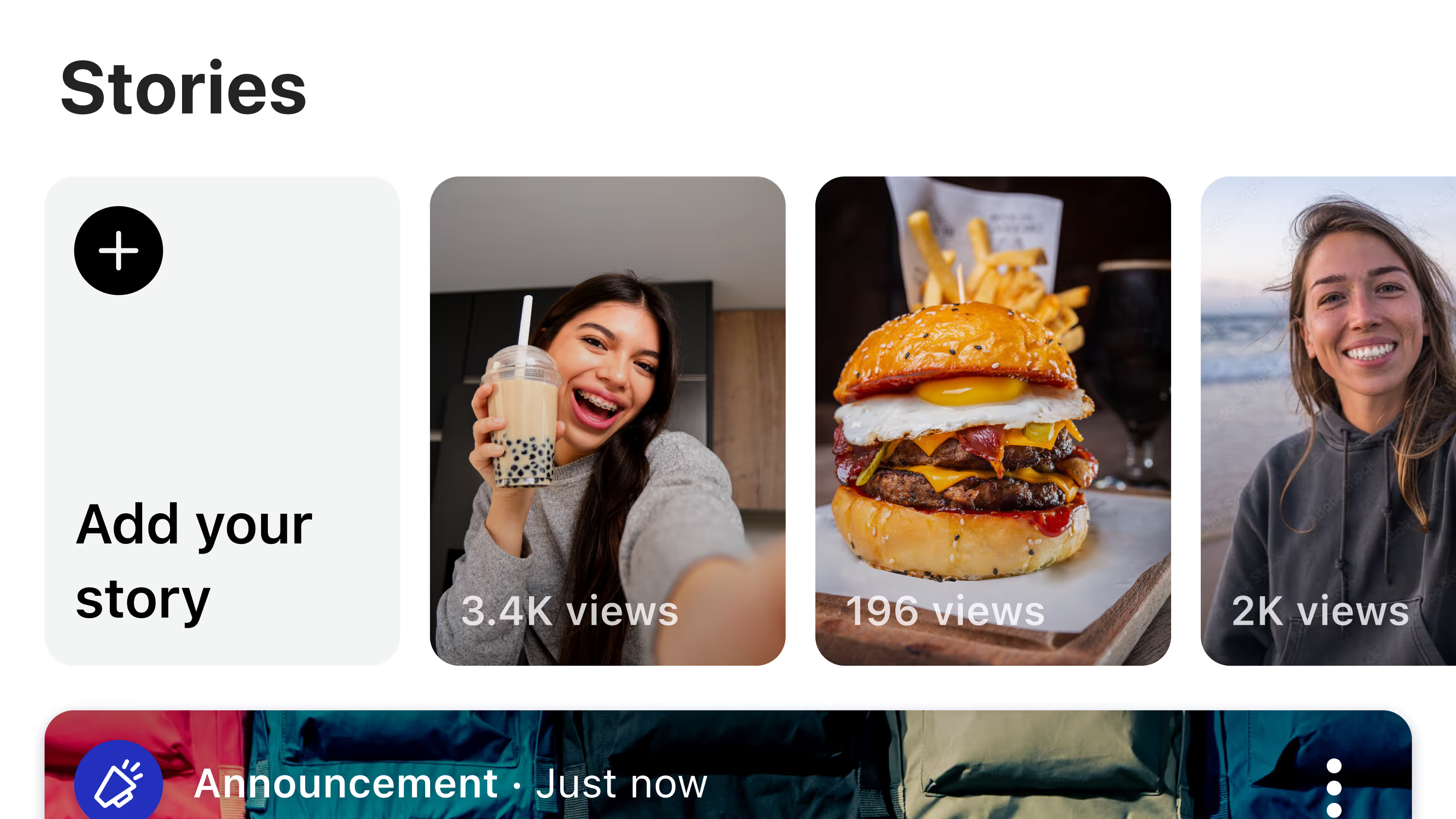
Communication. This is the part WFM leaves out entirely: a feed for company-wide and site-specific updates, a way for staff to ask questions and get a logged answer, and recognition tools so good work gets seen beyond the person who witnessed it.
Connecting to the systems you already run. Through integrations, Blink connects to HR and WFM platforms including Workday and UKG, so scheduling and role data sync automatically, and single sign-on means staff aren't managing a second login just to see their shift or ask a question. Elara Caring's caregivers used to go through a supervisor for routine requests like updating direct deposit or asking for an employment verification letter, since those requests sat inside systems the frontline couldn't reach directly. Elara Caring connected those systems to the frontline through Blink: single sign-on into their WFM tool, plus a self-service landing page for shift and payroll requests. Caregivers can now handle those requests themselves instead of routing through a supervisor, and single sign-on brought a sharp drop in Workday password-reset tickets.
Each tool stays focused on what it's actually good at: WFM does the planning, Blink does the reach.
Start a 14-day free trial to see how the communication layer sits alongside your existing scheduling tool. Or book a demo to walk through your current WFM setup with our team.