
Construction payroll software: what SMBs need (plus restaurants, healthcare, and other frontline industries)
A foreman sits down after a ten-hour shift to rebuild a certified payroll report by hand, because the payroll tool back at the office can't produce one. That's the real reason "construction payroll software" searches spike: general-purpose payroll tools weren't built for crews who move between job sites and states, and the same gap shows up in restaurants, healthcare, trucking, and manufacturing in different forms, tips instead of job costing, shift differentials instead of prevailing wage.
This is a buying guide, not a review of Blink as a payroll engine. Blink doesn't calculate pay, file certified payroll reports, or manage tip credits, and it never will. What it solves is the problem almost every payroll buying guide skips: getting a pay stub or a pay answer to someone who doesn't sit at a desk, doesn't check email, and may not even have one. That gap shows up across many frontline industries, not just construction.
This guide covers what to look for by industry (construction first, then restaurants, healthcare, trucking, and manufacturing), the features every frontline business should expect as standard, and the last-mile problem: delivering pay information to a workforce that's never at a computer.
What to look for in payroll software, by industry
The right payroll features depend heavily on how your industry pays people, not just how often. A restaurant managing tip credits needs something completely different from a trucking company paying by the mile. Use this table as a starting checklist before you take a single demo. Tip credit limits come from the Fair Labor Standards Act, and certified payroll for federally funded construction work comes from the Davis-Bacon Act. Both are sourced and covered in full in the sections right after the table.
{{blink-table:table-1}}
Wage and labor rules vary by state and change often, so treat the table above as a starting point, not legal advice. Check current requirements with your state labor department or a payroll specialist before you finalize a setup.
Construction: certified payroll and job costing
Construction payroll software earns its keep by tying every hour to a specific job and, when the work is federally funded, producing a certified payroll report. The Davis-Bacon and Related Acts require contractors on certain federally funded construction projects to pay prevailing wages and submit certified payroll records. If your tool can't generate that report automatically, someone on your team is rebuilding it by hand every week. Job costing is the other non-negotiable: knowing labor cost per project, not just per pay period, is how a construction business figures out whether a job actually made money.
When you shortlist a construction payroll platform, check whether certified payroll and job costing are built in as core features or bolted on as an add-on. That's usually the fastest way to tell a construction-ready product from a generic one. Check each vendor's own site for current feature lists and state coverage, since certified payroll requirements vary by contracting agency.
Restaurants: tips and variable shifts
Restaurant payroll has to handle tip pooling, tip credits, and shifts that change week to week. Under the Fair Labor Standards Act, employers can take a tip credit toward the federal minimum wage, but the math has to be precise and the rules differ by state, with some states prohibiting tip credits entirely. Add variable shift lengths, split shifts, and frequent schedule changes, and a payroll tool that can't talk to your scheduling system creates manual reconciliation work every single week.
Healthcare: differentials and overtime complexity
Healthcare payroll needs to calculate shift differentials and overtime correctly across rotating, often unpredictable schedules. A nurse working nights, weekends, and a holiday in the same pay period might have three different pay rates applying to different hours. Get this wrong consistently and it shows up as both payroll errors and staff frustration, which matters more in an industry already fighting retention problems.
Trucking: per-mile pay and multi-state tax
Trucking payroll is built around per-mile rates, detention pay, and per diem rather than a flat hourly rate. Drivers routinely cross state lines within a single pay period, which means tax withholding has to track where the work actually happened. A payroll tool without multi-state logic built in turns every interstate run into a manual correction.
Manufacturing: shift premiums and multi-location consolidation
Manufacturing payroll has to reconcile shift premiums and overtime across multiple plants without turning it into a spreadsheet exercise. A business running two shifts at one plant and three at another needs a single system that consolidates hours correctly, not a patchwork of site-level trackers.
Common payroll features every frontline business needs
Three features separate a payroll tool built for frontline teams from one built for a desk-based office: mobile access, a direct link to time and attendance, and earned wage access. Mobile access means employees can check hours, request time off, or view their schedule from a phone, not just a browser at a desk they don't have. A direct integration with time and attendance removes the manual step of re-entering hours, which is where a lot of payroll errors creep in. Earned wage access, letting employees draw a portion of wages they've already earned before payday, has become a meaningful retention lever in industries with high turnover and workers living paycheck to paycheck.
Mobile-first access matters from day one for a simple reason: a tool built around a desk and a company inbox leaves on-site teams behind, no matter how good the underlying pay calculation is. Construction, restaurant, and healthcare teams all run into the same fix: build the payroll stack around the phone people already carry, not the laptop they don't have.
The last mile: pay stubs staff can actually see
Most payroll software is built to run the pay cycle correctly. Very few are built to make sure the person being paid can actually see the result. Paper pay stubs get lost, left in a truck, or never printed at all for a crew working off-site. Email pay stubs miss anyone without a company email address, which is common in construction, hospitality, and healthcare. The payroll calculation can be flawless and still fail the employee if the pay stub never reaches them.
This is the step most payroll buying guides skip entirely, because it isn't technically a payroll feature. It's a distribution problem, and it's the one that generates the most calls to HR: "where's my pay stub," "why is my pay different this week," "how do I update my direct deposit." Those questions don't stop because the payroll engine is accurate. They stop when the answer is somewhere the employee can actually find it, on the device they already carry.
Elara Caring is one example: caregivers got a self-service landing page to update direct deposit, submit payroll tickets, and request employment verification letters, instead of routing every one of those requests through a supervisor. When the answer sits inside an app people already use, supervisors stop being the help desk for questions payroll software was never built to answer.
Where Blink fits
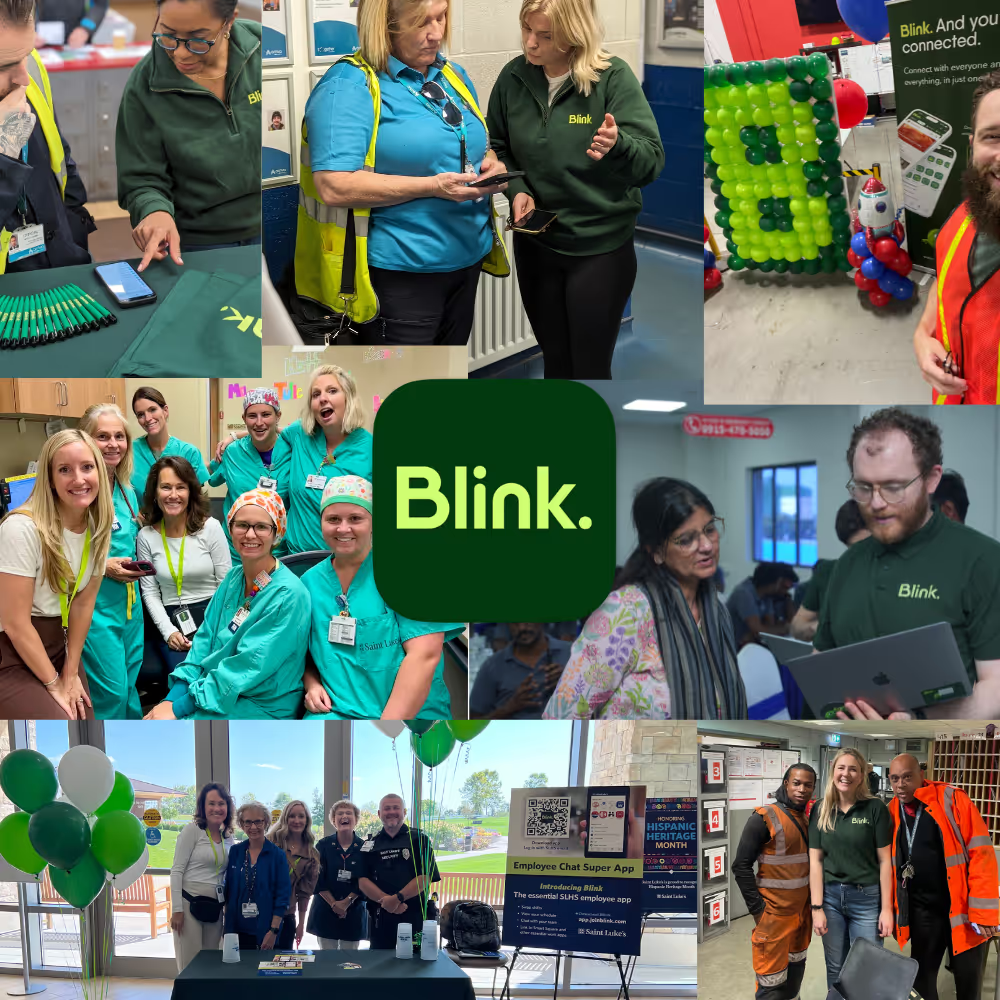
Blink is not payroll software. It doesn't calculate pay, file certified payroll reports, or manage tip credits. What it does is solve the distribution problem above: getting pay stubs and pay information in front of frontline workers, including people without a company email.
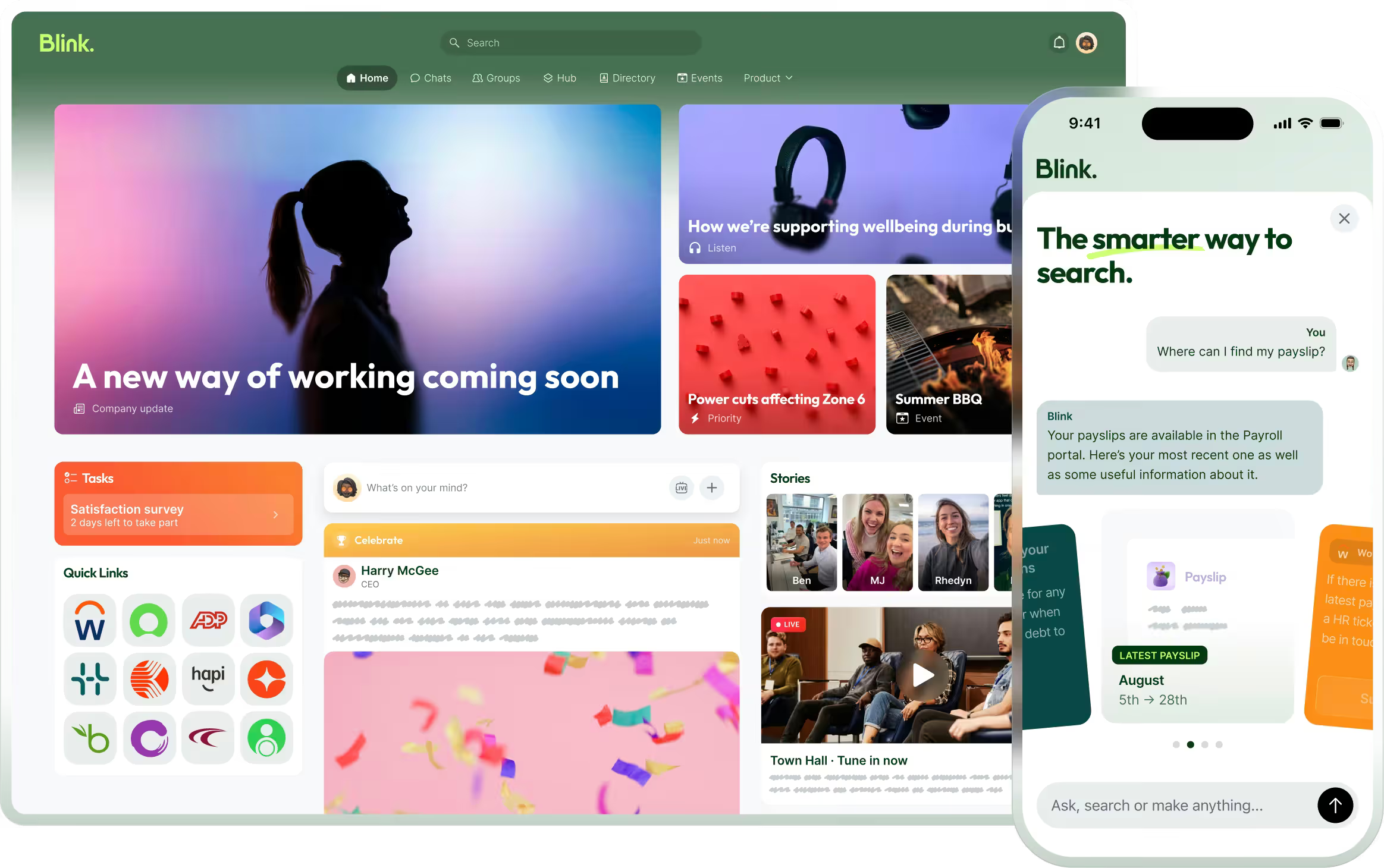
Blink delivers pay stubs directly inside the app employees already use for schedules, shift updates, and company news, through a dedicated pay stub integration rather than a PDF buried in an inbox nobody checks. It connects to the HR and payroll systems listed on Blink's integrations page, including ADP and Workday for user and pay data sync, and iTrent for organizations that run payroll on that platform. For a construction, restaurant, healthcare, or trucking business that has already chosen a payroll provider and just needs the last mile solved, that's the gap Blink closes. You can read more about how that works for Workday specifically.
Elara Caring's setup is a useful model: payroll and HR data stay in the systems that already manage them, and Blink becomes the single place caregivers go to find the answer, rather than a call to a supervisor who doesn't own payroll either.
If your current payroll tool handles the calculation fine but your crews still can't find their pay stub, that's solvable without switching payroll providers. Blink's content hub is where that pay stub and the rest of your pay-related content live once they're connected.
See it for your team
Start a 14-day free trial to see how Blink organizes schedules, pay-related updates, and company content in one app. If you'd rather walk through pay stub delivery against your own payroll stack first, book a demo with the team.