HACCP app for restaurants: digital food safety checks
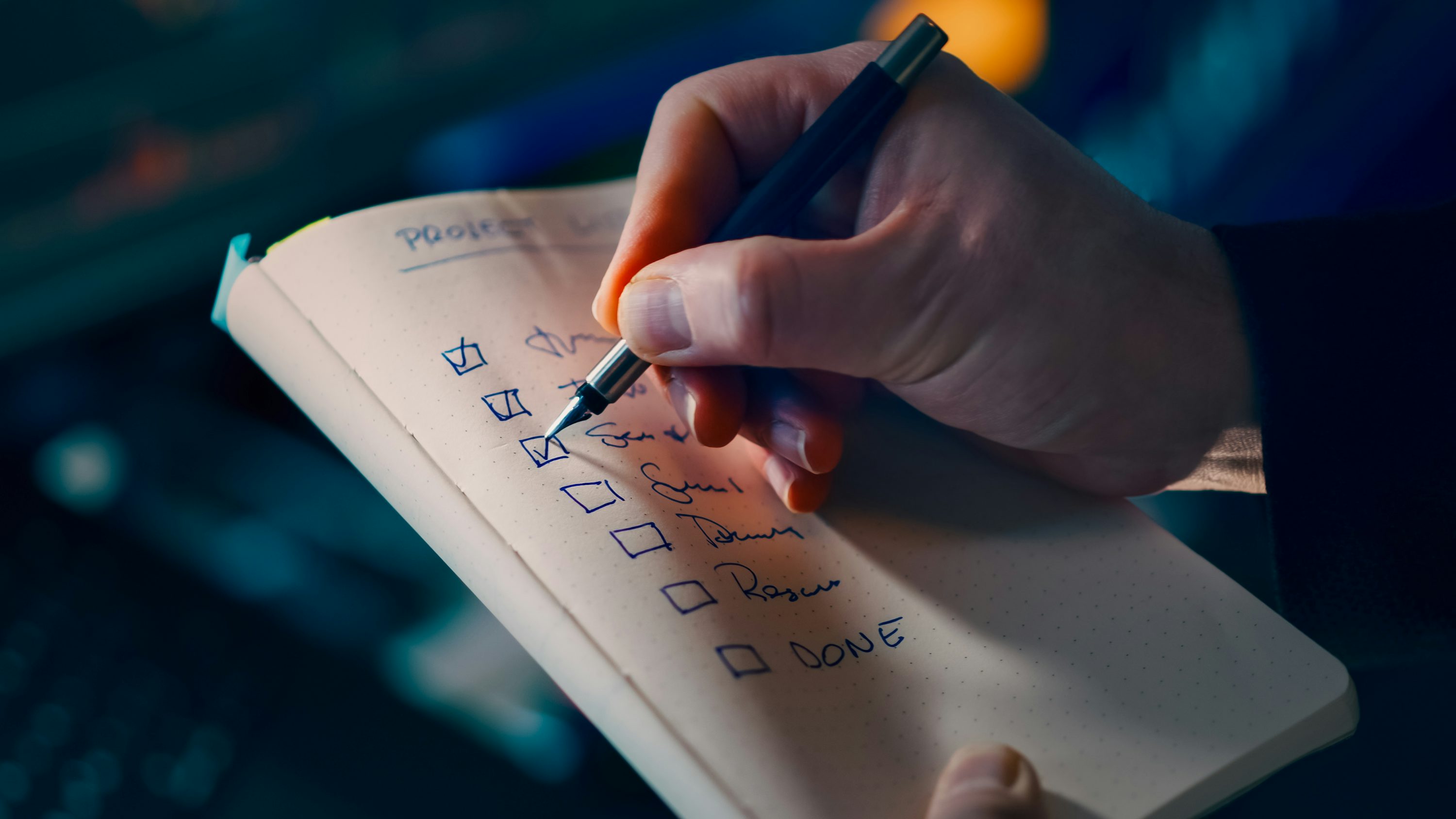
It's 11pm and the closing checklist is sitting on a clipboard in the back office, filled in from memory because the shift ran long and nobody had a spare minute at 6pm when the fridge check was actually due. Multiply that by every site in a restaurant group, and head office is left trusting a stack of paper it can't verify. A HACCP app is mobile software that replaces that paper trail with a digital one: timestamped checks, photos, and alerts that show whether a food safety task actually happened, not just whether a box got ticked. See how it works for your kitchens with a 14-day free trial, or keep reading for what a digital routine actually covers.
Food safety checks are one piece of a much broader frontline safety picture, and the same principle that makes a HACCP app work, make the check visible the moment it happens, runs through our wider frontline safety guide for operators managing risk across shift-based teams. This guide covers what a daily food safety checklist should include, why paper falls short for multi-site accountability, how to respond fast when a check fails, and how Blink's task management and critical communications features support each part of the routine.
Why go digital with food safety checks?
A digital food safety routine gives operators a live view of every station, not a pile of paper to review after the fact. Instead of forms that only get looked at once something has already gone wrong, a digital checklist shows which stations are on track right now, across every restaurant in the group. A missed temperature check gets caught within minutes instead of surfacing in next month's audit. The same record that protects the brand during an inspection also protects a crew member who did the check correctly and can prove it.
What should a daily food safety checklist cover?
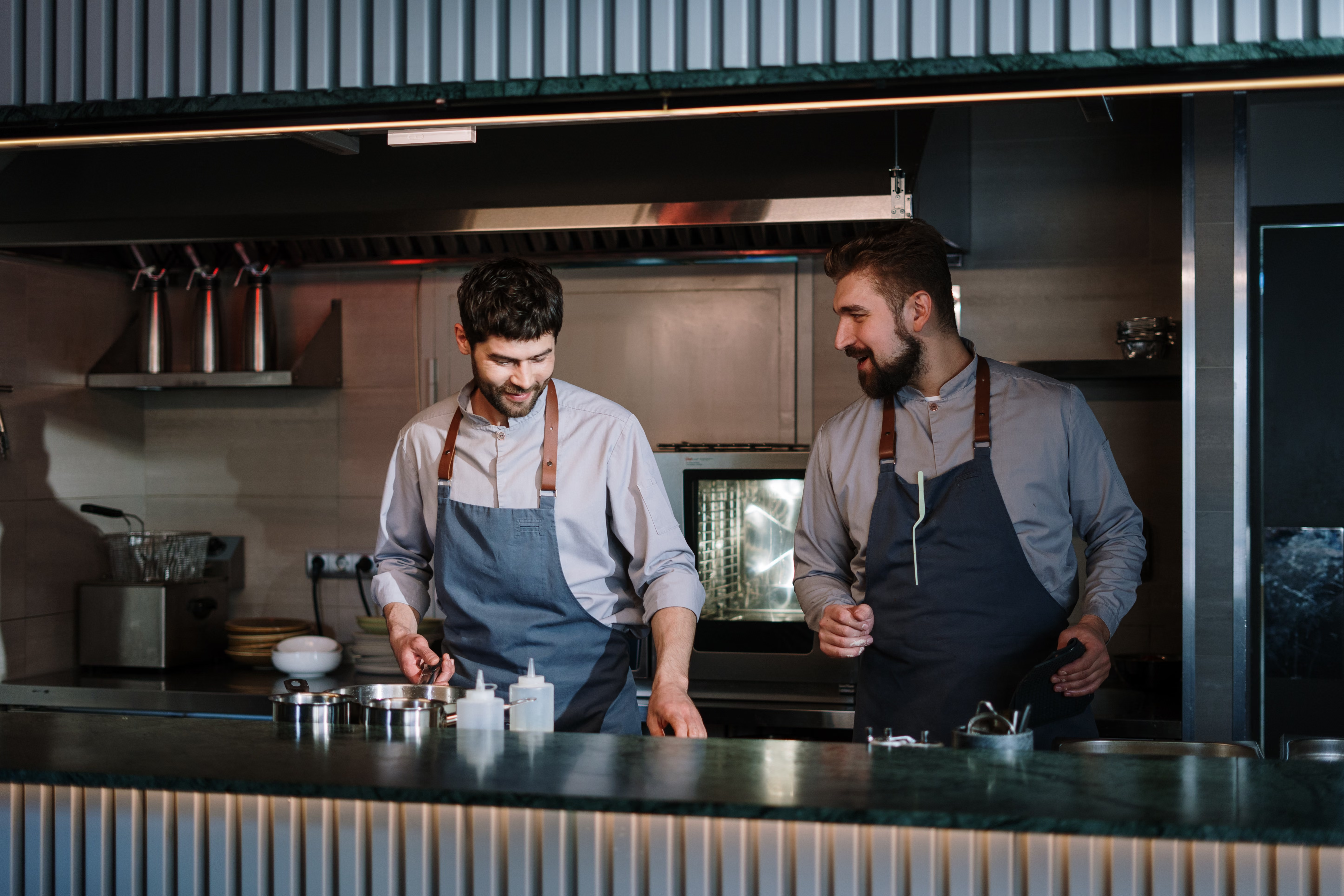
A daily food safety checklist for a restaurant kitchen needs 15 to 20 discrete items spread across opening, mid-shift, and closing, covering temperature, cleanliness, and allergen handling at each station. Here's a structure that holds up across QSR and full-service kitchens alike.
Opening line check
- Walk-in and reach-in fridge temperatures logged and within range
- Freezer temperatures logged and within range
- Hot-hold equipment preheated and holding at temperature
- Handwashing stations stocked with soap, towels, and signage
- Date labels checked, nothing past use-by
- Prep surfaces sanitized before first use
Temperature logs through the shift
- Cook temperatures recorded for each protein batch
- Hot-hold temperatures re-checked at set intervals
- Cold-hold items re-checked at set intervals
- Delivery temperatures logged on receipt
Cleaning and sanitation
- Sanitizer buckets mixed to the correct concentration and tested
- High-touch surfaces wiped on a set rotation
- Floor and drain checks in prep and dish areas
- Trash and grease traps cleared on schedule
Allergen information
- Allergen matrix current and visible at the pass
- Cross-contact prevention steps followed for flagged items
- Allergen callouts confirmed on any customized order
Closing
- Final temperature log for all cold and hot storage
- Equipment powered down and surfaces sanitized
- Next shift's opening checklist pre-loaded and ready
Not every kitchen needs all 20 items on one list. The point is coverage: every station, every shift transition, every point where food moves between temperatures.
Paper logs vs. digital: what actually changes?
Paper logs can be filled in from memory after the fact, and nobody above store level can tell the difference. A digital system closes that gap: every entry carries a timestamp, a location, and the name of the person who completed it, plus photo evidence a paper form can never capture. When a check is overdue, the system flags it instead of waiting for someone to notice a blank box.
{{blink-table:table-1}}
Operators sometimes call this gap "pencil whipping," filling in a log without actually performing the check. A digital checklist that requires a photo or a timestamped action at the point of work closes that gap without adding extra steps for the crew member doing it.
How do you respond when a food safety check fails?
The response to a failed check matters as much as catching it. When a temperature check comes back out of range, the person on shift needs a clear next step: pull the product, log the corrective action, and notify a manager, all inside the same record so nothing gets lost between the walk-in and the office. If the issue is serious enough to affect more than one site, for example a supplier recall or an equipment fault that's shipped to multiple locations, the escalation needs to reach every affected restaurant at once, not trickle out site by site over a group chat.
A recall notice that reaches one restaurant manager by email and waits for them to forward it to their team is a notice that arrives too late for the shift that's already serving food. The faster a flagged issue reaches every kitchen that needs to act on it, with confirmation that it's been seen, the smaller the exposure for the brand.
How Blink's HACCP app features support food safety checks
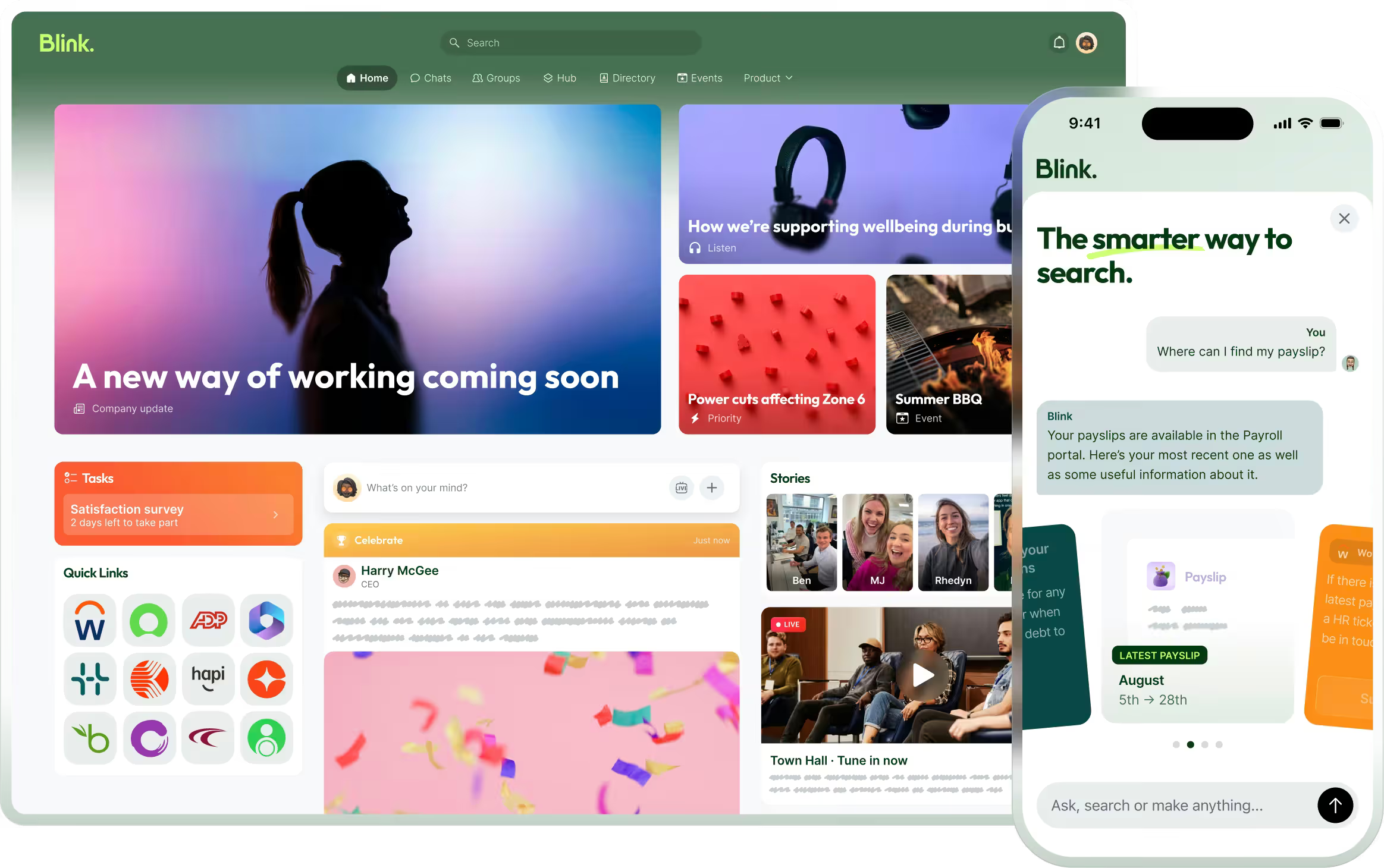
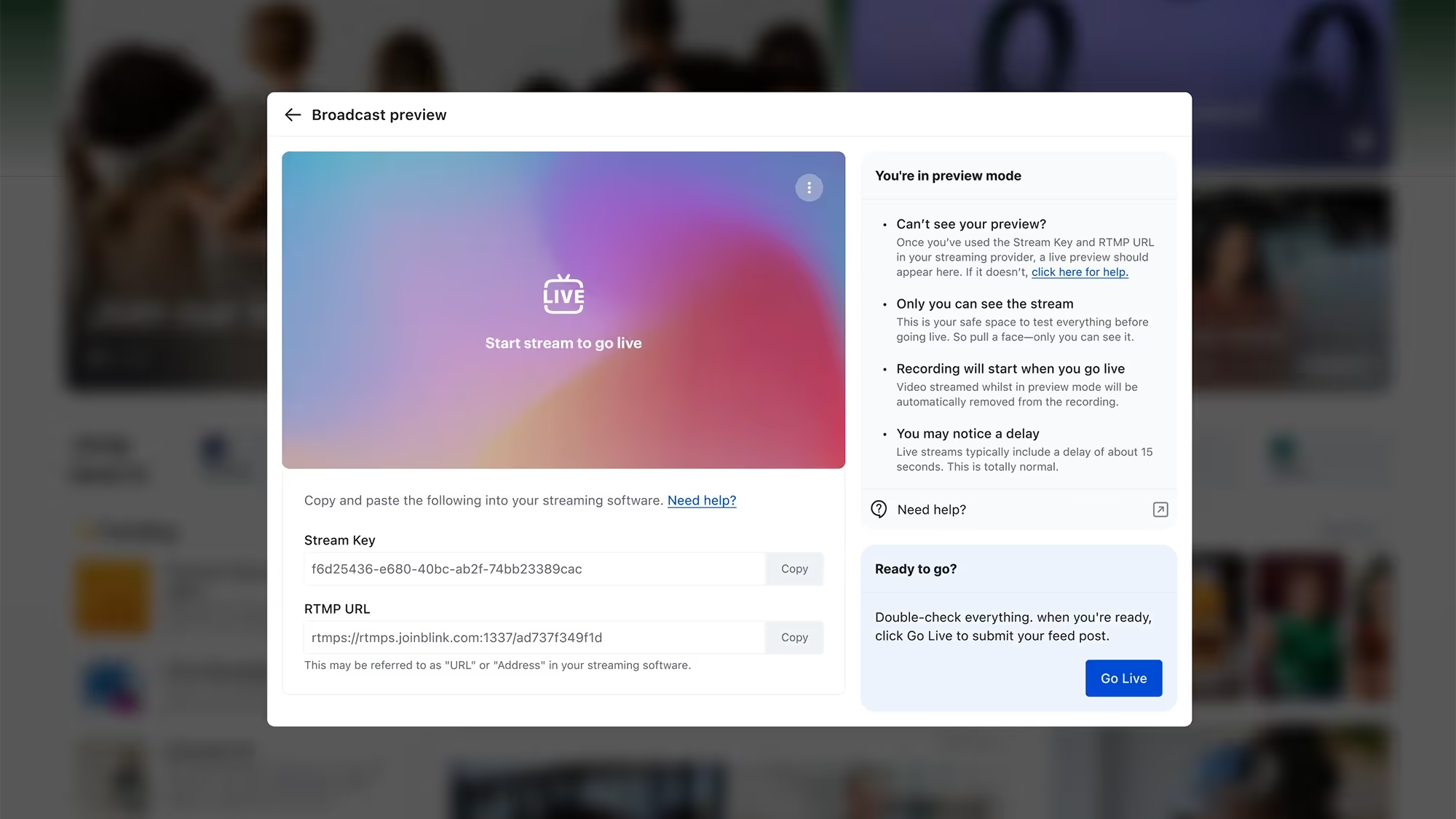
Blink's task management turns the checklist above into recurring, station-by-station tasks with due times built around shift patterns, so the opening line check, mid-shift temperature logs, and closing checklist appear automatically for whoever is on that station. Each step can require photo evidence, a probe reading next to a thermometer, a cleaned surface, a stocked handwash station, so completion means the work was actually done, not just marked done. If a task goes overdue, the system sends a nudge rather than waiting for someone to notice at the end of the shift. Completed checks sit in an audit log that exports for a health inspection or an internal review, which replaces the binder-collation exercise most multi-site operators know too well.
When something does fail a check, Blink's critical communications feature carries that alert the rest of the way, following the same escalation path described above: a priority alert pinned to the top of every affected restaurant's feed, with a tracked read confirmation so a district manager can see which restaurants have acknowledged it.
The FDA's Food Code is the agency's model set of food safety provisions that state and local health departments can choose to adopt into their own regulations. It sets out what good practice looks like. The operational burden of proving compliance against it, whatever form it takes locally, falls on whoever is running the kitchen that day. A digital routine doesn't change what the rules require. It changes how much work it takes to prove you met them.
Getting a restaurant group's first site live doesn't require replacing every system at once: a single kitchen can run its checklist digitally while the rest of the estate stays on paper during rollout, then expand site by site as managers see the audit log fill in on its own.
For more on bringing structure to execution across many sites, see how QSR brands use task management to standardize execution, and visit the quick-service restaurant industry page for the wider picture of how Blink supports QSR teams.
See how Blink runs food safety checks across every site
Recurring checklists by station, photo evidence at the point of work, and tracked alerts when something fails: that's what turns a stack of paper nobody can verify into a live record a district manager can check from their phone. Start a 14-day free trial to see it running against your own checklist, or book a demo to walk through it with your team.