Frontline AI: what a manager copilot actually does
Frontline AI is artificial intelligence built to support the people running a shift, not the people sitting behind a desk. In practice, that means a store, restaurant, or depot manager asking a question in plain language and getting a usable answer back: a staffing number, a policy clause, a drafted announcement, instead of opening five systems to find it themselves. A manager hunting for last week's sales numbers, a specific PTO policy, or a checklist template that already exists somewhere is losing time to admin that has nothing to do with running their site well. Most of that work is a question someone has already answered somewhere, a document that already exists, or a task that only feels complicated because it's buried across three logins. This guide covers what a frontline AI copilot should actually take off a manager's plate, what it should never touch, and what to check before you buy one.
What is an AI copilot for frontline managers?
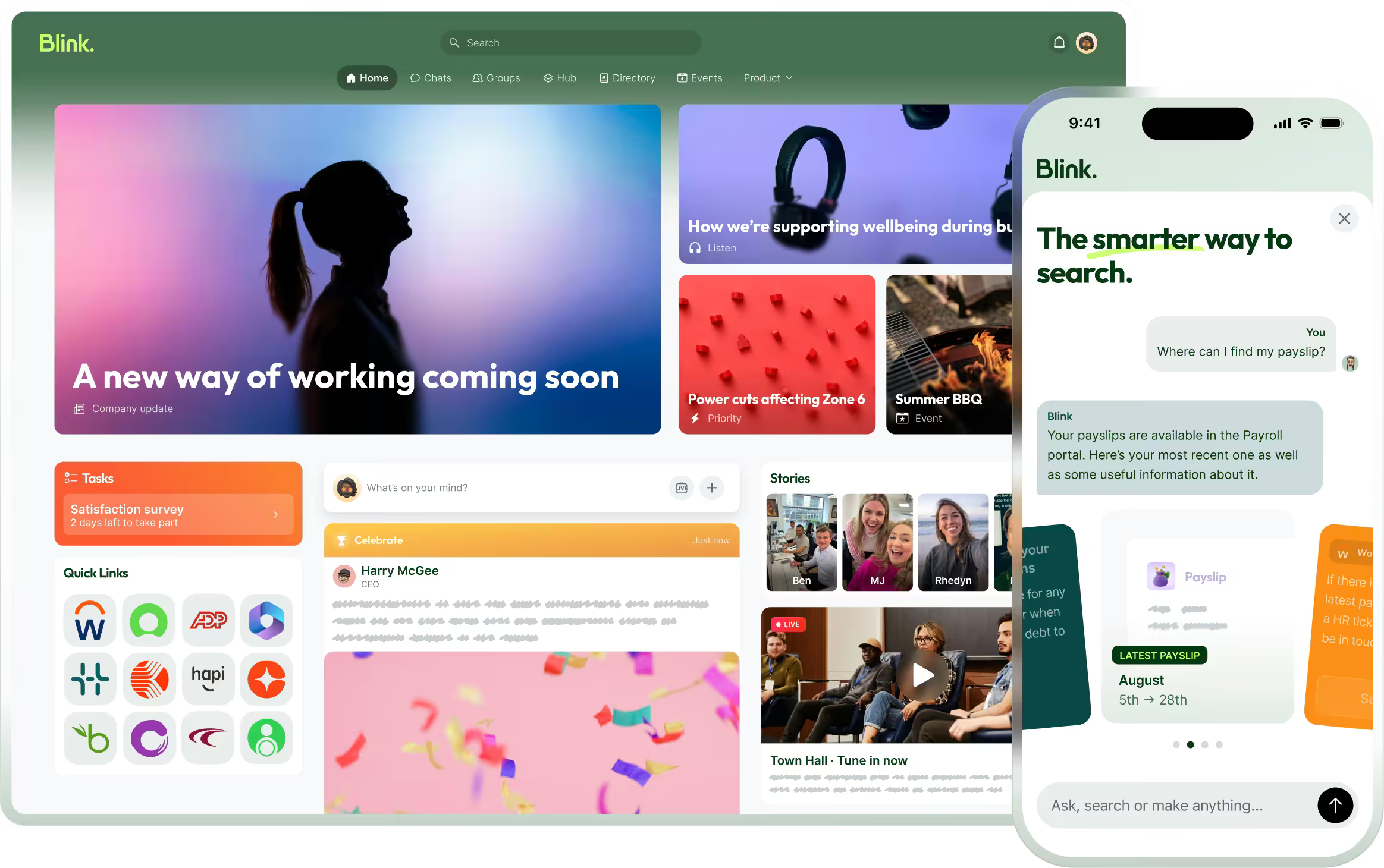
An AI copilot for frontline managers is a conversational assistant, built into the tools a manager already uses on shift, that answers questions, drafts content, and surfaces problems using the company's own data. It isn't a chatbot bolted onto a website. It sits inside the systems a manager touches all day, scheduling, HR policies, task lists, performance data, and responds in plain language instead of forcing a manager to search a document library or wait on a help desk ticket. The best versions work on a phone, because most frontline managers aren't at a laptop for most of their shift, and they respect the access a manager already has rather than opening up anything new. It's one place to ask, instead of ten systems to search.
Before going further, it's worth sitting this inside Blink's broader frontline employee engagement work: AI copilots are one tool, not the whole strategy, for keeping frontline teams connected and supported. The same logic applies to analytics: a manager who can ask a plain-language question instead of filtering a dashboard is the pattern running through all of this.
A day in the life: what AI can actually take off a manager's plate
A frontline manager's day is full of small, repetitive jobs that eat time without needing a manager's judgment, and that's exactly where AI earns its keep. Here's what a copilot can realistically handle during a single shift.
Answering repeat staff questions. "When's my next day off?" "What's the dress code for the inventory event?" "How do I request a shift swap?" These questions land on managers constantly, and the answer rarely changes. A copilot that's indexed the company's own policies and schedules can answer them directly, in the moment, without routing through a manager at all.
Drafting and translating shift updates. A manager writing the same announcement for a multilingual team used to mean writing it once, then translating it, then checking the translation made sense. AI can draft the first version and translate it instantly, leaving the manager to review rather than write from scratch.
Building shift briefs. Pulling together what happened on the last shift, what's different about today (a promotion, a new hire, a maintenance issue), and what needs attention, used to mean checking three different places. A copilot can assemble that brief automatically.
Pulling workforce data in plain language. Instead of opening a reporting dashboard and filtering for the right date range, a manager can ask "how many hours did we run over budget last week?" and get a direct answer.
Building a quick checklist or mini app. A manager who needs a simple way to track a one-off task, a deep clean, a new product rollout, a compliance walk, shouldn't need to file an IT ticket to get one. Describing what's needed in plain language and having a working checklist appear changes who gets to build tools, not just who gets to use them.
Surfacing problems before they escalate. Patterns that a manager might not spot in the moment, a spike in late clock-ins, a policy question coming up repeatedly, a form going unanswered, are exactly the kind of thing AI is good at flagging early.
Onboarding new hires faster. A new hire's first questions are usually simple and repetitive. A copilot that can answer "where do I clock in" or "who's my manager" removes that load from whoever's training them.
What should stay human, no matter how good the AI gets
Coaching, judgment calls, and sensitive conversations are not jobs for AI, and any product that suggests otherwise should raise questions. A copilot can tell a manager that absence is trending up on a shift. It should not be the one deciding how to approach the person who's missed three shifts, or what tone to take with someone who's struggling. Performance conversations, disciplinary processes, and anything involving a person's wellbeing need a manager who knows the context a dataset can't capture: the new baby, the difficult commute, the fact that someone's normally reliable and this is out of character.
AI clears the admin, the manager keeps the floor.
What to look for in a frontline AI tool
The right frontline AI tool works on a phone, connects to the systems you already run, respects who's allowed to see what, and doesn't lock you into one AI provider. Four things separate a tool that actually gets used from one that gathers dust after the pilot.
It has to work on the phone, not just the desktop. Most frontline managers spend their shift on the floor, not at a workstation. A tool built desktop-first and ported to mobile as an afterthought will get ignored, no matter how capable the underlying AI is.
It needs to connect to the systems you already run. An AI copilot that can't see Workday or ServiceNow data is answering questions with partial information. The value is in bringing a manager's existing systems into one place they can talk to, not building a new silo next to the old ones.
It has to respect permissions. A copilot should never surface information a manager couldn't already see through the normal system. Ask any vendor directly how that's enforced, and what's blocked by default.
You should have a choice of AI model. AI providers and models are changing fast, and a tool locked to one is a tool you'll outgrow. Look for a platform that lets you bring the model you trust, rather than one that's betting its entire roadmap on a single provider staying ahead.
The category is moving fast enough that store manager copilots now show up as a named feature from more than one vendor, which makes the questions above more urgent, not less: a copilot that can't work on a phone, can't see your real systems, or can't show you how permissions are enforced isn't ready for a frontline floor no matter how the pitch reads.
How Blink's frontline AI works
Blink's approach to frontline AI centers on ready-made agents that answer questions inside the systems a manager already uses, plus the ability to build a working app from a plain language description. This is a newer part of Blink's product, built specifically for the frontline rather than adapted from a desk-based tool. Blink's frontline AI product page states the goal plainly: give frontline managers back hours a week by removing the busywork that slows every shift down. That's Blink's stated aim for the product, quoted from its own product page, not a measured result, and it's worth treating it that way until you've seen it play out on your own sites.
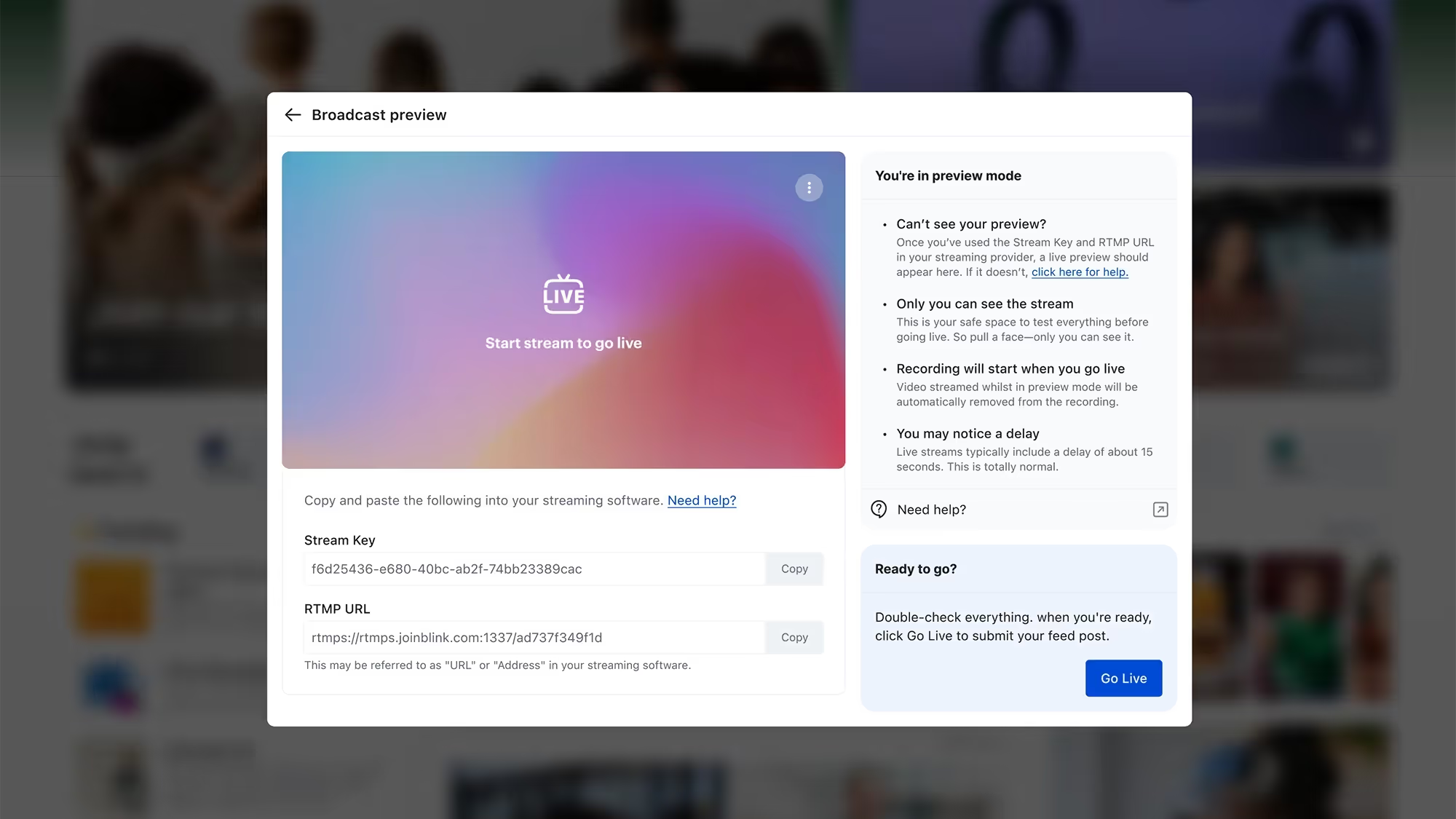
In practice, that's a mix of a few things. Ready-made agents handle the repeat questions: HR and IT requests that would otherwise become tickets, policy lookups, people search within the directory. Hublets, Blink's name for these mini, no-code apps, let a manager describe what they need (a form, a checklist, a survey, a journey) in plain language and get a working app back, rather than waiting on an IT backlog. Bring-your-own-LLM support means an organization isn't locked into a single AI provider as the market shifts. And every agent inherits the same permissions a manager already has inside Blink, so it can only surface what that person is already cleared to see. That's the difference between a tool IT will actually approve and one that sits in a sandbox forever.
None of this requires a new data model. The agents work on top of the systems and permission structures already in place: admins connect the systems already in use, agents inherit the permissions already set, and a manager sees the assistant live inside the app they already open every shift.
For a manager, the practical effect is fewer systems to check and fewer questions routed up the chain. Features like smart search and task management sit underneath this, giving the AI something structured to search and act on.
That still leaves the admin that was eating a manager's day in the first place, the tickets, the lookups, the reports. An AI copilot built into the phone a manager already carries is what actually closes that gap, not a dashboard back at the office that nobody on the floor ever opens.
See frontline AI in action
Start a 14-day free trial to see how it fits your own sites, or book a demo if you'd rather walk through it with a frontline AI specialist first.