What is shadow AI? Risks and a frontline policy guide
Shadow AI is the use of artificial intelligence tools at work without the knowledge, approval, or oversight of IT or security teams. According to Orca Security, it includes everything from an employee pasting a customer complaint into a free chatbot to a manager building a scheduling tool with an AI app nobody in IT has ever heard of. It's a close cousin of shadow IT, the older problem of staff adopting unapproved software and devices, except AI tools are faster to pick up and harder to spot once they're in daily use. On the frontline, it's rarely malicious. It's a retail associate asking ChatGPT to draft a reply to a difficult customer, or a care worker snapping a photo of a patient note to get a quick summary. Multiply that one retail associate by every store you run, and a personal habit becomes a company-wide exposure. Banning the tool doesn't stop the behavior when the tool is already in someone's pocket. This guide covers what shadow AI actually looks like on the frontline, the risks it creates, what a workable AI policy includes, and why giving staff an approved alternative beats trying to block the unapproved ones.
This is part of a wider problem Blink calls the last-mile gap in building a better frontline employee experience: when the tools IT controls don't reach the floor, people fill the gap themselves, and lately that gap is being filled with AI.
What is shadow AI?
Shadow AI is any AI tool, model, or feature that employees use for work without IT or security having approved, reviewed, or logged it. That covers consumer chatbots like ChatGPT or Gemini accessed through a personal account, AI features quietly switched on inside everyday apps, and AI built by individual teams that never went through procurement. The common thread isn't the technology, it's visibility. If security can't see it, can't audit what data went into it, and can't confirm what came out, it's shadow AI, no matter how useful it is. For most organizations this isn't a hypothetical risk. It's already happening, every shift, on devices IT doesn't manage and accounts IT doesn't know exist.
Shadow AI vs. governed AI
{{blink-table:table-1}}
Why is shadow AI different on the frontline?
Frontline shadow AI happens on personal phones, with no company account, no training, and no record of what was typed in. A desk-based employee using an unapproved AI tool is usually at least logged into a managed laptop, which we'll assume carries some baseline level of corporate network visibility, even if that visibility is imperfect. A retail associate, a home care worker, or a warehouse picker is usually on their own device, their own data plan, and their own free-tier chatbot account. There's no SSO, no managed browser, and no IT department watching traffic.
Frontline workers also tend to get the least AI guidance, not the most. Training budgets and policy updates typically start with desk-based teams and arrive on the floor last, if at all. So the people with the least context on what's safe to type into an AI tool are often the ones using it the most, because they're also the ones without fast access to a manager, a knowledge base, or an HR contact when they need an answer right now. Ask yourself: if a shift supervisor needs a quick answer to a policy question at 11pm and the company hasn't given them anywhere official to look, where do they go? Usually, straight to whatever's already open on their phone. That single gap, a fast answer with no sanctioned place to find it, is a common driver behind shadow AI habits on the frontline.
What are the risks of shadow AI?
The three biggest risks are data leakage, bad answers getting acted on, and compliance exposure, and all three compound on the frontline because there's no governed alternative to catch the mistake.
Bad answers getting acted on is the risk frontline teams run into first, and it's easy to picture. A consumer AI tool will confidently answer a question about a return policy, a safety procedure, or a shift entitlement, even when it has no idea what your actual policy says. It's generating an unverified answer, not looking up your handbook. An employee who trusts that answer and acts on it can end up giving a customer the wrong refund, following an outdated safety step, or telling a colleague something that simply isn't true.
Data leakage is the most discussed risk: an employee pastes a customer's details, a patient note, or an internal policy into a consumer AI tool to get a quick summary or draft a reply. That data now sits outside the company's control, often on a vendor's servers with retention terms nobody checked. IBM's Cost of a Data Breach Report 2026 puts the global average cost of a data breach at $4.99 million, a 12% increase on the year before, and found AI-driven attacks rose 56% year over year. Shadow AI widens that exposure because the data leaving the building was never meant to leave in the first place.
Compliance exposure sits underneath both. Frontline industries carry specific regulatory weight: healthcare data under HIPAA or GDPR, safety records in manufacturing and logistics, and employment-related information everywhere. Orca Security notes that shadow AI commonly exposes proprietary source code, customer and employee information, internal strategy documents, and intellectual property, because nobody vetted where that data was going. When an auditor or regulator asks where a piece of information went, "an employee's personal chatbot account" is not an answer anyone wants to give.
What does a simple frontline AI policy look like?
A workable AI policy for frontline employees is short, specific about what's allowed and what isn't, and points people to an approved alternative in the same breath it says no. A 40-page document nobody reads doesn't change behavior. A one-page policy that a shift supervisor can actually remember does. Here's a template outline you can adapt:
- What AI is approved. Name the specific, sanctioned tool and what it's cleared to help with: answering policy questions, summarizing a hub article, drafting an internal message.
- What's off-limits in any AI tool, approved or not. Customer personal data, patient information, payment details, anything involving a named colleague's performance or disciplinary record, and anything still confidential or unannounced.
- What to use instead of a consumer chatbot. Give a line a manager could actually copy: instead of "don't use ChatGPT for refund questions," write "for refund questions, check Smart Search in the app." A specific swap beats a blanket no.
- Who to ask when a situation isn't covered. Name one contact or channel for questions the policy doesn't cover, so there's always a real answer.
- What happens if the policy is broken. Plain language on consequences, proportionate to intent: a mistake gets coaching, not instant discipline, because punishing honest mistakes just pushes the behavior further into the shadows.
Keep the whole thing short enough to fit on a single phone screen. If it needs scrolling, most of the frontline will never read past the first paragraph. Policies built for a desk-based workforce, like Blink's guide to managing personal devices in a BYOD workplace, run into the same problem: a document built for a managed laptop doesn't survive contact with a personal phone.
Why a sanctioned alternative beats a ban
Banning AI outright doesn't remove the problem, it just removes your visibility into it. Employees who need a fast answer will keep finding one, whether or not IT approves of where it comes from. The fix is an approved AI tool inside the app employees already use for work, one that respects existing permissions so it never surfaces information an employee shouldn't see, cites where its answers come from so people can verify them, and gives IT the option to choose which model, including locally deployed options, handles the data.
Shadow AI and governed AI differ on one thing: visibility into what staff are doing. An approved tool that lives where employees already are removes the main reason people reach for a personal chatbot in the first place.
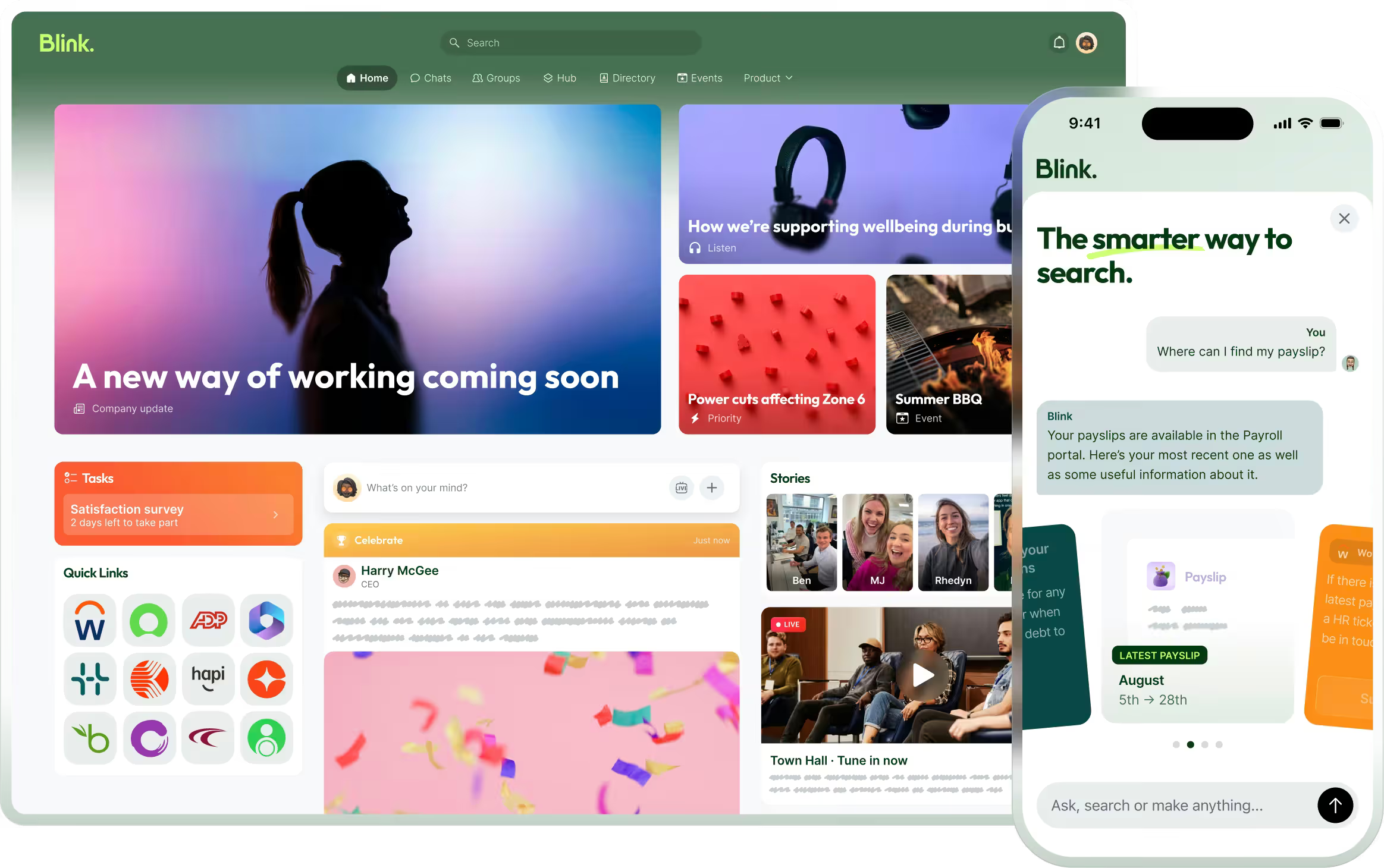
Blink's Frontline AI puts answers and action directly into a worker's existing app, built on the same permissions that already govern what they can see in chats, the hub, and the feed. It won't surface anything an employee couldn't already access as a user. Alongside it, Smart Search pulls a cited, direct answer from the feed, hub, chats, and connected systems like SharePoint and Workday from a single search bar, so the citation is right there to check rather than taken on faith. Permission-aware and cited is what separates a governed assistant from a consumer chatbot nobody at IT ever reviewed.
Tools built where frontline workers already are get used. Overall adoption across Blink's customer base is over 90%. People reach for what's already in their hands rather than hunting for a separate app, which is exactly the behavior a sanctioned AI tool needs to compete with shadow AI on convenience.
Start closing the gap
See it against your own hub and policies first: start a 14-day free trial. Want to walk through it with your team, your systems, and your specific policy needs instead? Book a demo.