
How to write standard operating procedures and a free template
Standard operating procedures are the step-by-step instructions that tell someone exactly how to do a task the same way, every time, no matter who's doing it. A well-written SOP takes an hour to draft. Getting a frontline worker to find it, open it, and follow it mid-shift is the part most businesses never solve. The SOP sits in a binder in the back office, or a SharePoint folder nobody on the floor has access to, and the job gets done from memory instead.
Writing the procedure is genuinely the easy part. This guide covers both halves: how to write an SOP that holds up under real conditions, using a simple seven-step process and a copyable template, and how to make sure it's actually findable and followable once it's written. That second half comes down to frontline digital inclusion: whether the people doing the work can actually reach what you've written for them. It's where most SOP programs quietly fail, and it matters most for frontline and deskless workers who don't sit at a desk all day.
What is a standard operating procedure?
A standard operating procedure (SOP) is a documented set of step-by-step instructions for carrying out a routine task the same way every time, regardless of who performs it. A hotel housekeeping SOP might specify the exact order rooms get cleaned, which surfaces need disinfecting, and what counts as "done." A warehouse SOP might cover how to check a pallet before it ships.
SOPs exist to remove variation. Without one, five employees do a task five different ways, and quality, safety, and speed all suffer for it. With one, a new hire on day three can match the output of someone who's been doing the job for three years, provided they can actually get to the instructions when they need them.
How to write an SOP: 7 steps
Start with the task someone actually struggles with, not the one that's easiest to document. The best SOPs exist because a manager got tired of answering the same question, or because a mistake happened twice. Follow these seven steps and you'll end up with something people use instead of something that sits in a folder.
- Pick one task and define its boundaries. "Closing the kitchen" is too broad. "Breaking down and cleaning the fryer station at close" is a task you can document in one page.
- Watch or do the task yourself before you write anything. Most SOP drafts fail because they're written from memory in an office, not from what actually happens on the floor. Walk through it, or shadow someone who does it daily.
- Write steps in plain, active language, one action per line. "Turn off the fryer, let oil cool for 20 minutes, drain into the designated container" beats a paragraph describing the same thing.
- Add the why, briefly, next to any step people tend to skip. A line like "skip this and the oil clogs the drain" gets a step followed where a bare instruction gets ignored.
- Include the exceptions and escalation path. What happens if a part's missing, if a reading's out of range, if the task can't be finished before shift end? A good SOP answers the question before someone has to interrupt a manager to ask it.
- Test it on someone who's never done the task. If they can't follow it without help, the SOP isn't finished. This is the step most teams skip, and it's the one that catches unclear steps before they cost time on a live shift.
- Assign an owner and a review date. Every SOP needs a named person responsible for keeping it current, and a scheduled check, not an open-ended "someone will update it eventually."
Simple SOP template
Copy this structure for any frontline SOP:
Title: [Task name]
Owner: [Name / role responsible for keeping this current]
Last reviewed: [Date]
Applies to: [Role, site, or shift this covers]

Purpose: [One sentence: why this task matters]

What you need before you start:
- [Equipment, access, PPE, etc.]

Steps:
1. [Action]
2. [Action]
3. [Action]
...

If something goes wrong:
- [Common issue] → [What to do]

Who to contact if you're stuck: [Name / role]
Keep it to one page where possible. A frontline worker reading this between customers or mid-shift doesn't have time to scroll through five pages of preamble.
Why frontline SOPs fail
Most SOPs don't fail because they're badly written. They fail because nobody on the floor can get to them when it matters. We've seen the same four failure patterns repeat across retail, healthcare, hospitality, and logistics teams, regardless of how good the actual document is.
- They're buried in a folder nobody opens. A SharePoint site or a shared drive built for people who sit at a desk all day is a dead end for someone who's never logged into a company laptop.
- They're desktop-only. If the only way to view an SOP is on a computer in the back office, a worker mid-shift on the shop floor or in a delivery vehicle simply doesn't check it. They either guess or skip it.
- They go out of date and nobody notices. A procedure that was accurate eighteen months ago but never got reviewed is often worse than no procedure at all, because people trust it.
- There's no proof anyone followed it. When an audit, a safety incident, or a customer complaint happens, "we have an SOP for that" means nothing if there's no record of who read it, when, or whether the steps were actually completed.
Most SOP systems are designed as if every employee has a company laptop, a company email address, and a quiet moment at a desk to read documentation. Frontline workers usually have none of the three. If the access model assumes a desk, the SOP was never going to reach the person doing the work.
Making SOPs findable and followable
An SOP that can't be found in under 10 seconds during a live shift is an SOP that doesn't get followed. Five things fix that in practice.
- One hub, not five systems. Every SOP, policy, and how-to guide needs to live in a single place, with the same login the rest of the business already uses for schedules and comms. If finding the fryer-cleaning SOP means remembering a different password for a different tool, it won't get found.
- Plain-language search, not folder navigation. Nobody searching mid-shift thinks in folder structure. They think in the words they'd use to ask a colleague: "how do I reset the register" or "what's the spill procedure." Search needs to match that.
- Offline access. Basements, stockrooms, delivery routes, and rural depots don't reliably have signal. An SOP that only loads with a live connection fails exactly when someone's standing in front of the problem it's supposed to solve.
- Short checklist versions for the steps that get done every shift. The full SOP document is the reference. The checklist is what someone actually ticks through in real time, with the detail one tap away if they need it.
- Version control and a mandatory read for changes. When a procedure changes, say a new allergen-handling step or an updated safety check, that update needs to reach everyone it applies to, with a record of who's seen it. Otherwise half the team is still following the old version.
How it works in Blink
Blink was built for the gap between writing a procedure and someone actually following it on shift. Picture a warehouse worker mid-shift, standing over a spill with no signal on their phone. They search "spill procedure," and that single moment is where the five pieces below have to work together or the SOP fails anyway.
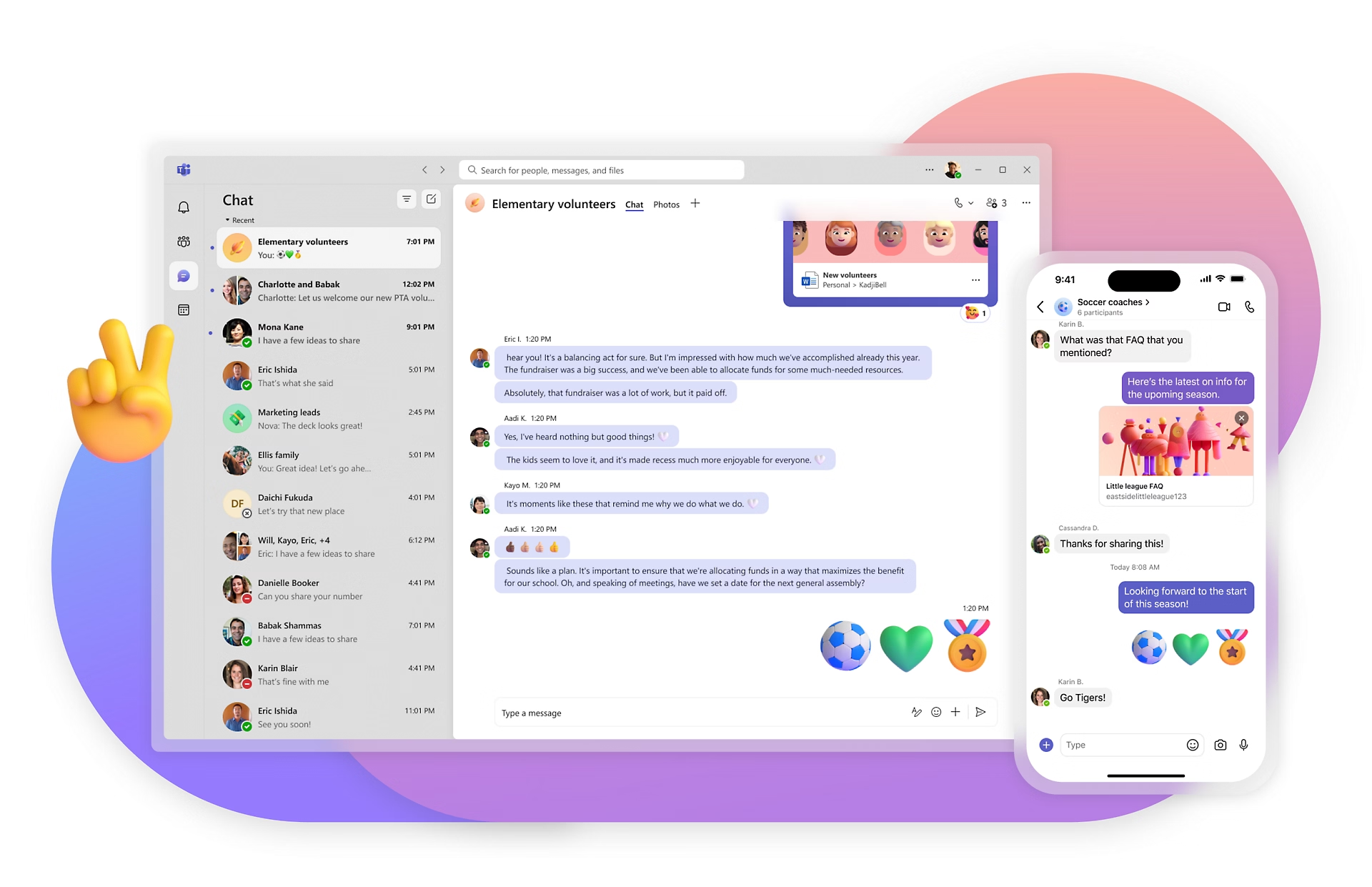
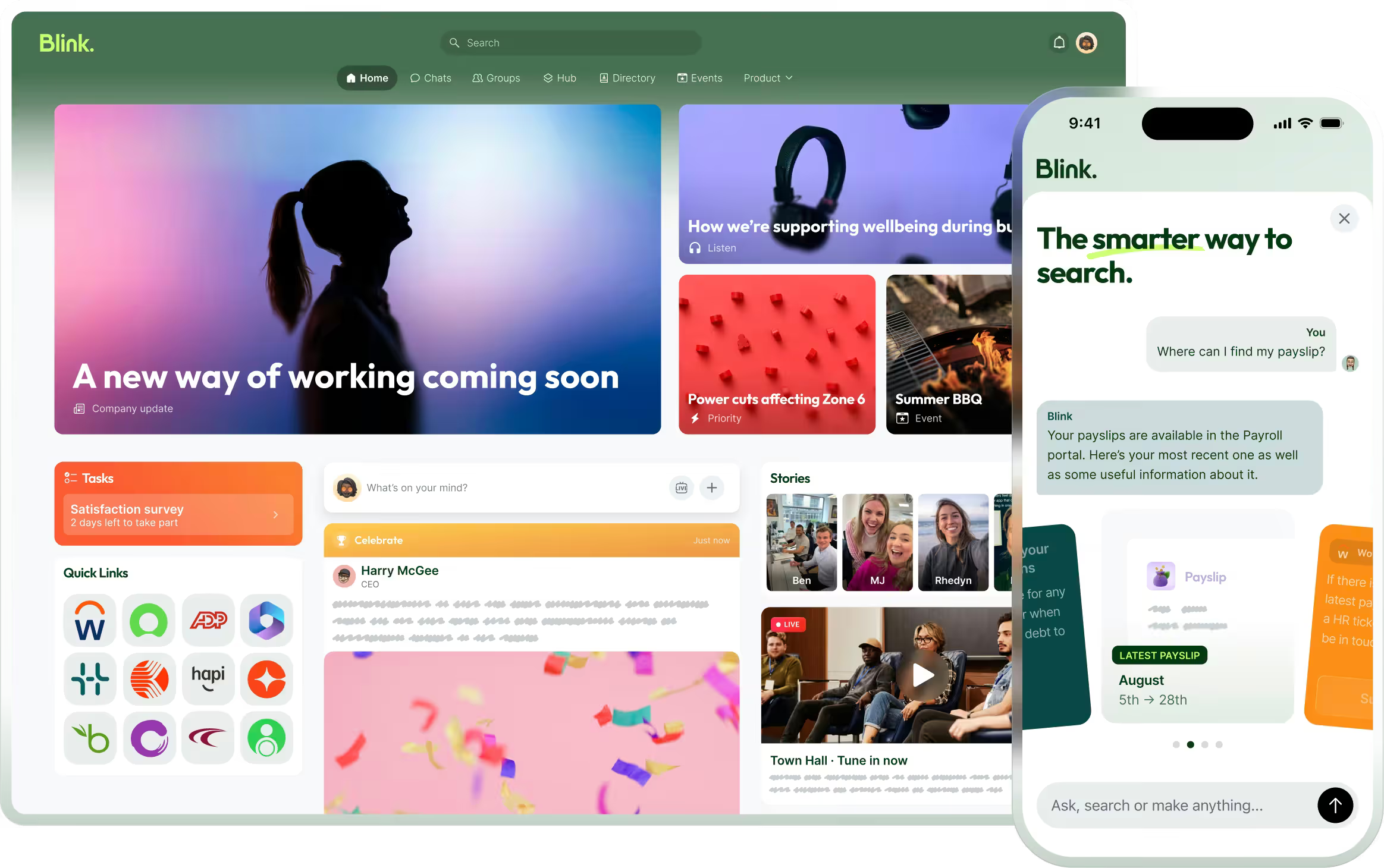
SOPs, policies, and guides live in the Content Hub, a single place for every document a frontline team needs, organized so it doesn't take a desktop login or an IT ticket to find. On top of that, Smart Search lets the worker ask the question in plain language, not a keyword guess, and get a direct answer pulled from the Hub, with a citation that links straight back to the source document. They don't need to know the SOP exists, let alone what it's called, to find the answer inside it.
Because the stockroom has no signal, offline mode means the SOP they saved before the shift started is still sitting on their device, readable with no connection and syncing automatically once they're back online.
The step-by-step part of the SOP, the checklist they actually tick through, lives in Task Management, which routes checklists by shift or role, captures photo evidence at the steps that need it, and keeps a tamper-proof audit trail for compliance. That's the "proof anyone followed it" problem solved directly: when the procedure changes or an auditor asks, there's a record, not a guess.
And when the spill procedure itself gets updated, say a new containment step, Critical Communications turns it into a tracked Mandatory Read, confirmed as seen by every person it applies to, with an exportable record of exactly who signed off and when.
That's the case Blink makes for SOPs specifically: a hub, a search bar, an offline copy, a checklist, and a mandatory read aren't five separate projects. They're one connected path from "a procedure exists" to "the person on shift actually followed it."
Moving existing SOPs over doesn't require rebuilding them from scratch. Upload your current documents into the Hub as-is, then convert your highest-traffic SOPs, the ones people actually open mid-shift, into Task Management checklists so you get photo proof and an audit trail on the procedures that matter most.
Start a 14-day free trial to see how your own standard operating procedures look once they live in one searchable, offline-ready place. If you'd rather walk through your specific SOPs with someone first, book a demo instead.