How long does an employee app rollout actually take?
An employee app rollout typically takes one to three weeks from signup to most of your team using it daily, not the months-long IT project many owners expect. The timeline stretches or shrinks based on headcount, how many systems you're connecting, and whether you run a short, focused launch or let it drift. The technical part is almost always the fast part. What determines whether week two looks like success or a ghost town is the plan for getting people to actually open the app.
If you run a business where most of your team doesn't sit at a desk, this guide walks through a realistic week-by-week timeline, what slows a rollout down, and a day-by-day plan you can hand to whoever's running it. It pairs well with a broader look at managing employees in a small business, since rollout speed is really just one piece of running a lean, well-connected team.
What is an employee app rollout?
An employee app rollout is the process of setting up a workplace app, loading employee data, and getting your team actively using it, from signing the contract to reaching steady, daily usage. It's different from "deployment," which usually just refers to the technical setup (the app is live and accessible). A rollout includes deployment plus the communication, training, and momentum needed to make the app part of how people actually work.
For most small and mid-sized businesses, a full rollout runs 1 to 3 weeks. The gap between "the app is live" and "my team uses it" is almost always a communication and habit problem, not a technical one. That's the part worth planning for.
Why does implementation speed matter if you're a founder or owner?
If you're running the business day to day, a slow rollout is a direct hit to your time, not just a line item on a project plan. You don't have a change management team. You have you, maybe an ops manager, and a to-do list that doesn't pause while you "implement software." The real question isn't "can this app do X," it's "how many hours of my week does getting this live cost me."
That's the objection we hear most from owners evaluating a new employee app: not whether it'll work, but whether getting there will be a distraction they can't afford. It's a fair worry. Plenty of workplace software is sold on features and goes quiet on implementation until you're three weeks into a data migration nobody warned you about.
The answer, for tools built around how frontline and deskless teams actually work, is that it shouldn't cost you much time at all. JD Sports reached 87% adoption within 10 days of launch, across a retail workforce spread over many stores. That's the model worth aiming for: a short, structured process that removes something you're currently managing manually (chasing people down to tell them things, printing schedules, hoping the group chat didn't bury the safety update) rather than adding a new thing to manage.
How long does each stage of a rollout actually take?
Most employee app rollouts break into four stages: setup, data load, launch, and adoption, and the first two are the fast ones. Here's roughly what each takes for a business in the 20 to 300 employee range, assuming a tool designed for quick frontline deployment rather than a traditional enterprise IT rollout.
{{blink-table:table-1}}
Setup and data load are mostly in your control and move fast because there's no dependency on a company email address or existing IT infrastructure, which is usually what stalls rollouts for frontline teams in the first place. Launch and adoption depend more on how well you communicate the "why" to your team before day one. A business that announces the app a week ahead, picks a manager to champion it on the floor, and gives people a reason to open it (the schedule lives here now, not on the printout by the door) sees adoption climb fast. A business that quietly flips it on and hopes people notice does not.
What slows a rollout down?
Three things consistently stretch a rollout into a month or more: messy employee data, no one owning the launch, and no clear first reason to open the app. None of these are technical problems. They're planning gaps, and a guided setup process catches most of them before they cost you time.
Messy employee data is the most common one. If your employee list lives across three spreadsheets, two of which are out of date, the data load stage takes days longer than it should, and new hires or leavers slip through the cracks. Clean the list before you start, not during.
No one owning the launch is the second. Rollouts that stall usually don't have a single person responsible for making sure it happens. Pick one person, owner, ops manager, or site lead, who sends the announcement, checks who's logged in after day one, and follows up with anyone who hasn't. That accountability is what separates a rollout that lands in week two from one that's still limping along in month two.
No clear first reason to open the app is the third. If the app launches with nothing in it beyond "welcome," people won't come back. Put the next week's schedule, a policy people need to sign off on, or a shift swap request in there from day one, something with immediate, practical value.
A realistic day-by-day rollout plan
A focused employee app rollout for a business with 20 to 300 employees can realistically run on this schedule, start to finish in under three weeks. Use it as a template and adjust for your team size.
- Days 1-2: Account setup, branding, and admin access configured. Confirm who owns the rollout.
- Days 3-5: Employee data cleaned and loaded, groups and sites structured by location or shift.
- Day 6: Setup call with your account team to confirm everything's configured correctly and answer questions.
- Days 7-8: Managers or site leads briefed on what's launching and why, given a short script for telling their teams.
- Day 9: Launch. App access sent to every employee, ideally with something immediately useful already posted (schedule, a welcome message from the owner, a quick policy sign-off).
- Days 10-14: Daily check on who's logged in. Follow up directly with anyone who hasn't, a text or a five-minute in-person nudge works better than another email.
- Day 15 (follow-up call): Review adoption numbers, troubleshoot any stragglers, confirm the app is now part of daily routine rather than a novelty.
That one setup call plus one follow-up structure mirrors how Elara Caring, a home care provider, extended access to its caregivers: integrating existing systems so staff could self-serve requests that used to need a supervisor, without adding a heavy internal rollout project. The pattern worth copying isn't a single speed benchmark, it's the structure behind it: a tight launch window, a visible push from managers on shift, and a named owner tracking who's logged in. A well-communicated launch beats a long, quiet one every time.
Why does rollout speed matter for frontline and deskless teams specifically?
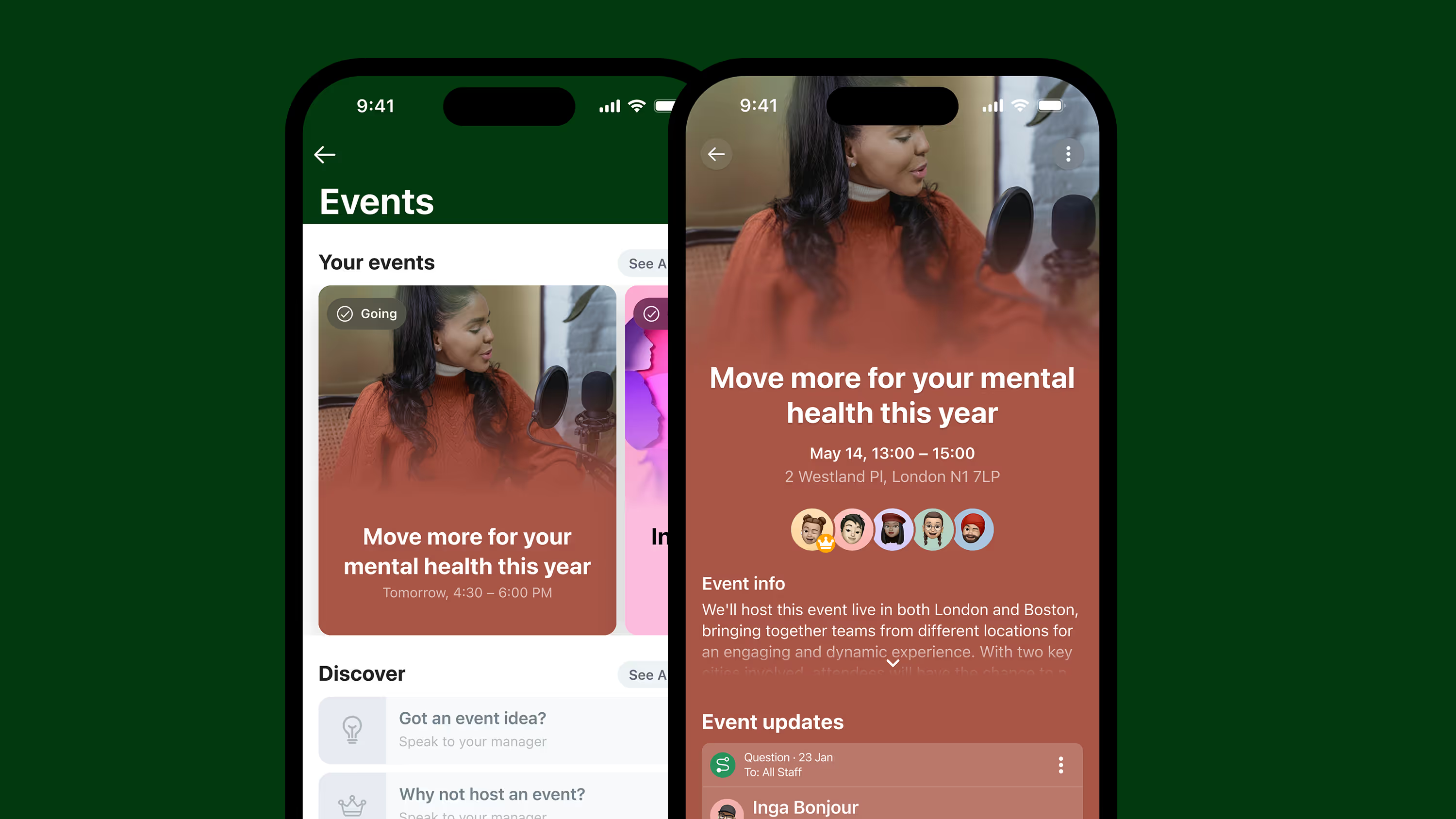
Frontline employees, people who work shifts, don't have a company laptop, and often don't have a company email, are usually left out of software rollouts designed for desk-based teams, which is exactly why rollout speed and simplicity matter more here, not less. A tool that requires a company email to activate an account simply doesn't reach a large share of frontline staff on day one, stalling adoption before it starts. Activation that doesn't depend on a company email address is what lets a rollout reach people on their first shift, not just the people already on a company network.
That matters operationally, not just for engagement scores. A retail chain, care provider, or multi-site business onboarding seasonal or shift-based staff needs a rollout that works the same way for someone starting their first shift tomorrow as it does for someone who's been there five years. Overall adoption across Blink's customers sits over 90%. The rollouts that get there fastest are the ones with a named owner, clean data, and a reason to open the app on day one, not a longer technical setup window.
What should you look for when choosing a fast-to-deploy employee app?
Choosing the right tool for a quick rollout means prioritizing activation method, setup complexity, and launch support over feature count. Four things worth checking before you sign anything:
- Does it work without a company email? If a meaningful share of your team doesn't have one, this single requirement can stall your entire rollout before day one.
- How long does initial setup take? Ask directly, and ask for a number, not "it depends."
- What launch support is included? A single setup call and a follow-up call, like the model above, beats a self-serve help center if you don't have spare internal bandwidth.
- Can you try it before committing? A trial you can test with your own team before paying anything is the clearest way to see how it fits your workflow.
Get your team connected without the distraction
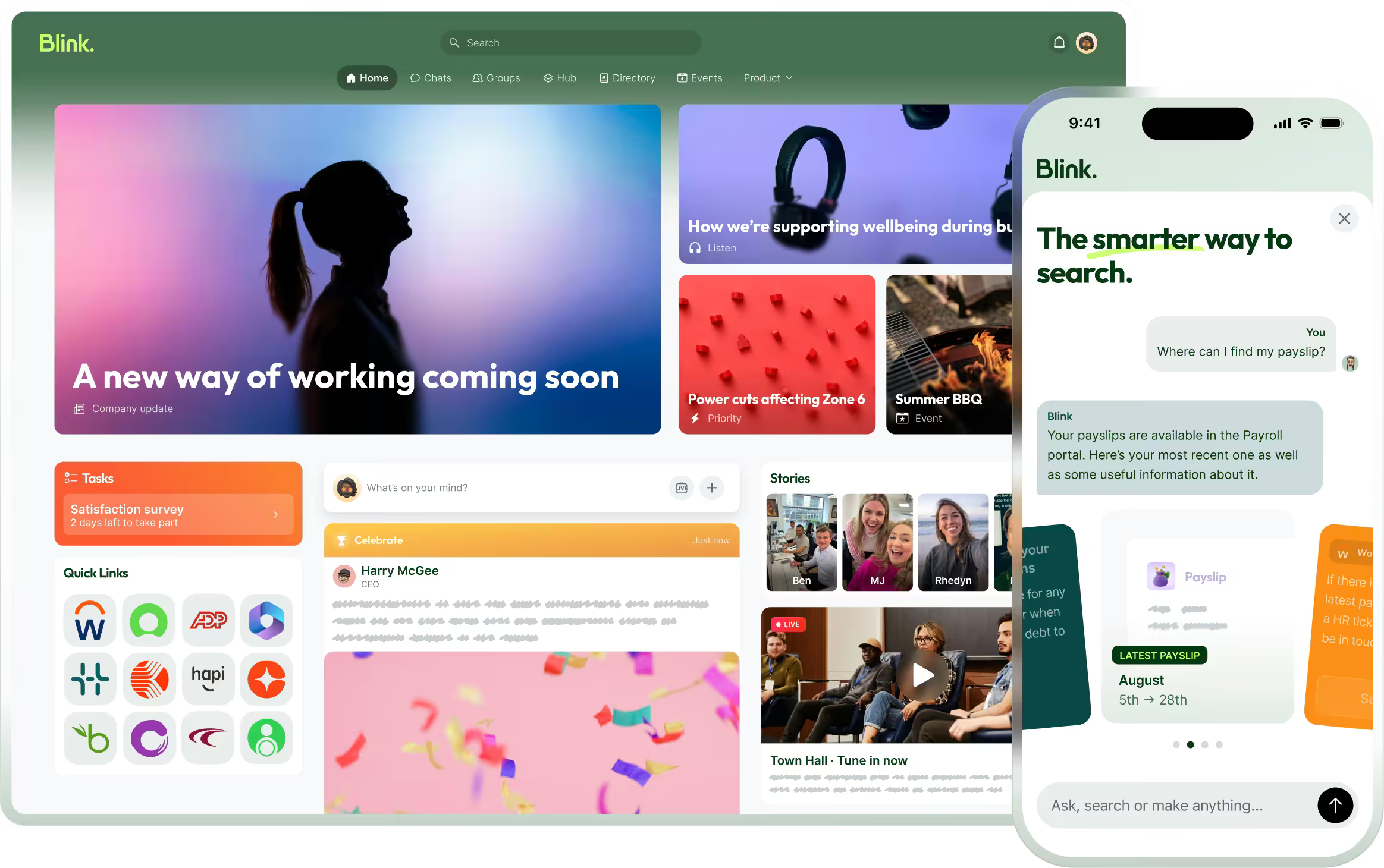
Implementation shouldn't be the reason you put off fixing a real problem, whether that's a schedule nobody can find, a safety update that never reaches the night shift, or a group chat that's become an unofficial, unmanaged company directory. Blink is built to get frontline and deskless teams live fast, without needing a company email to get there.
Start a 14-day free trial and see how quickly your team can be using it. If you'd rather talk it through first, see Blink's product overview or look at how other frontline businesses got their teams connected.