
Front, When I Work, and Teamwork alternatives: how to pick the right one
A front alternative search usually starts with the same frustration: the shared inbox, the scheduling app, or the project tracker works fine for the people who use it, but it never reaches everyone else. Front, When I Work, and Teamwork solve three different problems, a shared inbox for support teams, shift scheduling for hourly staff, and project tracking for client work. None of them were designed to reach workers who are on their feet all day, not at a desk, and that's usually the real reason someone starts Googling alternatives. If that's you, you likely don't need to replace the tool you're searching to leave. You need a way to reach the frontline staff that tool was never built for, and the two can run side by side.
This guide covers each tool on its own terms: solid alternatives to Front for shared inboxes, alternatives to When I Work for scheduling, and alternatives to Teamwork for project management.
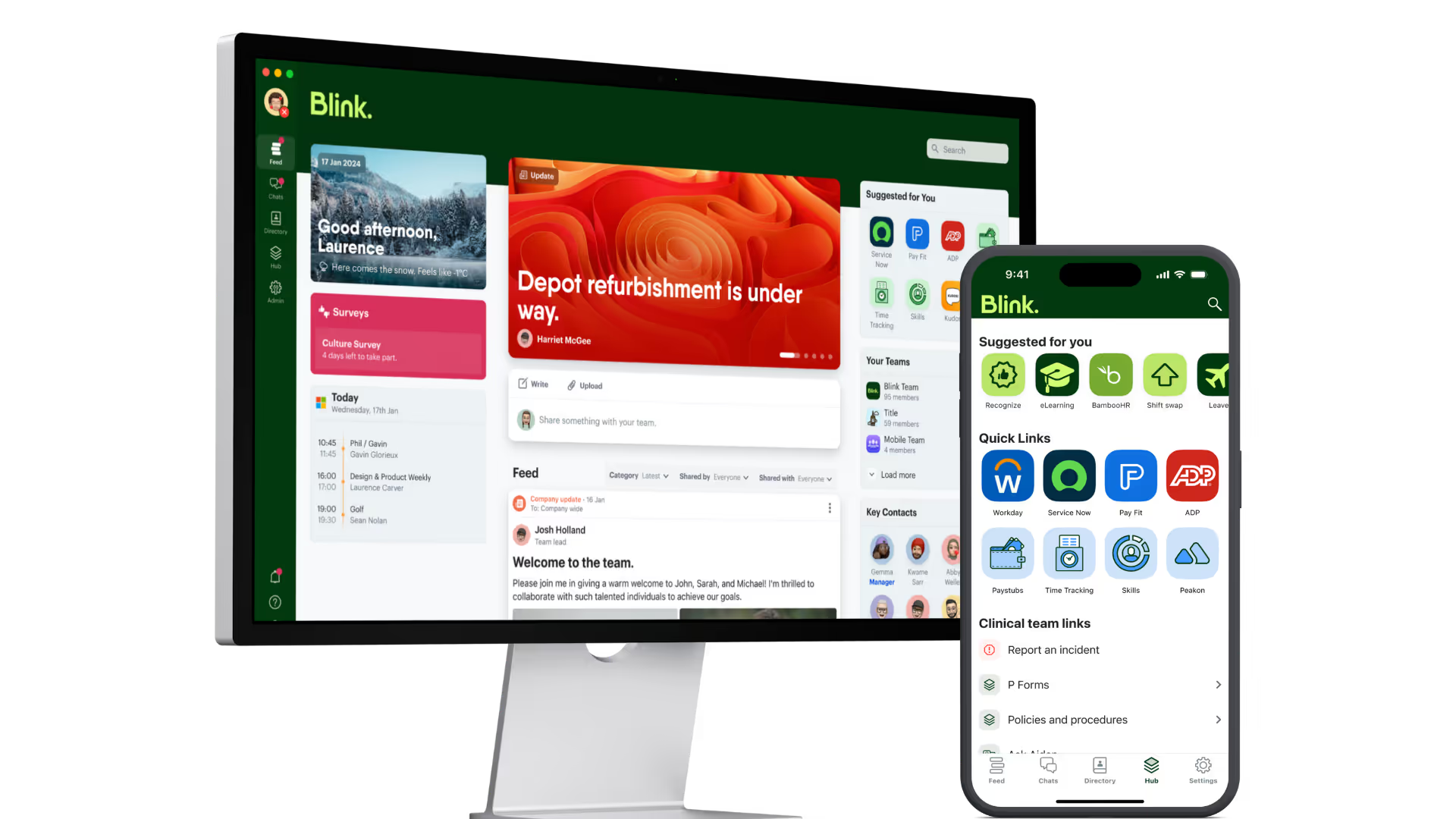
If frontline reach is the gap you're trying to close, Blink's guide to frontline worker apps is worth a look before you commit to a replacement for any of these three, and Blink's own comparison hub covers how it stacks up against frontline-first platforms directly.
What's the common reason people search for Front, When I Work, or Teamwork alternatives?
All three searches lead to the same underlying issue: the tool works for the team using it, but it has no way to reach the frontline or deskless staff working alongside them. People searching for alternatives to these three tools are rarely looking for the same feature set twice. Front users often want a cheaper inbox or different AI handling. When I Work searchers want tighter compliance tools or a bigger all-in-one suite. Teamwork searchers are frequently client-services teams who've outgrown a simple task list.
The common thread is scale and reach. All three tools were built around a defined user base: support agents, shift workers, or project teams, and that scope is deliberate. A shared inbox doesn't reach the warehouse floor, a scheduling app doesn't carry a company-wide announcement, and a project tracker doesn't know a shift just got covered. If your business runs on frontline or deskless staff alongside the team using one of these tools, replacing the tool may not fix anything. Adding something that sits alongside it, reaching the people it was never built for, usually does.
What are the best Front alternatives?
Three alternatives come up most often when teams look to replace Front: Hiver, Help Scout, and Missive, each suited to a different scale of shared-inbox need. If you just need a clean, collaborative inbox without a heavier AI-agent build-out, one of these three is a good starting point.
- Hiver runs directly inside Gmail, turning shared mailboxes into a collaborative helpdesk without forcing a new interface on your team. It's the pick for Gmail-native teams who don't want to migrate email entirely.
- Help Scout bundles a shared inbox with an AI assistant, a self-serve help center, and customer-pattern monitoring in one product.
- Missive is built for small teams who live in email and want visibility into who's handling what, without the overhead of a full helpdesk platform. It suits smaller teams in services, real estate, and logistics who want shared visibility without a lot of setup.
None of these three, or Front itself, extend into shift scheduling, task routing, or reaching staff without a company inbox.
Still comparing options? If the gap you keep hitting is "we have a tool for the office, nothing for the frontline," a 14-day free trial of Blink is a fast way to see whether that's the real issue before you commit to another inbox migration. Start a free trial.
What are the best When I Work alternatives?
Deputy, Homebase, and Connecteam are the three alternatives most often compared against When I Work, and each leans toward a different kind of hourly team.
If your team is already juggling a scheduling app and a separate group chat just to tell people the roster changed, the pattern below will look familiar.
- Deputy is a scheduling platform built around shift planning, time tracking, and labor forecasting for hourly and multi-location teams.
- Homebase is the best fit for small, single-location teams, with scheduling, time tracking, payroll, hiring, and a task manager bundled into one app. It's one of the few tools in this list that includes built-in task management alongside scheduling.
- Connecteam is an all-in-one employee management app covering scheduling, time tracking, communication, and training. It's the closest of the three to a true frontline operations platform rather than a scheduling tool with extras bolted on.
A pay-rate change, a policy update, or a safety alert doesn't travel through a scheduling app the way it travels through a company-wide feed. Blink's shift management tool is designed to run alongside your scheduling system rather than replace it: it posts open shifts into the same app your team already uses for comms, so people claim cover with a tap instead of working down a phone list, and every assignment is logged with a full audit trail.
What are the best Teamwork alternatives?
Asana, ClickUp, and Basecamp are the three alternatives most frequently compared against Teamwork, each suited to a different size and style of project team.
Picture a retail chain running a rollout across 40 stores: the project plan lives in a board at head office, but the people actually resetting each store floor never open it.
- Asana organizes tasks, goals, and dependencies for teams that need visibility across many projects at once. It suits larger, cross-functional teams running multiple workstreams in parallel.
- ClickUp is a project and task management workspace covering tasks, docs, and chat in one product. It's built for teams who want to consolidate several point tools into one subscription.
- Basecamp takes the opposite approach: a deliberately simple, flat-priced tool built around message boards and to-do lists rather than Gantt charts or automation. It suits smaller teams and agencies who want calm, straightforward project tracking without a steep learning curve.
All three run on people sitting down at a desk to manage a project board. None of them were designed for the people doing the work the project describes: a technician on-site, a store team executing a rollout, a driver completing a delivery run. Blink's task management tool centers on that gap directly: mobile-first checklists that route by shift, capture photo proof of completion, and keep an audit trail, including offline, so a project that lives in Teamwork or Asana for the office team can still assign real work to frontline staff, trackable from the same phone they already use for everything else.
How does adding Blink alongside an existing tool actually work?
Adding Blink next to Front, When I Work, or Teamwork doesn't mean a migration project: it means giving frontline staff a way into the parts of your business they currently can't see. Blink runs as its own app, so there's no data migration out of your existing shared inbox, scheduler, or project tracker and nothing to rip out. Setup centers on connecting the people, not the systems: your workforce roster gets loaded in and grouped by site, shift, or role. From there, shift openings, task assignments, or company announcements get pushed into Blink on top of whatever's already running in the background office tool. Most teams run the two in parallel from day one, back-office planning stays in the tool that handles it well, and frontline reach runs through Blink, so nobody has to relearn how the office team already works.
Making the switch
If reach, not features, is the real problem, the move isn't ripping anything out. It's three steps:
- Upload your workforce roster.
- Group people by site, shift, or role.
- Push your first announcement or shift opening through Blink.
Start a 14-day free trial of Blink to see how shift cover and task tracking work for your frontline team: Start a 14-day free trial. Prefer to talk it through first? Book a demo.
Blink is designed to connect easily alongside the systems you already run, including HR and scheduling platforms, so adding frontline reach doesn't mean ripping out what's working. See the full list on the integrations page.