What is a mobile intranet app?
A mobile intranet app is a company intranet built to run as a native app on a phone, not a desktop site squeezed into a smaller window. It gives every employee, including the ones who never sit at a computer, a single place to get news, find people, complete tasks, and pull up documents from wherever they're standing. Most intranets were designed for a desk, then adapted for mobile as an afterthought, and the gap between those two approaches is exactly where frontline teams get left out.
Here's the test: open your current intranet on your own phone, on a weak signal, standing up. If it's slow to load, hard to tap, or useless the second you lose Wi-Fi, you don't have a mobile intranet app. You have a desktop intranet with a phone browser pointed at it.
This guide covers what separates a mobile intranet app from a mobile-responsive one, the features that actually matter on a phone, why the difference is bigger for frontline and hybrid teams than for anyone sitting at a laptop, and how to evaluate one. For the broader definition of an intranet itself, see what is an intranet.
Mobile-responsive intranet vs. mobile-first intranet app
A mobile-responsive intranet resizes a desktop site to fit a smaller screen. A mobile-first intranet app is designed for the phone first, then scaled up, which changes what employees can actually do on it, not just how it looks.
The difference shows up the moment someone tries to get something done rather than just read a page.
{{blink-table:table-1}}
A resized site can look fine in a screenshot. It falls apart the moment a warehouse associate tries to find a shift swap form standing in a loading bay with two bars of signal. Across a multi-site retail or logistics operation, that same bad mobile experience repeats at every single location, which turns one associate's frustration into an organization-wide blind spot.
What features does a mobile intranet app need?
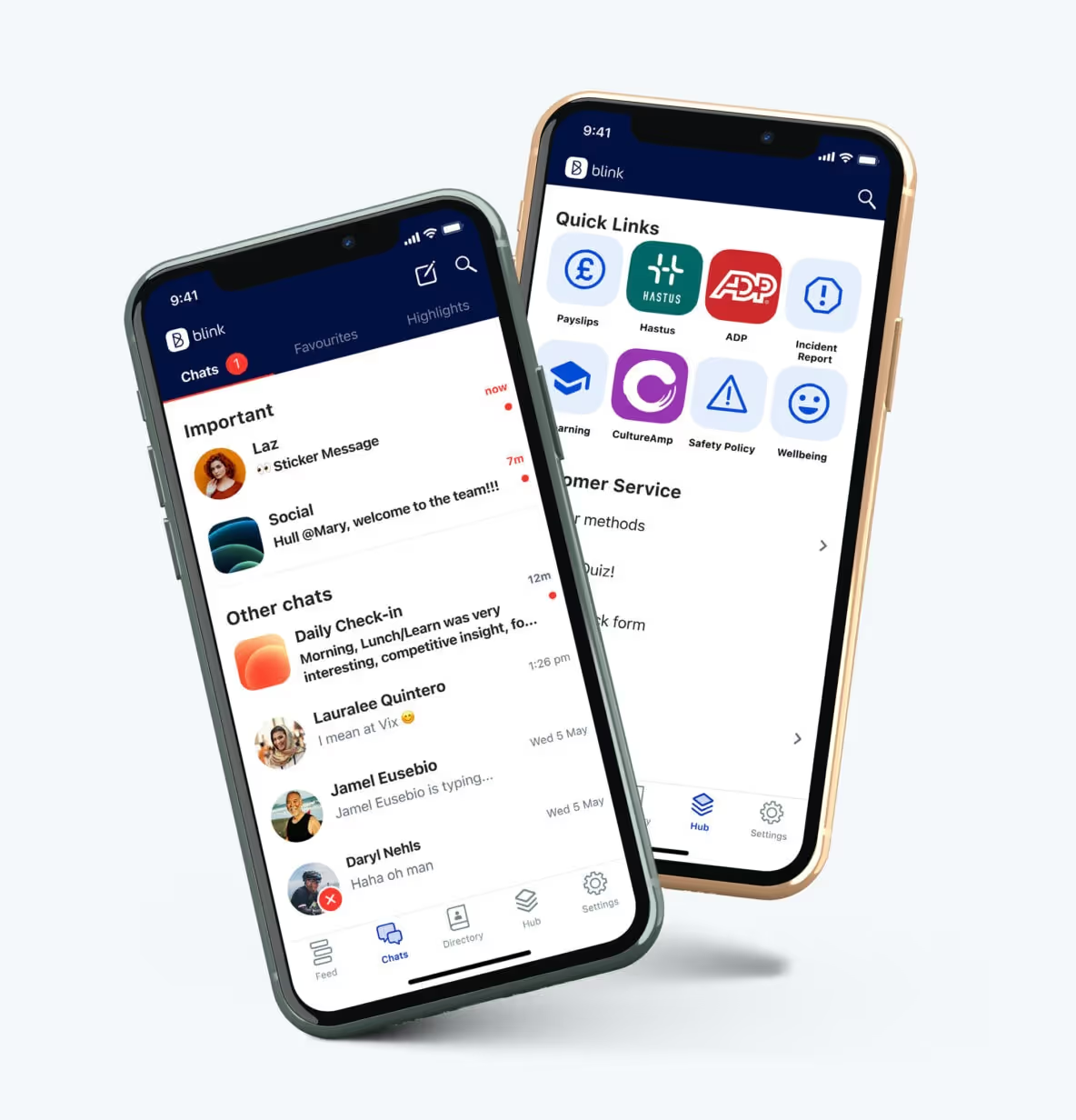
A mobile intranet app needs to work as a native app, not require a company email to access, send push notifications, save content for offline viewing, and make search and the people directory fast enough to use one-handed. Strip any one of these out and a meaningful slice of the workforce can't use the app at all.
A true native app, not a browser shortcut. Native apps use the phone's own camera, notifications, and storage, and they keep working when the connection doesn't.
A way in that doesn't assume a company email. Many frontline employees, retail associates, drivers, care workers, never get a corporate email address. An intranet that gates access behind one locks out the exact people it's supposed to reach. Blink's own activation data shows why this matters: across Blink's customer base, overall adoption runs over 90%, including among workers who never get a company email.
Push notifications, so an urgent shift change or safety alert reaches someone before their shift starts, not after they've already missed it reading a company-wide email they were never sent.
Offline saving, so a policy document, training module, or safety procedure opens in a basement, a moving vehicle, or a warehouse with no signal, because frontline work doesn't pause for connectivity.
Fast search, because nobody wants to scroll a nested folder tree on a four-inch screen to find a time-off request form.
A people directory, so a new hire at a different site can find the right manager or HR contact without a phone call up the chain.
Language support, worth checking for any organization with a multilingual frontline, so policies and training land clearly regardless of which language someone reads most comfortably in.
Why does a mobile intranet app matter for frontline and hybrid teams?
For most frontline and hybrid employees, the phone in their pocket is the only digital link they have to company news, policy, and recognition, so a mobile intranet app that doesn't work well on that phone leaves them with no real intranet at all. Office staff have a fallback: a laptop on a desk. Retail, warehouse, hospitality, transport, and care staff usually don't.
This split shows up in every sector that runs a largely deskless workforce, and the fix is rarely more content. It's usually the app itself. Get the mobile experience right and the same employee who skipped a clunky desktop intranet starts checking it on their own, several times a shift.
A mobile-first intranet also tends to get used differently than a resized desktop one: more often, in shorter bursts, throughout a shift rather than once at a desk, which is the usage pattern that actually keeps frontline teams informed day to day.
How Blink works as a mobile intranet app
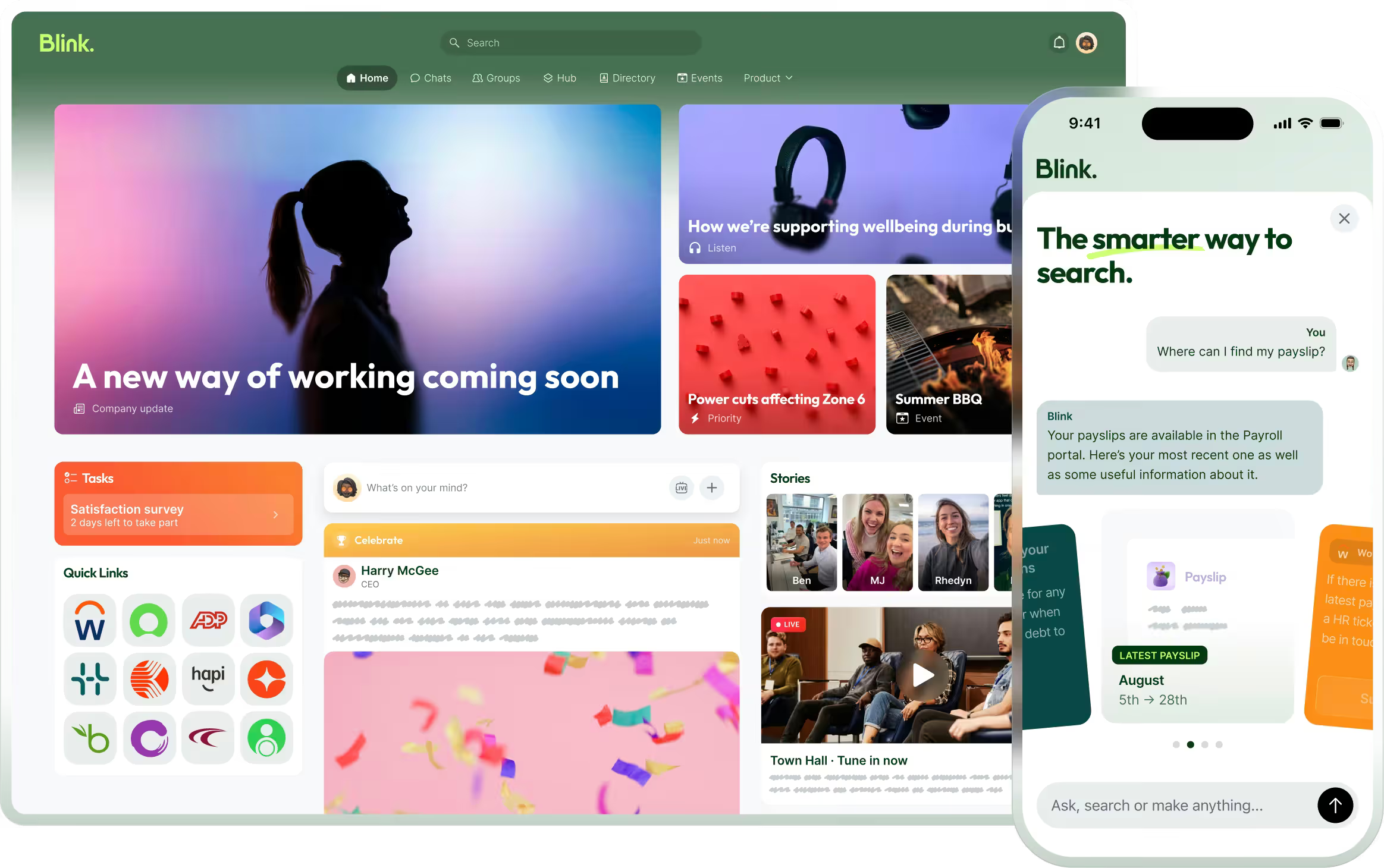
Blink was built mobile-first from the ground up, not adapted from a desktop product. The Hub acts as the company's digital front door: news, policies, forms, and tools in one place, organized by role and location so an employee sees what's relevant to them rather than everything in the organization. JD Sports reached 87% adoption within 10 days of launch. You can read more about how the Hub works on Blink's content hub feature page.
Search works the way people expect a phone app to work, not the way a shared drive does, surfacing the right document or answer without requiring someone to know which folder it lives in. Offline mode keeps content like a safety procedure or shift policy accessible when a connection drops, detailed on Blink's offline mode feature page. A built-in people directory lets anyone find the right contact by name, role, or location, without routing through a manager first. For a fuller look at what that looks like in practice, see Blink's modern intranet use case.
Ready to see a mobile-first intranet in action?
Start a 14-day free trial to see how a mobile-first Hub looks for your own team, or book a demo to walk through it with someone who can answer questions specific to your organization.