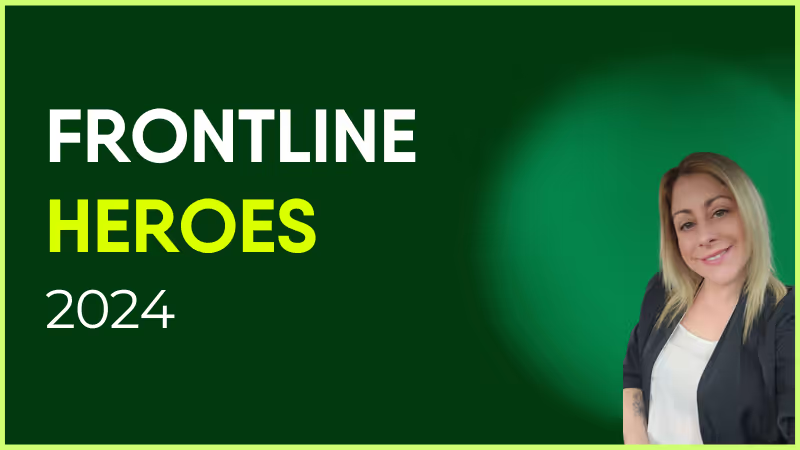
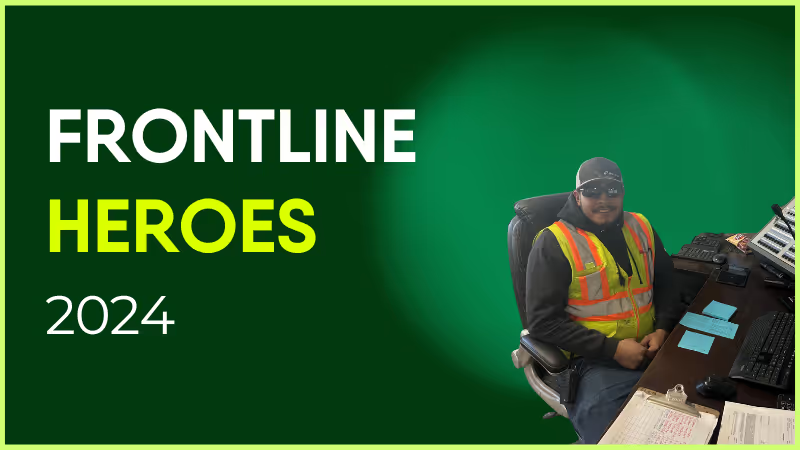
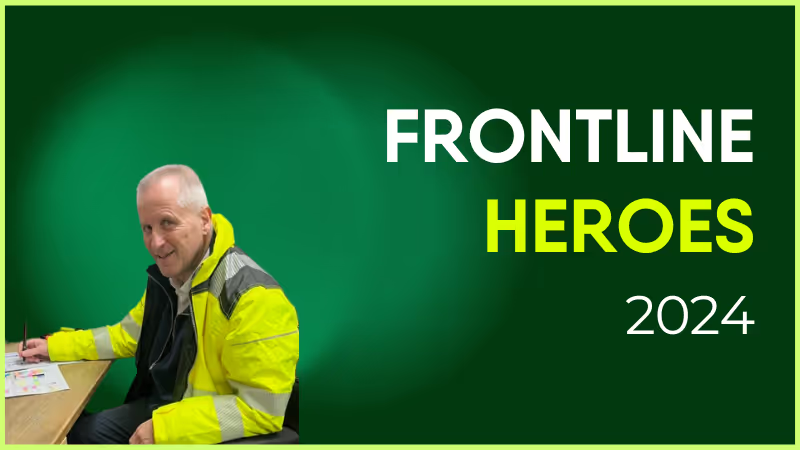
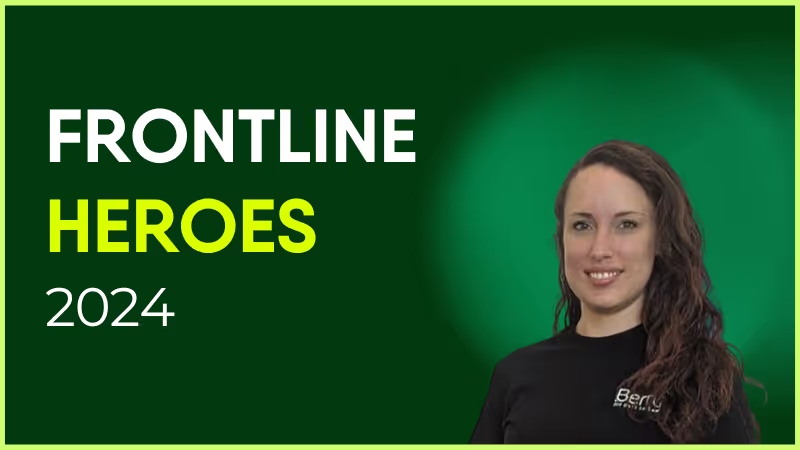
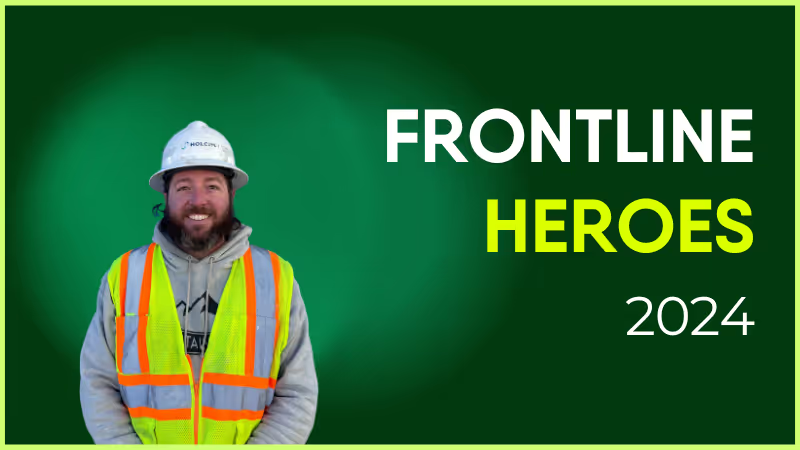
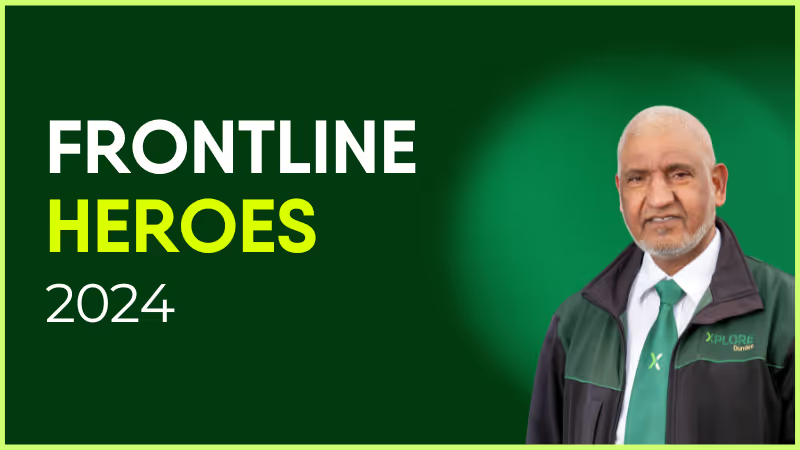
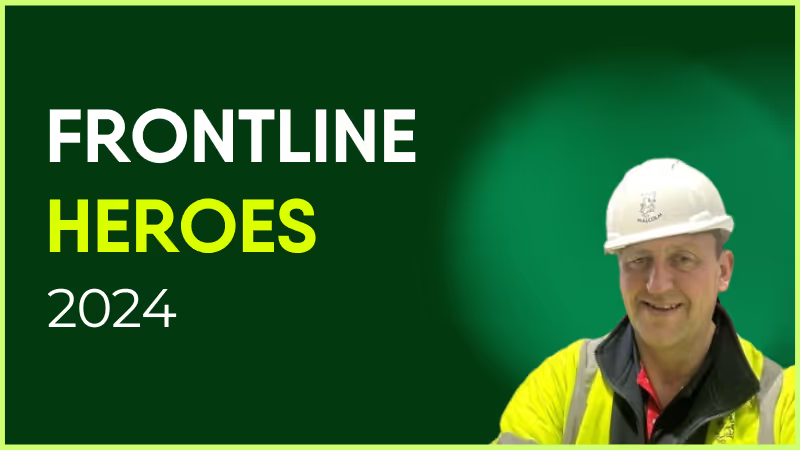
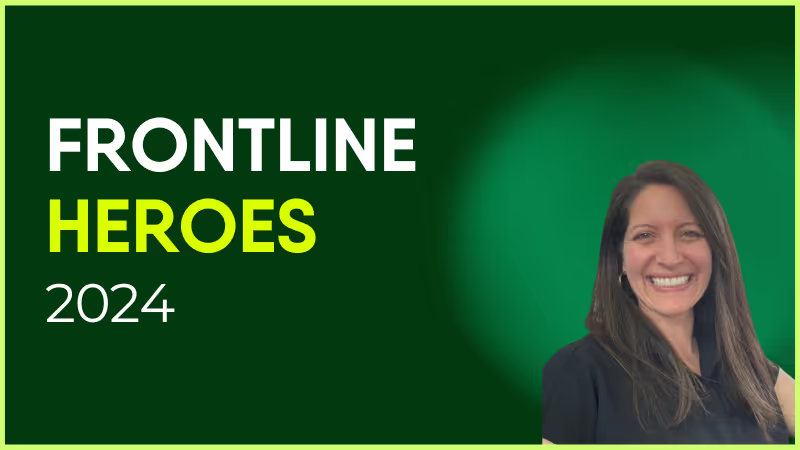
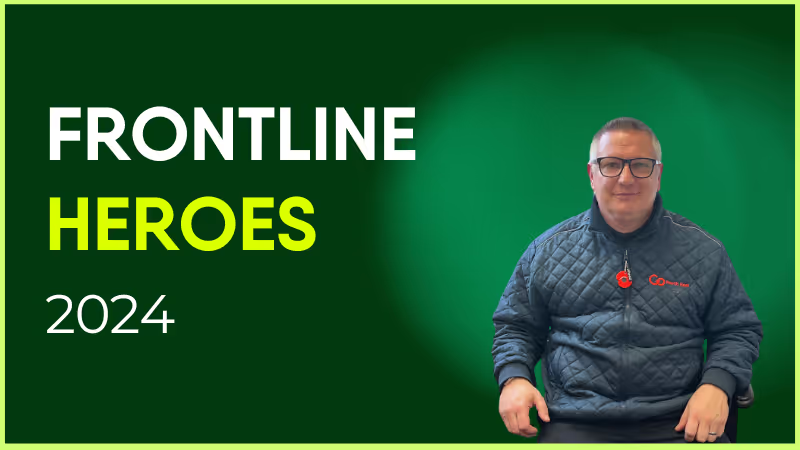
Project Hydra was initially a short-term project commencing early September 2023. It was expected to last initially for 8 weeks (on Saturdays) — however, it has continued until June 2024. The necessary upgrades to water pipes at the VHK affected access to the renal unit, impacting on patients attending their scheduled dialysis. The Project Hydra Volunteering Team supported patients to access the alternative route to the unit to ensure patients were supported, and their stress minimized.
The Volunteers assisted patients on arrival in a meet-and-greet / escort role. This involved welcoming patients in the designated reception area and escorting them to the clinic area. Our volunteers were more than happy to help, and worked a rota system over the Saturdays on a shift basis, starting at 6:45am and finishing at 6:00pm. During September 2023–June 2024, eight volunteers assisted with Project Hydra, supporting — on some days — 30+ patients.
How has Blink helped in their role?
Communications updated Blink with relevant information about the ongoing works and its impact. This allowed the Volunteer service to communicate effectively with the Project Hydra Volunteer Team to inform them how long they were still needed to provide this service for.
What do they want to do next?
Our volunteers continue to support the hospital, both staff and patients, and maintain their drive and passion to give back and provide support to the NHS and the people who use it.
Nominated by: Elizabeth Fallas, Volunteer Service Support Officer
What makes them awesome?
Project Hydra was initially a short-term project commencing early September 2023. It was expected to last initially for 8 weeks (on Saturdays) — however, it has continued until June 2024. The necessary upgrades to water pipes at the VHK affected access to the renal unit, impacting on patients attending their scheduled dialysis. The Project Hydra Volunteering Team supported patients to access the alternative route to the unit to ensure patients were supported, and their stress minimized.
The Volunteers assisted patients on arrival in a meet-and-greet / escort role. This involved welcoming patients in the designated reception area and escorting them to the clinic area. Our volunteers were more than happy to help, and worked a rota system over the Saturdays on a shift basis, starting at 6:45am and finishing at 6:00pm. During September 2023–June 2024, eight volunteers assisted with Project Hydra, supporting — on some days — 30+ patients.
How has Blink helped in their role?
Communications updated Blink with relevant information about the ongoing works and its impact. This allowed the Volunteer service to communicate effectively with the Project Hydra Volunteer Team to inform them how long they were still needed to provide this service for.
What do they want to do next?
Our volunteers continue to support the hospital, both staff and patients, and maintain their drive and passion to give back and provide support to the NHS and the people who use it.

Nominated by: Elizabeth Fallas, Volunteer Service Support Officer
Looking for a Jostle alternative that fits your internal communication or employee experience goals better? Whether you're aiming for a more modern UX, greater mobile accessibility, or better analytics, you've come to the right place. In this guide, we explore the top 10 alternatives to Jostle — with detailed comparisons on features, pricing, reviews, and suitability — so you can make the best choice for your organization.
What to look for in a Jostle alternative
Before choosing your next platform, it’s essential to understand what separates the best Jostle alternatives from the rest. Whether you're upgrading your employee intranet, switching to a more intuitive internal communication platform, or adopting employee experience software with better analytics and mobile access — here are the key features to prioritize:
#1. Mobile-first design
Look for platforms that prioritize mobile accessibility, especially if you have frontline, hybrid, or distributed teams. A Jostle replacement should offer native mobile apps with offline support, push notifications, and responsive design.
#2. Two-way communication
Modern comms tools should enableemployee feedback, not just top-down broadcasting. Tools with surveys, comments, polls, and chat improve engagement and support a transparent workplace culture.
#3. Targeted messaging & personalization
The best Jostle competitors let you segment your workforce and personalize updates by location, department, or role — ensuring that the right message reaches the right employee at the right time.
#4. User-friendly interface
A clean, intuitive UI helps boost platform adoption. Look for solutions that are easy to use for both end users and admins, with minimal training required.
#5. Integrated ecosystem
Ensure the tool integrates with your existing systems — such as Microsoft 365, Google Workspace, HRIS, payroll, or shift scheduling tools — to centralize information and streamline workflows.
#6. Real-time analytics
Powerful communication analytics help you measure reach, engagement, and campaign effectiveness. This is a crucial upgrade over Jostle’s limited insight capabilities.
#7. Frontline communication tools
If you serve deskless workers, you’ll want features like QR code logins, broadcast alerts, digital forms, and mobile-first feeds. These features make platforms like Blink a better choice for engaging non-desk teams.
#8. Scalability and customization
As your company grows, your intranet should grow with you. Choose a platform that supports multilingual content, governance, and custom branding as your workforce evolves.
By keeping these capabilities in mind, you'll be better equipped to evaluate not just an intranet replacement — but a platform that powers the entire employee communication lifecycle.
G2 Rating: 4.7/5 Gartner Peer Insights: 4.8/5 Pricing: Free trial available — Start your free trial
Overview: Blink is an employee experience platform that goes beyond traditional intranets by combining communication, engagement, and productivity tools in a single mobile-first interface. It enables two-way communication, real-time targeting, and frontline accessibility that Jostle lacks.
Pros:
Mobile-first experience designed for frontline, hybrid, and HQ teams
Smart content targeting and audience segmentation
Real-time analytics and engagement insights
Integrates with Microsoft 365, Google Workspace, HRIS, and payroll systems
Fast deployment with a free trial available
Cons:
Does not offer a desktop-only intranet for organizations without mobile needs
Overview: Simpplr is a modern intranet platform with AI-powered personalization, search, and structured content experiences. It's designed to support internal comms and knowledge sharing, primarily for desk-based knowledge workers.
Pros:
Sleek user interface and strong personalization features
Native integrations with Salesforce and Microsoft 365
Good support for structured org-wide communications
Cons:
Setup and onboarding can be complex
Lacks flexibility for frontline or mobile-first teams
Overview: Staffbase is a communications-first platform with mobile and desktop experiences. It offers a branded app, newsletter tools, and internal comms analytics — with a strong focus on top-down messaging.
Pros:
Branded employee app for mobile communications
Easy publishing tools and editorial workflows
Excellent for large, distributed enterprises
Cons:
Limited peer-to-peer or two-way communication features
Advanced features may require paid add-ons or integrations
Overview: Workvivo is a social intranet that combines engagement tools like shoutouts, polls, and live streams with content distribution. It’s geared toward companies looking to foster culture and community.
Pros:
Social-first design boosts engagement
Easy to use with intuitive content tools
Supports recognition, wellness, and culture initiatives
Cons:
Not ideal for task-oriented communications or operational updates
Can become cluttered in large orgs without moderation
Overview: Unily is an enterprise-grade digital workplace platform with a highly customizable intranet, multilingual support, and robust governance capabilities.
Overview: MangoApps offers a modular intranet and collaboration platform where organizations can pick and choose features like messaging, wikis, task tracking, and HR portals.
Pros:
Flexible modular pricing
Supports multiple use cases beyond communication
Simple UI with broad capabilities
Cons:
Interface can feel outdated compared to newer tools
Requires configuration and training for full potential
Overview: Happeo is a social intranet tailored for Google Workspace users. It offers channel-based communication and integration with Google tools like Drive and Calendar.
Pros:
Deep Google Workspace integration
Quick deployment and low learning curve
Clean, social-style UI
Cons:
Limited integration support beyond Google ecosystem
Less customizable than enterprise-grade tools
#10. Noodle
G2 Rating: 4.1/5 Gartner Peer Insights: Not listed Pricing: Starts at $6/user/month
Overview: Noodle is a no-frills intranet platform geared toward small businesses. It offers employee directories, file sharing, and discussion forums.
Pros:
Affordable and simple to use
Good for small, budget-conscious teams
On-premise or cloud deployment options
Cons:
Dated UI and limited engagement tools
Lacks mobile-first design and integrations
Final thoughts
Jostle has served many organizations well, but its limitations around scalability, two-way engagement, and analytics have prompted many teams to look elsewhere. Platforms like Blink offer a more modern, mobile-first experience — giving you the power to connect, engage, and support every employee, no matter where or how they work.
Digital tools are transforming the way organizations build and sustain employee engagement. Platforms like Blink, Workvivo, Staffbase, and Reward Gateway are helping teams stay connected, improve communication, and bring company culture to life — wherever employees work.
But with so many employee engagement tools on the market, choosing the right one can be tricky. The wrong platform can waste time, hurt adoption, and even reduce engagement.
Getting it right matters. Companies with highly engaged teams are more productive and see up to 23% higher profitability. The best employee engagement software goes beyond simple communication — it connects people, recognizes great work, and supports a shared sense of purpose.
Every organization is different. The tools that work for a remote or office-based workforce may not suit a frontline team. That’s why it’s important to align your engagement goals with the right platform.
You’ll find software built for:
Frontline employees — mobile-first apps like Blink that keep workers connected on the go
Remote teams — tools such as Asana and Slack that combine communication and project management
Office-based teams — platforms like Culture Amp and OfficeVibe that measure engagement and feedback
And others that specialize in areas such as:
Communication and collaboration
Feedback and performance
Wellbeing and productivity
Rewards and recognition
Choosing the right solution depends on your people and your priorities — because engagement software only works when it works for everyone.
For frontline organizations, this is especially true. Most engagement platforms are still built with desk-based employees in mind. Only 1 in 10 frontline workers says they have access to the tools and technology they need to connect and advance at work — even though they make up 82% of the global workforce.
Without easy access to company updates, communication, and recognition, frontline employees can quickly feel disconnected and undervalued.
That’s why your employee engagement solution needs to work for all employees — wherever and however they work.
In the next section, we’ll look at the best employee engagement software for 2026 — from all-in-one employee apps like Blink to specialized tools for communication, wellbeing, and recognition.
Let’s take a closer look.
Best employee engagement app for frontline organizations
Frontline employees are the backbone of many industries — from transportation and retail to healthcare and hospitality. But engaging this workforce comes with unique challenges. Many frontline employees don’t have regular access to company systems, email, or desktop devices, making it harder for them to stay informed and connected.
That’s why mobile-first employee engagement software has become essential. The best platforms for frontline teams combine communication, recognition, and real-time updates in one easy-to-use app.
These tools close the gap between head office and the field, helping every employee — regardless of location — feel included in company culture.
Below are some of the best employee engagement tools for frontline workers in 2026, starting with Blink, a leading all-in-one platform designed specifically for deskless and distributed teams.
Best employee engagement software for frontline workers
Blink
When it comes to engaging a dispersed, frontline workforce, few tools match what Blink delivers.
Blink is a mobile-first employee engagement platform built to help organizations connect with every worker — whether they’re in the field, on the factory floor, or on the move. Used by teams across industries such as transport, healthcare, logistics, and construction, Blink turns everyday communication into connection.
Employees can easily chat with colleagues, access company updates, view schedules, and complete essential tasks all in one place. The result: better communication, stronger engagement, and a more unified culture.
Managers benefit, too. Blink’s analytics dashboard helps leaders track engagement and performance trends, identify communication gaps, and celebrate wins through built-in recognition tools.
Key features include:
All-in-one communication: Peer-to-peer chat, team groups, and company-wide updates keep everyone aligned.
Employee recognition: Built-in recognition features highlight great work and reinforce culture.
Engagement surveys: Pulse surveys provide quick, actionable insights into morale and satisfaction.
Analytics and insights: Track usage, engagement, and content performance to inform strategy.
Seamless integrations: Connect scheduling, HR, and project management tools for a single digital workspace.
Mobile-first design: Works on any smartphone — no corporate email required.
With Blink, your entire workforce can access the same tools and information, creating a seamless digital experience that keeps everyone connected, informed, and motivated.
Request a demo today to see how Blink can transform engagement across your frontline teams.
Best employee engagement software for desk-based remote workers
If you're looking for employee engagement software platforms suited to desk-based remote workers, here are some excellent options.
Google Chat
Source: Google Chat Capterra Reviews
Google Chat is a communication platform that includes features like video and voice calls, and group chat. It's a great option for workplace communication and it's free to use.
As you’d expect, this tool integrates with the rest of the Google suite, including Google Calendar, Drive, Groups, and Gmail. But it lacks some of the advanced features you tend to get with paid tools.
Reviews from Capterra note that Google Chat is easy to use. It also provides good collaboration tools. However, the interface can be frustrating, message delivery can be an issue, and notifications can be challenging to navigate.
Pricing: Monthly pricing for Google Chat for business starts at $6 per user.
Discord
Discord is a chat app designed for gamers. But it’s recently been used for workplace communication, too. It includes features like voice and video chat, so you can easily connect and communicate with colleagues.
You can use Discord for free, making it a basic but cost-effective tool for internal communications, especially in a remote working environment.
Pricing: Many of Discord’s features are free to use. For businesses that want to invest in extra perks, Discord’s premium tier, “Nitro,” is available for $99 per year.
Asana
Asana is a popular project management tool that can also be used for employee engagement. With Asana, you can easily create and assign tasks, track task progress, and set team priorities. You can also use Asana to create custom projects for easy employee collaboration.
Source: Asana Capterra reviews
Asana makes a great option for remote teams, in part because it offers a mobile app for easy access to tasks and progress data. This helps to ensure that employees are working cohesively and effectively wherever they’re based.
Reviews from Capterra note that while Asana offers a clean, intuitive, and integrated interface, notifications are often missed, automatic opt-in to email notifications can be annoying, and the different projects and access features can be confusing.
Pricing: Monthly pricing for Asana starts at a basic free plan. A business plan costs $24.99 per user per month when billed annually.
ClickUp
ClickUp is a cloud-based collaboration and project management tool and it’s a good option for those looking to improve remote employee engagement.
Key features include task assignments and statuses, alerts, and a task toolbar. But while ClickUp does well in terms of task management, it doesn’t offer a full range of employee engagement tools.
This platform lacks features relating to real-time communication, employee recognition, and social interaction. So you’re likely to need additional software.
Pricing: ClickUp offers a free version. Monthly pricing for a Business plan costs $12 per user per month.
WorkTango
WorkTango is an employee experience platform with a number of solutions for employee engagement. It provides tools like employee surveys, real-time analytics, rewards, and recognition.
You can also see how your engagement scores rank against other WorkTango customers to get a better sense of how you’re doing.
On Capterra, users say that anonymous feedback and anonymous employee chat allow for truly honest conversations. Clients also praise recognition features. However, some users would like better reporting tools and easier platform navigation.
Leapsome is a good employee engagement tool for goal setting and employee development.
It’s designed to support organizations to create high-performing teams. You can use Leapsome to track and collaborate on goals, run 360-degree reviews, and create personalized learning pathways.
With lots of tools for remote teams, Leapsome helps maintain employee progress even when employees aren’t in the office. The software also offers video conferencing tools, which make it easy to collaborate on agendas and align action plans.
Pricing: Pricing starts at $8 per user per month, with the option to add on the extra features you need.
Slack
Source: Slack Capterra Reviews
Slack is a great productivity tool for remote office workers. It helps you to organize teams and their work, with the help of channels, huddles, and a workflow builder.
However, it's worth noting that Slack doesn't provide much in the way of scheduling, performance tracking, or survey features. If these tools are essential to your organization, you’ll need to use Slack plus another employee engagement platform.
Reviews from Capterra note that Slack’s user interface is easy to use. They like channel and plugin features. They also appreciate having all work conversations in one place.
However, reviews also note that it can be a confusing platform to use, with lots of channels across different teams. Adoption can also be difficult if people are not familiar with the software.
Pricing: For multiple employees, monthly pricing for Slack starts at $6.67 per user.
Best employee engagement software for desk-based office workers
Now, let’s take a look at the tech tools best suited to office worker engagement.
OfficeVibe
Source: OfficeVibe Capterra Reviews
OfficeVibe is a “people-first” employee experience platform, with a number of employee engagement features designed for the office.
It helps employers to assess and improve employee engagement levels with robust measurement tools. It also provides an app so you can track progress on the go if needed.
Reviews from Capterra note that OfficeVibe is an innovative tool that helps organizations better understand employee happiness. The company also provides strong customer service.
However, managers complain that survey questions can’t be customized and that insights don’t go deep enough. They also say that the Slack integration doesn’t work too well and that setup can be confusing.
Pricing: Monthly pricing for OfficeVibe ranges from a free version to a $5 per user Pro Plan.
SurveyMonkey
By using employee satisfaction survey tools like SurveyMonkey, you can collect regular feedback from employees on their engagement levels. This real-time feedback can help you to identify problem areas and take steps to improve employee engagement in your organization.
As well as survey templates, SurveyMonkey offers reporting and analytics features that help you spot data trends and insights. It also uses AI to reveal employee sentiment.
Pricing: For over three users, monthly pricing for SurveyMonkey starts at $31.83 per user.
Doodle
Employee polls are a quick and easy way to collect anonymous feedback from employees on a range of topics. You can use employee poll tools from Doodle to gather feedback on everything from engagement levels to job satisfaction.
But Doodle does more than polls. It also provides meeting, video conferencing, and scheduling tools. You can even poll meeting attendees to find a time that works for everyone and improve attendance.
Pricing: Monthly pricing for Doodle Professional starts at $6.95 per user.
Monday.com
Monday.com is a project management tool that can also be used for employee engagement.
With Monday.com, you can create and assign tasks, track progress, and more. You can also use it to create performance tracking templates for employees. This can help you to identify areas where employees need improvement and take steps to address them.
On Capterra, Monday.com users say that the platform’s project management tools are excellent. But others complain that the backend of the platform is complicated and involves a steep learning curve.
Pricing: For more than two employees, monthly pricing for Monday.com starts at $8 per user per month.
Culture Amp
Culture Amp’s employee engagement platform provides over 40 science-backed survey templates. You can use these surveys to find out how employees feel about engagement, belonging, inclusion, and more.
The platform also uses AI-powered insights to summarize employee engagement findings, supporting your business to make data-backed decisions.
Reviews from Capterra say that Culture Amp has a user-friendly user interface. They also praise the platform’s ready-to-go survey templates.
But users don’t like having to rely on the Culture Amp support team to update some parts of the platform. They also say that — while survey features are strong — features like the objective and key results (OKR) module aren’t as well-developed.
The following tools specialize in one area of employee engagement. As such, they make a great add-on to your chosen staff engagement tool.
At Blink, our App Marketplace integrates all the tools you need to manage your employee engagement in one place. If we don't already integrate with your app, just ask!
Kudos
Kudos is an add-on app that allows employees to give and receive recognition in real time. With Kudos, you can create a culture of recognition where employees feel appreciated for their hard work.
Pricing: Monthly pricing for Kudos starts at $3.25 per user.
Friday
Friday is an app that makes it easy to give employees recognition for a job well done. With Friday, you can give employees badges, points, and rewards to show your appreciation.
Pricing: Friday has a free version. Monthly pricing goes up to $100+ for company plans.
Bonusly
Bonusly is another dedicated employee recognition tool. Bonusly supports peer recognition, allowing employees to give each other bonuses in the form of points that can be redeemed for rewards. By using Bonusly, you can create a culture of appreciation and recognition throughout your workforce.
Pricing: Monthly pricing options for Bonusly starts at $2.70 per user.
Limeade Wellbeing
Employee wellbeing programs, like those on offer from Limeade, go hand in hand with employee engagement programs. Because when employees feel healthier, happier, and less stressed, they have the headspace they need to engage with their work.
Limeade provides customized employee wellness programs. These programs encourage participation and deliver essential wellbeing resources via one handy tool.
With this tool, you can also listen and respond to your workforce in real time through anonymous surveys, polls, and quizzes. All that’s really missing from this system is strong employee communication tools.
WeThrive is an employee engagement tool designed to support the mental health of desk-based workers. With this platform, you can create surveys to assess employee wellbeing and then take action to improve it.
WeThrive analytics allow you to segment survey results by team, tenure, location, department, and manager. This makes it easy to identify the root causes of poor wellbeing and identify areas for improvement.
Reward Gateway is an employee engagement solution that offers employee discounts, employee rewards and recognition, and tools for employee communications.
This combined platform is a great tool for office-based employers looking to boost employee recognition, with features such as discounts and rewards accessible in one place.
Reviews from Capterra note that Reward Gateway is flexible and easy to use. But it can be glitchy, with reporting features sometimes not running properly and some features failing to run as smoothly as others.
Pricing: Monthly pricing for Reward Gateway starts at $10.19 per user.
Weekdone
For structured goal setting, Weekdone is an excellent choice. It’s a top-rated OKR platform that allows you to track weekly plans and progress, provide feedback, and get everyone pulling in the same direction.
OKR software can also be used to ensure that remote employees have clear objectives, with performance reviews and goal tracking.
Pricing: For more than three employees, monthly pricing for Weekdone is $8 per user.
Awardco
Awardco is another bonus tool that makes recognizing and rewarding people easier and more effective.
With Awardco, employers can set up reward and recognition programs that their employees can access from any device. You can tailor incentives to your teams, ensuring the prizes on offer act as real motivation.
This tool is a good option for office-based companies of all sizes looking to increase employee satisfaction and engage with their workforce to boost productivity.
Pricing: Pricing for Awardco ranges from $2,500 to $4,000 per year.
QuizBreaker
QuizBreaker is a virtual team-building tool. It works well for both office-based and dispersed teams, bringing a bit of gamification to the work day.
Key features of QuizBreaker include:
a scheduled icebreaker quiz that helps employees get to know each other better
escape games and 1,000+ trivia quizzes for fun team-building events
employee profiles that reveal work style, unique strengths, and fun facts
pulse surveys to help you get regular feedback from employees
QuizBreaker isn’t an all-in-one employee engagement tool. But this platform helps teams to bond and brings a little fun to your workplace culture.
Capterra score: Not found in Capterra database. Pricing: Monthly pricing for QuizBreaker starts at $3 per user.
Motivosity
Motivosity is employee recognition software that makes it easy for managers to give recognition and rewards.
Motivosity’s “Thanks Matters” card is an innovative way of rewarding employees. Like Bonusly, you assign points for great performance. These points directly translate into cash, which employees can access via a special Visa debit card.
They can choose from hundreds of reward options. You can even add your own gifts such as branded swag or lunch with the CEO. Employees can also choose to forgo cash rewards in order to make charitable donations.
Key employee engagement software features to prioritize in 2026
When choosing the right employee engagement software for your organization, focus on the features that will help you overcome your biggest engagement challenges. The right combination of tools can improve communication, morale, and productivity across every level of your workforce.
Channels and chats
Communication is the foundation of engagement. Real-time chat features — including group channels, private messages, and announcements — ensure employees stay in the loop and can collaborate quickly, wherever they work.
Surveys, polls, and content analytics
Platforms with built-in surveys, polls, and analytics help you measure engagement levels, gather employee sentiment, and identify emerging issues before they become major problems. This data ensures every employee has a voice and helps leaders take action with confidence.
Employee recognition
Recognition tools — such as kudos, badges, or points systems — make it easy to celebrate achievements and highlight great work. This simple feature goes a long way toward strengthening motivation, morale, and a sense of belonging.
Analytics and dashboards
For organizations managing distributed or frontline teams, analytics functions are essential. They allow you to measure engagement, retention, and satisfaction while uncovering insights into how employees interact with leadership and one another. These insights drive continuous improvement in your employee experience strategy.
A main feed or hub
A centralized hub — or main company feed — brings all updates, videos, documents, and announcements together in one place. This consolidation creates a single source of truth, keeping employees informed and aligned with your company’s goals.
At Blink, our frontline employee app brings all of these features together. With tools for chat, recognition, surveys, analytics, and communication, Blink helps you overcome common engagement challenges and connect every employee — from the frontline to the office.
The business benefits of digital employee engagement tools
Digital engagement tools require an upfront investment — both financially and in time. But the return on that investment is substantial. The right software encourages participation, builds connection, and creates a culture employees want to be part of.
Below are the five key business benefits of using digital employee engagement software.
#1. Reduce employee turnover and save on recruitment costs
Engaged employees are more likely to stay with your organization, reducing the cost of recruitment and training. According to SHRM, hiring a new employee can cost three to four times the position’s salary, making engagement one of the most effective retention strategies available.
Digital tools strengthen this connection by amplifying company culture and ensuring all employees can participate fully — leading to a happier, more loyal workforce.
#2. Strengthen company culture through digital engagement platforms
In today’s competitive labor market, salary alone isn’t enough to retain top talent. Engaged employees are motivated by purpose, belonging, and appreciation.
Digital engagement tools help reinforce these pillars by improving communication, supporting growth, and enabling public recognition. The right platform makes culture tangible — connecting leadership, values, and everyday work.
#3. Improve internal communication with employee engagement software
Two-way communication is critical for engagement. Modern tools help you deliver the right message to the right people — whether through audience segmentation, targeted updates, or role-based notifications.
These platforms also make it easier to track the effectiveness of communication. With built-in analytics, you can see how employees interact with content and refine your messaging to increase engagement and clarity across the organization.
#4. Use analytics to understand and improve employee engagement
Feedback is the backbone of a strong employee engagement strategy. Without it, leaders can’t identify what’s working or where improvements are needed.
Employee engagement software with advanced reporting provides actionable insights. You can see how satisfied employees are, how frequently they engage with company updates, and where there are communication or experience gaps.
With Blink, for example, you can access detailed data on engagement, satisfaction, and retention — helping you identify frontline challenges early and respond faster.
#5. Boost productivity with connected employee engagement platforms
Disconnected tools slow teams down. Employees lose valuable time switching between apps, searching for information, and handling repetitive admin tasks.
A unified engagement platform streamlines these processes. By digitizing workflows, automating basic tasks, and connecting every workplace app in one place, you free up employees to focus on meaningful, high-impact work.
Blink’s connected platform helps teams stay organized and productive — from digitized HR processes to mobile-friendly task management — improving both individual and organizational performance.
The once clunky, desktop-bound relic has been making a comeback in the era of remote work and mobile design with modern intranet features.
Workers need access to the documentation as they step away from the desk. They require a way to communicate with their coworkers securely. To meet the demands of their growing mobile workforce, companies are taking another look at intranets.
While modern intranet features several quality-of-life improvements and productivity hacks, they aren’t always used to their fullest. A recent survey found 57% of employees saw no point in their company intranet.
It doesn’t have to be like this.
Let’s go over the best features a modern intranet design offers and how you can use them to increase engagement and boost productivity.
What does a modern intranet look like?
Modern intranets are mobile.
Instead of the old-fashioned office-bound software of yesterday, we have sleek, multipurpose apps. Workers can benefit from these systems on the frontlines or at a desk.
Despite being more accessible than ever, these intranets are more secure. Each employee can be granted access to only the materials they need. Each person has their feed, showing them the information and updates relevant to them.
The design is simple, and the emphasis is on easy-to-navigate, uncluttered browsing. You want your workers to find the required content quickly, so using the app doesn’t feel like a chore.
Finally, a modern intranet isn’t just top-down. Employees can communicate with each other and with supervisors. They can generate content, engage with others’ posts, and develop personal connections.
The 8 best modern intranet features
Newsfeed
CMS
Integrations and micro apps
Single sign-on to integrations
Employee directory
Multi-way conversations
Mobile-first
Analytics
Modern intranet platforms should help you engage your employees and improve your company’s productivity. Here are the key features of a modern intranet.
1. Newsfeed
A company-wide feed lets your employees learn about important issues and share achievements with others. You can configure stories to be shared with all workers or only those affected by a problem.
2. CMS
A content management system (CMS) lets workers access the documents and files they need. Workers can easily find the files and even share the files with others.
3. Integrations and micro apps
A modern intranet isn’t an isolated software system. Your intranet should integrate with the apps and programs you use every day.
You should be able to connect with programs like Microsoft 365 and Slack.
Besides the integrations, your employees will also benefit from micro-apps. Micro-apps are customized programs that let users request time off or provide anonymous feedback, all from the intranet itself.
4. Single sign-on to integrations
Juggling multiple passwords can cause huge delays for employees. 60% of workers surveyed reported that passwords prevent them from doing their job.
Remembering multiple passwords is hard. Single sing-on prevents this issue.
5. Employee directory
Finding the right person to connect with saves time for everyone. With an employee directory, you can find up-to-date contact information for every employee or only the employees you have access to.
6. Multi-way conversations
Communication should be a two-way street. Instead of a constant flow of information from managers, let your employees provide feedback and chat securely with individuals and groups.
7. Mobile-first content
If your intranet is optimized for desktops only, it’ll only help desked employees.
Statista expects the mobile workforce in the United States to grow by 15 million between 2020 and 2024. These workers need a mobile-friendly design to work effectively.
8. Analytics
Using analytics, you can check how each post in your feed performs, how engaged your employees are and compare these levels to previous periods.
You should be able to track individual and group engagement and even see the active periods when your workers use the app.
Final thoughts: 8 modern intranet features your organization needs
A mobile intranet can make a huge difference in how your workers engage.
Sharing information they need and letting them have a platform to connect with others is no longer a luxury. It’s a necessity.
You need a platform your workers can access from anywhere to communicate with coworkers and catch up on the news from the head office.
Blink has all of these features and more. Sign up for a free trial today to see just how big a difference a modern intranet can make for you.
Why off-the-shelf internal comms tools win every time
Your internal communications tool isn’t working.
Employees miss important updates. Frontline workers feel disconnected. Your IT team is stretched thin, and now you’re faced with a big decision: Build your own solution from scratch or buy a ready-made platform?
Building might seem like the best way to get exactly what you want. Total control, custom features — it sounds great in theory. But in reality? It’s a massive undertaking. Development takes months (if not years), maintenance is a never-ending burden, and by the time your internal communication software is live, it’s already outdated.
The good news? You don’t have to reinvent the wheel. Today’s prebuilt corporate communication tool offers the perfect balance of speed, flexibility, extensive customization options, and a wide range of features tailored to your needs — without the cost and complexity of building from scratch.
Let’s dive into why an off-the-shelf internal communications platform is the smarter, faster, and more effective choice for connecting your entire organization.
The evolution of internal comms platforms
You may once have scraped by with a basic company intranet and SharePoint. But internal comms have come a long way — from bulletin boards and internal email blasts to mobile-first apps that deliver real-time updates and targeted, effective communication.
Today’s workforce demands consumer-grade experiences and a modern UX. So to improve your internal communications strategy and the employee experience, organizations now need platforms that are intuitive, engaging, and integrated with existing tools.
Big changes to your comms tech may feel like a daunting prospect. But if your existing internal comms platform is holding you back, remember that you don’t need to reinvent the wheel.
You can leverage prebuilt platforms to improve internal comms, share company content, and elevate company culture like never before.
6 reasons to buy an internal communication tool
Still on the fence about buying or building your internal communication tool? Let’s look at all the reasons why buying a solution provides everything you need and more.
#1. Easy activation
Building your own internal communication tool requires months (or years) of development, testing, and iteration. The process dominates the time of your tech team for a prolonged period.
When you buy a platform, on the other hand, you get instant access to a proven and reliable system with best-in-class key features and minimal training required. There’s no need to worry about designing UX, managing infrastructure, or fixing bugs.
You can simply configure and launch, counting on tried and tested functionality — and incredible speed, too. A bought platform can be live within months, if not weeks. So you can start making a big difference to your internal comms sooner rather than later.
{{mobile-activation="/image"}}
#2. Digital inclusion
In 2025, internal communication tech shouldn’t be reserved for your office-based team.
If you want to achieve high levels of employee engagement and retention across all sectors of your workforce, you need an internal communication tool that allows you to reach every employee — no matter where or when they work.
With a mobile-first employee app, you can send company updates directly to employee smartphones. Whether you have office-based workers, remote teams, or frontline employees, you can be sure that comms are getting to every corner of the company.
Staff can log in to your platform without a corporate email address and stay informed of company updates on the go. They get push notifications that alert them to critical news. And they can access advanced features that encourage an employee social network, like a news feed and instant messaging tools.
The best employee apps revolutionize workplace communication. But creating, launching, and maintaining your own employee app is no mean feat.
To ensure digital inclusion, your comms tool should be available across desktop, Android, and iOS devices. That means building and maintaining multiple apps in the app store, which is a significant burden for an internal IT team.
Opt for a turnkey solution, however, and you ensure that no employee is left out. With a dedicated tech team on hand, you can be confident that your internal communication tool will work perfectly across a range of devices and that all employees — no matter where and how they work — can onboard in just a few clicks.
{{mobile-main="/image"}}
#3. Customer success
When you create employee communication software from scratch, you’re on your own. Your internal team has to build an engaging platform — and inspire employees to use it.
A purchased platform tends to come with a dedicated success team. These experts can help to optimize platform engagement, adoption, and ROI. They can also take care of training and troubleshooting, removing the burden of support from your internal IT team.
Your platform partner has walked this road before. Rolling out their platform time and time again, they’ve built up a wealth of knowledge. So your employees don’t have to be guinea pigs for a completely new system and launch process.
A customer success team can provide on-site support during the launch phase — and advise on the best ways to drive adoption. Whether that’s through a teaser campaign, employee challenges, or the simple (but very effective!) bribery of giving free ice cream cones or lunch vouchers to every employee who downloads the app.
#4. Custom branding
A common concern about a bought internal communication tool? That it won’t look and feel like your brand. That you have to sacrifice brand identity for the convenience of a bought solution.
But with more comprehensive and robust customization options available, this is no longer the software sticking point it once was.
Modern employee communication platforms allow for full customization. You can add company colors, logos, and fonts. Your company name and logo will appear in the app store, on people’s phones, and inside the platform itself.
The best internal communication software allows you to apply this customization on a micro-level within your organization — by team, role, and geography — to provide a branded and personalized employee experience.
With extensive customization options, you can use your internal comms tool to create a company culture of belonging.
{{mobile-nokia-feed="/image"}}
#5. App personalization
Of course, it isn’t just the look of your internal communication platform that counts. The functionality it offers should be tailored to meet the needs of your employees.
This is why some companies choose to go down the build route. They see it as a way to get a custom solution that perfectly meets their requirements.
But again, bought solutions are keeping pace. They’re going beyond a one-size-fits-all approach to give customers a tailored tool, without the hassle of building it themselves.
With intuitive platforms that offer a user-friendly interface, you can create communication channels, custom workflows, control layouts, modify notifications, and ensure employees receive relevant content for them.
Features you don’t need? No problem — turn them on and off as you see fit. Concerned about real-time messaging? All good — set up alert and time zone parameters as needed.
Bought solutions are also agile. With your platform partner’s support, it’s easy to keep up with internal communication trends and employee expectations. And you don’t have to pay for ongoing development costs every time you need a new feature.
{{future-of-internal-comms-2025="/callouts"}}
#6. Integration
Internal communications don’t exist in a vacuum. Your platform needs to integrate with the other workplace software you use, including HR systems, payroll, scheduling, team collaboration tools, and much more.
Creating deep integrations for a self-build solution is time-consuming and costly. It often requires expensive API development and ongoing maintenance just to keep things connected.
But a purchased solution comes with prebuilt and seamless integrations for software like Workday, ServiceNow, Microsoft 365, and more.
Via secure, single sign-on technology, employees can access all the workplace tools they need. Your employee communication tool acts as a digital company hub, providing easy access to things like employee surveys, training, peer recognition and rewards, employee feedback forms, pay stubs, and shift swap tools.
{{mobile-hub="/image"}}
#7. Future-proofing
The right internal communications platform shouldn’t just solve today’s challenges. It should evolve with your organization and keep your workforce connected no matter how work changes.
Building an in-house solution may seem like a way to tailor communications to your exact needs, but without ongoing investment and dedicated resources, these systems can quickly become outdated. They can struggle to keep up with shifting workforce expectations, mobile-first engagement trends, and emerging technologies.
A prebuilt platform, by contrast, is continuously updated, giving you access to the latest and greatest capabilities without the burden of maintaining and upgrading the technology yourself.
Keep in mind: Not all prebuilt platforms are created equal. Some workplace tools are owned by larger corporations, where internal comms are just one of many priorities. This can leave customers vulnerable to shifting business strategies or product sunsets.
With the right internal comms partner, you get long-term stability, continuous innovation, and a platform designed to adapt and grow with your workforce — so you’re always ahead of what’s next.
Build or buy? Get the best of both worlds with Blink
Building an internal communication app may seem like a great way to get exactly what you want. But it’s often a long, costly, and risky investment.
In contrast, buying a prebuilt platform gives you speed, scalability, and best-in-class technology. You also enjoy the expertise of a team that lives and breathes internal comms tech.
Choose a comprehensive solution like Blink and there’s no trade-off. You get the best of both worlds. The ability to brand and white label the platform. Powerful integrations with other workplace software you use. And a speedy launch — most of our clients go live within 6 to 12 weeks.
Our support is also second to none. Our team comes onsite at your company to assist with the platform launch and ensure high levels of adoption. The proof is in the stats.
With Blink, Domino’s achieved a 94% adoption rate and 81% monthly active users. A company news feed, chat features, and integrations with benefits, payslips, and shift swap tools make it easy for Domino’s to cultivate an informed and motivated workforce.
Over at Stagecoach, Blink has helped increase employee satisfaction by 46% and reduce staff turnover by 26%. What’s more, 100% of employees said they would recommend Blink’s internal communication platform to a colleague.
Don’t spend months reinventing the wheel. Ask the right questions when choosing a new employee communication tool and you can find a single platform that meets your ever-evolving comms needs and builds human connection — today, tomorrow, and beyond.
Blink. And connect your workforce with a ready-made internal comms platform.
Hi I am Fabien, I moved to London in 2012 from my home country France. I studied Business Management and prior to joining Blink in June 2021, I spent 8 years at Estée Lauder Companies as a Business Analyst.
In 2020, I took on a Software Engineering Bootcamp at General Assembly to start a new career as a Developer. 🚀
At Blink, I am a Full Stack Developer within the Solutions Engineering Team. Day to day, my job is to help our customers getting extra value out of Blink. ⭐️
Some of the projects I work on include building integrations with third party systems our customers use or creating digital forms within the app to replace existing paper processes our customers might have. ✅
I love working at Blink because we enable frontline workers from key sectors, such as healthcare or transport, to feel better connected to their organisation and we help them streamline some of the tasks they have to do on a day to day basis so they can focus on making the world a better a place.
If you want to make a difference, if you like to be challenged, if you are eager to learn and want to be part of an awesome team, Blink is the right place for you! 💙
Actimo vs. Blink – which is better? It's a question many buyers are asking. And of course, the answer depends on who's asking!
Blink and Actimo are both cloud-based internal communication platforms with a strong customer base and some overlap in features. Yet their primary focus varies.
Actimo vs. Blink – quick facts
Actimo is ideal for teams who want a platform that enables e-learning but aren’t as concerned about real-time interaction.
In contrast, Blink is a truly inclusive real-time communications platform for frontline workers, though it doesn’t have an integrated LMS system.
Your organization’s technical resources may also determine which one is best for you. Blink is easier to use out-of-the-box, while Actimo requires a more thorough setup.
Both apps place a heavy focus on mobile usability, but Actimo doesn’t offer a newsfeed and is best used as a static intranet.
And while Actimo's designed for medium-sized organizations, Blink works best for extra-large enterprises with 25,000+ staff.
In this post, we'll break down the key differences and similarities between Blink and Actimo.
Let's dive into it.
Actimo vs. Blink How they're similar
Mobile-first content
On Blink and Actimo, all content is mobile-first. In other words, everything is optimized to be viewed on a small phone screen, not a desktop. This means both could be a solid option for organizations with mobile or frontline workers.
Customizability
Blink is customizable through third-party integrations and offers a wide variety of functionality through its micro-app function. While the starter platform is incredibly easy to set up, full end-to-end customization can take some work through micro-apps and necessary integrations.
Similarly, Actimo can be extensively configured with a fully customizable onboarding flow and plenty of in-app engagement data. Capterra users commented that it's 'easy to make presentations or apps for almost any purpose.'
Multi-lingual offering
Both platforms cater to multiple different languages. Blink even offers on-demand translation of content into the users language of choice.
Some users complained that Actimo switches text from English to Danish.
Actimo vs. Blink: How they're different
Integrations
Blink's integration capability is one of its strongest selling points. Through its dedicated app marketplace, users can shop for new integrations and mix and match to build their own 'super app'. Integrations are configured using Single Sign-On, so users can access different tools without leaving Blink.
By contrast, Actimo probably won't be the solution that replaces every one of your current internal communications tools. There are limited integrations with third-party business tools beyond HR systems.
Employee engagement
Taking a cue from the most popular social apps, Blink offers a live feed with company updates and user-generated text, images, and video. As a result, engagement with the app is remarkably high, with an average of 14 app opens per user per day.
On Actimo, it can be a lot of work to get set up and maintain engagement. Since the content isn’t primarily user-generated, admins will need to regularly create and schedule content to encourage use. That also means communications are more top-down than other platforms.
e-Learning
Actimo is a fantastic application to facilitate training and learning. Users liked that 'training is fully self-paced and fits anywhere in employee schedules.'
Within the platform, micro-learning is detailed yet simple to use. There are also engaging learning paths with gamified achievements that users can access at their own pace. Data on the compliance with, and completion of, necessary training, is another plus.
On Blink, there is no native onboarding and training function. However, a function can be added with the micro-apps feature, or by adding an integration.
Peer-to-peer communication
Blink offers a searchable in-app database of employees, so it’s easy for users to find a coworker they want to connect with. When they find that co-worker, there are many different ways to communicate: 121 or group chat, through real-time feed posts and comments, or by creating Hub content.
For those looking for a platform with a People Directory, Actimo may also not be a good choice. Beyond group members, there is no way to see a complete list of employees at your organization.
UX/UI
Blink developers design the app to mimic consumer apps like Uber and Facebook as closely as possible, so the user experience is familiar and fresh. Reviewers praised the platform's 'responsive, team-customizable features.'
While Actimo users appreciate they have 'full control of the layout', they were disappointed that the UI is 'clunky andoutdated'.
Frontline focus
While users commented that the app works 'just as well for desktop as it does on mobile', Blink is unique in its laser focus on the frontline experience. And despite offering a highly usable mobile experience, there is also a surprising amount of depth to the content and features.
While Actimo is optimized for the frontline experience, it doesn't focus on tailored features for specific industries (in Blink's case, transport and healthcare).
Targetting content
Blink's architecture is based on 'teams', which means all content is targetted is personalised to users depending on the groups they're in. Users can schedule campaigns months in advance, and 'pin' posts to ensure they're read, or tag them as 'mandatory reads'.
Actimo users complained the app is 'missing a way to micro-manage groups and send-outs', and requested 'more functionality for campaign planning.'
Actimo vs. Blink: systems and pricing
Unlike Actimo, Blink offers all of its features and capabilities through a single system with optional paid add-ons, which includes a dedicated Customer Success Manager. An all-in-one solution like Blink is attractive to many buyers since it provides seamless functionality and is priced as a single unit.
Blink also offers a number of pre-built integrations with popular business apps to allow for further customization.
The core product is priced in four according to scale:
Essential
Business
Enterprise
Enterprise Plus
Organizations can also take advantage of a 40% discount if they pay annually.
Overall, Blink is an affordable product, with users commenting on its 'excellent value for money'. While Actimo pricing is not available online, reviewers commented on the cost per user being 'hard to justify' for smaller organizations.
Actimo vs Blink: final thoughts
While Actimo is a strong choice for organizations focused on training and onboarding, it lacks the features to make it a true digital workplace.