.avif)
Every quarter, we get better at one job: building the universal platform for frontline work. This is one of our biggest releases yet, and it lands across four areas that matter most to the people who rely on Blink every day. That's comms teams publishing to everyone, and frontline workers reading, watching, and replying.
Here's what's shipping, and what it means for your organization.
Reach everyone, without losing an afternoon to it
For internal comms managers, "I need to tell everyone" shouldn't turn into an afternoon of admin. This release shortens that path.
On the Hub:
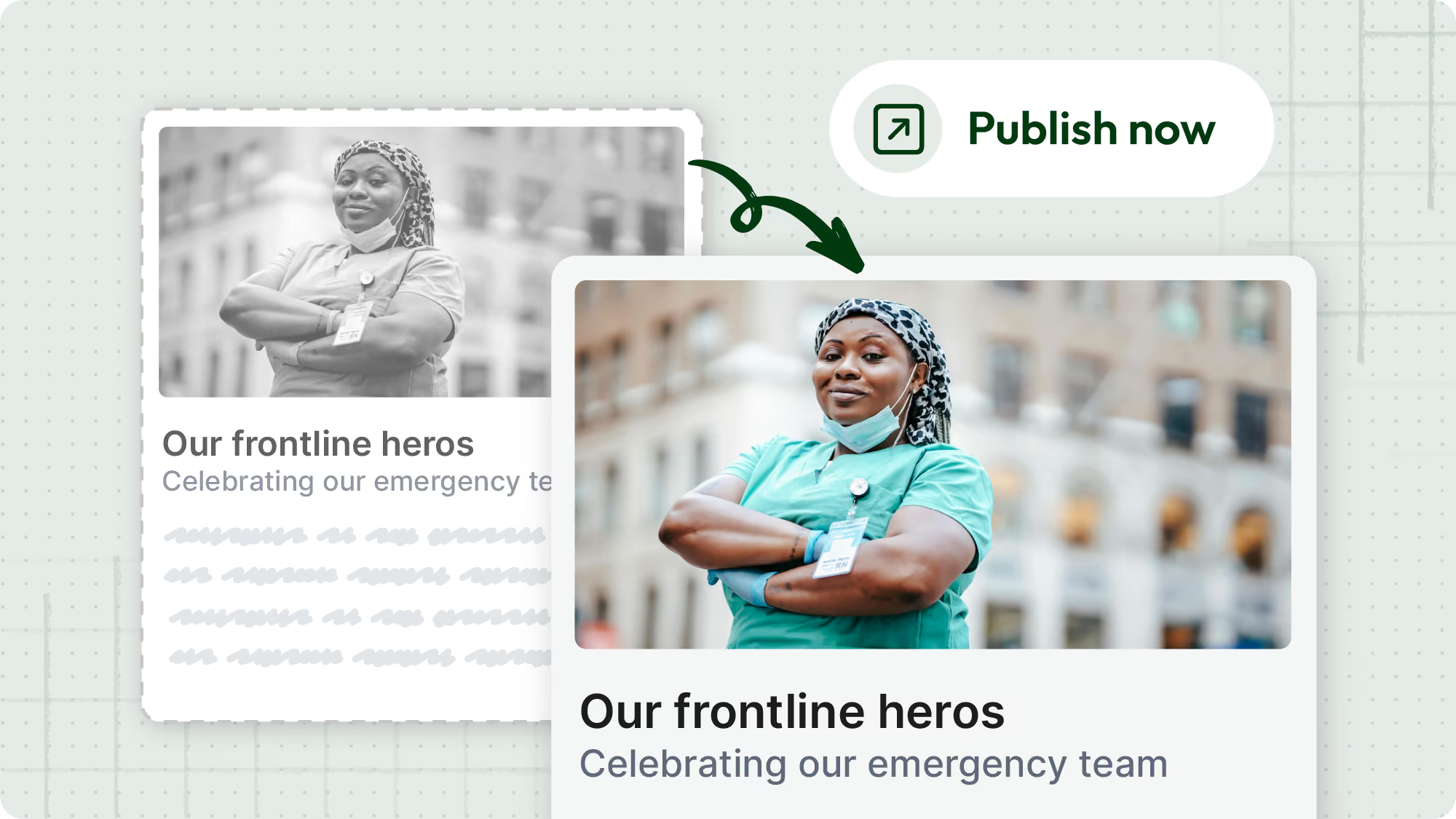
- Scheduled publishing and scheduled expiry are now live on Hub pages. Plan content ahead, or set sensitive material to come down automatically.
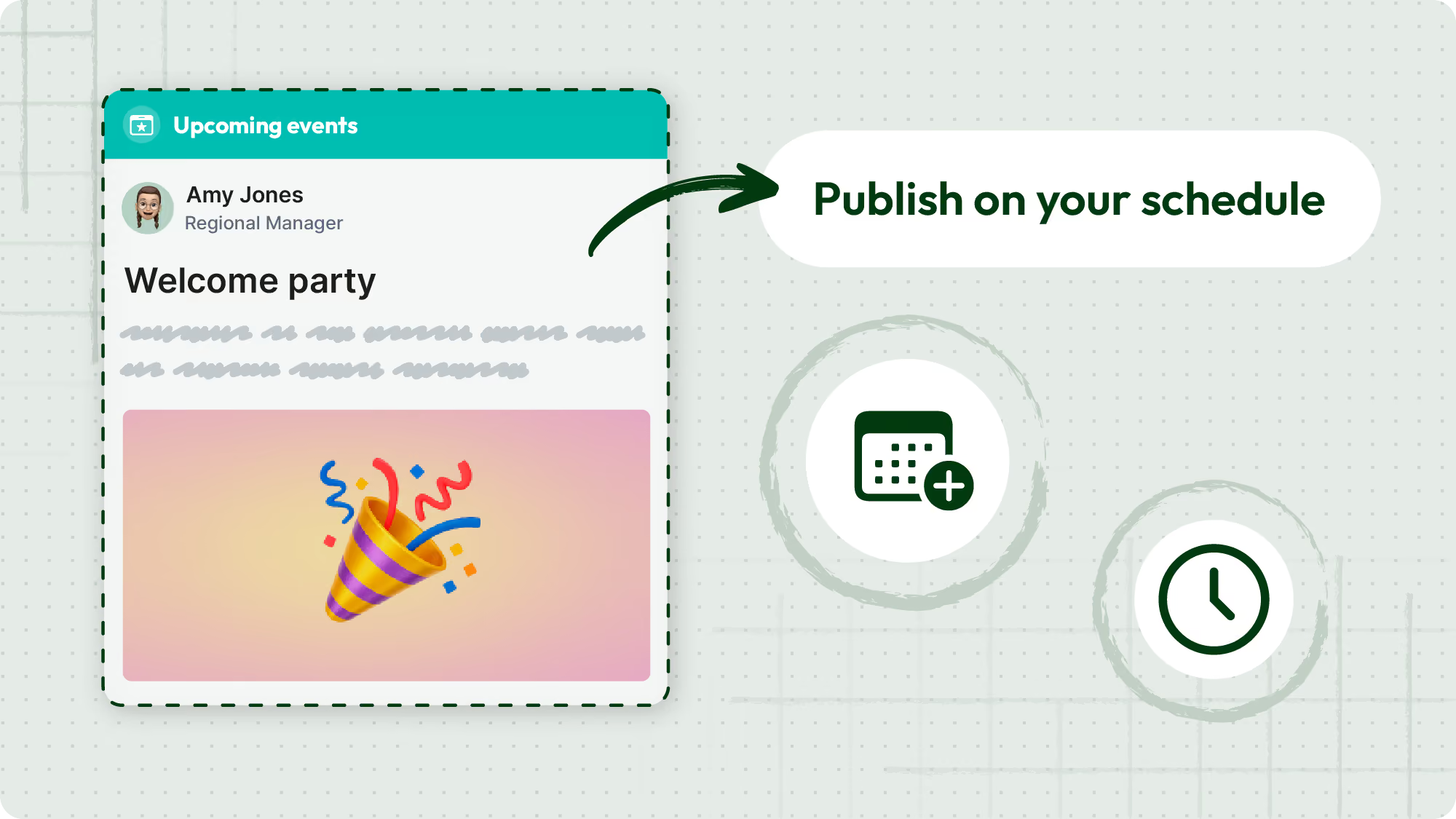
- Draft Hub pages let you build in peace. Work stays hidden from end users until you're ready to hit publish.
In the feed:
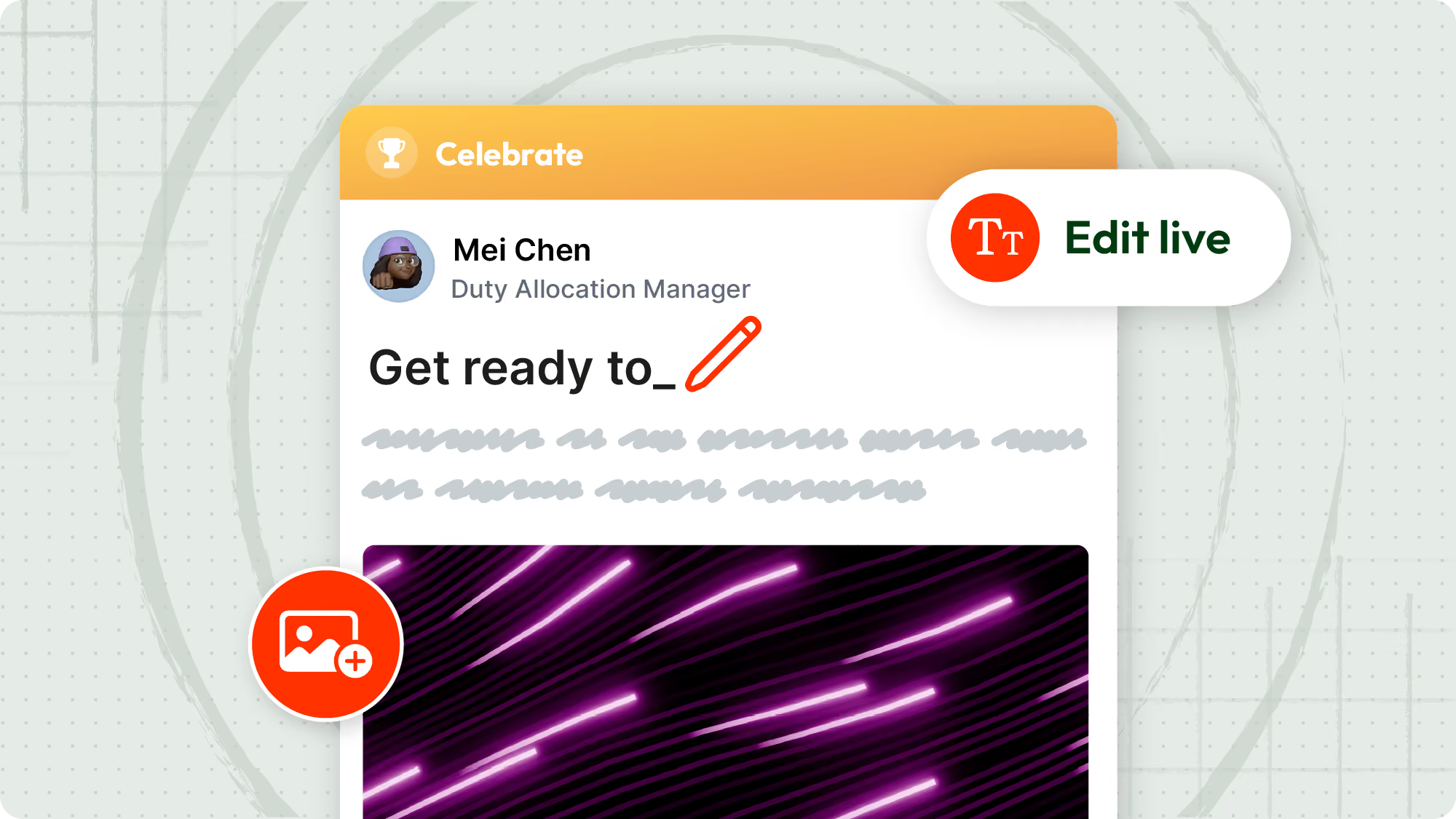
- Organization admins can now edit the copy and attachments on any post, no more deleting and reposting. That includes editing a post before approving it, which makes the approval flow faster and cuts down on back-and-forth with individual users.
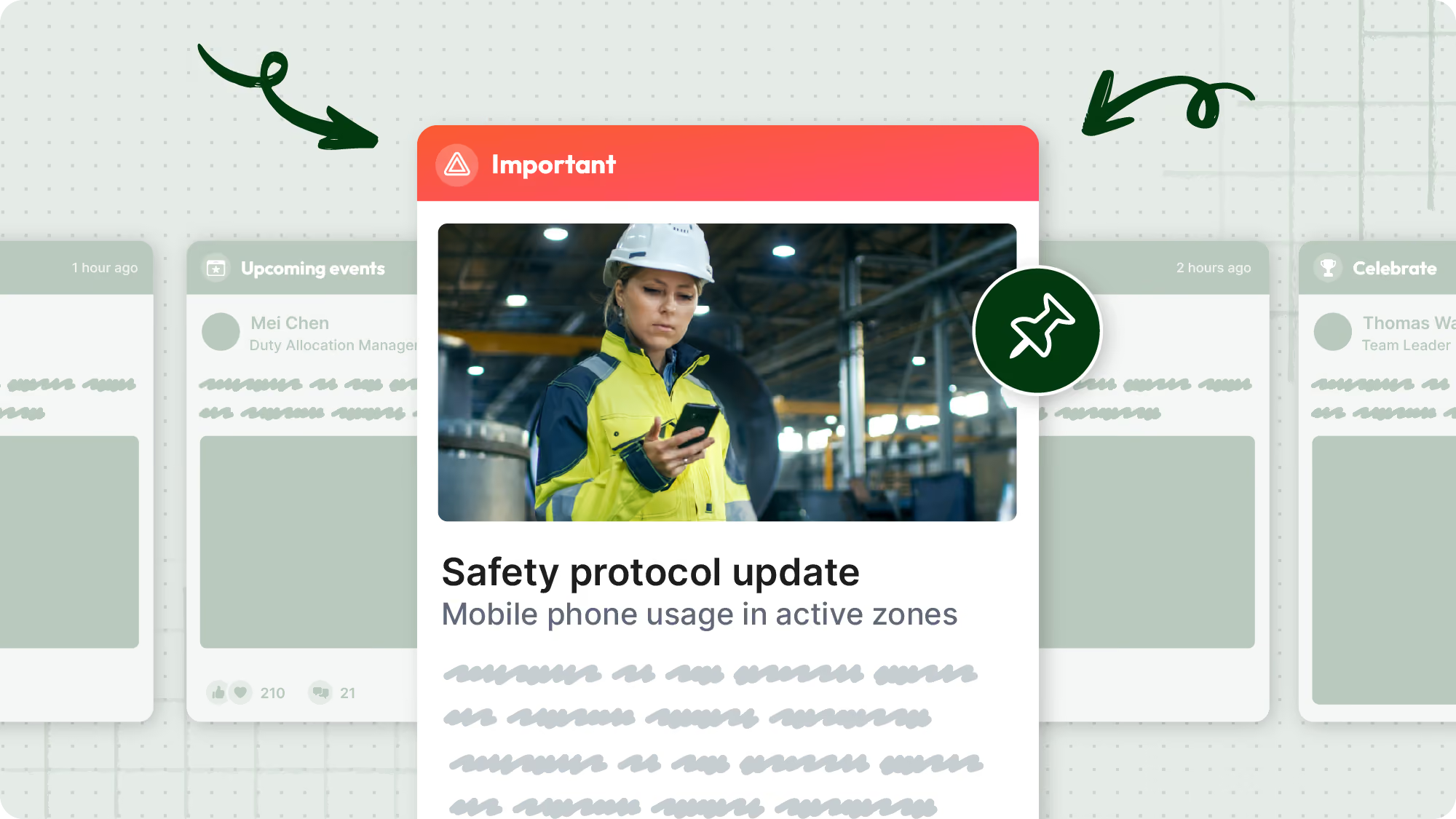
- Post settings got a rework. A single importance selector (standard, important, critical) replaces the old mix of priority, pin, and feature toggles. Only critical posts can be pinned, so fewer stale posts linger at the top of the feed. Standard posts can still trigger a notification, and once a post's been live more than 24 hours, you can see exactly when it went out.
Communication worth watching
Frontline workers consume content the way everyone does now: short, visual, on a phone, between tasks. Text gets skimmed. Video gets watched. This release makes Blink video-first.
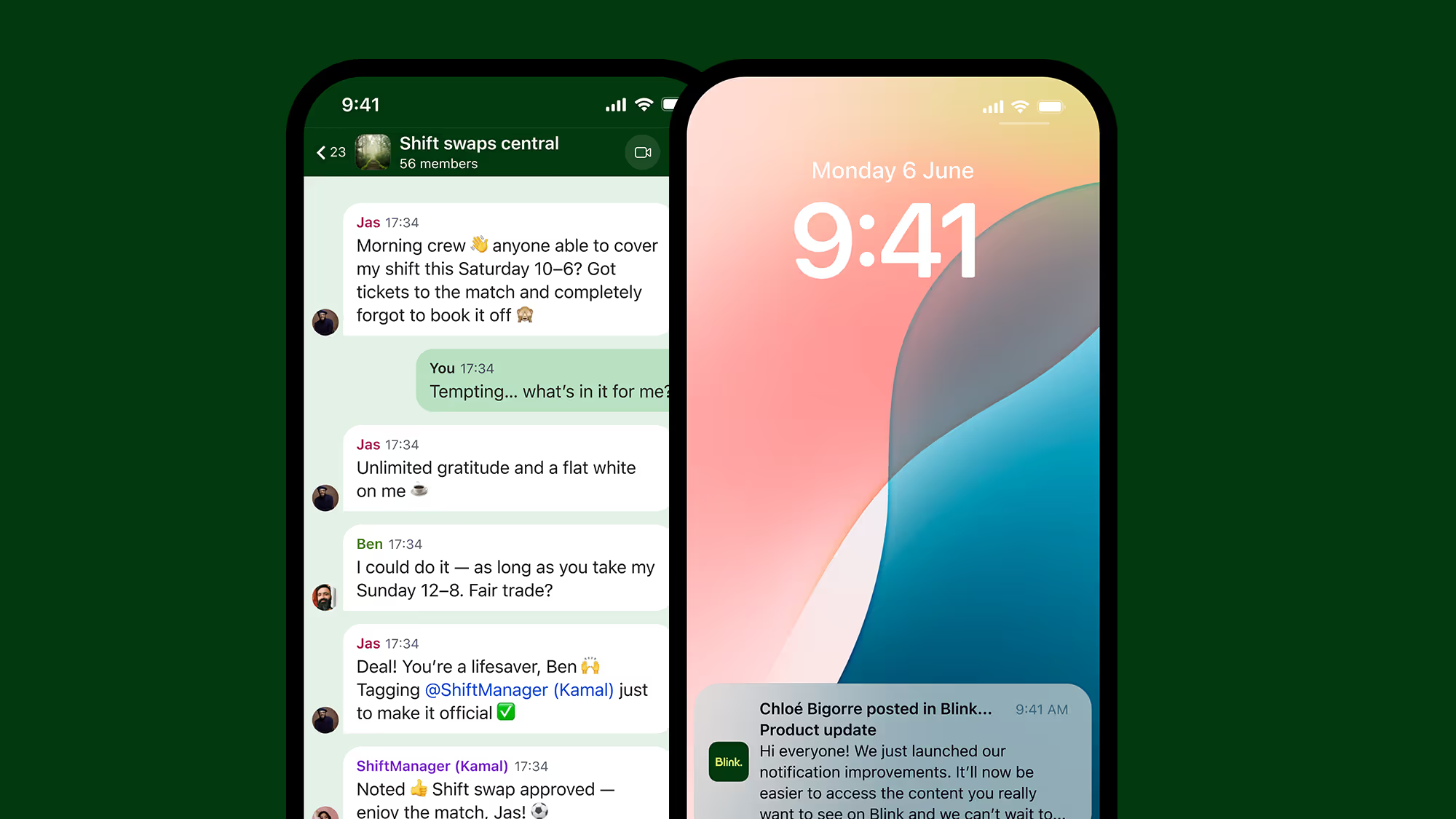
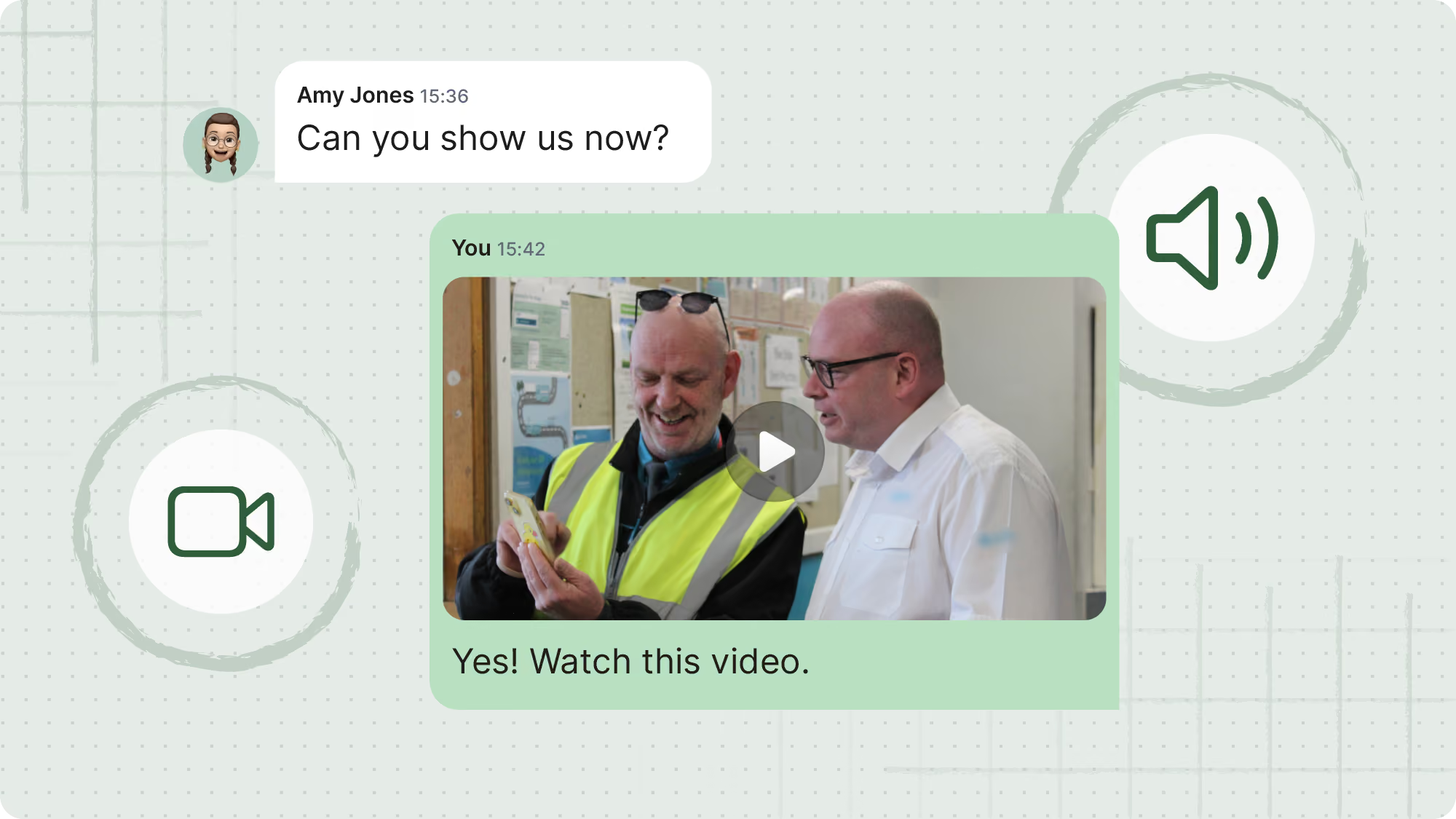
- Video in chat. Upload and play video directly in a conversation. No downloading, no detours.
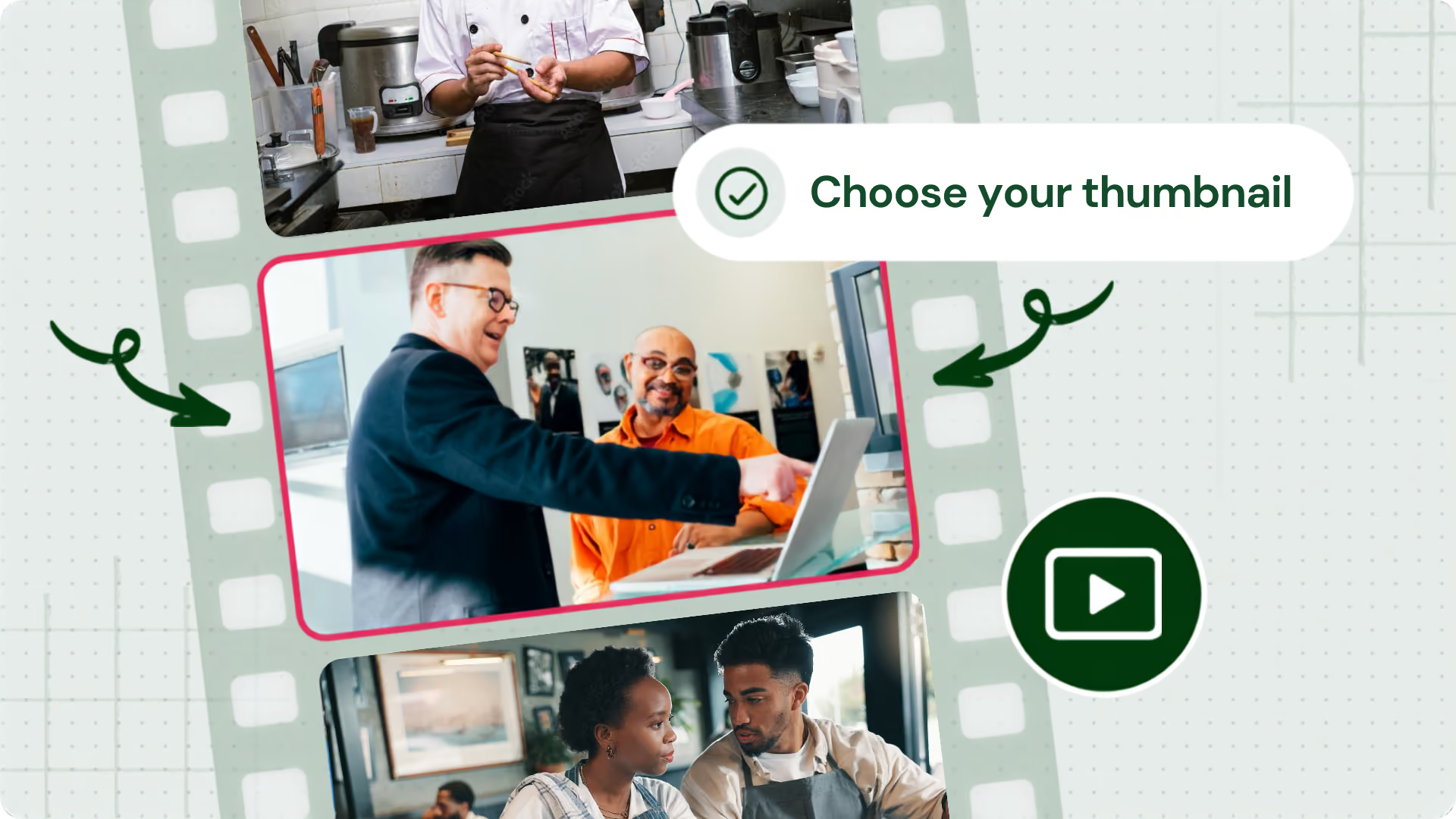
- Custom thumbnails. Pick the frame that best represents your video, for feed posts and chat messages alike, instead of leaving it to chance.
- Better playback, powered by Mux. Video now runs on Mux, which means consistent playback and captions across every device, plus the groundwork for richer video analytics down the line.
- Sharper stories on iOS. Story videos now start at higher quality right away, regardless of connection.
- Livestream from your phone. Mobile livestreaming lets org admins go live straight from a phone, matching what's already possible on desktop, with support for native streaming and third-party RTMP.
Chat that works like the rest of your day
Frontline workers need to reach colleagues instantly, wherever they are. Chat should feel like every other messaging app they already use, so we made it feel that way.
- Pin what matters. Anyone can pin a message, up to 25 per conversation, and channel admins can unpin any of them.

- Mute without leaving. Step back from a busy conversation without stepping out of it.
- A status that actually fits your day. Set a status, write a custom one, or snooze notifications entirely. Organizations can even add their own status presets at the admin level, so everyone sees the options that make sense for your team.
- Polls that flex. Add up to 12 options, and votes are now editable, so no more accidental taps locking people in.
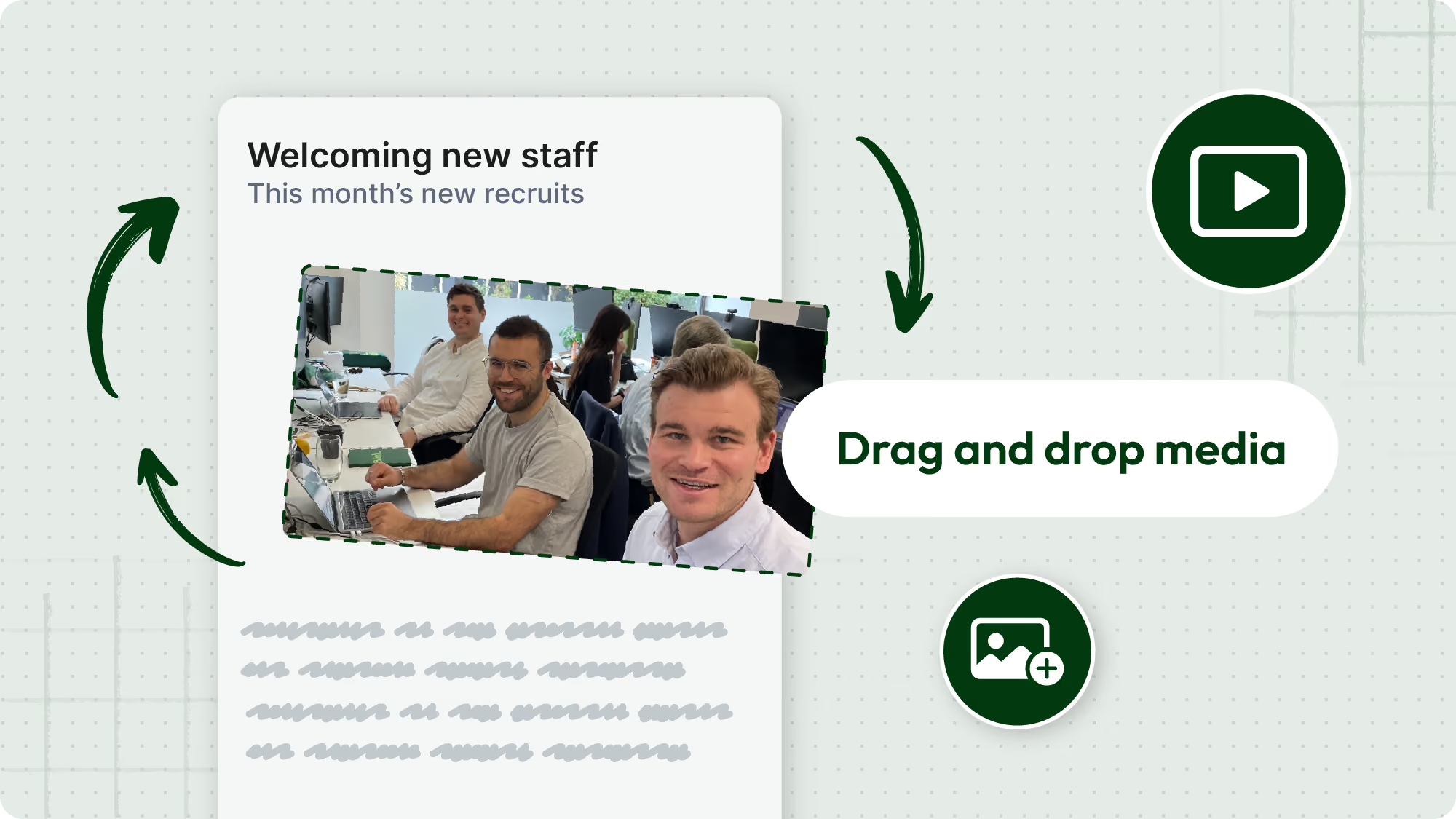
- Smoother media sharing. Drag and drop media into the order you want, add captions as you send, and upload multiple files in one go.
AI that does the work
Describe it. Blink builds it.
Building surveys, forms, journeys, and Hub pages has always been slow, fiddly work, the kind that bottlenecks comms teams right when they need to move fast. It's the headline act of this release.
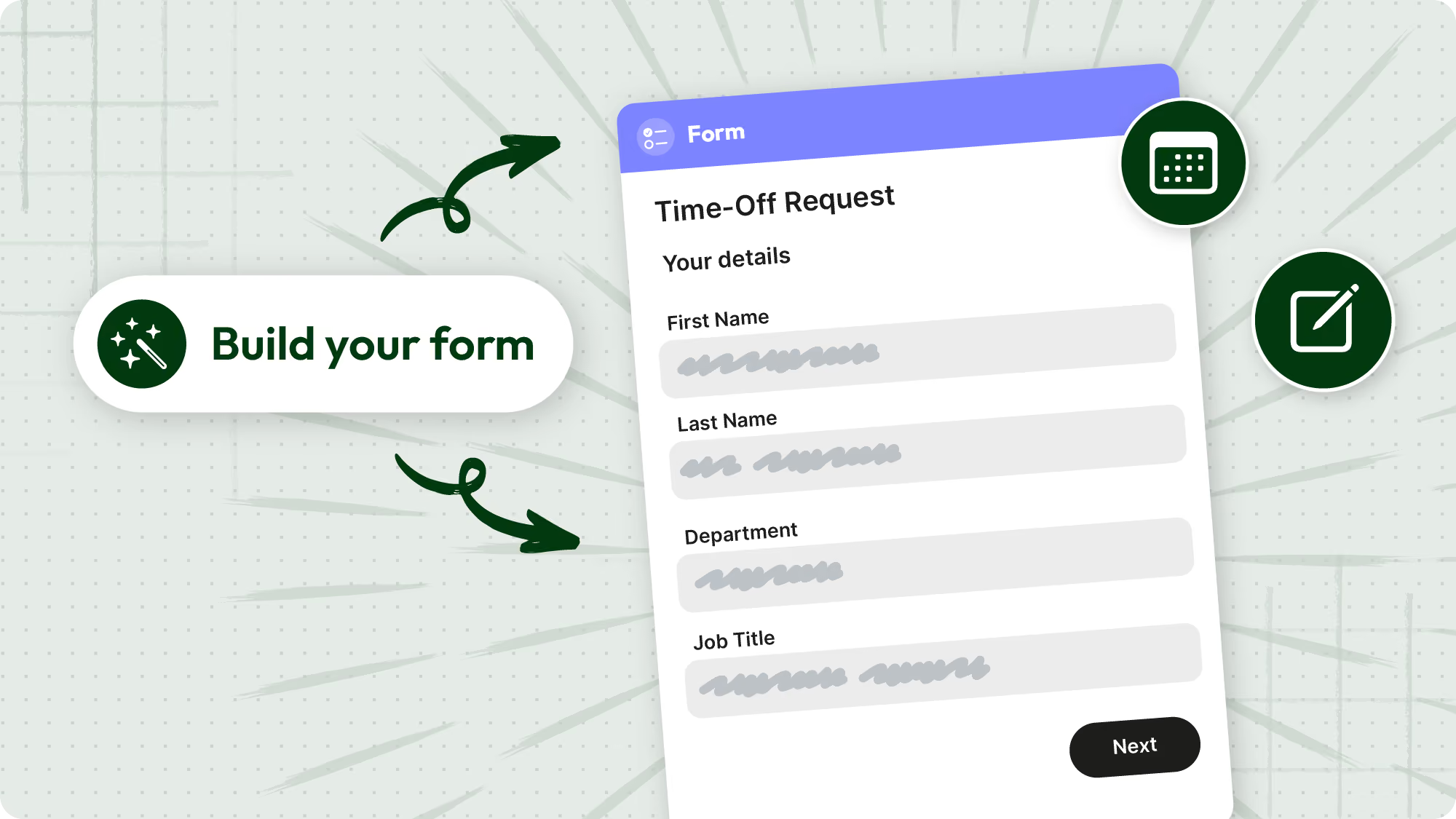
AI builders turn a plain-English prompt into a ready-to-edit draft. Tell Blink what you need, and get a starting point in seconds instead of an afternoon. AI builders are now available on pages, journeys, surveys, and forms.
Sharper workforce insights
Blink IQ customers get two more additions from July 30: Blink IQ translations, which auto-translate analytics dashboards into 20 languages, and Blink Lens chat history, now built into its own tab in the admin panel so Blink IQ Gold customers can revisit past conversations with Lens anytime.
What's next: task management
We're giving an early look at what we're building next: task management, coming soon to Blink. Want a preview, or want to put your hand up as an early adopter? Get in touch with your Blink contact.
Want to see it all in action? Join our release webinar to watch AI builders, faster publishing, video-first chat, and everything else in this release live, plus a first look at what's coming next.



.avif)