Store audit checklist: what to check and how to fix it
You're driving back from your last store of the day, typing notes into your phone at a red light so you don't forget what needs fixing at store 4. By the time you're at your desk, half of it has to be rebuilt from memory, then typed into an email the store manager may not open until tomorrow. This is what a store audit checklist is meant to prevent, and it's also exactly where most of them fall apart.
A store audit checklist is the set of standards an area or district manager checks against on every store visit: exterior, merchandising, cleanliness, safety, stock, staff, and customer service.
A store visit is the broader trip itself, which might include coaching and one-on-ones alongside the audit.
A self-audit is the same checklist completed by the store manager between district visits, to catch and fix problems before the next formal check.
The checklist below works whether you're covering a handful of stores yourself or managing a team of district managers across a region. Audits are one piece of a bigger retail employee experience problem: clear standards and a fast way for stores to report back matter as much as the checklist itself, something we cover in more depth in our retail operations hub. After the checklist, we'll cover how to run the visit, how to turn findings into fixes that get closed out, and how Blink's digital forms and task management replace the paper and the email chase with one connected flow.
The store audit checklist: 6 sections, 27 items
A full store audit checks six areas: exterior, merchandising, cleanliness, safety, stock, and staff and customer service. Work through them in this order on a walk, since it roughly follows the path a customer takes through the store.
Exterior and entrance
- Signage is lit, clean, and not missing letters
- Windows and glass doors are clean and undamaged
- Parking lot and walkways are clear of hazards and litter
- Entrance displays reflect the current promotion
- Carts or baskets are stocked and in working order
Merchandising
- Planograms are followed on key fixtures
- Pricing on shelf edge labels matches the register
- Promotional displays are built and signed correctly
- Shelves are faced up and gaps are filled from backstock
- New product lines are live on the sales floor, not still in the stockroom
Cleanliness
- Floors are clean and free of spills or trip hazards
- Changing rooms or fitting areas are tidy and stocked with hangers
- Staff areas and stockroom are organized, not used as overflow
- Restrooms are clean and supplies are stocked
- Trash isn't overflowing, front and back of house
Safety and compliance
- Fire exits are clear and fire extinguishers are in date
- First aid kit is stocked and accessible
- Trip and slip hazards are flagged and resolved, not just noted
- Required certificates and licenses are displayed where needed
- Manual handling equipment is in good condition
Stock
- Stockroom matches the system count within an acceptable margin
- High-shrink or high-value items are secured correctly
- Deliveries are being processed and put away within target time
Staff and customer service
- Uniform and name badge standards are being met
- Staff can answer basic product and promotion questions without checking with a manager
- Staff greet customers within a set time of them entering the area
- Queue or wait times at checkout are within target
Adjust this to your sector. A grocery store audit checklist adds cold chain temperature checks and date-code compliance. A restaurant store walk checklist leans harder on food safety. The structure holds either way: walk the same order every time, score the same standard every time, and write down what you'd actually tell the store manager.
How do you run a good store visit?
A good store visit has three phases: prepare before you arrive, walk the store with the checklist in hand, and assign owners to every finding before you leave the parking lot. Skipping any one of the three is why audits turn into a stack of notes nobody acts on.
Before: pull the store's last audit score and open actions so you're not raising the same issue twice. Check anything site-specific, a new promotion, a recent complaint, a known maintenance issue, so you know what to look for before you walk in.
During: walk the full checklist in the same order every visit, so stores can predict what you'll check and managers can prep for it honestly rather than guessing. Take photos of anything you flag, not just the things that fail outright. A photo of a correctly built display is useful evidence too, especially if the same display comes down wrong next month. Talk to the manager as you go rather than saving every point for a debrief at the end.
After: findings need to leave the store with an owner and a deadline before you drive to the next one. An audit that ends with "I'll type this up tonight" is an audit that loses half its urgency by the time the store sees it. The section below covers that handoff in detail.
Turning findings into fixes
A finding only counts once it's assigned, dated, proven, and checked again. Four steps, and skipping any one of them is usually why the same issue reappears on next month's audit.
Assign. Every failed item needs a named owner at store level, not a general note to "the team." A task with no owner is a task nobody does.
Deadline. Match the deadline to the risk. A trip hazard gets fixed today. A faded promotional display can wait until the next delivery. Treating every finding as equally urgent trains managers to ignore all of them.
Proof. Don't take a manager's word that something is fixed. A photo closes the loop faster than a phone call and gives you a record if the same issue comes back.
Re-check. Build the follow-up into your next visit or your next digital check-in. An issue that was fixed and then quietly drifted back is more common than one that was never fixed at all.
Most retail operations already have the checklist. What they're missing is this loop. The audit itself takes twenty minutes. Chasing twelve stores by email to find out if they've actually fixed what you flagged can eat the rest of your week.
How it works in Blink
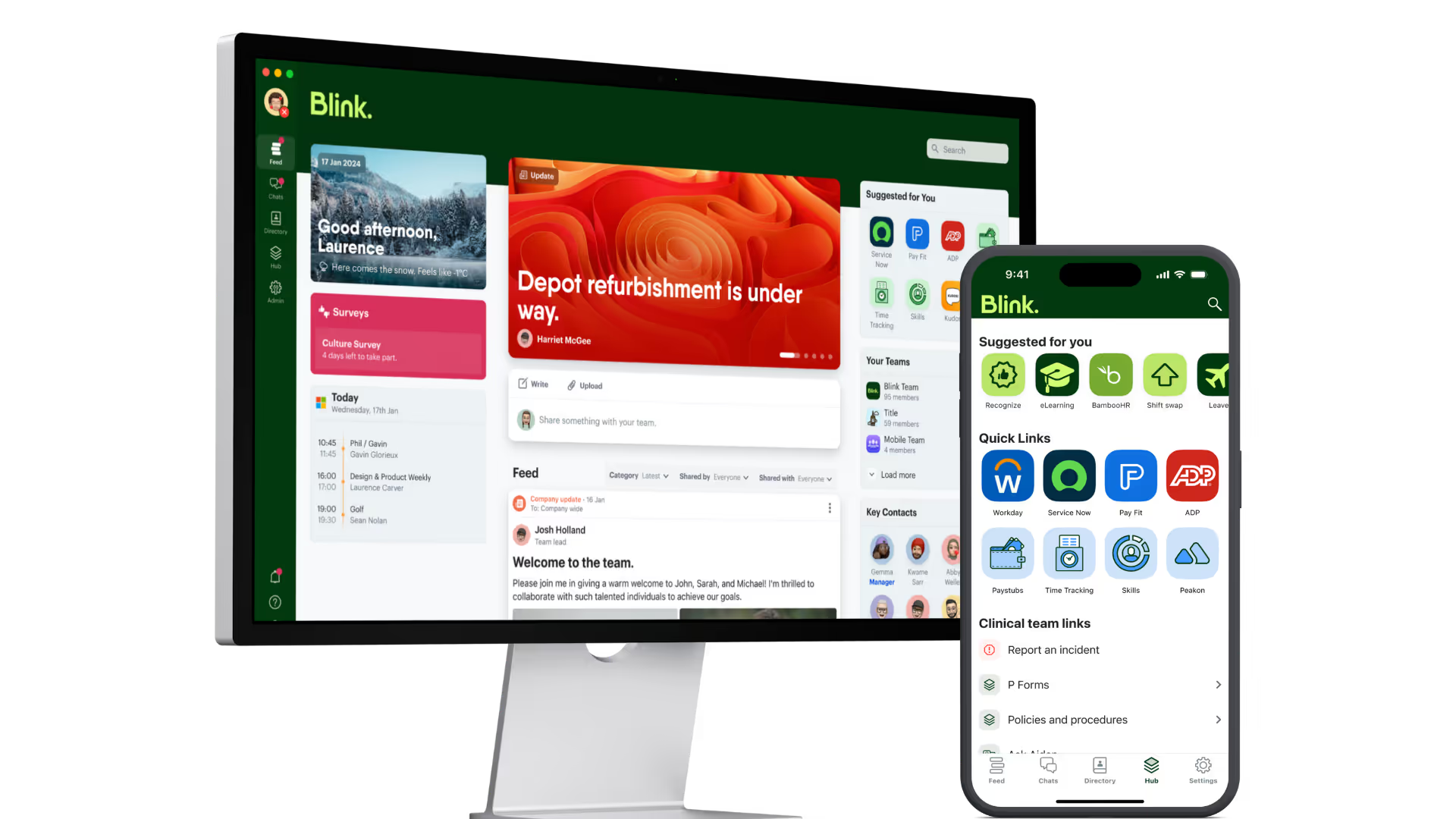
Blink turns the audit from a paper form and a follow-up email into a single digital workflow, from the walk itself through to the re-check.
The district manager completes the audit as a digital form on their phone, section by section, attaching photos directly against each item instead of describing it afterward from memory.
Anything that fails can be turned into a task assigned to a named person at the store, carrying the same deadline and photo-proof standard covered above. The store manager works the task on the same phone they already carry for the rest of their job.
Because the audit and the follow-up tasks sit in the same platform, a district or regional manager has one place to check which stores and which tasks are still outstanding, rather than chasing updates store by store. This is the same pattern behind how retailers use Blink more broadly: a single front door for frontline teams so the tools managers and store staff need, forms, tasks, comms, training, sit in one place instead of five.
Start a 14-day free trial or book a demo to see how audits and task follow-up work together.