Most hospitality teams already have some version of employee chat, usually a personal messaging app repurposed for work because nothing better was ever set up. It's free, everyone already has it installed, and it kind of works. Until it doesn't.
If you're evaluating employee chat for a hospitality team properly, here's what actually separates a tool that helps from one that just adds another notification to ignore.
It has to reach people who don't check their phone on shift
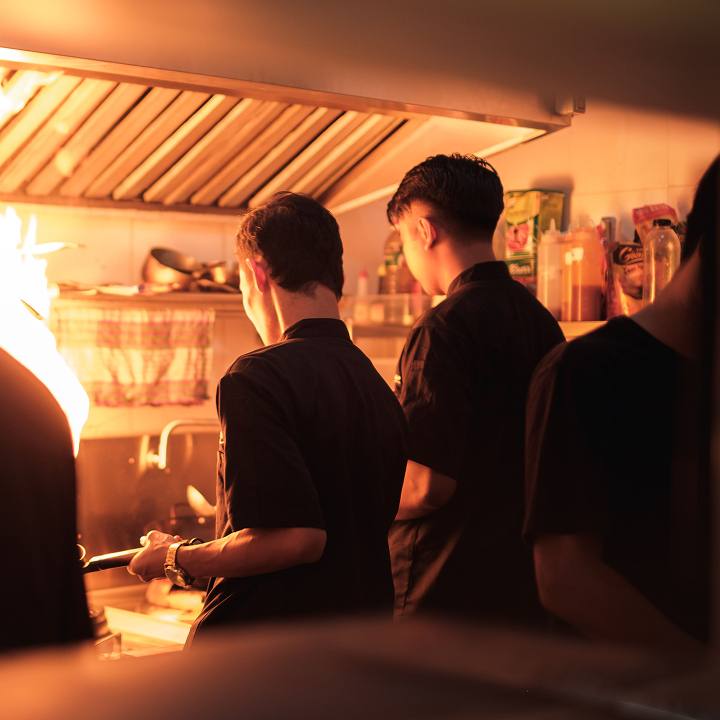
A lot of hospitality work happens with your hands full and your phone in a locker. Employee chat built for hospitality needs to account for that: shared devices at a front desk or a kitchen pass, screens in a back office, a way for someone coming off shift to catch up on what they missed without scrolling through 200 messages. A tool that assumes everyone's glued to a personal phone all day is built for a different kind of workplace.
It needs targeting, not just broadcast
The fastest way to kill engagement with employee chat is to send everything to everyone. A maintenance update doesn't belong in a server's feed. A menu change doesn't need to interrupt housekeeping. Good hospitality employee chat lets you target messages by role, department, shift, or property, so people only see what's actually relevant to them. That's the difference between a tool people read and a tool people mute.
It should replace group chats, not add another one
If your current setup is five different group chats across two apps, adding a sixth channel isn't a fix. Look for employee chat that consolidates: one place for updates, one place for questions, one place for the day-to-day back-and-forth that used to happen across a dozen separate threads.
It needs to connect to more than just messaging
Chat alone solves part of the problem. The teams that get the most out of it pair employee chat with training content, recognition, and operational updates in the same place, so a new hire isn't checking one app for messages and another for their onboarding checklist. That's what turns employee chat into a genuine hospitality employee app rather than just another inbox.
It should work for your specific corner of hospitality
A hotel running three shifts a day and a full-service restaurant syncing a floor before dinner service don't need identical setups, even if the underlying tool is the same. If you want to see how this plays out for hotels specifically, the Blink for hotels page covers the department-to-department gap in more detail. For full-service and multi-concept restaurant groups, the Blink for restaurants page gets into the front-of-house and back-of-house split. And for quick-service brands, speed changes the calculus entirely, which the Blink for quick-service restaurants page addresses directly.
Bringing it together
Employee chat is only one piece of what a hospitality team needs, but it's often the piece that reveals everything else that's missing. If your team's current chat setup feels like noise instead of a genuine communication tool, that's usually a sign it's time for something built for hospitality specifically, not repurposed from a personal messaging app.
Related reading: What is a hospitality employee app, and does your business need one? and Employee retention strategies in the hospitality industry.
See how Blink brings employee chat and everything around it into one place on the Blink hospitality page, or book a demo.