Clarity on every task, every shift

We built task management hand in hand with the frontline. And designed it for everyone supporting them.
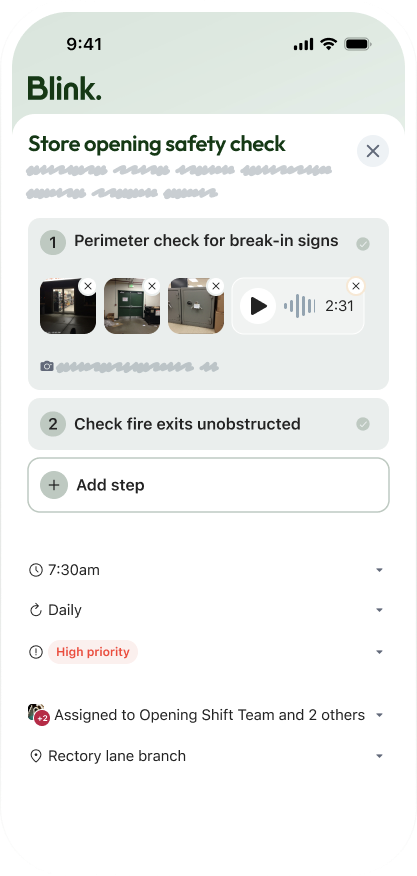
Mobile app screen showing a store opening safety checklist with perimeter and fire exit checks, photos, and audio.
In progress
Tue 27 Jan, 10am Weekly
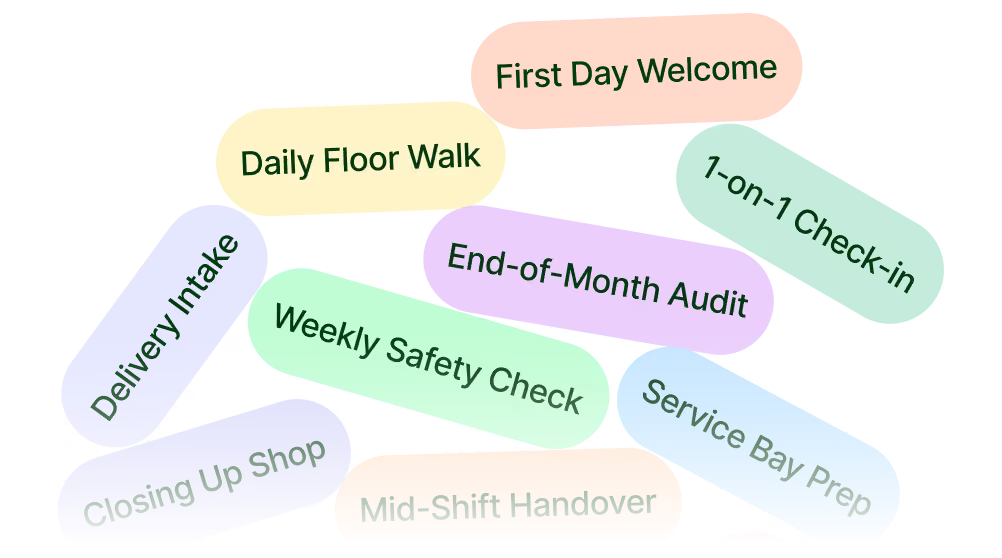
Weekly welcome area reset

Refresh the welcome area so every arriving guest sees it at its best.

0/3 steps1/3 steps
1 Update the local events board
2 Reset the welcome desk display Photo of finished display
3 Log and file lost property
Mobile app screen showing a store opening safety checklist with perimeter and fire exit checks, photos, and audio.
In review Elliot Cross
🤝 Sent to Elliot to check You’ll hear back once it’s reviewed.

Give your team the resources for any environment.

Frontline work happens on shop floors, basement levels, and transit routes. Blink lets your team save the content they rely on so it is always ready to read. Equip your people with the information they need, no matter where their shift takes them.

Done
Tue 27 Jan, 10am Weekly
Weekly welcome area reset

Refresh the welcome area so every arriving guest sees it at its best.

Nice work, every step’s done Ready to mark this as completed?
3/3 steps completed

Built by us.
Shaped by you.

From the first sprint, the organizations we serve have shaped every decision. We watched how tasks actually move through a day. Who picks them up, what gets missed, and what happens at handover. Then we built from there. The result is simple enough to pick up mid-shift, and capable enough for how your operation actually runs.
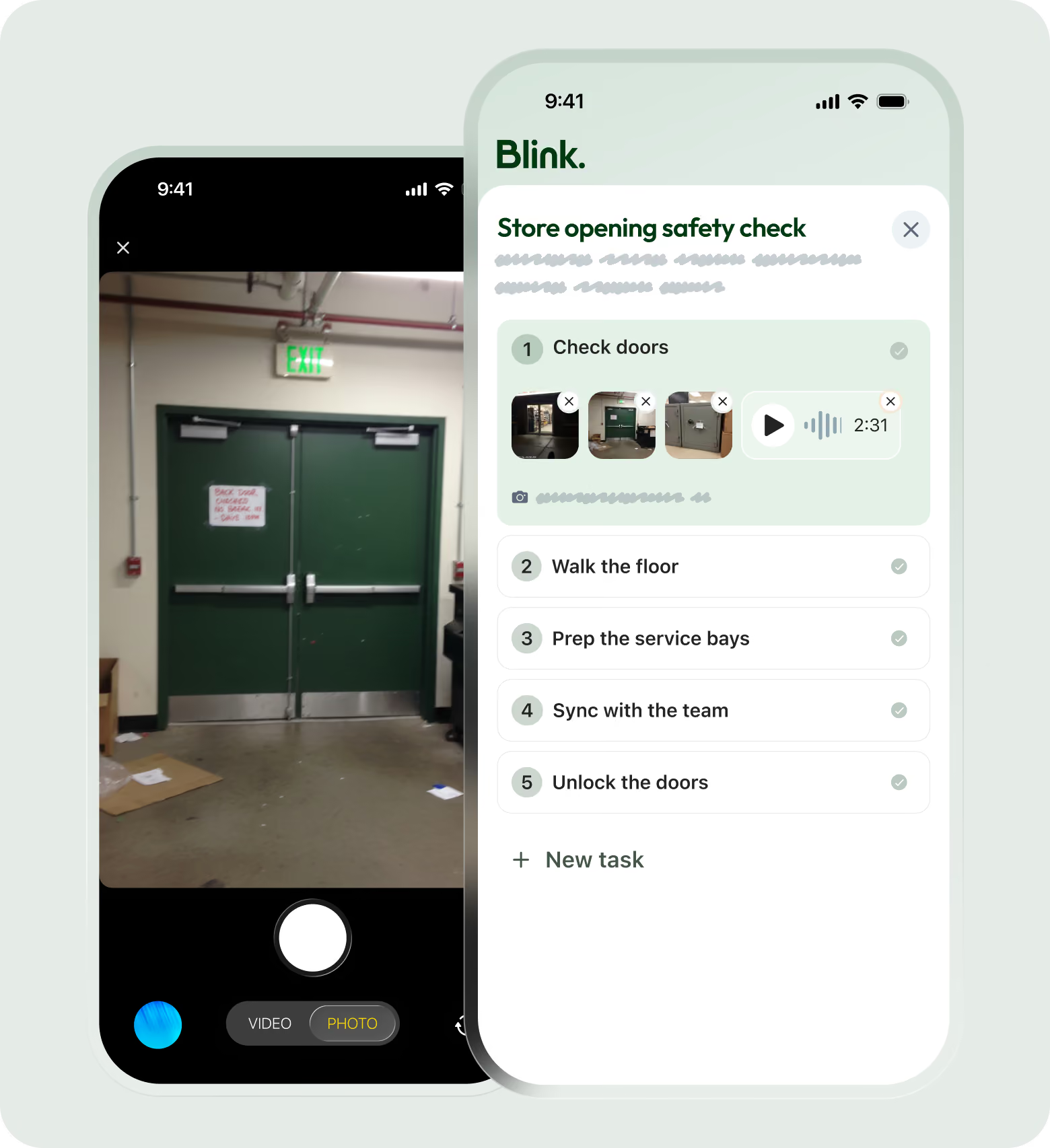
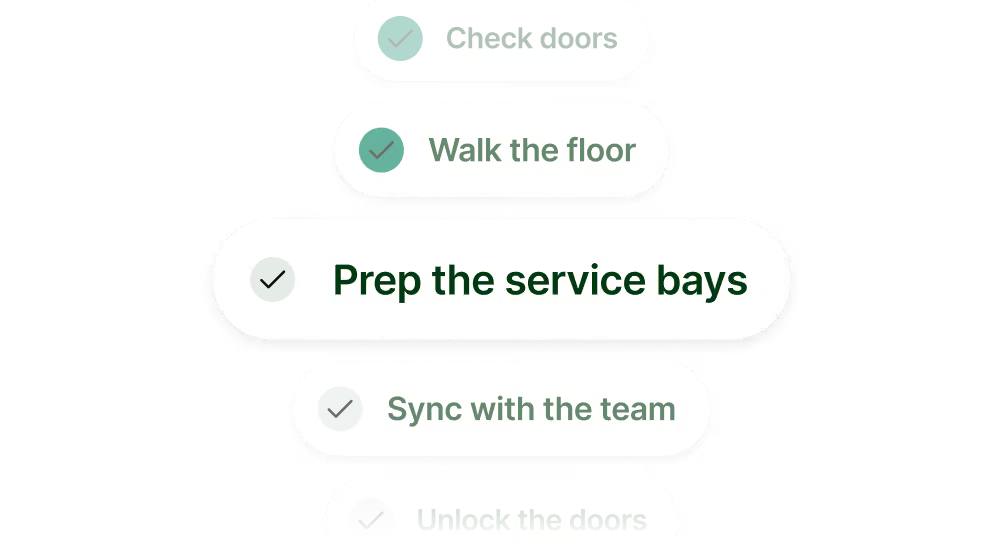
A smartphone screen showing a camera app focused on green double exit doors with a sign, next to a task checklist app named Blink with steps for store opening safety: Check doors (with photos and audio), Walk the floor, Prep the service bays, Sync with the team, Unlock the doors, and an option to add a new task.

Start every shift knowing exactly what to get done and when.

icon of a checklist
Complete tasks quickly
Using step-by-step checklists and embedded compliance forms.
Capture photo evidence
Snap pictures directly in the workflow to prove standards were met.
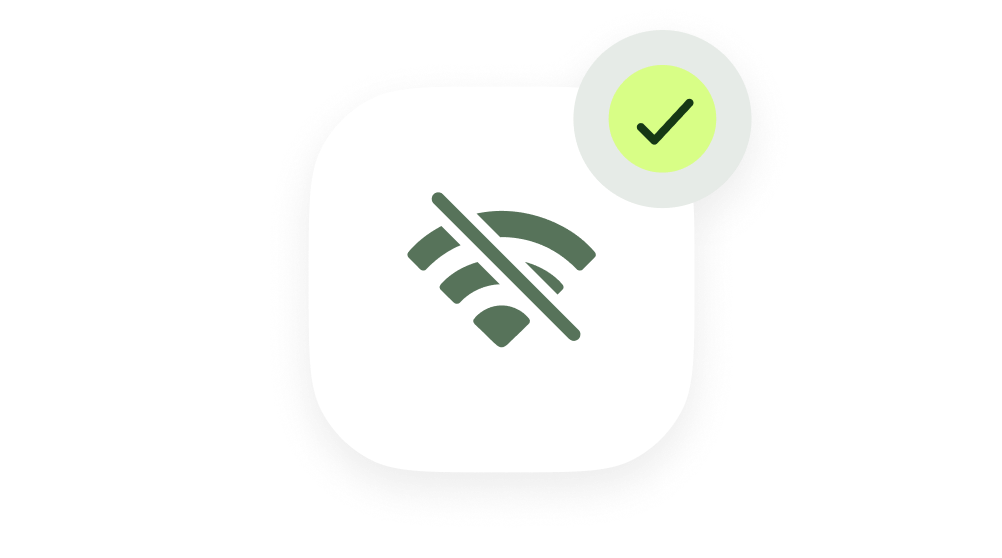
Work fully offline
Keep executing when the store signal drops and sync completed tasks later.
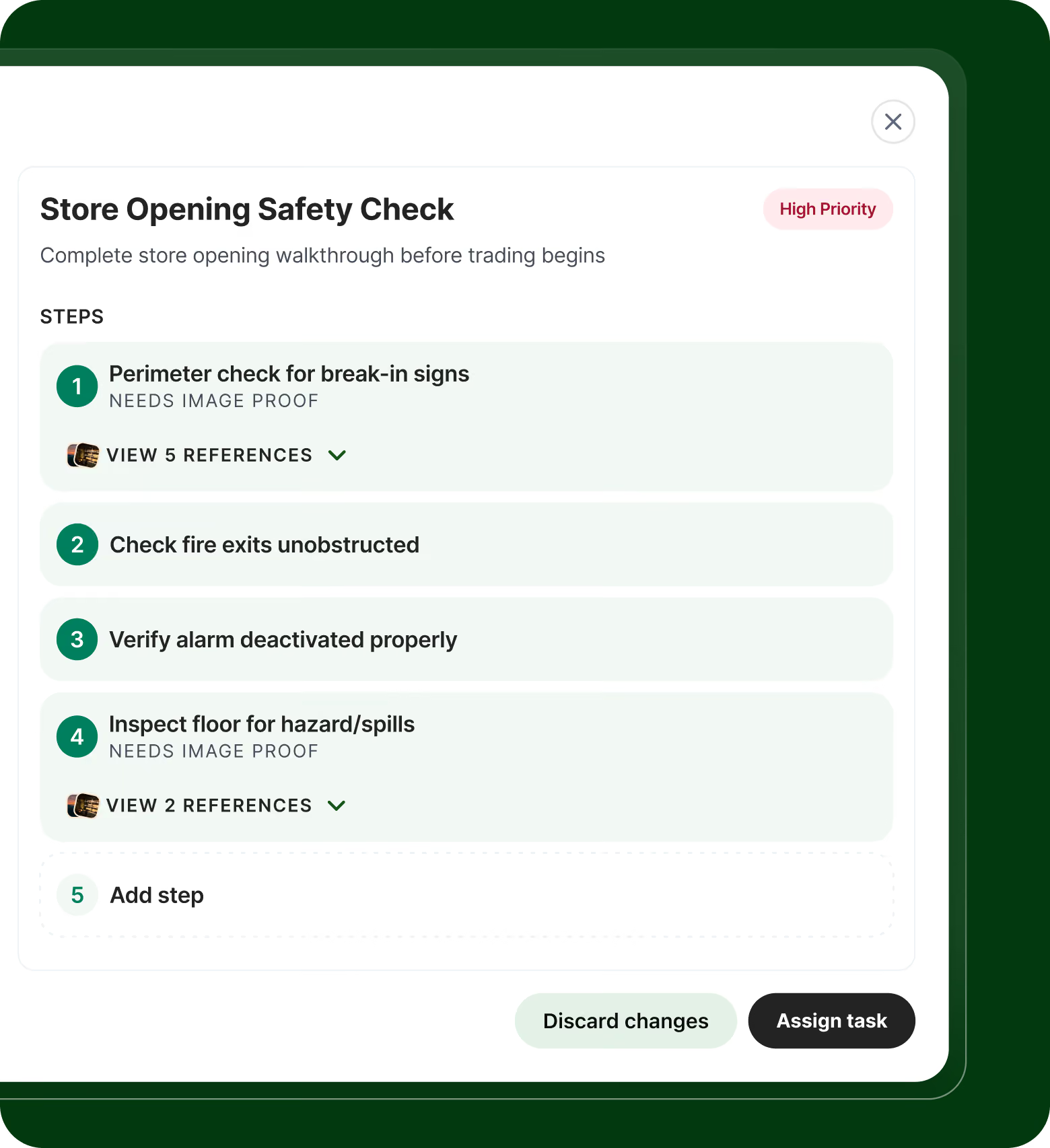
Store Opening Safety Check task interface listing steps: 1. Perimeter check for break-in signs with note 'Needs image proof' and option to view 5 references; 2. Check fire exits unobstructed; 3. Verify alarm deactivated properly; 4. Inspect floor for hazard/spills with note 'Needs image proof' and option to view 2 references; plus an option to add step, with discard changes and assign task buttons at bottom. High Priority label is shown at top right.

See what's happening across every location, and act before it slips.

Assign by role or shift
Route tasks and set permissions so the right colleague picks up the work.
Spot problems early
Analytics surface where tasks are slipping, and push notifications nudge overdue items.
Review before it's closed
Check completed work and send it back with feedback if a task needs another pass.
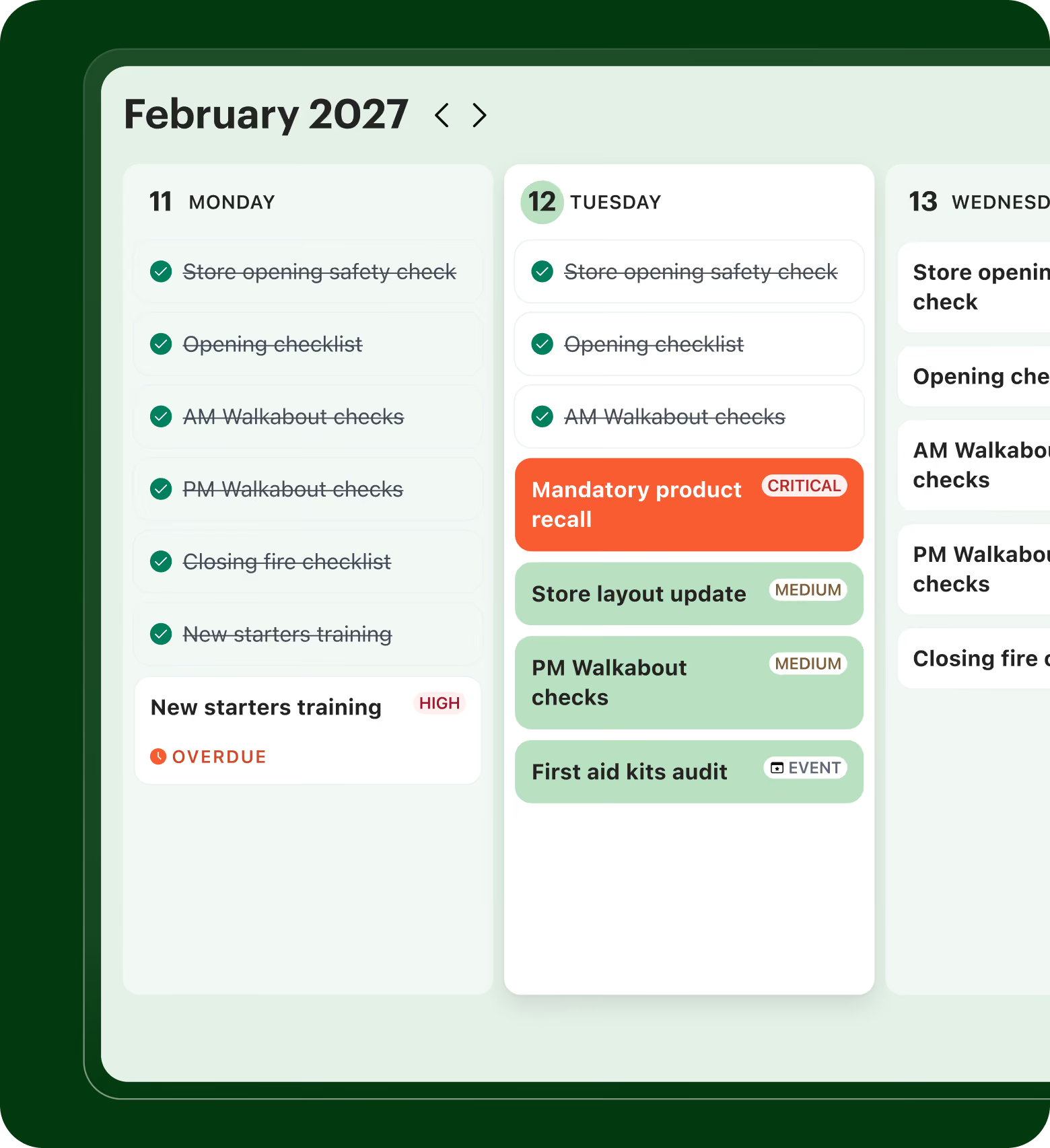
A digital task calendar showing a detailed task list for February 11 and 12, 2027. On February 11, all tasks including store opening safety check, opening checklist, AM and PM walkabout checks, closing fire checklist, and new starters training are completed, but new starters training is marked overdue and high priority. On February 12, tasks include completed store opening safety check, opening checklist, and AM walkabout checks, a critical mandatory product recall, medium priority store layout update and PM walkabout checks, and a first aid kits audit labeled as an event.

One source of truth for every task, across every site.

Hold your team accountable
View task completion rates across your entire organizational hierarchy instantly.
Generate audit records
Log every creation, assignment, and completion event in a secure ledger.
Export compliance data
Download records to CSV or Excel directly for external regulatory reporting.

Explore industry-specific solutions

Opening checklist
Due 08:30 · All stores
SM
Check chiller temperatures
Due 10:30 · Dairy
AK
Set up promo endcap
Due 12:00 · Aisle 4
JM
Close-down checklist
Due 21:00
RS

Send tasks to every store at once

Store managers broadcast opening checklists to all locations in seconds. Verify every store is ready before doors open, and flag issues before they become problems.
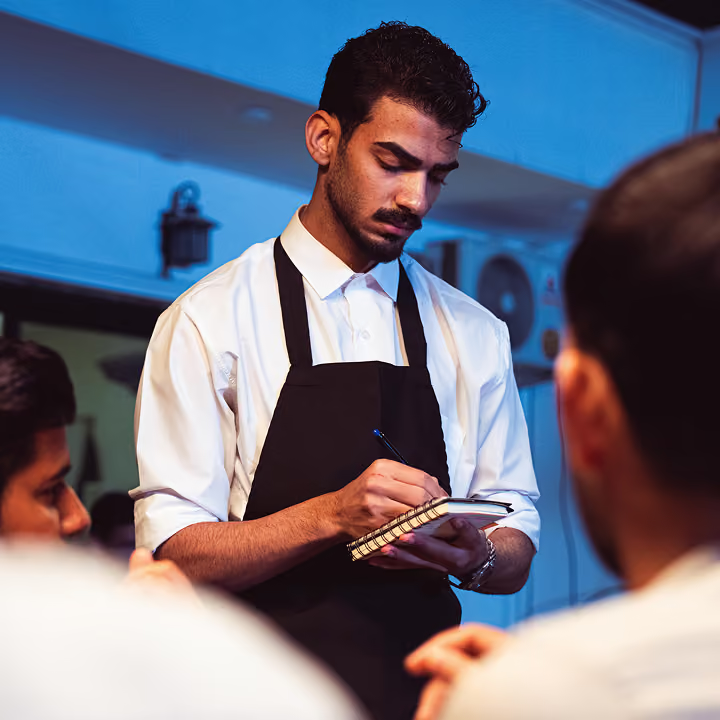
Line check
Due 10:30 · Kitchen
SL
Fridge temperature log
Due 11:00
CF
Prep station setup
Due 11:15 · Grill
TM
Update allergen board
Due 11:30
CF

Kitchen ready, service ready

Shift leads assign prep tasks to each station as doors open. No missed steps, no cold surprises. People see exactly what needs doing and when.
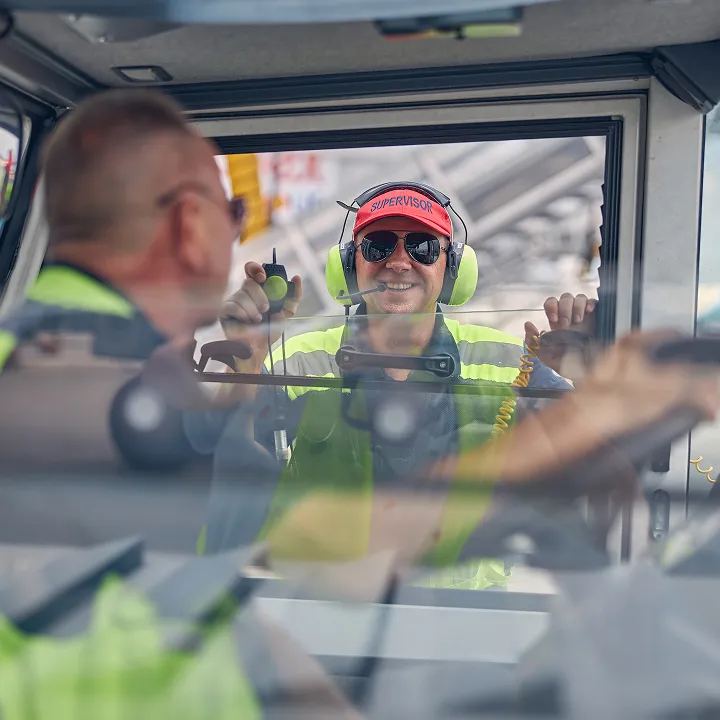
Pre-trip vehicle check
Due 05:45 · Bus 214
DR
Defect report sign-off
Due 06:15 · Depot A
MK
Tyre pressure check
Due 07:00 · Bay 3
MK
Cab cleanliness check
End of shift
DR

Fleet checks, no delays

Drivers run safety checklists before rolling out. Mechanics stay on top of maintenance. One screen for pre-shift checks, and everyone follows the same process.

Room prep
Due 07:30 · Room 12
LT
Patient handoff notes
Due 08:00
PO
Equipment check
Due 09:00 · Ward B
LT
Restock PPE station
Due 14:00
DN

Every shift, every protocol

Clinical staff see their shift tasks on arrival. Room preps, patient handoffs and equipment checks all get done. Full accountability without extra meetings.

Pre-shift safety check
Due 06:00 · Line 2
GB
Forklift inspection
Due 06:30 · Bay C
KW
Station sign-off
Due 07:00 · Line 2
GB
Log downtime reasons
End of shift
SH

Lines ready, output steady

Crews start their shift with equipment checks and safety protocols built in. Line leads verify every station is running. Task completion shows exactly where you are.
The operator's guide to frontline task management.
A practical guide to standardizing daily operations across every site, drawn from what we've learned rolling out Blink's task management with retail and QSR teams like Halfords and Domino's.
Get the guide

The operational details that make work management complete.

More resources for frontline operations teams.

No items found.
No items found.
No items found.
No items found.
Sort

Frequently asked questions

What industries is it built for?

Multi-site, shift-based operations where compliance matters. Retail (validated with Halfords) and QSR. Best fit for organizations with multiple locations, shift-based workforces, and compliance reporting requirements.

Does it work offline?

Yes. Workers complete tasks on personal or shared devices, with offline support for low-connectivity environments. Data syncs when the device is back online.

Is Blink Task Management standalone or part of the full Blink suite?

Both. Run it on its own through Workday Marketplace, or pair it with comms, surveys, and engagement in one frontline app.

Does it integrate with Workday?

Yes, we built Task Management closely with Workday so our API is compatible and can solve for overlapping customer needs.

What makes Blink different for frontline task management?

Three things. First, mobile-first design built for workers on the floor, not adapted from desktop. Second, native communications — task management lives in the same app frontline teams already use to talk, share, and stay in sync. Third, enterprise grade controls and auditability built for scale across different industries. Operational depth without desktop-era constraints.