
Best employee engagement platforms for small business in 2026
It's Tuesday afternoon, you've got a 60-person team spread across two locations, half of them hourly, and nobody has a company email address. You need a way to reach everyone, recognize good work, and get a read on morale, and you need it running by Friday, not by next quarter.
An employee engagement platform for small business is software that helps a company with roughly 20 to 300 employees communicate, recognize good work, and measure how people feel about their jobs, usually without a dedicated HR or IT team to run it.
Most roundups of this category get that backwards. They rank tools built for 2,000-person companies with HR business partners and procurement teams, then wonder why a 40-person retail chain bounces off the pricing page. A small business with hourly, frontline, or multi-site staff needs something different: fast setup, a cost structure that holds up through a slow month, and employee engagement software that works on a phone because half the team doesn't sit at a desk. For the broader picture of running a lean team day to day, see our guide on how to manage employees in a small business.
This guide covers what to look for, then compares 8 platforms (Blink, Connecteam, Bonusly, Officevibe, Lattice, 15Five, Culture Amp, and Homebase) on what small businesses actually need: speed, mobile access, and honest limits.
What small businesses actually need from an engagement platform
A small business engagement platform earns its keep in four areas: speed to launch, mobile-first design, a cost structure that doesn't punish growth, and no reliance on an IT team to configure or run it. Enterprise checklists (SSO federation, custom API builds, multi-year implementation roadmaps) are mostly irrelevant here. A 60-person landscaping company and a 200-person restaurant group need something closer to a utility than a platform.
Before you compare tools, check each one against this list:
- Setup measured in days, not months. If a vendor's own site talks about an "implementation team" or a multi-week onboarding process before you see value, that's an enterprise-shaped tool wearing a small business price tag.
- Mobile-first, not mobile-adapted. Hourly and frontline workers don't have a company laptop. If the tool's core workflow (recognition, chat, a schedule check) requires a desktop browser, it won't reach your whole team.
- Works for people without a company email address. Many small businesses have hourly or frontline workers who've never been issued one. A platform that needs an email to activate someone locks part of your team out before day one.
- Pricing that scales in a straight line. Per-user pricing is common and fair. Look for flat, predictable per-user rates rather than tiers that gate basic features like chat or recognition behind a "Pro" or "Plus" plan.
- Low admin overhead to run day to day. If the platform needs someone spending several hours a week on configuration, segmentation, or reporting, you've just created a part-time job to manage the engagement tool.
Compare the 8 best employee engagement platforms for small business
{{blink-table:table-1}}
Blink: an engagement platform built to launch in a week, not a quarter
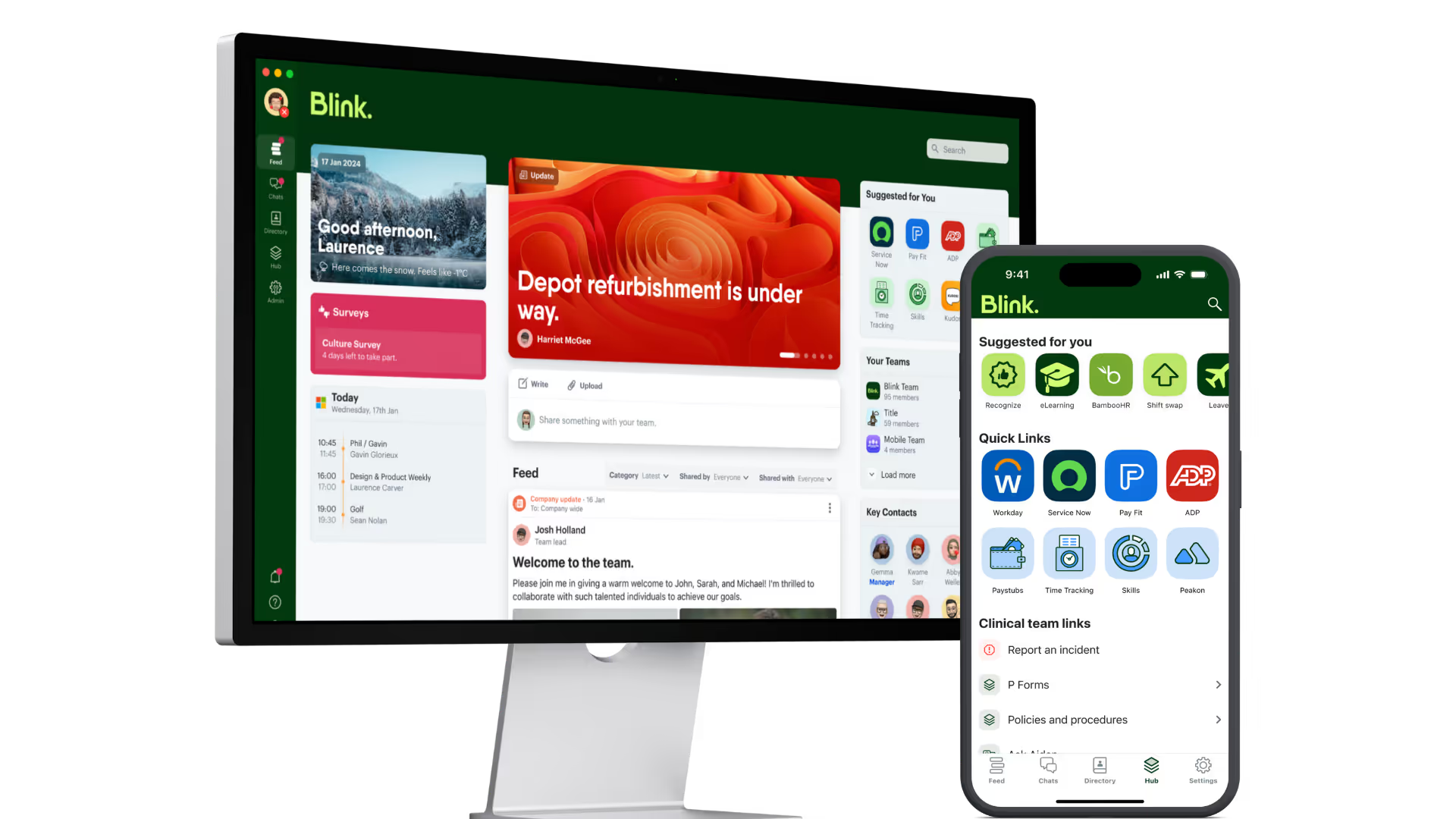
Blink's Core plan is built for small businesses that need to improve communication, alignment, and engagement without a software rollout project. It includes the Feed for company-wide updates, Chat for team and one-to-one conversation, the Hub as a single home for documents, links, and policies, and Recognition so managers and peers can call out good work in the same place people already check for their schedule or a shift swap. Pricing is per user per month, and the exact rate depends on headcount and billing term. Check Blink's pricing page for current rates rather than relying on a quoted figure.
The principles in this guide (speed, mobile-first, low admin overhead) apply just as well at 20 or 30 employees as they do at the upper end of the small business range.
Across Blink's customer base, overall adoption runs over 90%, including workers who start with no company email at all. That matters more at small business scale than at enterprise scale, because there's no change management team to force adoption if the tool isn't obvious. If it isn't, people quietly stop opening it. A team that actually uses the thing you paid for is what matters, not a dashboard full of engagement scores nobody checks.
Check plan gating on Blink's pricing page before you commit, since which features sit in Core versus a higher tier can change as the product evolves.
How to roll out an engagement platform in a small business in one week
A small business can go from picking a platform to having an active team in about a week, if the rollout follows a tight, simple order: pick a launch date, load your people, train your managers, launch loud, then check who didn't show up.
- Day 1 to 2: load your team and set the basics. Import your employee list, set up groups by location or shift if you have more than one site, and add your logo and a handful of welcome posts so the app isn't empty on day one.
- Day 3: brief your managers first, not your whole team. Managers who understand the tool and believe in it will carry adoption for you. A five-minute walkthrough beats a written policy nobody reads.
- Day 4 to 5: launch with something worth opening. A countdown post, a simple welcome video, or a small incentive for the first wave of sign-ins works better than a dry company-wide email announcing a "new system."
- Day 6: start recognition immediately. The fastest way to prove a new tool is worth checking daily is a manager publicly thanking someone on it in the first 48 hours. Recognition posted early becomes the habit that keeps people opening the app.
- Day 7: check who's missing and follow up directly. Pull a simple activation list. A short, personal nudge to anyone who hasn't logged in yet does more than a second mass announcement.
If your last tool launch flopped, it was probably one of two things. People who needed a company email to get in never made it past step one. Or there was no reason to open the app once the novelty wore off. Pick a tool that solves both, and a one-week rollout holds.
A one-week rollout isn't about rushing. It's about matching the pace of the business. Small businesses that wait for a "perfect" launch plan often lose momentum before they start.
Start your rollout
Start a 14-day free trial to see how a Core plan rollout looks for your team, or book a demo if you want a walkthrough first. If you want a wider field of options first, our roundup of employee engagement tools covers the category beyond this small business shortlist.