Designed with purpose. Built to unlock potential.
Discover the latest and greatest in Blink.

Smarter, more relevant communications
Relevance, intelligently delivered.

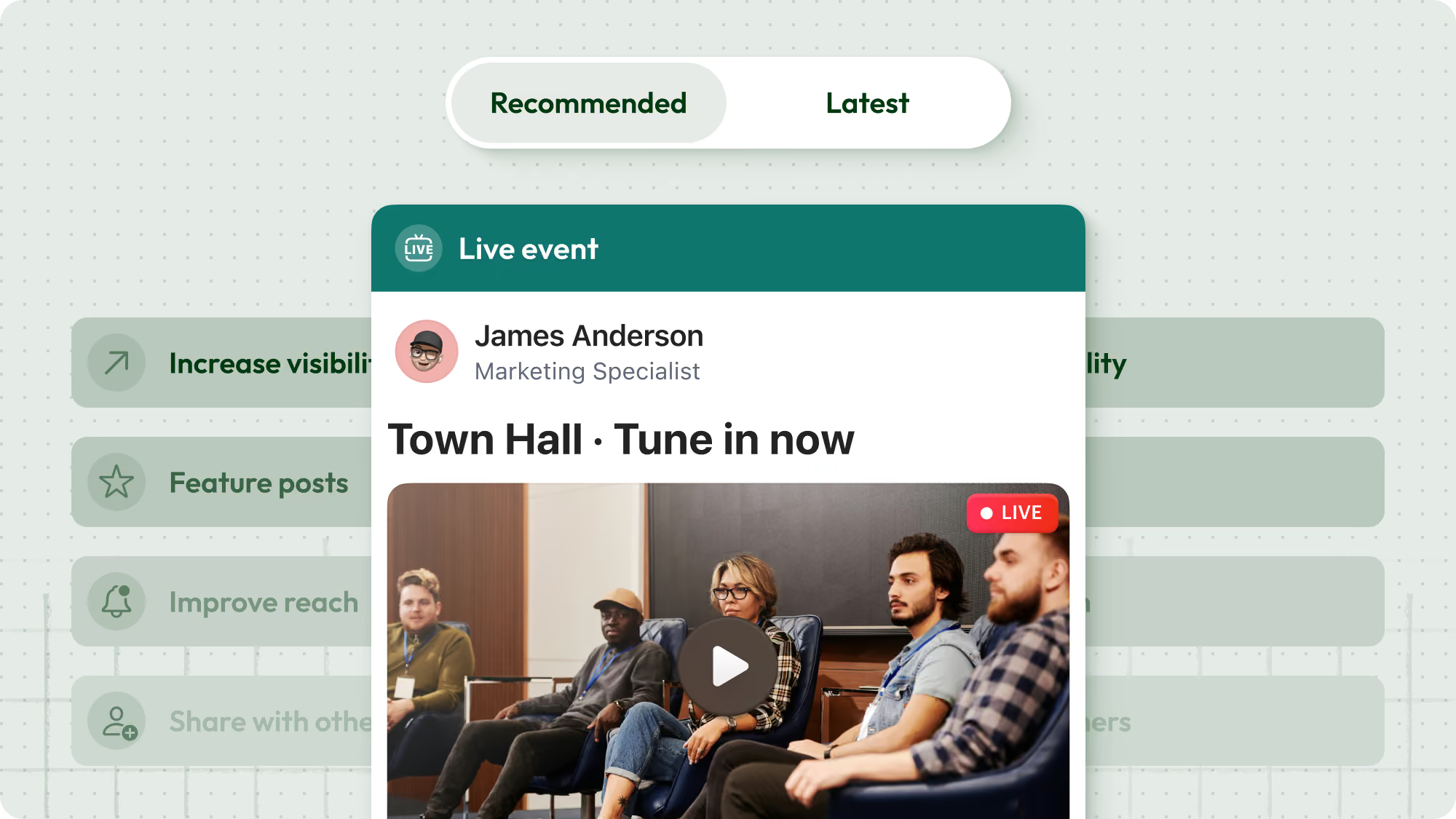
Smart Feed introduces a recommended feed experience that prioritizes relevance over strict publish time. Instead of relying on manual ordering, the feed adapts to organizational goals and surfaces content based on what matters most to each user. The result is a more personalized experience at scale — helping employees see what’s most relevant, at the right time, without additional admin effort.

No signal? No problem.

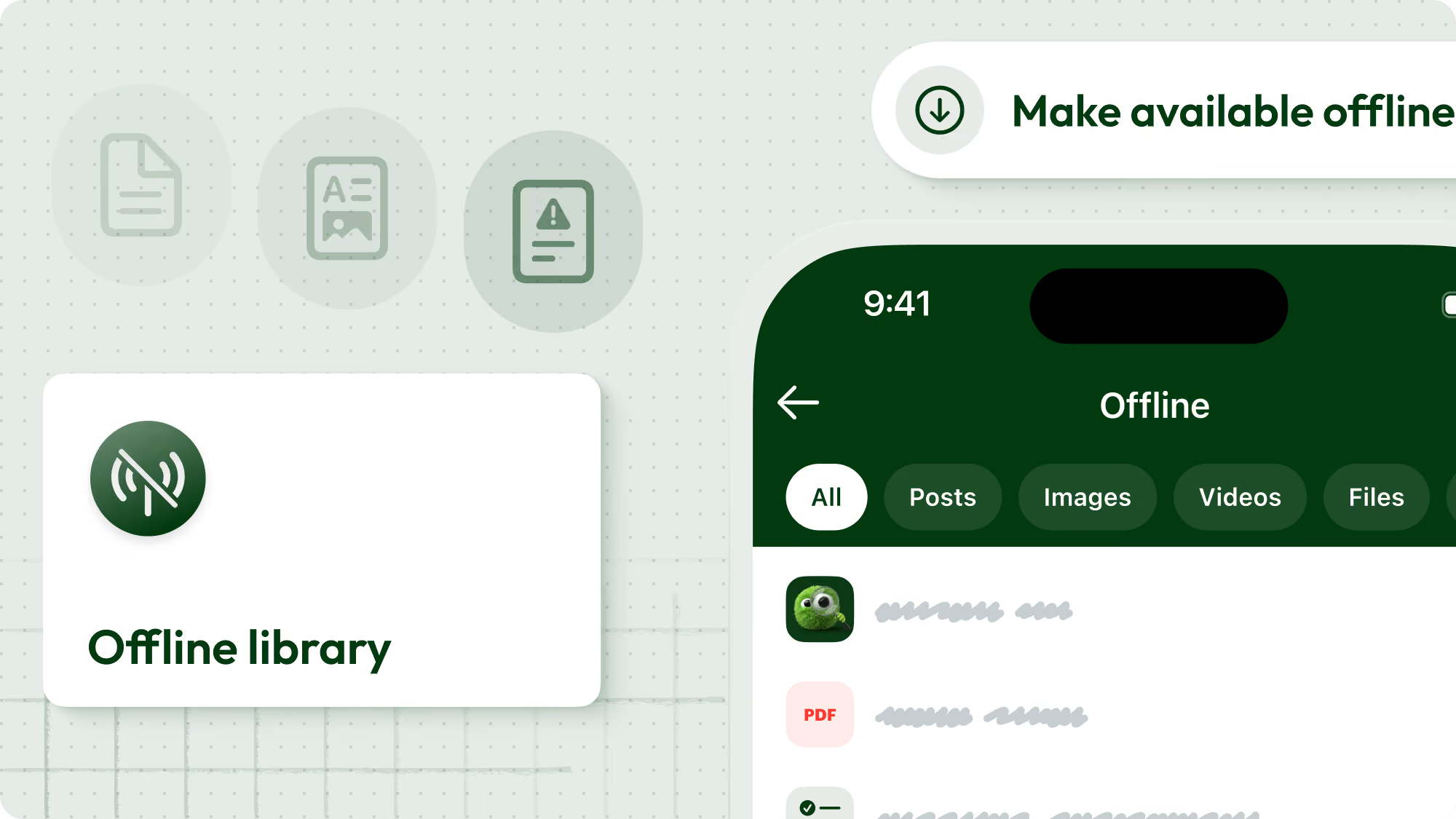
Offline Mode allows employees to save Hub content and Feed posts for access without connectivity on mobile. Saved content is available centrally, syncs automatically when reconnected, and downloads are WiFi-first by default. Admins retain control over sensitive content using protected settings. Critical information is now accessible anytime, anywhere — even on the frontline.

One post. Extended reach.

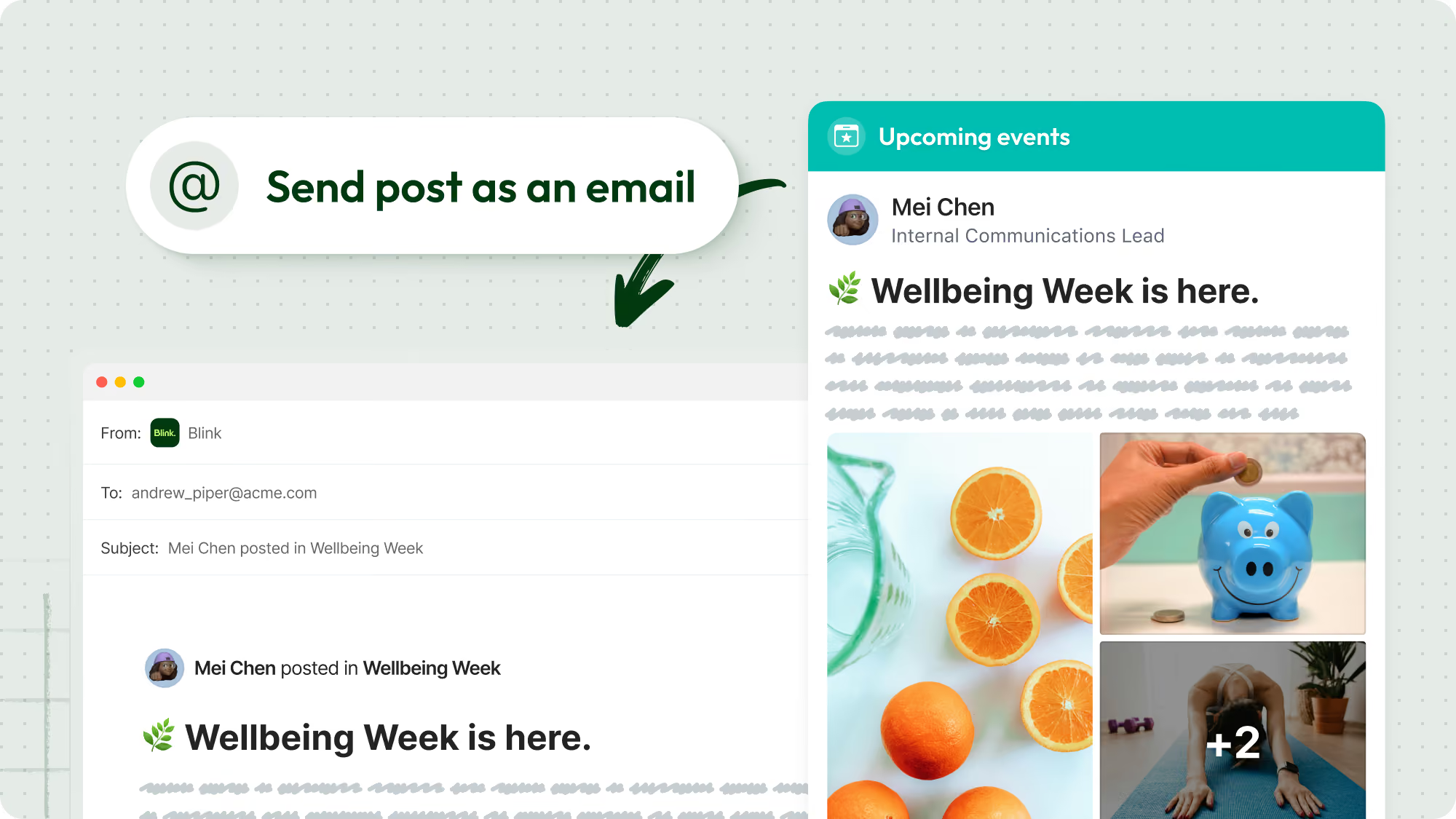
Email Delivery enables organization admins to send a published Feed post as an email directly from Blink. Posts can be sent to an entire group or only to users who haven’t read the update. Each email includes a preview, first image, and a call-to-action linking back to Blink. This strengthens delivery, increases visibility of critical communications, and supports multichannel engagement without duplicating effort.

Deeper interoperability across enterprise systems
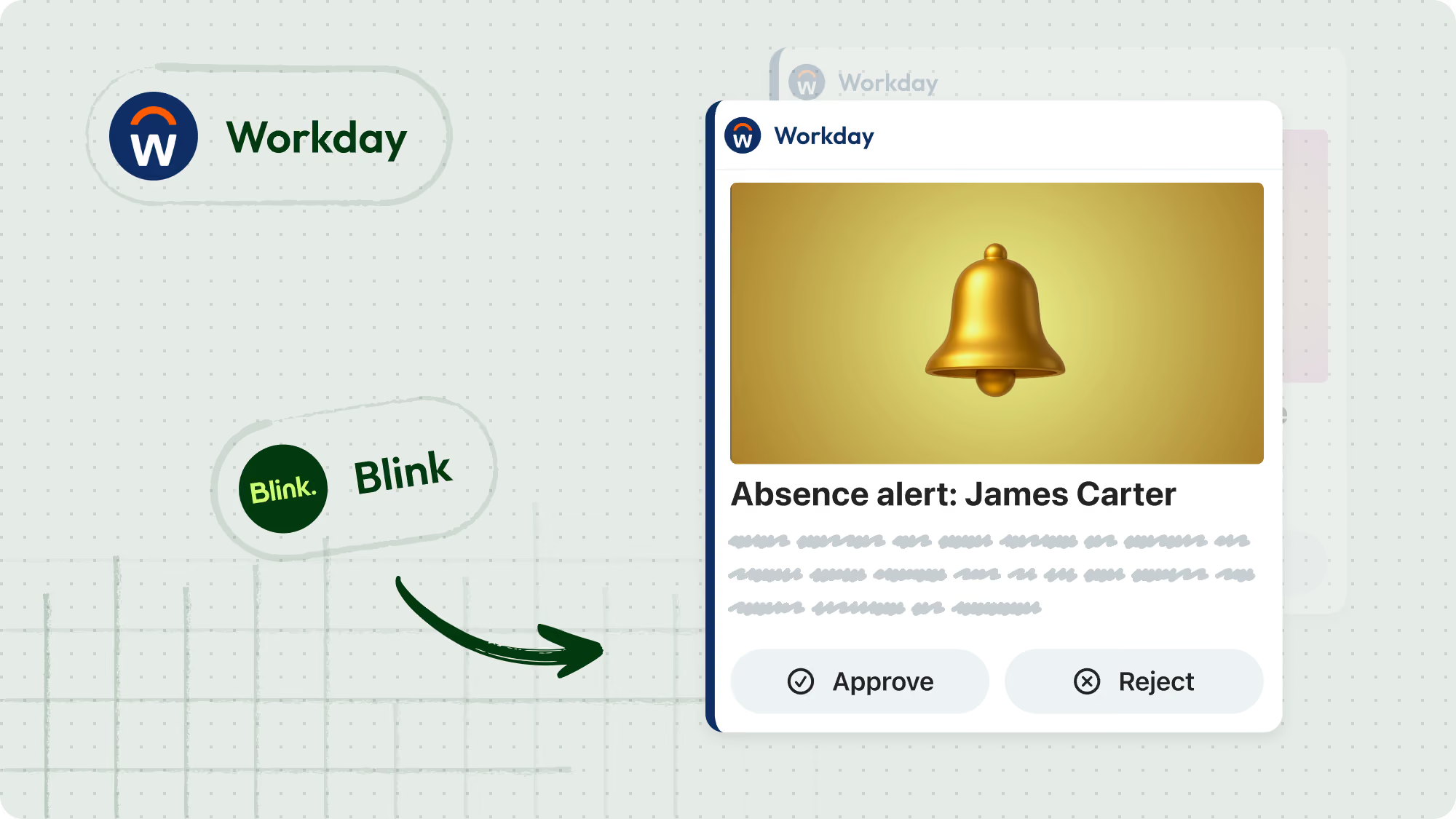
Approve in one tap. No system switching.

Workday notifications now surface directly within the Blink Feed, allowing managers to approve or deny leave requests in one tap. Employees receive real-time updates about their requests without logging into Workday separately. By embedding actions directly into the Blink experience, organizations accelerate approval turnaround times and reduce context switching between systems.

HR tasks, surfaced daily.

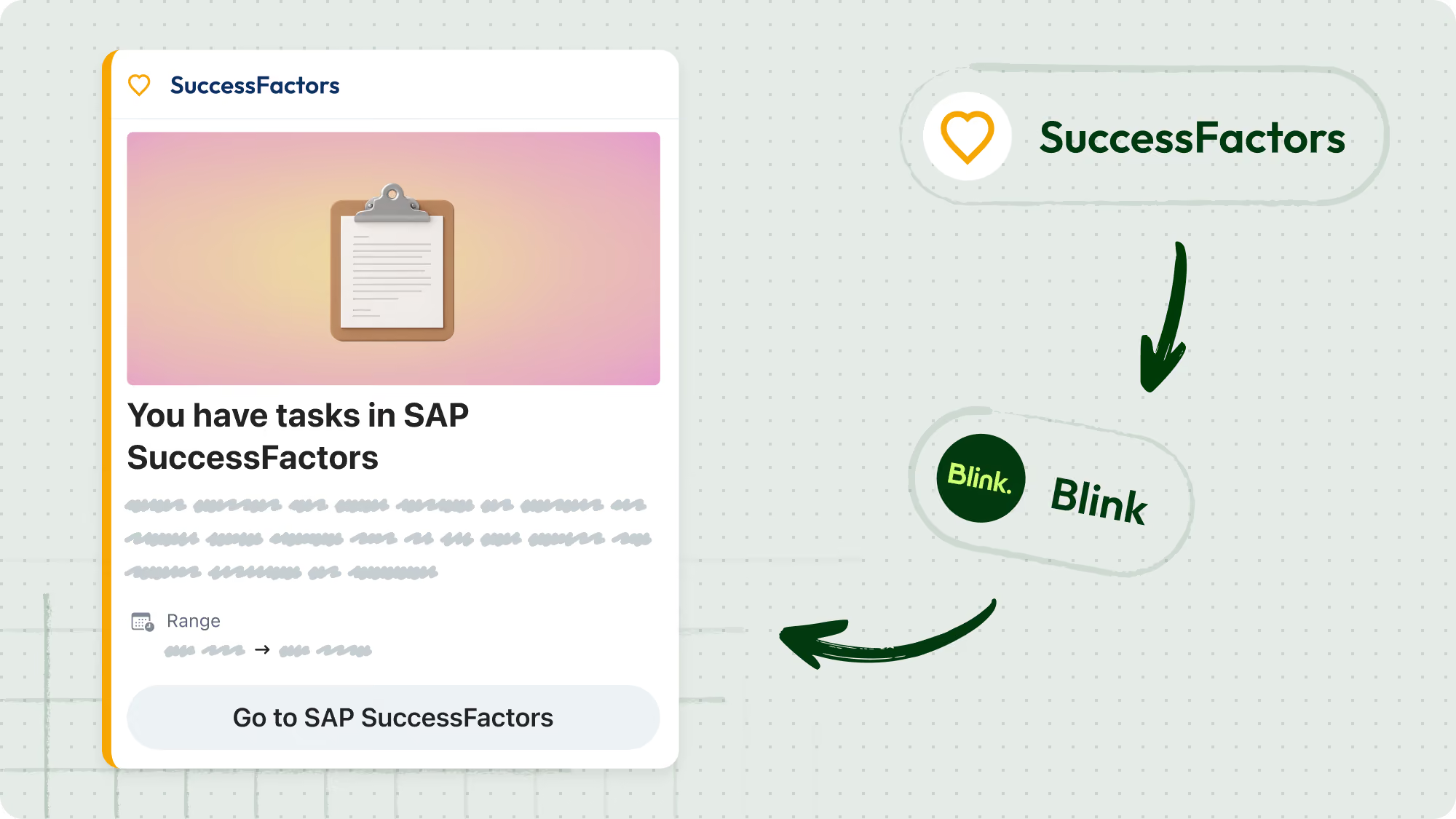
The SAP SuccessFactors Daily Digest delivers a Blink notification when new tasks are waiting in SuccessFactors. The notification displays the number of pending items and links directly to the system to take action. Delivered once daily at a configurable time, the digest improves visibility of training, assessments, and acknowledgements while minimizing system hopping.

Tasks surfaced. Deadlines met.

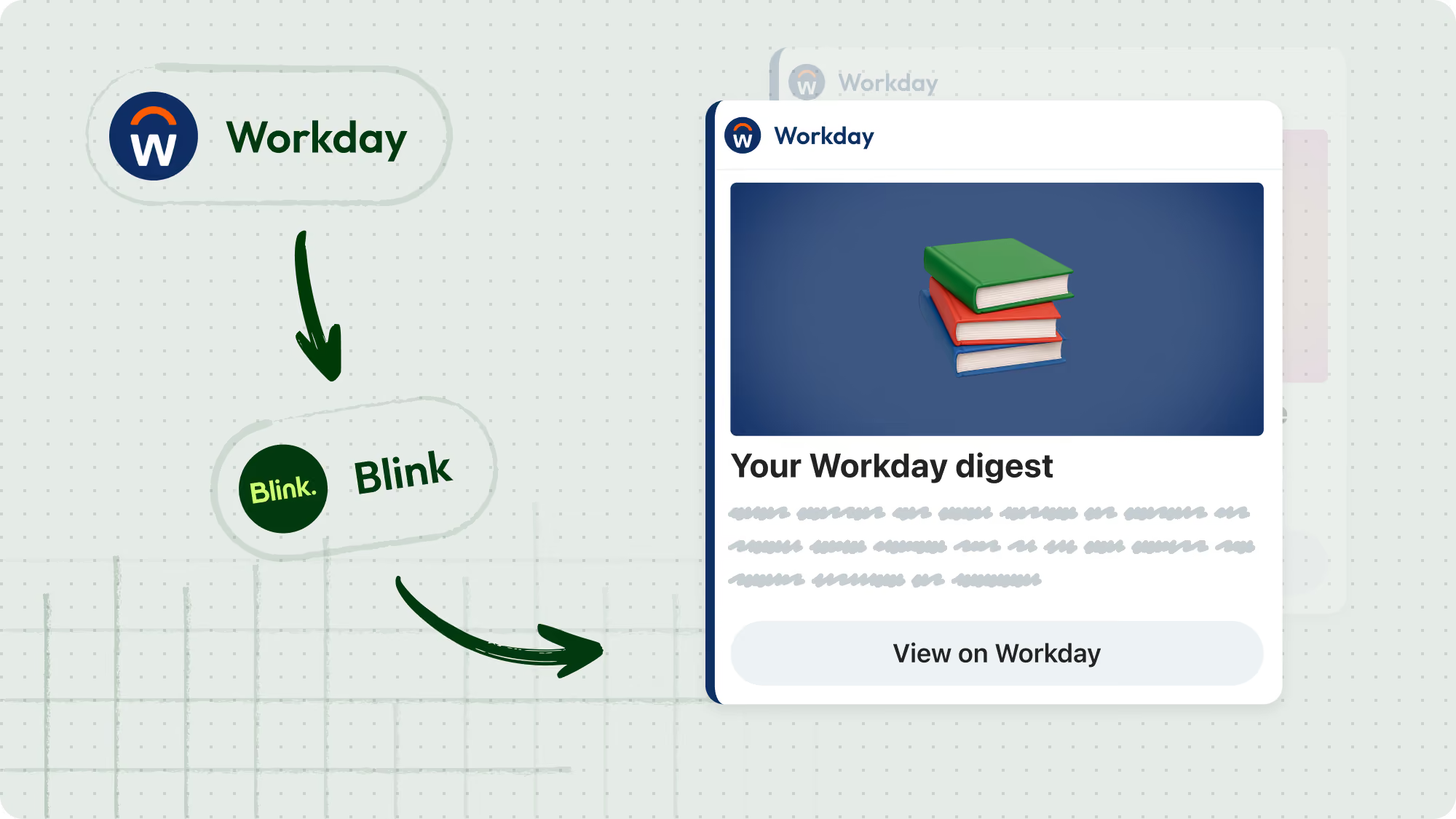
Workday Digests provide daily or weekly summaries of open Workday tasks directly within Blink. Notifications are triggered only when items exist, ensuring important actions aren’t buried in an inbox. By bringing reminders into everyday workflows, organizations reduce missed deadlines and support proactive task management.

Safer, more confident communities at scale

Right people. Right spaces.

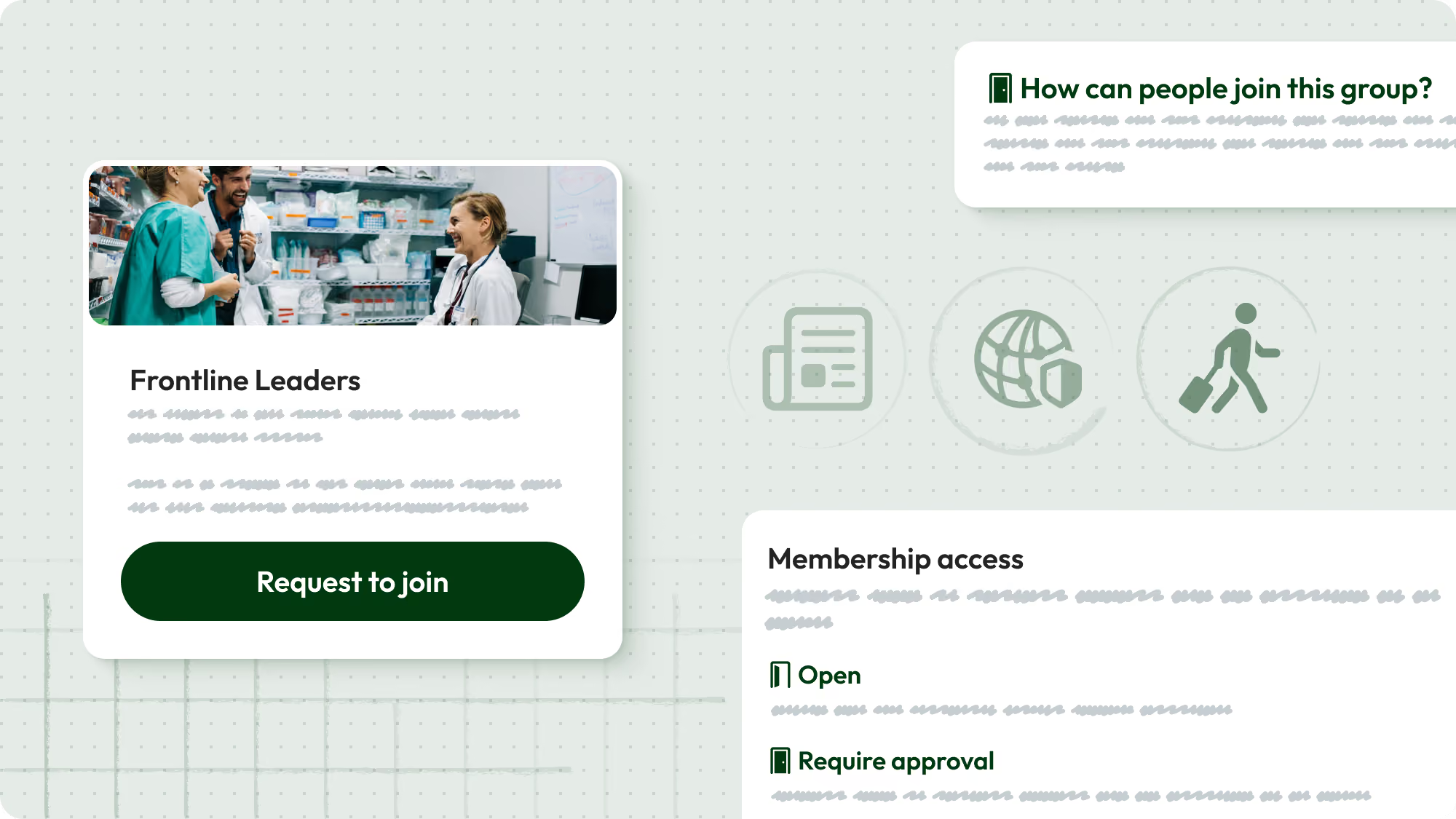
Communities can now be set to require admin approval before new members join. Closed communities display a “Request to Join” option, and admins can approve or decline requests on web or mobile. This ensures the right people are in the right spaces and supports executive, HR, and confidential groups as organizations scale.

Growth — with guardrails.

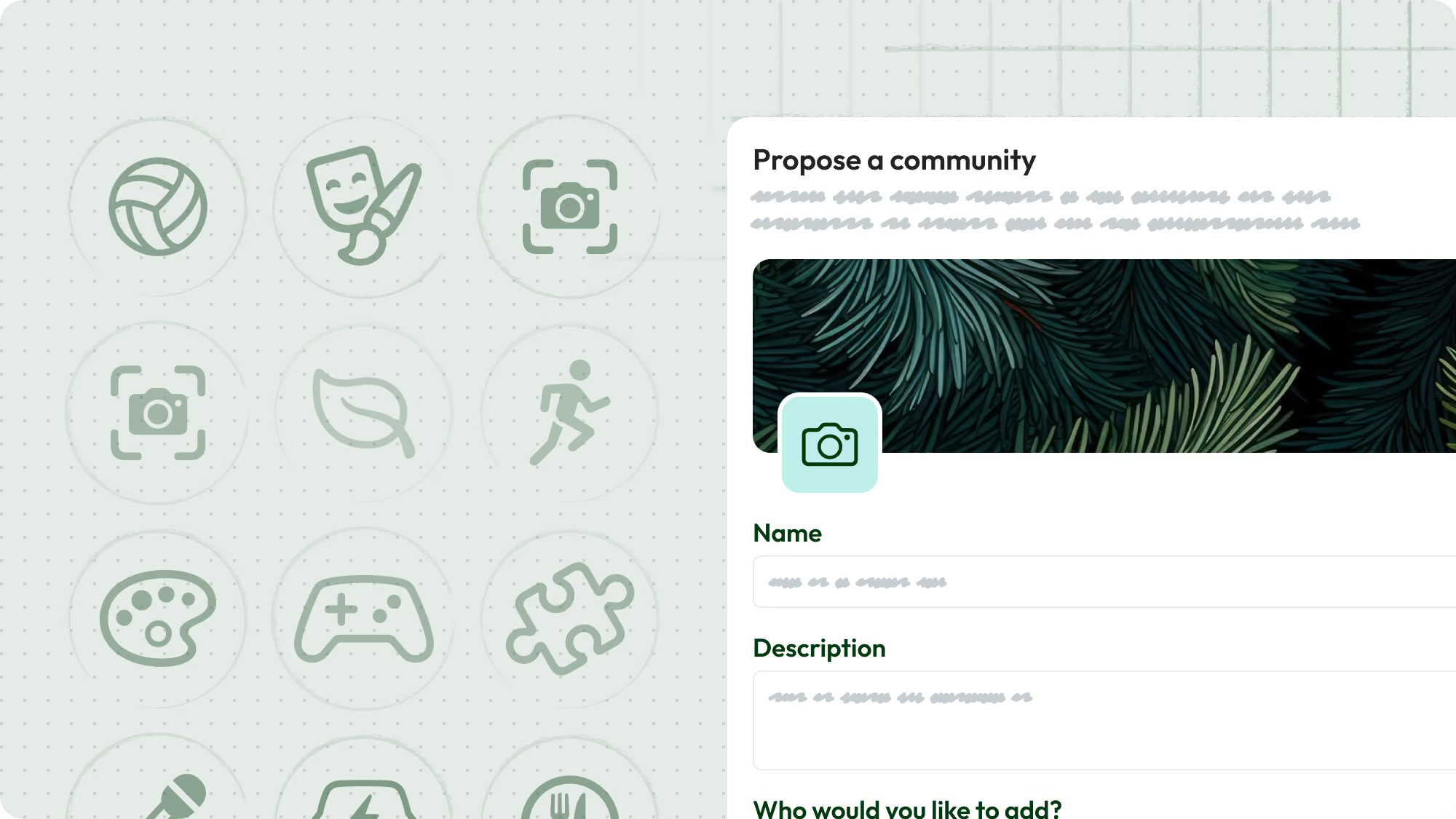
Employees can submit a request to create a new community, subject to admin approval. Group creation is managed through organization-level settings, giving admins visibility and control before new spaces are launched. This supports structured growth while preventing uncontrolled group sprawl.

Proactive moderation. Built in.

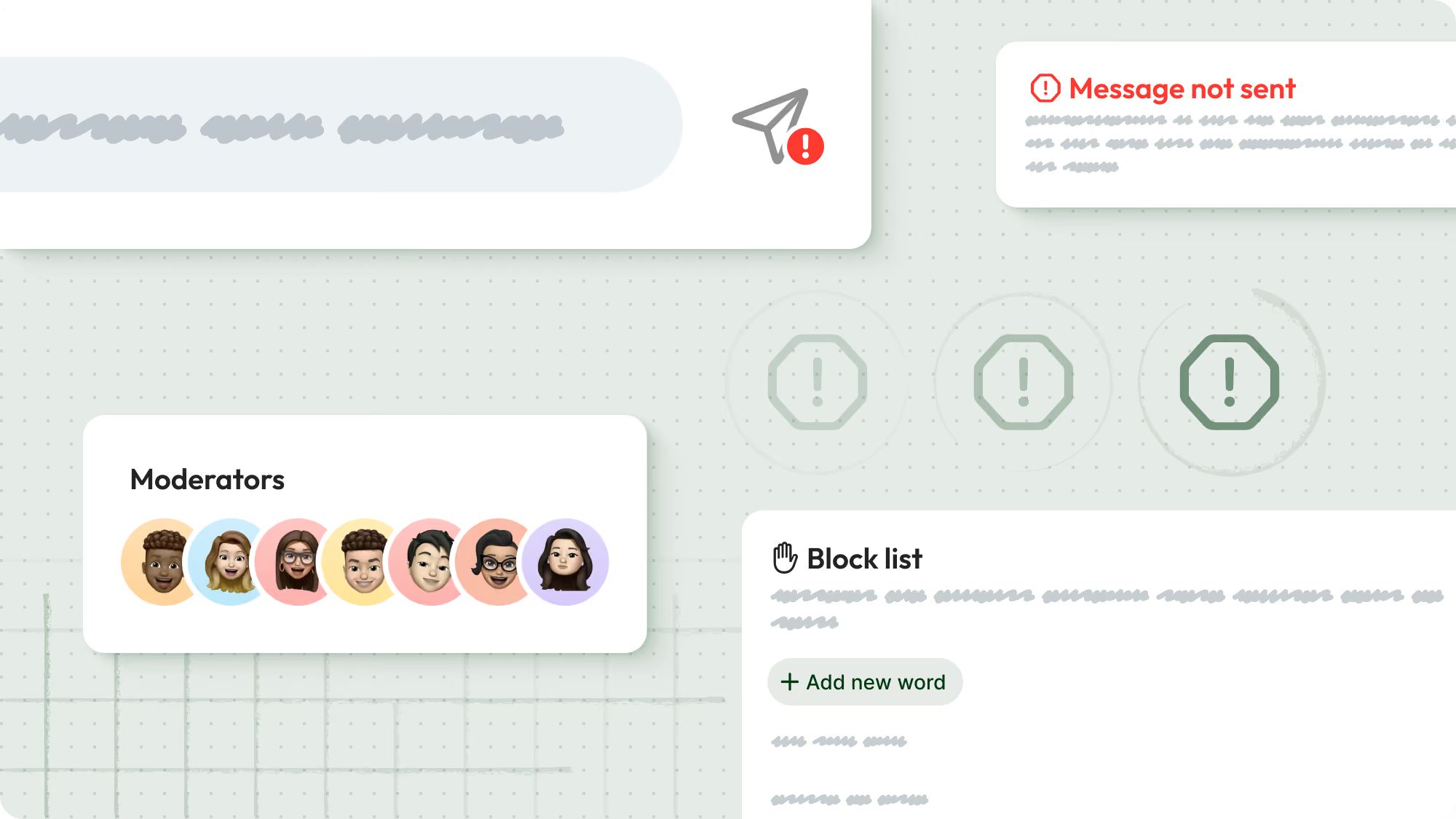
Automated Keyword Blocking allows organization admins to define a single, organization-wide blocklist that prevents specific words or phrases from being sent in chats and feed comments. Messages are checked client-side before posting, and users receive immediate feedback if blocked terms are detected. This proactive moderation tool helps reduce compliance risk and maintain professional standards across communities.