92% of employees
activated their Blink accounts
25+ locations
connected across the US, Mexico, and Canada
73% of registered users
are regularly active in the app
After a string of acquisitions, Specialized Packaging Group (SPG) needed a single way to reach everyone — especially the 75% of employees on the production floor without company email. SharePoint worked as a repository, but it didn’t deliver comms to the frontline. Kiosks fizzled, newsletters lagged, and WhatsApp groups filled the gaps. SPG chose Blink to complement SharePoint — not replace it — creating a mobile-first, two-way channel that unifies 25+ sites while preserving local voice. The result: high adoption, steady engagement, and a simpler, safer route to the right information.

Specialized Packaging Group (SPG) manufactures industrial packaging for a wide range of industries across North America. Following several acquisitions, SPG set out to bring distinct businesses — and cultures — together under one roof. The reality on the ground: roughly 75% of employees work on the production floor and don’t have company email or regular desktop access. Communication is the backbone of culture — and SPG needed a way to make it flow to everyone, not just the desk-based few.
SPG tried the usual suspects:
The outcome was predictable: HQ could publish, but the frontline didn’t see it. Employees reported they “didn’t know where to find” key resources — benefits, policies, holiday calendars, handbooks — and site leaders lacked an easy way to communicate with their own teams.
All this landed as SPG kicked off a broader culture effort. If the goal was one SPG, comms had to reach everyone — and invite them to speak back.
SPG’s requirements were clear:
During evaluation, several vendors looked like “reskinned SharePoint” — still too complex, still desk-centric. Blink stood out as the delivery and engagement layer that complements Microsoft: SharePoint remains the repository; Blink becomes the front door.
Key capabilities that mattered:
Link a clean folder structure once, then publish files into Blink hubs and posts. Edits in SharePoint update automatically in Blink — even if a file is renamed.
Make the same policy or handbook available in English, Spanish, and French from one Blink entry point.
Get the right update to the right teams, and make it feel natural to consume on mobile.
“We needed a tool where we could communicate to every employee — easily accessible to everyone of whether or not they had a company account.”
— Daniel Galeana, Vice President, Human Resources, SPG
IT was a partner from day one, shaping criteria and vetting security. When it came time to connect SharePoint, SPG’s IT team worked directly with Blink counterparts. The setup was straightforward: establish an “intranet” folder in SharePoint with functional subfolders, then map those to Blink hubs/pages. No additional Microsoft licenses were required for frontline employees to access linked files via Blink.
Subject Matter Experts update documents in SharePoint; Blink reflects changes automatically. HR, IT, and functional leaders can be delegated access to their folders — no Blink admin rights are required to keep content current.
Before launch, a pilot team of plant managers, HR partners, and selected “power users” got early access to Blink, provided feedback, and became champions on day one. Positioning mattered: Blink was introduced as a helpful channel, not a mandate — and objections about personal devices were minimal.
SPG reports 92–93% of employees have downloaded and use Blink, with 75-80% of enrolled employees regularly active. Surveys shortly after launch confirmed the appetite for even more local updates — a signal SPG is acting on by nurturing site-level comms cadences.
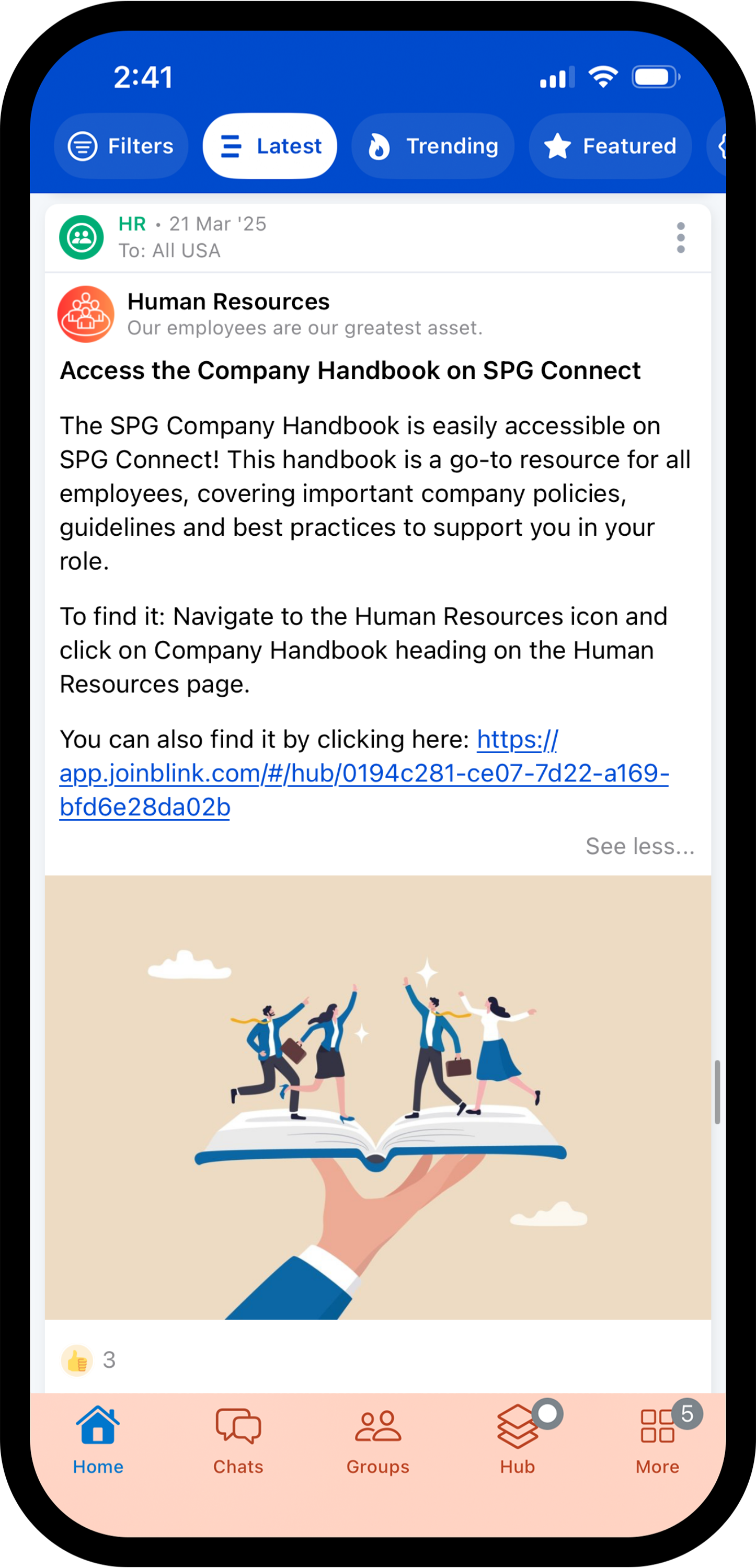
Blink has become the common channel for the entire organization — frontline and desk-based teams alike — while SharePoint continues as the file system of record behind the scenes. Next up, SPG is doubling down on:
Daniel’s advice to leaders in a Microsoft world?

